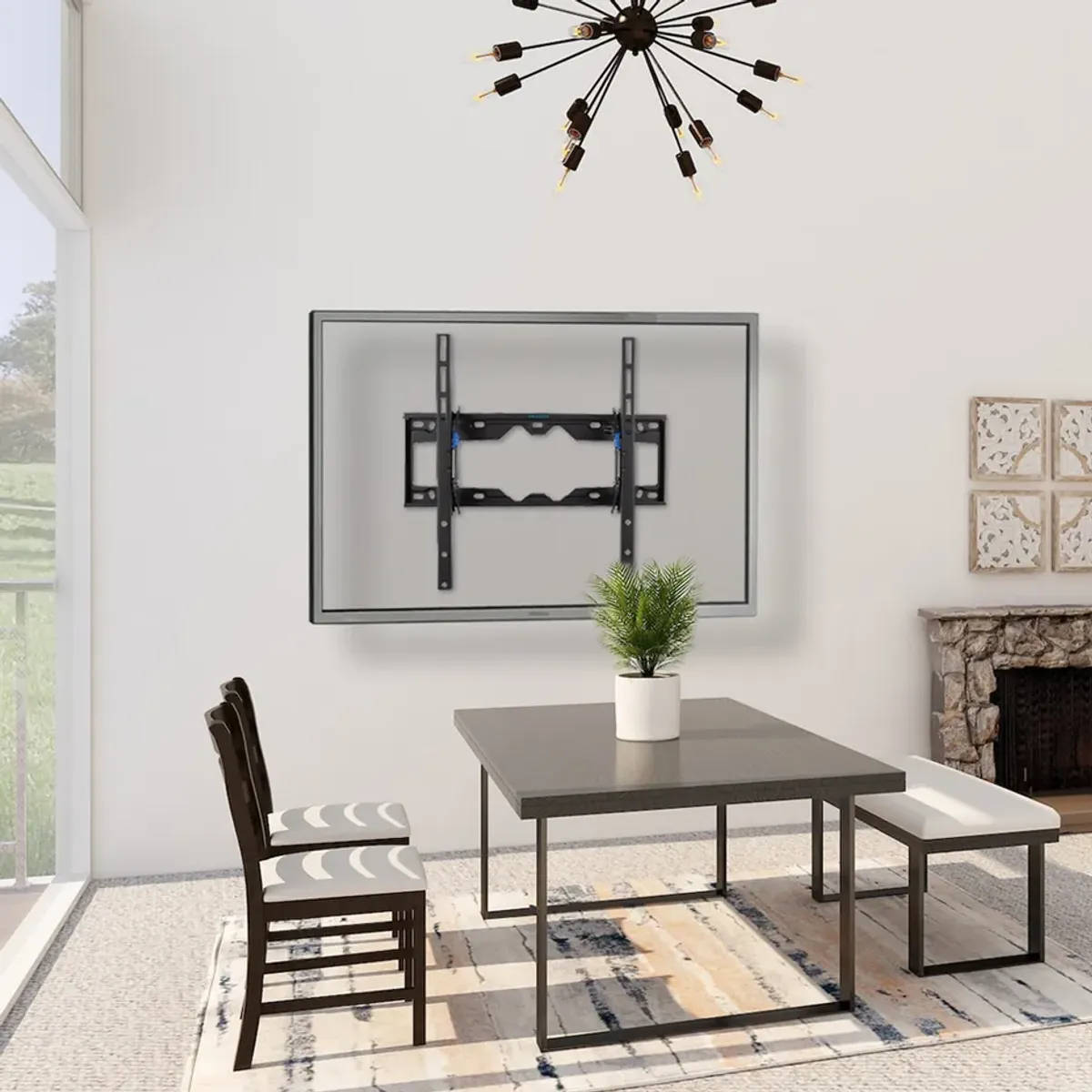
You’ve found the perfect TV mount online, but before you click “buy,” you encounter a specification that looks like algebra: VESA 400x400 or VESA 200x200. What do these numbers mean, and how do you know if a mount will fit your TV?
VESA patterns are the universal standard that makes TV mounting possible, ensuring mounts and TVs from different manufacturers work together. Understanding VESA takes the guesswork out of buying the right mount and prevents the frustration of discovering incompatibility after the package arrives.
This guide explains everything you need to know about VESA patterns-from finding your TV’s specs to choosing a compatible mount.
What Is VESA?
The Standard Explained
VESA stands for Video Electronics Standards Association, an organization that establishes industry standards for displays and mounts.
The VESA Mounting Interface Standard (MIS) defines:
- The arrangement of threaded mounting holes on the back of TVs
- The distance between these holes (measured in millimeters)
- The thread size and depth for mounting screws
This standardization means you can buy a TV from Samsung, a mount from a separate manufacturer, and be confident they’ll work together-as long as the VESA patterns match.
How VESA Patterns Work
A VESA pattern is expressed as two numbers: horizontal distance × vertical distance between the mounting holes.
Example: VESA 400x400
- Four mounting holes arranged in a square
- Each hole is 400mm apart horizontally
- Each hole is 400mm apart vertically
- Forms a 400mm × 400mm square pattern
Example: VESA 600x400
- Four mounting holes in a rectangle
- 600mm apart horizontally
- 400mm apart vertically
- Forms a 600mm × 400mm rectangular pattern
Common VESA Patterns by TV Size
While there’s no strict rule, TV manufacturers generally use these patterns:
Small TVs (32” - 43”)
| VESA Pattern | Common On |
|---|---|
| 75x75 | 32” and smaller |
| 100x100 | 32” - 40” |
| 200x100 | Some 40” - 43” |
| 200x200 | Most 40” - 43” |
Medium TVs (50” - 60”)
| VESA Pattern | Common On |
|---|---|
| 200x200 | Some 50” TVs |
| 300x300 | Some 55” TVs |
| 400x200 | Various 50” - 55” |
| 400x400 | Most 55” - 60” TVs |
Large TVs (65” - 77”)
| VESA Pattern | Common On |
|---|---|
| 400x400 | Many 65” TVs |
| 400x300 | Some 65” - 70” |
| 600x400 | Most 70” - 77” |
Extra-Large TVs (80”+)
| VESA Pattern | Common On |
|---|---|
| 600x400 | Many 80”+ TVs |
| 800x400 | Some 85”+ TVs |
| 400x400 | Some manufacturers |
Important: These are generalizations. Always verify your specific TV’s VESA pattern before purchasing a mount.
How to Find Your TV’s VESA Pattern
Method 1: Check the TV Specifications
Online search:
- Search “[Your TV model] specifications”
- Look for “VESA,” “mount pattern,” or “wall mount compatibility”
- Note the pattern (e.g., 400x400)
Manufacturer’s website:
- Visit the TV manufacturer’s support page
- Enter your model number
- Find specifications or mounting information
TV manual:
- Locate your TV’s user manual (often available as PDF online)
- Search for mounting specifications
- Pattern is usually listed with weight and screw size
Method 2: Measure the Holes
If you can’t find specifications, measure directly:
What you’ll need:
- Tape measure or ruler (metric measurements in millimeters)
- A helper (for large TVs)
Steps:
- Locate the four threaded mounting holes on the back of your TV
- Measure the horizontal distance between hole centers (left to right)
- Measure the vertical distance between hole centers (top to bottom)
- Convert to millimeters if needed (1 inch = 25.4mm)
- Your pattern is: horizontal × vertical
Example measurement:
- Horizontal: 15.75 inches = 400mm
- Vertical: 15.75 inches = 400mm
- Pattern: VESA 400x400
Method 3: Check the TV Back Cover
Some manufacturers print VESA information:
- On a label near the mounting holes
- Molded into the plastic back cover
- Near the model/serial number sticker
Understanding VESA Screw Specifications
Beyond the pattern, you need compatible screws:
Common VESA Screw Sizes
| Designation | Thread Size | Common Uses |
|---|---|---|
| M4 | 4mm diameter | Small TVs, monitors |
| M5 | 5mm diameter | Small to medium TVs |
| M6 | 6mm diameter | Medium to large TVs |
| M8 | 8mm diameter | Large TVs, commercial displays |
Screw Length Considerations
TV thickness varies, affecting required screw length:
Standard TVs: Original mount screws (typically 10-12mm engagement depth)
Thin TVs (OLED, etc.): May require shorter screws to avoid damage
TVs with deep back panels: May require longer screws or spacers
Important: Using screws that are too long can damage your TV’s internal components. When in doubt, use spacers or consult the TV manual for maximum screw depth.
Universal VESA Mounts Explained
What “Universal” Actually Means
Most TV mounts are marketed as “universal” with VESA ranges like:
- VESA 100x100 to 400x400
- VESA 200x200 to 600x400
- VESA 100x100 to 800x400
How they achieve this:
- Multiple mounting hole positions on the bracket
- Adjustable mounting arms
- Included adapters for smaller patterns
A mount is compatible if your TV’s VESA pattern falls within the stated range.
Reading Mount Specifications
When shopping for mounts, you’ll see:
VESA Compatibility: 100x100, 200x100, 200x200, 300x300, 400x200, 400x400
This mount works with any of those specific patterns.
VESA Range: 200x200 to 600x400
This mount works with patterns from 200x200 minimum to 600x400 maximum, including intermediate sizes.
Weight Capacity Is Separate
VESA compatibility doesn’t guarantee weight support:
- A mount may fit VESA 600x400 patterns
- But only support TVs up to 80 lbs
- A large 85” TV with VESA 600x400 weighing 100 lbs would exceed the mount’s capacity
Always verify both VESA pattern AND weight capacity.
VESA Compatibility Scenarios
Scenario 1: Exact Match
Your TV: VESA 400x400 Mount specs: VESA 100x100 to 400x400
✅ Compatible - Your pattern is within the mount’s range.
Scenario 2: Pattern Too Large
Your TV: VESA 600x400 Mount specs: VESA 100x100 to 400x400
❌ Not compatible - Your pattern exceeds the mount’s maximum.
Scenario 3: Pattern Too Small
Your TV: VESA 75x75 Mount specs: VESA 200x200 to 600x400
❌ Not compatible - Your pattern is smaller than the mount’s minimum.
Scenario 4: Unusual Pattern
Your TV: VESA 400x300 Mount specs: VESA 100x100 to 400x400
⚠️ May be compatible - Check if mount has 400x300 mounting positions. Some mounts support intermediate sizes; others only support square patterns.
Special VESA Situations
Non-Standard Patterns
Some manufacturers use proprietary patterns:
Samsung “The Frame”:
- Uses unique bracket design (No Gap Wall Mount)
- Standard VESA mounts may not achieve flush appearance
- Aftermarket adapters available for standard mounts
LG OLED Gallery Series:
- Specific mount designed for flush mounting
- Standard mounts work but TV won’t sit flat to wall
Sony A series OLED:
- Standard VESA patterns
- Very thin panels require careful screw length selection
TVs with Offset Patterns
Some TVs have mounting holes positioned off-center:
Problem: TV hangs lopsided on standard mount
Solution:
- Mounts with horizontal adjustment
- Centering the bracket at installation
- Choosing mounts with adjustable arms
Curved TVs
Curved TVs use standard VESA patterns but need:
- Mounts rated for curved displays
- Sufficient clearance between TV back and wall
- Brackets that accommodate the curve
Buying Guide: Ensuring Compatibility
Step-by-Step Mount Selection
Step 1: Confirm your TV’s VESA pattern
- Check specifications or measure directly
- Note the pattern (e.g., 400x400)
Step 2: Check your TV’s weight
- Find in specifications
- Add 10% for safety margin
Step 3: Choose mount type
- Fixed (flat to wall)
- Tilt (angles up/down)
- Full-motion (extends and swivels)
Step 4: Verify mount specifications
- VESA range includes your pattern
- Weight capacity exceeds your TV’s weight
- Screen size range matches (secondary check)
Step 5: Check screw specifications
- Correct thread size (M4, M6, M8)
- Appropriate length for your TV
- Included or purchase separately
Red Flags When Shopping
⚠️ Mount doesn’t list VESA specs: Poor quality or missing info
⚠️ Only lists screen size, not VESA: Incomplete specifications
⚠️ Weight capacity seems too high for price: May be exaggerated
⚠️ Pattern range is oddly specific: May not have universal mounting arms
Quality Indicators
✅ Clear VESA specifications listed
✅ Multiple hardware packs included
✅ Weight tested, not just estimated
✅ Brand with warranty and support
VESA Pattern Quick Reference Chart
Pattern to Common TV Size
| VESA Pattern | Typical Screen Sizes | Screw Size |
|---|---|---|
| 75x75 | 19” - 32” | M4 |
| 100x100 | 23” - 40” | M4, M5 |
| 200x100 | 32” - 43” | M4, M5 |
| 200x200 | 32” - 55” | M6 |
| 300x300 | 40” - 60” | M6 |
| 400x200 | 40” - 55” | M6 |
| 400x400 | 55” - 75” | M6, M8 |
| 600x400 | 65” - 85”+ | M8 |
| 800x400 | 85”+ | M8 |
Note: These are typical correlations; always verify your specific TV.
Screen Size to Expected Pattern
| Screen Size | Most Common Pattern |
|---|---|
| 32” | 100x100 or 200x200 |
| 43” | 200x200 |
| 50” | 200x200 or 400x200 |
| 55” | 200x200 or 400x400 |
| 65” | 400x400 |
| 75” | 400x400 or 600x400 |
| 85”+ | 600x400 or 800x400 |
Frequently Asked Questions
What if my TV doesn’t have VESA mounting holes?
Some older or very small TVs lack VESA holes. Options include:
- Universal strap-style mounts that wrap around the TV
- Desk stands designed for non-VESA displays
- Check if manufacturer offers proprietary mount
Can I use a mount with a larger VESA range than my TV?
Yes, as long as your pattern is within the range and you can adjust the bracket to fit. A mount rated 200x200 to 600x400 works fine for a VESA 400x400 TV.
Do all four holes need to be used?
For safety and stability, yes-use all four mounting points. Some mounts technically work with fewer, but this reduces security and may void warranties.
What’s the difference between VESA 400x400 and 400x200?
The vertical spacing:
- 400x400: Square pattern, holes 400mm apart in both directions
- 400x200: Rectangular, holes 400mm apart horizontally but only 200mm vertically
Can I drill new holes in my TV for a different VESA pattern?
No. Drilling into your TV will damage it and void the warranty. Use a VESA adapter plate or choose a compatible mount.
Are VESA patterns metric or imperial?
VESA uses metric (millimeters). A VESA 400x400 pattern means 400 millimeters (about 15.75 inches) in each direction.
Professional VESA Compatibility Service
Not sure about compatibility? Express Mounting handles the details:
✅ Pre-visit consultation to confirm TV specifications
✅ Correct mount selection based on your TV and wall
✅ Proper hardware for your specific TV
✅ Professional installation with all mounting points used
✅ Compatibility guaranteed - we don’t mount incompatible equipment
Our Process
- You provide TV make and model (or we look up during visit)
- We verify VESA pattern and weight
- We bring appropriate mount or install your mount with correct hardware
- Perfect fit, properly secured, every time
👉 Visit ExpressMounting.com to schedule your TV mounting with VESA compatibility guaranteed.
📍 Express Mounting - Perfect TV mounting, perfect compatibility, throughout Atlanta.