
Solid As Mountain In Stock
Universal TV Mounting Hardware Screw Kit Set with Box | M4 M5 M6 M8 Screws and Washers Spacers, Replacement Screws for TV VESA Mounting, Fits Most TV / Monitor up to 80 inch
$8.99 View on Amazon
You've mounted your TV - great. But you're only halfway done.
What ends up in the van: the Legrand Wiremold CMK70 Power Kit for code-compliant in-wall power, Monoprice 8K HDMI Cable (certified Ultra High Speed), and HIDEit Apple TV 4K Mount for hidden streamer placement. After thousands of installations, we've learned that the right accessories make or break the final result. Cable management that actually hides wires, soundbar mounts that position audio correctly, device holders that keep streaming boxes ventilated - these aren't optional extras, they're what separate amateur installs from professional ones. Plan this stuff before you mount the TV, not after. Where's your power outlet going? How are cables routing behind the wall? Does your mount work with a soundbar bracket? Can you add more devices later without ripping everything apart? We've seen too many beautiful mounts ruined by poor accessory planning. From basic cable raceways to fully integrated smart home setups with voice control, there's a right way to complete every installation. The accessories you choose now decide between a ladder trip in six months and a clean setup for the next decade.
Updated
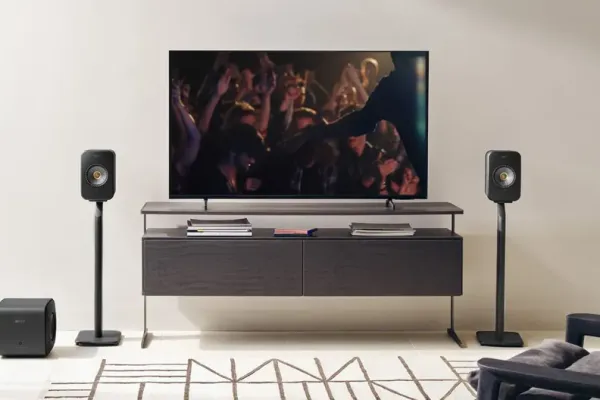
The screw kits, shelves, and cables that complete an install.
As an Amazon Associate, we earn from qualifying purchases. Prices as of Oct 22, 2026, 10:23 AM EDT. Product prices and availability are accurate as of the date/time indicated and are subject to change. Any price and availability information displayed on Amazon.com at the time of purchase will apply to the purchase of this product.


Professional cable management systems eliminate visible wire runs while meeting National Electrical Code requirements, transforming TV installations from cluttered to pristine through strategic planning and proper execution. Based on thousands of installations across diverse wall types and building codes, professional cable management addresses power relocation moving electrical outlets behind mounted TVs, signal cable routing for HDMI and other connections, low-voltage wiring for network and audio systems, and future expansion planning accommodating additional devices. Code-compliant in-wall power kits relocate outlets behind TVs while meeting NEC Article 400 prohibiting extension cords within walls, featuring recessed power outlets, integrated USB charging ports, and brush pass-through plates for cable entry. Surface-mounted cable raceways provide clean wire concealment for rental properties or situations where in-wall routing proves impractical, offering paintable finishes blending with wall colors and flexible routing around obstacles. Professional installers prioritize cable management planning before cutting any drywall, verifying electrical circuits can support relocated outlets, selecting proper fire-rated cables for in-wall installations, and coordinating cable pathways with wall stud locations and TV mount positioning.
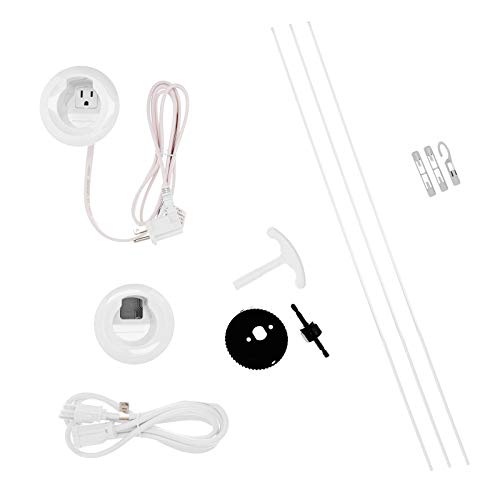
Best forRelocating power behind the TV
Code-compliant per NEC Article 400
Shop on Amazon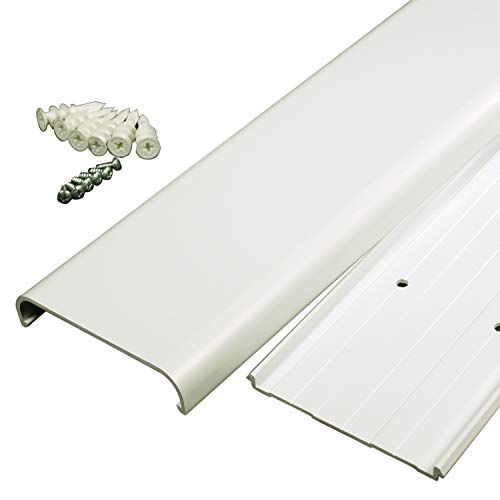
Best forRentals and no-cut walls
Paintable surface-mounted concealment
Shop on Amazon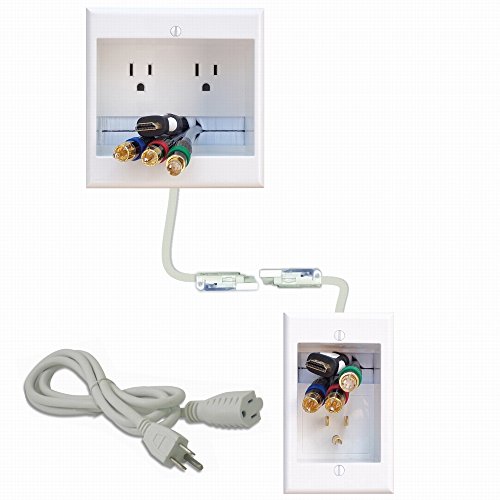
Best forIn-wall power plus signal cables
Recessed outlets with brush plates
Shop on AmazonProfessional soundbar installation ensures optimal audio positioning and clean aesthetics.
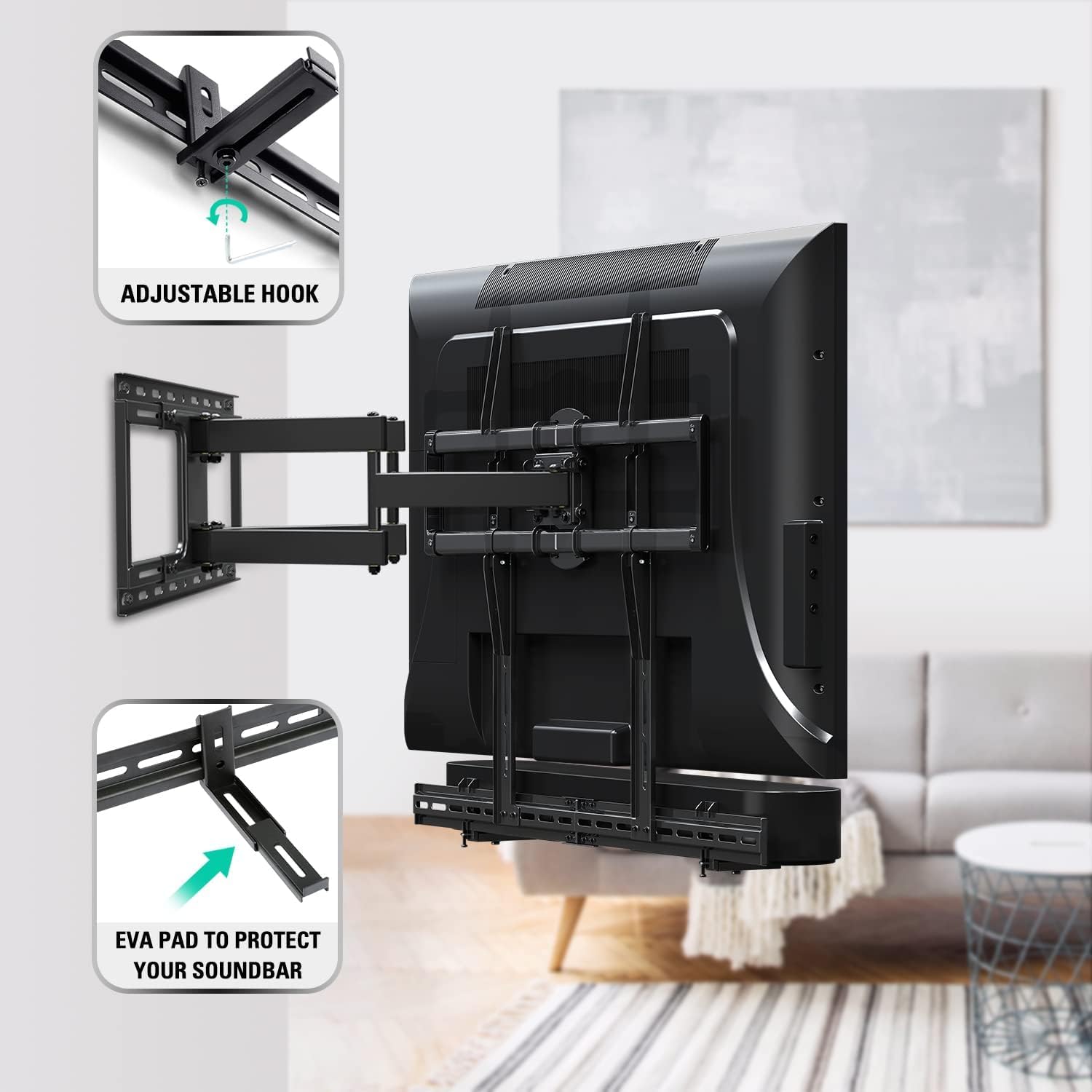
Best forSoundbars under wall-mounted TVs
Position 2-4 inches below TV center
Shop on Amazon
Best forPairing with articulating mounts
Test articulation range before final install
Shop on Amazon
Best forFitting most soundbar brands
Keep the IR signal path clear
Shop on AmazonHidden streaming device mounting maintains clean installations while ensuring proper functionality.
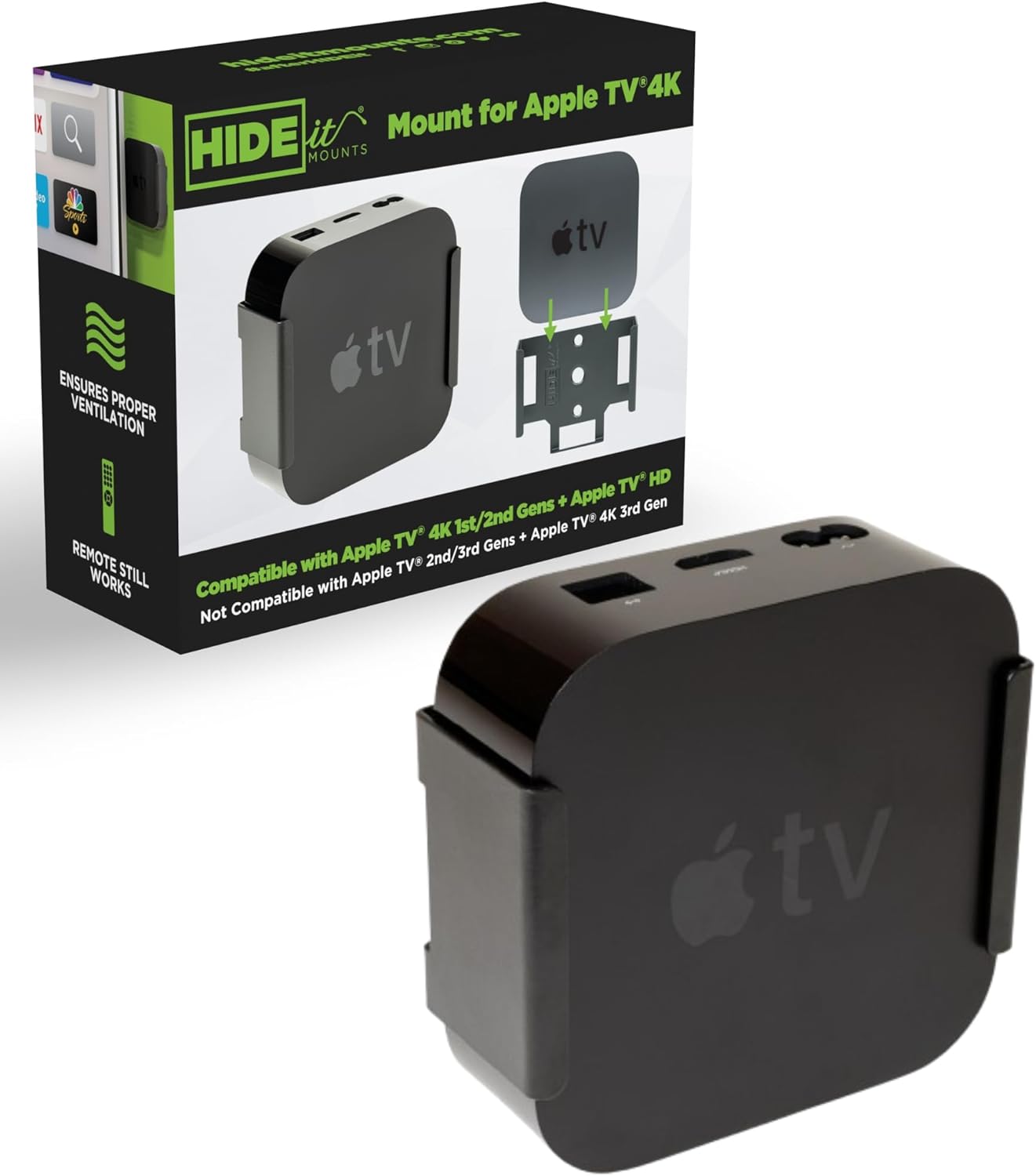
Best forHidden Apple TV placement
Standard truck stock on installs
Shop on Amazon
Best forShelf space by the TV
Route cables for future additions
Shop on Amazon
Best forHiding the Fire TV Cube
Ventilation for heat-generating devices
Shop on AmazonCertified HDMI cables ensure optimal 4K and 8K performance with advanced gaming features.

Best forBuild quality and bend radius
Mid-tier favorite, $25-40
Shop on Amazon
Best forEveryday HDMI 2.1 runs
Certification matters more than branding
Shop on Amazon
Best for4K/120Hz PS5 and Xbox setups
Certified Ultra High Speed for 4K/120Hz
Shop on AmazonGaming console mounting requires proper ventilation and accessibility for intensive gaming sessions.

Best forWall-mounting the PS5
Leave 6 inches of side clearance
Shop on Amazon
Best forWall-mounted Xbox Series X
Keep 4 inches top and bottom
Shop on Amazon
Best forDocking the Switch at the TV
Avoid enclosed spaces without airflow
Shop on AmazonProfessional-grade tools ensure secure mounting and clean installations that meet safety standards.
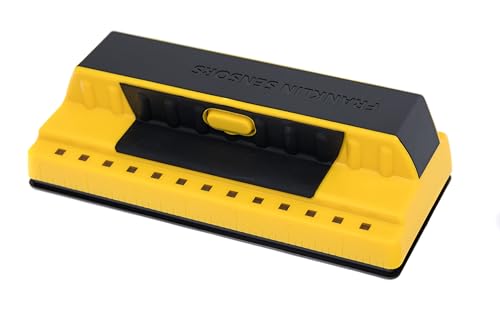
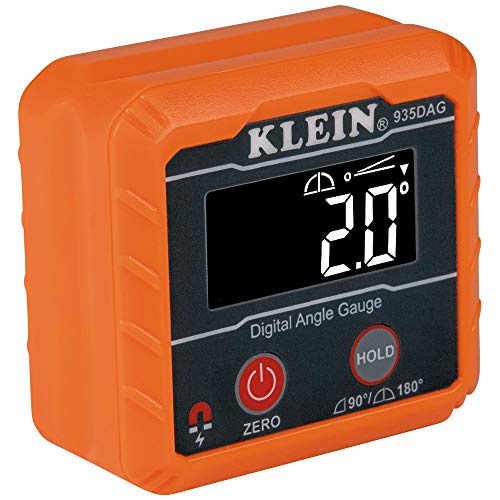
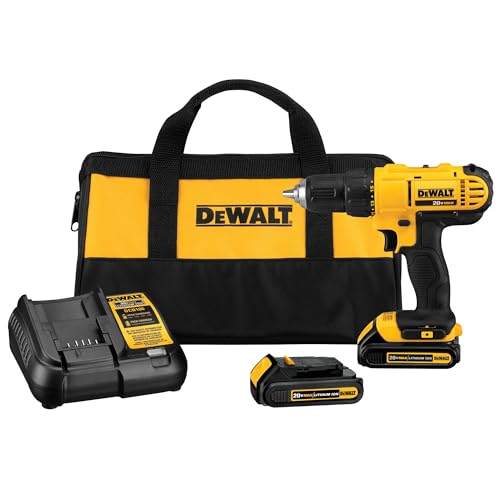
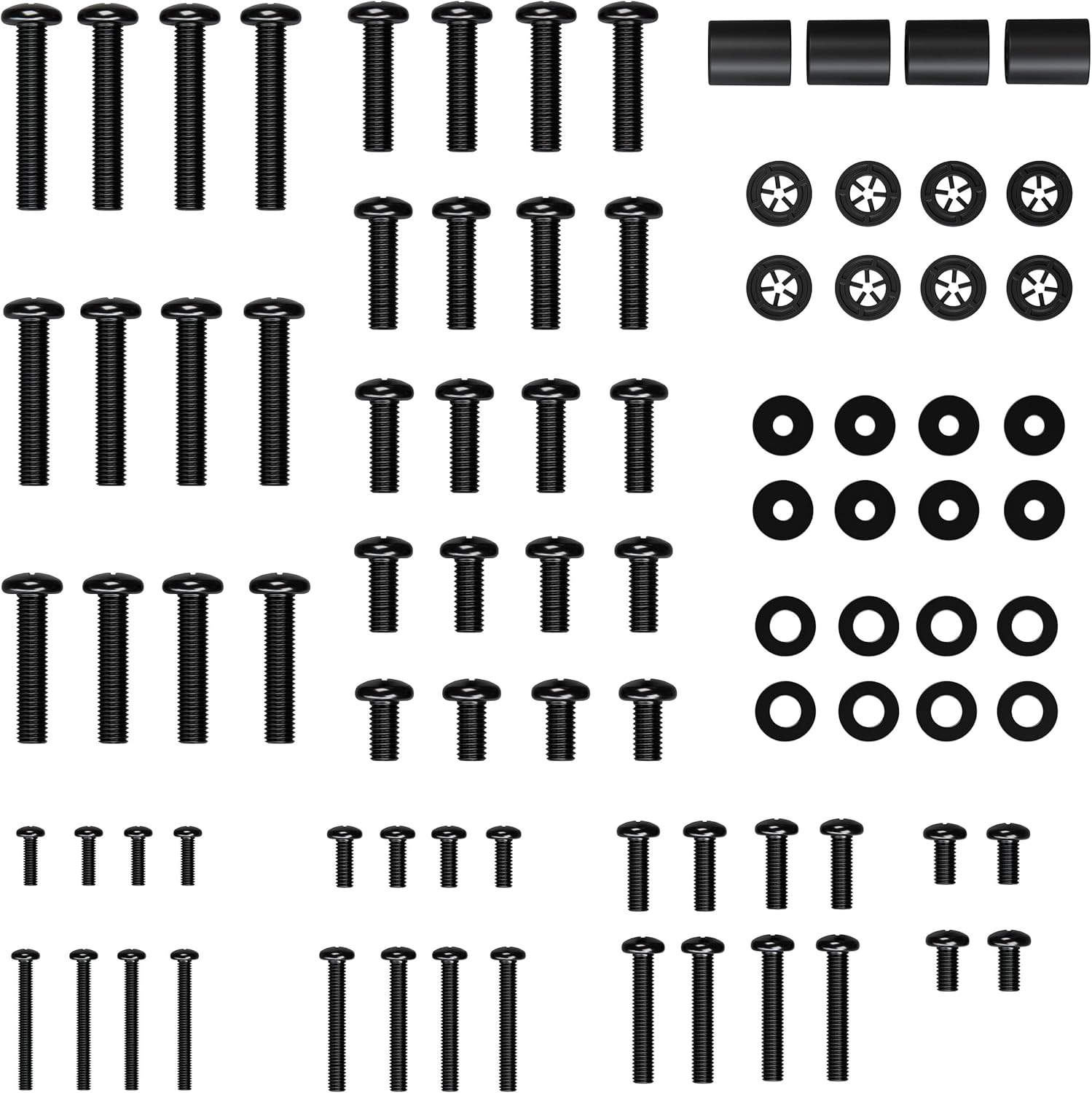
Accessory options span budget-friendly basics to premium upgrade systems for every installation need.

Best forBasic cable cleanup
Cable clips that route wires cleanly
Shop on Amazon Best forAdding a soundbar bracket
Soundbar mounts sit in this tier
Shop on Amazon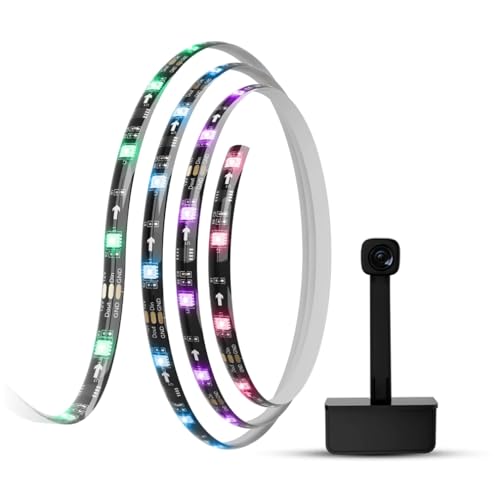
Best forSmart home and bias lighting
Bias lighting like the Govee backlight
Shop on AmazonThe last 5 percent of an install is what people see daily: certified cables that pass HDMI.org spec instead of gambling on handshakes, screw kits that match the mount, shelves that hide the streamer. Everything below earns space on the truck because it prevents a callback.
Quick note: This page contains Amazon affiliate links. We may earn a small commission at no extra cost to you if you buy through them. Our picks are the hardware our crews install on real customer walls, not spec-sheet guesses.
Installer note: I’m Alex Crabinsky, founder of Express Mounting. Our crews have completed 9,747+ installs since 2015, and the accessories on this page are the ones we reach for on those jobs, not picks pulled from spec sheets or Amazon best-seller lists. Learn more about my background and why I only recommend gear I’d install in my own home.
After 9,747+ installs since 2015, the Express Mounting crew has narrowed the universe of TV accessories down to four categories that determine whether an install looks professional six months later or gets us called back for trim work and cable cleanup. Category one is in-wall power kits (Legrand Wiremold CMK70 and PowerBridge TWO-CK): customers want the TV cord out of sight, and the alternative (running an extension cord through the wall) violates NEC Article 400. Category two is anti-tip safety straps for consoles and dressers below mounted TVs in family homes - installs in homes with children under 8 always get an anti-tip strap recommendation, because the actual tip-over hazard is the furniture, not the wall-mounted TV. Category three is HDMI 2.1 Ultra High Speed certified cables (Monoprice 8K, Zeskit Maya, Belkin UltraHD) for any 4K/120Hz gaming setup - uncertified cables silently downgrade PS5 and Xbox Series X to 4K/60Hz and the customer never knows. Category four is screen-cleaning kits (microfiber cloths plus distilled-water-based cleaner) for OLED panels, where the owner has paid thousands for the TV and would otherwise scratch the anti-glare coating with a paper towel.
The most common failure mode we see has nothing to do with the TV mount itself - it is the customer assuming their existing HDMI 2.0 cable will handle a new PS5 or Xbox Series X at 4K/120Hz. A pocket HDMI tester usually shows the old cable topping out at 24 Gbps (HDMI 2.0), and a certified Ultra High Speed cable fixes it on the spot. That is why we bring HDMI 2.1 cables in 3, 6, 10 and 15-foot lengths to installs.
The hardware we keep on the truck for accessory work: Legrand CMK70 and PowerBridge in-wall power kits, Tripp Lite home theater 2,880-joule and APC SurgeArrest Performance surge protectors with $10,000+ connected-equipment warranties, Monoprice 8K and Zeskit Maya HDMI 2.1 cables in four lengths, Sanus VLT6 soundbar mounts, HIDEit Apple TV and Fire TV Cube mounts for hidden streamer placement, Echogear and Safety 1st anti-tip straps in 15-pound and 50-pound capacities, and OLED-safe microfiber cleaning kits.
A typical 65-inch job with the cord hidden: $159 to mount the TV (bring your bracket, or add our flat mount at $69) plus $99 for in-wall concealment with a code-compliant power kit. Accessories we supply, like a surge protector or anti-tip straps, are priced when you book.
Express Mounting installation pricing in Metro Atlanta:
Call (470) 777-4077 for same-day service in all 15 metros or book online.
Skip the trial-and-error. Express Mounting mounts TVs from $129 (up to 54”) to $299 (80-99”), $399 (100” and up), with in-wall concealment at $99 per TV and soundbar mounting at $79, and every install carries a 3-year workmanship warranty.
Call (470) 777-4077 to book your installation today.
At minimum: a quality mount (rated at least 25% above the TV's weight), proper hardware (3/8" lag bolts, not included screws), basic cable management (at least power and HDMI), and a surge protector. That's the bare essentials. What makes a good installation great? In-wall power relocation kit so cables aren't dangling, CL3-rated HDMI cables if you're running them through walls, soundbar mount positioned 2-4 inches below TV, and streaming device holder with proper ventilation. If you're mounting gaming consoles, add ventilated console mounts. For smart home setups, consider bias lighting and voice control integration. We've done 9,747+ installations and the pattern's clear: plan accessories before mounting, not after. Once that TV's on the wall, adding stuff gets complicated. Wall-mounted remote holders keep controllers organized. Cable clips route everything cleanly. HDMI switchers let you connect more devices than your TV has ports. The specific accessories depend on your setup - gamers need different gear than movie watchers. Start with the basics, add features as budget allows.
Yes, absolutely. TVs have sensitive electronics worth $500-5,000+ that power surges destroy instantly. A quality surge protector ($40-80) is cheap protection. But not all surge protectors work the same. Look for joule ratings over 2000 (that's energy absorption capacity), clamping voltage under 400V (lower is better), and multiple protection modes (line-to-neutral, line-to-ground, neutral-to-ground). Cheap $10 power strips labeled "surge protector" are basically worthless - they fail after one minor surge. We use Tripp Lite or APC models with equipment insurance (manufacturer pays to replace your gear if their surge protector fails). Mount it behind your TV or nearby, not across the room where you need long cables. Connect TV, soundbar, streaming devices, gaming consoles - everything in your entertainment system. Battery backup (UPS) adds 10-15 minutes of runtime during power outages so you can safely shut down equipment. Not essential but nice for areas with frequent power issues. What we tell every customer: surge protectors wear out after absorbing surges. Replace them every 3-5 years or after any major surge event. That $60 investment protects thousands in equipment.
VESA (Video Electronics Standards Association) pattern is the spacing between mounting holes on your TV's back - basically the industry standard so any mount works with any TV. It's measured in millimeters, like 200x200mm or 600x400mm. The first number is horizontal spacing, second is vertical. Most TVs up to about 50 inches use 200x200mm (smaller sets 100x100 or 200x100mm); 55- and 65-inch sets mostly use 300x300, 300x200 or 400x300mm; 400x400mm is most common at 75 inches and 600x400mm at 85, with 800x400mm on some 100-inch sets. Your TV manual lists the VESA pattern, or measure it yourself - distance between the center of one mounting hole to the center of the adjacent hole. This matters because you need a mount that matches your TV's pattern. Most mounts support multiple patterns (like 200x200-600x400mm). Some older or boutique TVs use non-standard patterns - check before buying a mount. Adapters exist for weird sizes but add complexity. After thousands of installs, we always verify VESA patterns first. Mismatched patterns mean the mount won't attach or hangs crooked. It's a 30-second check that prevents expensive mistakes.
For HDMI, yes - but it's more about 4K at high refresh rates. Standard HDMI cables handle 4K at 30Hz or 60Hz fine for movies and TV. Gaming at 4K/120Hz or 8K content requires HDMI 2.1 "Ultra High Speed" cables supporting 48Gbps bandwidth. These are clearly labeled "HDMI 2.1 certified" and cost $15-30 for quality ones. Don't overpay for "premium" cables - it's digital signal, either it works or it doesn't. For in-wall installations, get CL3-rated cables (fire code requirement). For runs over 15 feet, use active HDMI cables with built-in signal boosters. Optical HDMI cables work for 30-100 foot runs. Regular copper maxes out around 25 feet before signal degrades. Ethernet cables for streaming should be Cat6 or Cat6a - Cat5e technically handles 4K streaming but Cat6 future-proofs for faster speeds. Power cables don't need upgrading. Optical audio cables (TOSLINK) work the same regardless of content resolution. After 9,747+ installations, we stock certified HDMI 2.1 cables in 3, 6, 10, and 15-foot lengths. Buy once, done right.
For TVs? Maybe. For premium displays ($1500+) or large screens (75"+), extended warranties from manufacturers like SquareTrade or Asurion ($80-200) cover accidental damage, power surges, and failures after manufacturer warranty expires. They're insurance - you hope to never use it but appreciate it when needed. Read the fine print though. Some exclude "mounting damage" claiming installation caused the issue. Some require professional installation proof. Burn-in on OLEDs is often excluded. Pixel defects have minimum thresholds (like 5+ dead pixels). For budget TVs under $800? Skip it. The warranty costs 10-20% of TV price, and honestly, if a cheap TV fails you'll probably just upgrade anyway. Credit cards often provide extended warranty automatically (extra year beyond manufacturer). Check your card benefits before buying third-party coverage. What we never skip: surge protection and proper mounting. A lot of the TV failures we see come from electrical issues (buy surge protectors) or mounting failures (hire pros for complex installs). The extended warranty won't help if your TV falls off the wall because someone skipped studs.
Plain distilled water on a microfiber cloth. That's it for most cleaning. Don't use Windex, paper towels, or household cleaners - they damage anti-glare coatings and leave scratches. TV manufacturers recommend distilled water (not tap water which has minerals) on microfiber cloths (not paper towels which are abrasive). For stubborn smudges, specialty TV screen cleaners are pH-neutral and won't harm coatings. Never spray directly on the screen - spray the cloth then wipe. Use gentle pressure, let moisture do the work. Wipe in one direction, don't scrub in circles. For the TV body and bezel, slightly damp cloth works. Once yearly, carefully vacuum vents on the back to remove dust buildup - dust blocks airflow causing overheating. Turn the TV off and let it cool before cleaning. Don't clean while it's on (can cause electrical issues or damage pixels). For OLED screens, be extra gentle - they're more delicate than LED panels. After thousands of installations, we see people damage screens more often than you'd think. Those swirl marks from rough cleaning never come out. Microfiber cloths cost $10 for a pack, proper TV cleaner is $15 - cheap protection for an expensive investment.
We do both. Our trucks usually carry the accessories installs need most: certified HDMI 2.1 cables (Monoprice 8K and Zeskit Maya in 3, 6, 10 and 15-foot lengths), in-wall power kits (Legrand Wiremold CMK70 and PowerBridge TWO-CK), surge protectors (Tripp Lite and APC), anti-tip safety straps (Echogear and Safety 1st), Sanus VLT6 soundbar mounts and HIDEit streaming-device mounts. In-wall concealment with a power kit is $99 per TV; for anything else we supply, ask for the price when you book. A common pattern: the customer plans the TV mount itself but forgets the cables, surge protector and soundbar bracket, so list everything you want done when you book and we can finish in one visit.
For 4K at 120Hz on PS5 and Xbox Series X you need HDMI 2.1 Ultra High Speed certified cables capable of the full 48 Gbps bandwidth - and yes, the certification matters because uncertified cables sold as 'HDMI 2.1' often only deliver 24 Gbps and will silently downgrade your console to 4K/60Hz instead of 4K/120Hz. We recommend three brands: Monoprice 8K Certified Ultra High Speed (for everyday 6-foot runs), Zeskit Maya 8K (the favorite for build quality and bend radius, $25-40), and Belkin UltraHD HDMI 2.1 Premium for runs over 10 feet where signal integrity gets tricky. A common case: an older 'high-speed' HDMI 2.0 cable holds a new PS5 at 4K/60Hz, the owner blames the TV, and a certified Ultra High Speed cable fixes it on the spot, letting the console negotiate 4K/120Hz with VRR.
If your TV is fully wall-mounted on a quality bracket through wall studs (the way Express Mounting installs them), the TV itself is not going anywhere - but anti-tip straps are still highly recommended for any furniture below the TV (consoles, dressers, bookshelves) where a child might climb. The Consumer Product Safety Commission documents an average of 10-20 child fatalities per year from TV and furniture tip-overs in the US, and the modal failure mode is not the wall mount giving way - it is a child climbing a console or dresser to reach the TV remote, with the furniture tipping and the child being struck. We can add Safety 1st or Echogear anti-tip straps to consoles and dressers during the install (furniture-to-wall, plus TV-to-furniture for a tabletop second TV); ask for the price when you book. A common pattern in family homes: parents focus on securing the TV but forget the dresser is the actual hazard. We add anti-tip straps as a standard recommendation on any install in a home with children under 8.
No - HDMI is digital, so a cable either passes the bandwidth or fails visibly. What you pay for is certification headroom and build: an Ultra High Speed certified cable guarantees 48Gbps for 4K@120, where bargain cables flicker or drop HDR. Buy certified at honest prices and skip both the $5 gamble and the $80 myth.
We install what we recommend.
Book the mount and we set up what you bought. Flat-rate TV mounting from $129 across 15 US metros.
Ready to complete your professional TV installation? Browse the accessories we reach for on real installs, from in-wall power kits to certified HDMI cables.