
Samsung In Stock
SAMSUNG Q990D 11.1.4ch Soundbar w/Wireless Dolby Atmos Audio, Rear Speaker Included, Q-Symphony, SpaceFit Sound Pro, Adaptive Sound, Game Mode Pro with Alexa Built-in, HW-Q990D/ZA
$1,198.98 View on Amazon
TV speakers are universally terrible, and there's no fixing them. The short answer: the Samsung HW-Q990D is what we install on flagship Atmos jobs, the Bose TV Speaker covers budget dialogue duty in bedrooms, and the Denon AVR-X2800H anchors our entry-tier component 5.1 builds.
Across our installs, we've heard it all - from basic soundbars that dramatically improve dialogue to full 7.2.4 Dolby Atmos setups that recreate the cinema experience at home. The difference isn't subtle. Positioning matters as much as the equipment itself. Soundbar goes 2-4 inches below TV center - that's where dialogue projects correctly and your remote still works. Subwoofers love corners (3dB bass boost from boundary reinforcement - physics is your friend). Surround speakers need to be at ear level, about 2-3 feet behind where you sit for proper imaging. We've installed compact soundbars that just make everything clearer, wireless surround systems that eliminate cable runs across floors, component home theater setups for audiophiles who refuse to compromise, and low-latency gaming audio that gives competitive players every advantage. The right system depends on your space, budget, and how seriously you take audio. Some folks are happy with clear dialogue. Others want to feel every explosion. Both are valid - just be honest about what you need. Room calibration isn't optional on premium systems. Those auto-measurement features actually work.
Updated
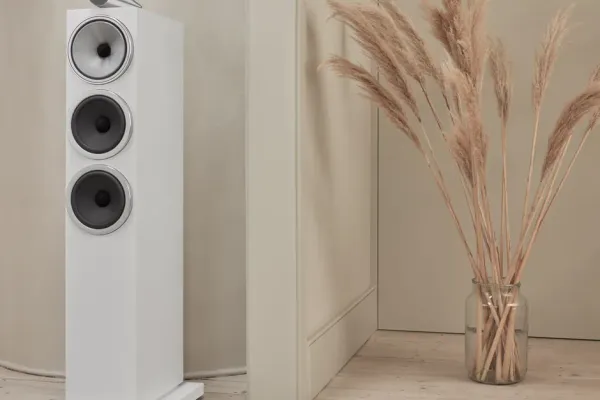
The Q990D for flagship Atmos, a Klipsch 5.1 speaker package for a receiver build, and a budget 5.1 bar system.
As an Amazon Associate, we earn from qualifying purchases. Prices as of Oct 20, 2026, 10:09 AM EDT. Product prices and availability are accurate as of the date/time indicated and are subject to change. Any price and availability information displayed on Amazon.com at the time of purchase will apply to the purchase of this product.

Dolby Atmos soundbars create three-dimensional sound that rivals actual movie theaters - when they're set up correctly. The overhead effects are genuinely impressive. These use upward-firing speakers that bounce sound off your ceiling, creating that object-based audio where you hear helicopters above you, rain falling from the sky, the whole deal. Top-tier systems with 11.1.4 or 15.1.3 configurations combine those height speakers with wireless rear satellites for true surround, plus subwoofers hitting down to 20Hz. That rumble you feel in theaters? You can get it at home. AI room calibration on these isn't marketing - it measures your specific space and compensates for acoustic issues. HDMI eARC supports the high-resolution formats that make Atmos actually work (Dolby TrueHD, DTS-HD Master Audio). Some like Samsung's Q-Symphony sync the soundbar with your TV's speakers for expanded soundstage. Installation positioning is critical though. Ceiling height matters - you need 8-10 feet for proper height channel performance. Soundbar positioning, rear speaker placement at ear level, subwoofer in corners for that 3dB boundary boost - get these wrong and you've wasted your money on premium features that underperform.

Best forFlagship 11.1.4 Atmos rooms
Q-Symphony syncs with Samsung TVs
Shop on Amazon
Best forReference-grade living rooms
7.1.2 channels, SA-RS5 rears optional
Shop on Amazon
Best forTrue surround with wireless rear satellites
Upward-firing speakers bounce sound off ceilings
Shop on AmazonEliminate cable clutter while providing true 5.1 or 7.1 audio positioning for immersive home theater.
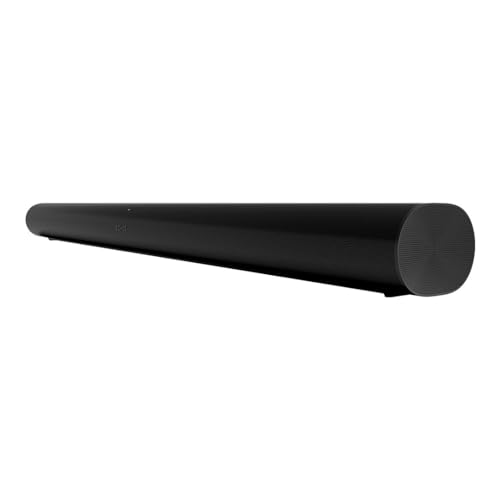
Best forStarting a wireless 5.1 build
Era 300 rears pair wirelessly
Shop on Amazon
Best for7.1.4 surround, zero cable runs
MultiBeam surround processing
Shop on Amazon
Best forRooms where running cables is impractical
Wireless subwoofer and surround speakers
Shop on AmazonSignificant sound improvement over TV speakers at accessible price points for smaller rooms.
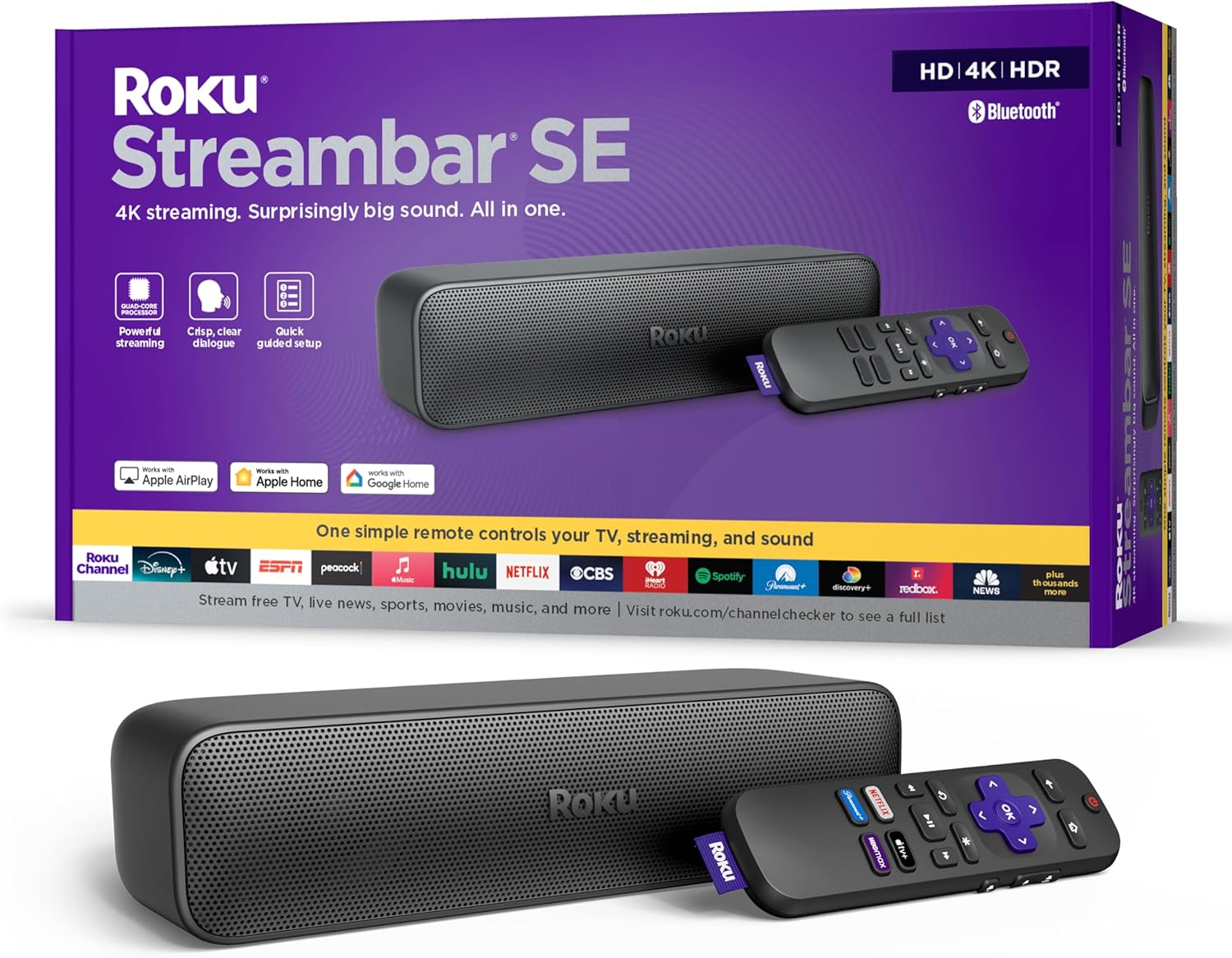
Best forBedroom TVs and small spaces
Streaming and soundbar in one unit
Shop on Amazon
Best forKitchens and smaller rooms
Q-Symphony pairs with Samsung TVs
Shop on Amazon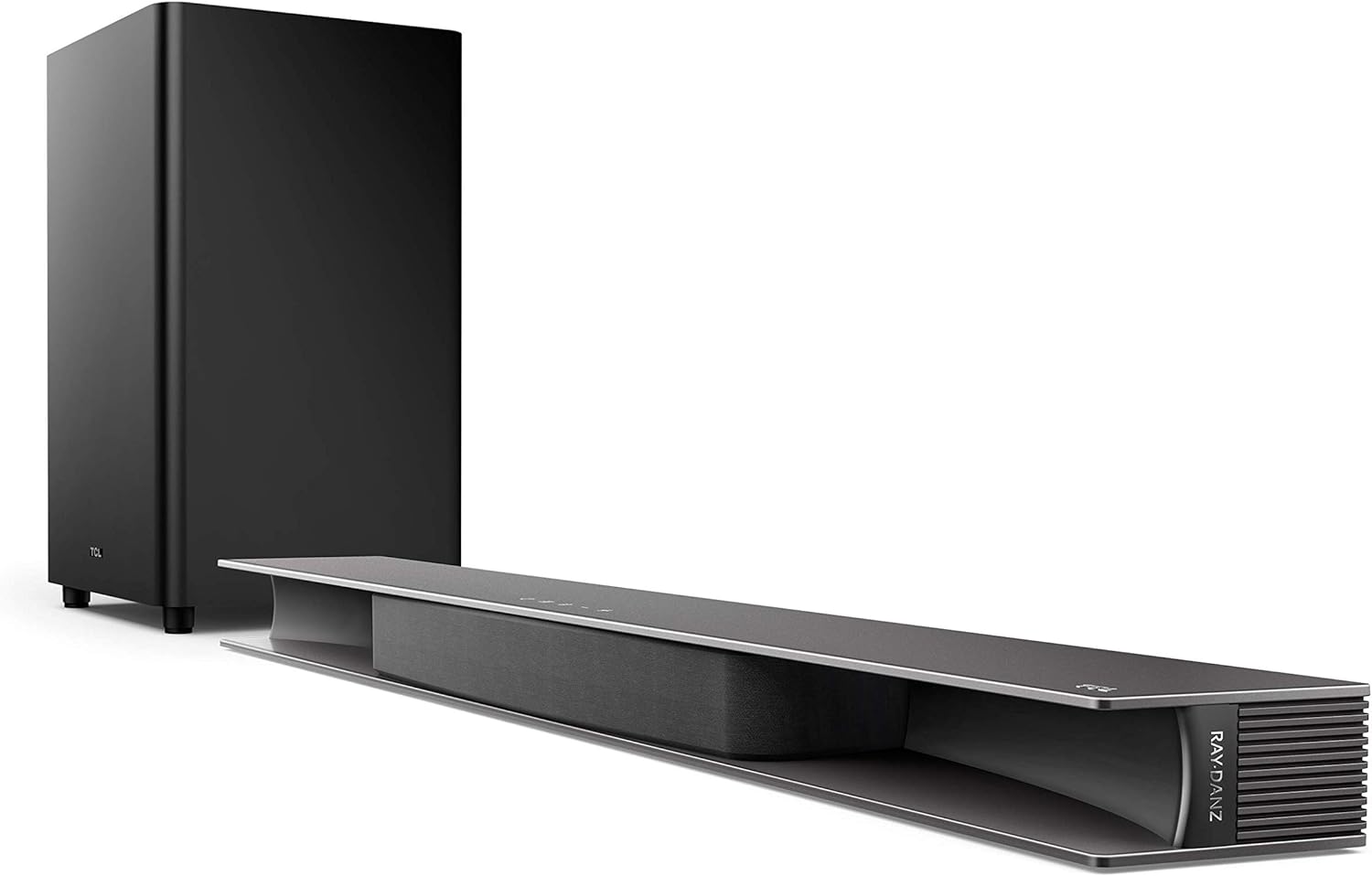
Best forAdding bass on a budget
Subwoofer, Bluetooth, Chromecast built in
Shop on Amazon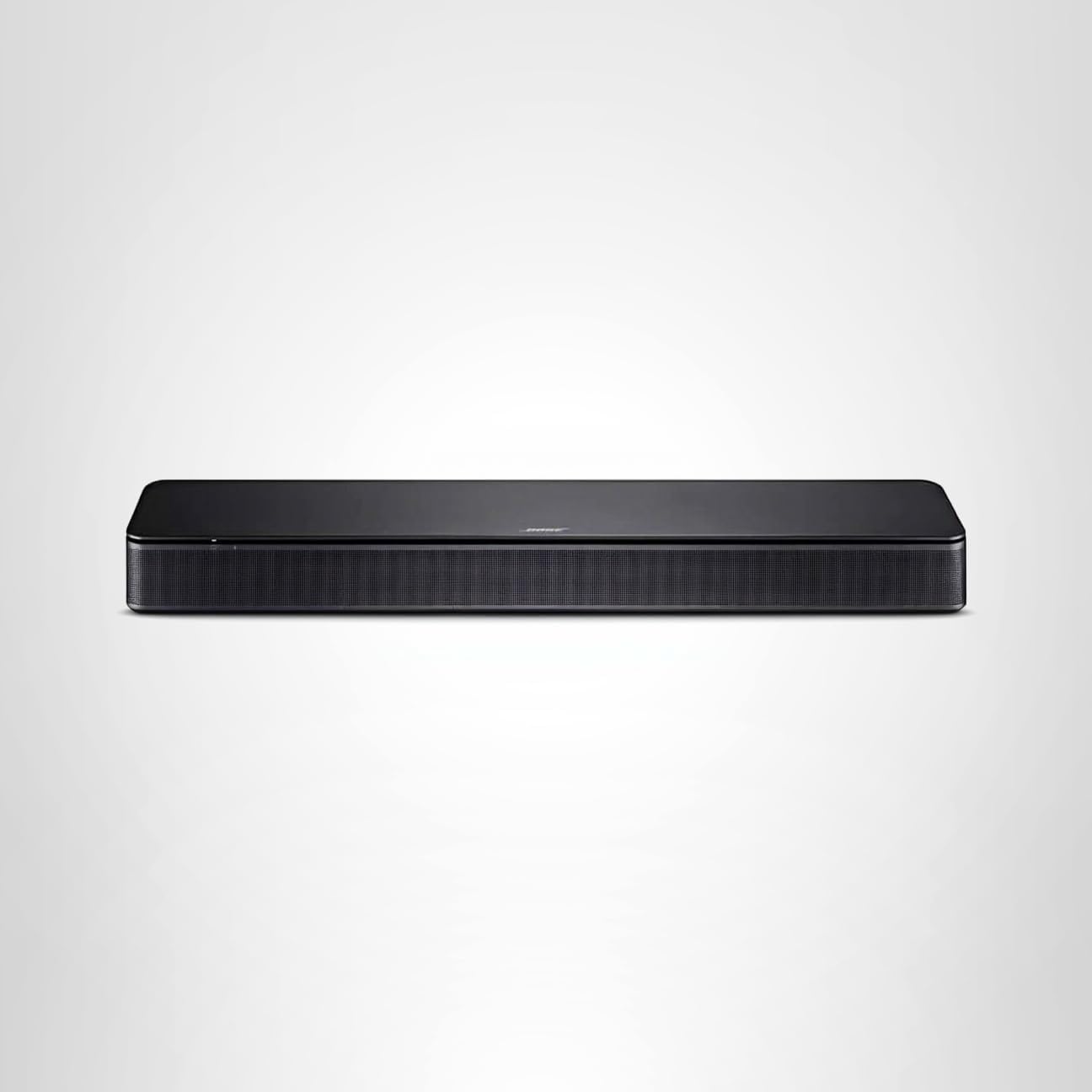
Best forDialogue enhancement
Compact bar with Bluetooth
Shop on AmazonAudiophile-quality sound with dedicated components for serious entertainment installations.
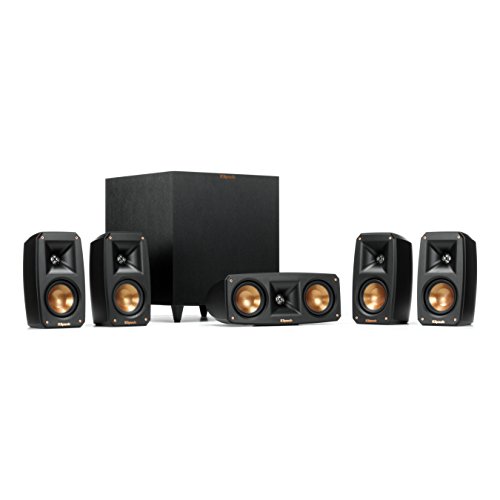
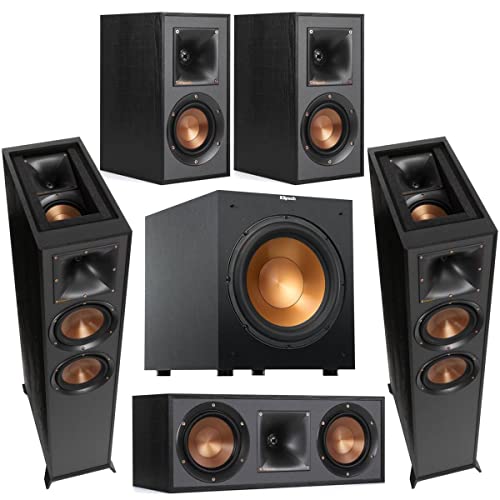
Best forComplete surround speaker package
High-efficiency Klipsch sound
Shop on Amazon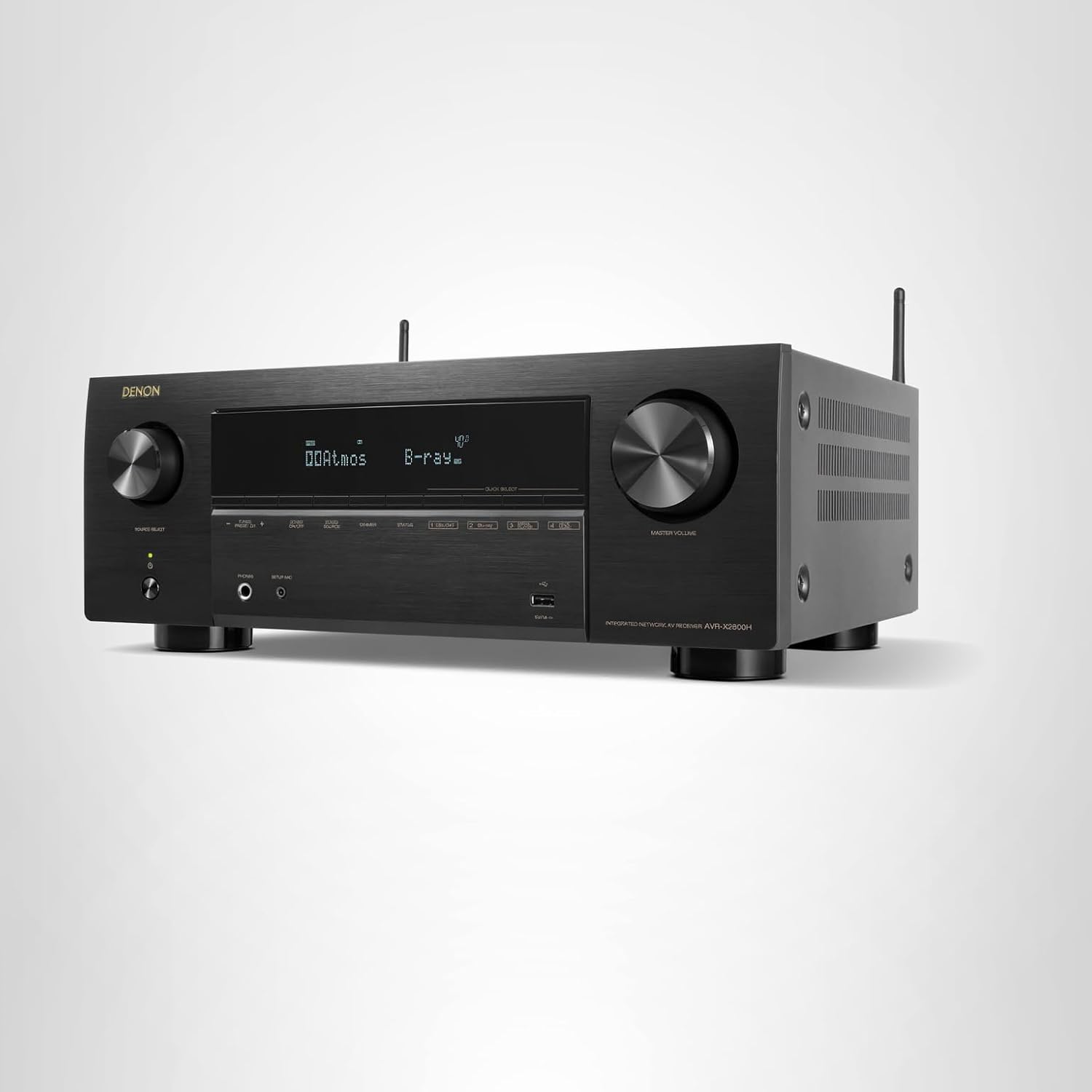
Best forEntry tier for 5.1 living rooms
Audyssey room correction on board
Shop on Amazon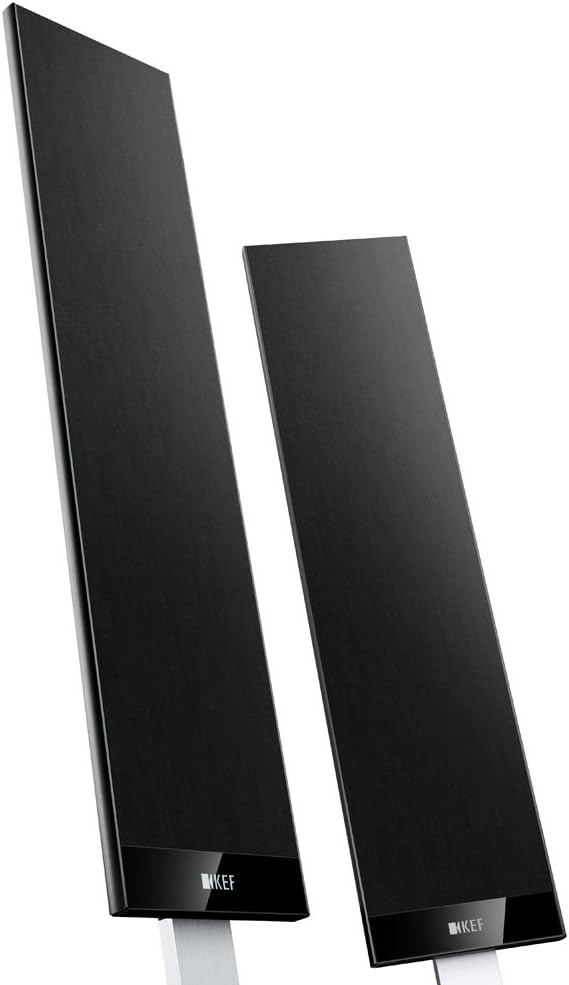
Best forFans of neutral, clean response
Needs an AV receiver to power it
Shop on Amazon
Best forBudget-conscious 5.1 builds
Compact bookshelf speakers
Shop on AmazonSpecialized audio systems optimized for gaming performance and music listening with low latency.

Best forCompetitive gaming setups
Multi-driver design with subwoofer
Shop on Amazon
Best forMusic-focused listening
Powered speaker system, no receiver
Shop on Amazon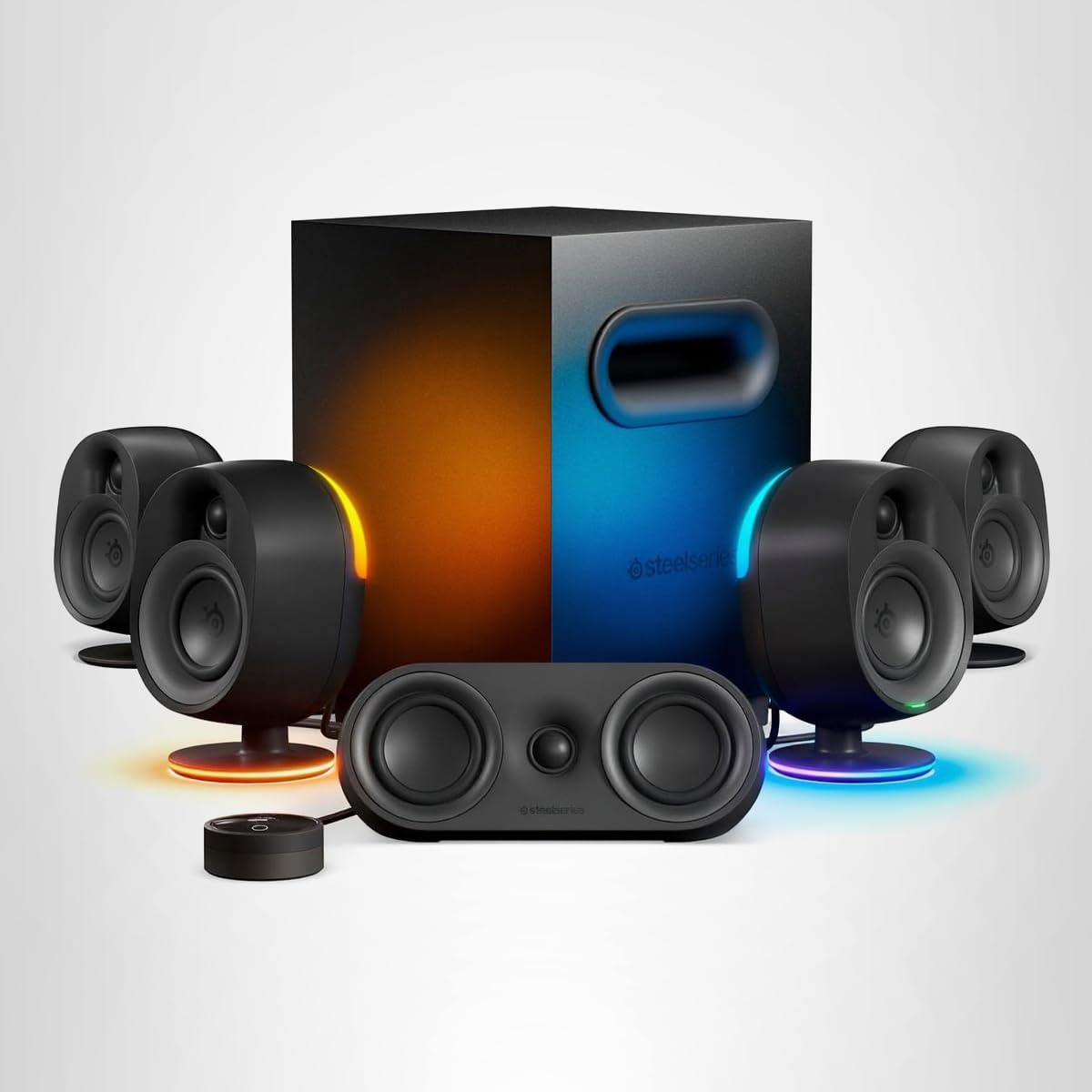
Best forComputer gaming stations
Precise directional audio for competitive play
Shop on Amazon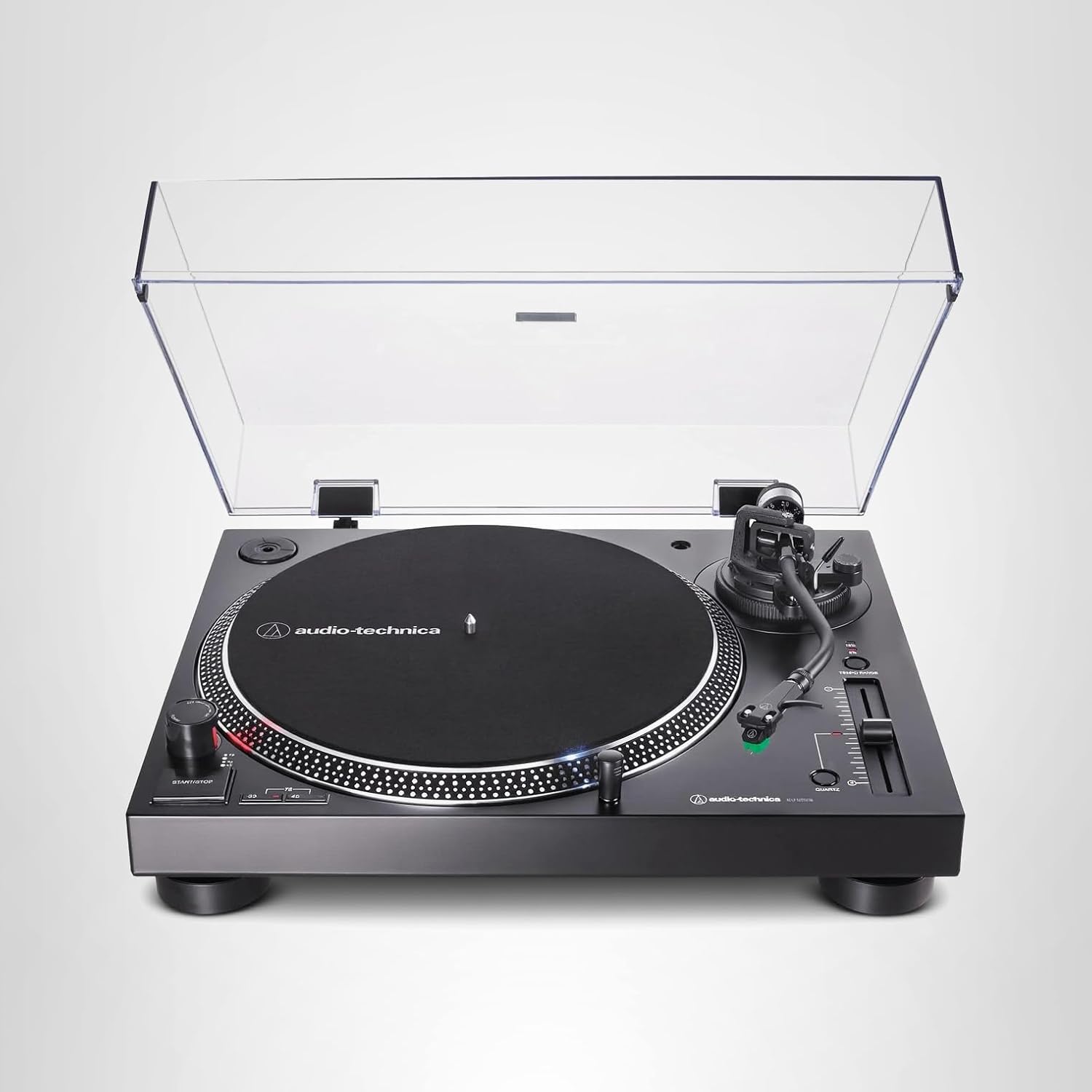
Best forHi-fi music listening
Direct-drive turntable with USB
Shop on AmazonProfessional audio installation ensures optimal sound quality through proper positioning and system calibration.
Acoustic Considerations:
Installation Hardware:
| Category | Product | Shop |
|---|---|---|
| Soundbar Mounts | Various sizes and weights |  |
| Speaker Wall Mounts | Surround speaker positioning | |
| Cable Management | Audio wire concealment | |
| Room Correction Mics | Automatic EQ adjustment | |
| Acoustic Treatment | Panels reduce reflections | |
Past the soundbar tier, real systems split the job: an AV receiver for switching and power, speakers for the soundstage - that is where Dolby Atmos stops being a marketing word and becomes overhead audio you can place. Budget $400-450 for a capable receiver and let speakers scale with the room.
Quick note: This page contains Amazon affiliate links. We may earn a small commission at no extra cost to you if you buy through them. Our picks are based on what we see working in the rooms where we mount TVs, not on spec sheets alone.
Atlanta installer note: I’m Alex Crabinsky. Express Mounting crews have completed 9,747+ TV installs since 2015, and a lot of them came with a soundbar or a receiver. The systems here are ones we set up in real living rooms, not ones judged on showroom specs. Learn more about my background.
Component AV systems (separate AV receiver plus discrete speakers, as opposed to all-in-one soundbars) are where the setup work gets serious. The receivers and speaker stacks we set up for Buckhead media rooms, Milton homes and Sandy Springs basements are far more involved than any soundbar install, and the room-correction step matters more than which receiver brand the customer picked. Atlanta has a few specific acoustic challenges worth calling out. The 2000s-and-newer subdivisions in Alpharetta, Johns Creek, Cumming, and the Roswell-East Cobb corridor were built with open floor plans where the great room flows directly into the kitchen and breakfast nook: the bass response is unforgiving (long parallel walls, hard floors, vaulted ceilings of 10 to 14 feet) and the surround imaging suffers without proper rear-channel placement. Buckhead and Druid Hills basement theaters are the opposite extreme: low ceilings (7 to 8 feet finished), carpet, and dedicated rooms that respond beautifully to true 7.1.4 Atmos when the in-ceiling placement avoids the HVAC trunk lines.
The failure modes are not subtle. A common one is a receiver the homeowner set up themselves, with the Audyssey calibration mic run from a kitchen barstool instead of the main seat, so dialogue sits two feet to the left of the center channel. Audyssey XT32 (the Denon and Marantz calibration system) and Yamaha YPAO with R.S.C. (Reflected Sound Control) on the RX-A series both rely on the microphone sitting at ear level at every primary seat. We run the calibration from every main seat, and on dedicated theaters we verify it with a USB measurement mic and Room EQ Wizard. Another: in-ceiling Atmos speakers (Klipsch CDT-5650-C, KEF Ci200RR-THX, Sonance VP62R) hung directly above an HVAC supply boot, where air noise ruins the height channels. We map ceiling joists and HVAC runs before the customer signs off on speaker locations.
The hardware we reach for: Denon AVR-X2800H for 5.1 living rooms, Denon AVR-X3800H for 7.1.4 dedicated theaters, Denon AVR-X4800H for 9.4-channel pre-amp-out theaters, Marantz Cinema 50 and Cinema 40 for high-end 9.4 systems where customers want the warmer Marantz sound, and Yamaha RX-A4A and RX-A6A for the YPAO crowd. Speakers: Klipsch Reference Premiere RP-8000F towers and RP-504C centers for the high-efficiency Klipsch sound, KEF Q950 / Q650c / Q150 for neutral, clean response, Polk Signature Elite ES60 / ES30 / ES10 for budget-conscious 5.1 builds, and SVS PB-1000 Pro / PB-2000 Pro / SB-3000 subwoofers for any setup where bass actually matters. Receiver and speaker installs, in-wall wire pulls and XT32, YPAO or Dirac calibration are quoted with the job.
A common case: a basement theater where the owner ran the calibration once and ended up with the center channel several dB hot and the surrounds delayed. Re-running it from every seat with the mic at ear height on a tripod, setting the subwoofer EQ for the room, and saving separate Movie and Music presets usually fixes it.
Express Mounting installation pricing, the same in all 15 metros:
- Basic TV mount: $129 (up to 54”), $159 (55-69”), $209 (70-79”), $299 (80-99”), $399 (100”+)
- Bracket: bring your own, or add ours (flat $49 / $69, full-motion $59 / $79)
- Soundbar mounting: $79
- Cable concealment: $99 per TV
- Brick / stone surcharge: +$99
Receiver and speaker installs, in-wall speaker wiring and calibration are quoted when you book. Every install carries a 3-year workmanship warranty. Call (470) 777-4077 for same-day service or book online.
Get your soundbar, surround system, or full home theater installed right the first time. Soundbar mounting is $79 and TV mounting runs $129-$399 by TV size; surround systems, in-wall speakers and calibration are quoted when you book.
Call (470) 777-4077 to book your audio installation today.
Depends on your space, budget, and how serious you are about audio. Soundbars ($200-2000) are simpler - one main unit, wireless subwoofer, maybe wireless rear speakers. Installation takes 30 minutes. They work great for most people in living rooms, bedrooms, and smaller spaces. Premium soundbars with Dolby Atmos ($800+) create impressive surround effects. Full surround sound systems ($1000-5000+) use discrete speakers positioned around the room, powered by a receiver. They require more installation work (running wires, positioning 5-7+ speakers, calibration) but deliver superior audio quality and power. For casual TV watching and movies, soundbars are plenty. For dedicated home theaters where audio quality matters, surround sound wins. After 9,747+ installations, here's the pattern: most people choose soundbars for convenience and performance. Audiophiles and home theater enthusiasts build full surround systems. Both can sound incredible when properly set up. Start with where the system's going and how you'll use it.
For soundbars, no - they have built-in amplification and connect directly to your TV via HDMI ARC. For traditional surround sound systems with discrete speakers, yes - the receiver (also called AVR or AV receiver) powers the speakers and processes audio formats. Receivers decode Dolby Atmos, DTS:X, and other surround formats, provide amplification for 5-11+ channels, handle HDMI switching between sources, and often include room calibration systems. A quality receiver ($400-2000) is the heart of a component audio system. Soundbar systems skip the receiver entirely, making setup simpler but offering less flexibility and upgrade potential. Some soundbars can connect external speakers later, but you're still limited by the soundbar's processing. If you're building a serious home theater with floor-standing speakers, in-ceiling Atmos speakers, and multiple subwoofers, you need a receiver. If you want simple setup and good sound, soundbar systems work without receivers. In our experience, receivers make sense for dedicated theaters. Soundbars make sense for everything else.
For basic surround sound improvement over TV speakers, 2.1 (stereo soundbar plus subwoofer) is enough. For proper surround sound, 5.1 is the standard: left, center, right front speakers, two rear surrounds, and one subwoofer. Dolby Atmos adds height channels - 5.1.2 adds two height speakers, 7.1.4 adds four height channels plus two additional surround speakers. More speakers create more immersive sound but require more installation work, calibration complexity, and budget. In our experience from thousands of installs: 2.1 satisfies most casual viewers. 5.1 delivers true surround for movie enthusiasts. 7.1.4+ is for dedicated home theaters where audio is a priority. Room size matters too - small bedrooms don't benefit from 11 speakers. Large theaters need the coverage. Start with quality 2.1 or 5.1 and add speakers later if desired. Better to have fewer quality speakers than many cheap ones. Focus on proper positioning before adding more channels.
Dolby Atmos is object-based surround sound that adds height channels, making audio three-dimensional. Traditional 5.1 or 7.1 systems create horizontal surround (sounds around you). Atmos adds overhead effects - helicopters above, rain falling from the sky, ceiling-level ambience. It requires Atmos-compatible content (most streaming services and Blu-rays support it), Atmos-capable playback device (Apple TV 4K, Xbox, PlayStation 5, most receivers), and speakers with height channels. Soundbars achieve this with upward-firing drivers that bounce sound off ceilings. Full systems use in-ceiling speakers or upward-firing modules on floor speakers. The difference versus standard surround is genuinely noticeable when content is mastered for Atmos. Not all movies/shows support it yet, but adoption is growing. After 9,747+ installations, Atmos installations are becoming standard for mid-range and premium setups. The immersion factor is impressive when properly calibrated. Worth it if you're building new systems. Not worth ripping out working 5.1 systems to upgrade unless you're audio enthusiasts.
Yes, many soundbar systems offer wireless rear speaker kits as add-ons. Samsung, Sony, LG, Sonos, and others sell matched rear speakers that wirelessly connect to their soundbars. "Wireless" means no audio cable between soundbar and rear speakers, but the rear speakers still need power outlets where they're positioned. This is huge for installation - no speaker wire running under floors or along baseboards. Position the rear speakers 2-3 feet behind your seating at ear level, plug them in, pair them with the soundbar, and you've got true surround. For component systems with receivers, wireless rear speaker kits exist but are less common. Most use speaker wire running from receiver to speakers. After thousands of installations, wireless rear speakers are one of the best innovations in home audio - they make true 5.1 accessible without major installation work. Just plan power outlet locations accordingly. The sound quality versus wired? Identical. Modern wireless protocols (usually proprietary, not Bluetooth) have no latency or quality issues.
Proper positioning matters more than speaker quality - great speakers in wrong positions sound mediocre. Here's what we follow on installs: Front left/right speakers go at ear level, angled toward seating, equal distance from TV. Center channel goes directly above or below TV, angled toward seating - this handles dialogue. Subwoofer goes in room corners for 3dB boundary reinforcement boost. Rear/surround speakers position 2-3 feet behind seating at ear level (or slightly above), angled toward seating. For Atmos height speakers, in-ceiling speakers go above front seating and rear seating. Upward-firing Atmos modules go on top of front speakers. Measure distances from each speaker to seating - they should be roughly equal. Angle speakers toward the "sweet spot" (primary seating). After positioning, run receiver's room calibration with included microphone - this adjusts timing, levels, and EQ for your specific room. Don't skip calibration. Common mistakes we see: rear speakers mounted too high (should be ear level), subwoofer against interior walls (corners work better), no calibration run after installation. Take time to position correctly - it's free and makes enormous difference.
We install what we recommend.
Book the mount and we set up what you bought. Flat-rate TV mounting from $129 across 15 US metros.
Ready to enhance your TV audio? Browse our curated selection of audio systems picked for mounting compatibility and performance. Professional installation ensures optimal sound positioning and integration.