
Roku
Roku Ultra, Ultimate Streaming Player - 4K Streaming Device for TV | HDR10+, Dolby Vision & Atmos - Bluetooth & Wi-Fi 6 - Rechargeable Voice Remote Pro with Backlit Buttons - Free & Live TV
$99.00 View on Amazon
Field-tested gear
9,747+ installs since 2015. Set up in real living rooms behind mounted TVs, over fireplaces and in rentals, not judged on spec sheets.
A wall-mounted TV needs content, and streaming devices are how most people watch today. Here is the short version: we set up Roku Ultra (about $100) for set-and-forget households, Apple TV 4K for iPhone families, and NVIDIA Shield TV Pro (about $200) when Plex or gaming is in play. After mounting thousands of TVs, we've seen every streaming setup imaginable and know what works best. The right streaming device depends on your ecosystem (Apple, Google, Amazon), your content needs (basic streaming vs gaming), and your TV's capabilities. We also help clients figure out where to put these devices - behind the TV, in a media cabinet, or hidden in a wall cavity - and how to manage the cables cleanly. A beautiful TV mount looks terrible with a streaming stick dangling awkwardly, so planning your streaming setup is part of the installation process.
In Atlanta? TV mounting from $129, with basic hookup of your streaming device during the visit.
Updated
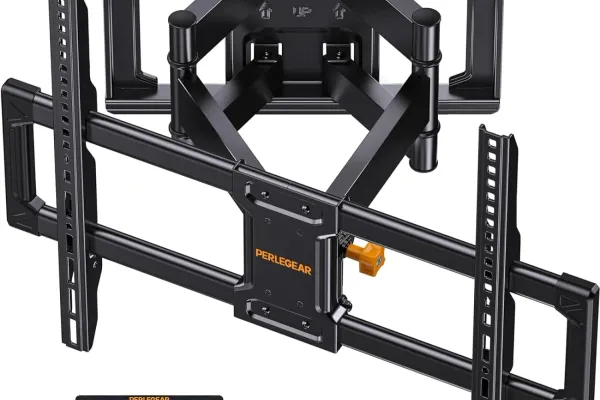
What we plug in after the mount is level.
As an Amazon Associate, we earn from qualifying purchases. Prices as of Oct 20, 2026, 10:09 AM EDT. Product prices and availability are accurate as of the date/time indicated and are subject to change. Any price and availability information displayed on Amazon.com at the time of purchase will apply to the purchase of this product.


| Device | Best for | Max resolution | Price band | Our take |
|---|---|---|---|---|
| Google TV Streamer (4K) | Google and Nest smart homes | 4K HDR, Dolby Vision | ~$100 | Our default for Nest clients - built-in Ethernet and a Matter/Thread hub behind the TV. |
| Onn 4K Pro (Google TV) | Budget Google TV with a wired port | 4K HDR, Dolby Vision | ~$50 | The cheap box we hand budget Google households - ships with the Ethernet port pricier sticks skip. |
| Roku Ultra | Set-and-forget simplicity | 4K HDR, Dolby Vision | ~$100 | Zero firmware drama; the remote has a lost-remote finder and a headphone jack. |
| Roku Streaming Stick Plus | Hidden behind-TV 4K on a budget | 4K HDR | ~$40 | Pulls power from the TV USB port - no wall wart to hide in the cable channel. |
| Amazon Fire TV Stick 4K Max | Alexa homes and bedrooms | 4K HDR, Dolby Vision | ~$60 | Wi-Fi 6E holds a signal when the router sits a floor away. |
| Amazon Fire TV Cube | Hands-free voice and a wired rack | 4K HDR, Dolby Vision | ~$140 | Hands-free Alexa plus Ethernet and an HDMI input - it can live in the rack. |
| Apple TV 4K | iPhone and Apple households | 4K HDR, Dolby Vision | ~$130-150 | AirPlay 2 and on-screen color calibration are why Apple people never switch. |
| NVIDIA Shield TV Pro | Plex servers, power users, gaming | 4K HDR, Dolby Vision | ~$200 | The box we install for Plex clients - decodes what lesser hardware cannot. |
Prices are rough bands; the pick cards above show Amazon's current price when one is available. Every device here does 4K HDR.
Premium streaming devices offer the best performance, most features, and smoothest user experience. They support 4K HDR, have powerful processors for snappy navigation, and include features like voice control, gaming, and expanded storage. If you're investing in a quality TV and professional mounting, a premium streaming device completes the experience. These devices also tend to receive longer software support and updates.
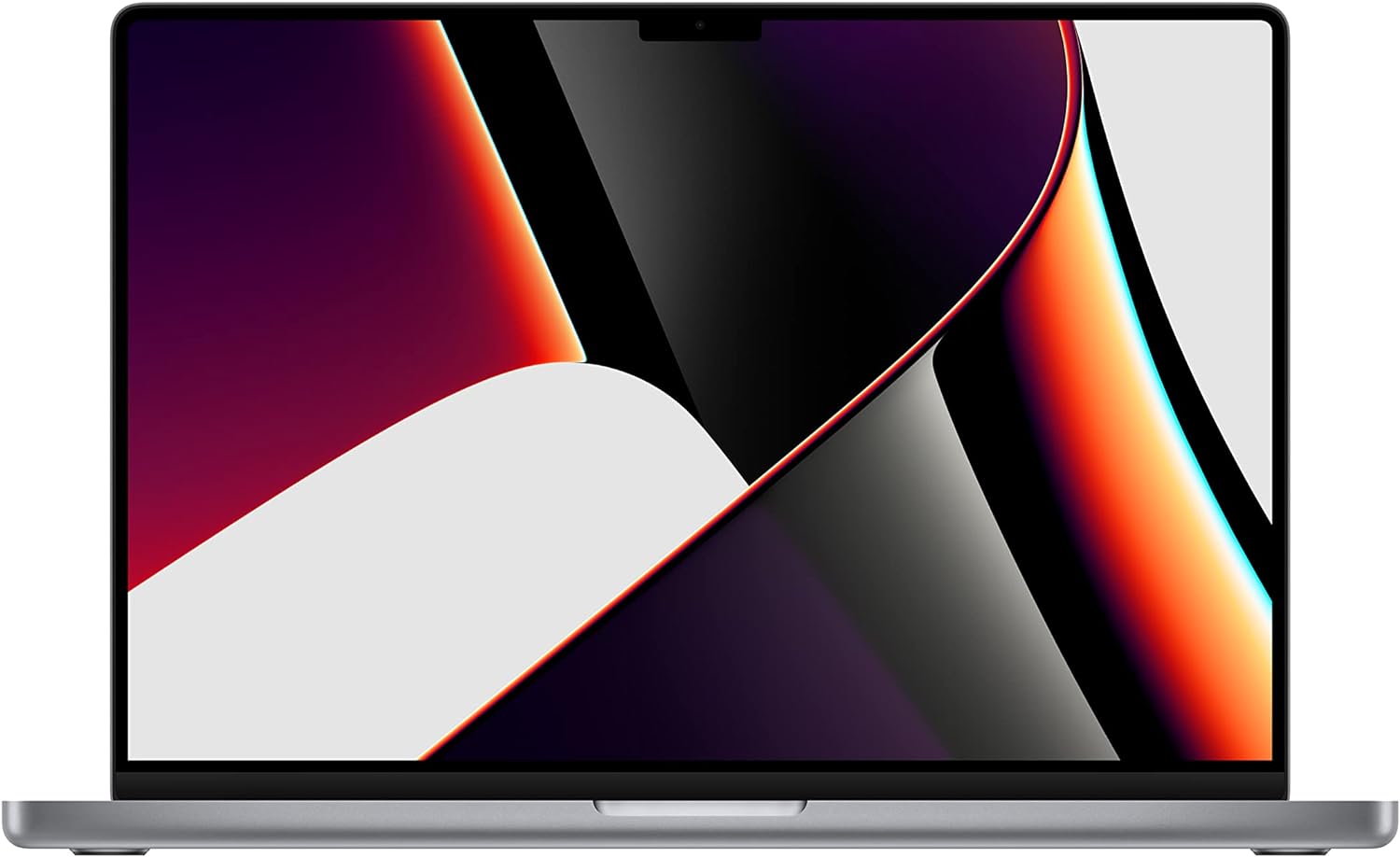
Best foriPhone and Apple households
AirPlay 2 and color calibration
Shop on Amazon
Best forPlex servers and power users
Tegra chip decodes 4K remuxes
Shop on Amazon
Best forSet-and-forget households
Remote finder plus headphone jack
Shop on Amazon
Best forHands-free Alexa control
Ethernet port plus HDMI input
Shop on AmazonStreaming sticks offer excellent value for most users. They plug directly into your TV's HDMI port, require minimal setup, and deliver 4K HDR streaming for a fraction of premium device prices. Modern budget options from Roku, Amazon, and Google all perform well for standard streaming use. The main tradeoffs are slightly slower navigation, fewer connectivity options (WiFi only, no Ethernet), and smaller remotes. For secondary TVs or budget-conscious setups, these are hard to beat.
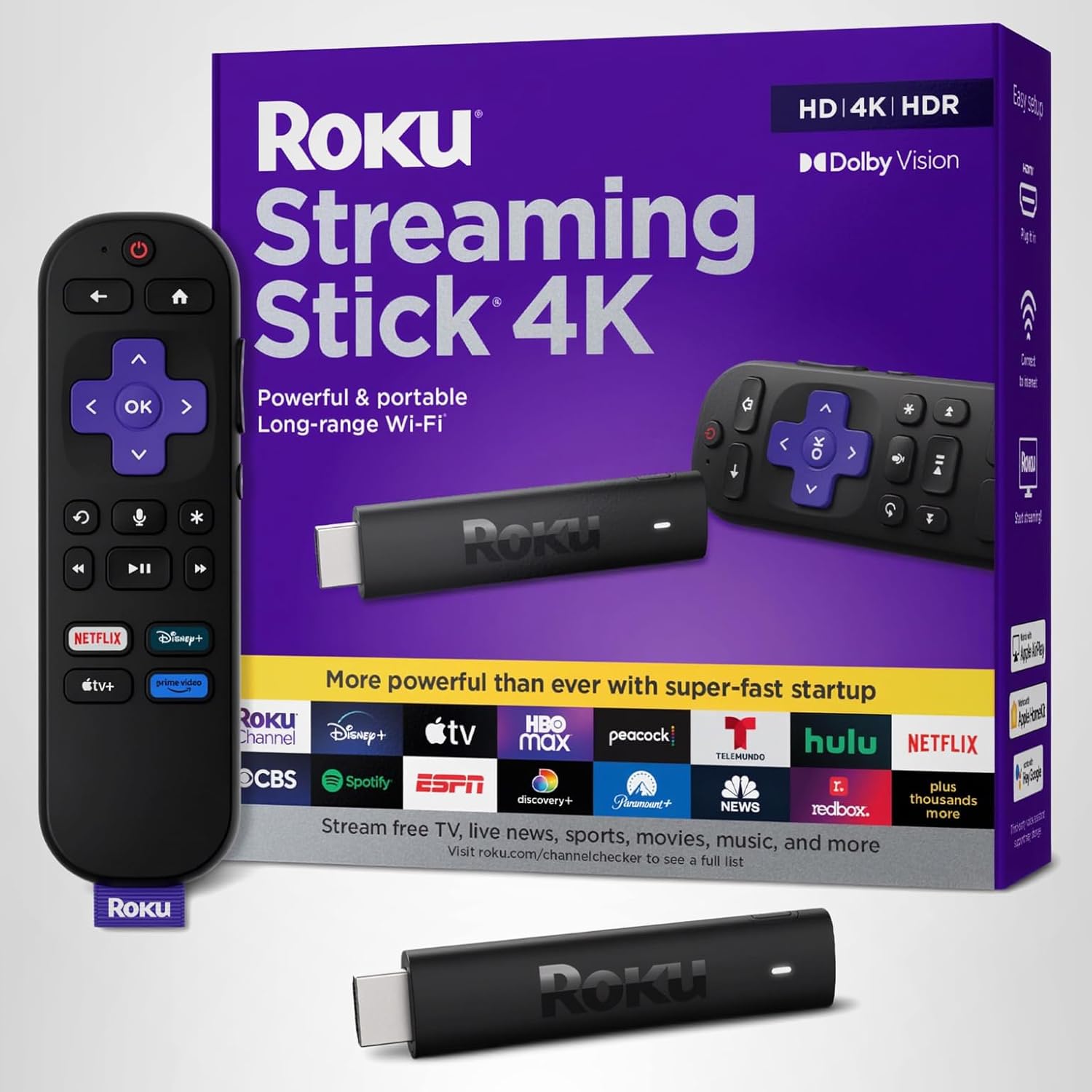
Best forStealth behind-TV installs
Pulls power from the TV USB port
Shop on Amazon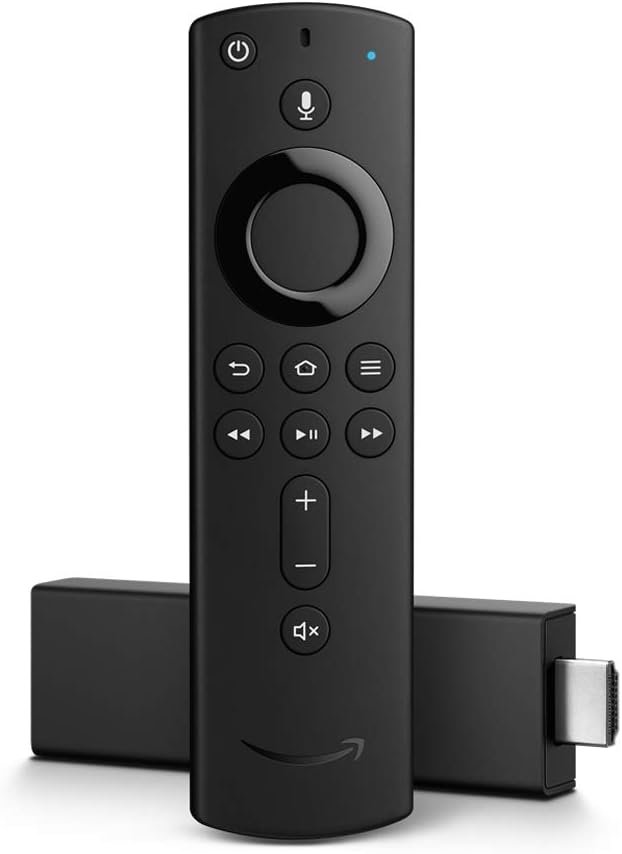
Best forAlexa homes and bedrooms
Wi-Fi 6E holds signal a floor away
Shop on Amazon
Best forBudget-minded Google households
The value pick from Walmart
Shop on AmazonIf you game on your TV, you need a streaming device that can keep up. Cloud gaming services like Xbox Cloud Gaming, GeForce NOW, and PlayStation Plus Premium let you play console-quality games without dedicated hardware. The NVIDIA Shield is the gold standard for gaming streaming, but newer Fire TV and Google TV devices support various cloud gaming platforms. Latency matters for gaming - wired Ethernet connections are strongly recommended over WiFi.
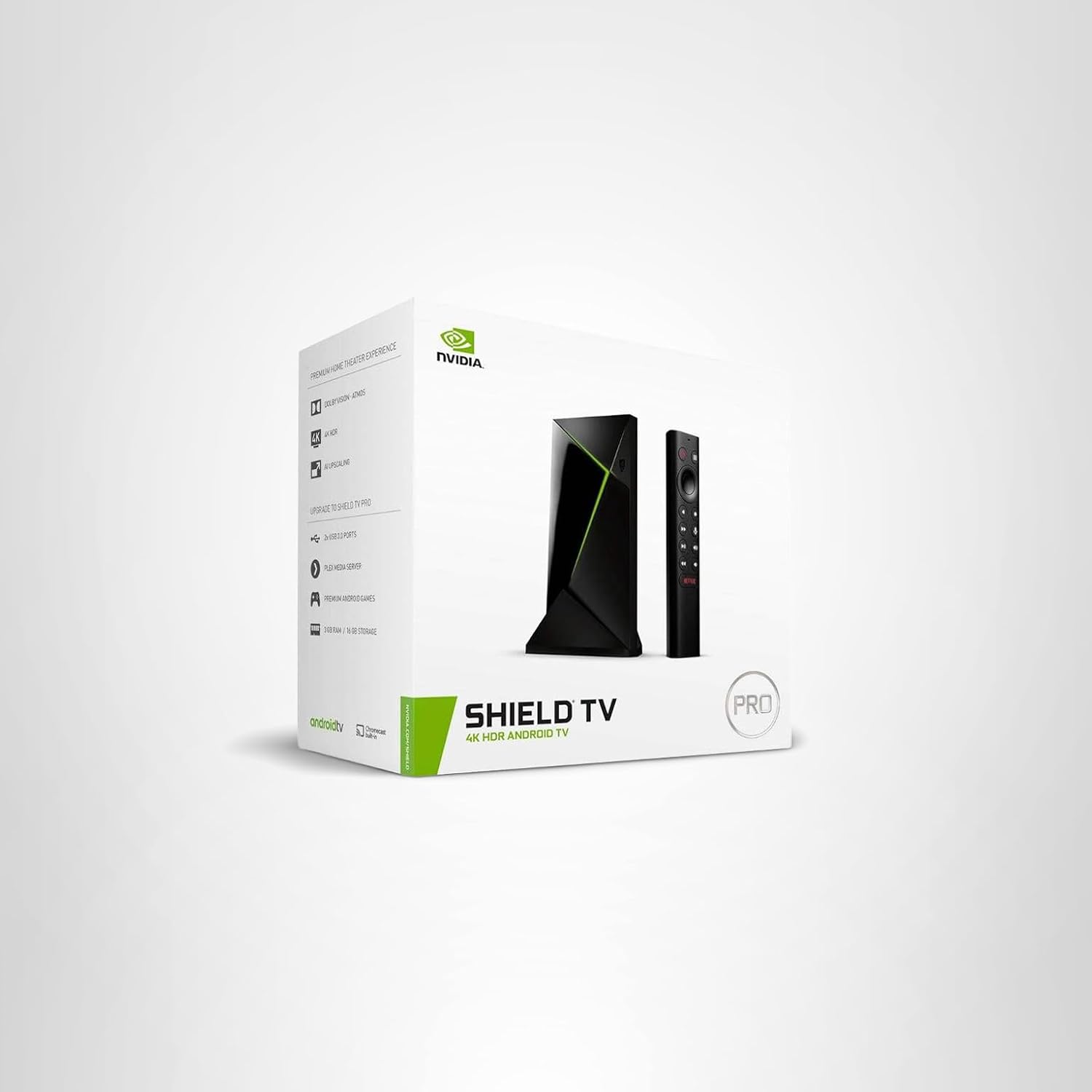
Best forGeForce NOW and cloud gaming
Ethernet port keeps input lag low
Shop on Amazon Best forCloud gaming on a budget
Wi-Fi 6E and a faster chip
Shop on Amazon
Best forPairing with the Shield over Bluetooth
USB beats Bluetooth for input lag
Shop on AmazonWhere you put your streaming device matters for both aesthetics and performance. Streaming sticks can hide behind the TV but may have WiFi issues if signal has to pass through the TV. Box-style devices need shelf space or mounting solutions. We help clients plan device placement during TV mounting to ensure clean cable management and optimal performance.
Placement Options:
| Location | Pros | Cons | Best For |
|---|---|---|---|
| Behind TV (sticky mount) | Hidden, Clean look | May block WiFi, Heat buildup | Streaming sticks |
| Media cabinet | Organized, Easy access | Cable runs to TV needed | Box devices, Multiple devices |
| Wall-mounted shelf | Clean, Visible for remotes | Requires wall work | Premium box devices |
| In-wall box | Completely hidden | Complex installation, Heat concerns | Custom installs |
Helpful Accessories:
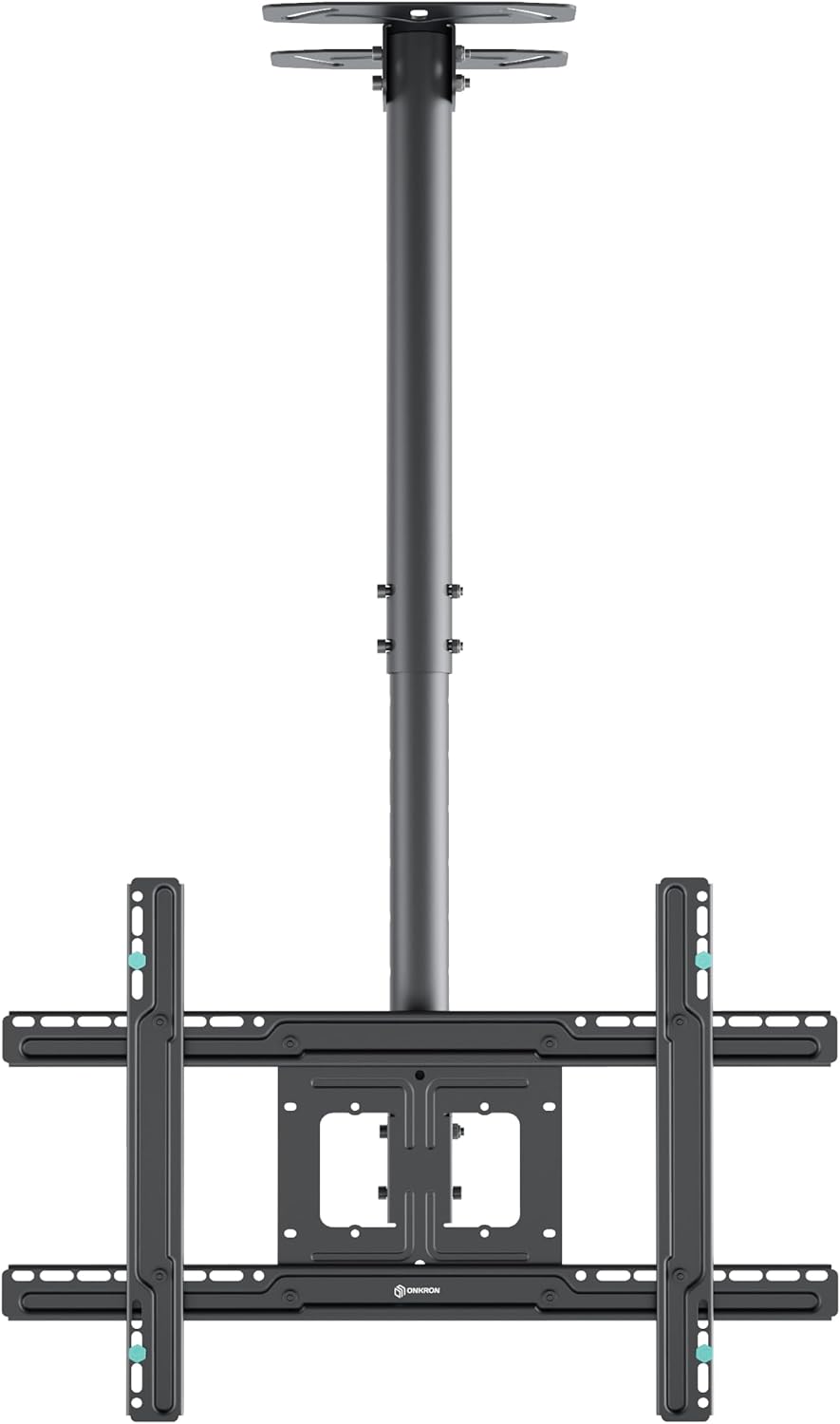
Best forHiding sticks behind the panel
Watch for WiFi blockage and heat
Shop on Amazon
Best forBehind-TV WiFi rescue
Drops the stick below the bezel
Shop on Amazon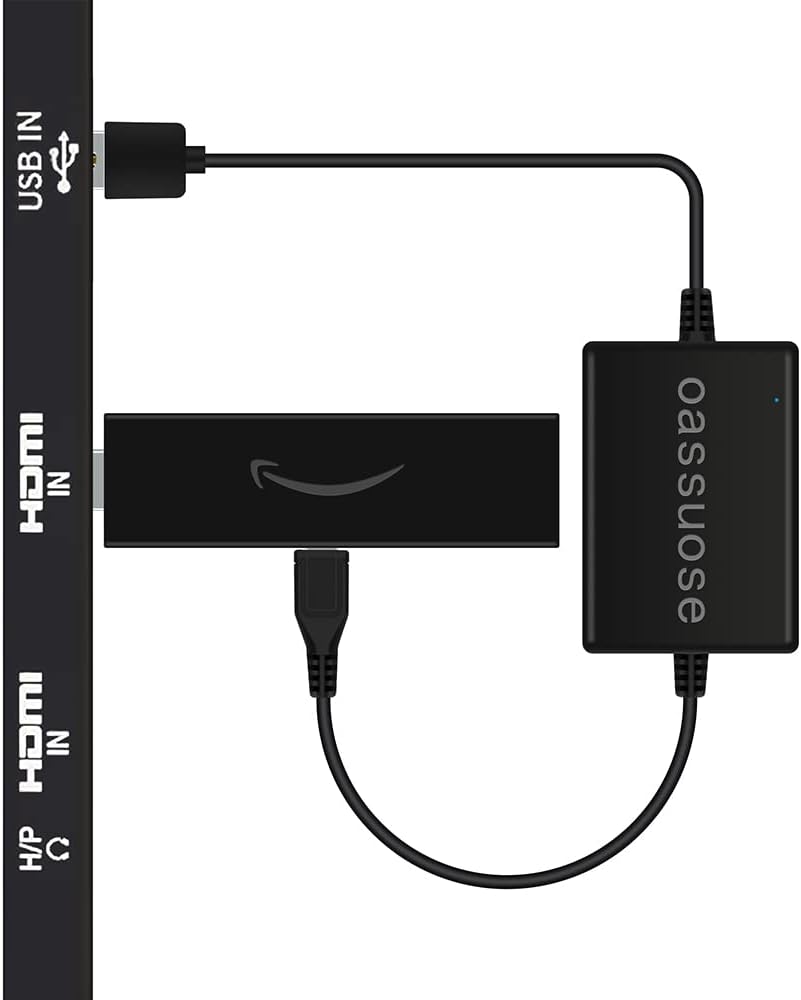
Best forPowering sticks without an outlet
One less wire in the channel
Shop on AmazonThe short answer: a Roku Ultra (about $100) for set-and-forget homes, an Apple TV 4K for iPhone households, and an NVIDIA Shield TV Pro (about $200) for Plex and cloud gaming. Behind a wall-mounted TV, placement matters as much as the box: drop a stick below the bezel on a short HDMI extender so the panel doesn’t block its Wi-Fi, and give a box a wired Ethernet port where you can. A $30-200 streamer usually outruns the TV’s built-in apps for years. We pick for remote quality, Wi-Fi 6 radios that survive far-from-router walls, and update track records. Match the box to your ecosystem first, specs second.
Quick note: This page contains Amazon affiliate links. We may earn a small commission at no extra cost to you if you buy through them. Our picks are based on what we see working in the rooms where we mount TVs, not on spec sheets alone.
I’m Alex Crabinsky. Across Express Mounting’s 9,747+ installs since 2015, we’ve connected just about every streaming device made to just about every TV made. The right device choice depends as much on placement and cable management as it does on streaming performance, which is something spec sheets won’t tell you. Read more about my approach on the author page.
For GeForce NOW, Xbox Cloud Gaming, or Amazon Luna, the NVIDIA Shield TV Pro is the one we wire up first. Its Tegra chip and Ethernet port keep input lag low, and it pairs with an Xbox or DualSense controller over Bluetooth. The Fire TV Cube is the runner-up in Alexa homes, since it also has a wired port. Skip Wi-Fi for gaming and run a cable.
Sports live or die on app coverage and smooth motion. We point sports-heavy homes at the Apple TV 4K or the Fire TV Stick 4K Max; both run ESPN, YouTube TV, Fubo, and the league apps well. The Apple TV 4K handles fast pans cleanly, and its higher-frame-rate output suits live games. If your Wi-Fi dips during the fourth quarter, run Ethernet.
Any HDMI TV becomes a smart TV with a stick. For an older 1080p set, the Roku Streaming Stick Plus or a Fire TV Stick 4K Max plug straight into HDMI and pull power from the TV USB port. Short on inputs? An HDMI switch adds ports. If the TV has no USB port, use the included wall adapter. It’s a common request on basement sets that still have years left.
Under $50, two sticks win. The Roku Streaming Stick Plus is the simplest to hand a parent, and Roku’s menus stay out of the way. The Fire TV Stick 4K Max costs a little more but adds Wi-Fi 6E and a faster chip. Want a box with a wired port for the same money? The Onn 4K Pro from Walmart is the value pick we keep recommending.
For hotel Wi-Fi with a sign-in page, the Roku Streaming Stick Plus and the Fire TV Stick 4K Max both travel well in a laptop bag. The catch is captive-portal logins; the Fire Stick handles them through its built-in browser more reliably. Pack a short HDMI extender, since hotel TVs often bury the port behind the set.
Streaming devices come up on a lot of our Metro Atlanta mounting jobs, and after 9,747+ installs since 2015 the Express Mounting crew has set up most of the boxes and sticks on the market. The Atlanta market has a few quirks worth knowing. Comcast/Xfinity dominates most of the metro (Buckhead, Brookhaven, Sandy Springs, Marietta, Alpharetta, Roswell), AT&T Fiber is strong in the suburbs out toward Cumming and Johns Creek, and Google Fiber covers Midtown, Old Fourth Ward, East Atlanta, and parts of Decatur. Each provider hands out a different gateway with different multicast and IGMP-snooping behavior, which is why a Roku Ultra that worked at the customer’s old apartment will sometimes drop 4K HDR streams when they move three miles east onto a different ISP. We test every install on the customer’s actual network before we leave, not just the showroom shelf.
The failure modes the crew sees are predictable enough that we now bake fixes into the standard install process. Behind a Buckhead high-rise OLED (Sony A95L, LG G4, Samsung S95D) the most expensive single mistake is buying a Fire TV Stick 4K and tucking it directly behind the TV’s metal back panel - the WiFi 6 antenna gets shielded, the customer blames the TV, and we spend 20 minutes adding a 6-inch HDMI extender to drop the stick below the bezel where the signal actually reaches the router. In Inman Park and Old Fourth Ward apartments with three HDMI ports total (TV, Apple TV 4K, soundbar pass-through, game console), HDMI handshake conflicts are common, and we fit a powered HDMI switch (the same units on our HDMI Switches page) so the apartment’s Comcast box, Roku Ultra, and Switch can coexist without unplugging cables. In Sandy Springs and Dunwoody home theaters with NVIDIA Shield Pros running Plex or Emby servers off network-attached storage, the Shield’s Ethernet port is non-negotiable - WiFi will not sustain 4K Blu-ray remuxes off a NAS, so we recommend a CAT6 run to the equipment closet, quoted with the install.
The hardware Express Mounting actually configures on jobs: Apple TV 4K (3rd gen) for any Apple-ecosystem household where AirPlay 2 from the iPhone matters, Roku Ultra (LT, 9802) for set-and-forget households who don’t want firmware drama, NVIDIA Shield TV Pro for any customer who mentions Plex, Emby, Jellyfin, retro gaming, or Dolby Vision pass-through, Fire TV Cube (3rd gen) for Alexa households who want hands-free voice control, Fire TV Stick 4K Max for secondary bedroom TVs where budget matters, and the Google TV Streamer for Google ecosystem customers. We carry 6-inch and 12-inch HDMI extenders in the truck for behind-TV WiFi rescue, USB-to-USB-C cables for stick-from-TV-power setups, and the standard CEC-and-handshake test flow runs on every job before we sign off.
A common case: after a mount, the TV drops its HDMI-CEC link to the streamer or soundbar every time it wakes up, so the remote stops controlling volume. The usual fix is re-pairing CEC, telling the TV to remember the input, and locking the streamer’s output format so the TV stops renegotiating at wake-up. We check CEC and the HDMI handshake on every install with a streaming device.
Roku vs Fire Stick, which should I buy? Roku if you want the plainest, ad-light menus and a remote anyone can use. Fire Stick if you live in Alexa and want hands-free voice plus Wi-Fi 6E. Picture quality is a wash at 4K. On installs, we hand Roku to parents and Fire Sticks to smart-home households. Both hide behind the TV the same way.
Does a wall-mounted TV need a streaming device? If your TV is a recent smart TV, not strictly. But built-in apps slow down and lose updates after a few years, while a $40 stick stays fast and current. We often suggest one, because swapping a stick later beats replacing the whole panel. For an older non-smart set, a streaming device is required.
Where do you hide the streaming device behind a wall-mounted TV? Our go-to is a short HDMI extender that drops the stick just below the bezel, out of sight but clear of the metal back panel that blocks Wi-Fi. Box devices like the Shield or Apple TV go on a side shelf or in the media cabinet, with the HDMI run inside the wall. We plan this during the mount so no cable shows.
Can the device power from the TV so there is no extra cable? Usually yes. Sticks like the Roku Streaming Stick Plus and Fire TV Stick 4K Max run off the TV USB port, which means one less wire in the cable channel. Box devices (Apple TV, Fire TV Cube, Shield) need their own outlet, so we route that inside the wall during cable concealment.
Will one remote control the streaming device after mounting? Most smart TVs pass volume and power to the streamer over HDMI-CEC, so the TV remote runs both. We turn CEC on and test it at your seat before we leave. If you want a single remote for the TV, soundbar, and box, see our universal remotes picks.
Express Mounting installation pricing, the same in all 15 metros:
- Basic TV mount: $129 (up to 54”), $159 (55-69”), $209 (70-79”), $299 (80-99”), $399 (100”+)
- Bracket: bring your own, or add ours (flat $49 / $69, full-motion $59 / $79)
- Cable concealment: $99 per TV
- Brick / stone surcharge: +$99
Basic hookup of the streaming device you own is part of any TV mounting visit, and every install carries a 3-year workmanship warranty. Call (470) 777-4077 for same-day service or book online.
Need professional installation in Metro Atlanta? Call (470) 777-4077 for same-day TV mounting service. Flat-rate pricing: $129-$399 basic, $99/TV cable concealment.
It depends on your ecosystem and needs. For Apple users with iPhones/iPads, Apple TV 4K offers the best integration with AirPlay, Apple Fitness+, and clean photo sharing. For Alexa smart home users, Fire TV devices integrate naturally with your existing setup. For the most universal experience with the easiest interface, Roku devices are hard to beat - they're platform-agnostic and just work. For power users and gamers, NVIDIA Shield TV Pro is the most capable device available. For budget setups, any modern 4K stick from Roku, Amazon, or Google performs well. Most people are happy with whichever ecosystem they're already invested in.
Maybe not, but probably yes. Built-in smart TV apps work fine for basic streaming, but they're typically slower, receive fewer updates, and may lose app support over time as the TV ages. A dedicated streaming device is usually faster, gets more frequent updates, has better app selection, and can be easily upgraded without replacing your TV. We often recommend using the TV's built-in apps for a while - if the performance is frustrating or apps stop working, adding a streaming device is an easy upgrade. For premium TVs or critical viewing rooms, starting with a quality streaming device provides the best experience from day one.
WiFi works fine for most streaming - modern 4K content requires about 25 Mbps, well within typical WiFi capability. However, Ethernet provides more consistent, reliable connections without interference from walls, appliances, or neighbors' networks. Use Ethernet if: your streaming device supports it, you experience buffering on WiFi, you're gaming (latency matters), or your TV is far from your router. Budget streaming sticks don't have Ethernet ports, but premium devices like Roku Ultra, Apple TV, and NVIDIA Shield include them. Ethernet adapters are available for some devices that lack built-in ports.
Behind the TV is cleanest but consider WiFi signal. If your streaming stick is directly behind a large TV, the TV's metal and electronics can block or weaken WiFi signals. Use the included HDMI extender to position the device beside or below the TV for better reception. Box-style devices (Apple TV, Shield, Fire TV Cube) need shelf space - either in a media cabinet, on a wall-mounted shelf, or using a behind-TV mount designed for larger devices. Wherever you put it, ensure adequate ventilation - streaming devices generate heat and can throttle performance if overheated. Avoid enclosed spaces without airflow.
Major streaming services are available on all platforms: Netflix, Disney+, Hulu, HBO Max, Amazon Prime Video, YouTube, Peacock, Paramount+, and most others work on Roku, Fire TV, Apple TV, and Google TV. Some services have exclusive or optimized experiences on certain platforms - Apple TV+ is best on Apple TV, Amazon content is optimized for Fire TV. The main exception historically was YouTube on Fire TV and Amazon Video on Chromecast due to company disputes, but those have been resolved. Check for any specific apps you need before purchasing, but for mainstream streaming, all major devices cover the basics.
We install what we recommend.
Book the mount, and we connect the streamer, sign it in to Wi-Fi and pair the remote before we leave.
Complete your mounted TV setup with the right streaming device. Browse our recommendations based on thousands of installations and real-world performance.