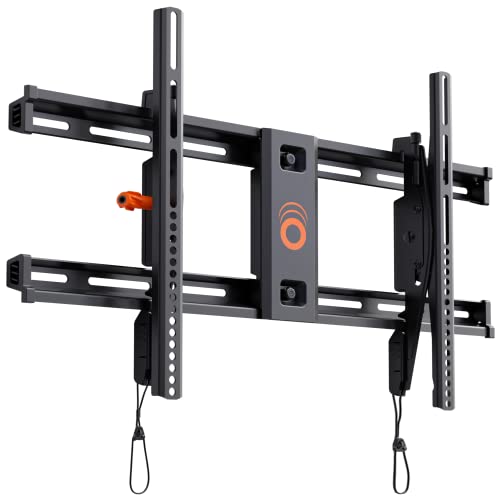
ECHOGEAR In Stock
ECHOGEAR Tilting TV Wall Mount for 40” – 90” TVs up to 135lbs, 10 deg Tilt | Universal TV mount tilts for perfect view, designed for easy install w/ included hardware & drill template, UL Listed
$39.99 View on Amazon
Field-tested gear
9,747+ installs since 2015. Fixed, tilting and full-motion picks we actually bolt to walls, not spec-sheet guesses.
After 9,747+ TV installs since 2015, here are the brackets we install most, and the ones we won't touch. What we install most: the SANUS VLF728 for full-motion jobs, the SANUS MLL11 when a slim fixed profile is the goal, and the ECHOGEAR MaxMotion as the other full-motion pick, rated for 42- to 90-inch TVs. Alex Crabinsky, founder of Express Mounting, picks this list from what holds up on Atlanta walls, from Buckhead high-rises to Inman Park plaster-and-lath. The bracket is literally holding your expensive TV on the wall - don't cheap out here. We've installed enough mounts to know which ones are actually built to last versus which ones look good in photos but fail after a year. Heavy-gauge steel wall plates that span multiple studs, articulating arms that move smoothly after thousands of adjustments, pivot mechanisms that don't develop play over time - this is what separates quality brackets from junk. Your TV's weight matters, but so does the safety margin. We never use a bracket rated for exactly what the TV weighs. Add 50% minimum for the dynamic forces during adjustment and any accidental impacts. VESA patterns range from 200x200mm for smaller displays up to 800x400mm for those massive TVs, and if you get this wrong, nothing mounts correctly. Wall type determines everything: wood studs need 3/8-inch Grade 5 lag bolts, hollow walls need proper toggle anchors rated 100+ pounds each, masonry requires specialized anchors and hammer drilling. Drywall alone holds only about a 32-inch, 30-lb TV on rated toggles; anything bigger needs a stud. Those brackets that come with 'universal hardware'? We replace all of it with professional-grade fasteners sized for the actual installation. Your TV bracket should outlast the TV itself - buy once, done right.
In Atlanta? TV mounting from $129: bring your own bracket or add ours from $49.
Updated
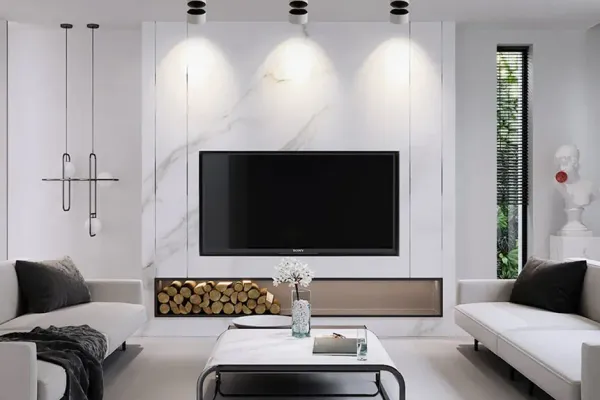
Fixed, tilting, and full-motion picks from this guide.
As an Amazon Associate, we earn from qualifying purchases. Prices as of Nov 1, 2026, 10:52 AM EST. Product prices and availability are accurate as of the date/time indicated and are subject to change. Any price and availability information displayed on Amazon.com at the time of purchase will apply to the purchase of this product.



| Bracket | Type | TV size | Price band | Our take |
|---|---|---|---|---|
| ECHOGEAR Tilting | Tilting | 40-90 in, to 135 lbs | ~$40 | Simple tilt for TVs mounted above eye level. |
| UL Listed Fixed | Fixed | 37-86 in | ~$23 | Lowest profile of the set - and UL Listed. |
| USX Full Motion | Full-motion | 32-70 in, to 99 lbs | ~$30 | Budget articulation for mid-size TVs. |
Sizes are the manufacturers' own listed specs. Price bands are rough; the pick cards above show Amazon's current price when it is available.
Full motion brackets are essential when you need viewing flexibility. Multiple seating areas, changing light conditions throughout the day, different viewing positions for movies versus gaming - these are where articulating mounts shine. After thousands of installs, we've learned what matters: dual-arm construction provides way more stability than single-arm designs when extended. Ball-bearing pivots need to glide smoothly through thousands of adjustments - cheap ones develop slack and wobble within months. Extension ranges vary from 16 to 32 inches depending on your room depth. Cable management channels through the arms aren't optional unless you enjoy seeing cables twist every time you adjust the TV. Wall mounting must be rock-solid. The torque on the wall when fully extended is serious - we're talking 3/8-inch lag bolts minimum into multiple studs. Reinforced wall plates distribute weight properly. Post-installation micro-adjustments let you fine-tune positioning after everything's mounted. Tool-free tilt adjustment is clutch for quick changes. Swivel up to 90 degrees each direction gives maximum flexibility. Before you install, verify the TV clears walls and furniture through the full range of motion. Plan cable routing to accommodate movement without stress points. Done right, a full motion mount transforms how you use your TV.

Best forRooms with multiple seating areas
Locking hardware survives years of use
Shop on Amazon
Best forAdjusting for changing light and glare
Sanus premium quality tier
Shop on Amazon
Best forFull motion for 42-90 inch TVs
Smooth swivel, tilt and extension
Shop on AmazonEssential downward angle adjustment for above-fireplace installations and high-mount applications.
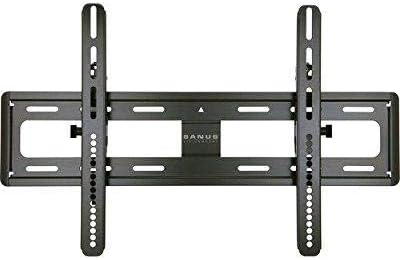
Best forAbove-fireplace installations
Add a heat shield over active fireplaces
Shop on Amazon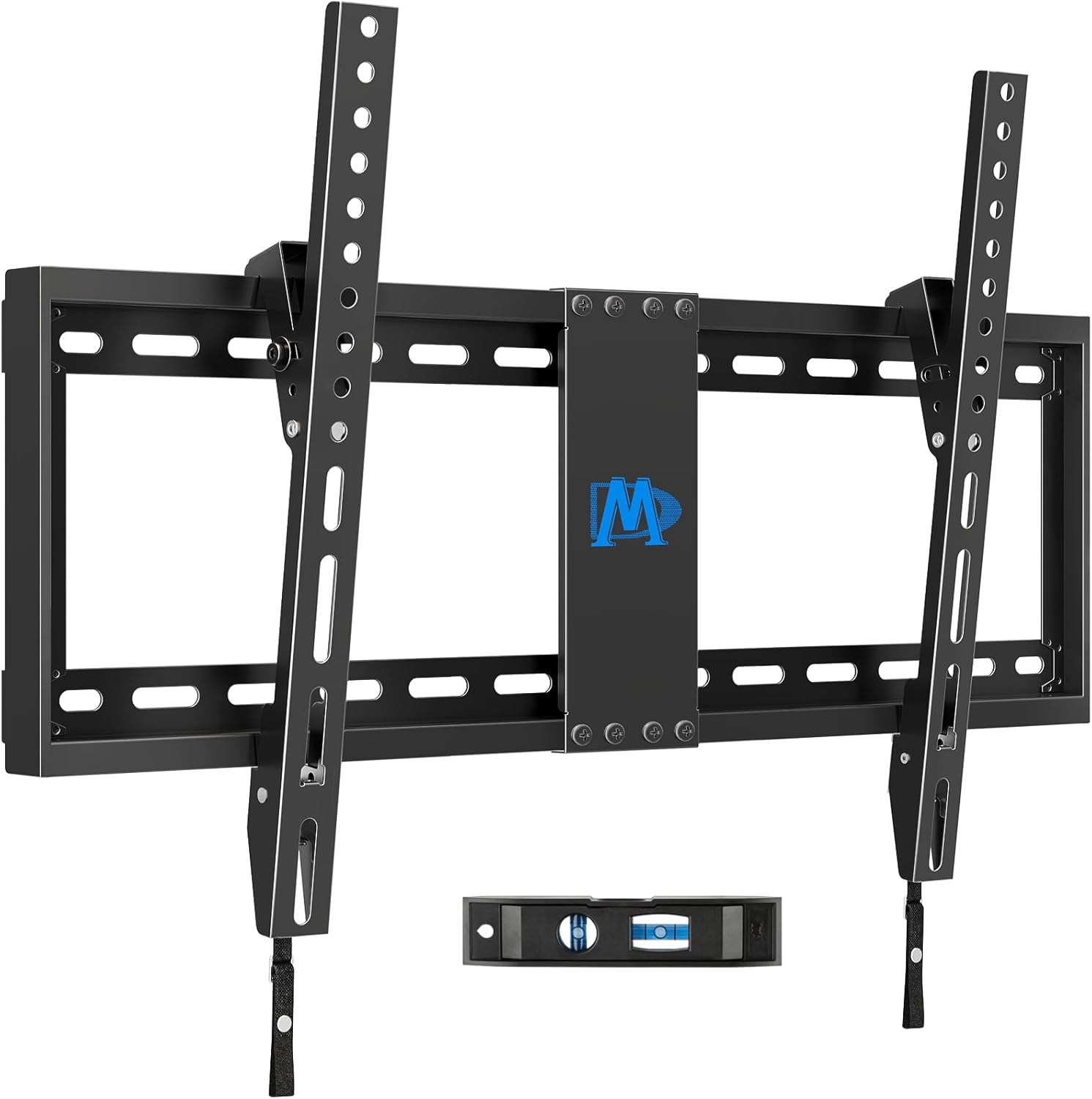
Best forHigh wall mounts, glare reduction
Downward tilt spares your neck
Shop on AmazonUltra-slim profile positions TVs closest to wall for gallery-style appearance in dedicated viewing areas.
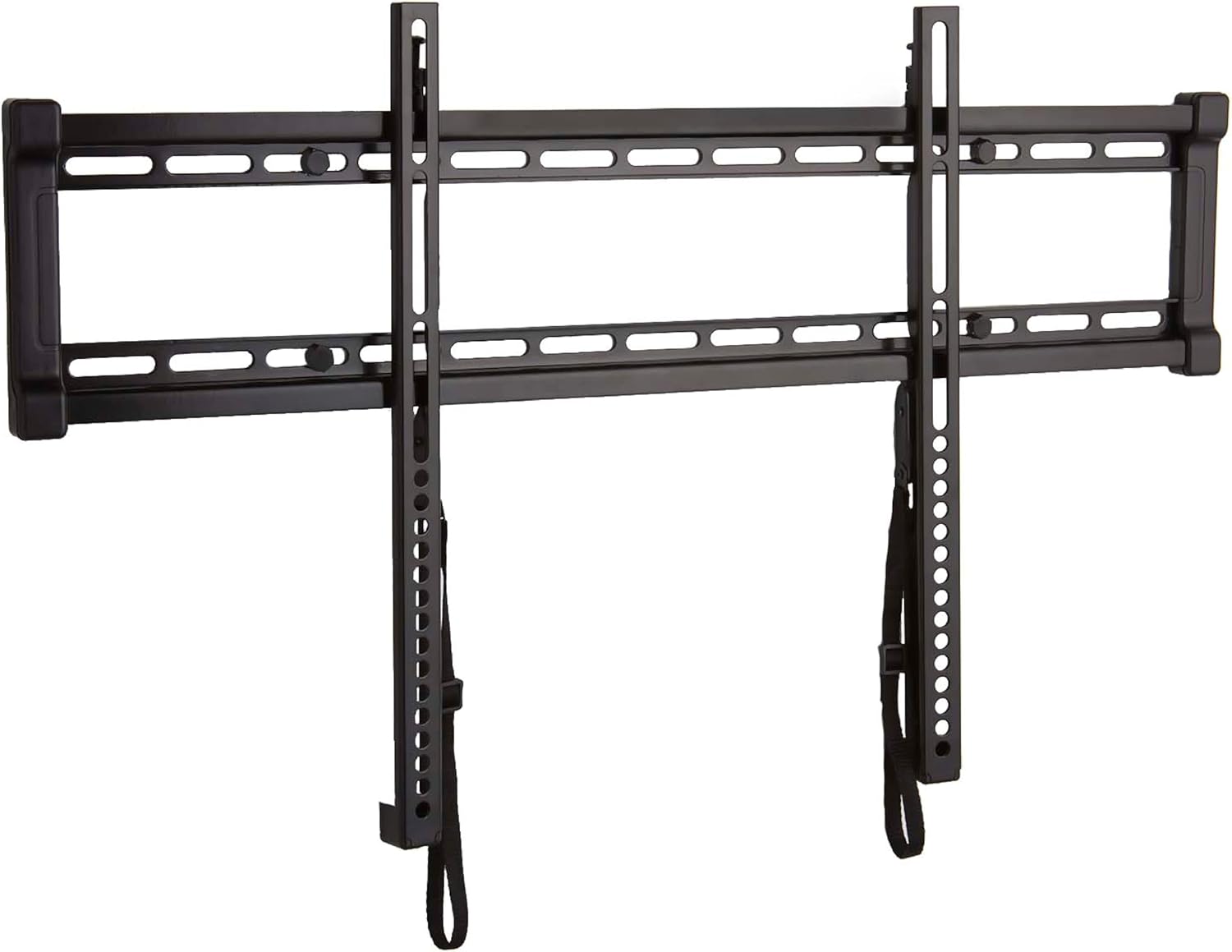
Best forGallery-style dedicated viewing areas
Positions the TV closest to the wall
Shop on Amazon
Best forEye-level mounts that never move
Use 3/8 inch lag bolts into studs
Shop on AmazonReinforced mounting systems engineered specifically for large TVs requiring heavy-duty wall support.
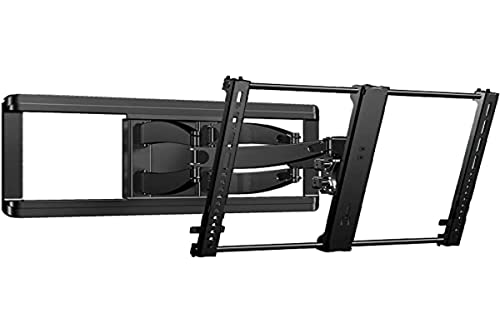
Best forTVs 75 inches and up
Reinforced plates for heavy-duty support
Shop on Amazon Best forLarge screens on 16 inch stud spacing
Add blocking, 3/8 inch lag bolts
Shop on Amazon
Best forCommercial installs and the largest TVs
Good mid-range value
Shop on AmazonUnderstanding VESA patterns ensures proper bracket compatibility with your TV. The patterns below come from our cross-check of published specs for 100 TV series; always confirm your own model.
| TV Size Range | Common VESA Patterns | Typical Weight | Recommended Mount Rating | Shop |
|---|---|---|---|---|
| 32"-43" TVs | 200x200mm most often, 100x100mm or 200x100mm on smaller sets | 20-35 lbs | 50-75 lbs capacity |  |
| 50"-55" TVs | 200x200mm on most 50", 300x300mm or 300x200mm on most 55" | 35-50 lbs | 100 lbs capacity | |
| 65"-75" TVs | 300x300mm or 400x300mm on most 65", 400x400mm on most 75" | 50-75 lbs | 150 lbs capacity | |
| 85"+ TVs | 600x400mm on most 85", 800x400mm on some 100" | 75-100 lbs | 150+ lbs capacity | |
Standard bracket hardware requires upgrading for secure, long-lasting installation.


TV brackets sort into four price bands - fixed $20-60, tilting $40-90, full-motion $80-300, pull-down $350-700 - and the band matters more than the brand. We carry Sanus and Echogear on the trucks because their locking hardware survives years of use; the picks below follow that same bar.
First, confirm your TV’s VESA pattern - the bracket has to line up with the four holes on the back. Our free TV VESA Finder shows the VESA size and panel weight listed for your model, and the brackets that fit, in seconds.
Quick note: This page contains Amazon affiliate links. We may earn a small commission at no extra cost to you if you buy through them. Our picks are the hardware our crews install on real customer walls, not spec-sheet guesses.
Need professional installation in Metro Atlanta? Call (470) 777-4077 for same-day TV mounting service in 507 cities across our 15 US metros. Flat-rate pricing: $129-$399 basic, $99/TV cable concealment, +$99 masonry surcharge.
TV bracket and TV mount are used interchangeably in the industry. Technically, the bracket refers to the metal hardware that attaches to the TV, the wall plate mounts to the wall, and together they form the complete mount system. What matters is the mount type (fixed, tilting, or full motion), weight capacity, and VESA compatibility.
Check your TV's VESA pattern (the spacing between mounting holes on the back) and weight. Common patterns range from 200x200mm for smaller TVs to 600x400mm for large displays. The bracket must support your TV's VESA pattern and be rated at least 25% above your TV's weight, and a full-motion arm is worth more headroom because extending it adds load.
Full motion brackets are worth it for rooms with multiple seating areas, open floor plans, or where you need to adjust viewing angles. They extend 16-32 inches, swivel up to 180 degrees, and tilt for above-fireplace installations. For dedicated home theaters with fixed seating, a less expensive fixed or tilting bracket is sufficient.
Usually no. Most quality brackets 32 inches and wider have wall plates spanning both 16 and 24 inch spacing. The exception is narrow fixed brackets for small TVs, which sometimes hit only one stud and need a single-stud rating. Check the plate width spec before buying, and never bridge a gap with drywall anchors alone.
They're the same thing - "bracket" and "mount" are used interchangeably in the industry. Some people use "bracket" to refer specifically to the metal hardware that attaches to the wall, while "mount" includes the entire system (wall plate plus TV attachment plates). Manufacturers label them inconsistently - SANUS calls them "mounts," Mount-It calls them "brackets," but they're functionally identical products. What actually matters: mount type (fixed, tilting, full motion), weight capacity (150% of TV weight minimum), VESA compatibility (matching your TV's hole pattern), and wall structure compatibility (wood studs, metal studs, masonry). After 9,747+ installations, we don't care what you call them - we care about proper weight ratings, quality construction, and correct installation. Focus on specifications, not semantics. Though if you want to be technically accurate: the "bracket" is the part attached to the TV, the "wall plate" mounts to the wall, and together they're the complete "mount system."
Start with your TV's specs: size, weight, and VESA pattern (mounting hole spacing). Your bracket must support all three. Then consider usage: full motion if you need flexibility (multiple seating areas, glare adjustment), tilting for above-fireplace installs needing downward angle, fixed for that ultra-slim gallery look. Check your wall type - wood studs are standard, metal studs need special hardware, brick/concrete requires masonry anchors. Room layout matters - will you adjust viewing angles frequently? Full motion. Dedicated theater with fixed seating? Save money on a fixed mount. Budget impacts choice too: fixed mounts run about $20-60, tilting $40-90, full motion $80-300. Quality brands (SANUS, Vogel's, ECHOGEAR) last decades while cheap brackets fail within years. After thousands of installs, our selection process: match TV specs, choose mount type for usage, verify wall compatibility, buy quality construction. Don't cheap out on the one thing holding your expensive TV.
No - VESA pattern and weight capacity must match. VESA is the standardized mounting hole spacing on TV backs. A bracket rated for 200x200-400x400mm VESA works with TVs in that range. Outside that range? Won't fit. Some brackets claim "universal" meaning they cover common VESA patterns like 200x200mm through 600x400mm - most TVs fall in this range. But 800x400mm TVs (some 85"+ models) need specialized brackets. Weight capacity is non-negotiable - a bracket rated for 100 lbs shouldn't hold a 120 lb TV regardless of VESA compatibility. Other compatibility issues we see: curved TVs sometimes have weird mounting geometry, ultra-thin TVs may need spacers, TVs with recessed ports might interfere with low-profile brackets. Check three things before buying: TV's VESA pattern (in manual or measure it), TV's weight (in specs), bracket's compatibility range. Most mounting problems stem from incompatible VESA patterns that people force to work - don't be that person. After 9,747+ installations, we verify compatibility before ordering hardware.
Depends on mounting location and viewing needs. Tilting brackets let you angle the TV downward (typically 5-15 degrees), essential for above-fireplace installations where you're looking up at the screen. That downward tilt makes viewing comfortable instead of neck-straining. They're also useful for high wall mounts or situations where glare hits the screen at certain times. Fixed brackets keep the TV parallel to the wall in an ultra-slim profile (0.8-1.25 inches) - perfect for eye-level installations in dedicated viewing areas. Tilting brackets protrude 2-3 inches to allow the tilting mechanism. Cost difference is usually $30-50 more for tilting. After thousands of installs, here's the pattern: above-fireplace needs tilting (non-negotiable), regular wall mounting at eye level works better with fixed (cleaner look). Get tilting if you're unsure about mounting height or need glare flexibility. Get fixed if you know the positioning is perfect and want the sleekest profile. Either way, quality construction matters more than mount type.
Brackets run from about $20 to $300 depending on type and capacity. Fixed low-profile brackets: about $20-60. Tilting brackets: $40-90. Full motion brackets: $80-300. Heavy-duty brackets for 75"+ TVs: $200-400. Specialty brackets (corner, ceiling, outdoor): $150-500. Low price alone isn't the problem; we skip brackets with thin steel, vague weight ratings and hardware that strips easily, whatever they cost. Your TV costs $500-5,000. Spending $100-200 on a quality bracket that'll last 20 years makes sense. Higher prices don't always mean better - some brands charge premiums for marketing. Look for specifications: weight rating (150% of TV weight minimum), steel thickness (16-gauge or better), VESA compatibility, smooth articulation on moving parts, quality hardware included. Brands that hold up in our experience: ECHOGEAR (budget-friendly, solid performance), Mount-It (good mid-range), SANUS (premium quality), Vogel's (European engineering). After 9,747+ installations, we see well-built mounts outlasting TVs, while flimsy ones often wear out within a few years and need replacing.
Maybe, if they're compatible with your new TV and still structurally sound. Check the VESA pattern - does it match your new TV's mounting holes? Check weight capacity - can it safely support the new TV? Inspect the bracket for wear, cracks, or damaged threads. Check articulation - do moving parts still operate smoothly? If everything checks out and the old bracket is quality construction, reuse it. But here's what we see often: people upgrade from 55" to 75" TVs and the old bracket isn't rated for the new weight. Or VESA patterns changed. Or the old bracket is cheap construction showing wear. If the bracket's more than 10 years old, replacement is smart - metallurgy and engineering have improved significantly. Mounting labor is the same whether using old or new brackets - saving $100 on hardware isn't worth the risk if the bracket fails. We've done emergency remounts where old brackets catastrophically failed. Not worth it. If you're booking professional installation, you can still bring your own bracket or have us supply one: flat mounts are $49 up to 54 inches and $69 above, full-motion $59 and $79. DIY remounting with existing hardware? Verify compatibility thoroughly and inspect for any wear or damage.
Usually no. Most quality brackets 32 inches and wider have wall plates spanning both 16 and 24 inch spacing. The exception is narrow fixed brackets for small TVs, which sometimes hit only one stud and need a single-stud rating. Check the plate width spec before buying, and never bridge a gap with drywall anchors alone.
We bolt on what we recommend.
Book the install: stud-anchored and leveled, with the wires hidden in the wall for $99 if you want them gone.
Ready for secure TV mounting? Shop our recommended professional-grade TV brackets with proper weight ratings, VESA compatibility and integrated cable management, picked from the brackets our installers trust on real walls.
Text a photo of your wall
Point your phone's camera here to start a text to +14707774077. Add a photo of the wall and your TV's size, and we reply with your price and the first open time.