Skip to content
Same-Day Service · Free Estimates Book Online

Field-tested gear

Wall Mounts We Actually Hang

9,747+ installs since 2015. These are the arms and tilts that ride on our vans, picked on real walls rather than spec sheets.

Field notes from Alex

After 9,747+ TV installs since 2015, here are the mounts we install most, and the ones we won't touch. Three picks first: we reach for the Sanus VLF628 on full-motion jobs, the SANUS VisionMount Tilting above fireplaces, and the SunBriteTV Outdoor when the TV lives on a patio. Alex Crabinsky, founder of Express Mounting, picks this list from what holds up on Atlanta walls, from Buckhead high-rises to Inman Park plaster-and-lath. Here's what we've learned: the right wall mount system makes all the difference between an installation that lasts decades and one that needs service calls. We've mounted TVs on everything you can imagine - drywall, brick, concrete, plaster, metal studs, you name it. What matters most? Reinforced steel wall plates that actually distribute weight properly, articulating arms that still move smoothly after years of daily adjustments, and cable management that keeps everything looking clean. Full motion mounts are honestly incredible when you need them - extending up to 32 inches while staying rock-solid. We've also tackled some unusual setups: corner installations where standard mounts won't work, ceiling mounts for spaces with limited wall access, and outdoor installations that need to handle weather. Every mount we recommend has proven itself in the real world, not just on paper.

In Atlanta? TV mounting from $129: bring your own mount or add one of ours from $49.

Updated

Wall Mounts We Actually Hang

Our picks, compared

MountTypeTV sizePrice bandOur take
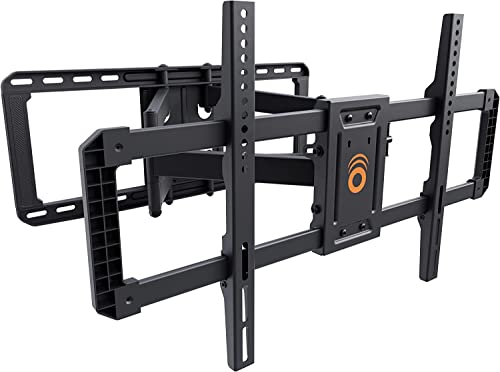
ECHOGEAR MaxMotion Full-motion 42-90 in ~$115 The big-panel articulating arm we hang most often.
Mounting Dream Full Motion Full-motion 32-70 in, to 99 lbs ~$38 Entry-price articulation for mid-size TVs.
SANUS Premium Tilting Tilting 46-90 in, to 150 lbs ~$110 The over-fireplace glare fix - simple and strong.
SANUS Premium Full Motion Full-motion 42-90 in ~$115 A SANUS arm for big panels at the MaxMotion's price.

Sizes and weight ratings are the manufacturers' own listed specs. Price bands are rough; the pick cards above show Amazon's current price when it is available.

Which Full-Motion Mount Should You Trust?

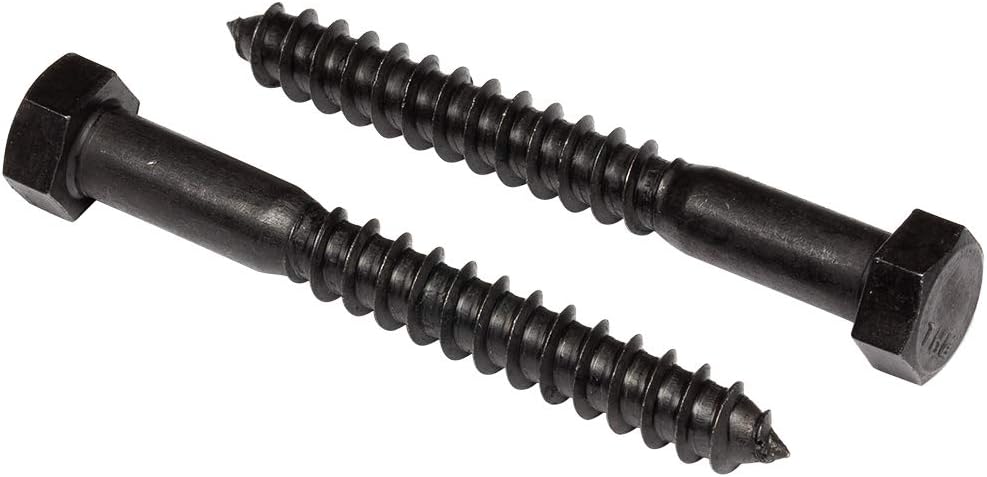
Full motion mounts are difference-makers for spaces where you're constantly adjusting your viewing angle. Living rooms with multiple seating areas? Bedrooms where you watch from different positions? These are where full motion mounts really shine. Look, when you extend an arm 16-32 inches from the wall, you're putting serious torque on the wall anchors - that's why we never cheap out on the mounting hardware. The best ones use ball-bearing pivots that glide smoothly even after thousands of adjustments. You'll want integrated cable channels too, unless you enjoy seeing cables twist every time you move the TV. Here's what matters: dual-arm construction for stability, post-installation micro-adjustments so you can fine-tune positioning, and proper lag bolt installation into studs. We're talking 3/8" lag bolts minimum - those forces during extension aren't playing around.

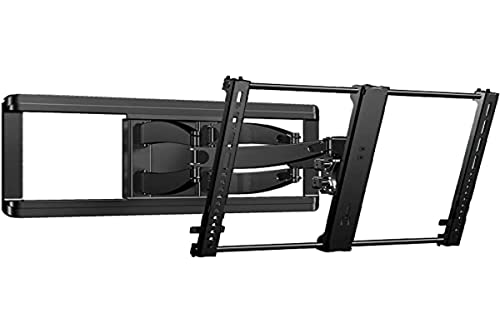
Sanus VLF628

Sanus VLF628

Best for65 inch TVs, multi-seat rooms

Dual-arm stability, integrated cable management

Shop on Amazon
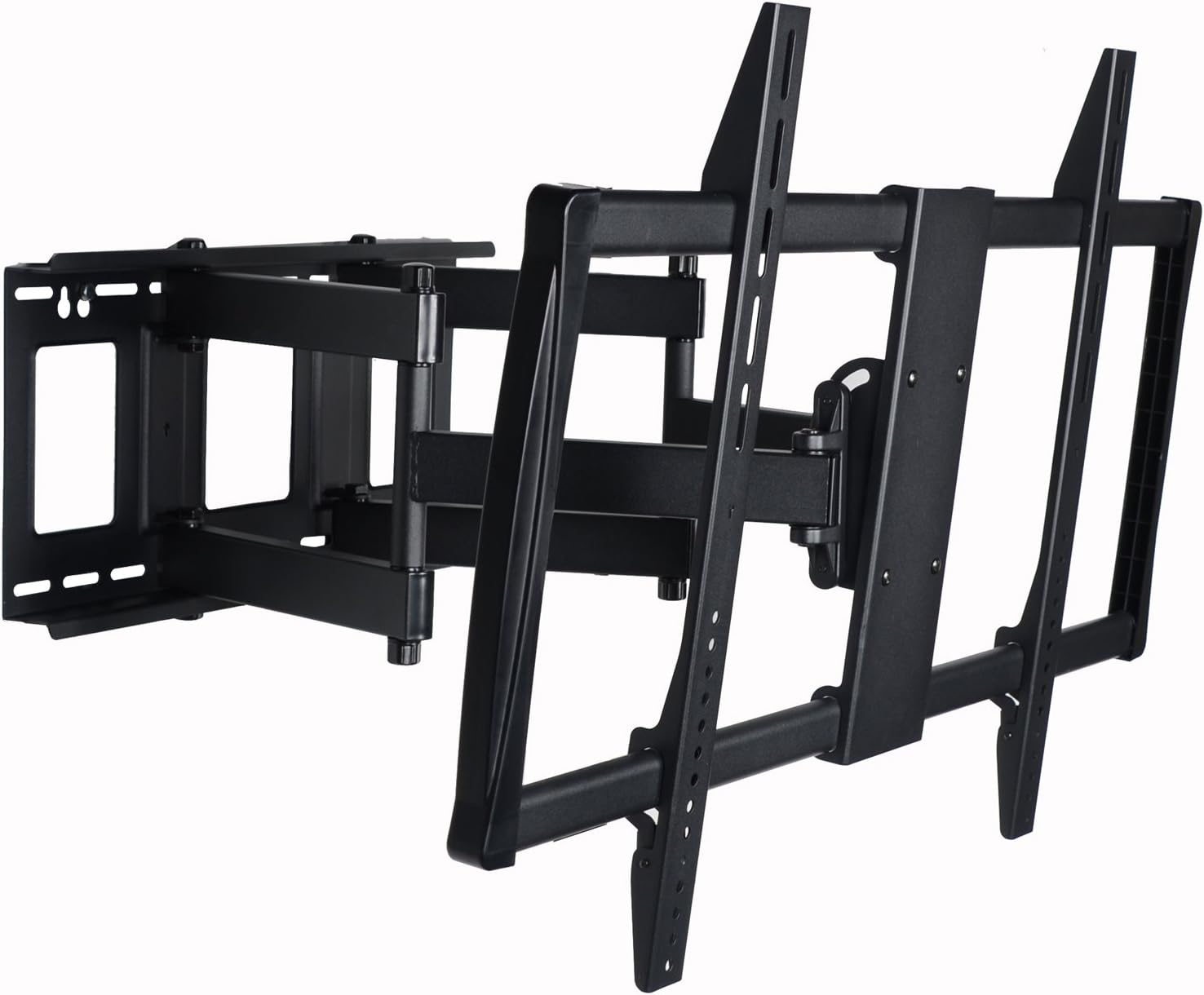
VideoSecu Full Motion

VideoSecu Full Motion

Best forBedrooms with changing viewing positions

Plan cable routing before mounting

Shop on Amazon
ECHOGEAR Full Motion

ECHOGEAR Full Motion

Best forRooms where glare shifts through the day

Test the articulation range before hanging

Shop on Amazon
Full selection Full Motion TV Mounts on Amazon
Professional Installation Tips Verify wall studs using electronic stud finders AND manual knock testing for accuracy Plan cable routing paths before mounting bracket installation Test full articulation range without TV to ensure clearance from walls and furniture Mount wall plate perfectly level using digital level for smooth articulation Allow 4-6 inches wall clearance for extended arm mechanisms

Fixed & Tilting TV Mounts - Low-Profile Professional Installation

When your TV's going to stay put, fixed and tilting mounts give you that clean, floating look everyone wants. We're talking profiles as slim as 0.8 inches - the TV literally hugs the wall. Home theaters and dedicated media rooms are perfect for these since you're not constantly adjusting angles. Now, tilting mounts? Those are essential for above-fireplace installations. You need that downward tilt (-5° to -15°) or you'll be craning your neck every movie night. We always use fireplace-rated mounts up there - heat resistance isn't optional. The smart ones let you adjust tilt after installation, which is clutch when you're fine-tuning the viewing angle. Fixed mounts also excel in earthquake zones where you want zero movement, or commercial spaces where theft resistance matters. They're rock-solid because they don't have moving parts to fail.

SANUS VML5 Fixed

SANUS VML5 Fixed

Best forHome theaters and dedicated media rooms

Slim profile hugs the wall

Shop on Amazon
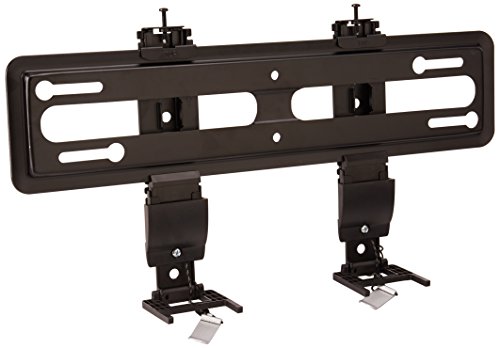
SANUS VisionMount Tilting

SANUS VisionMount Tilting

Best forAbove-fireplace installations

Downward tilt, no neck craning

Shop on Amazon
Mount-It! MI-305L

Mount-It! MI-305L

Best forCommercial spaces, theft resistance

No moving parts to fail

Shop on Amazon
Full selection Fixed & Tilting TV Mounts on Amazon
Professional Installation Tips Use 3/8" x 3" lag bolts minimum for stud mounting Install heat shield barrier for fireplace installations (maintain 12" clearance minimum) Fixed mounts ideal for dedicated theater rooms with controlled seating positions Verify exact TV center positioning before drilling Low-profile mounts require precise VESA hole alignment during installation

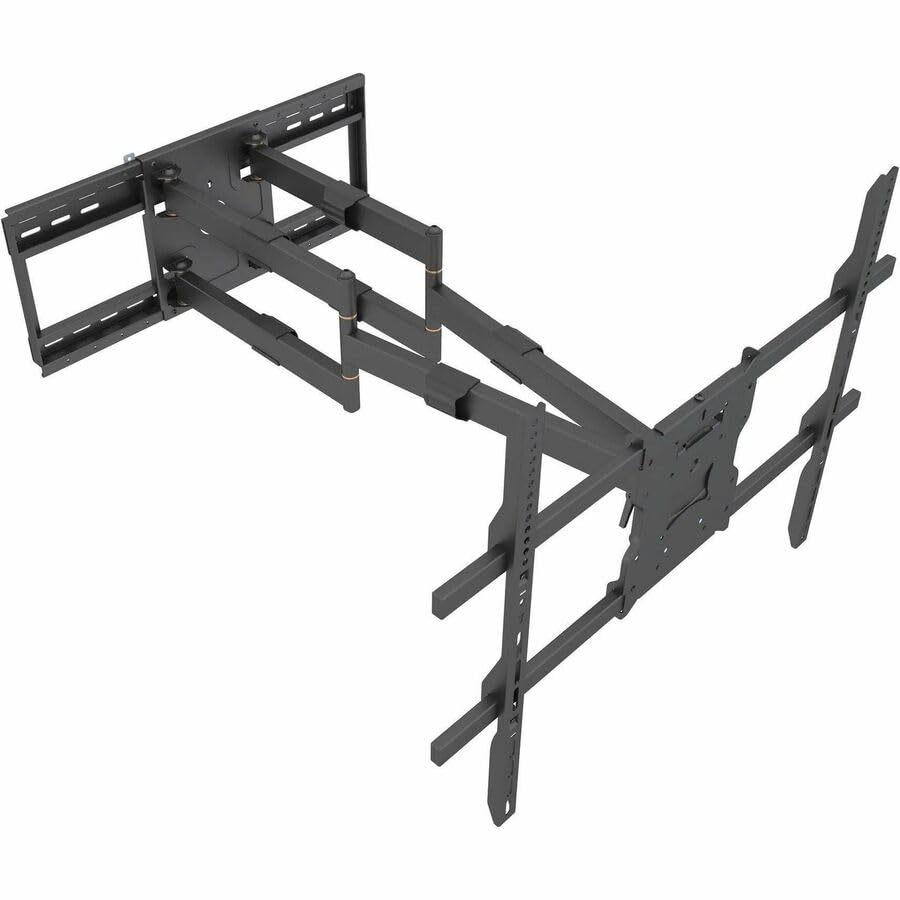
Heavy Duty Mounts for Large TVs (75-100 inches) - Commercial-Grade Installation

Here's the thing about mounting those massive 75-100 inch TVs: you're dealing with seriously heavy equipment that needs heavier hardware than a standard mount. We're talking 60-150+ pounds of TV that'll put real stress on your walls. Big-panel installs have taught us that success comes down to reinforced steel wall plates that actually span multiple studs - not the flimsy brackets that come in the box. Wall structure matters huge here. You need studs spaced 16 inches on center, and honestly, sometimes we add blocking between studs for extra weight distribution. Large format displays also use VESA patterns up to 800x400mm, so verify your mount's compatibility first. If you want full motion on a big TV? Those dual-arm assemblies better be seriously reinforced, because the torque on the wall when extended is no joke. This is where professional installation really pays off - one mistake with a $3,000 TV isn't worth the risk.

SANUS VLF628

SANUS VLF628

Best forFull motion on 75 inch and up

Same mount we trust at 65 inches

Shop on Amazon
VideoSecu Extra Heavy Duty

VideoSecu Extra Heavy Duty

Best forMassive 75 to 100 inch panels

Articulating swivel design

Shop on Amazon
Mount-It! Commercial

Mount-It! Commercial

Best forCommercial installs

Spans multiple studs, add blocking

Shop on Amazon
Full selection Heavy Duty TV Mounts on Amazon

For 85 to 100-inch sets, our big-TV mount roundup matches mounts to the VESA patterns and weights of current 85, 98 and 100-inch models.

Professional Installation Requirements Verify minimum 16" stud spacing and mount to minimum 3 wall studs Use 3/8" x 4" lag bolts for large TV applications Consider horizontal blocking installation between studs for enhanced load distribution Structural wall assessment required for plaster, brick, or concrete installations Professional installation strongly recommended for TVs 75" and larger Two-person installation team essential for safe TV mounting

Specialty TV Mounts - Corner, Ceiling, Outdoor & Custom Solutions

Sometimes standard wall mounts just won't cut it. Corner spaces, ceilings, outdoor patios, RVs - we've tackled them all, and each one has its quirks. Corner mounts need studs on both walls, which isn't always simple to find and align properly. Ceiling installations? You're finding joists and verifying they can handle the weight - plus you need that drop-down adjustment so people aren't staring straight up. We see ceiling mounts a lot in gyms and waiting rooms where wall space is limited. Outdoor installations are a whole different beast. Everything needs to be stainless steel and properly sealed because humidity and temperature swings will destroy standard hardware. Cable entry points get silicone sealing, period. RV mounts have to handle constant vibration and movement, so they use dampening systems that regular mounts don't have. Honestly, specialty installations are where professional assessment really matters - there's just too much at stake to wing it.

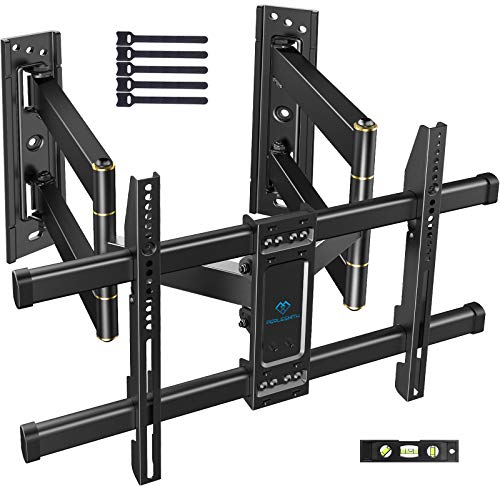
PERLESMITH Corner Mount

PERLESMITH Corner Mount

Best forCorner installations

Needs studs on both adjoining walls

Shop on Amazon
VIVO Ceiling Mount

VIVO Ceiling Mount

Best forSpaces with limited wall access

Motorized electric drop-down

Shop on Amazon
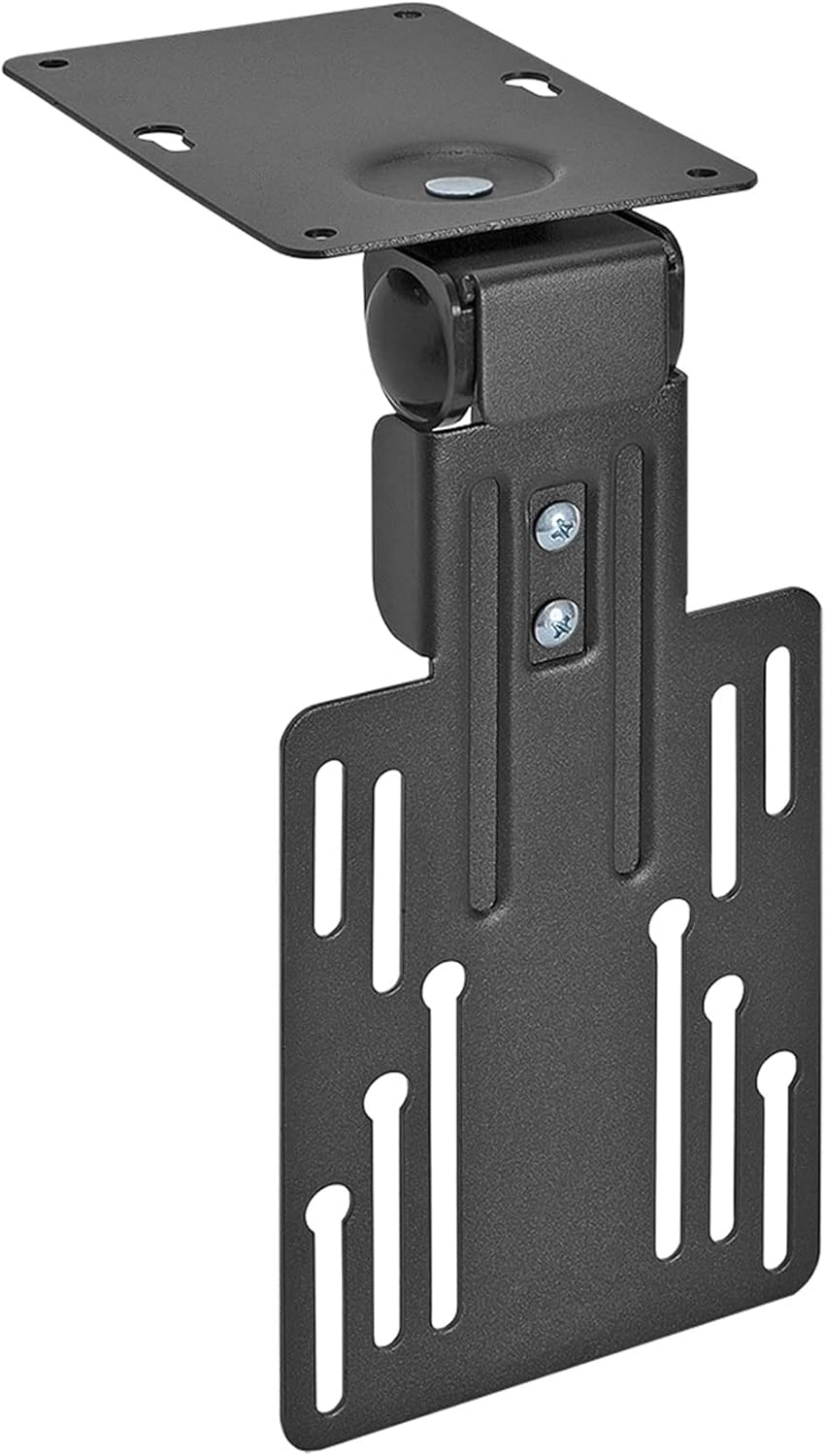
Mount-It! Folding Ceiling

Mount-It! Folding Ceiling

Best forGyms and waiting rooms

Compact folding design

Shop on Amazon
SunBriteTV Outdoor

SunBriteTV Outdoor

Best forPatios and outdoor installs

Weatherproof, silicone-seal the cable entries

Shop on Amazon
Full selection Specialty TV Mounts on Amazon
Professional Installation Guidelines Corner mounts require locating studs on both adjoining walls for secure dual-wall mounting Ceiling installations demand ceiling joist location using stud finder with joist-finding mode Outdoor mounts need silicone sealant application around all cable entry points RV installations require mounting to structural support members, not decorative panels Professional structural assessment recommended for all specialty mounting applications

Professional TV Mounting Tools & Hardware - Essential Installation Equipment

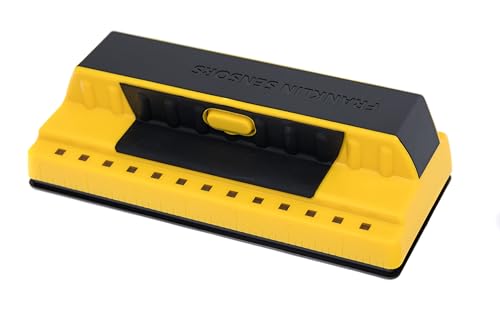
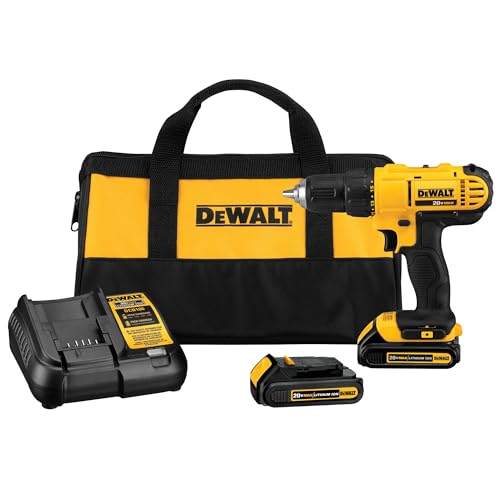
Let's talk tools. The stuff that comes in the mount box? It's rarely what you actually need for a solid installation. We've learned this the hard way across thousands of installs. You need a multi-sensor stud finder that actually works (not those cheap ones that beep at random), a digital level for precision, and a cordless drill with proper torque control. But here's where it really matters: the hardware. Those included lag bolts? Toss them. Use Grade 5 steel lag bolts - 3/8 inch diameter, 3 to 4 inches long for wood studs. They provide way more holding strength. For hollow walls, get toggle anchors rated at 100+ pounds each. Drywall alone holds only about a 32-inch, 30-lb TV on rated toggles; anything bigger needs a stud. Masonry work? You'll need a hammer drill with proper masonry bits and anchors. We never use the manufacturer's hardware for the actual structural mounting. Choose your fasteners based on your specific wall type, TV weight, and mount style. Good tools and proper hardware are what separate installations that last 20 years from ones that fail after two.

Full selection TV Mounting Tool Kits on Amazon

💡 Professional Installation Rule: Never use manufacturer-included hardware for structural mounting applications. Professional-grade lag bolts, anchors, and fasteners provide superior holding strength and long-term reliability. Verify all pilot hole diameters match fastener specifications for optimal holding power.

Cable Management & Smart Integration - Professional Wire Concealment Systems

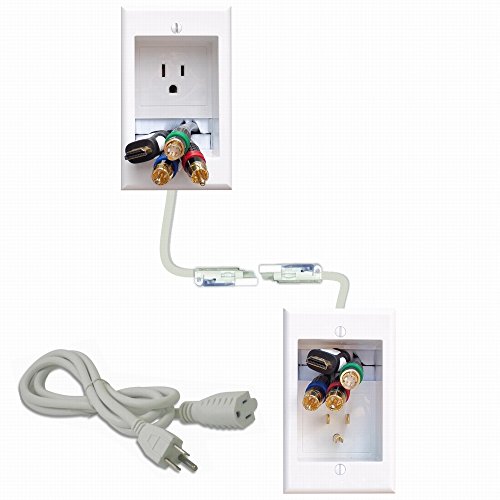
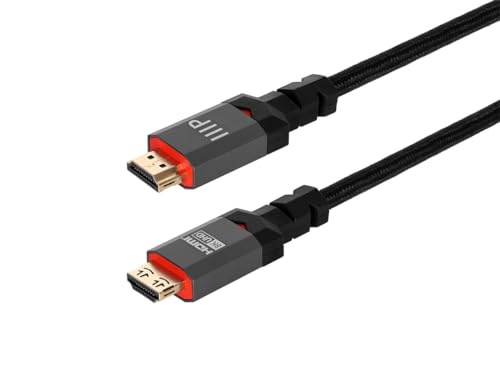
Want to know what separates a mediocre installation from a great one? Cable management. We've seen too many beautiful TV mounts ruined by cables dangling down the wall. Plan this before you drill anything. Code-compliant in-wall power kits are the way to go - they relocate your outlet behind the TV while meeting NEC electrical codes. No more extension cords running through your wall (which is actually a code violation and fire hazard). For rentals or situations where you can't cut into walls, paintable cable raceways work surprisingly well. They blend right in after a coat of wall paint. If you're running HDMI in the wall, make sure it's CL3 rated - that's the fire-safety requirement. Get HDMI 2.1 certified cables for future-proofing (48Gbps bandwidth handles 8K no problem). Some folks go all out with a motorized pull-down mount that lowers the TV from above the mantel with a remote. Whatever your setup, figure out cable management during your planning phase, not after everything's already mounted. Trust us on this one.

PowerBridge In-Wall Cable Kit

In-Wall Power

Best forHiding power behind the TV

Code-compliant outlet relocation per NEC

Shop on Amazon
J Channel Cable Raceway

Cable Raceway

Best forRentals, walls you cannot cut

Paintable, blends in after a coat

Shop on Amazon
MantelMount Pull-Down System

Smart Mount

Best forMotorized adjustment over fireplaces

RF remote with saved memory positions

Shop on Amazon
Certified HDMI 2.1 In-Wall

HDMI Cables

Best forIn-wall HDMI runs

CL3 fire rating, HDMI 2.1, 48Gbps

Shop on Amazon
Full selection TV Cable Management on Amazon
Professional Cable Management Planning Route network cables during installation for smart TV connectivity and streaming devices Plan power outlet relocation before cutting drywall openings Use only CL3-rated cables for in-wall HDMI routing (fire code requirement) Consider future device additions when planning cable capacity Integrate voice assistant compatibility for smart home control systems

Professional Installation Safety & Long-Term Maintenance Protocols

Safety isn't just a checkbox - it's what keeps your expensive TV on the wall for decades. After installing thousands of mounts and doing years of follow-up service, we've seen what works and what fails. Before we even touch a wall, we assess the structure. What's behind that drywall? Where are the studs? Can the wall actually handle the load? Here's a rule we never break: use mounts rated for at least 150% of your TV's weight. That extra capacity accounts for the dynamic forces when you're adjusting the TV or if something bumps into it. If electrical work's involved, GFCI protection is required for wet locations - kitchens, bathrooms, you get it. After installation, we test everything with gentle pressure before letting go of the TV. Sounds obvious, but you'd be surprised. Maintenance matters too. Check those lag bolts quarterly - wood compresses over time. Lubricate pivot points annually. Inspect cables for stress points. Most failures we see are preventable with basic maintenance. When should you call a pro? Above-fireplace installs, masonry walls, metal studs, anything involving electrical work, or TVs 75 inches and up. Our $129-$399 flat rate beats a $2,000 TV crashing down.

Professional Safety Requirements:

  • Comprehensive wall structure analysis determines appropriate mounting method for drywall, plaster, brick, concrete, or metal stud construction
  • Mount weight ratings must exceed TV weight by at least 25% (an 80 lb TV needs a mount rated to 100 lb or more)
  • In-wall electrical work requires licensed electrician for code compliance and GFCI protection where applicable
  • Safety cables provide redundant backup security for large TVs in seismic zones or high-traffic commercial installations
  • Two-person installation teams required for TVs 65" and larger to prevent installation injuries and equipment damage

Professional Installation Checklist:

  • ✅ Wall stud locations verified using electronic stud finder AND manual knock testing for accuracy confirmation
  • ✅ Pilot holes drilled to exact specifications preventing wood splitting and ensuring optimal holding power
  • ✅ Cable management pathways planned and implemented before final mount installation
  • ✅ Mount wall plate pull-tested at 2x the TV's weight before TV attachment
  • ✅ Full articulation range tested ensuring clearance from walls, furniture, and architectural features
  • ✅ Final level verification confirms perfect TV positioning for optimal viewing aesthetics

Common Installation Mistakes Professional Installers Avoid:

  • ❌ Using manufacturer-included hardware for structural mounting (upgrade to professional-grade lag bolts and anchors)
  • ❌ Ignoring actual stud spacing when selecting mount systems (verify 16" on center spacing before purchasing)
  • ❌ Weight ratings picked without allowing for the extra load an articulating arm puts on the wall
  • ❌ Poor cable planning creating visible wire runs discovered after mount installation completion
  • ❌ Insufficient pilot hole depth causing lag bolts to bottom out before achieving proper thread engagement
  • ❌ Mounting to drywall without stud location or proper hollow wall anchors (recipe for catastrophic failure)

Professional Maintenance Schedule for Long-Term Reliability:

  • 🔧 Monthly: Verify lag bolt tightness using appropriate socket wrench (re-tighten if necessary as wood compression occurs)
  • 🔧 Quarterly: Inspect cable routing for stress points, wear, or pinching requiring repositioning
  • 🔧 Annually: Lubricate articulating pivot points with white lithium grease for smooth operation and corrosion prevention
  • 🔧 Annually: Check wall plate attachment for separation or movement indicating potential structural issues requiring immediate attention
  • 🔧 Every 2-3 years: Full structural inspection including behind-TV visual check for wall damage, cable deterioration, and mount component wear

When Professional Installation is Essential: Complex installation scenarios including above-fireplace mounting requiring heat shields, masonry wall installations demanding hammer drilling and masonry anchors, metal stud construction requiring specialized toggle anchors, in-wall electrical work necessitating licensed electrician expertise, ceiling-mounted applications, outdoor weatherproof installations, and large TVs (75"+) benefit significantly from professional installation. At Express Mounting, professional installation is $129-$399 by TV size plus published add-ons (in-wall concealment $99, masonry $99), a small cost next to TV investments ranging $500-5,000+.

Browse Safety & Maintenance Products: TV Mount Maintenance & Safety on Amazon
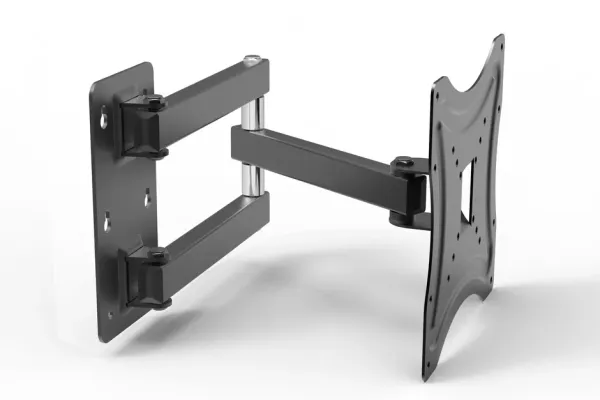
Full-motion wall mounts run $80-300, tilting $40-90, and fixed $20-60 - and after 9,747+ installs the failure point is almost never the mount, it is the match between mount, VESA pattern, and wall. Every bracket below is one we have hung repeatedly; pick by TV size and how far the viewing angle swings, then let the wall type decide the hardware.

Not sure which pattern your TV uses? Look it up in seconds with our free TV VESA Finder; it shows the VESA size and panel weight listed for your model and the mounts that fit.

Quick note: This page contains Amazon affiliate links. We may earn a small commission at no extra cost to you if you buy through them. Our picks are the hardware our crews install on real customer walls, not spec-sheet guesses.

Need professional installation in Metro Atlanta? Call (470) 777-4077 for same-day TV mounting service in 437 cities across our 13 US metros. Flat-rate pricing: $129-$399 basic, $99/TV cable concealment, +$99 masonry surcharge.

Frequently Asked Questions - TV Wall Mounts

What is the best TV wall mount for a 65-inch TV?

For a 65-inch TV, we recommend a full motion mount rated for at least 100 lbs that covers your TV's VESA pattern (most 65-inch sets use 300x300 or 400x300, not 400x400). The Sanus VLF628 and ECHOGEAR MaxMotion are excellent choices that provide smooth articulation, integrated cable management, and dual-arm stability. Always choose a mount rated for 150% of your TV's weight.

Can I mount a TV on drywall without studs?

Only small ones. Drywall alone holds only about a 32-inch, 30-lb TV on rated toggles; anything bigger needs a stud, and a full-motion arm always does. Use four or more toggles, and we anchor into two studs wherever the layout allows. If studs are not in your desired location, install a plywood backer plate spanning multiple studs or consider a floor-standing TV mount as an alternative.

What tools do I need to wall mount a TV?

Essential tools include a multi-sensor stud finder, cordless drill with torque control, 3/8-inch Grade 5 lag bolts, a digital level, socket wrench set, and a pencil for marking. For in-wall cable management, you will also need a drywall saw, fish tape, and CL3-rated HDMI cables. We recommend a second person to help hold the TV during hanging.

How high should I mount my TV on the wall?

The center of the TV screen should be at seated eye level, typically 42-48 inches from the floor in a living room and 42-50 inches in a bedroom. For above-fireplace installations, the center may be 60-70 inches high with a tilting or pull-down mount to angle the screen downward. Measure from your actual seating position for the most comfortable viewing height.

Can I mount a 65" TV on drywall?

Yes, but only with proper technique - and honestly, most DIYers get this wrong. Here's what we've learned from mounting thousands of TVs: you absolutely must hit studs with lag bolts for the wall plate. Drywall alone won't support a 65" TV (typically 40-60 lbs) plus the dynamic forces from adjusting a full motion mount. We use 3/8-inch Grade 5 lag bolts that go at least 2.5 inches into the stud - not those wimpy included screws. If you can't hit studs where you want the TV, you'll need to install blocking between studs or use a different mounting location. Those toggle anchors rated for "100 lbs each"? They're emergency options only, not primary support. After 9,747+ installations, we've seen what happens when people mount to just drywall - and it's expensive.

How much weight can a TV mount hold?

It's not just about the mount's rating - it's about your wall structure. A quality mount rated for 150 lbs will absolutely hold that weight when properly installed into studs. But here's the catch: improper installation reduces that capacity to basically zero. We always choose mounts rated for at least 150% of the TV's actual weight because you need that safety margin for dynamic forces. When you're pulling out a full motion mount or accidentally bump into it, those temporary forces exceed static weight significantly. Wall type matters huge - wood studs with proper lag bolts can easily handle 150+ lbs. Drywall with toggle anchors? Drywall alone holds only about a 32-inch, 30-lb TV on rated toggles; anything bigger needs a stud, and a full-motion arm always does. Concrete or brick with proper masonry anchors? Those can handle massive weights. The mount's rating is only meaningful when the wall structure can actually support it.

Do I need to mount into studs?

For almost every TV, yes. Drywall alone holds only about a 32-inch, 30-lb TV on rated toggles; anything bigger needs a stud. Skipping the studs is the mistake we see most, and it causes a lot of the TV mounting failures we get called to fix. Studs provide the structural support - drywall is just a decorative surface that crumbles under load. Wood studs spaced 16 inches on center are standard, and you need to hit at least two of them with your wall plate. Use a multi-sensor stud finder, verify with a knock test, and drill a small test hole to confirm before committing to the mount installation. We've done emergency repairs on TVs that fell because someone mounted to "just the drywall with really good anchors." Those anchors rip right through drywall when the TV's weight pulls on them over time. Metal studs require different hardware (specialized toggle anchors), and masonry walls need concrete anchors with hammer drilling. But the principle remains: mount to structural support, not surface material.

What's the difference between fixed and full motion mounts?

Fixed mounts hold the TV flat against the wall with basically no movement - you're looking at 0.8 to 1.25 inch profiles that create that floating TV look everyone wants. They're perfect for dedicated viewing areas where your seating position stays constant. Full motion mounts have articulating arms that extend, swivel, and tilt - typically 16 to 32 inches of extension, 90 degrees of swivel each direction, and up to 15 degrees of tilt. They're essential for rooms with multiple seating areas, windows creating glare at different times, or above-fireplace installations where you need downward tilt. The tradeoff? Full motion mounts stick out further, cost more ($150-300 vs $50-150), and require more heavy-duty wall installation because of the torque they put on the wall when extended. Having installed plenty of both types, we recommend full motion for living rooms and primary bedrooms where flexibility matters, fixed mounts for dedicated home theaters and commercial installations.

How high should I mount my TV?

Eye level when seated is the golden rule: typically 42 to 48 inches from the floor to the TV's center, or 42 to 50 inches in a bedroom. But here's where it gets nuanced. For casual TV watching, center the screen at your seated eye level. For dedicated home theaters, position it slightly lower so the top third of the screen is at eye level - that's the cinema standard. Above-fireplace installations? You'll be tilting downward regardless of height, so 60-70 inches to center is common. We measure from your actual seating position, not standing height. TV size matters too - a 75" screen mounted at the same center height as a 55" will have more screen above your eye line. Walk through your room, sit where you'll actually watch TV, and have someone hold a piece of cardboard at different heights until it feels comfortable. That's your mount height. Don't just guess and hope; we remount a lot of TVs that people installed too high.

Can I install a TV mount by myself?

Maybe, depending on the TV size and your comfort with tools. TVs under 55 inches and under 40 lbs? Definitely doable solo if you've got a stud finder, cordless drill, level, and basic DIY skills. You'll want someone to help hold the TV during the final hang though - even a 40 lb TV is awkward to position while aligning mount brackets. TVs 65 inches and larger absolutely require two people - that's 50-75+ lbs of expensive equipment you're lifting above your head while trying to hook it onto brackets. The actual mount installation (drilling, mounting wall plate, routing cables) you can handle solo. But the TV hanging part? Get help. We've seen too many dropped TVs, strained backs, and cracked screens from people trying to be heroes. Professional installation (at Express Mounting, $129-$399 by TV size plus any add-ons) brings the right tools, experience with your specific wall type and cable management know-how, and our work carries a 3-year workmanship warranty. For basic setups on standard drywall, DIY is reasonable. Above-fireplace, masonry walls, in-wall power work, or premium TVs? Call a pro.

We hang what we recommend.

Book the install: we bring the fasteners, find the studs, and hide the wires in the wall for $99 if you want them gone.

Find Your Complete Mounting Solution

Ready for professional TV mounting? Shop our recommended complete mounting systems with reinforced hardware, cable management and installation guides, picked from what holds up across our 9,747+ installs.

Find Your TV's Mount Get a Pro Quote