Professional Cable Management Systems - Clean TV Installations
Nothing ruins a beautiful TV mount faster than cables hanging down the wall. We've done this 7,457+ times, and cable management is where amateurs and pros really separate. The good news? You've got options for every situation. In-wall power kits that actually meet electrical code, paintable raceways that disappear after you match your wall color, properly rated HDMI cables that won't catch fire inside your walls. Look, code compliance isn't optional here - extension cords through walls are illegal for a reason (fire hazard). Whether you can cut into walls or need surface solutions, there's a right way to handle every cable. The floating TV look everyone wants? That only happens with proper wire concealment planned before you start drilling holes.
🔌 In-Wall Power Relocation Systems
Code-compliant power relocation eliminates extension cords and provides safe power behind mounted TVs.
| Picture | Product | Capacity | Key Features | Shop |
|---|---|---|---|---|
![]() |
Legrand In-Wall TV Power Kit | 15-amp | UL-listed, Integrated USB charging, Brush pass-through, NEC Article 400.8 compliant | |
![]() |
PowerBridge TWO-PRO | 15-amp | Dual power outlets, Cable pass-through, Recessed installation | |
![]() |
DataComm 50-3323-WH-KIT | 15-amp | Power inlet + outlet, Cable management system, White finish |
💡 Installation Requirements: Electrical knowledge required • Proper circuit routing • Local code compliance • GFCI protection where required
Browse All: https://www.amazon.com/s?k=in+wall+power+relocation+TV&tag=expressmounti-20
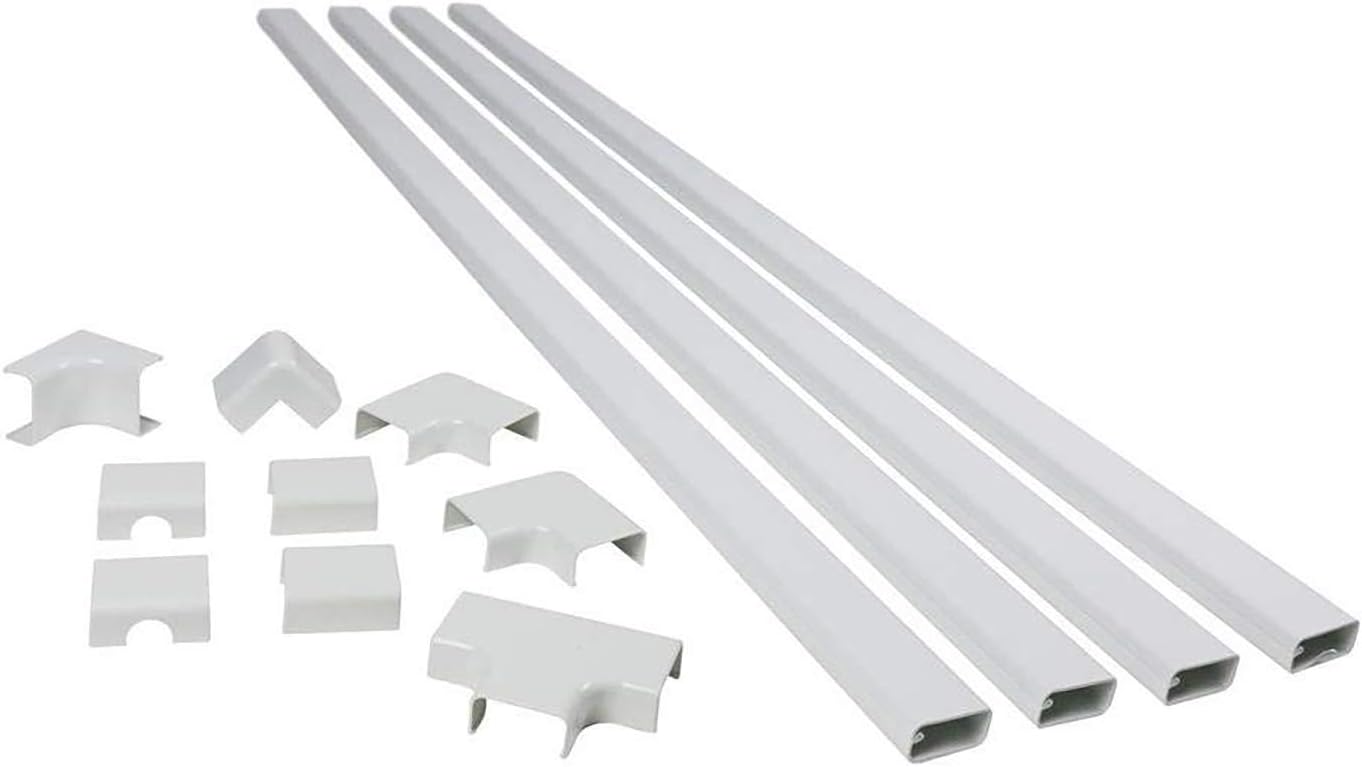
📏 Surface-Mounted Cable Raceways
Clean wire concealment when in-wall routing isn't possible. Paintable options for seamless wall integration.
| Picture | Product | Size | Key Features | Shop |
|---|---|---|---|---|
![]() |
Legrand Wiremold C110 | 5-foot lengths | Snap-on covers, Paintable PVC, 0.75" × 0.5" profile | |
![]() |
D-Line Paintable Cable Covers | Various sizes | Self-adhesive backing, Flexible for corners, Multiple sizes | |
![]() |
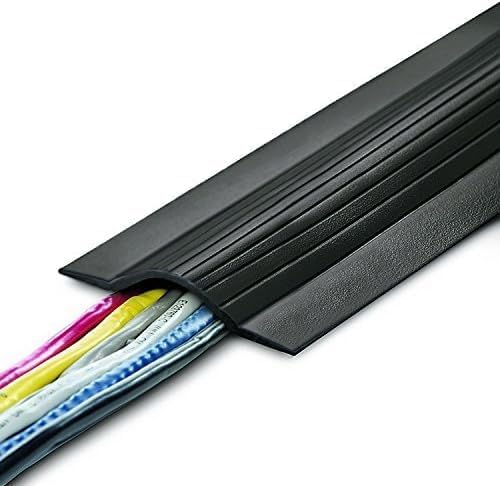
UT Wire Cord Protector | Floor protection | Split design, Easy installation, Floor-level protection |
💡 Installation: Measure cable runs • Cut raceways to length • Mount with appropriate fasteners • Paint to match wall colors
💡 Perfect For: Rental properties • Brick walls • Temporary installations
Browse All: https://www.amazon.com/s?k=paintable+cable+raceways+TV&tag=expressmounti-20
📺 HDMI & High-Speed Cable Solutions
High-speed cables ensure optimal signal integrity for 4K, 8K, and gaming applications with proper routing.
| Picture | Product | Specs | Key Features | Shop |
|---|---|---|---|---|
![]() |
Zeskit Maya 8K HDMI In-Wall | 48Gbps, HDMI 2.1 | CL3 fire rating, Ultra High Speed certified, 8K @ 60Hz | |
![]() |
Monoprice SlimRun HDMI | 48Gbps, HDMI 2.1 | 32AWG ultra-thin, Flexible jacket, Tight space routing | |
![]() |
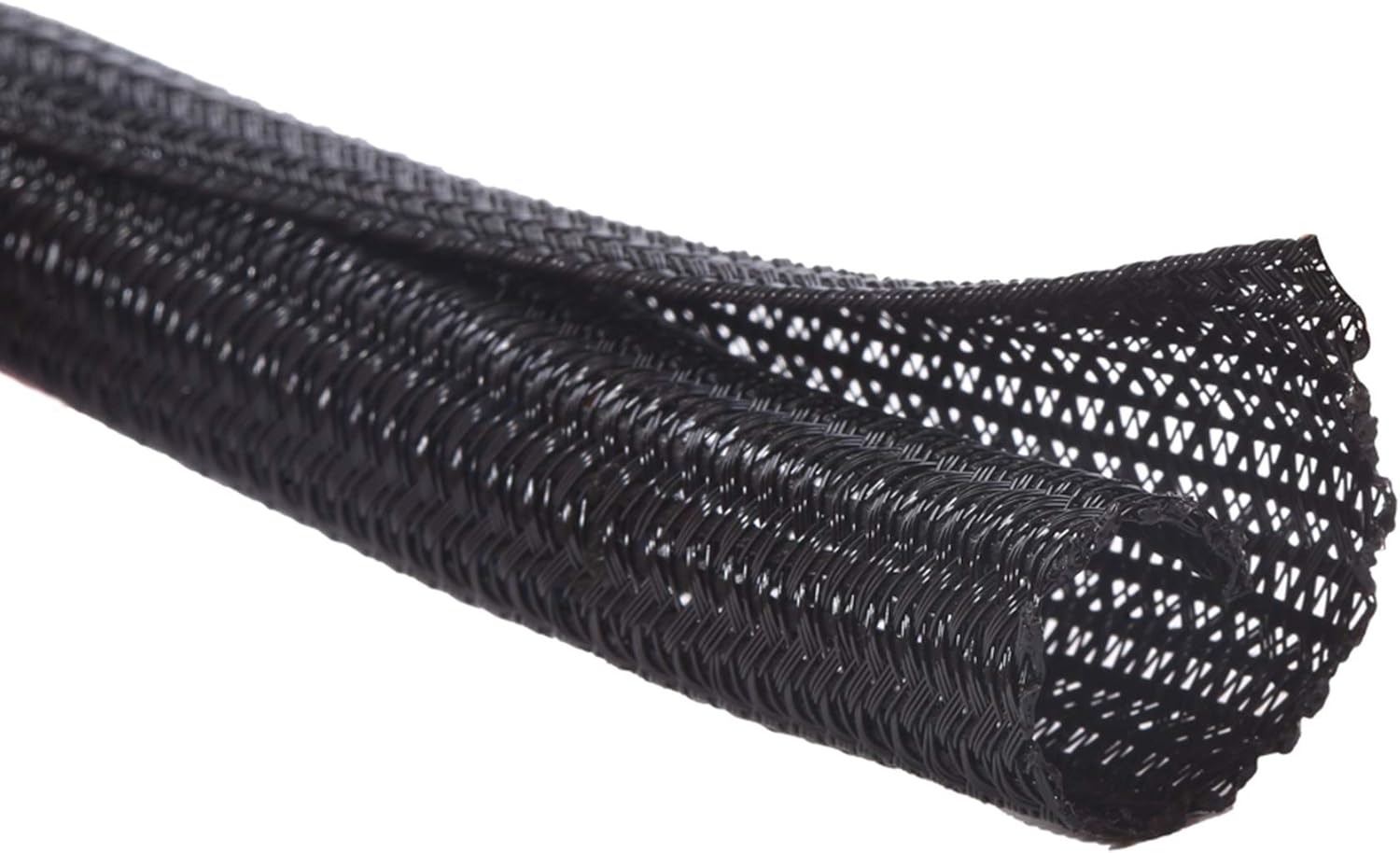
Spiral Cable Wrap | Cable organizer | Multiple cables bundled, Flexible spiral design | |
![]() |
Adhesive Cable Clips | Organization | Secure cables along paths, Easy installation |
💡 Installation: Maintain proper bend radius • Prevent interference from power cables • Future-proof with HDMI 2.1 • Always use certified cables
Browse All: https://www.amazon.com/s?k=HDMI+cable+management+in+wall&tag=expressmounti-20
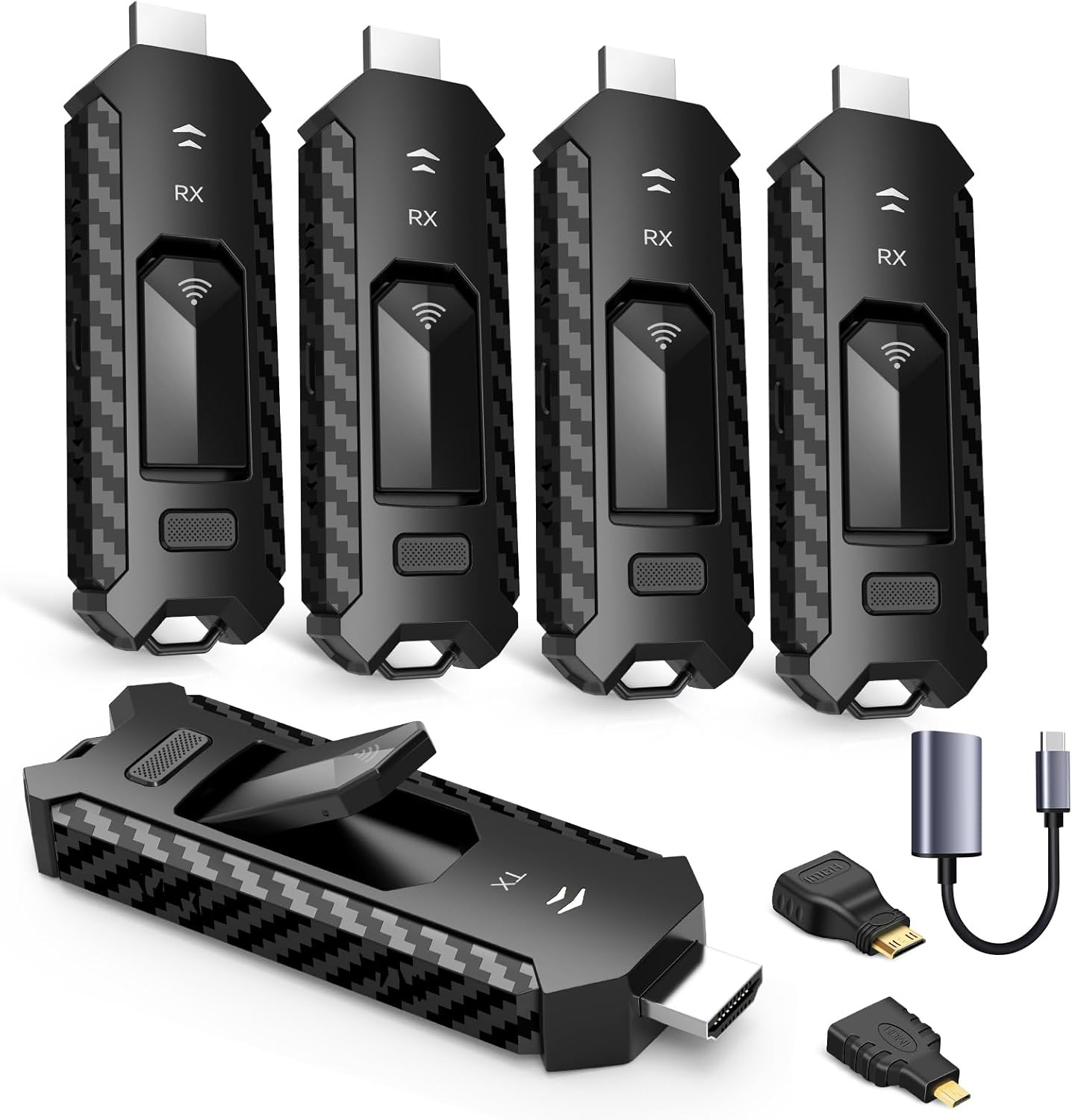
📡 Wireless Power & Connectivity Solutions
Reduce cable complexity with wireless solutions for power and connectivity.
| Picture | Solution | Type | Key Features | Shop |
|---|---|---|---|---|
![]() |
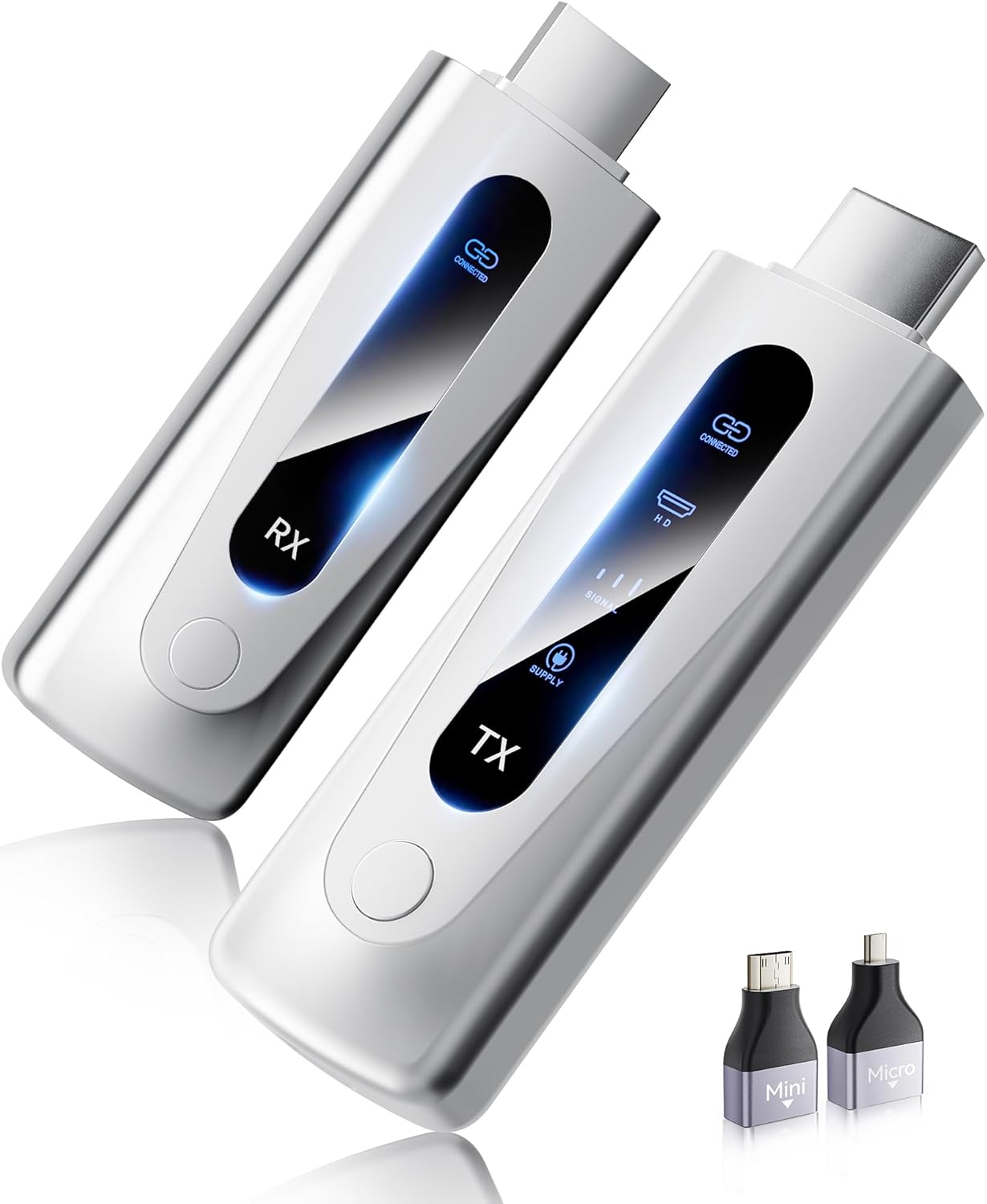
IOGEAR Wireless HDMI Kit | Video transmission | 4K up to 150 feet, Zero latency, Multiple sources | |
![]() |
PoE Splitters for TVs | Power delivery | Power via Ethernet, Network + power combined | |
![]() |
Furniture Power Modules | Wireless charging | Integrated wireless charging, USB ports | |
![]() |
Wireless Display Adapters | Screen mirroring | 4K streaming, WiFi connectivity, No HDMI cables |
💡 Setup: Network optimization • Interference testing • Backup wired connections for critical applications
Browse All: https://www.amazon.com/s?k=wireless+HDMI+TV+solutions&tag=expressmounti-20
🔧 Low Voltage & Communication Cables
Data, communication, and control wiring for smart TV installations and home automation integration.
| Picture | Product | Type | Key Features | Shop |
|---|---|---|---|---|
![]() |
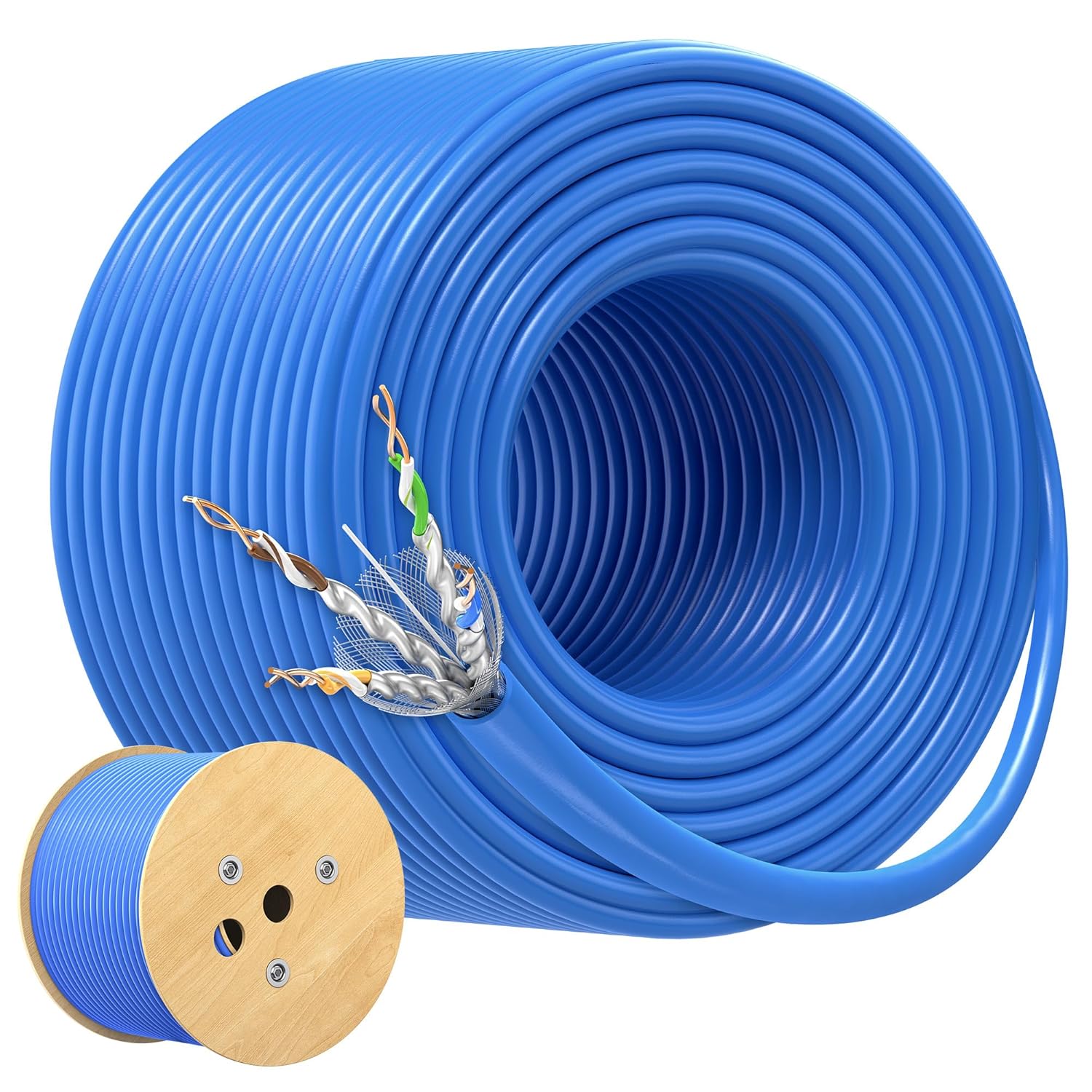
Cat 6A Ethernet In-Wall | Data cable | 10Gbps transmission, CMP fire rating, Plenum rated | |
![]() |
Arlington LVN1 Low Voltage Bracket | Termination box | Code-compliant, Data cable termination, Single gang | |
![]() |
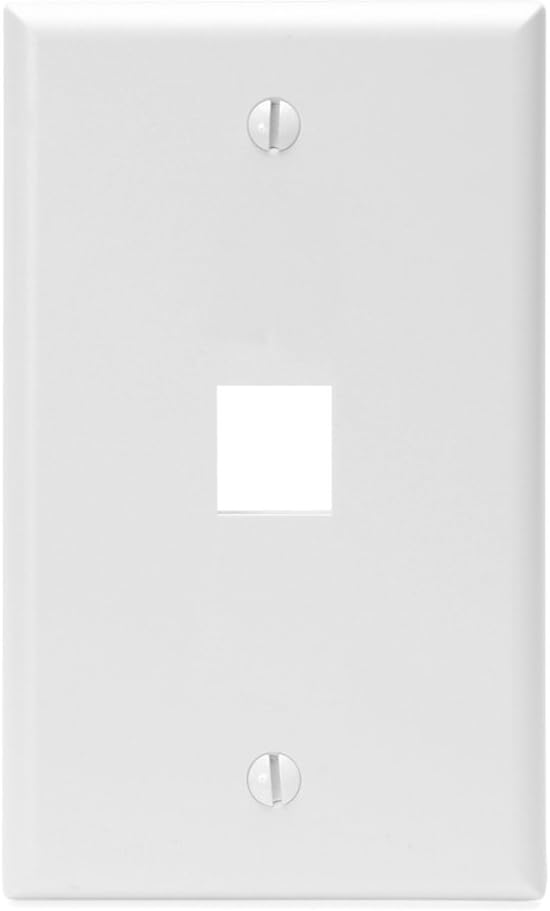
Leviton QuickPort Boxes | Multi-cable box | Multiple cable types, Single gang opening, Modular design | |
![]() |
14 AWG In-Wall Speaker Wire | Audio cable | CL3 fire rating, Surround sound connections | |
![]() |
Speaker Wire Wall Plates | Termination | Clean connections, Professional appearance |
💡 Installation: Follow NEC Article 725 requirements • Local building codes • Professional low voltage installation
Browse All: https://www.amazon.com/s?k=low+voltage+cable+management&tag=expressmounti-20
🛠️ Professional Installation Tools
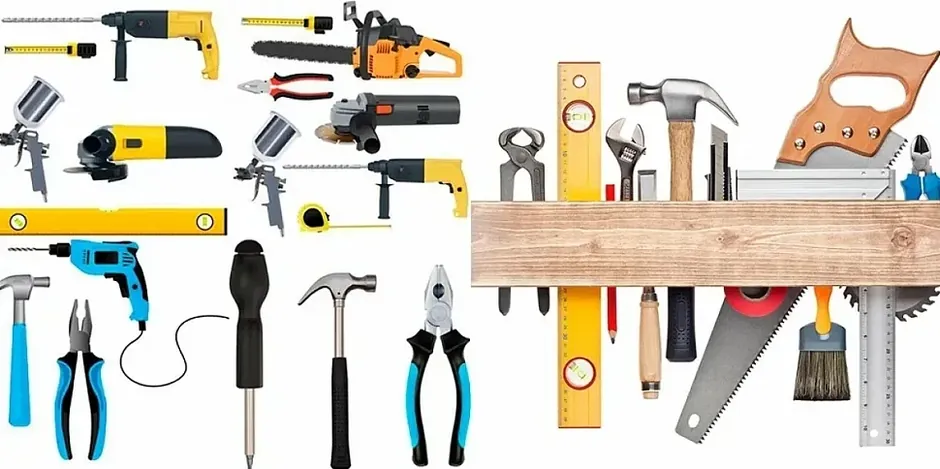
Specialized tools for clean, code-compliant cable management installations.
| Picture | Tool Category | Product | Key Features | Shop |
|---|---|---|---|---|
![]() |
Fish Tape | Klein Tools Fish Tape Set | 25-foot fiberglass rod, Steel fish tape, Magnetic tip | |
![]() |
Drywall Saw | Cable Management Drywall Saw | Precise openings, Box cutting, Plate installation | |
![]() |
Multi-Tool | Oscillating Multi-Tool | Clean cuts, Existing wiring work | |
![]() |
Cable Lubricant | Wire Pulling Lubricant | Reduces friction, Conduit runs | |
![]() |
Cable Tester | Network Cable Tester | Signal integrity verification, Multiple cable types | |
![]() |
Voltage Tester | Non-Contact Voltage Tester | Electrical safety, Circuit verification |
💡 Safety: Always verify circuits are de-energized before cutting into walls • Proper planning • Code knowledge
Browse All: https://www.amazon.com/s?k=professional+cable+installation+tools&tag=expressmounti-20
✅ Code Compliance & Safety
Professional cable management must meet electrical codes and safety standards for reliable, safe installations.
NEC Code Requirements:
- Article 400.8: Prohibits extension cords in walls
- Article 725: Governs low voltage wiring
- Article 760: Covers fire alarm circuits when applicable
Fire Rating Requirements:
- CL3 rated cables: Required for in-wall HDMI and data lines
- CMP (plenum) rating: Needed for air handling spaces
- Proper cable selection: Prevents fire code violations
Electrical Safety:
- GFCI Protection: Required for outlets in bathrooms, kitchens, outdoor installations
- Proper Grounding: All electrical work requires appropriate grounding
- Licensed Electricians: Complex power work requires professional expertise
Installation Best Practices:
- ✅ Acquire permits where required
- ✅ Schedule inspections
- ✅ Document for warranty purposes
- ✅ Always consult local electrical codes
Reference Materials:
- NEC Code Reference Books: https://www.amazon.com/s?k=NEC+code+book+electrical&tag=expressmounti-20
- Fire-Rated Cable Selection: https://www.amazon.com/s?k=CL3+rated+HDMI+cables&tag=expressmounti-20
- GFCI Outlets: https://www.amazon.com/s?k=GFCI+outlets+TV+installation&tag=expressmounti-20
- Grounding Hardware: https://www.amazon.com/s?k=electrical+grounding+hardware&tag=expressmounti-20
Browse Code-Compliant Solutions: https://www.amazon.com/s?k=NEC+compliant+cable+management&tag=expressmounti-20
❓ Frequently Asked Questions - Cable Management
Can I run power cables through the wall?
Nope - and this is where people get themselves into trouble. NEC Article 400.8 explicitly prohibits running extension cords or standard power cables through walls because they're not rated for in-wall use and create fire hazards. Here's what you can do: install code-compliant in-wall power relocation kits (like PowerBridge or Legrand) that move the outlet behind your TV. These use approved wiring methods with electrical boxes and proper connections. Or hire a licensed electrician to install a new outlet behind the TV using regular Romex wiring - that's completely legal and actually the best solution if you're renovating. What you absolutely cannot do is drill two holes and feed an extension cord through your wall. It'll fail inspection if you're selling your house, it violates fire code, and insurance won't cover damage if it causes a fire. We refuse to do this on installations even when customers ask. After 7,457+ setups, we've seen the consequences of cutting corners on electrical work. Just do it right the first time.
What's code-compliant cable management?
Code compliance means following National Electrical Code (NEC) and local building codes for electrical and low-voltage wiring. For power: use approved in-wall power kits or have licensed electricians install new outlets - no extension cords through walls ever. For signal cables (HDMI, Ethernet, speaker wire): use CL3-rated cables specifically approved for in-wall installation. These have fire-resistant jackets that won't spread flames through walls if something goes wrong. CMP (plenum) rated cables are required in air handling spaces. Low-voltage wiring needs proper boxes and mounting rings at termination points. You can't just drill holes and stuff cables in walls haphazardly. Local building codes vary - some areas require permits for any electrical work, others are more relaxed about low-voltage. When in doubt, call your local building department. For rental properties, code compliance protects you from liability. For your own home, it protects your family and maintains property value. Professional installers know these codes - that's partly what you're paying for.
Do I need special HDMI cables for in-wall?
Yes - absolutely yes. Regular HDMI cables aren't rated for in-wall installation and technically violate fire code. You need CL3-rated HDMI cables (also called CL2 or CM) with fire-resistant jackets. These cost a bit more but prevent your cable from becoming a fire propagation pathway inside walls. Regular HDMI cables have PVC jackets that can melt and spread flames. CL3 cables use materials that self-extinguish. For runs over 15 feet, get active HDMI cables or fiber optic HDMI that amplify the signal - passive copper cables start degrading picture quality beyond that length. Make sure they're HDMI 2.1 certified if you're running 4K at 120Hz or 8K content. The certification matters because cheap "HDMI 2.1 compatible" cables often don't actually support full 48Gbps bandwidth. We use certified CL3-rated HDMI cables on every in-wall installation because it's the right way to do it. They're like $30-50 for quality cables - not worth risking your TV setup or home safety to save $15 on a cheap cable that might fail in two years.
How do I hide cables without cutting walls?
Paintable cable raceways are your friend - these are plastic or metal channels that mount to your wall surface and hide cables inside. Paint them to match your wall color and they basically disappear from a few feet away. They're perfect for rentals where you can't cut holes, or situations where you don't want the hassle of in-wall routing. Installation is simple: measure your cable path from TV down to your equipment, cut raceway pieces to fit, mount them with adhesive backing or small screws, route cables through the channel, snap on the cover, then paint if desired. D-Line and Legrand Wiremold make good ones. They work best on solid-color walls - textured walls make them slightly more visible. Another option: run cables behind furniture or along baseboards using cable clips. For floor-level runs, use carpet cord covers that prevent tripping hazards. You can also route cables up and over doorways painted to match trim. Get creative with your furniture placement - positioning a console table or shelving unit below your TV naturally hides vertical cable runs. After thousands of installations, we've gotten pretty good at hiding cables without touching drywall.
Is in-wall cable installation difficult?
Depends on your wall construction and comfort with cutting drywall. Standard walls with accessible stud cavities and insulation? It's moderate DIY difficulty if you've got a fish tape, drywall saw, and patience. You'll cut two rectangular holes (one behind TV, one at floor level), fish cables down through the wall cavity between studs, install low-voltage mounting rings, terminate cables, and patch any mistakes. Plaster walls are much harder - they're thicker, there's often metal lath blocking cable runs, and they're brittle (easy to crack). Exterior walls have insulation and vapor barriers complicating routing. Horizontal runs across multiple stud bays require cutting additional access holes or fancy fishing techniques. Brick and concrete? Forget DIY unless you're experienced. The actual cable pulling isn't hard once you've got access - the challenge is accessing the wall cavity, avoiding electrical wiring and plumbing, and making clean openings you can patch if needed. First-timers should expect 3-4 hours for a basic run. Pros do it in 45 minutes because we've done it thousands of times and know the tricks. If you're nervous about cutting drywall or your walls are complicated, surface-mounted raceways are easier and completely reversible.
What cables are safe to put in walls?
Low-voltage signal cables with proper ratings. CL3 (or CL2) rated cables are approved for residential in-wall installation - this includes HDMI, Ethernet, coax, speaker wire. Look for "In-Wall Rated" or "CL3" printed on the cable jacket. CMP (plenum) rated cables are required for air handling spaces like drop ceilings with HVAC. What you cannot put in walls: standard power cables, extension cords, lamp cords, regular HDMI cables without ratings, or basically anything connecting to wall power without proper electrical boxes. Low-voltage wiring (under 50 volts) is generally safe DIY territory. Line voltage wiring (120V household power) requires licensed electricians and proper electrical codes. Speaker wire should be 14 or 16 AWG rated for in-wall use. Ethernet should be Cat6 or Cat6a for future-proofing. When we install cables, we separate power from signal cables by at least 6 inches to prevent electromagnetic interference. Bundle signal cables together with velcro ties, secure them to studs every few feet so they don't sag, and leave service loops at both ends for future adjustments. Proper cable installation lasts decades - shortcuts fail within years.
Create Your Perfect Cable Management Setup
Ready for a clean TV installation? Browse our professional cable management solutions tested through thousands of installations. Each system ensures code compliance and pristine aesthetics.
Shop All Cable Management- Phone: (470) 888-0030
- Service Area: Atlanta Metro & North Georgia
- Hours: Monday-Sunday 9:00 AM - 6:00 PM
- Experience: 7,300+ TVs Successfully Mounted
Same-Day Service Available | Free Estimates | 100% Satisfaction Guarantee