Commercial Digital Signage - Business Display Solutions
Commercial display installations have different requirements than residential TV mounting. Businesses need displays that run continuously, withstand higher ambient temperatures, and maintain visibility in bright environments. Menu boards, lobby displays, wayfinding signage, and retail advertising all benefit from commercial-grade equipment designed for 24/7 operation. We work with restaurants, offices, retail stores, and other businesses throughout Atlanta on professional signage installations. From single lobby displays to multi-screen video walls, the right equipment and proper installation determine long-term reliability and visual impact.
🏢 Commercial-Grade Displays
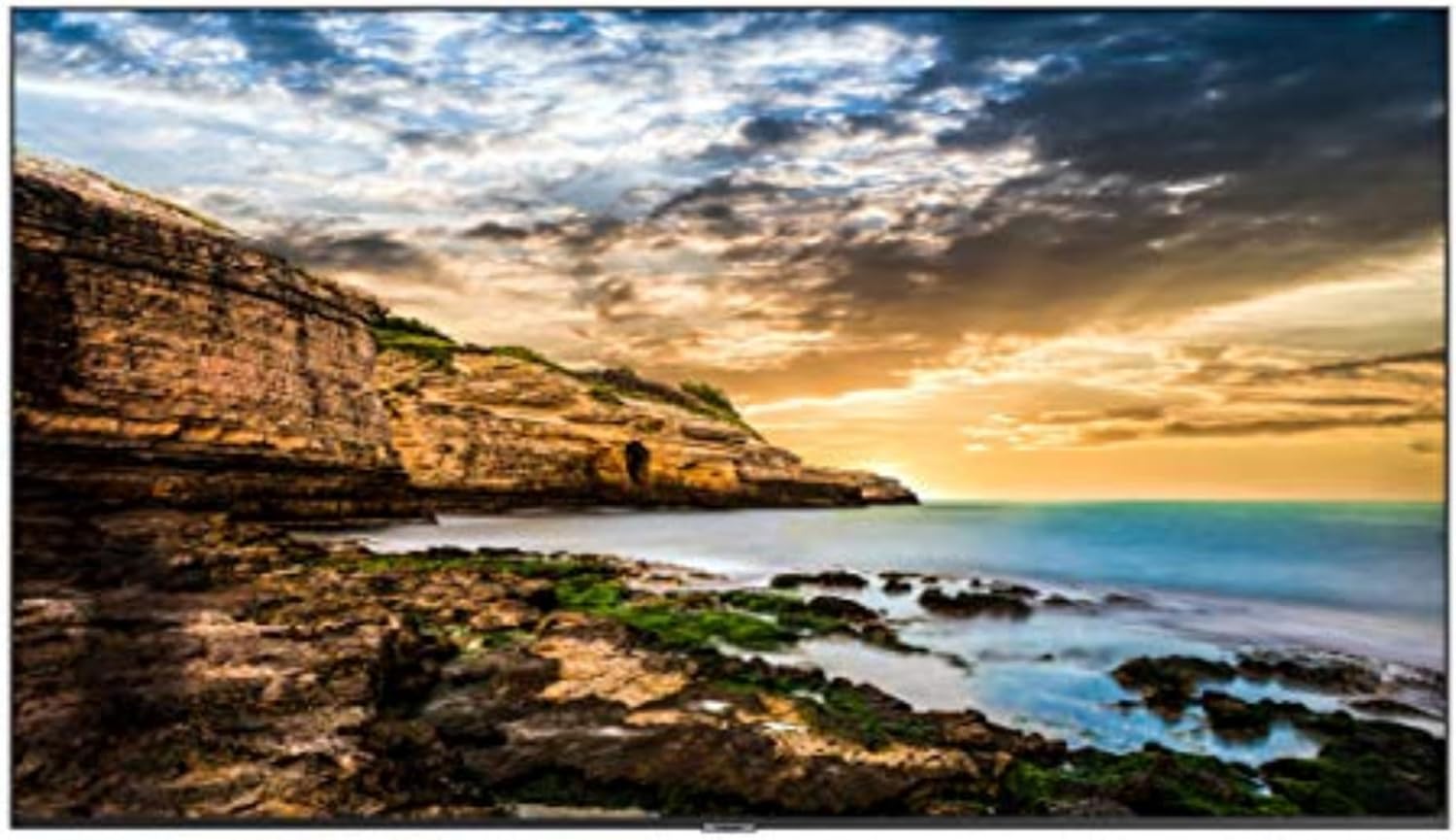
Consumer TVs aren't designed for commercial use - they overheat when run continuously, lack brightness for retail environments, and have shorter warranties that exclude business use. Commercial displays are built for 16-24 hour daily operation with better cooling, higher brightness (typically 350-700 nits vs 250-400 for consumer TVs), and commercial warranties. They often include features like auto-on scheduling, portrait orientation support, and RS-232 control for integration with signage systems. The higher upfront cost is offset by longer lifespan and reliability in demanding commercial environments.
| Picture | Product | Shop |
|---|---|---|
 |
LG Commercial Display |  |
 |
Samsung Business Display | |
 |
NEC Professional Display | |
💡 Commercial vs Consumer: Commercial displays cost 2-3x more but offer 24/7 operation, higher brightness, commercial warranties, and 3-5+ year lifespans vs 1-2 years for consumer TVs in commercial use
Browse All: Commercial Displays on Amazon
🍔 Digital Menu Boards
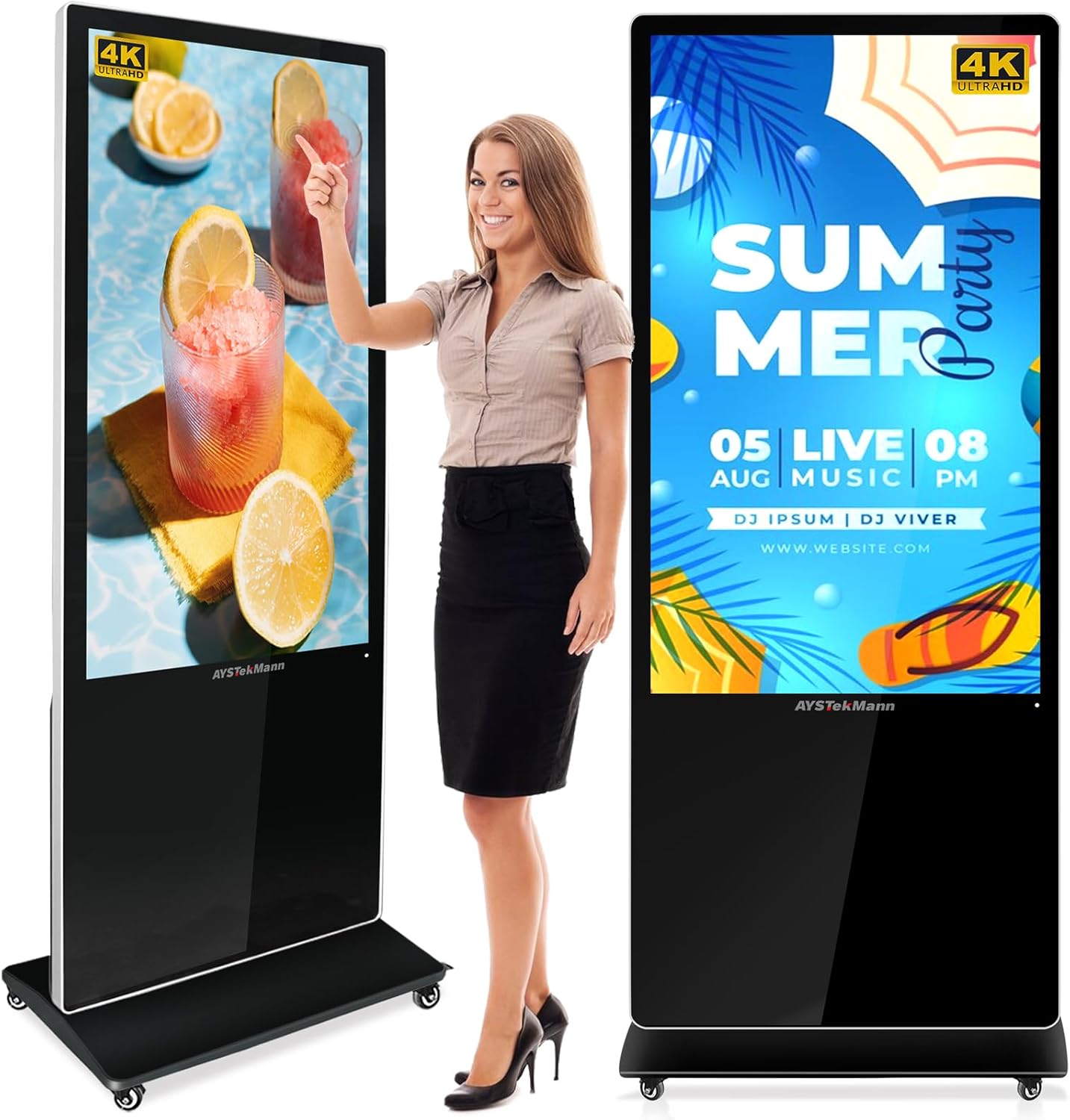
Digital menu boards revolutionize restaurant operations - instantly update prices, add items, display specials, and adjust menus by time of day. Quick service restaurants, cafes, and fast casual establishments benefit most from the flexibility and visual appeal. Complete menu board systems include displays, media players, and content management software. High brightness is essential for visibility in well-lit restaurant environments. Consider portrait orientation for vertical menu layouts.
| Picture | Product | Shop |
|---|---|---|
 |
Digital Menu Board Display | |
 |
Digital Signage Media Player | |
 |
Outdoor Menu Board Enclosure | |
💡 Menu Board Tips: 500+ nits brightness for well-lit restaurants • Portrait orientation often preferred • Cloud-based CMS allows remote updates • Consider multi-screen arrays for extensive menus
Browse All: Digital Menu Boards on Amazon
🔩 Commercial Mounting Solutions
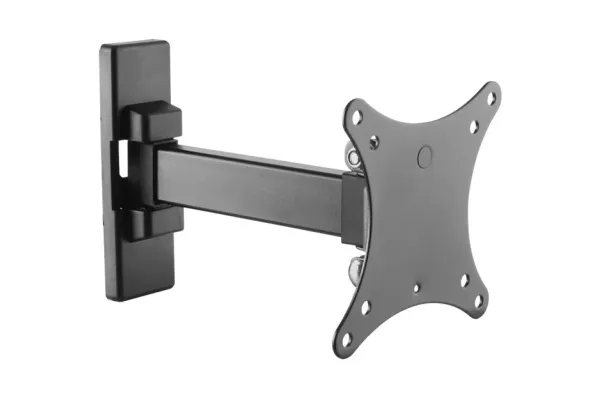
Commercial installations require heavier-duty mounting hardware than residential work. Commercial mounts feature higher weight capacities, security features to prevent theft or tampering, and designs that accommodate 24/7 operation heat requirements. Many commercial mounts include cable management, ventilation considerations, and locking mechanisms. Video wall mounts support precise alignment of multiple displays. Ceiling mounts position displays in retail environments without taking floor or wall space.
| Picture | Product | Shop |
|---|---|---|
 |
Chief Commercial Wall Mount | |
 |
Peerless Video Wall Mount | |
 |
Commercial Ceiling Mount | |
 |
Digital Kiosk Stand | |
Browse All: Commercial Mounts on Amazon
📊 Content Management Systems
Hardware is only part of digital signage - you need software to manage and display content. Content Management Systems (CMS) range from simple USB playback to sophisticated cloud platforms with scheduling, remote management, and multi-location control. Consider: how often content changes, how many displays you're managing, whether you need remote access, and your technical comfort level with software.
CMS Options by Complexity:
| Solution | Best For | Features |
|---|---|---|
| USB Playback | Single display, static content | Simple, no internet needed |
| Built-in Display CMS | Small deployments | Basic scheduling, limited features |
| Cloud CMS (ScreenCloud, Rise Vision) | Multi-location | Remote management, templates, scheduling |
| Enterprise (BrightSign, Scala) | Large deployments | Full control, analytics, integration |
Popular Digital Signage Software: Digital Signage CMS on Amazon
❓ Frequently Asked Questions - Commercial Signage
Professional Display Solutions for Business
Need professional displays for your business? Browse our recommended commercial-grade screens, mounts, and digital signage solutions.