HDMI Switches & Input Management - Connect All Your Devices
Modern TVs typically have 3-4 HDMI ports, but many households have more devices than ports: streaming stick, game console, soundbar, cable box, Blu-ray player, laptop connection. HDMI switches solve this by letting multiple devices share one TV input. HDMI splitters do the opposite - sending one source to multiple displays. AV receivers provide switching plus audio processing for serious home theater setups. We help clients figure out which solution fits their setup during installation planning. Getting this right means no unplugging cables when you want to switch devices and clean cable management from the start.
🔀 HDMI Switches - Multiple Devices, One TV Input
HDMI switches let you connect multiple source devices (gaming consoles, streaming boxes, etc.) to a single HDMI input on your TV. When you want to use a different device, press a button on the switch or remote rather than crawling behind the TV to swap cables. Quality 4K switches maintain full signal quality without degradation. Some switches auto-detect which device is active and switch automatically. For most households with more devices than TV inputs, a 3-5 input switch solves the problem elegantly.
| Picture | Product | Shop |
|---|---|---|
 |
Kinivo 5-Port HDMI Switch |  |
 |
UGREEN 3-Port HDMI Switch | |
 |
Zettaguard 4K HDMI Switch | |
 |
HDMI 2.1 Switch (8K/4K@120Hz) | |
💡 Switch vs Splitter: Switch = many sources to one display | Splitter = one source to many displays
Browse All: HDMI Switches on Amazon
📺 HDMI Splitters - One Source, Multiple Displays
HDMI splitters send one video source to multiple TVs simultaneously - perfect for sports bars, waiting rooms, or homes where you want the same content on multiple screens. Unlike switches (which select between sources), splitters duplicate the signal. All connected displays show the same content at the same time. Quality splitters maintain 4K resolution across all outputs. Note that HDCP (copy protection) can cause issues with some content when splitting - look for splitters that handle HDCP properly.
| Picture | Product | Shop |
|---|---|---|
 |
1x2 HDMI Splitter (4K) | |
 |
1x4 HDMI Splitter (4K) | |
|
HDMI Splitter with Audio Extractor | |
💡 Splitter Tips: All displays will show the same resolution (limited by lowest-capable display) • Powered splitters required for reliable 4K • Check HDCP compatibility for streaming content
Browse All: HDMI Splitters on Amazon
🎵 AV Receivers - Complete Home Theater Control
For serious home theater setups, an AV receiver is the proper solution for input management. Receivers handle multiple HDMI inputs, process surround sound audio, power speakers, and provide seamless switching between sources. They're the central hub of a true home theater system. Modern receivers support 4K passthrough, Dolby Atmos, and often include streaming capabilities. While more expensive and complex than simple switches, receivers provide audio benefits that switches can't match.
| Picture | Product | Shop |
|---|---|---|
 |
Denon AVR-S570BT | |
 |
Yamaha RX-V4A | |
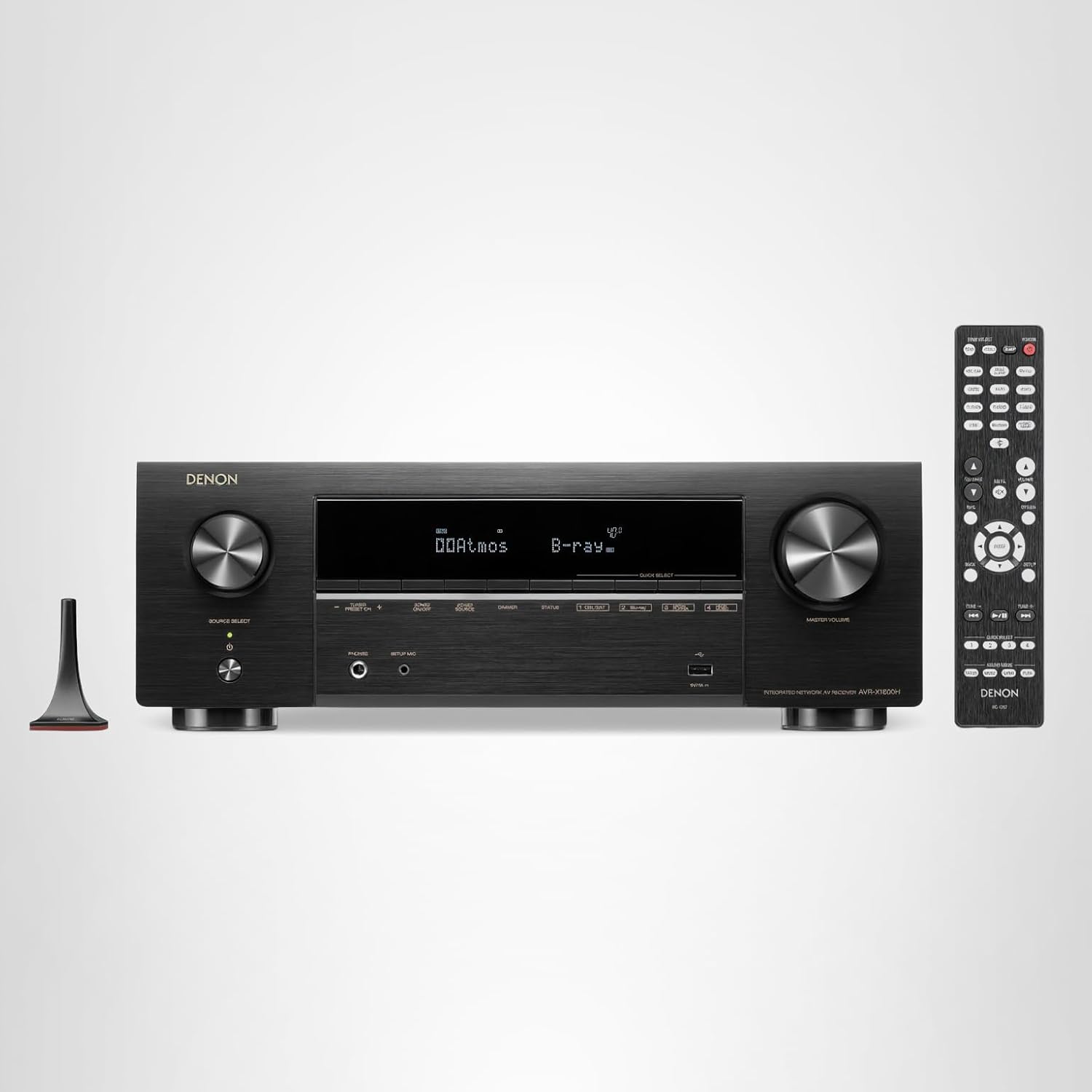 |
Denon AVR-X1800H | |
💡 When to Choose AV Receiver: You want surround sound • You have 5+ HDMI sources • You're building a dedicated home theater • You want room correction and audio processing
Browse All: AV Receivers on Amazon
🎮 HDMI 2.1 for Gaming
Next-gen gaming consoles (PS5, Xbox Series X) benefit from HDMI 2.1 features: 4K at 120Hz, Variable Refresh Rate (VRR), and Auto Low Latency Mode (ALLM). If your TV has limited HDMI 2.1 ports, you need an HDMI 2.1 switch that maintains these features. Standard HDMI 2.0 switches work fine for streaming and movies but will limit gaming performance. HDMI 2.1 switches are more expensive but essential for getting full performance from current gaming hardware.
| Picture | Product | Shop |
|---|---|---|
 |
HDMI 2.1 Gaming Switch | |
|
8K HDMI 2.1 Switch | |
💡 Gaming Switch Features to Look For: 48Gbps bandwidth • VRR/FreeSync/G-Sync support • ALLM (Auto Low Latency Mode) • Minimal input lag
Browse All: HDMI 2.1 Switches on Amazon
❓ Frequently Asked Questions - HDMI Switches
Solve Your HDMI Port Problem
Need more HDMI ports? Browse our recommended switches, splitters, and AV receivers for managing multiple devices with your mounted TV setup.