Projector Mounting Solutions - Professional Home Theater Installation
Projectors create the ultimate home theater experience - there's nothing quite like a 100+ inch image in your own media room. But projector installation is completely different from TV mounting. You're dealing with throw distance calculations, ceiling structure assessment, cable runs that often span entire rooms, and alignment that needs to be precise or your image looks terrible. We've installed projectors in dedicated theaters, living rooms, basements, and even outdoor spaces. The key to success is proper planning: screen placement first, then projector position calculated from throw ratio, then mounting solution that allows fine adjustment. Get it right and you'll have cinema-quality viewing. Get it wrong and you're staring at a trapezoid-shaped image wondering where you went wrong.
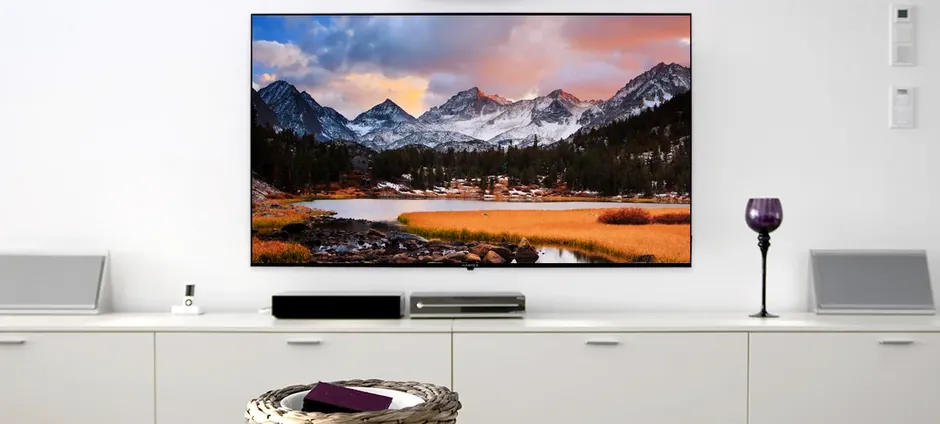
📽️ Ceiling Projector Mounts - The Standard Solution
Ceiling mounting is the gold standard for projector installation - it gets the projector out of the way, provides clean sightlines, and allows optimal throw angles. Quality ceiling mounts feature adjustable drop lengths, tilt/rotation adjustment for perfect alignment, and cable management channels. Universal mounts work with most projectors, but verify weight capacity and mounting pattern compatibility before purchasing. Some high-end projectors require brand-specific mounts. The key specification is adjustability - you need enough range to dial in perfect image alignment after installation.
| Picture | Product | Shop |
|---|---|---|
 |
Epson Universal Projector Mount |  |
 |
Chief RPA Series | |
 |
Peerless Universal Mount | |
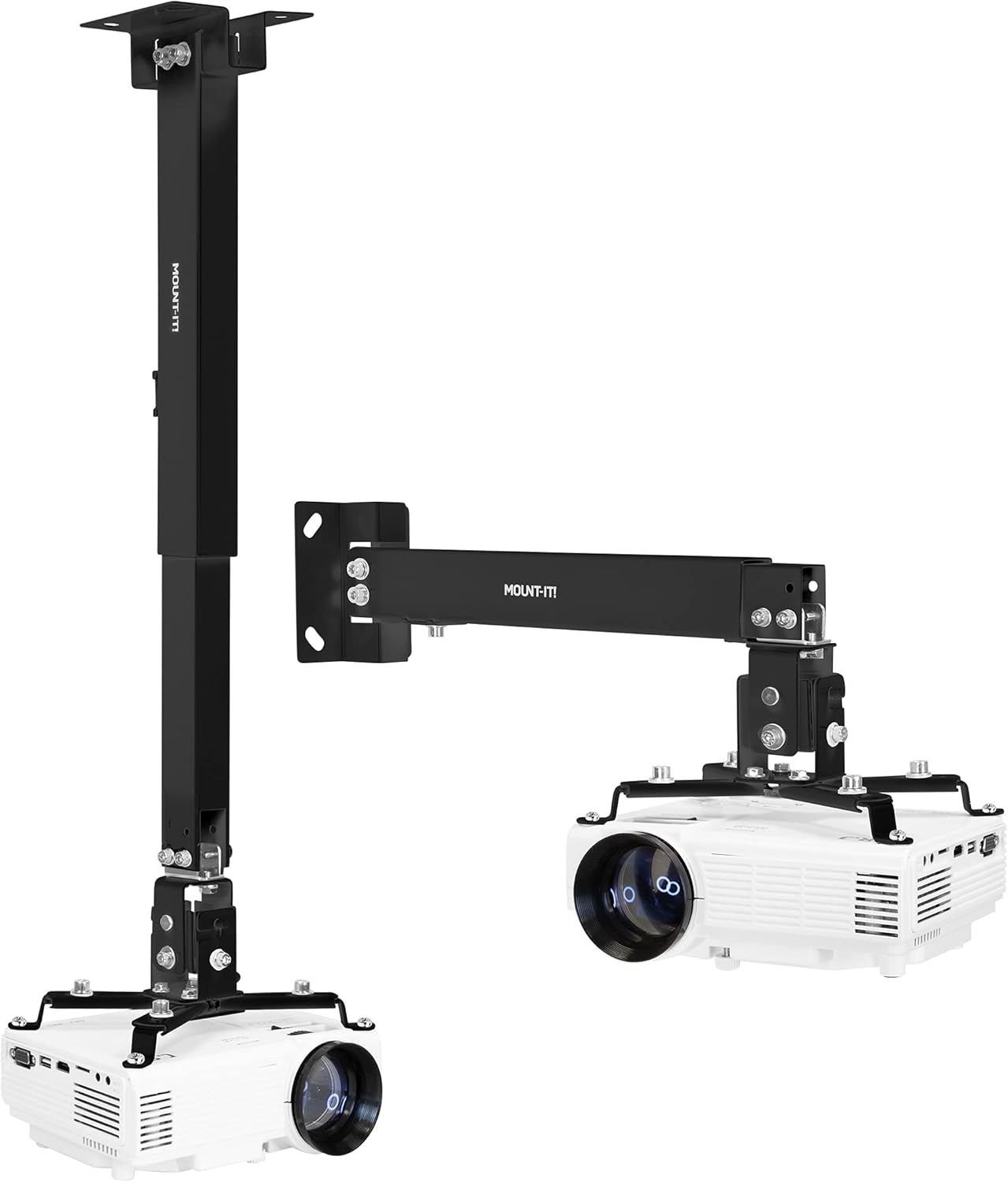 |
Universal Adjustable Mount | |
💡 Installation Requirements: Locate ceiling joists with stud finder • Use appropriate anchors for ceiling type • Plan cable routing before mounting • Allow adjustment range for alignment fine-tuning
Browse All: Ceiling Projector Mounts on Amazon
🎬 Projector Screens - Fixed Frame & Motorized
The screen matters as much as the projector - a quality screen maximizes image quality while a poor one wastes your projector's potential. Fixed frame screens provide the flattest, most consistent surface for dedicated theater rooms. Motorized screens retract when not in use, perfect for multi-purpose rooms. Screen material affects gain (brightness), viewing angle, and ambient light rejection. For dark, dedicated theaters, standard white screens work great. For rooms with some ambient light, consider gray screens or ALR (ambient light rejecting) materials. Screen size should be calculated based on viewing distance - the THX recommendation is a 36-degree field of view from primary seating.
| Picture | Product | Shop |
|---|---|---|
 |
Silver Ticket Fixed Frame | |
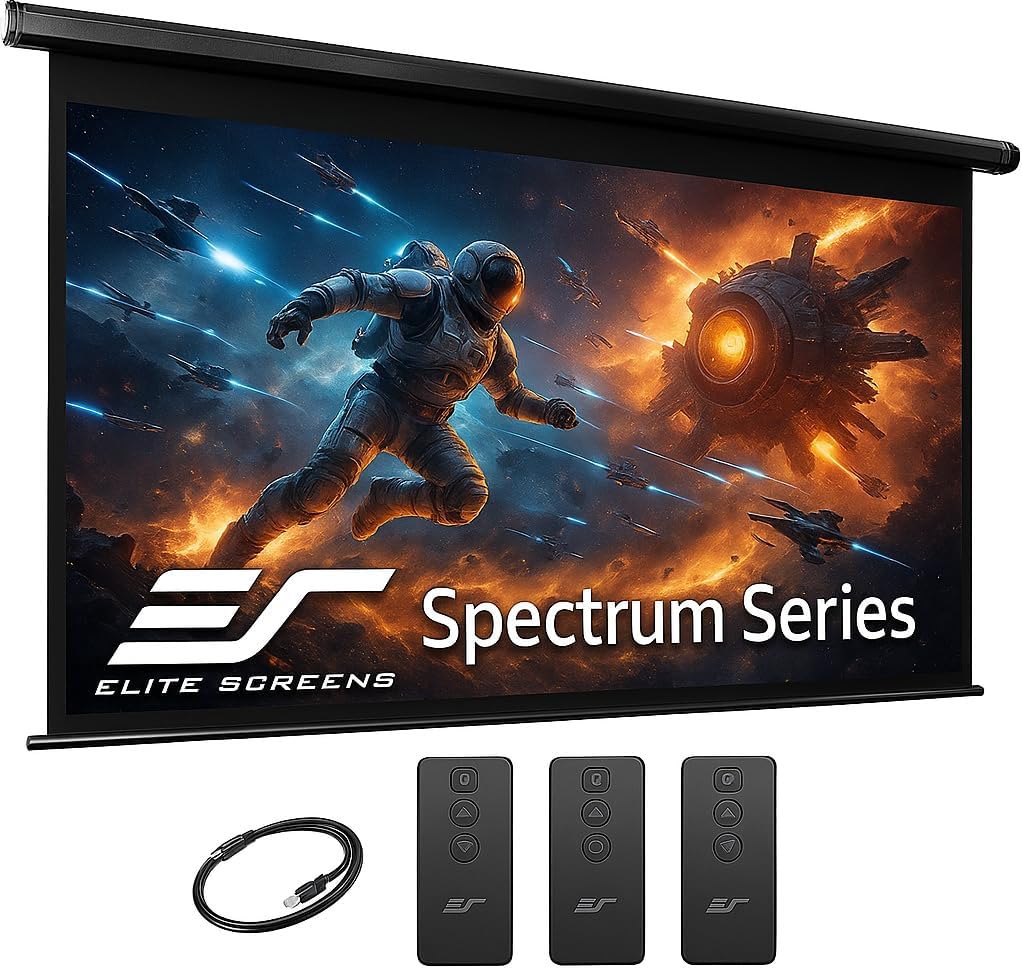 |
Elite Screens Motorized | |
 |
Elite Screens ALR (Ambient Light Rejecting) | |
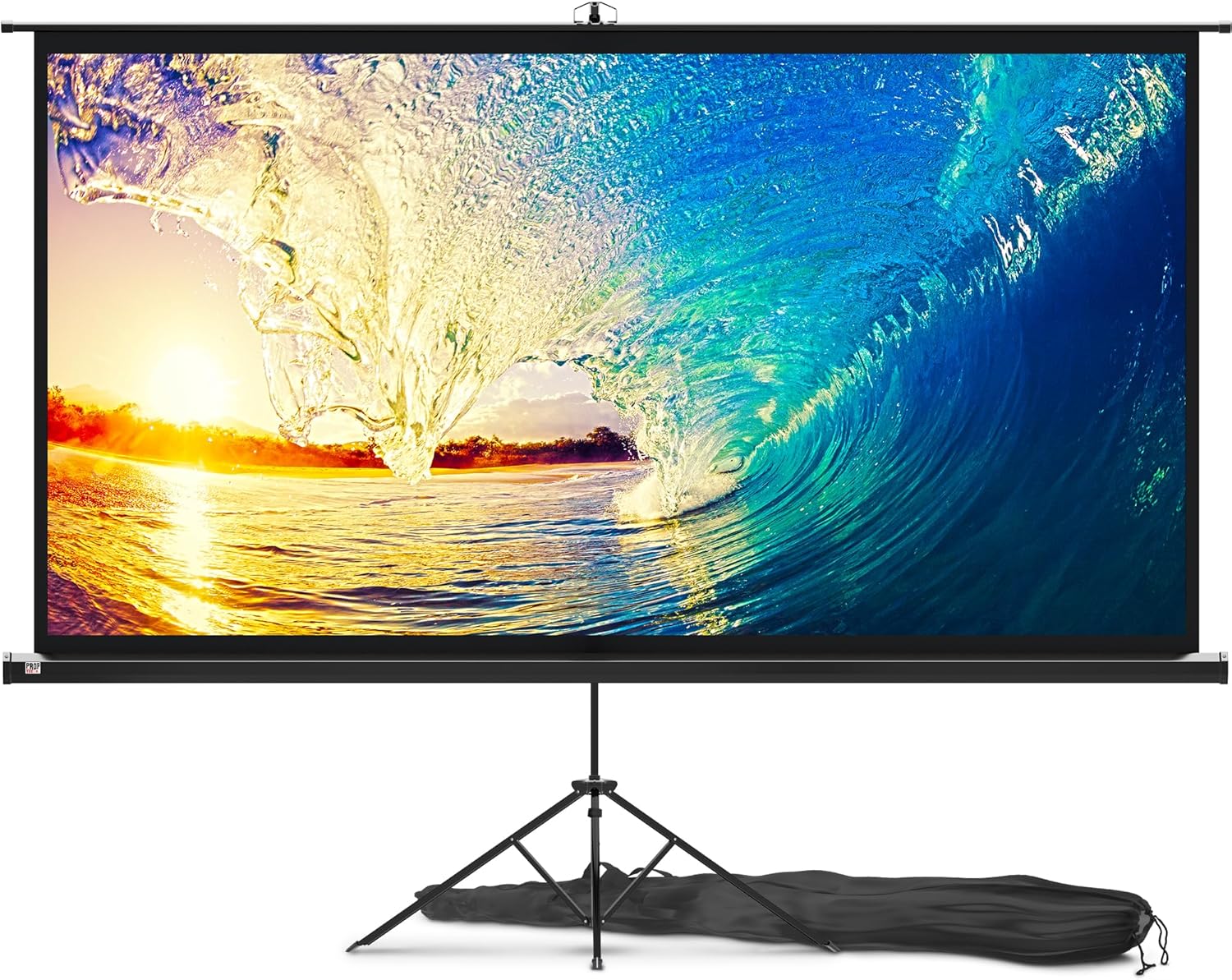 |
Manual Pull-Down Screen | |
💡 Screen Selection Guide: Dark room = white 1.0-1.3 gain screen | Some ambient light = gray screen or ALR | Primary viewing distance ÷ 1.5 = recommended screen diagonal
Browse All: Projector Screens on Amazon
🔦 Short Throw & Ultra Short Throw Projectors
Short throw projectors sit much closer to the screen - great for smaller rooms or situations where ceiling mounting isn't practical. Ultra-short throw (UST) projectors sit just inches from the screen, often on a TV stand or shelf right below the viewing surface. These eliminate shadows from people walking in front of the projector and simplify installation significantly. The tradeoff is typically higher cost and more sensitivity to screen surface imperfections. UST projectors pair best with specialized ALR screens designed for their steep projection angle.
| Picture | Product | Shop |
|---|---|---|
 |
Epson Short Throw Projector | |
 |
VAVA 4K Ultra Short Throw | |
 |
Hisense Laser TV | |
 |
LG CineBeam UST | |
💡 UST Considerations: Requires specialized ALR screen for best results • Floor/surface must be level • No ceiling installation needed • Higher sensitivity to screen wrinkles and imperfections
Browse All: Short Throw Projectors on Amazon
🔌 Projector Cable Management & Accessories
Projector installations typically involve longer cable runs than TV setups - often 15-50+ feet from projector to source equipment. HDMI signal degrades over distance, so cable quality matters more. For runs over 25 feet, consider active HDMI cables or fiber optic HDMI that can reliably transmit 4K signals 50-100+ feet. In-ceiling cable routing keeps everything invisible but requires planning during construction or renovation. Wireless HDMI transmitters offer flexibility but add latency - fine for movies, potentially problematic for gaming.
| Picture | Product | Shop |
|---|---|---|
 |
Fiber Optic HDMI Cable | |
 |
HDMI over Ethernet Extender | |
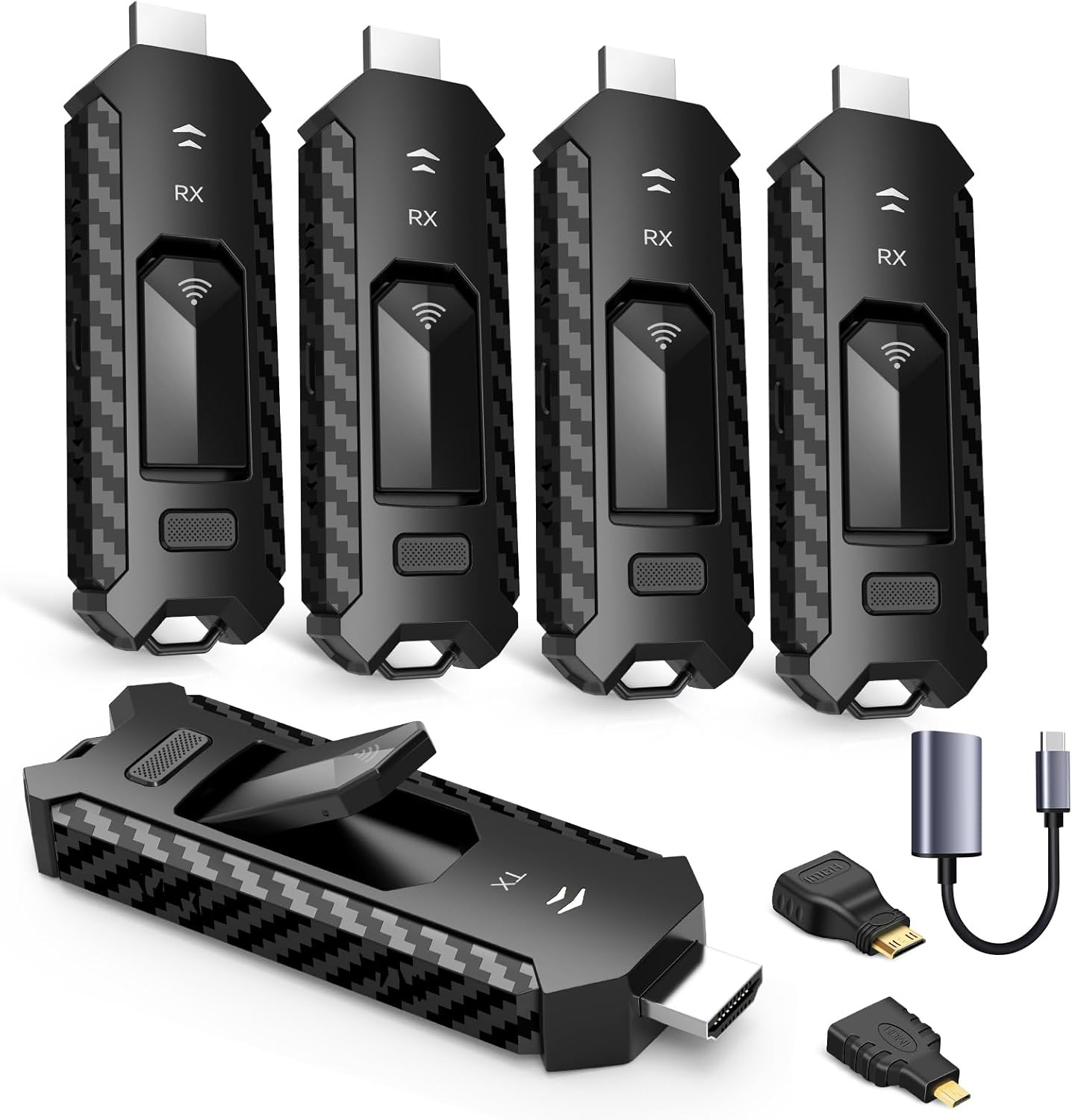 |
Wireless HDMI Transmitter | |
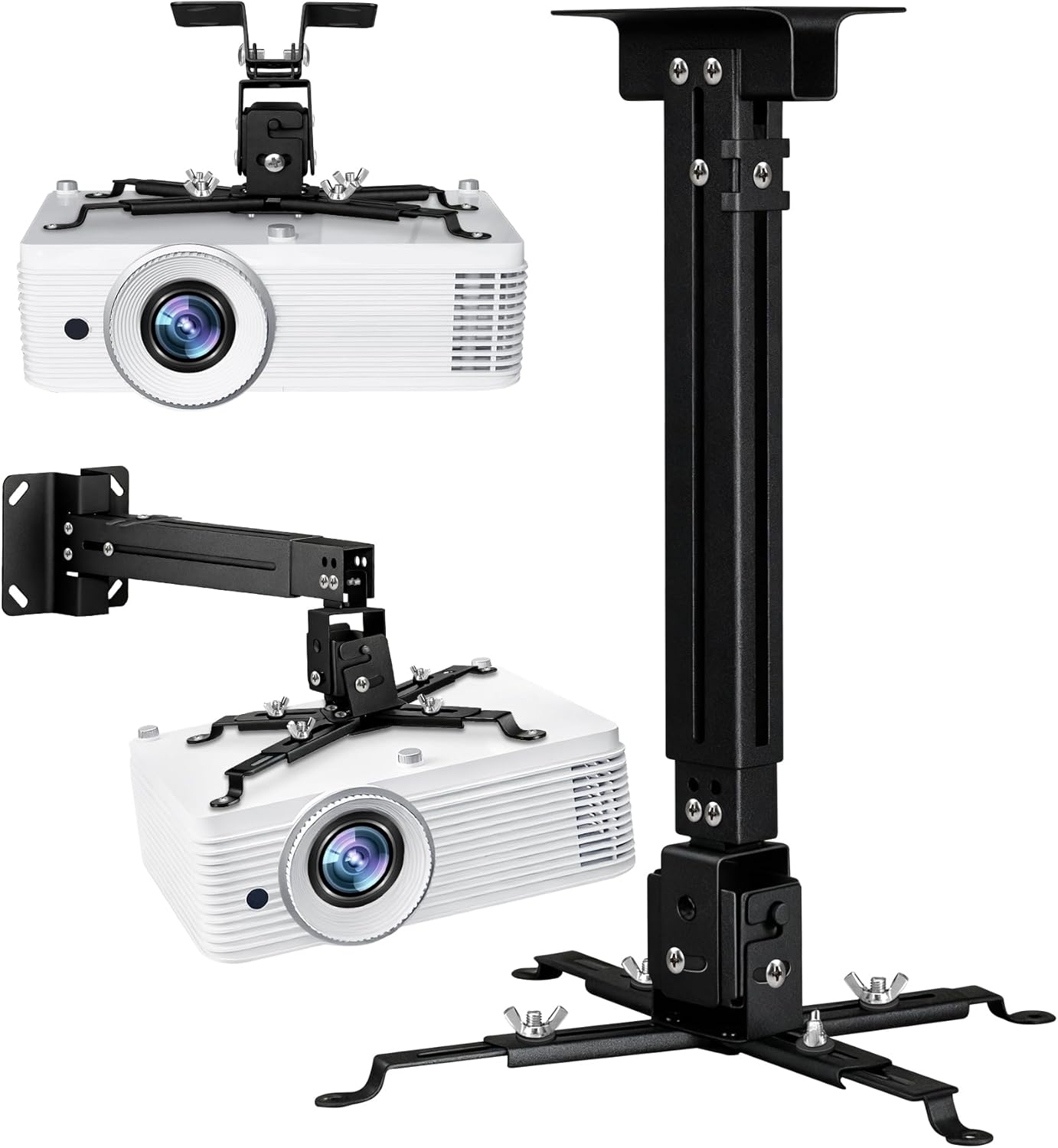 |
Ceiling Cable Channel | |
💡 Cable Run Guidelines: Under 15ft = standard HDMI • 15-25ft = premium high-speed HDMI • 25-50ft = active or fiber optic HDMI • 50ft+ = fiber optic HDMI or HDMI over Ethernet
Browse All: Projector Cables & Accessories on Amazon
📐 Projector Throw Distance Calculator Guide
Getting the projector-to-screen distance right is critical for proper image size and focus. Every projector has a throw ratio that determines how far away it needs to be for a given screen size. Standard throw projectors typically have ratios between 1.4:1 and 2.8:1. Short throw is around 0.4:1 to 1.0:1. Ultra-short throw is under 0.4:1. Here's how to calculate: multiply your desired screen width by the throw ratio to get required distance.
Throw Distance Formula: Screen Width × Throw Ratio = Required Distance
Common Throw Ratio Examples:
| Screen Size | Standard (1.5:1) | Short (0.5:1) | UST (0.25:1) |
|---|---|---|---|
| 100" (87" wide) | 10.9 feet | 3.6 feet | 1.8 feet |
| 120" (104" wide) | 13 feet | 4.3 feet | 2.2 feet |
| 150" (131" wide) | 16.4 feet | 5.5 feet | 2.7 feet |
💡 Planning Steps:
- Decide on screen size based on room and viewing distance
- Find your projector's throw ratio in specifications
- Calculate required projector distance
- Verify ceiling height allows proper mounting at calculated distance
- Consider lens shift capabilities for positioning flexibility
Online Calculators: Projector Central Calculator
🏠 Room Considerations for Projector Installation
The room itself affects projector performance more than most people realize. Light control is paramount - even a great projector looks washed out in a bright room. Dedicated theater rooms with blackout curtains deliver the best experience. Multi-purpose rooms benefit from ambient light rejecting screens and higher-lumen projectors. Wall color matters too - white walls bounce light and reduce contrast, while dark walls improve perceived image quality. Sound treatment prevents audio reflections that muddy home theater audio.
Room Optimization Checklist:
- ✅ Light control: Blackout curtains or shades for windows
- ✅ Wall color: Dark or neutral colors reduce light reflection
- ✅ Ceiling height: Sufficient clearance for projector and throw angle
- ✅ Seating distance: 1.5-2x screen diagonal for optimal viewing
- ✅ Electrical: Dedicated circuit for projector recommended
- ✅ Ventilation: Projectors generate heat - ensure adequate airflow
- ✅ Acoustic treatment: Absorption panels improve audio quality
Light Control Solutions: Blackout Curtains on Amazon
❓ Frequently Asked Questions - Projector Installation
Build Your Home Theater Setup
Ready for the ultimate home theater? Browse our recommended projector mounts, screens, and installation accessories. All products selected for professional-quality home cinema installations.