
Franklin Sensors In Stock
Franklin Sensors ProSensor 710 13-Sensor Stud Finder Wall Scanner
$52.95 View on Amazon
Bad tools create bad installations - it's that simple. Skip the scrolling: the Franklin Sensors ProSensor 710 (13 sensors, reads plaster and textured walls), a DeWalt DCD771C2 with real torque control, and the CH Hanson Magnetic Stud Finder as the no-battery backup.
After 9,747+ mounts across every wall type imaginable, we know exactly which tools actually work versus which ones waste your time and money. That $10 stud finder that beeps at random? Useless. The included hardware that comes with mounts? Into the trash. Cheap drill bits that strip out after three uses? Why bother? You need a multi-sensor stud finder that actually finds studs (13+ sensors make a huge difference), a cordless drill with proper torque control so you don't strip mounting holes, a level that's actually accurate (laser levels are worth it), and drill bits that'll handle whatever your wall throws at them. We test this stuff in real conditions: drywall, plaster, brick, concrete, metal studs. Some tools excel everywhere. Others fail spectacularly in specific situations. The right tools prevent the disasters we see too often: TVs mounted to drywall with no stud support, stripped lag bolt holes from over-torquing, crooked installations because the level was garbage, and split wood from inadequate pilot holes. One weekend project or daily pro work, buy quality once instead of cheap tools twice. Your TV (and your wall) will thank you.
Updated
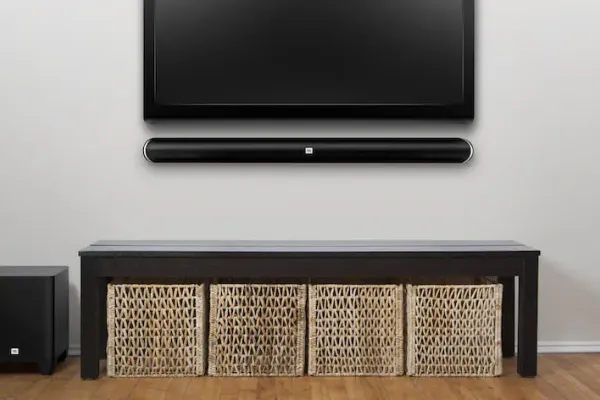
The Franklin ProSensor 710 and the CH Hanson magnet from the top of this page, plus two TV screw kits.
As an Amazon Associate, we earn from qualifying purchases. Prices as of Sep 26, 2026, 9:39 AM EDT. Product prices and availability are accurate as of the date/time indicated and are subject to change. Any price and availability information displayed on Amazon.com at the time of purchase will apply to the purchase of this product.


Finding studs isn't rocket science, but cheap stud finders make it feel impossible. We've used everything on the market across thousands of installs. Multi-sensor arrays with 13+ sensors actually work reliably - single-sensor models beep at phantom studs half the time. Deep-scan modes matter when you're dealing with thick plaster or double-layer drywall (which is more common than you'd think). Metal detection differentiates between a wood stud with a few nails versus actual metal framing - a difference that changes your entire anchor plan. AC wire detection prevents you from drilling into live electrical - learned that one the hard way early on. Here's our method: electronic finder first, then knock test to confirm, magnetic finder as backup to locate drywall screws, then measure to verify 16-inch spacing. Sounds excessive? Maybe. But mounting a TV to pure drywall because your stud finder lied is way worse. That's the installation failure we see most: no structural support, the TV falls, expensive disaster. The Franklin ProSensor with 13 sensors works on textured walls and plaster where others fail. Magnetic finders need no batteries and work great as backup. Use both.
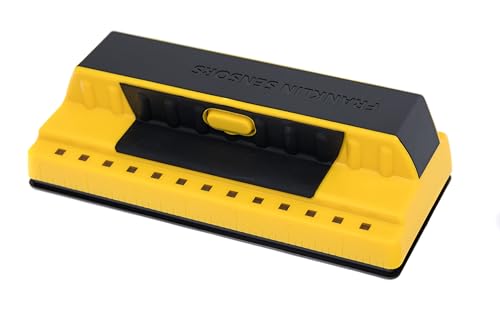
Best forPlaster and textured walls
13 sensors, our everyday finder
Shop on Amazon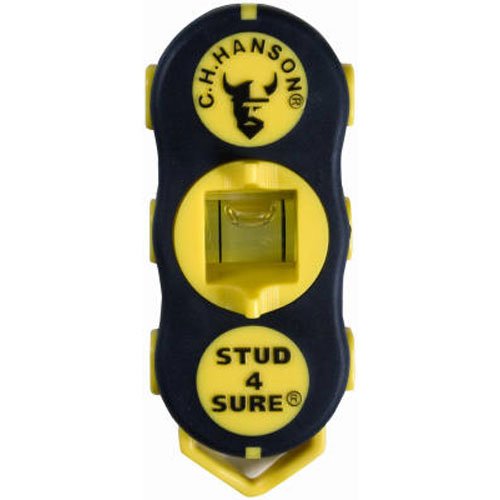
Best forBackup verification
No batteries, finds drywall screws
Shop on AmazonProfessional-grade drilling equipment for secure TV mounting across all wall types.
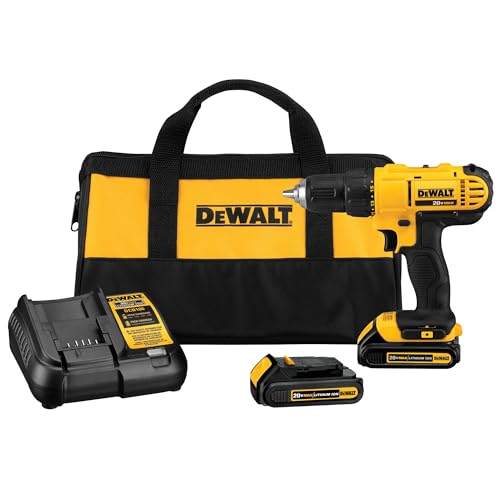
Best forMost stud installs
15+ torque settings prevent stripped holes
Shop on Amazon
Best forDaily installer use
Dials exact pressure on lag bolts
Shop on AmazonComplete bit sets for all TV mounting applications across different wall materials.

Best forMulti-material installs
Handles drywall, brick, concrete, metal studs
Shop on Amazon
Best forChallenging access spots
Bends to reach where drills cannot
Shop on Amazon
Best forCramped corners
Drives screws at a right angle
Shop on Amazon
Best forBrick, block, poured concrete
Hammer action pulverizes masonry
Shop on Amazon
Best forConcrete and brick anchors
Carbide tipped, 3/8 to 5/8 inch
Shop on AmazonProfessional leveling and measuring equipment for perfect TV alignment every time.
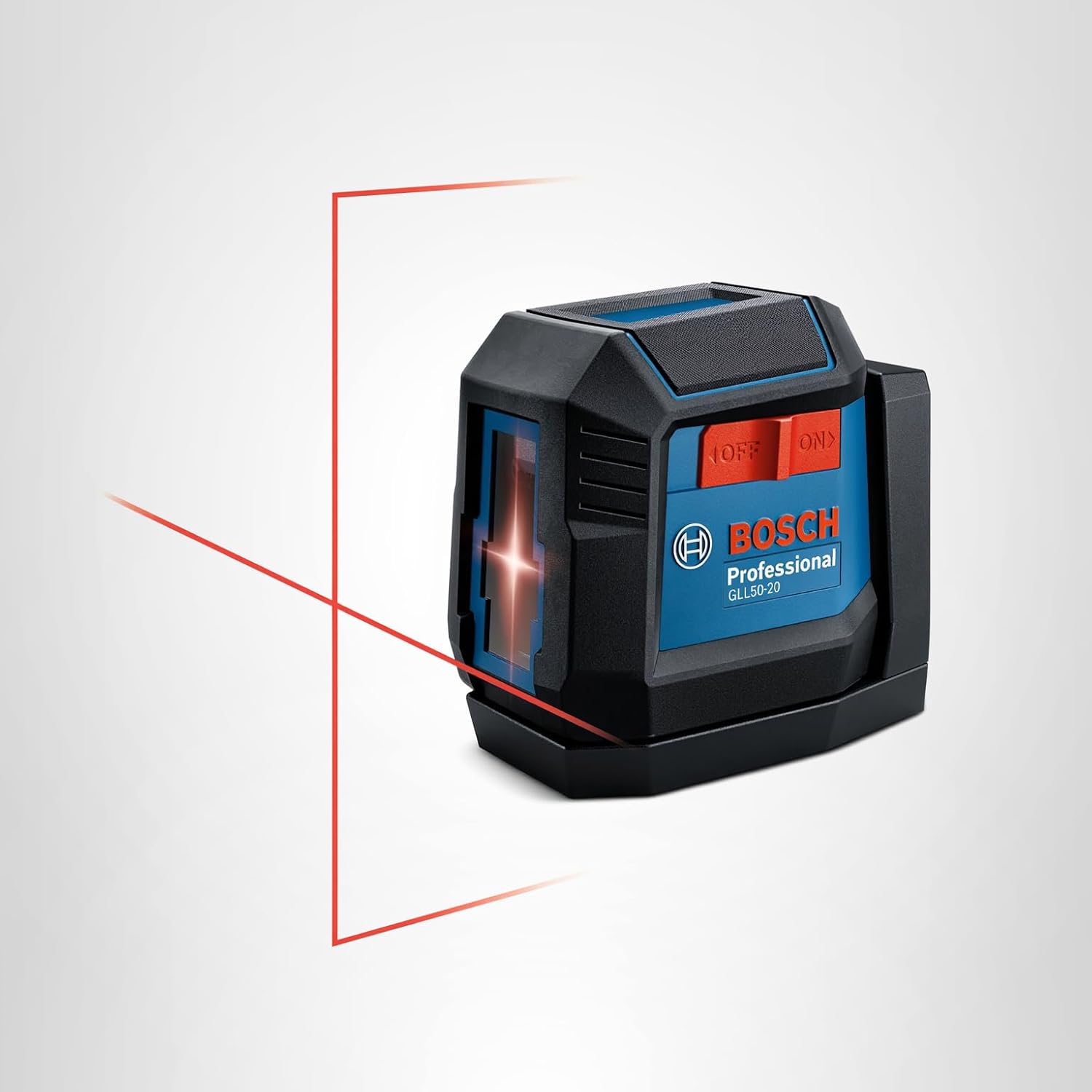
Best forBracket alignment
Levels without marking the wall
Shop on Amazon
Best forExact angle checks
Digital level, precise readings
Shop on Amazon
Best forStud spacing checks
Confirm 16-inch on-center spacing
Shop on Amazon
Best forMarking drill points
On the DIY minimum list
Shop on Amazon
Best forDamage-free wall marking
Mark both stud edges cleanly
Shop on AmazonProfessional cable management solutions for clean TV installations behind walls.
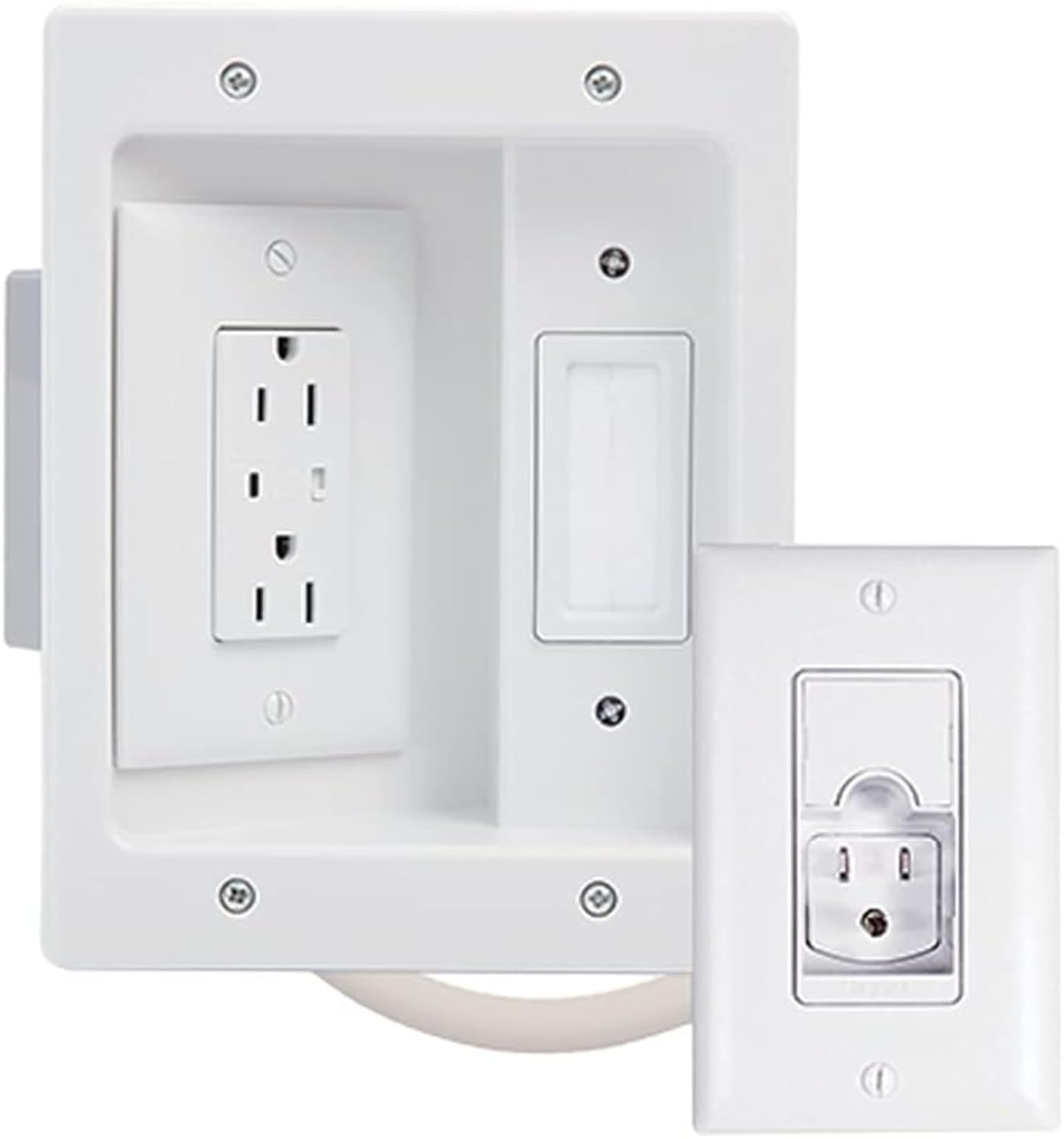
Best forIn-wall TV power
Electrical knowledge and code compliance required
Shop on Amazon
Best forSingle cord drops
Covers cords without opening the wall
Shop on Amazon
Best forGrouped surface runs
Channel kit for multiple cables
Shop on Amazon
Best forHollow wall anchoring
Rated 100+ pounds, use multiples
Shop on Amazon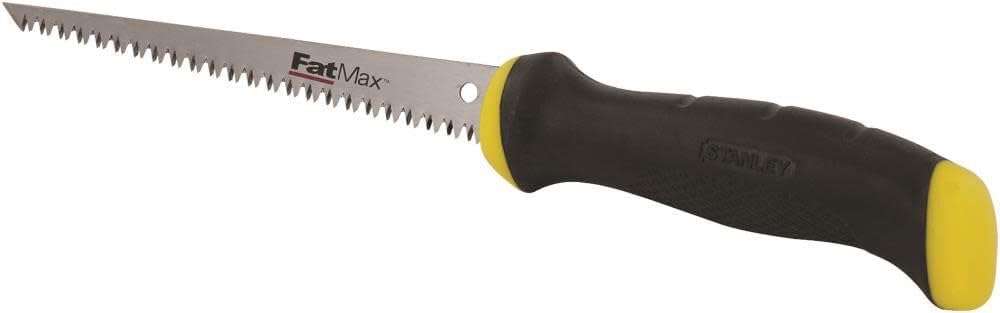
Best forDrywall access cuts
For in-wall cable openings
Shop on AmazonEssential safety equipment for professional TV mounting installations protecting both installer and property.

Always on when drilling
Shop on Amazon
Work gloves for handling hardware
Shop on Amazon
Dust mask for extended drilling work
Shop on Amazon
Canvas drop cloth protects floors
Shop on Amazon
Guards wall surfaces during installs
Shop on AmazonProfessional tool kits and organization systems for efficient TV mounting operations.


💡 Budget Options:
Tool recommendations based on 9,747+ TV installations since 2015.
DIY Minimum Required Tools:
Professional Tool Investment:
Tool Maintenance:
Common Questions:

This is the kit that rides on our trucks, not a spec-sheet list: a stud finder you can trust, an 18V drill from a real line like DeWalt, bits matched to the wall, and a level that ends arguments. Buy once for the house, not per project - the whole kit lands near the cost of one service call.
Quick note: This page contains Amazon affiliate links. We may earn a small commission at no extra cost to you if you buy through them. Our picks are the hardware our crews install on real customer walls, not spec-sheet guesses.
After 9,747+ TV installs since 2015, here are the tools we use most, and the ones we won’t touch. Alex Crabinsky, founder of Express Mounting, picks this list from what holds up on real Atlanta installs. For a complete walkthrough of which tools you actually need versus marketing fluff, read our tools to wall mount TV guide.
Need professional installation in Metro Atlanta? Call (470) 777-4077 for same-day TV mounting service in 437 cities across our 13 US metros. Flat-rate pricing: $129-$399 basic, $99/TV cable concealment, +$99 masonry surcharge.
Eight cover nearly every install: stud finder, 18V drill, wood and masonry bit sets, torpedo level, socket wrench, tape measure, marking pencil, and the anchors your wall type demands. Our full checklist with per-wall guidance lives in the tools guide linked above.
On standard drywall, often yes. On plaster, textured walls, or anything built before 1960, budget finders false-alarm a lot, and that is where multi-sensor models and magnetic finders earn their price. The rule from our installs: confirm any electronic reading a second way before drilling.
Only for masonry. Wood-stud and drywall installs run fine on a standard 18V drill. The moment the wall is brick, block, or poured concrete, a hammer drill with carbide bits stops being optional - regular drills burn out and wander on masonry.
Essential tools: electronic stud finder (multi-sensor type, not cheap single-sensor), cordless drill with variable torque control, level (torpedo or digital), tape measure, pencil, and proper mounting hardware (3/8" lag bolts, not included screws). That's minimum for basic drywall installation. Additional tools that make life easier: magnetic stud finder as backup, drill bit set (wood, masonry if needed), socket wrench for tightening lag bolts, cable management tools (fish tape, drywall saw), and safety equipment (glasses, gloves). For masonry walls, add hammer drill and masonry bits. For in-wall cable work, add voltage tester and cable fishing tools. Total investment for quality tools: $150-300 for DIY homeowners doing one install, $800-1500 for professionals who install daily. After 9,747+ installations, cheap tools cause more problems than they solve. That $10 stud finder that beeps randomly? It'll have you drilling into drywall thinking you found studs. Spend money on tools that work.
For standard drywall/wood stud installations, any cordless drill works - but variable torque control is essential. You need to drill pilot holes without stripping them, and drive lag bolts to proper tightness without over-torquing. Cheap drills lack torque control and strip mounting holes easily. Quality cordless drills ($80-150) like DeWalt DCD771C2 or Milwaukee M18 have 15+ torque settings letting you dial in exact pressure. For masonry installations (brick, concrete, stone), you absolutely need a hammer drill ($100-200+). Regular drills won't penetrate masonry - they'll just spin uselessly burning up motor and your patience. Hammer drills combine rotation with percussive hammering action that pulverizes masonry. Look for "hammer drill" or "combi drill" in specs. Some high-end cordless drills include hammer mode. After thousands of installations across every wall type, here's our toolkit: a quality cordless drill for most of the work, a dedicated hammer drill for masonry, backup corded drill for continuous operation on big projects. Don't cheap out on drills - they're the workhorses of TV mounting.
Quality electronic stud finders with multiple sensors are reliable when used correctly. The Franklin ProSensor 710 with 13 sensors works consistently across drywall, plaster, and textured walls - it's what we use after trying a lot of models. Single-sensor stud finders ($10-20) are notoriously unreliable, giving false positives and missing actual studs. They detect density changes, so they beep at electrical wires, pipes, nails, wall texture inconsistencies - basically everything except studs sometimes. How to use stud finders accurately: scan slowly from multiple angles, mark both edges of the stud (studs are 1.5" wide), verify with knock test (knuckle-tap the wall - studs sound solid, hollow areas sound hollow), use magnetic finder to locate drywall screws as confirmation, drill small test hole to verify before committing to mount holes. Studs should be 16" on center (sometimes 24"). If your finder shows weird spacing, it's probably not finding actual studs. Bad stud finder readings cause the installation failure we see most: mounting to drywall thinking you hit studs.
For wood studs, drill a 1/4" pilot hole for each 3/8" lag bolt: smaller than the bolt so the threads grip, large enough that the stud does not split. For cable pass-through holes, 1/2" works for single cables, 3/4" for multiple cables bunched together. For toggle anchors in hollow walls, drill bit size matches the toggle diameter (usually 1/2"). For masonry anchors, use the exact bit size specified on anchor packaging - often 3/8" or 1/2" depending on anchor type. Common mistake: drilling pilot holes too large (lag bolts don't grip), too small (wood splits during installation), or using dull bits (clean holes are essential). We stock drill bits in 1/8", 3/16", 1/4", 1/2", and 3/4" for standard mounting work. Masonry bits are separate - carbide-tipped bits rated for concrete/brick in 3/8", 1/2", and 5/8" sizes. After thousands of installs, bit quality matters. Cheap bits dull after 3-4 uses. Quality bits (Bosch, DeWalt) last hundreds of holes. Buy once, done right.
Not required. Torque wrenches ($40-100) let you tighten lag bolts to an exact value, preventing over-tightening (stripping threads or cracking wood) and under-tightening (insufficient holding power), and some commercial jobs with engineering specs call for them. For DIY installations, honestly, "tight but not overtight" works fine. Use a ratchet wrench or socket wrench and tighten until the lag bolt stops easily, then add 1/4 turn. You'll feel the threads engage wood - don't crank past that resistance or you'll strip the threads. Most TV mount installations don't specify torque values anyway. Where torque wrenches really help: installations with several lag bolts that should share the same tightness, and commercial work with engineering requirements. For typical residential mounting? Good technique matters more than exact torque numbers.
No - absolutely not. The screws included with TV mounts are often inadequate for structural mounting. Use Grade 5 steel lag bolts, 3/8" diameter minimum, 3-4" length for wood studs. These have much higher shear and pullout strength than regular wood screws. Lag bolts have coarse threads designed for wood grip and hex heads for torque application. Regular drywall screws or wood screws (even "heavy duty" ones) will fail under constant load - maybe not today, maybe not next month, but eventually. We've seen TV mounts installed with drywall screws literally pull out of studs, and TV mounting systems mounted with included hardware fail after 1-2 years. For hollow walls, use toggle anchors rated 100+ pounds each (multiple anchors for redundancy). For masonry, use concrete anchors with proper installation. For metal studs, use specialized toggle bolts designed for steel framing. After thousands of installations and seeing every failure mode, this is non-negotiable: never use manufacturer-included hardware for structural mounting. Buy professional-grade fasteners. They cost $10-15 for a pack and prevent thousands in TV damage and wall repairs.
We install what we recommend.
Book the mount and we set up what you bought. Flat-rate TV mounting from $129 across 13 US metros.
Ready for professional TV mounting? Shop our recommended tool combinations used by installation technicians. Complete kits include everything needed for secure, code-compliant TV installation.