Best Soundbars for TV Mounting - Professional Audio Recommendations
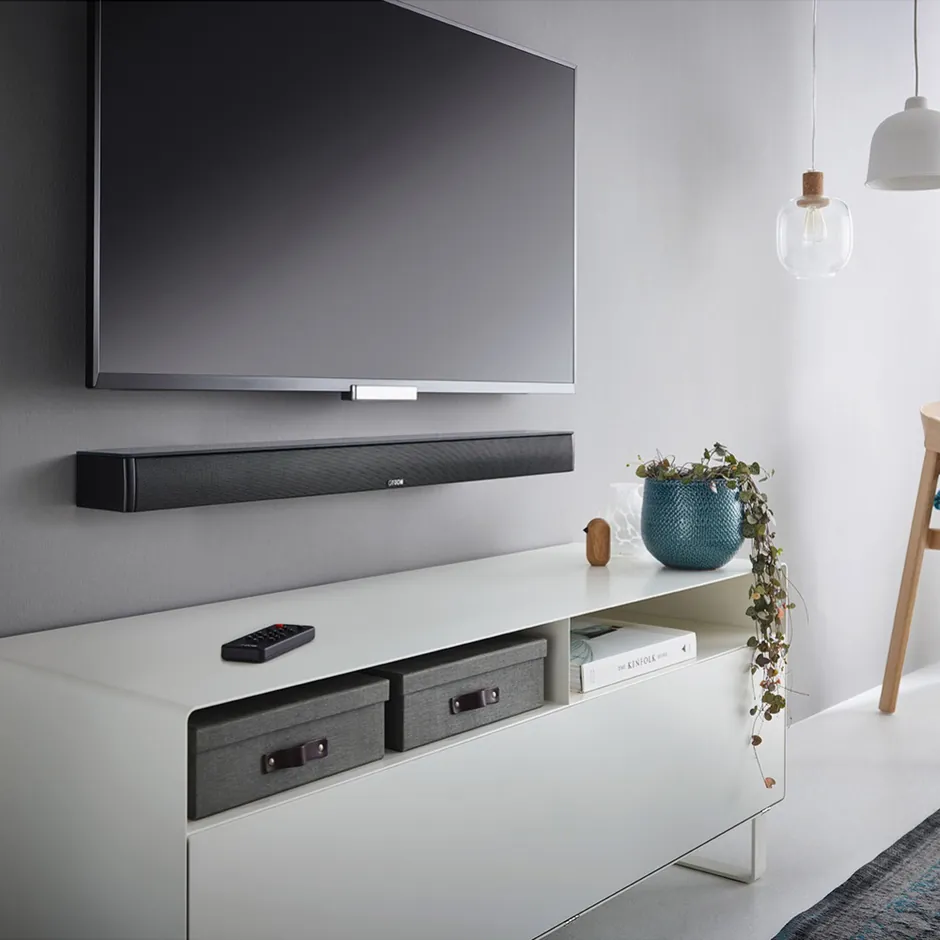
TV speakers are terrible - let's just get that out there. After mounting over 7,874 TVs, we've installed hundreds of soundbars, and the difference in audio quality is night and day. But here's what most people don't realize: positioning matters almost as much as the soundbar itself. You want it 2-4 inches below your TV's center for proper dialogue clarity and so your remote still works (IR sensors need line of sight). Modern soundbars have gotten seriously impressive. Dolby Atmos creates overhead sound effects that actually work, wireless subwoofers mean no cables running across your floor, and HDMI eARC lets your TV remote control everything. The AI room calibration features on premium models? They genuinely make a difference - measuring your room's acoustics and adjusting automatically. We've installed everything from basic 2.1 systems that just make dialogue clearer (honestly a huge upgrade for most folks) to 11.1.4 Dolby Atmos setups that rival actual movie theaters. The key is matching the system to your space and expectations.
🎬 Premium Dolby Atmos Soundbars - Professional Cinema-Quality Audio Systems
Dolby Atmos soundbars are where things get really interesting. The sound literally comes from above you - it's wild the first time you experience it properly set up. These systems use upward-firing speakers that bounce sound off your ceiling, creating that three-dimensional audio you get at the cinema. The premium ones with 11.1.4 or 15.1.3 configurations? They're using front drivers, height speakers, wireless rear satellites, and seriously powerful subwoofers that hit down to 20Hz. What we've learned from hundreds of installations: room calibration isn't optional on these systems. The AI features actually measure your room and adjust the output - it's not marketing fluff. HDMI eARC is your friend here too - single cable from TV to soundbar carries everything, including those high-bandwidth Dolby TrueHD and DTS-HD formats. Samsung's Q-Symphony is pretty clever - it syncs the soundbar with your TV's speakers for a bigger soundstage. Installation positioning is critical. Soundbar goes 2-4 inches below TV center. Subwoofer? Put it in a corner for that 3dB bass boost from boundary reinforcement. Rear speakers need to be at ear level, about 2-3 feet behind where you sit. Get these positions right and you'll hear every raindrop overhead.
| Picture | Product | Shop |
|---|---|---|
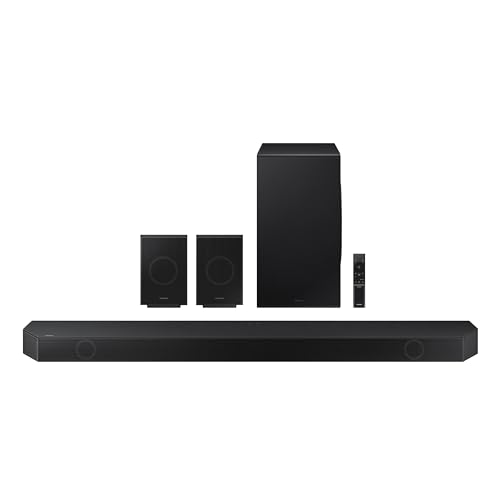 |
Samsung HW-Q990D (11.1.4, 656W) |  |
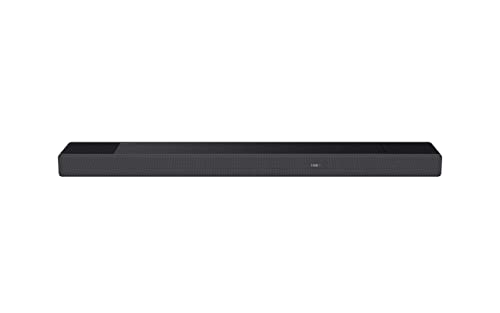 |
Sony HT-A7000 (7.1.2, 500W) | |
 |
LG S95QR (9.1.5, 810W) | |
💡 Professional Installation Tips: Mount soundbar precisely 2-4 inches below TV center ensuring IR remote sensors remain unobstructed for reliable control • Position wireless subwoofer in room corner locations providing 3dB bass boost through boundary reinforcement effects • Run room calibration process after installation using included calibration microphone measuring acoustic response at primary listening position • Connect via HDMI eARC port (not optical) enabling Dolby Atmos passthrough, TV remote volume control, and high-resolution audio formats • Ensure rear wireless speakers positioned at ear level 2-3 feet behind seating for proper surround sound imaging • Allow 24-48 hours break-in period for speaker drivers to reach optimal performance characteristics
Browse All: https://www.amazon.com/s?k=Dolby+Atmos+soundbars&tag=expressmounti-20
🎵 Mid-Range Soundbars - Professional Performance Without Premium Investment
Mid-range soundbars are honestly the sweet spot for most people. You're getting real audio improvements without emptying your wallet. These work great in living rooms, family rooms, and primary bedrooms - anywhere you want better sound than those pitiful TV speakers. A solid 3.1.2 setup gives you a dedicated center channel (dialogue stays crystal clear even at low volume), a wireless subwoofer (no cables across the floor - thank goodness), and Dolby Atmos processing that creates virtual height effects. It's not quite the same as dedicated height speakers, but the psychoacoustic trickery works better than you'd expect. What we look for: HDMI eARC so everything runs through one cable, wireless subwoofers to keep installation simple, and voice assistant integration if you're into that. Wall mount these 2-4 inches below your TV using either the included brackets or better aftermarket ones. The subwoofer can go near your seating area - you've got flexibility since bass isn't directional. Just don't cheap out on the HDMI cable if you're running 4K or 8K. Get certified Ultra High Speed cables or you'll be troubleshooting dropouts later.
| Picture | Product | Shop |
|---|---|---|
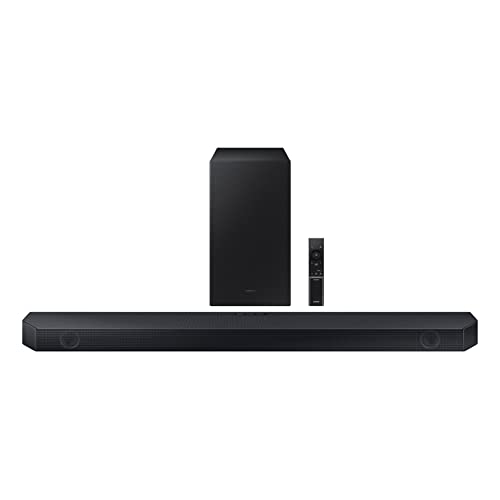 |
Samsung HW-Q600C (3.1.2, 360W) | |
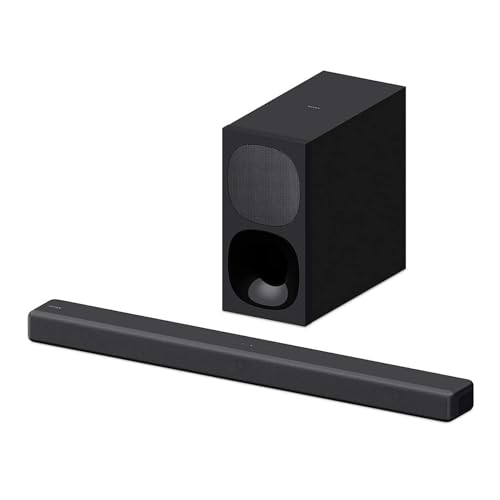 |
Sony HT-G700 (3.1, 400W) | |
 |
LG SP8YA (3.1.2, 440W) | |
💡 Professional Setup Guidelines: Position wireless subwoofer in corner locations for optimal bass reinforcement providing up to 3dB output increase • Connect via HDMI ARC/eARC port for TV remote control integration and superior audio quality versus optical connections • Enable CEC (Consumer Electronics Control) in TV settings for automatic power on/off synchronization • Test subwoofer volume levels at different times ensuring bass response suits both daytime and evening listening without disturbing neighbors • Adjust sound mode settings matching content type: movie mode for films emphasizing dynamic range, music mode for streaming services prioritizing tonal balance, voice mode for news and dialogue-heavy content • Wall mount soundbar using reinforced brackets ensuring secure attachment supporting full weight plus vibration forces during high-volume playback
Browse All: https://www.amazon.com/s?k=mid+range+soundbars+wireless&tag=expressmounti-20
🎯 Compact Soundbars - Professional Audio for Smaller Spaces
Compact soundbar systems deliver impressive audio performance in space-constrained installations where full-size soundbars prove impractical yet superior sound quality remains essential. Based on professional installation experience in secondary bedrooms, kitchen entertainment areas, and apartment living spaces, compact soundbars provide significant audio improvement over built-in TV speakers while maintaining minimal visual profiles and simplified installation requirements. Ultra-slim soundbar designs measuring 1.5-3 inches in height fit seamlessly below smaller TVs without obstructing screens or IR sensors, while compact lengths accommodate TVs as small as 32-43 inches. Professional installers recommend compact soundbars featuring dialogue enhancement technology critical for smaller rooms where TV placement often creates suboptimal listening positions, Bluetooth connectivity enabling wireless music streaming from mobile devices, and simple connection options including HDMI ARC, optical, or auxiliary inputs accommodating various TV capabilities. Compact soundbar installations excel in wall-mounted configurations using low-profile brackets, entertainment furniture shelf placement requiring minimal depth clearance, and even TV stand integration where space permits, providing versatile installation options matching diverse room layouts and aesthetic preferences.
| Picture | Product | Shop |
|---|---|---|
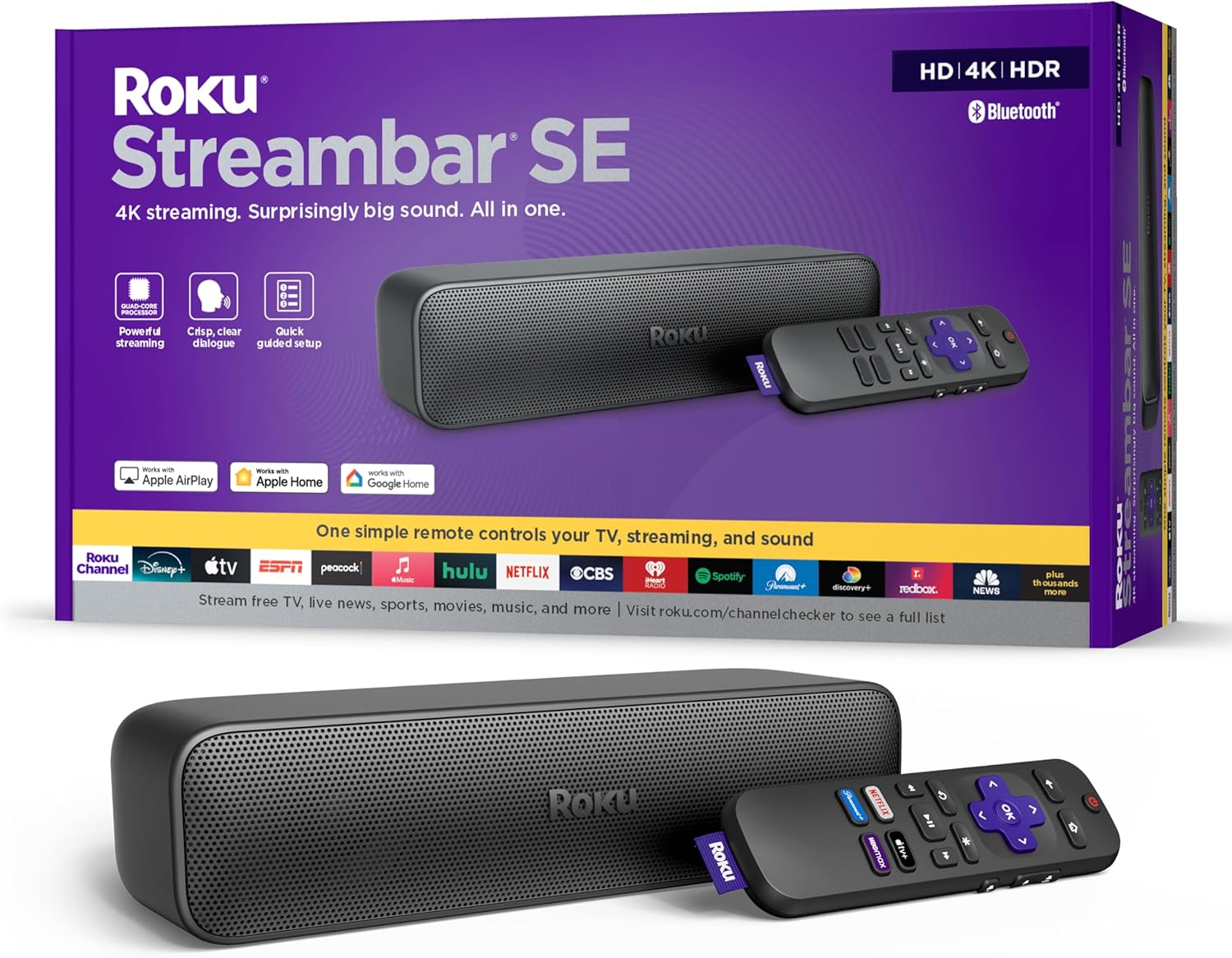 |
Roku Streambar SE (2.0) | |
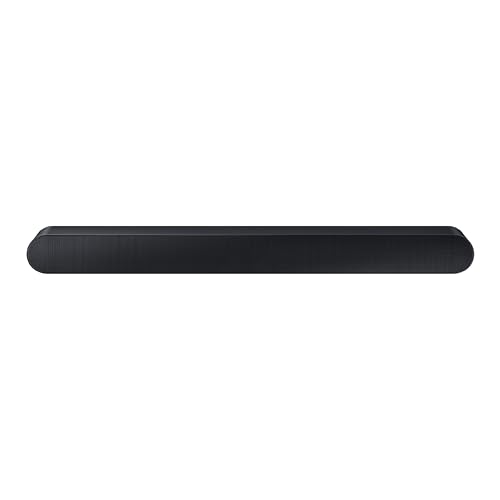 |
Samsung HW-S60D (5.0) | |
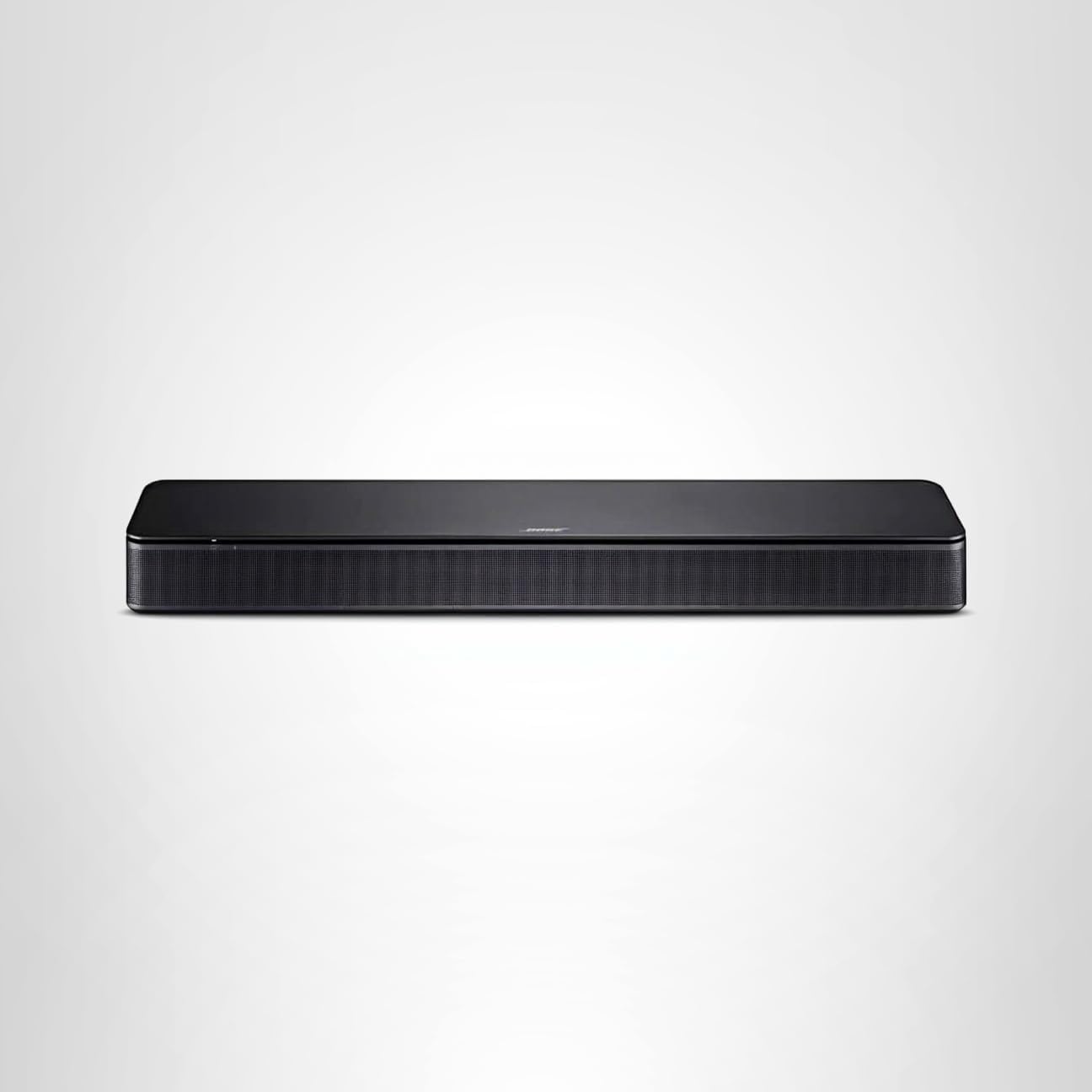 |
Bose TV Speaker (2.0) | |
💡 Professional Installation Guidelines for Compact Spaces: Mount compact soundbars using adhesive wall strips for rental properties avoiding wall damage while providing secure attachment up to manufacturer weight ratings • Position soundbar at TV center height or slightly below maintaining optimal dialogue projection toward listening positions • Verify IR remote line-of-sight clearance ensuring TV remote signals reach soundbar sensors unobstructed by TV bezels or mounting hardware • Connect using highest quality connection available: HDMI ARC preferred for TV remote control integration, optical digital for reliable audio transmission, or auxiliary cables for older TV compatibility • Enable dialogue enhancement modes improving speech clarity in smaller rooms where acoustic reflections can muddy vocal frequencies • Test Bluetooth pairing distance from primary listening positions ensuring reliable wireless music streaming throughout intended usage area
💡 Perfect For: Bedroom TVs 32-50 inches • Kitchen entertainment areas • Apartment living rooms • Dorm rooms and student housing • Guest rooms • Office spaces • RV and mobile home installations
Browse All: https://www.amazon.com/s?k=compact+soundbars+small+TV&tag=expressmounti-20
💰 Budget Soundbars - Professional Audio Enhancement Without Premium Investment
Budget soundbar systems provide dramatic audio improvement over built-in TV speakers through dedicated speaker drivers, amplification, and acoustic design at accessible price points under $300. Through thousands of installations across diverse budget scenarios, entry-level soundbars deliver clear dialogue reproduction, enhanced bass response, and improved overall sound quality transforming TV viewing experiences without requiring significant financial investment. Budget soundbar configurations typically featuring 2.1 channel arrangements combine stereo speakers for left/right audio separation, wireless subwoofers adding impactful bass extension TV speakers cannot reproduce, and simplified control systems ensuring easy setup and operation for users preferring straightforward functionality. Professional installers appreciate budget soundbars offering multiple connection options accommodating older TVs lacking HDMI ARC, universal VESA mounting compatibility enabling wall installation alongside mounted TVs, and reliable wireless subwoofer connectivity eliminating installation cable runs. Budget soundbar installations succeed through proper positioning maintaining dialogue clarity, strategic subwoofer placement balancing bass response with room constraints, and realistic expectation setting understanding performance limitations versus premium systems while recognizing substantial improvement over TV speakers alone.
| Picture | Product | Shop |
|---|---|---|
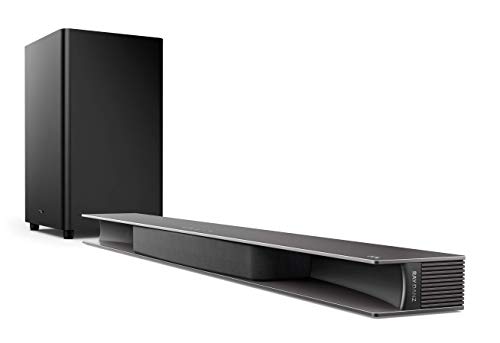 |
TCL Alto 9+ (3.1, 480W) | |
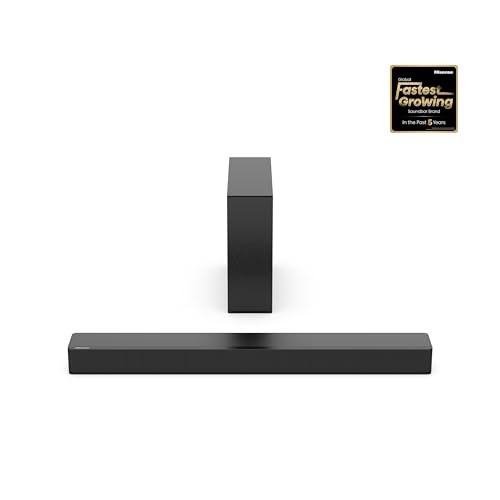 |
Hisense HS2100 (2.1, 240W) | |
 |
ZVOX AccuVoice AV157 (2.0) | |
💡 Professional Installation Best Practices for Budget Systems: Use included wall brackets or upgrade to universal soundbar mounts providing enhanced stability and positioning flexibility • Connect via optical digital cable for reliable audio transmission when HDMI ARC unavailable on older TVs • Position wireless subwoofer within 30 feet of soundbar maintaining reliable wireless connection avoiding interference from WiFi routers and other wireless devices • Set realistic volume expectations understanding budget soundbars excel at dialogue clarity and general audio improvement while lacking dynamic range capabilities of premium systems • Enable any available sound modes or EQ presets optimizing audio for primary content type: news/voice mode for dialogue-heavy viewing, movie mode for general entertainment, music mode for streaming services • Test all connection types determining which provides best audio quality and reliability with specific TV model: HDMI ARC ideal for newer TVs, optical digital reliable for most applications, auxiliary adequate for basic functionality
Browse All: https://www.amazon.com/s?k=budget+soundbars+under+200&tag=expressmounti-20
📱 Wireless & Smart Soundbars - Advanced Connectivity and Home Automation Integration
Wireless smart soundbar systems integrate seamlessly with modern home automation ecosystems, delivering premium audio performance alongside voice control, multi-room audio distribution, and intelligent connectivity features. Based on professional installation experience across smart home environments, wireless soundbars excel in tech-forward households prioritizing voice assistant integration, whole-home audio synchronization, and sophisticated control systems managed through smartphone applications. Advanced wireless soundbar platforms combine WiFi connectivity enabling firmware updates and streaming service integration, Bluetooth audio streaming from mobile devices, voice assistant compatibility supporting Amazon Alexa and Google Assistant commands, and multi-room audio protocols synchronizing playback across compatible speakers throughout homes. Professional installers prioritize smart soundbars offering robust network connectivity maintaining stable connections for streaming and control, intuitive mobile applications providing comprehensive setup and adjustment capabilities, compatibility with existing smart home platforms including HomeKit, SmartThings, and Control4 systems, and automatic room calibration technology optimizing acoustic output based on specific installation environments. Smart soundbar installations require network optimization ensuring reliable WiFi coverage at installation locations, voice assistant configuration enabling hands-free control and automation routines, and integration with smart home lighting and climate systems creating immersive entertainment experiences.
| Picture | Product | Shop |
|---|---|---|
 |
Sonos Beam Gen 2 (5.0) | |
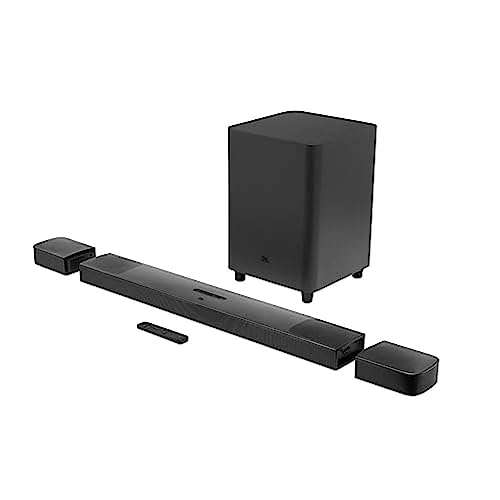 |
JBL Bar 9.1 (9.1, 820W) | |
 |
Vizio M51a-H6 (5.1, 396W) | |
💡 Professional Smart Integration Setup: Configure WiFi connectivity during initial setup ensuring strong signal strength (minimum -67 dBm) at soundbar location for reliable streaming and control • Integrate voice assistants training wake words and configuring preferred services, volume limits, and privacy settings • Create multi-room audio groups synchronizing soundbar with other compatible speakers enabling whole-home music distribution • Program automation routines triggering soundbar power on/off with TV usage, adjusting volume levels based on time of day, and integrating with lighting systems creating immersive viewing experiences • Update firmware regularly through manufacturer apps accessing latest features, bug fixes, and streaming service integrations • Configure network QoS (Quality of Service) settings prioritizing soundbar traffic preventing streaming interruptions during high network usage periods
Browse All: https://www.amazon.com/s?k=wireless+soundbars+Bluetooth&tag=expressmounti-20
🛠️ Professional Installation Tips - Expert Guidance from 7,874+ Soundbar Installations
Professional soundbar installation combines precise positioning, acoustic optimization, and technical configuration ensuring optimal audio performance and long-term reliability. Through 7,874+ successful TV mounting installations incorporating soundbar systems, our installation technicians have developed comprehensive best practices addressing mounting height, acoustic positioning, cable management integration, and system calibration. Professional soundbar installations prioritize mounting brackets supporting full soundbar weight plus vibration forces during high-volume playback, positioning 2-4 inches below TV center maintaining dialogue clarity and IR remote functionality, and cable management solutions integrating soundbar power and connectivity cables with TV cable routing for clean aesthetics. Acoustic considerations include room calibration processes measuring acoustic response at primary listening positions, subwoofer placement strategies utilizing boundary reinforcement effects maximizing bass output, and rear speaker positioning creating proper surround sound imaging for multi-channel systems. Technical configuration encompasses HDMI connection setup enabling eARC functionality for high-resolution audio formats, CEC programming synchronizing soundbar power with TV operation, and sound mode optimization matching acoustic output to content types and listening preferences.
| Installation Aspect | Recommendation | Shop |
|---|---|---|
| Mounting Height | 2-4" below TV center for optimal audio alignment and IR remote reception | |
| Best Connection | HDMI eARC (best quality) > Optical (reliable) > Bluetooth (wireless) | - |
| Subwoofer Placement | Room corners optimize bass response (3dB boost) | - |
| Cable Management | In-wall routing or surface raceways for clean appearance | |
💡 Professional Installation Best Practices:
- Execute room calibration procedures using included microphone measuring acoustic response from primary seating position, automatically optimizing speaker output compensating for room acoustics, furniture placement, and wall reflections
- Angle soundbar toward primary listening position when possible ensuring dialogue clarity and optimal sound projection, particularly important for off-center seating arrangements
- Maintain minimum 6-inch clearance in front of soundbar drivers preventing acoustic obstructions from furniture, decorative items, or entertainment equipment affecting sound quality
- Update soundbar firmware immediately after installation accessing latest DSP algorithms, bug fixes, and feature enhancements improving performance and compatibility
- Configure night mode reducing dynamic range compression enabling clear dialogue at lower volumes preventing disturbance to sleeping household members or neighbors in apartment settings
- Create custom EQ profiles matching content preferences: movie profiles emphasizing dynamic range and bass impact, music profiles prioritizing tonal balance and clarity, voice profiles maximizing dialogue intelligibility
- Enable game mode on compatible soundbars minimizing audio processing latency achieving <40ms input lag critical for competitive gaming and rhythm games
- Test all sound modes and presets identifying optimal settings for various content types rather than relying solely on default or "auto" modes
- Verify HDMI-CEC functionality ensuring soundbar powers on/off automatically with TV operation and TV remote controls soundbar volume
- Document final settings including volume levels, EQ adjustments, and connection configurations for future reference or troubleshooting
Browse All: https://www.amazon.com/s?k=soundbar+mounting+hardware&tag=expressmounti-20
❓ Frequently Asked Questions - Soundbars
Find Your Perfect Soundbar System
Ready to enhance your TV audio? Browse our curated selection of soundbars tested for mounting compatibility and performance. Professional installation ensures optimal positioning and connectivity.