Streaming Devices - Complete Your Mounted TV Setup

A wall-mounted TV needs content, and streaming devices are how most people watch today. After mounting thousands of TVs, we've seen every streaming setup imaginable and know what works best. The right streaming device depends on your ecosystem (Apple, Google, Amazon), your content needs (basic streaming vs gaming), and your TV's capabilities. We also help clients figure out where to put these devices - behind the TV, in a media cabinet, or hidden in a wall cavity - and how to manage the cables cleanly. A beautiful TV mount looks terrible with a streaming stick dangling awkwardly, so planning your streaming setup is part of the installation process.
Streaming Devices - Complete Your Mounted TV Setup

📺 Premium Streaming Devices - Best Performance

Premium streaming devices offer the best performance, most features, and smoothest user experience. They support 4K HDR, have powerful processors for snappy navigation, and include features like voice control, gaming, and expanded storage. If you're investing in a quality TV and professional mounting, a premium streaming device completes the experience. These devices also tend to receive longer software support and updates.

Picture Product Resolution Key Features Best For Shop
Apple TV 4K Apple TV 4K 4K HDR Dolby Vision A15 chip, Siri remote, AirPlay, Apple ecosystem Apple users, Premium experience Buy on Amazon
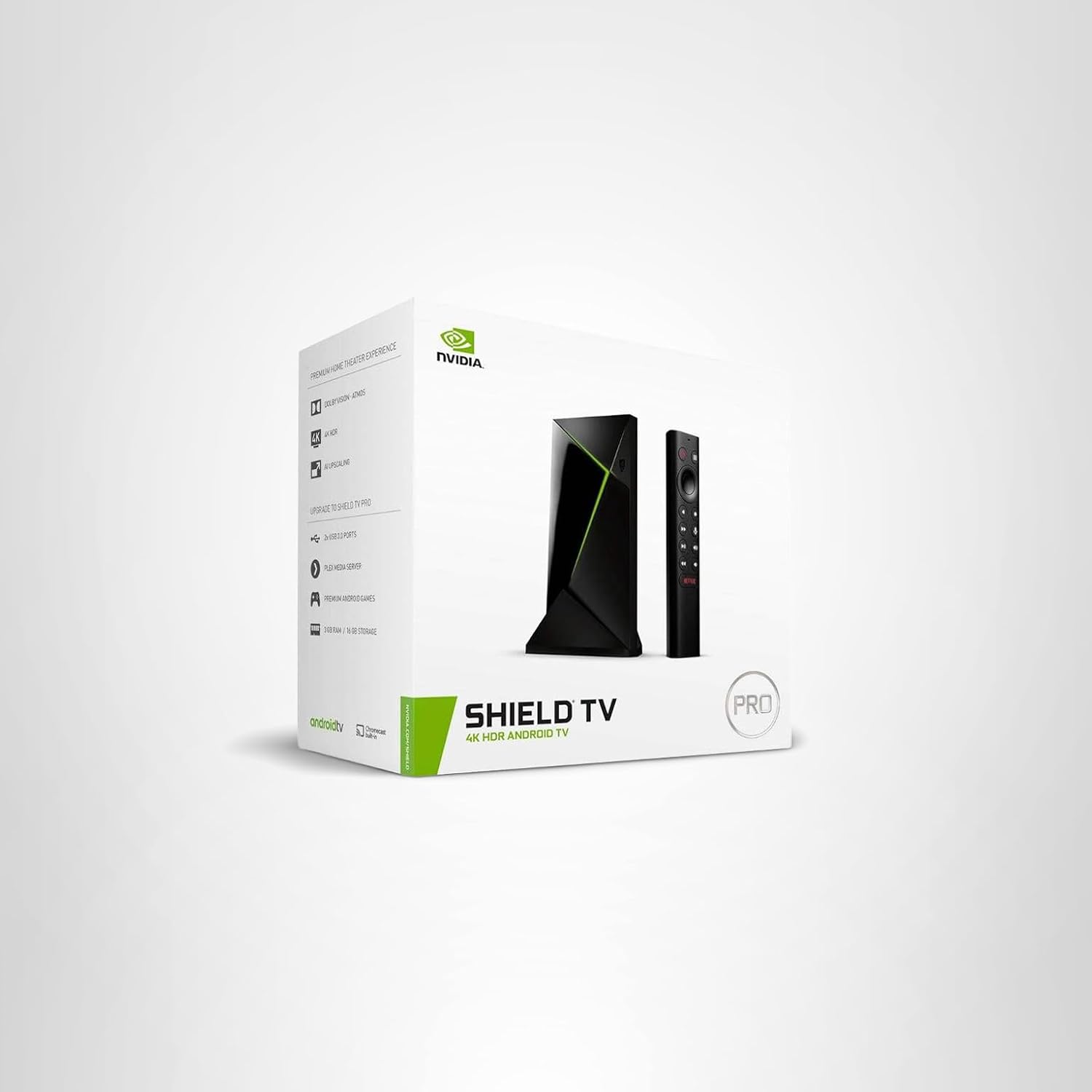
NVIDIA Shield TV Pro NVIDIA Shield TV Pro 4K HDR Dolby Vision AI upscaling, GeForce NOW gaming, Plex server, Expandable Gamers, Power users, Plex Buy on Amazon
Roku Ultra Roku Ultra 4K HDR Dolby Vision Voice remote Pro, Ethernet, USB, Lost remote finder Best overall value, All users Buy on Amazon
Fire TV Cube Amazon Fire TV Cube 4K HDR Hands-free Alexa, Smart home hub, Fastest Fire TV Alexa users, Smart home Buy on Amazon

💡 Premium Device Benefits: Faster processors = snappier navigation • Better HDR processing • Longer software support • More reliable WiFi/Ethernet • Premium remote controls

Browse All: Premium Streaming Devices on Amazon

💰 Budget Streaming Sticks - Great Value

Streaming sticks offer excellent value for most users. They plug directly into your TV's HDMI port, require minimal setup, and deliver 4K HDR streaming for a fraction of premium device prices. Modern budget options from Roku, Amazon, and Google all perform well for standard streaming use. The main tradeoffs are slightly slower navigation, fewer connectivity options (WiFi only, no Ethernet), and smaller remotes. For secondary TVs or budget-conscious setups, these are hard to beat.

Picture Product Resolution Key Features Price Range Shop
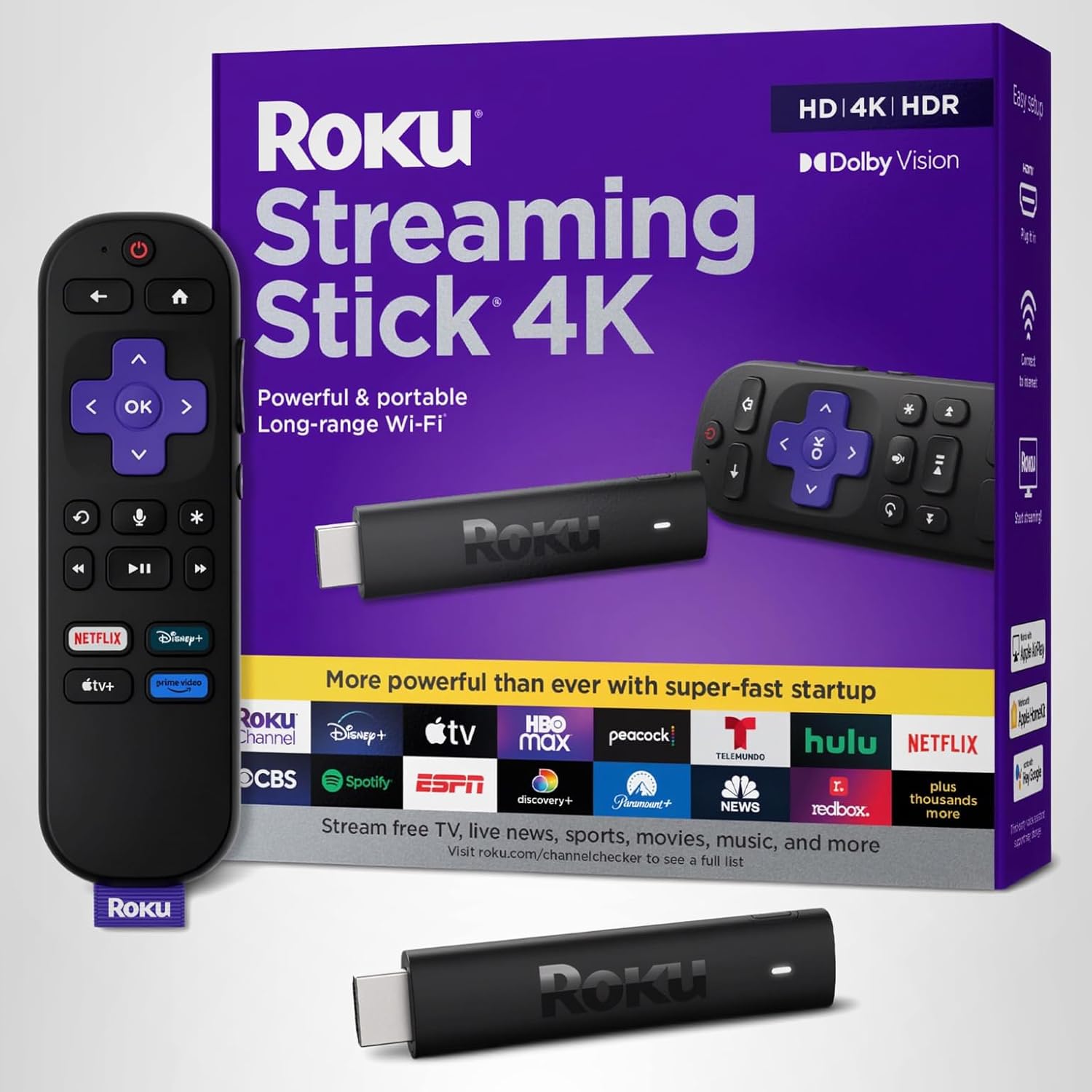
Roku Streaming Stick 4K Roku Streaming Stick 4K 4K HDR Long-range WiFi, Voice remote, Compact design $40-50 Buy on Amazon
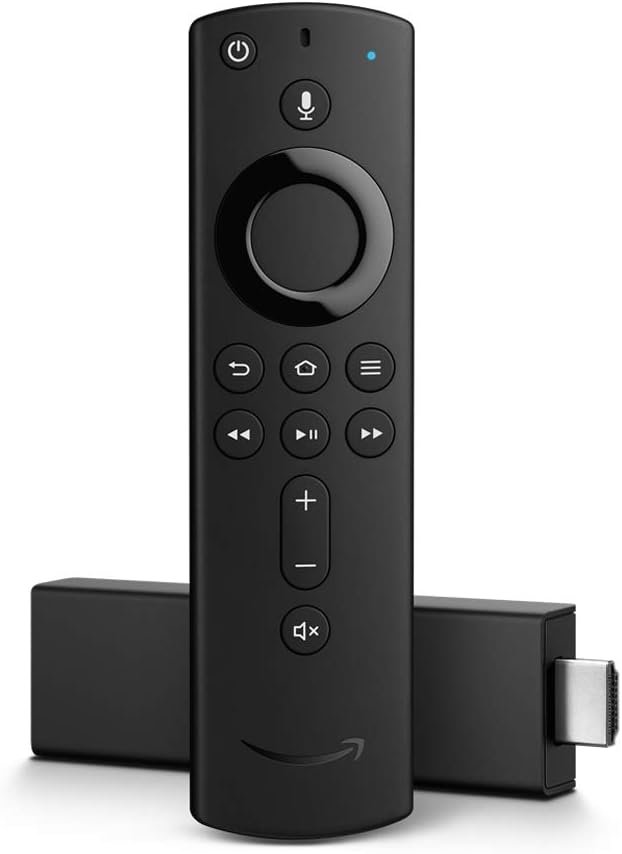
Fire TV Stick 4K Max Fire TV Stick 4K Max 4K HDR WiFi 6, Alexa voice, Picture-in-picture $50-60 Buy on Amazon
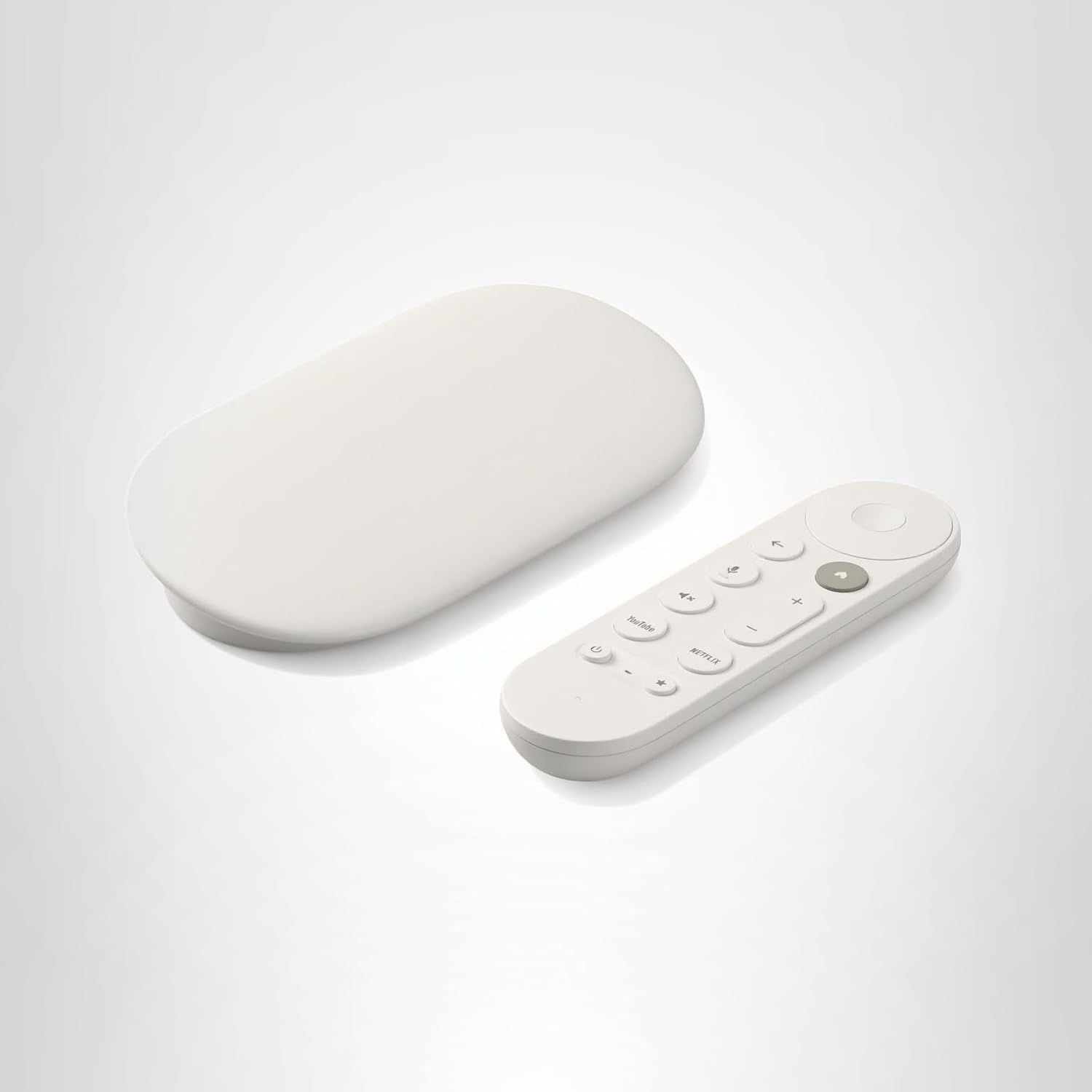
Chromecast with Google TV Chromecast with Google TV 4K HDR Google Assistant, Casting, Unified interface $50 Buy on Amazon
onn 4K Streaming Box onn. 4K Streaming Device 4K HDR Google TV, Ultra budget, Basic remote $20-30 Buy on Amazon

💡 Budget Stick Benefits: Direct HDMI plug-in = hidden behind TV • All major streaming apps • 4K HDR at low cost • Perfect for secondary TVs • Easy setup

Browse All: Streaming Sticks on Amazon

🎮 Gaming-Focused Streaming

If you game on your TV, you need a streaming device that can keep up. Cloud gaming services like Xbox Cloud Gaming, GeForce NOW, and PlayStation Plus Premium let you play console-quality games without dedicated hardware. The NVIDIA Shield is the gold standard for gaming streaming, but newer Fire TV and Chromecast devices support various cloud gaming platforms. Latency matters for gaming - wired Ethernet connections are strongly recommended over WiFi.

Picture Product Gaming Features Services Supported Shop
NVIDIA Shield TV NVIDIA Shield TV Pro Best gaming performance, Controller support GeForce NOW, Steam Link, Emulation Buy on Amazon
Fire TV Stick 4K Fire TV Stick 4K Max Luna controller support, Bluetooth Amazon Luna, Xbox Cloud Buy on Amazon
Xbox Controller Xbox Wireless Controller Universal compatibility, Bluetooth Works with most streaming devices Buy on Amazon

💡 Gaming Tips: Use Ethernet instead of WiFi for lowest latency • Bluetooth controllers may add input lag - use USB when possible • Enable Game Mode on your TV • Consider dedicated gaming console if gaming is primary use

Browse All: Gaming Streaming Devices on Amazon

📍 Streaming Device Placement & Cable Management

Where you put your streaming device matters for both aesthetics and performance. Streaming sticks can hide behind the TV but may have WiFi issues if signal has to pass through the TV. Box-style devices need shelf space or mounting solutions. We help clients plan device placement during TV mounting to ensure clean cable management and optimal performance.

Placement Options:

Location Pros Cons Best For
Behind TV (sticky mount) Hidden, Clean look May block WiFi, Heat buildup Streaming sticks
Media cabinet Organized, Easy access Cable runs to TV needed Box devices, Multiple devices
Wall-mounted shelf Clean, Visible for remotes Requires wall work Premium box devices
In-wall box Completely hidden Complex installation, Heat concerns Custom installs

Helpful Accessories:

Picture Product Purpose Shop
Streaming Device Mount Behind-TV Device Mount Attach devices behind TV Buy on Amazon
HDMI Extender HDMI Extender Cable Position stick away from TV Buy on Amazon
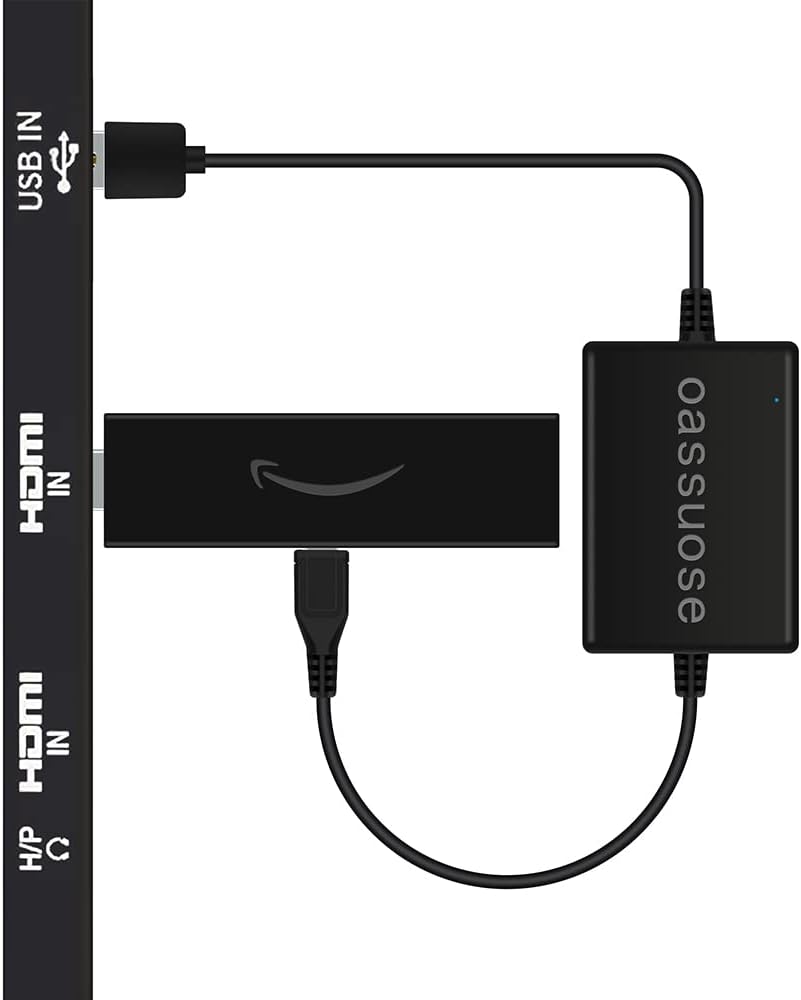
USB Power Cable TV USB Power Cable Power stick from TV USB port Buy on Amazon

Browse All: Streaming Device Mounts on Amazon

❓ Frequently Asked Questions - Streaming Devices

Which streaming device is best?

It depends on your ecosystem and needs. For Apple users with iPhones/iPads, Apple TV 4K offers the best integration with AirPlay, Apple Fitness+, and seamless photo sharing. For Alexa smart home users, Fire TV devices integrate naturally with your existing setup. For the most universal experience with the easiest interface, Roku devices are hard to beat - they're platform-agnostic and just work. For power users and gamers, NVIDIA Shield TV Pro is the most capable device available. For budget setups, any modern 4K stick from Roku, Amazon, or Google performs well. Most people are happy with whichever ecosystem they're already invested in.

Do I need a streaming device if my TV is a Smart TV?

Maybe not, but probably yes. Built-in smart TV apps work fine for basic streaming, but they're typically slower, receive fewer updates, and may lose app support over time as the TV ages. A dedicated streaming device is usually faster, gets more frequent updates, has better app selection, and can be easily upgraded without replacing your TV. We often recommend using the TV's built-in apps for a while - if the performance is frustrating or apps stop working, adding a streaming device is an easy upgrade. For premium TVs or critical viewing rooms, starting with a quality streaming device provides the best experience from day one.

Should I use WiFi or Ethernet for streaming?

WiFi works fine for most streaming - modern 4K content requires about 25 Mbps, well within typical WiFi capability. However, Ethernet provides more consistent, reliable connections without interference from walls, appliances, or neighbors' networks. Use Ethernet if: your streaming device supports it, you experience buffering on WiFi, you're gaming (latency matters), or your TV is far from your router. Budget streaming sticks don't have Ethernet ports, but premium devices like Roku Ultra, Apple TV, and NVIDIA Shield include them. Ethernet adapters are available for some devices that lack built-in ports.

Where should I put my streaming device?

Behind the TV is cleanest but consider WiFi signal. If your streaming stick is directly behind a large TV, the TV's metal and electronics can block or weaken WiFi signals. Use the included HDMI extender to position the device beside or below the TV for better reception. Box-style devices (Apple TV, Shield, Fire TV Cube) need shelf space - either in a media cabinet, on a wall-mounted shelf, or using a behind-TV mount designed for larger devices. Wherever you put it, ensure adequate ventilation - streaming devices generate heat and can throttle performance if overheated. Avoid enclosed spaces without airflow.

What streaming services work with all devices?

Major streaming services are available on all platforms: Netflix, Disney+, Hulu, HBO Max, Amazon Prime Video, YouTube, Peacock, Paramount+, and most others work on Roku, Fire TV, Apple TV, and Chromecast. Some services have exclusive or optimized experiences on certain platforms - Apple TV+ is best on Apple TV, Amazon content is optimized for Fire TV. The main exception historically was YouTube on Fire TV and Amazon Video on Chromecast due to company disputes, but those have been resolved. Check for any specific apps you need before purchasing, but for mainstream streaming, all major devices cover the basics.

Find Your Perfect Streaming Device

Complete your mounted TV setup with the right streaming device. Browse our recommendations based on thousands of installations and real-world performance.

Shop Streaming Devices
  • Phone: (470) 888-0030
  • Service Area: Atlanta Metro & North Georgia
  • Hours: Monday-Sunday 9:00 AM - 6:00 PM
  • Experience: 7,300+ TVs Successfully Mounted

Same-Day Service Available | Free Estimates | 100% Satisfaction Guarantee