Best TVs of 2026 - Professional Mounting Recommendations
TV technology in 2026 is honestly incredible - but not all TVs mount the same way. After hanging thousands of displays, we've learned which models install cleanly and which ones create headaches. OLED still delivers those perfect blacks that make movies pop, QLED handles bright rooms without washing out, and Mini-LED has gotten good enough that it's hard to justify OLED's price premium for a lot of people. But here's what matters for mounting: weight, VESA patterns, and how the TV's design affects installation. Some TVs that look great on a spec sheet are nightmares to actually mount. We prioritize models that combine excellent picture quality with sensible mounting hole placement, reasonable weight, and smart features that actually work. Your TV's going to be on that wall for years - choose wisely.
Premium OLED TVs
OLED is still king for movie watching. Those perfect blacks and infinite contrast ratios? Nothing else comes close. Plus they're actually lighter than comparably-sized LED TVs, making wall mounting easier. The slim profiles look fantastic mounted too.
| Picture | Product | Shop |
|---|---|---|
![]() |
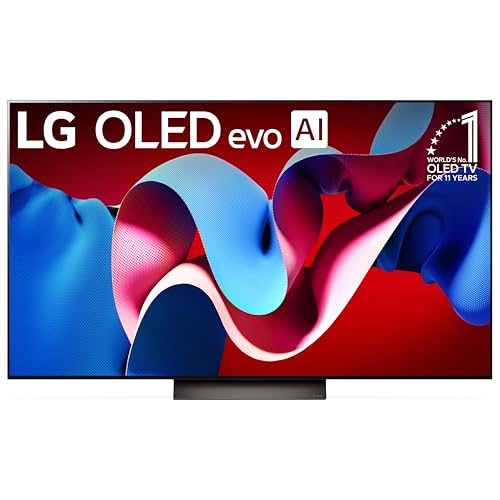
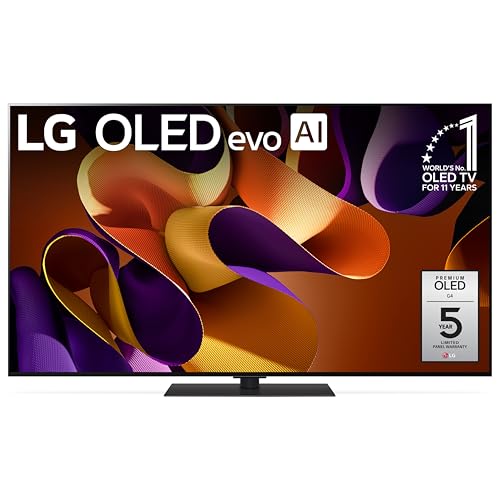
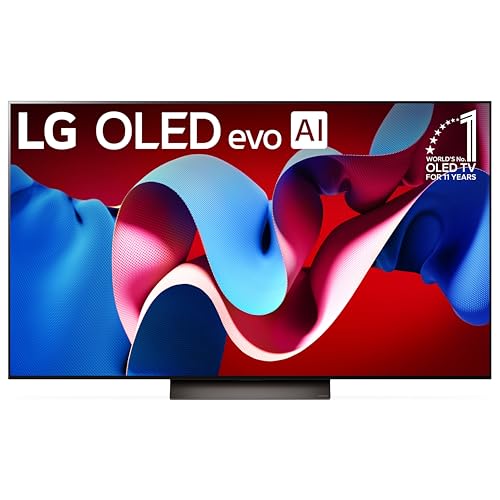
LG 65-Inch Class OLED evo C4 Series | |
![]() |
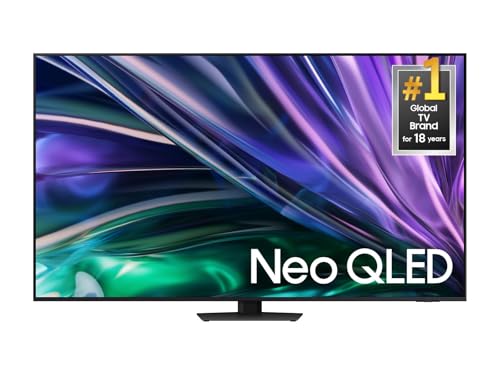
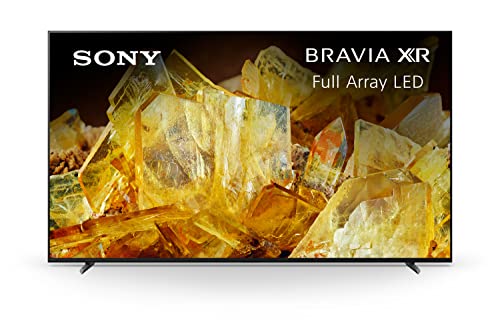
Sony 65 Inch QD-OLED BRAVIA XR A95L Series | |
![]() |
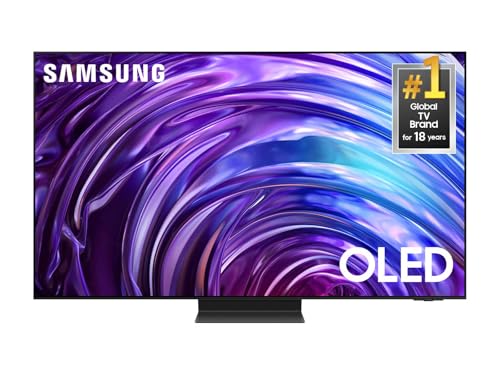
Samsung 65-Inch Class OLED S95D Series |
💡 Mounting Tips: OLED TVs are lighter than LED models, making wall mounting easier • Mount at eye level when seated (typically 42-48" center height) • Anti-glare screen positioning reduces reflections
QLED TVs for Bright Rooms
Got a bright room with lots of windows? QLED is your answer. These get incredibly bright without washing out colors, and they handle reflections better than OLED. They're built a bit heavier which actually works well with full motion mounts - the extra weight provides stability.
| Picture | Product | Shop |
|---|---|---|
![]() |
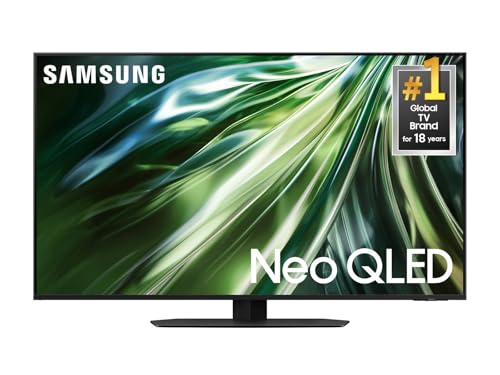
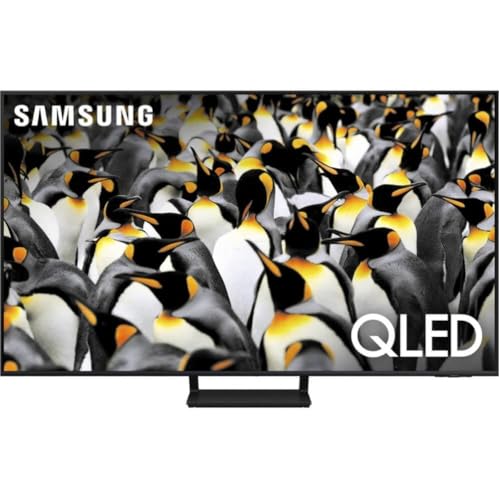
Samsung QN90D Neo QLED | |
![]() |
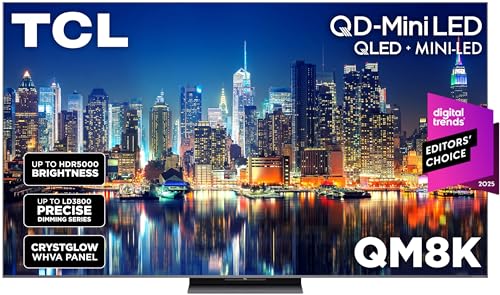
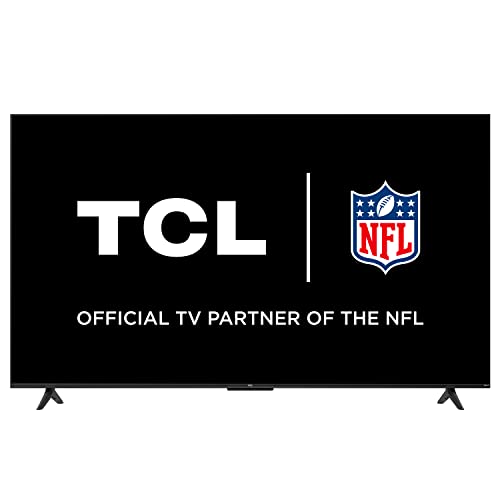
TCL QM8K Mini LED | |
![]() |
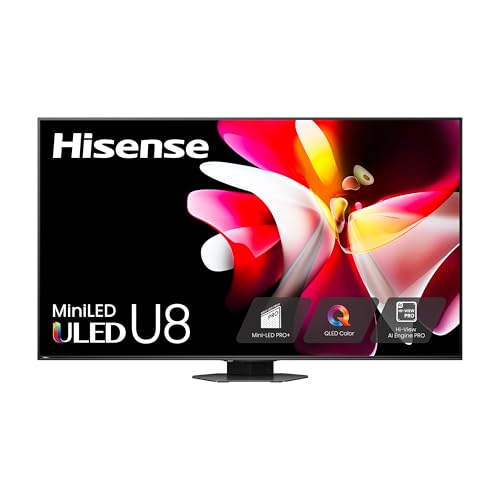
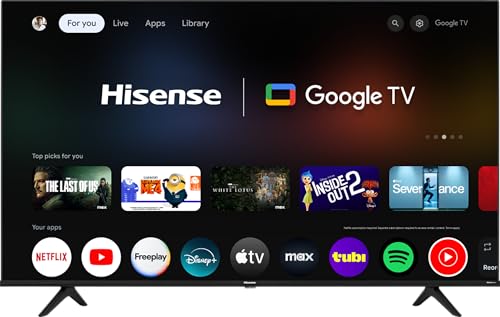
Hisense U8N ULED |
💡 Installation Tips: QLED TVs excel in bright environments • Position away from direct sunlight to avoid glare • Use full-motion mounts for angle adjustment
Mid-Range TVs
Impressive performance and mounting compatibility at accessible price points. Great value for most homeowners.
| Picture | Product | Shop |
|---|---|---|
![]() |
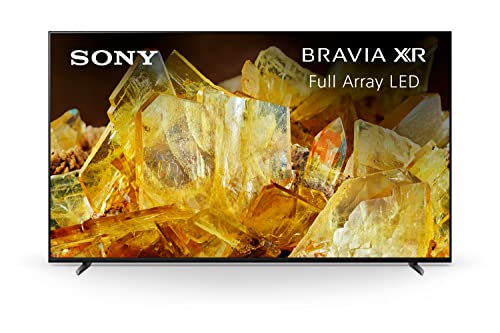
Sony X90L LED | |
![]() |
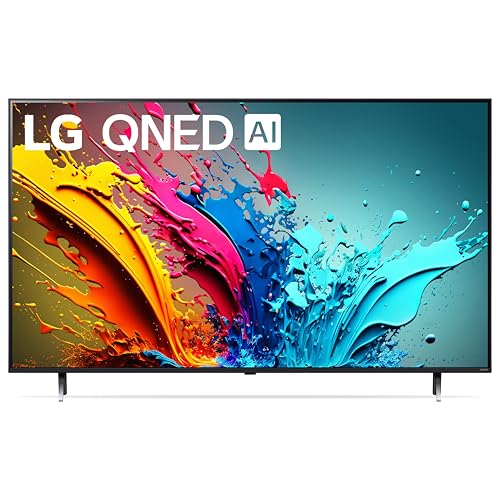
LG QNED85 | |
![]() |
Samsung Q70D QLED |
💡 Setup Tips: Ensure proper ventilation clearance (2-3 inches) • Plan cable routing before mounting • Professional calibration optimizes picture settings
Budget-Friendly TVs
Advanced smart features and reliable mounting specifications at affordable prices. Perfect for secondary rooms.
| Picture | Product | Shop |
|---|---|---|
![]() |
TCL 4-Series | |
![]() |
Hisense A6 Series | |
![]() |
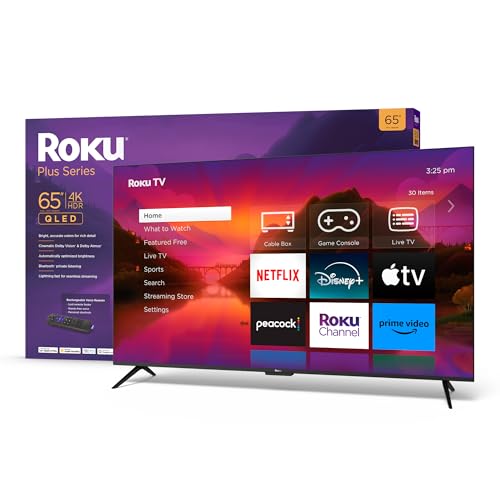
Roku Plus Series |
💡 Best For: Bedroom TVs • Guest rooms • Kitchen entertainment • Budget installations ($400-800 for 65" models)
Large Screen TVs (75 and Above)
Massive screen presence requires specialized mounting considerations and robust wall support for safe installation.
| Picture | Product | Shop |
|---|---|---|
![]() |
Samsung QN85D Neo QLED | |
![]() |
LG C4 OLED | |
![]() |
Sony X90L |
💡 Installation Requirements: Structural wall assessment required • Multiple stud mounting • Heavy-duty mounting hardware essential • Professional installation recommended
Gaming TVs
Low input lag, high refresh rates, and variable refresh rate support for competitive gaming performance.
| Picture | Product | Shop |
|---|---|---|
![]() |
LG G4 OLED Gallery Series | |
![]() |
Samsung QN90D Gaming | |
![]() |
Sony A95L Gaming |
💡 Gaming Setup: Mount at optimal height for seated gaming (42-48" center height) • Motion mount systems for angle adjustment • Integrated cable management for multiple consoles
TV Mounting Compatibility Guide
Professional TV mounting requires understanding weight specifications, VESA patterns, and wall structure compatibility.
💡 Professional Rule: Choose mounts rated for 150% of TV weight • Always verify exact VESA measurements on TV specifications
Mounting Hardware:
- Heavy-Duty TV Mounts: https://www.amazon.com/s?k=heavy+duty+TV+mounts&tag=expressmounti-20
- 3/8" Lag Bolts for stud mounting: https://www.amazon.com/s?k=3%2F8+lag+bolts+TV+mount&tag=expressmounti-20
- Toggle Anchors for hollow walls: https://www.amazon.com/s?k=heavy+duty+toggle+anchors&tag=expressmounti-20
Installation Considerations:
- Wall stud verification required
- Cable management planning essential
- Optimal viewing height: 42-60" center height (eye level when seated)
- Proper ventilation clearance (2-3 inches)
Frequently Asked Questions - TVs
What TV size should I buy for my room?
Here's the formula we use after mounting TVs in thousands of rooms: measure your viewing distance (where you sit to the TV) in inches, then divide by 1.5 for the minimum screen size, or divide by 1.2 for the maximum. So if you're sitting 8 feet away (96 inches), you want 64-80 inch screens. Most people actually buy too small - modern 4K TVs look great even at closer distances because pixel density is so high. Living rooms typically work best with 65-75 inch displays. Primary bedrooms do well with 55-65 inches. Smaller bedrooms or kitchens are fine with 43-50 inches. Room brightness matters too - if you've got lots of windows, bigger screens with higher brightness specs compensate for ambient light. Also consider your mount - full motion mounts let you adjust viewing angles, but they stick out from the wall more. Fixed mounts work for larger TVs in dedicated viewing spaces. Don't forget ceiling height either - a 75 inch TV needs proper mounting height or you'll be craning your neck. When in doubt, go one size bigger than you think - everyone who does says they wish they'd gone even bigger.
Is OLED better than QLED?
Depends what you're prioritizing. OLED has perfect blacks because each pixel turns completely off - unbeatable contrast for movie watching in dark rooms. Colors pop, response time is instant (great for gaming), and viewing angles stay consistent from the side. Downside? They're not as bright as QLED, so in rooms with lots of windows they can wash out a bit. There's also the burn-in concern if you watch tons of cable news with static logos (though it's less of an issue on newer models). QLED uses LED backlighting with quantum dots for incredible brightness and vibrant colors - perfect for bright living rooms. They last forever without burn-in concerns and cost less than OLED at the same size. But blacks aren't truly black, they're dark gray, and viewing angles can shift colors. After thousands of installations, here's our take: OLED for dedicated home theaters and primary bedrooms with controlled lighting. QLED for bright living rooms, kitchens, and spaces with windows everywhere. Both technologies are excellent in 2026 - you really can't go wrong either way.
What's the best TV for bright rooms?
You need brightness and anti-glare technology. Look for TVs rated 1000 nits or higher - Samsung's QN90D and QN85D Neo QLED models hit 1500+ nits and handle bright rooms beautifully. LG's QNED models with Mini-LED backlighting also work great. Sony's X90L series has excellent brightness plus their anti-reflective coating that really does reduce glare. The key specs: peak brightness over 1000 nits, full-array local dimming (not edge-lit), and matte or anti-reflective screen coatings. OLED's beautiful but caps around 800 nits - fine for moderate light but struggles when sun's blasting through windows. Screen finish matters more than people realize. Glossy screens look amazing in dark rooms but reflect everything in bright spaces. Matte or semi-gloss finishes reduce reflections significantly. Room positioning helps too - avoid mounting directly across from windows where you'll see reflected light all day. If possible, position the TV perpendicular to windows. We've installed TVs in some brutally bright spaces - proper brightness specs and anti-glare technology make the difference between usable and unwatchable.
How do I know if a TV is good for wall mounting?
Check three things: weight, VESA pattern, and center of gravity. Most modern TVs mount fine, but there are exceptions. Weight should be clearly listed in specs - lighter is easier to mount but usually means cheaper construction. VESA pattern is the mounting hole spacing on the TV's back, typically 200x200mm up to 600x400mm for standard sizes. Make sure your mount supports the TV's exact VESA pattern. Some boutique TVs use weird proprietary mounting that limits your bracket choices. Center of gravity matters for articulating mounts - TVs that are front-heavy don't balance well on full motion arms. Look at the TV's depth profile - ultra-thin designs (under 2 inches) usually mount cleanly. TVs with recessed connection areas or weird protrusions can interfere with mounts. Read actual user reviews mentioning mounting - you'll catch issues that spec sheets miss. After 7,874+ installations we've learned which models are nightmares (looking at you, certain curved TVs) and which ones mount perfectly. Generally, LG OLEDs, Samsung QLEDs, and Sony models all mount reliably. Budget brands occasionally have strange mount hole positions that complicate installation.
What's the difference between 4K and 8K?
Resolution - 4K is 3840x2160 pixels, 8K is 7680x4320 pixels. So 8K has four times as many pixels as 4K. Sounds amazing, right? Here's reality: there's basically no 8K content available. Streaming services max out at 4K, most cable is 1080p or 720p, and even 4K content is limited. 8K TVs upscale 4K content, and the good ones (like Samsung's QN900 series) do it impressively using AI processors. But you're paying premium prices ($3000-6000+) for future-proofing that may not pay off for years. The other issue: you need to sit really close to see 8K's benefits. Like 4-5 feet from a 75 inch screen. Most people sit 8-12 feet away where 4K and 8K look identical. Where 8K makes sense: massive screens (85+ inches), commercial installations, or if you're future-proofing for the long term. For 95% of people? 4K is perfect and will be for years. Spend your budget on better 4K TVs (OLED or high-end QLED) with features that matter now - brightness, contrast, gaming specs, smart features. That's where we guide customers after installing thousands of both.
Do I need a smart TV?
Technically no, but practically yes. Every decent TV sold in 2026 is smart anyway - built-in WiFi, streaming apps, voice controls. You could buy a "dumb" TV and add a Roku or Apple TV, but you'll pay more overall and have two remotes to juggle. Here's what we tell people: buy a smart TV but treat the built-in apps as a backup. Dedicated streaming devices (Apple TV 4K, Roku Ultra, NVIDIA Shield) perform way better - faster interfaces, more apps, regular updates that don't stop after two years. TV manufacturers abandon software support pretty quickly. So connect a dedicated streamer and you've got both options. Smart TV features we actually use: HDMI CEC for one-remote control, voice assistants for basic commands, screen mirroring from phones, built-in Chromecast or AirPlay. Features we ignore: TV's app store (phone apps are better), built-in web browsers (terrible experience), TV's smart home integration (dedicated hubs work better). The exception: LG's webOS and Samsung's Tizen are genuinely good smart TV platforms if you want simplicity. But after 7,874+ installations, we recommend getting a good TV with basic smart features, then adding dedicated streaming hardware that you can upgrade independently when technology improves.
Which TV is best for above-fireplace mounting in Atlanta homes?
For above-fireplace installs we steer Atlanta customers toward Samsung Frame, Samsung QN90D Neo QLED, or Sony X90L LED - never OLED. The reason is heat: OLED panels (LG C-series, Sony A95L, Samsung S95D) have a manufacturer-specified maximum operating temperature of 95-100 degrees Fahrenheit, and a working gas fireplace in a typical Atlanta great room (Vinings, Brookhaven, Buckhead) can drive the wall surface above the firebox to 110-130 degrees during a winter evening burn. We've measured it with an infrared thermometer on dozens of installs. The fix is either a non-OLED panel (Samsung Frame is our most-installed above-fireplace TV in Buckhead because the matte anti-glare finish hides the slightly elevated viewing angle) or a full-motion mount with a heat shield mantel that pulls the TV forward and angles it down. We recommend the Sanus VLF728 or Echogear EGLF2 for above-fireplace work, plus a $40 stick-on thermometer so the customer can verify the panel never sees above 90 degrees during normal operation. After 7,874 installs the pattern is consistent: OLED above a working fireplace fails within 18 months.
Should I get OLED, QLED, or Samsung Frame for an Atlanta living room?
Depends on the room and the use case - here is how we steer Atlanta customers across 7,874 installs. OLED (LG C4, Sony A95L, Samsung S95D) is the right answer for dedicated home theater rooms in finished basements (Sandy Springs, Roswell, Marietta) where you can control ambient light - the perfect blacks and infinite contrast are unbeatable for movie nights. QLED with Mini-LED backlighting (Samsung QN90D, Sony X90L, Hisense U8N) is the right answer for typical Atlanta great rooms with multiple windows and lots of natural light - they hit 1,500-2,000 nits peak brightness so the screen does not wash out at 2 PM in July. Samsung Frame (the QLED model with the matte anti-glare finish and interchangeable bezels) is the right answer for design-conscious customers in Buckhead, Inman Park, and Old Fourth Ward who want the TV to disappear into the wall - we install more Frames in Buckhead high-rises than any other model. The honest answer: you can not go wrong with any of the three in 2026, but match the panel technology to the room conditions and the wall design. We do site assessments at no charge before recommending.
Do you remove the old TV during install?
Yes, old TV removal and disposal is a standard add-on we offer on every Express Mounting install in Metro Atlanta - $39 for haul-away of one TV up to 75 inches, $59 for 80 inches and up, and free if the customer wants to keep it for a guest room or basement re-mount on the same install ticket. We dispose responsibly through Atlanta's certified e-waste recyclers (Per Scholas Atlanta, eWaste Atlanta off Cobb Parkway, or DeKalb County Sanitation's e-waste drop-off in Decatur), and we provide a recycling receipt on request for tax purposes. The most common scenario we see in Buckhead and Sandy Springs is the customer upgrading a 65-inch OLED to a 77-inch model and asking us to move the 65 to the primary bedroom or finished basement on the same visit - we handle that as part of a standard two-TV install ($199 + $199 = $398) rather than two separate trip charges. Schedule the haul-away when you book the install so we know to bring the right vehicle and packing materials.
Quick note: This page contains Amazon affiliate links. We may earn a small commission at no extra cost to you if you buy through them. Recommendations come from products I’ve personally hung on real customer walls over 10 years and 7,874 installs - not spec-sheet guessing.
I’m Alex Crabinsky, and after 7,874 installs across Metro Atlanta I’ve mounted nearly every TV on this list in real customer living rooms. Spec-sheet champions and real-world champions are not always the same TV, especially once you factor in weight, VESA layout, and how a panel actually performs in a Georgia great room with five windows. Read more on the author page.
Atlanta installer expertise: which TVs we install most often
After 7,874 documented installs across Metro Atlanta since 2015, the Express Mounting crew has tracked which TV brands and models actually get hung on Atlanta walls - and the pattern is clear, geographically clustered, and not what the spec sheets predict. Buckhead high-rises and luxury Brookhaven and Sandy Springs homes skew heavily toward Samsung Frame (the matte anti-glare finish and interchangeable bezels make it the design-conscious customer’s first choice for above-fireplace and main-living-wall installs) and LG C-series OLED for dedicated media rooms in finished basements. Cobb County, Gwinnett, and South Fulton family homes lean toward Sony Bravia XR (X90L and A80L) and Samsung QN90D Neo QLED for great rooms with multiple windows where peak brightness above 1,500 nits matters more than perfect blacks. The Vinings and Roswell home-theater crowd buys LG G-series Gallery OLED or Sony A95L QD-OLED for dedicated rooms with controlled lighting.
The most consistent failure mode we see has nothing to do with picture quality - it is heat damage on OLED panels installed above working gas fireplaces in Atlanta great rooms. OLED’s manufacturer-specified maximum operating temperature is 95-100 degrees Fahrenheit, and we have measured wall temperatures above firebox openings at 110-130 degrees during winter burns in Vinings, Brookhaven, and Buckhead homes. The fix is one of two paths: steer the customer to a non-OLED panel for above-fireplace installs (Samsung Frame is our most-installed above-fireplace TV in Buckhead because the matte finish hides the slightly elevated viewing angle), or install a full-motion mount (Sanus VLF728 or Echogear EGLF2) with a heat shield mantel that pulls the TV forward and angles it down. We add a $40 stick-on thermometer so the customer can verify the panel never sees above 90 degrees during normal operation.
The hardware we keep on the truck for premium TV installs: Sanus VLF728 and Echogear EGLF2 full-motion mounts for above-fireplace work, Samsung Frame customizable bezels in beige wood and modern white finishes, LG OLED-specific cleaning kits (the panel coating is more delicate than LED), 3/8-inch lag bolts in 3-inch and 4-inch lengths for stud mounting heavy 75-85 inch panels, and infrared thermometers for verifying above-fireplace temperature compliance.
A representative recent install: a Buckhead customer in a Tuxedo Park home wanted a 75-inch Samsung Frame above the gas fireplace in the great room rather than the 65-inch LG C4 OLED she had been considering. We measured the wall surface above the firebox at 118 degrees during a 30-minute burn (well above OLED’s 100-degree max), confirmed the Frame’s 95-degree operating window was safe with the matte finish reflecting heat, and installed it on a fixed low-profile mount with concealed cable down to the cabinet on the right side of the fireplace. The customer chose the 75-inch over the 65-inch specifically for the no-gap aesthetic - the Frame sits flush to the wall when off, displaying art via the Samsung Art Store. Total install: $259 base mount + $119 cable concealment + $119 brick surcharge (the firebox surround was natural stone) = $497. Install time: 2 hours 45 minutes.
Express Mounting installation pricing in Metro Atlanta:
- Basic TV mount: $149 (up to 54”), $199 (55-69”), $259 (70-79”), $319 (80”+)
- Cable concealment: $119 per TV
- Brick / stone surcharge: +$119
- Full-motion mount: +$89
Call (470) 888-0030 for same-day Atlanta service or book online.
Need professional installation in Metro Atlanta? Call (470) 888-0030 for same-day TV mounting service. Flat-rate pricing: $149-$319 basic, $119/TV cable concealment.
Find Your Perfect TV for Professional Mounting
Ready to upgrade your entertainment setup? Browse our curated selection of 2026's best TVs, each tested for mounting compatibility and performance. Professional installation available for optimal viewing experience.