TV Stands & Media Consoles - Furniture Solutions
Wall mounting isn't always possible or preferred - rental restrictions, brick walls, personal preference, or room layout can all make TV stands the better choice. Quality TV stands and media consoles provide stable support for large TVs while offering storage for equipment, cable management solutions, and design options that complement your room. Modern stands range from minimalist floating shelves to full entertainment centers with built-in mounts. We help clients who can't wall mount find solutions that still provide clean, organized setups. A well-chosen TV stand can look just as good as a wall mount while offering practical benefits like easy equipment access and flexible repositioning.
🪑 TV Stands with Integrated Mounts
The best of both worlds - TV stands with built-in mounting brackets. These provide the stability of floor furniture with the elevated, floating TV look of wall mounting. The TV attaches to a mount built into the stand, raising it above the surface. Great for rentals where you can't drill walls, or rooms where wall mounting isn't practical. Many include swivel capability and cable management channels through the mount post. Weight capacities are typically generous since the floor-standing design provides inherent stability.
| Picture | Product | Shop |
|---|---|---|
 |
FITUEYES Swivel TV Stand |  |
 |
WALI Floor TV Stand | |
 |
Entertainment Center with Mount | |
💡 Integrated Mount Benefits: No wall drilling required • Swivel for flexible viewing • Easy to relocate • Renter-friendly
Browse All: TV Stands with Mounts on Amazon
📺 Modern Media Consoles
Classic media consoles provide a surface for your TV plus storage for equipment, games, and media. Modern designs emphasize clean lines, cable management, and ventilation for electronics. When choosing a console, ensure it's wide enough for your TV (TV should be smaller than console width for visual balance), has adequate ventilation for equipment, and offers cable management solutions. Floating/wall-mounted consoles provide a modern look while keeping floor space clear.
| Picture | Product | Shop |
|---|---|---|
 |
Walker Edison Modern Console | |
 |
Floating Wall Console | |
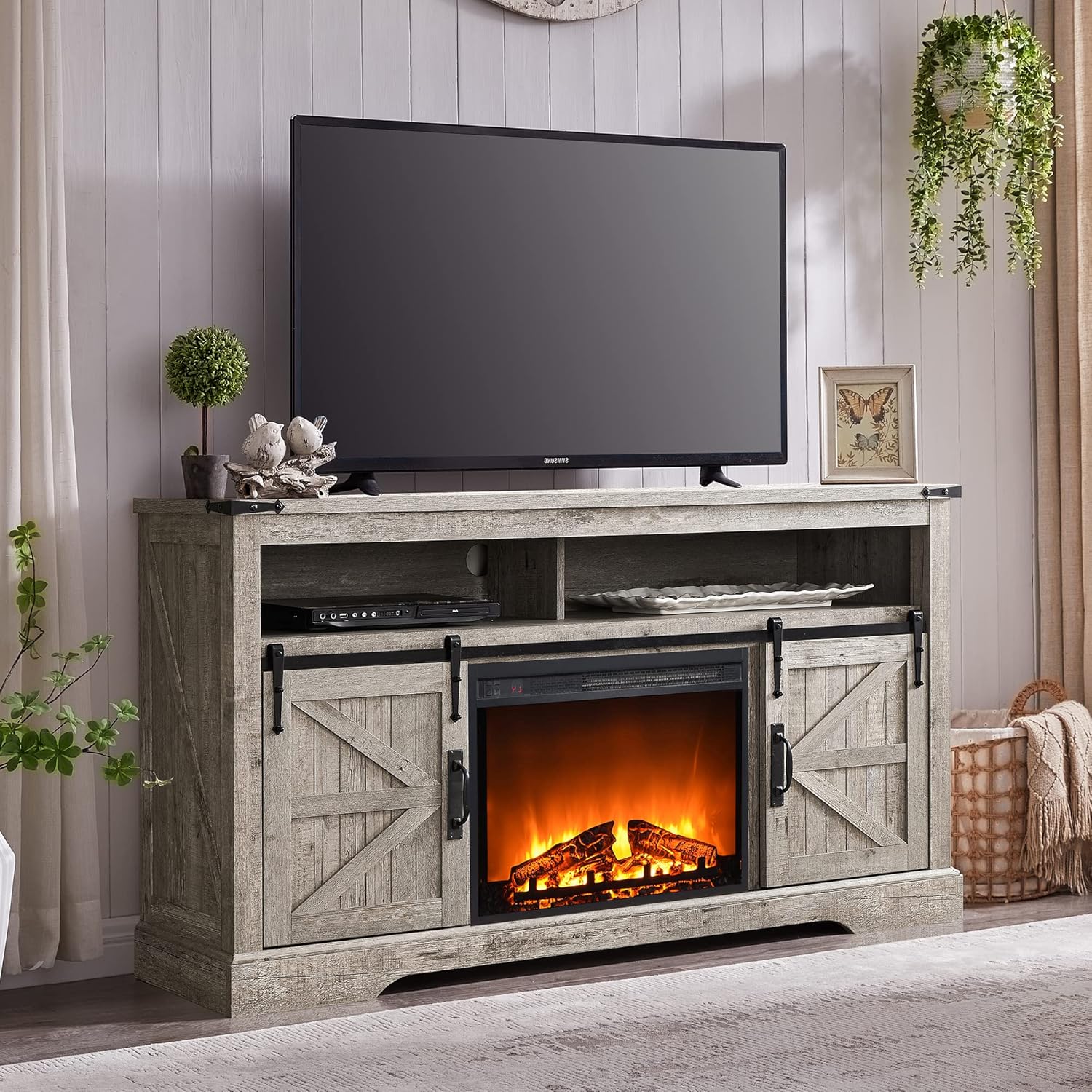 |
Farmhouse TV Console | |
💡 Console Sizing: Console should be wider than TV • Leave 3-6" on each side for visual balance • Ensure top surface can support TV weight
Browse All: Media Consoles on Amazon
🚗 Rolling TV Carts - Portable Solutions
Rolling TV carts provide ultimate flexibility - move your TV between rooms, bring it onto a patio, or reposition for different events. Popular in offices, classrooms, and homes where TV placement needs to change. Quality carts feature locking casters, cable management, and equipment shelves. Some include built-in power strips. Choose sturdy construction that won't tip - look for wide bases and low center of gravity designs.
| Picture | Product | Shop |
|---|---|---|
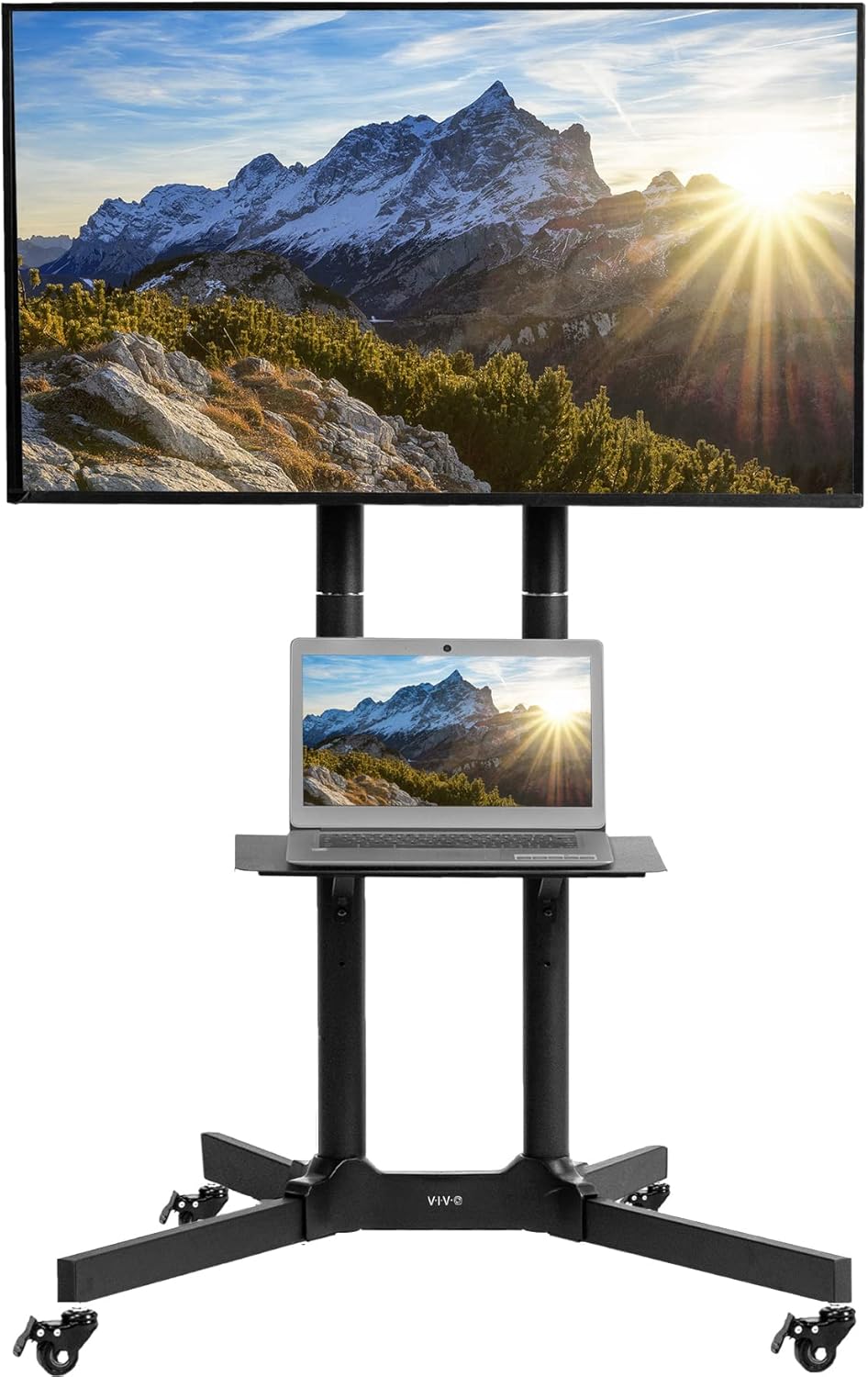 |
VIVO Mobile TV Cart | |
 |
Mount-It! Rolling TV Stand | |
Browse All: Rolling TV Carts on Amazon
🗄️ Entertainment Centers - Complete Solutions
Full entertainment centers provide TV placement plus extensive storage for equipment, media, books, and decorative items. These larger units define a room's focal wall and can include features like built-in lighting, fireplace inserts, and closed storage to hide clutter. Ideal for traditional homes or anyone wanting comprehensive organization. Consider room size - entertainment centers are substantial furniture pieces that need proportional space.
| Picture | Product | Shop |
|---|---|---|
 |
Entertainment Center (75" TV) | |
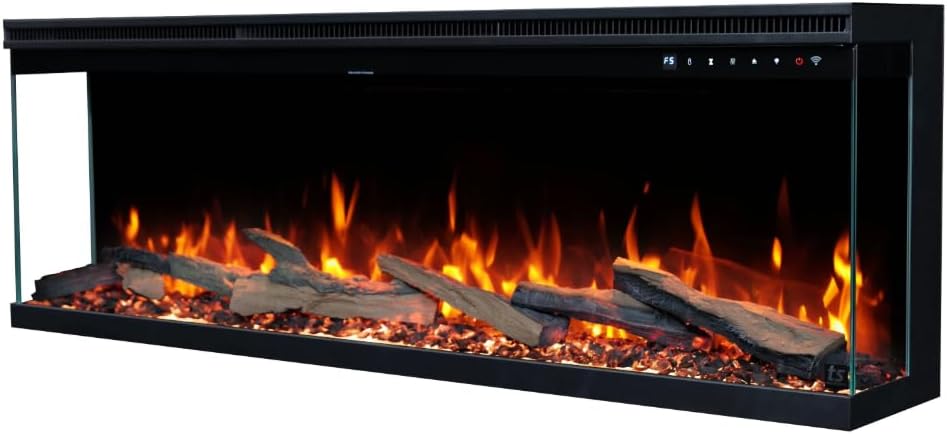 |
TV Stand with Electric Fireplace | |
Browse All: Entertainment Centers on Amazon
❓ Frequently Asked Questions - TV Stands
Find Your Perfect TV Stand
Can't wall mount? Browse our recommended TV stands and media consoles for every style and budget. Quality furniture solutions with integrated cable management.