
Mounting Dream In Stock
Mounting Dream Full Motion TV Wall Mount for 32-70 Inch TVs up to 99lbs
$34.99 $46.99
−26%
View on Amazon
After 7,874 documented TV installs since 2015, here are the products my crew actually keeps stocked - and the ones we won't touch. Three picks first: we reach for the Sanus VLF628 on full-motion jobs, the SANUS VisionMount Tilting above fireplaces, and the SunBriteTV Outdoor when the TV lives on a patio. Alex Crabinsky, founder of Express Mounting, personally tests every product on this list across Atlanta wall types from Buckhead high-rises to Inman Park plaster-and-lath. Here's what we've learned: the right wall mount system makes all the difference between an installation that lasts decades and one that needs service calls. We've mounted TVs on everything you can imagine - drywall, brick, concrete, plaster, metal studs, you name it. What matters most? Reinforced steel wall plates that actually distribute weight properly, articulating arms that still move smoothly after years of daily adjustments, and cable management that keeps everything looking clean. Full motion mounts are honestly incredible when you need them - extending up to 32 inches while staying rock-solid. We've also tackled some unusual setups: corner installations where standard mounts won't work, ceiling mounts for spaces with limited wall access, and outdoor installations that need to handle weather. Every mount we recommend has proven itself in the real world, not just on paper.
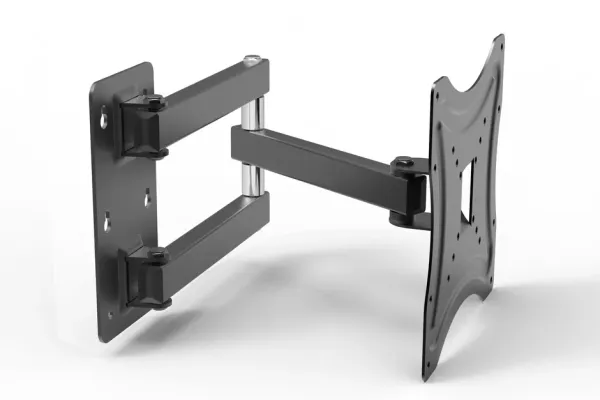
The four mounts from this guide we hang most often, with live Amazon pricing.
As an Amazon Associate, we earn from qualifying purchases. Prices and availability are subject to change. Prices checked Aug 12, 2026.
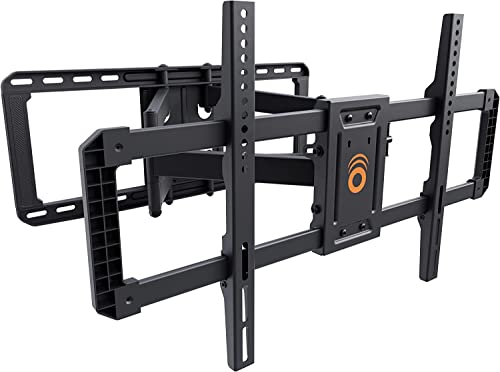


Full motion mounts are difference-makers for spaces where you're constantly adjusting your viewing angle. Living rooms with multiple seating areas? Bedrooms where you watch from different positions? These are where full motion mounts really shine. Look, when you extend an arm 16-32 inches from the wall, you're creating serious leverage forces - that's why we never cheap out on the mounting hardware. The best ones use ball-bearing pivots that glide smoothly even after thousands of adjustments. You'll want integrated cable channels too, unless you enjoy seeing cables twist every time you move the TV. Here's what matters: dual-arm construction for stability, post-installation micro-adjustments so you can fine-tune positioning, and proper lag bolt installation into studs. We're talking 3/8" lag bolts minimum - those forces during extension aren't playing around.
| Picture | Product | Best for | Notes | Shop |
|---|---|---|---|---|
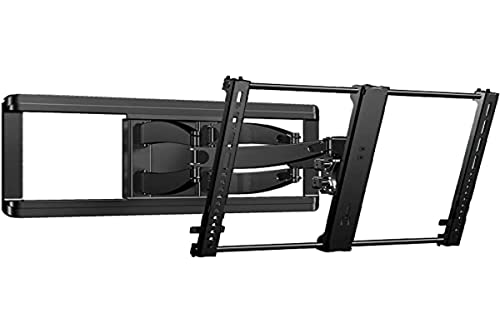 |
Sanus VLF628 | 65 inch TVs, multi-seat rooms | Dual-arm stability, integrated cable management |  |
 |
VideoSecu Full Motion | Bedrooms with changing viewing positions | Plan cable routing before mounting | |
 |
ECHOGEAR Full Motion | Rooms where glare shifts through the day | Test the articulation range before hanging | |
💡 Professional Installation Tips: Verify wall studs using electronic stud finders AND manual knock testing for accuracy • Plan cable routing paths before mounting bracket installation • Test full articulation range without TV to ensure clearance from walls and furniture • Mount wall plate perfectly level using digital level for smooth articulation • Allow 4-6 inches wall clearance for extended arm mechanisms
Browse All: Full Motion TV Mounts on Amazon
When your TV's going to stay put, fixed and tilting mounts give you that clean, floating look everyone wants. We're talking profiles as slim as 0.8 inches - the TV literally hugs the wall. Home theaters and dedicated media rooms are perfect for these since you're not constantly adjusting angles. Now, tilting mounts? Those are essential for above-fireplace installations. You need that downward tilt (-5° to -15°) or you'll be craning your neck every movie night. We always use fireplace-rated mounts up there - heat resistance isn't optional. The smart ones let you adjust tilt after installation, which is clutch when you're fine-tuning the viewing angle. Fixed mounts also excel in earthquake zones where you want zero movement, or commercial spaces where theft resistance matters. They're rock-solid because they don't have moving parts to fail.
| Picture | Product | Best for | Notes | Shop |
|---|---|---|---|---|
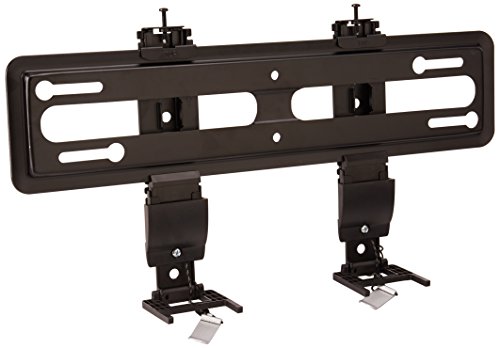 |
SANUS VML5 Fixed | Home theaters and dedicated media rooms | Slim profile hugs the wall | |
 |
SANUS VisionMount Tilting | Above-fireplace installations | Downward tilt, no neck craning | |
 |
Mount-It! MI-305L | Commercial spaces, theft resistance | No moving parts to fail | |
💡 Professional Installation Tips: Use 3/8" x 3" lag bolts minimum for stud mounting • Install heat shield barrier for fireplace installations (maintain 12" clearance minimum) • Fixed mounts ideal for dedicated theater rooms with controlled seating positions • Verify exact TV center positioning before drilling • Low-profile mounts require precise VESA hole alignment during installation
Browse All: Fixed & Tilting TV Mounts on Amazon
Here's the thing about mounting those massive 75-100 inch TVs: you're dealing with seriously heavy equipment that needs more than just standard hardware. We're talking 60-150+ pounds of TV that'll put real stress on your walls. After thousands of these installations, we've learned that success comes down to reinforced steel wall plates that actually span multiple studs - not the flimsy brackets that come in the box. Wall structure matters huge here. You need studs spaced 16 inches on center, and honestly, sometimes we add blocking between studs for extra weight distribution. Large format displays also use VESA patterns up to 800x400mm, so verify your mount's compatibility first. If you want full motion on a big TV? Those dual-arm assemblies better be seriously reinforced, because the leverage forces when extended are no joke. This is where professional installation really pays off - one mistake with a $3,000 TV isn't worth the risk.
| Picture | Product | Best for | Notes | Shop |
|---|---|---|---|---|
|
SANUS VLF628 | Full motion on 75 inch and up | Same mount we trust at 65 inches | |
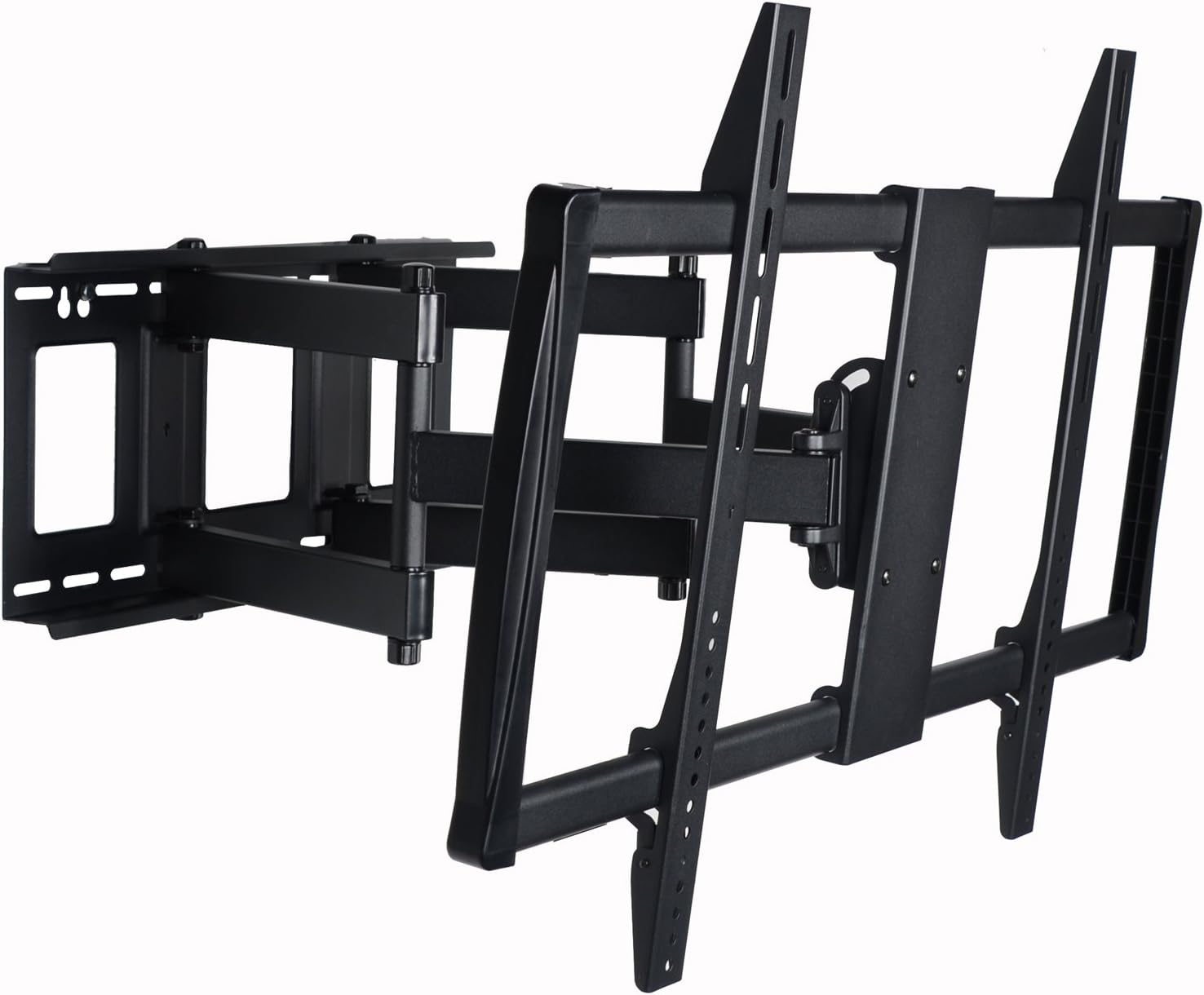 |
VideoSecu Extra Heavy Duty | Massive 75 to 100 inch panels | Articulating swivel design | |
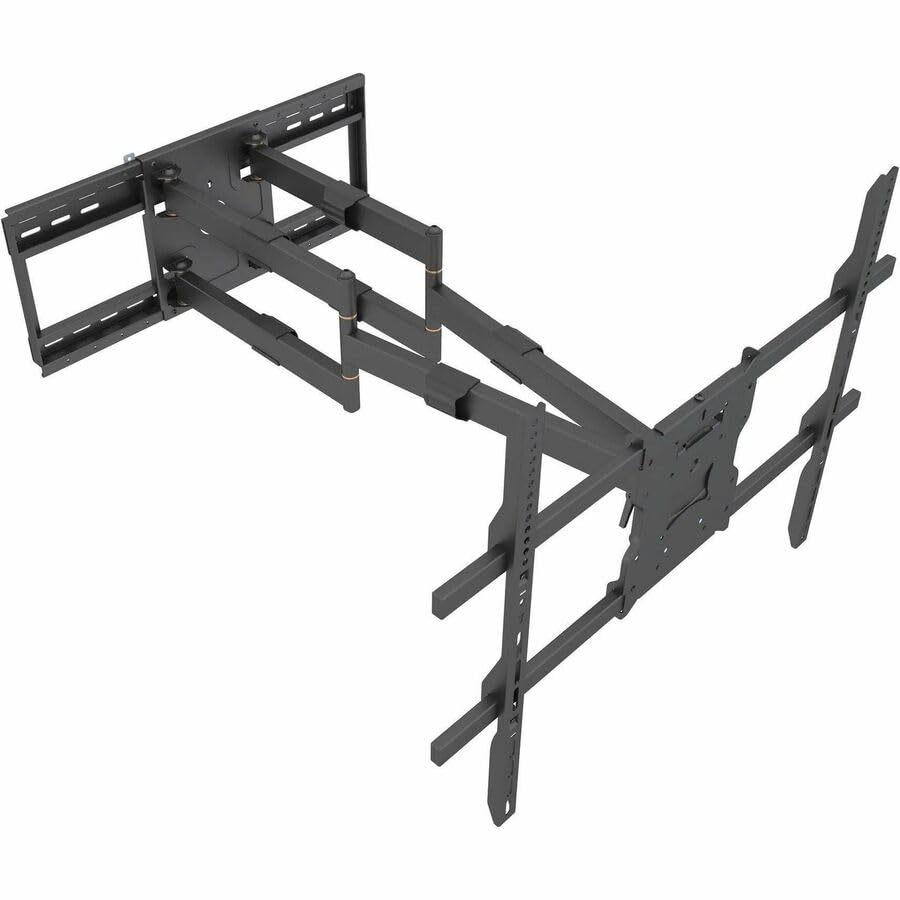 |
Mount-It! Commercial | Commercial installs | Spans multiple studs, add blocking | |
💡 Professional Installation Requirements: Verify minimum 16" stud spacing and mount to minimum 3 wall studs • Use 3/8" x 4" lag bolts for large TV applications • Consider horizontal blocking installation between studs for enhanced load distribution • Structural wall assessment required for plaster, brick, or concrete installations • Professional installation strongly recommended for TVs 75" and larger • Two-person installation team essential for safe TV mounting
Browse All: Heavy Duty TV Mounts on Amazon
Sometimes standard wall mounts just won't cut it. Corner spaces, ceilings, outdoor patios, RVs - we've tackled them all, and each one has its quirks. Corner mounts need studs on both walls, which isn't always simple to find and align properly. Ceiling installations? You're finding joists and verifying they can handle the weight - plus you need that drop-down adjustment so people aren't staring straight up. We see ceiling mounts a lot in gyms and waiting rooms where wall space is limited. Outdoor installations are a whole different beast. Everything needs to be stainless steel and properly sealed because humidity and temperature swings will destroy standard hardware. Cable entry points get silicone sealing, period. RV mounts have to handle constant vibration and movement, so they use dampening systems that regular mounts don't have. Honestly, specialty installations are where professional assessment really matters - there's just too much at stake to wing it.
| Picture | Product | Best for | Notes | Shop |
|---|---|---|---|---|
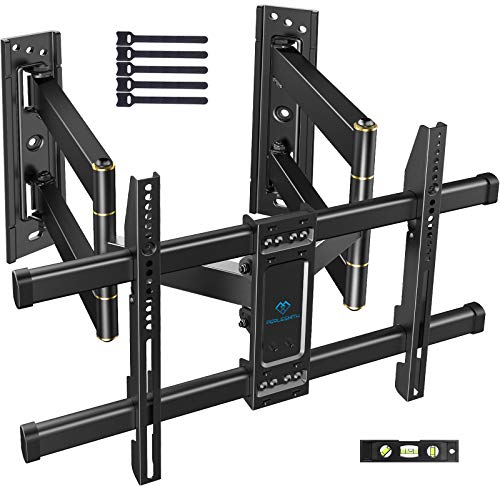 |
PERLESMITH Corner Mount | Corner installations | Needs studs on both adjoining walls | |
 |
VIVO Ceiling Mount | Spaces with limited wall access | Motorized electric drop-down | |
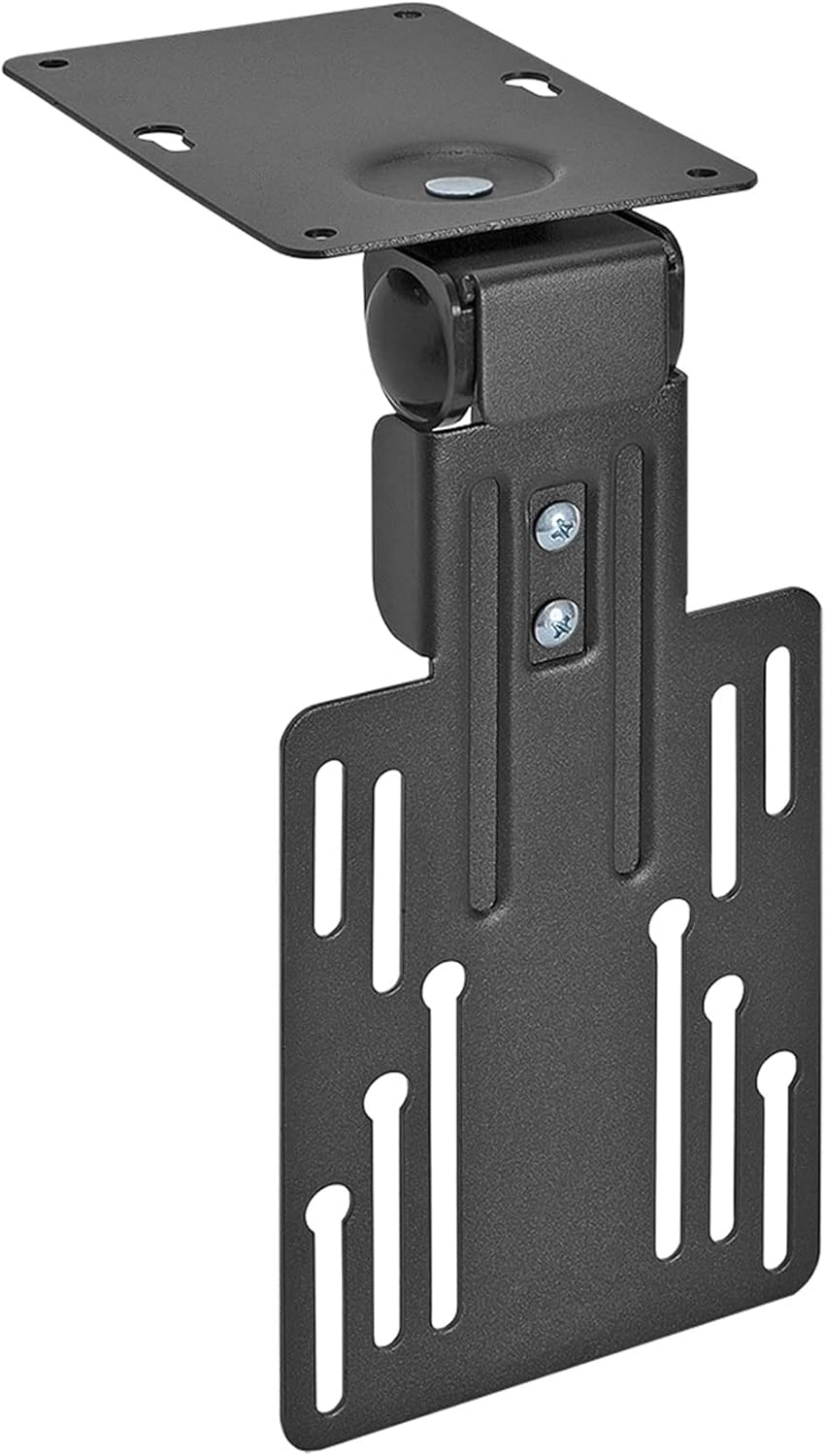 |
Mount-It! Folding Ceiling | Gyms and waiting rooms | Compact folding design | |
 |
SunBriteTV Outdoor | Patios and outdoor installs | Weatherproof, silicone-seal the cable entries | |
💡 Professional Installation Guidelines: Corner mounts require locating studs on both adjoining walls for secure dual-wall mounting • Ceiling installations demand ceiling joist location using stud finder with joist-finding mode • Outdoor mounts need silicone sealant application around all cable entry points • RV installations require mounting to structural support members, not decorative panels • Professional structural assessment recommended for all specialty mounting applications
Browse All: Specialty TV Mounts on Amazon
Let's talk tools. The stuff that comes in the mount box? It's rarely what you actually need for a solid installation. We've learned this the hard way across thousands of installs. You need a multi-sensor stud finder that actually works (not those cheap ones that beep at random), a digital level for precision, and a cordless drill with proper torque control. But here's where it really matters: the hardware. Those included lag bolts? Toss them. Use Grade 5 steel lag bolts - 3/8 inch diameter, 3 to 4 inches long for wood studs. They provide way more holding strength. For hollow walls, get toggle anchors rated at 100+ pounds each. Masonry work? You'll need a hammer drill with proper masonry bits and anchors. We never use the manufacturer's hardware for the actual structural mounting. Choose your fasteners based on your specific wall type, TV weight, and mount style. Good tools and proper hardware are what separate installations that last 20 years from ones that fail after two.
| Picture | Category | Notes | Shop |
|---|---|---|---|
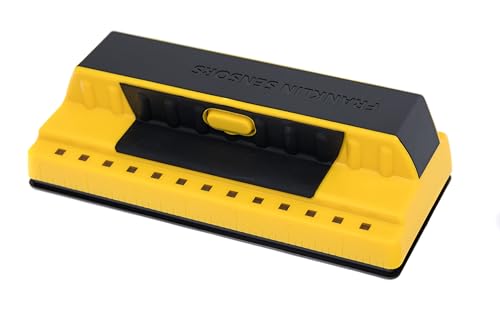 |
Stud Finder | Multi-sensor, verify with a knock test | |
 |
Level | Digital, for a perfectly level wall plate | |
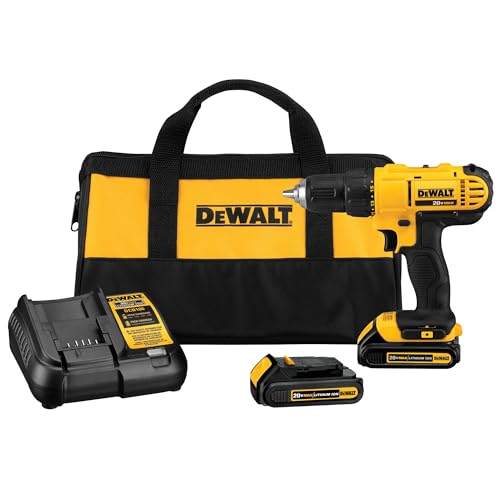 |
Drill | Cordless with proper torque control | |
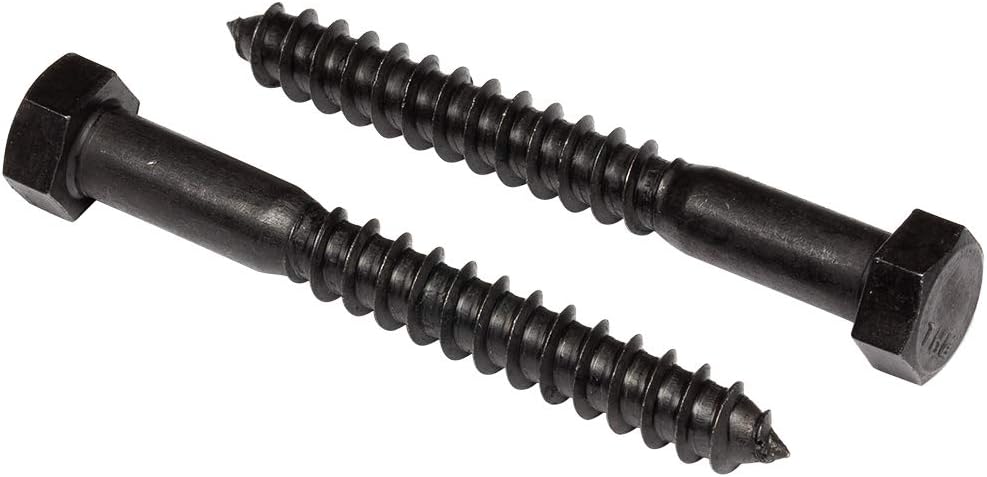 |
Lag Bolts | Grade 5 steel, 3/8 inch, 3 to 4 inches | |
 |
Toggle Anchors | Rated 100+ pounds each for hollow walls | |
 |
Masonry Bits | For hammer drilling brick and concrete | |
💡 Professional Installation Rule: Never use manufacturer-included hardware for structural mounting applications. Professional-grade lag bolts, anchors, and fasteners provide superior holding strength and long-term reliability. Verify all pilot hole diameters match fastener specifications for optimal holding power.
Browse All: TV Mounting Tool Kits on Amazon
Want to know what separates a mediocre installation from a great one? Cable management. We've seen too many beautiful TV mounts ruined by cables dangling down the wall. Plan this before you drill anything. Code-compliant in-wall power kits are the way to go - they relocate your outlet behind the TV while meeting NEC electrical codes. No more extension cords running through your wall (which is actually a code violation and fire hazard). For rentals or situations where you can't cut into walls, paintable cable raceways work surprisingly well. They blend right in after a coat of wall paint. If you're running HDMI in the wall, make sure it's CL3 rated - that's the fire-safety requirement. Get HDMI 2.1 certified cables for future-proofing (48Gbps bandwidth handles 8K no problem). Some folks go all out with motorized mounts that integrate with voice assistants and automatically adjust for fireplace heat. Whatever your setup, figure out cable management during your planning phase, not after everything's already mounted. Trust us on this one.
| Picture | Solution | Best for | Notes | Shop |
|---|---|---|---|---|
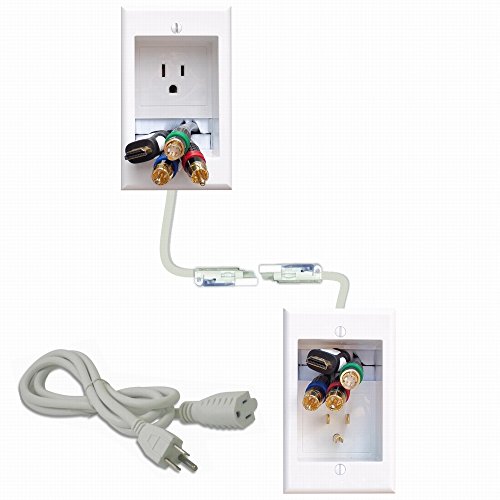 |
In-Wall Power | Hiding power behind the TV | Code-compliant outlet relocation per NEC | |
 |
Cable Raceway | Rentals, walls you cannot cut | Paintable, blends in after a coat | |
 |
Smart Mount | Motorized adjustment over fireplaces | Integrates with voice assistants | |
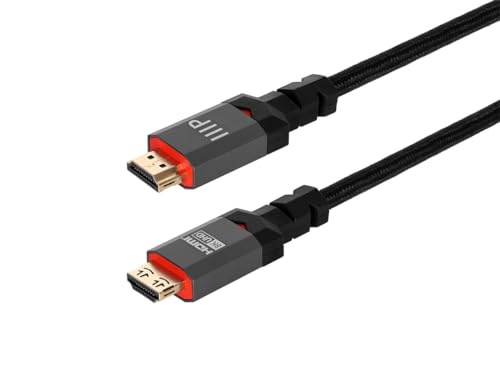 |
HDMI Cables | In-wall HDMI runs | CL3 fire rating, HDMI 2.1, 48Gbps | |
💡 Professional Cable Management Planning: Route network cables during installation for smart TV connectivity and streaming devices • Plan power outlet relocation before cutting drywall openings • Use only CL3-rated cables for in-wall HDMI routing (fire code requirement) • Consider future device additions when planning cable capacity • Integrate voice assistant compatibility for smart home control systems
Browse All: TV Cable Management on Amazon
Safety isn't just a checkbox - it's what keeps your expensive TV on the wall for decades. After installing thousands of mounts and doing years of follow-up service, we've seen what works and what fails. Before we even touch a wall, we assess the structure. What's behind that drywall? Where are the studs? Can the wall actually handle the load? Here's a rule we never break: use mounts rated for at least 150% of your TV's weight. That extra capacity accounts for the dynamic forces when you're adjusting the TV or if something bumps into it. If electrical work's involved, GFCI protection is required for wet locations - kitchens, bathrooms, you get it. After installation, we test everything with gentle pressure before letting go of the TV. Sounds obvious, but you'd be surprised. Maintenance matters too. Check those lag bolts quarterly - wood compresses over time. Lubricate pivot points annually. Inspect cables for stress points. Most failures we see are preventable with basic maintenance. When should you call a pro? Above-fireplace installs, masonry walls, metal studs, anything involving electrical work, or TVs 75 inches and up. The $150-400 you'll spend on professional installation beats a $2,000 TV crashing down.
Professional Safety Requirements:
Professional Installation Checklist:
Common Installation Mistakes Professional Installers Avoid:
Professional Maintenance Schedule for Long-Term Reliability:
When Professional Installation is Essential: Complex installation scenarios including above-fireplace mounting requiring heat shields, masonry wall installations demanding hammer drilling and masonry anchors, metal stud construction requiring specialized toggle anchors, in-wall electrical work necessitating licensed electrician expertise, ceiling-mounted applications, outdoor weatherproof installations, and large TVs (75"+) benefit significantly from professional installation. Professional installation costs typically range $150-400 depending on complexity, wall type, and cable management requirements - minimal investment ensuring decades of safe, reliable performance protecting TV investments ranging $500-5,000+.
Browse Safety & Maintenance Products: TV Mount Maintenance & Safety on Amazon
Yes, but only with proper technique - and honestly, most DIYers get this wrong. Here's what we've learned from mounting thousands of TVs: you absolutely must hit studs with lag bolts for the wall plate. Drywall alone won't support a 65" TV (typically 40-60 lbs) plus the dynamic forces from adjusting a full motion mount. We use 3/8-inch Grade 5 lag bolts that go at least 2.5 inches into the stud - not those wimpy included screws. If you can't hit studs where you want the TV, you'll need to install blocking between studs or use a different mounting location. Those toggle anchors rated for "100 lbs each"? They're emergency options only, not primary support. After 7,874+ installations, we've seen what happens when people mount to just drywall - and it's expensive.
It's not just about the mount's rating - it's about your wall structure. A quality mount rated for 150 lbs will absolutely hold that weight when properly installed into studs. But here's the catch: improper installation reduces that capacity to basically zero. We always choose mounts rated for at least 150% of the TV's actual weight because you need that safety margin for dynamic forces. When you're pulling out a full motion mount or accidentally bump into it, those temporary forces exceed static weight significantly. Wall type matters huge - wood studs with proper lag bolts can easily handle 150+ lbs. Drywall with toggle anchors? Maybe 30-40 lbs safely. Concrete or brick with proper masonry anchors? Those can handle massive weights. The mount's rating is only meaningful when the wall structure can actually support it.
Yes, absolutely yes, a thousand times yes. This is the number one mistake we see, and it causes most TV mounting failures. Studs provide the structural support - drywall is just a decorative surface that crumbles under load. Wood studs spaced 16 inches on center are standard, and you need to hit at least two of them with your wall plate. Use a multi-sensor stud finder, verify with a knock test, and drill a small test hole to confirm before committing to the mount installation. We've done emergency repairs on TVs that fell because someone mounted to "just the drywall with really good anchors." Those anchors rip right through drywall when the TV's weight pulls on them over time. Metal studs require different hardware (specialized toggle anchors), and masonry walls need concrete anchors with hammer drilling. But the principle remains: mount to structural support, not surface material.
Fixed mounts hold the TV flat against the wall with basically no movement - you're looking at 0.8 to 1.25 inch profiles that create that floating TV look everyone wants. They're perfect for dedicated viewing areas where your seating position stays constant. Full motion mounts have articulating arms that extend, swivel, and tilt - typically 16 to 32 inches of extension, 90 degrees of swivel each direction, and up to 15 degrees of tilt. They're essential for rooms with multiple seating areas, windows creating glare at different times, or above-fireplace installations where you need downward tilt. The tradeoff? Full motion mounts stick out further, cost more ($150-300 vs $50-150), and require more heavy-duty wall installation because of leverage forces when extended. After installing thousands of both types, we recommend full motion for living rooms and primary bedrooms where flexibility matters, fixed mounts for dedicated home theaters and commercial installations.
Eye level when seated is the golden rule - typically 42 to 48 inches from the floor to the TV's center. But here's where it gets nuanced. For casual TV watching, center the screen at your seated eye level. For dedicated home theaters, position it slightly lower so the top third of the screen is at eye level - that's the cinema standard. Above-fireplace installations? You'll be tilting downward regardless of height, so 60-70 inches to center is common. We measure from your actual seating position, not standing height. TV size matters too - a 75" screen mounted at the same center height as a 55" will have more screen above your eye line. Walk through your room, sit where you'll actually watch TV, and have someone hold a piece of cardboard at different heights until it feels comfortable. That's your mount height. Don't just guess and hope - we've remounted hundreds of TVs that people installed too high.
Maybe, depending on the TV size and your comfort with tools. TVs under 55 inches and under 40 lbs? Definitely doable solo if you've got a stud finder, cordless drill, level, and basic DIY skills. You'll want someone to help hold the TV during the final hang though - even a 40 lb TV is awkward to position while aligning mount brackets. TVs 65 inches and larger absolutely require two people - that's 50-75+ lbs of expensive equipment you're lifting above your head while trying to hook it onto brackets. The actual mount installation (drilling, mounting wall plate, routing cables) you can handle solo. But the TV hanging part? Get help. We've seen too many dropped TVs, strained backs, and cracked screens from people trying to be heroes. Professional installation ($150-400 depending on complexity) includes proper tools, experience with your specific wall type, cable management expertise, and insurance if something goes wrong. For basic setups on standard drywall, DIY is reasonable. Above-fireplace, masonry walls, in-wall power work, or premium TVs? Call a pro.
Full-motion wall mounts run $80-300, tilting $40-90, and fixed $20-60 - and after 7,874 installs the failure point is almost never the mount, it is the match between mount, VESA pattern, and wall. Every bracket below is one we have hung repeatedly; pick by TV size and how far the viewing angle swings, then let the wall type decide the hardware.
Not sure which pattern your TV uses? Look it up in seconds with our free TV VESA Finder - it returns your exact VESA size, panel weight, and the mounts that fit.
Quick note: This page contains Amazon affiliate links. We may earn a small commission at no extra cost to you if you buy through them. Recommendations come from products I’ve personally hung on real customer walls over 10 years and 7,874 installs - not spec-sheet guessing.
Need professional installation in Metro Atlanta? Call (470) 777-4077 for same-day TV mounting service across 300+ cities across our nine US metros. Flat-rate pricing: $129-$255 basic, $95/TV cable concealment, +$95 masonry surcharge.
Ready for professional TV mounting? Shop our recommended complete mounting systems with reinforced hardware, cable management, and installation guides. All systems tested by our technicians across 7,874+ installations.