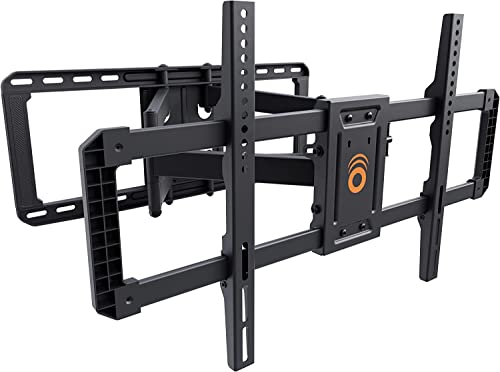
ECHOGEAR In Stock
ECHOGEAR MaxMotion TV Wall Mount for 42-90” TVs up to 125lbs- UL Listed
$114.99 View on Amazon
Gaming on a wall-mounted TV hits different when it's set up right. Quick version: we hang consoles on the HIDEit PlayStation 5 Wall Mount to keep vents clear, swivel setups get the ECHOGEAR Full Motion Gaming Mount, and the certified Zeskit Maya 8K HDMI Cable runs about 20 to 40 dollars.
Across our installs, from casual players to serious streamers, we've figured out what actually matters. Heat is your first enemy - consoles need proper airflow, not stuck in tight spaces. Then there's input lag - the technical specs mean nothing if you've got the wrong HDMI cables or your settings are off. Viewing angles matter more for gaming than movies since you're reacting to what's on screen, not just watching passively. Modern gaming setups can get complex fast: current-gen consoles running 4K at 120Hz with VRR, capture cards for streaming, RGB everything, multiple controller charging stations. The key is planning for proper ventilation (6 inches clearance minimum on all console sides), using genuine HDMI 2.1 cables that support full 48Gbps bandwidth, and positioning everything ergonomically for those long gaming sessions. Setups range from a simple console mount to a full streaming corner with synchronized lighting and capture gear. Whatever your level, there's a right way to do it that won't throttle your console or create cable chaos.
Updated
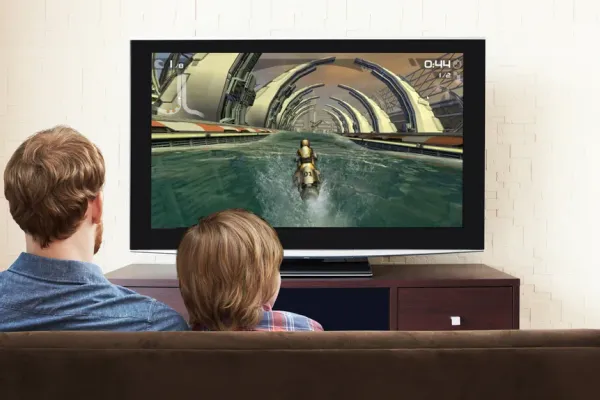
The MaxMotion arm and Q990D soundbar from this guide, a clip-on shelf for a streaming box and a floating shelf for the console.
As an Amazon Associate, we earn from qualifying purchases. Prices as of Oct 2, 2026, 11:28 AM EDT. Product prices and availability are accurate as of the date/time indicated and are subject to change. Any price and availability information displayed on Amazon.com at the time of purchase will apply to the purchase of this product.


Gaming consoles need proper mounting or they'll overheat and throttle performance. PlayStation 5, Xbox Series X/S, Nintendo Switch - we've mounted them all, and thermal management isn't negotiable. These generate serious heat during gaming sessions. You need minimum 6-inch clearance on all sides for unrestricted airflow. PlayStation 5's side intakes and Xbox Series X's top exhaust are specifically designed for this - block them and you're asking for trouble. Look for mounts with perforated metal construction that maximizes airflow, not solid shelves that trap heat. Secure attachment matters because disc drives create vibration. Cable routing channels keep HDMI and power organized with your TV cables. Position everything so you can actually access power buttons, insert discs, and plug in controllers or external storage without gymnastics. Behind-TV mounting works great for hiding equipment while maintaining ventilation. Wall-adjacent spots provide stable surfaces. Make sure controllers can reach your gaming position - sounds obvious, but we've seen setups where people had to stand up to grab a controller. Heat kills consoles. Plan airflow first, aesthetics second.

Best forHiding the console, keeping airflow
PS5 wants 6 inches side, 4 on top
Shop on Amazon
Best forSeries X out of tight cabinets
Top exhaust fan needs clear space
Shop on Amazon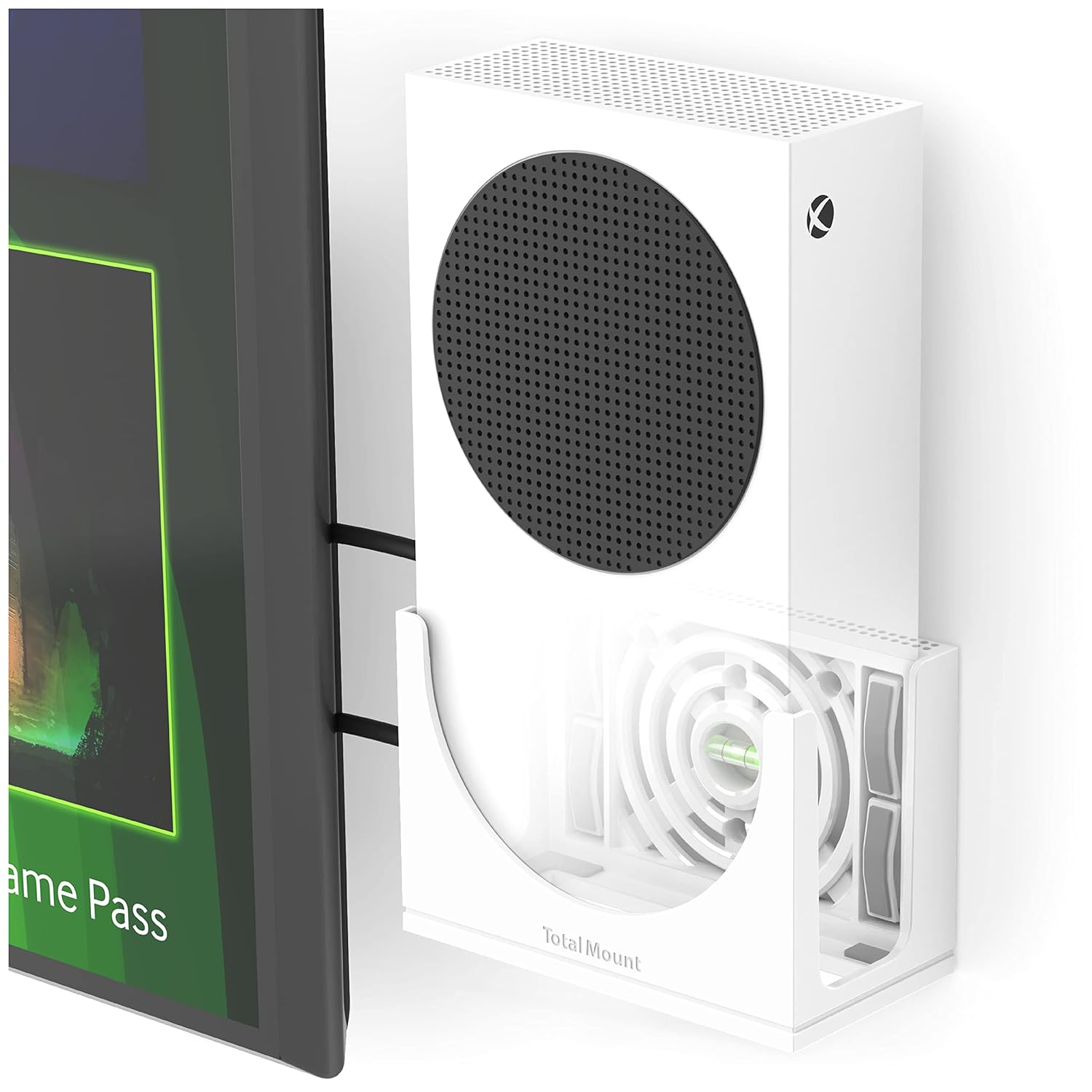
Best forWall-mounting the Series S
Keep 6 inches clearance on all sides
Shop on Amazon
Best forKeeping the Switch dock accessible
Works with our cable concealment jobs
Shop on AmazonMaximum performance gaming requires precise technical specifications for competitive advantage.


💡 Optimal Viewing Distances:
Modern entertainment centers require multiple streaming devices with organized mounting and proper ventilation.

Best forSetups with several streaming boxes
Wall shelf keeps ventilation open
Shop on Amazon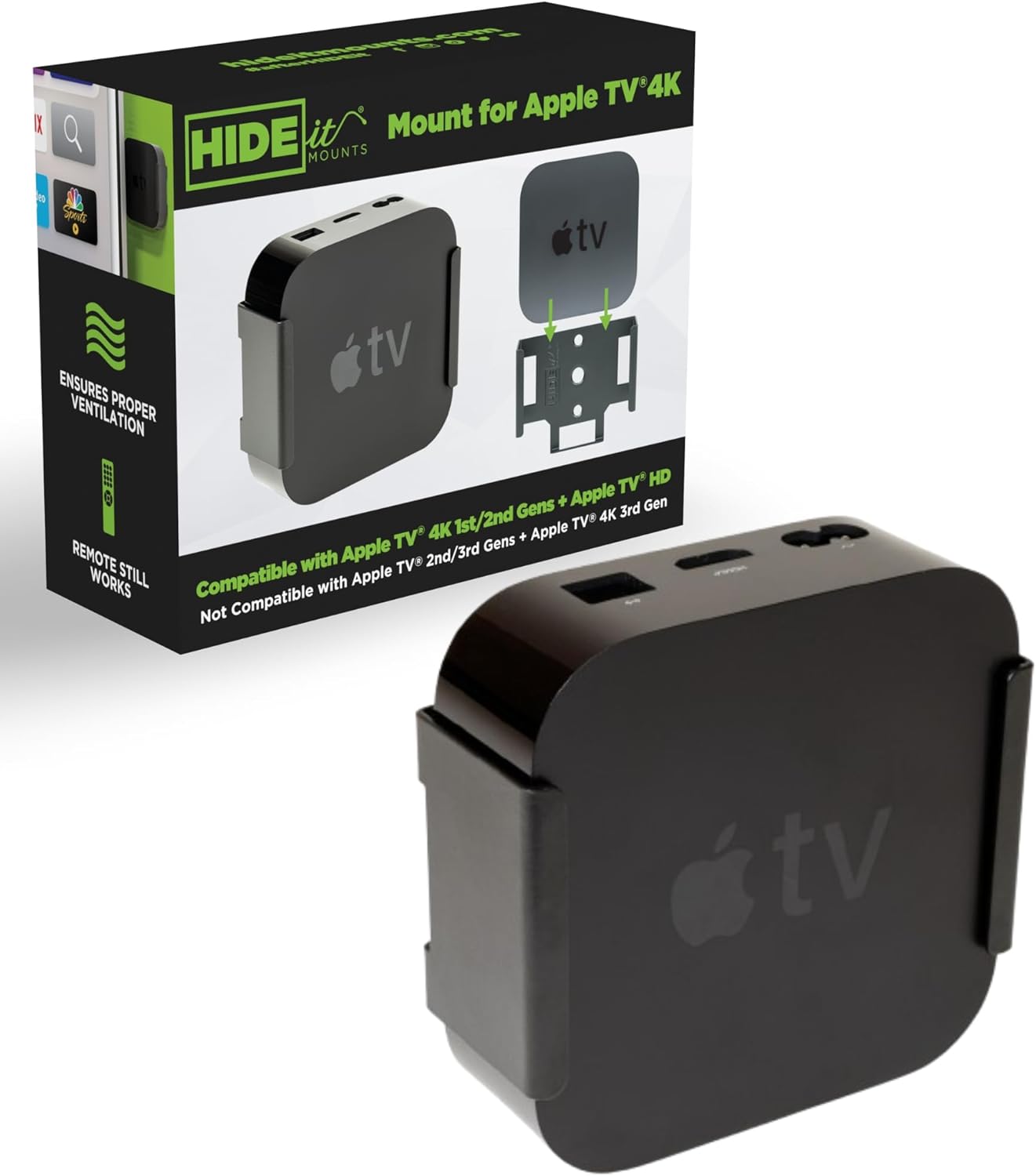
Best forHiding small boxes like the Apple TV 4K
Mounts the box behind the TV
Shop on Amazon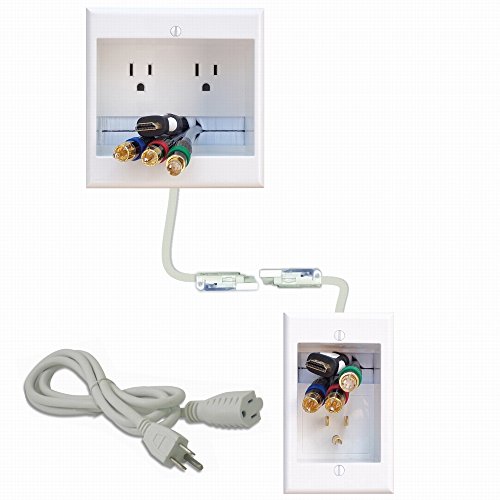
Best forFeeding power to hidden devices
PowerBridge kit routes power in the wall
Shop on Amazon💡 Before you buy: check the device's listed dimensions against the space behind your mount. A stick plugs straight into an HDMI port; a box like the Apple TV 4K or NVIDIA Shield TV Pro needs a small bracket or shelf.
Professional gaming setups require organized controller storage and ergonomic seating.
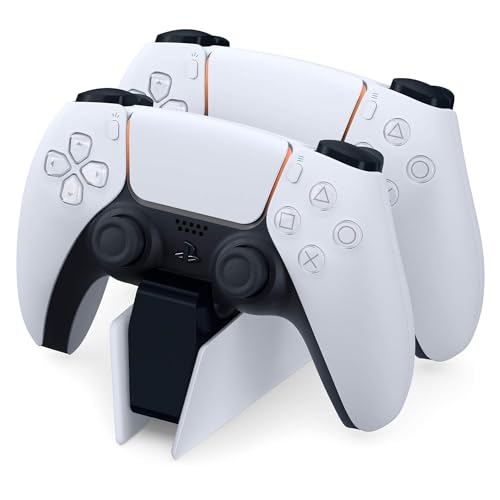
Best forCharging controllers at chair height
USB-C charging for modern controllers
Shop on Amazon
Best forSolo gaming headphone setups
Keeps headsets at accessible height
Shop on Amazon
Best forErgonomic seating for long sessions
Sit 1.5 to 2x the TV diagonal back
Shop on AmazonAdvanced gaming environments integrate synchronized lighting systems and professional accessories.
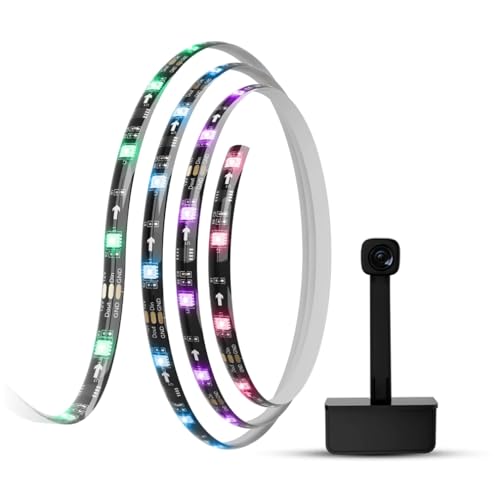
Best forReducing eye strain with ambient light
Syncs with game audio and video
Shop on Amazon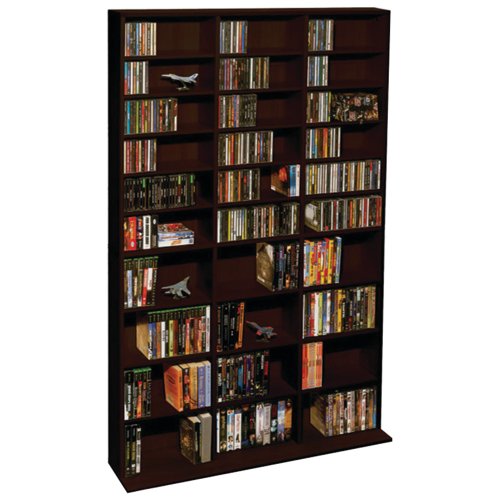
Best forOrganizing physical game media
Rotating media cabinet from Atlantic
Shop on Amazon Best forSwiveling from couch to gaming chair
Full-motion pick we keep on the truck
Shop on AmazonProfessional streaming setups require specialized equipment for mounted TV configurations.
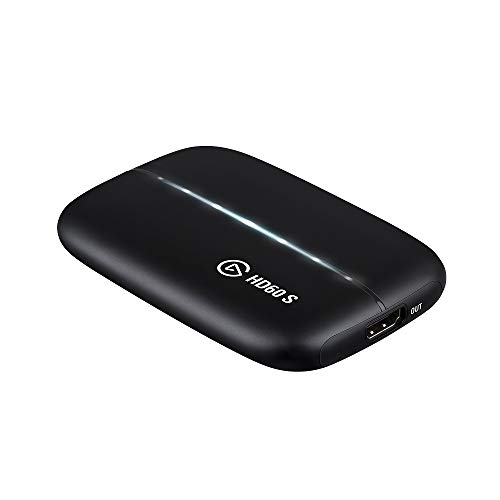

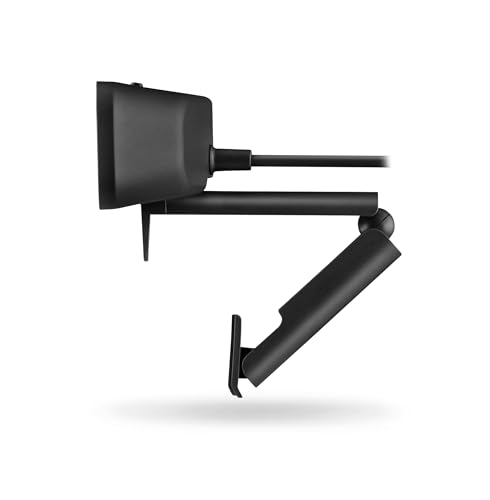

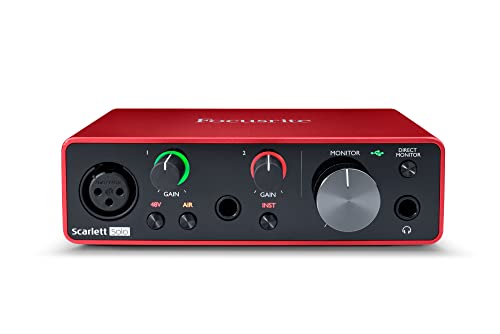
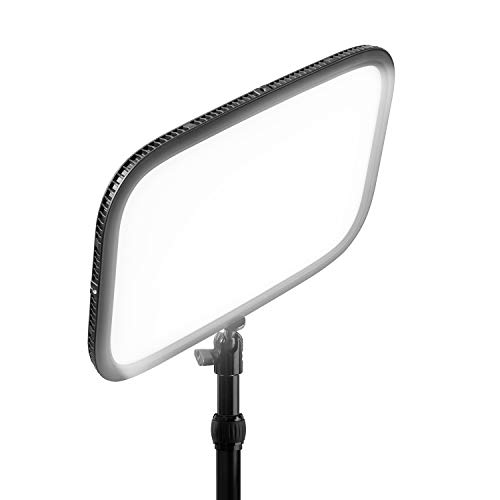
Gaming setup options for every performance level and investment range.


💡 Future-Proofing Considerations:
A gaming wall has two extra constraints a movie wall does not: latency and heat. The HDMI 2.1 features that matter - 4K@120, VRR, ALLM - need the right cable and port, and consoles need vented shelf space, not a sealed cabinet. The gear below finishes the setup around the mounted screen.
Quick note: This page contains Amazon affiliate links. We may earn a small commission at no extra cost to you if you buy through them. Our picks are based on what we see working in the rooms where we mount TVs, not on spec sheets alone.
After 9,747+ installs since 2015, these are the products our crews reach for, and the ones we won’t touch. Picks by Alex Crabinsky, founder of Express Mounting.
Need professional installation in Metro Atlanta? Call (470) 777-4077 for same-day TV mounting service across 437 cities across our 13 US metros. Flat-rate pricing: $129-$399 basic, $99/TV cable concealment, +$99 masonry surcharge.
Gaming setups come up more and more on our installs, especially since the PS5 and Xbox Series X made HDMI 2.1 and 4K at 120Hz table stakes. Our trucks carry Zeskit Maya 8K HDMI 2.1 cables in 6, 10, and 15-foot lengths, Monoprice SlimRun AV Pro fiber optic HDMI for in-wall runs over 20 feet, HIDEit wall mounts for PS5 and Xbox Series X consoles, PowerBridge ONE-CK in-wall power kits, and ECHOGEAR full-motion mounts for the gaming customers who want to swivel between the couch and the gaming chair.
A common case: a finished basement with a PS5, a gaming PC and an Xbox Series X that all need to feed one TV. The clean answer is HDMI 2.1 cables run in-wall with an in-wall power kit, an HDMI switch behind the TV for source selection (for 4K at 120Hz, the switch has to be HDMI 2.1 too), and the console on a vented wall mount with the controllers on a charging dock at chair height.
Some customers want a PC setup with monitors plus a TV for the console; others want one big screen with full surround. Either way we spec the cabling for your console list, mount the TV at the right height for your seating, and check the HDMI 2.1 handshake before we leave. Read more at Alex Crabinsky’s author page or call (470) 777-4077 for same-day service.
Express Mounting installation pricing, the same in all 13 metros:
Every install carries a 3-year workmanship warranty. Call (470) 777-4077 for same-day service or book online.
For current-gen consoles (PS5, Xbox Series X), you need HDMI 2.1 for 4K at 120Hz, VRR (Variable Refresh Rate) to eliminate screen tearing, and ALLM (Auto Low Latency Mode) to minimize input lag. LG's C4 OLED is phenomenal - 0.1ms response time, perfect blacks, 120Hz native. Samsung's QN90D gets brighter for daytime gaming. Sony's A95L QD-OLED combines OLED blacks with quantum dot color. For budget gaming, TCL's 6-Series or Hisense U8N offer 120Hz and VRR at reasonable prices. Input lag under 20ms is essential - most gaming TVs hit 10-15ms. Screen size matters - bigger isn't always better for competitive gaming where you need to see the whole screen without eye movement. 55-65 inches from 6-8 feet is the sweet spot. From our installs, avoid: old TVs without game mode (input lag kills gameplay), budget TVs claiming "120Hz" but using motion smoothing tricks, TVs without VRR support. The PS5 and Xbox Series X deserve proper displays that showcase their capabilities.
Yes - HDMI 2.1 certified cables supporting 48Gbps bandwidth. The cable included with PS5 works fine for 3-6 foot runs. For longer distances or in-wall installation, buy certified Ultra High Speed HDMI 2.1 cables. These enable 4K/120Hz, VRR, ALLM, and other next-gen features. Regular HDMI cables max out at 4K/60Hz - you'll be limited even though your console and TV support more. Look for "HDMI 2.1" and "48Gbps" clearly labeled. For in-wall runs, get CL3-rated cables (fire code requirement). Brands like Zeskit Maya and Cable Matters make reliable certified cables for $20-40. Don't overpay for "gaming" cables with RGB lights and gold plating - the certification matters, marketing doesn't. After 9,747+ installations, we use certified HDMI 2.1 in 6 and 10-foot lengths for most gaming setups. Length affects price significantly - 15+ foot certified cables get expensive ($50-80) because they need active signal boosters. Plan your console positioning to minimize cable length needed.
Enable game mode in your TV settings - this disables motion smoothing and image processing that add 30-50ms of lag. Connect consoles directly to TV via HDMI 2.1 (not through soundbars or receivers which add processing delay). Use quality HDMI 2.1 cables with proper shielding. Enable VRR on both TV and console - this syncs refresh rates reducing tearing and perceived lag. Turn off any "eco" or "power saving" modes. Disable any motion interpolation or "smooth motion" features. For the absolute lowest lag, some high-end gaming monitors hit 1-5ms response times, but modern gaming TVs (10-15ms) are plenty fast for most people. Wired controller connections have slightly less lag than wireless. Position your gaming chair 1.5-2x the TV diagonal away - this optimal viewing distance also helps reaction time. On our installs, the biggest lag reductions come from: using game mode (mandatory), HDMI 2.1 direct to TV (bypassing audio receivers), and modern low-lag TVs. The difference between 15ms and 10ms? Most people can't perceive it. The difference between 50ms and 15ms? Everyone notices.
Yes, but ventilation is absolutely critical - screw this up and you'll thermal throttle or damage the console. PlayStation 5 needs minimum 6 inches clearance on sides (where intake vents are) and 4 inches on top (exhaust). Xbox Series X needs similar clearances with special attention to the top exhaust fan. Wall-mounted console shelves work great if they're ventilated metal (not solid wood). Behind-TV mounting saves space but requires careful planning - hot console air shouldn't blow directly on your TV. HIDEit mounts are popular and properly designed with ventilation in mind. Never mount consoles in enclosed cabinets without active cooling - we've seen overheating failures from this. The disc drive creates vibration during operation, so ensure secure mounting. Cable management matters - power, HDMI, USB for controllers, Ethernet if wired. Position consoles where you can easily access power button, insert discs, and connect accessories. After 9,747+ installations, our rule: when in doubt about ventilation, add more space. Thermal throttling reduces performance and shortens console lifespan.
VRR (Variable Refresh Rate) syncs your TV's refresh rate with your console's frame rate, eliminating screen tearing when FPS drops. Without VRR, if a game runs at 50 FPS on a 60Hz display, you get judder and tearing. With VRR, the TV adjusts to 50Hz matching the game. It makes gameplay smoother, especially in demanding scenes where frame rates fluctuate. PS5 and Xbox Series X/S support VRR. You need a TV with VRR support (check specs for "VRR," "FreeSync," or "G-SYNC compatible"). HDMI 2.1 TVs typically include VRR. Do you need it? For competitive gaming, absolutely - smoother gameplay gives advantages. For casual gaming, it's a nice-to-have that improves experience but isn't mandatory. Single-player story games benefit less than fast-paced multiplayer. In our experience, gamers who've tried VRR won't go back - it's that noticeable. If you're buying a new TV for gaming, VRR should be on your must-have list. For older TVs without it? Not worth upgrading just for VRR unless you're serious about gaming.
For immersive gaming audio, you've got options. Soundbar systems with Dolby Atmos and wireless rear speakers (like Samsung HW-Q990D) provide excellent surround for $1000-1500. Full home theater systems with receiver and discrete speakers offer audiophile quality for $1500-3000+. Budget option: quality stereo soundbar ($300-500) still dramatically improves over TV speakers. Connection: HDMI eARC from TV to soundbar or receiver handles all audio formats. For full surround, position rear speakers 2-3 feet behind seating at ear level. Subwoofer goes in room corner for bass boost. Run room calibration after setup - most systems include a microphone that measures your room and optimizes audio. Gaming-specific features to look for: low latency mode (under 40ms), dialogue clarity for voice chat, bass emphasis for explosions and impacts. Wireless headphones work great for solo gaming without disturbing others - look for low-latency models (under 30ms). On our installs, the biggest audio improvements come from: any dedicated audio system over TV speakers, proper speaker positioning, and running calibration. Don't neglect audio - it's half the gaming experience.
Yes - PC gaming setups are a big chunk of our Buckhead and Sandy Springs work-from-home customer base. We mount the gaming TV or monitor, run HDMI 2.1 or DisplayPort 1.4 from the tower (typically a Corsair 4000D or Lian Li O11 sitting under the desk) up through the wall to the display, and integrate a PowerBridge ONE-CK in-wall power kit so there are no cords visible. For triple-monitor sim racing rigs we use Ergotron LX HD Heavy Duty arms rated for 33 pounds per arm. We will also coordinate with your network installer to run Cat6a to the gaming room because Wi-Fi 6E still beats wired in latency only when range is the issue. Call (470) 777-4077 for a Metro Atlanta PC gaming install quote.
Yes. We use Zeskit Maya 8K 48Gbps HDMI 2.1 cables in CL3-rated wall jackets for in-wall runs up to 15 feet. For runs longer than 15 feet (basement gaming room with the console upstairs in the entertainment center) we switch to fiber optic HDMI like Monoprice SlimRun AV Pro because copper HDMI 2.1 starts dropping the high-bandwidth signal past about 20 feet. In-wall cable concealment is $99 per TV on top of the mounting rate, and a long run between floors is quoted after we see the route.
Yes - PS5, Xbox Series X, Nintendo Switch, and Steam Deck dock all work fine with our cable concealment workflow as long as we know about them ahead of time. The concern is heat: consoles need 6 inches of side and top clearance, so we either mount the console on a HIDEit wall mount with the cable concealment routing it cleanly, or we leave the console in your existing entertainment center and run only the HDMI plus power up the wall via PowerBridge ONE-CK. We do not recommend stuffing a PS5 inside a closed cabinet with the cable concealment - thermal throttling will kick in within 15 minutes of intense gaming. Call (470) 777-4077 and tell us your console list when you book; we will plan the wall layout for both clean cables and proper console airflow.
Helps, when planned: eye-level placement reduces neck strain across long sessions, and routing a certified Ultra High Speed HDMI through the wall keeps 4K@120 stable. The watch-items are console ventilation - shelves need open backs - and controller-to-console line of sight for older Bluetooth gear.
We install what we recommend.
Book the mount and we set up what you bought. Flat-rate TV mounting from $129 across 13 US metros.
Ready to build the ultimate gaming setup? Explore the gaming and entertainment accessories we set up around mounted TVs. Find everything you need for a complete mounted TV gaming solution.