
EVEO In Stock
EVEO® Screen Cleaner Spray Kit (Streak-Free) TV Screen Cleaner for Smart TV, Lcd, LEd, Oled | Computer Screen Cleaner Spray and Wipe Microfiber Cloth - TV, Monitor, Laptop, iPad, Car - 6.7oz 1 Pack
$15.97 View on Amazon
Smart TVs are only as good as the accessories you pair with them. The quick list: Apple TV 4K ($129-149) for premium streaming, Fire TV Stick 4K Max (a solid $50 budget pick), and Kasa Smart Plugs, the accessory we recommend first on concealment jobs.
We've installed enough streaming devices, smart remotes, and connected systems to know what actually works versus what's just clever marketing. Your TV might have apps built-in, but dedicated streaming devices perform way better - faster interfaces, more apps, and they don't become obsolete when your TV manufacturer stops updates. Voice control? It's genuinely useful when set up correctly, not just a gimmick. But here's what matters for installations: network speed (4K streaming needs real bandwidth), proper device mounting (ventilation isn't optional), and integration that actually makes sense for how you'll use it. We're talking WiFi 6 for wireless setups or wired Ethernet when you need guaranteed performance. Streaming boxes mounted behind TVs with proper airflow. Universal remotes that consolidate control instead of creating more confusion. Smart home integration that enhances your viewing experience - lights dimming automatically, that kind of thing. From $30 streaming sticks to $300 media servers, we'll help you build a setup that matches your needs without overspending on features you'll never use.
Updated
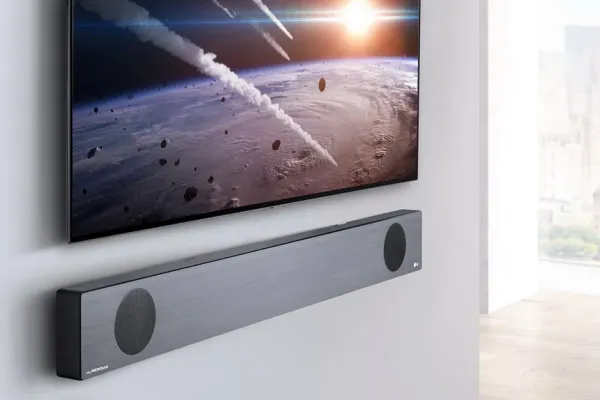
The extras we end up recommending after the TV is on the wall.
As an Amazon Associate, we earn from qualifying purchases. Prices as of Oct 20, 2026, 10:09 AM EDT. Product prices and availability are accurate as of the date/time indicated and are subject to change. Any price and availability information displayed on Amazon.com at the time of purchase will apply to the purchase of this product.



Premium streaming devices are where the smart TV experience really happens. Your TV's built-in apps? They'll be obsolete in two years when the manufacturer stops updating them. Dedicated streamers like Apple TV 4K, NVIDIA Shield Pro, and Roku Ultra keep getting better with updates. The performance difference is night and day - instant app launching, smooth 4K HDR navigation, no lag or stuttering. These support every format that matters: Dolby Vision, HDR10+, Dolby Atmos audio passthrough. Apple TV's Thread networking integrates with smart home devices. Shield TV's AI upscaling actually improves lower-resolution content. Roku's app ecosystem covers everything. For installation, wired Gigabit Ethernet is ideal for bandwidth stability, but WiFi 6 works if running cable isn't practical. Mount them behind TVs using ventilated holders - thermal throttling kills performance. Verify your network can handle multiple 4K streams if you've got several TVs. Upgrade to certified Ultra High Speed HDMI cables supporting full 48Gbps bandwidth. Integrate with smart home hubs for voice control and automation. These aren't cheap ($150-200), but the experience improvement over built-in TV apps justifies the cost.

Best forApple ecosystem households
Thread networking for smart homes
Shop on Amazon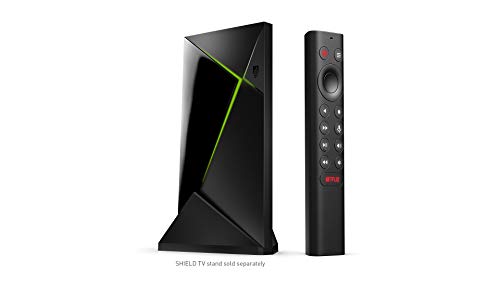
Best forPower users and Plex servers
AI upscaling improves lower-res content
Shop on Amazon
Best forSimple interface, best value
Voice remote with headphone jack
Shop on AmazonEssential smart TV functionality at accessible prices without compromising core streaming performance.
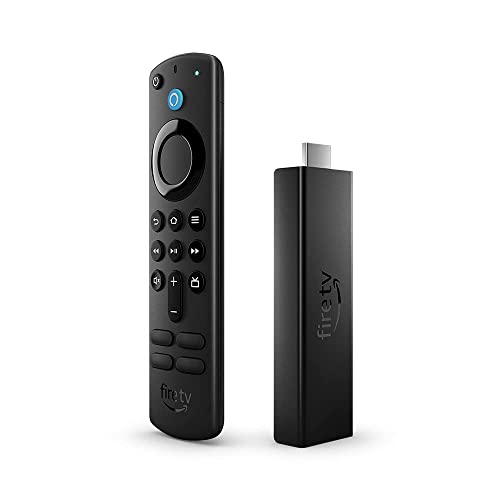
Best forPrime and Alexa households
Solid option at $50
Shop on Amazon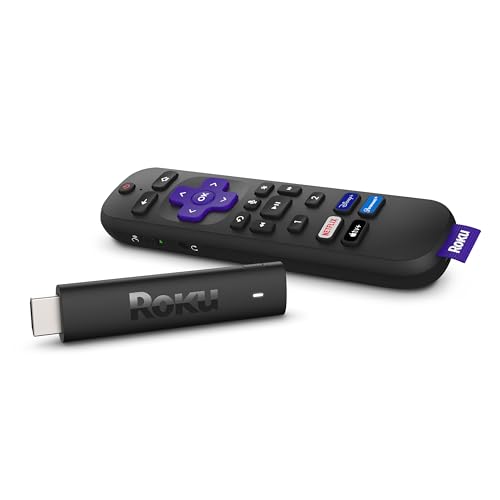
Best forSecondary TVs and guest rooms
Simple menus, wide app coverage
Shop on AmazonUniversal remotes and voice control systems simplify entertainment system operation.

Best forMulti-device control without confusion
One-button device macros; hub reaches closed cabinets
Shop on Amazon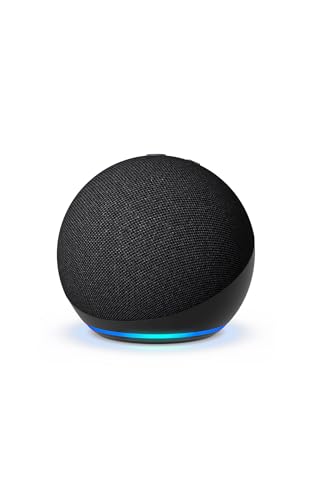
Best forAlexa voice control
Voice power, volume, app launching
Shop on Amazon
Best forGoogle Home ecosystems
Pairs with Samsung Frame setups
Shop on AmazonWireless connectivity accessories optimize network performance for streaming, gaming, and smart TV functionality.
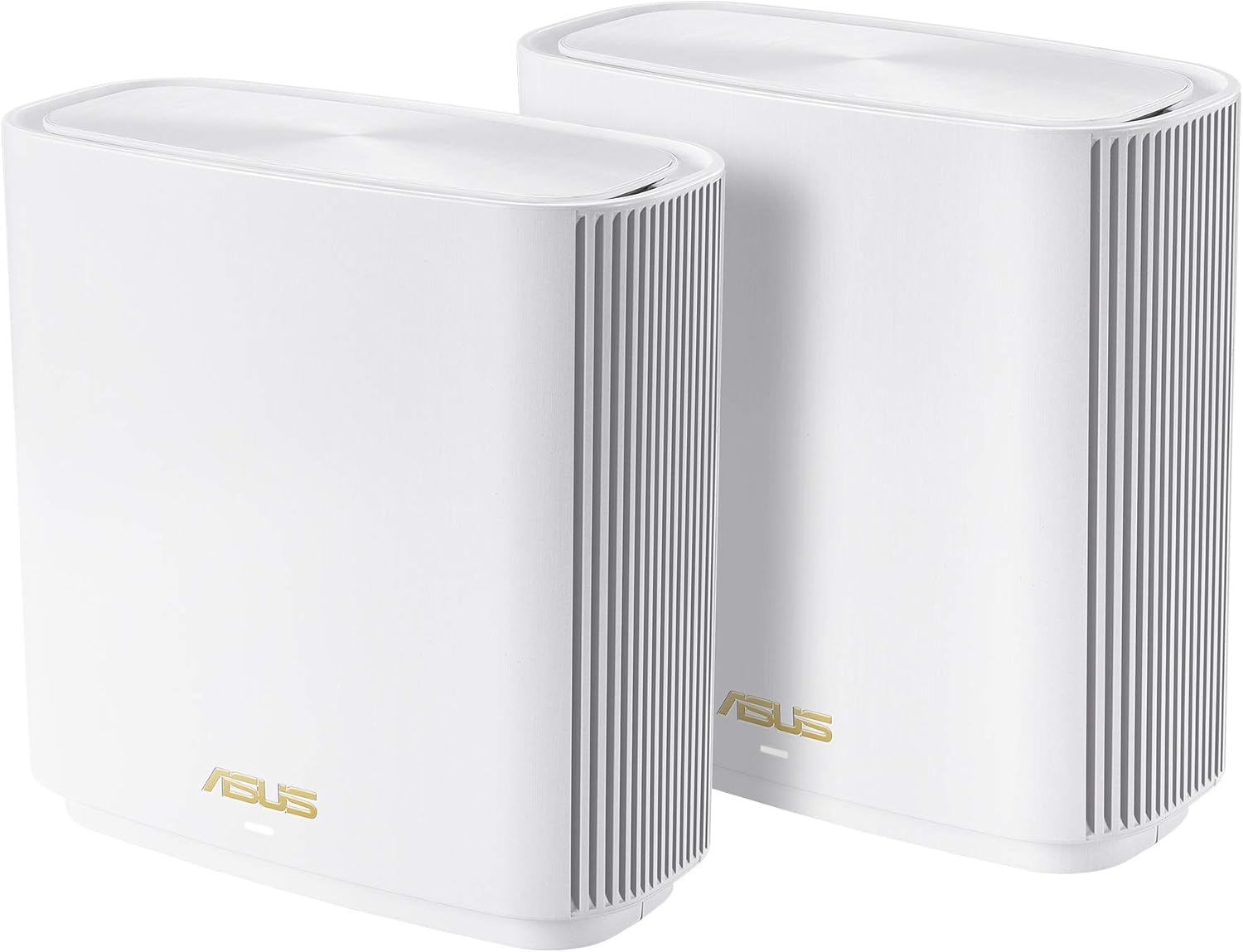
Best forHomes with WiFi dead zones
WiFi 6 mesh for wireless setups
Shop on Amazon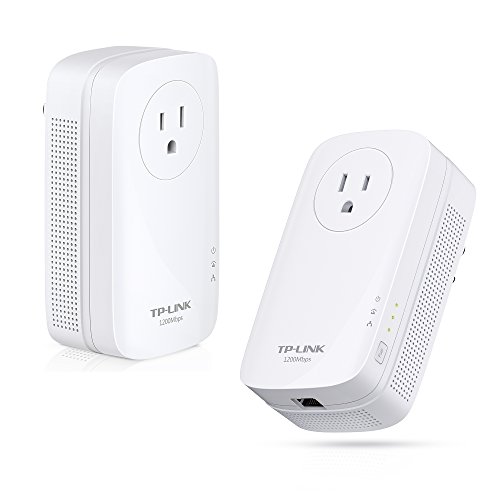
Best forWhen Ethernet pulls are not feasible
Sends internet over electrical wiring
Shop on Amazon
Best forBoosting signal at the TV
WiFi 6 when cable is impractical
Shop on Amazon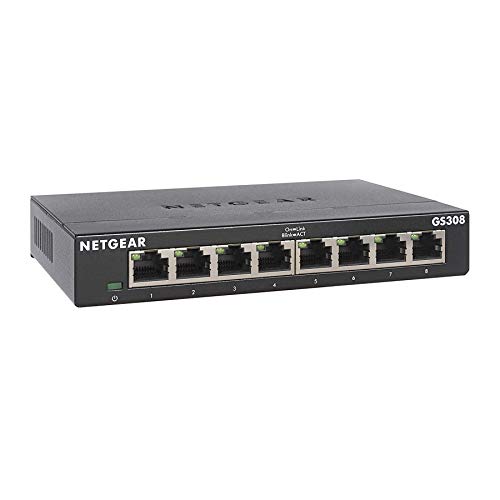
Best forWired media cabinets
Gigabit Ethernet for bandwidth stability
Shop on AmazonSmart home integration accessories connect TVs with automation systems for clean control.
| Product | Best for | Notes | Shop |
|---|---|---|---|
| Kasa Smart Plugs | Power-cycling a frozen TV remotely | We add one on most concealment jobs |  |
| Govee Immersion TV Light Strip | Ambient lighting behind the TV | Joins HomeKit, Google Home, Alexa scenes | |
| Philips Hue Motion Sensor | Automated lighting scenes | Part of movie night scene setups | |
| Lutron Caseta Smart Switches | Automatic light dimming | Connects lighting with TV scenes | |
| SmartThings Hub | Central hub for automation systems | Links lighting, security, climate control | |
Gaming and entertainment accessories optimize TV performance for interactive content and immersive media.
| Product | Shop |
|---|---|
| Corsair K63 Wireless Lapboard | |
| 8BitDo Pro 2 Controller | |
| Meta Quest 3 VR Headset | |
| Logitech C920S HD Webcam | |
| Elgato HD60 S+ Capture Card | |
Professional smart TV accessory setup ensures optimal performance, security, and integration.
Network Optimization:
Device Configuration:
Smart Home Integration:
Security Setup:
Performance Testing:
💡 Installation Time: Most smart TV accessory setups complete in 2-4 hours including testing and user training
The accessories that matter after 9,747+ installs are unglamorous: a smart plug that hard-resets a frozen TV remotely, a cleaner that does not strip coatings, a remote that consolidates three. Where it applies we prefer Matter-certified smart gear so it outlives any one ecosystem.
Quick note: This page contains Amazon affiliate links. We may earn a small commission at no extra cost to you if you buy through them. Our picks are based on what we see working in the rooms where we mount TVs, not on spec sheets alone.
I’m Alex Crabinsky. Across Express Mounting’s 9,747+ installs since 2015, our crews have set up streaming devices, smart remotes and connected systems behind nearly every TV brand you can name. Most “smart TV problems” are actually accessory and network problems, and the right kit makes a $1,500 TV feel like a $3,000 one. More on my background on the author page.
Smart TV accessories have gone from a nice-to-have to one of the most common reasons for a post-install call, which is why we check Wi-Fi at the TV and offer smart-home setup on premium installs. The geographic pattern is clear: Buckhead high-rises, Midtown condos along West Peachtree and Spring, and large Brookhaven and Sandy Springs homes are where smart-home integration matters most, because these customers are running Apple HomeKit, Google Home, or Alexa hubs and expect the TV to participate in scenes the same way the lights and shades do. The most common ecosystems we configure end-to-end are Apple HomeKit + LG OLED + HomePod mini, Google Home + Samsung Frame + Nest Hub, and Alexa + Vizio SmartCast + Echo Dot 5th gen.
The failure modes we see most often have nothing to do with the TV itself. Issue number one is wifi reliability for 4K HDR streaming in dense urban buildings - the 5 GHz band is often crowded by dozens of neighboring networks in Buckhead and Midtown towers, and the ISP-supplied router cannot deliver the sustained 25 Mbps per stream that Apple TV 4K, Roku Ultra, or NVIDIA Shield needs for Dolby Vision content. The fix is almost always a mesh upgrade to Eero Pro 6E or Netgear Orbi 970 with a dedicated 6 GHz channel for the streaming device, or a wired Cat6 Ethernet pull during the cable concealment step. Issue number two is HDMI-CEC voice routing - customers buy the smart TV and the Sonos Arc but never enable the CEC handshake that lets Alexa power both on with one command. We handle that during install.
The hardware we keep on the truck for smart TV accessory work: Apple TV 4K (3rd gen) and Roku Ultra streamers, Eero Pro 6E and Orbi 970 mesh nodes, TP-Link AV2000 powerline kits for situations where Ethernet pulls are not feasible, SofaBaton X1S universal remotes, Sonos and Bose voice-enabled soundbars, and Govee Immersion TV light strips for ambient lighting that integrates with HomeKit, Google Home, and Alexa scenes.
A common case: an Apple TV 4K that buffers in a high-rise despite fast fiber, because the 5 GHz band is crowded. A mesh node inside the entertainment cabinet with the Apple TV on its own 6 GHz channel, or a wired Ethernet run, usually ends it.
Express Mounting installation pricing, the same in all 15 metros:
Wi-Fi and smart-home setup beyond basic hookup is quoted when you book, and every install carries a 3-year workmanship warranty. Call (470) 777-4077 for same-day service or book online.
Need professional installation in Metro Atlanta? Call (470) 777-4077 for same-day TV mounting service. Flat-rate pricing: $129-$399 basic, $99/TV cable concealment.
Your smart TV's built-in apps are fine for basic use, but dedicated streaming devices (Apple TV 4K, Roku Ultra, NVIDIA Shield) perform way better. Here's why we recommend them after thousands of setups: TV manufacturers stop updating apps after 2-3 years, leaving you with outdated interfaces and missing features. Streaming devices get regular updates for years. Processing power matters - TVs have cheap processors that lag and stutter, while dedicated streamers have powerful chips that navigate smoothly. App selection is better - streamers get new services first. And when you upgrade your TV in 5 years, your streamer moves with you keeping your interface familiar. Smart TV apps are good backup options when the streamer acts up. But for primary use? Get a dedicated device. They're $50-180 and transform the experience. We've installed hundreds of high-end smart TVs where customers immediately bought Apple TV or Roku because the built-in interface was so sluggish. It's like comparing a smartphone to a basic flip phone - technically they both make calls, but the experience isn't comparable.
Depends on your ecosystem. In Apple's world (iPhone, MacBook, HomePod)? Apple TV 4K is clean - AirPlay from your phone, iCloud photo albums on TV, HomeKit smart home control. It's expensive ($129-149) but the integration is incredible. For everyone else, Roku Ultra offers the best value - every streaming service, simple interface, voice remote with headphone jack for private listening, $80-100. NVIDIA Shield TV Pro is the power user choice - AI upscaling makes lower-res content look better, GeForce NOW for cloud gaming, Plex server capabilities, but costs $200. Amazon Fire TV devices work great if you're heavy into Amazon Prime and Alexa voice control. The Google TV Streamer, Google's 2024 replacement for the Chromecast with Google TV, integrates with Google Assistant and aggregates content across services nicely. The pattern we see in the rooms we set up: Apple users love Apple TV. Everyone else splits between Roku (simplicity) and Shield (features). Budget option? Fire TV Stick 4K Max at $50 is solid. Don't overthink it - they all stream Netflix fine. Choose based on ecosystem integration and features you'll actually use.
For 4K streaming, you need 25 Mbps minimum - that's per concurrent stream. So if someone's watching 4K Netflix while another person's on YouTube, you need 50+ Mbps. Multiple 4K streams, gaming, video calls, smart home devices all add up fast. We recommend 200+ Mbps for modern households with 3-4 people and multiple devices. Gigabit internet is overkill for most people but future-proofs nicely. Speed isn't everything though - latency and reliability matter more. Wired Ethernet to your TV or streamer is way better than WiFi for stability. If you must use WiFi, get WiFi 6 router ($100-200) and position it within 30 feet of your TV with minimal walls between. 5GHz WiFi band handles streaming better than crowded 2.4GHz. Test your actual speeds at the TV location - advertised speeds and real-world performance differ. Most streaming issues we see aren't speed problems, they're WiFi signal problems. Run Ethernet whenever possible, upgrade to mesh WiFi systems if your house has dead zones. Don't rely on your ISP's cheap router.
Absolutely - and honestly, it's pretty common. Maybe you've got Apple TV in the living room for family use, Fire TV in the bedroom because it was cheap, and Roku in the guest room. They all coexist fine. Use your TV's HDMI input switcher to select which device to use. Some folks keep multiple devices on one TV - Apple TV for iTunes movies, Shield for Plex server, Fire TV for Prime Video. Seems redundant but each has strengths. HDMI switchers ($20-50) let you connect more devices than your TV has ports. The main consideration is remote confusion - now you've got TV remote, streaming device remote, soundbar remote. Universal remotes or HDMI-CEC (lets TV remote control everything) solve this. After thousands of installs, we see tech enthusiasts with 2-3 streaming devices per TV. Regular folks stick with one. Both approaches work. Just plan power outlets and HDMI ports accordingly. And label inputs in your TV settings - "Apple TV Living Room" is clearer than "HDMI 2."
They need internet connection - either WiFi or wired Ethernet. WiFi is convenient but Ethernet is more reliable for 4K streaming. Every streaming device has WiFi built-in. Most also have Ethernet ports (or can add it via USB adapter). If you're streaming 4K HDR content, Ethernet prevents buffering and quality drops that WiFi sometimes causes. Run Ethernet cable during TV mounting if you're cutting walls anyway - Cat6 cable through walls with keystone jacks at each end. If Ethernet isn't practical, make sure WiFi signal strength is strong at TV location (-67 dBm or better). Powerline adapters ($60-100 for pair) send internet through your electrical wiring - decent middle ground between WiFi and pulling Ethernet cables. Some streaming devices support offline viewing with downloaded content, but that's rare. Essentially, you need always-on internet. Plan your network infrastructure when planning TV mounting. We include network assessment in professional installations because streaming performance depends on solid connectivity.
4K streaming is video content at 3840x2160 resolution (four times 1080p HD) delivered over the internet. It requires 4K-capable TV, streaming device supporting 4K, content available in 4K (not everything is), and fast internet (25+ Mbps per stream). The difference versus HD is noticeable on screens 50+ inches - sharper images, more detail, better color (when HDR is included). Most streaming services charge more for 4K - Netflix's premium plan, Disney+ included, Prime Video included. Not all content is available in 4K even on these services - depends what was filmed or upscaled. 4K uses more data - plan for 7-10 GB per hour versus 3 GB for HD. If you've got data caps, 4K adds up fast. HDR (High Dynamic Range) often comes with 4K, providing better brightness and color - that's actually more impactful than resolution alone. After 9,747+ installations, here's what matters: on screens under 50 inches, 4K versus HD is barely noticeable. On 65+ inch screens, it's significant. Focus on getting good 4K TV and solid internet - the streaming device is the easy part.
Yes, on request. The combinations customers ask for most are Apple HomeKit + LG OLED (so Siri can power the TV on, switch HDMI inputs, and trigger Apple TV scenes), Google Home + Samsung Frame (voice-controlled art mode toggle, Chromecast routing), and Amazon Alexa + Vizio SmartCast (Echo Dot voice power, volume, and app launching). A common pattern: customers buy the smart TV, plug in the streaming device, and never set up the voice-control side because it means linking accounts across three apps. Basic voice hookup can be done during the install, and full smart-home scenes are quoted when you book. A typical setup is a HomeKit hub (Apple TV 4K or HomePod mini), an LG C-series OLED and a Sonos soundbar, linked through the Home app so Siri can dim the lights, lower the shades and start a movie with one command. Full smart-home configuration adds 30-45 minutes to the visit.
Most modern soundbars (Sonos Beam, Sonos Arc, Bose Smart Soundbar 600 and 900, Samsung HW-Q990C, LG SC9S) support Alexa and Google Assistant voice control natively, and we configure that during install. The trickier question is HDMI-CEC voice routing - getting Alexa or Google to power the TV on, set the soundbar to the correct input, and start playback in one command. That requires HDMI-CEC enabled on the TV (Samsung calls it Anynet+, LG calls it Simplink, Sony calls it Bravia Sync), the soundbar firmware updated, and the voice routine configured in the Alexa or Google Home app. We do this end-to-end on the install: enable CEC, link the soundbar to the voice assistant, build the routine, and verify with the customer. For Sandy Springs and Buckhead customers running multi-room Sonos systems, we also group the soundbar into the Sonos app so the same audio plays across the kitchen and primary suite during entertaining.
Yes, especially in Midtown high-rises, Buckhead condos, and large Brookhaven homes where the ISP-supplied router is parked in a closet on the wrong side of the building. We diagnose with a wifi analyzer (signal strength at the TV location, channel congestion on 2.4 GHz and 5 GHz, latency to the streamer), and the fix is usually one of three options: a wired Ethernet pull from the router to the TV (best for 4K HDR reliability, quoted by the length of the run), a mesh upgrade to Eero Pro 6E or Netgear Orbi 970 with a dedicated 6 GHz backhaul (handles dense apartment buildings where 2.4 and 5 GHz are saturated), or a powerline adapter (TP-Link AV2000) for situations where Ethernet pulls are not feasible.
A smart plug behind the TV. It sounds trivial until the TV hangs and the only fix is pulling power - on a concealed install that means removing the panel. A $15 plug gives you remote power-cycling, energy tracking, and scheduled off at night. We add one to most concealment jobs.
We install what we recommend.
Book the mount and we set up what you bought. Flat-rate TV mounting from $129 across 15 US metros.
Ready to modernize your TV experience? Browse our curated smart TV accessories, picked for how they work behind a mounted TV. Professional setup ensures optimal performance and integration.