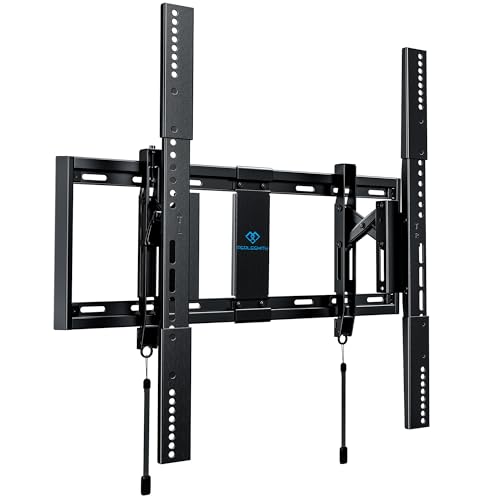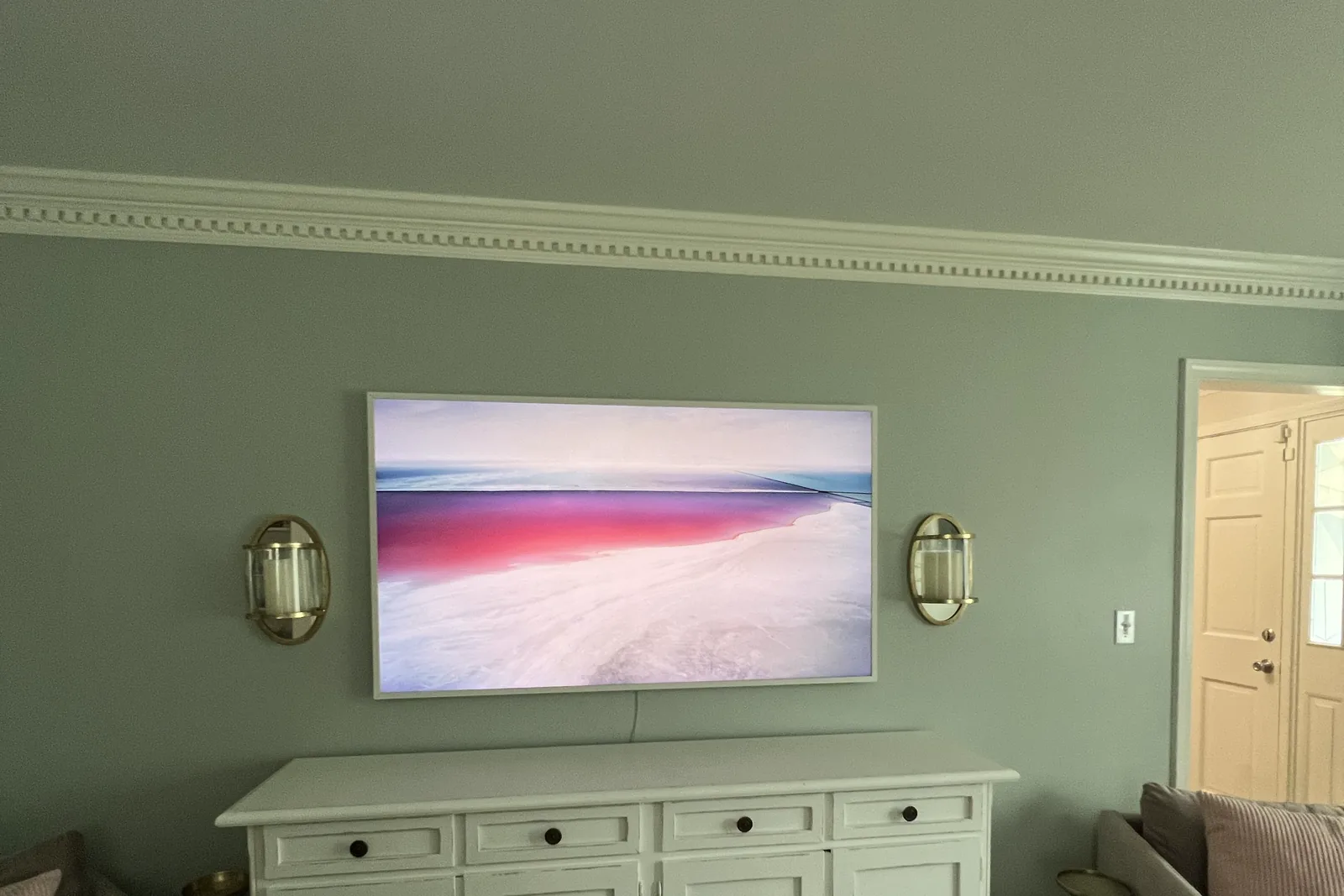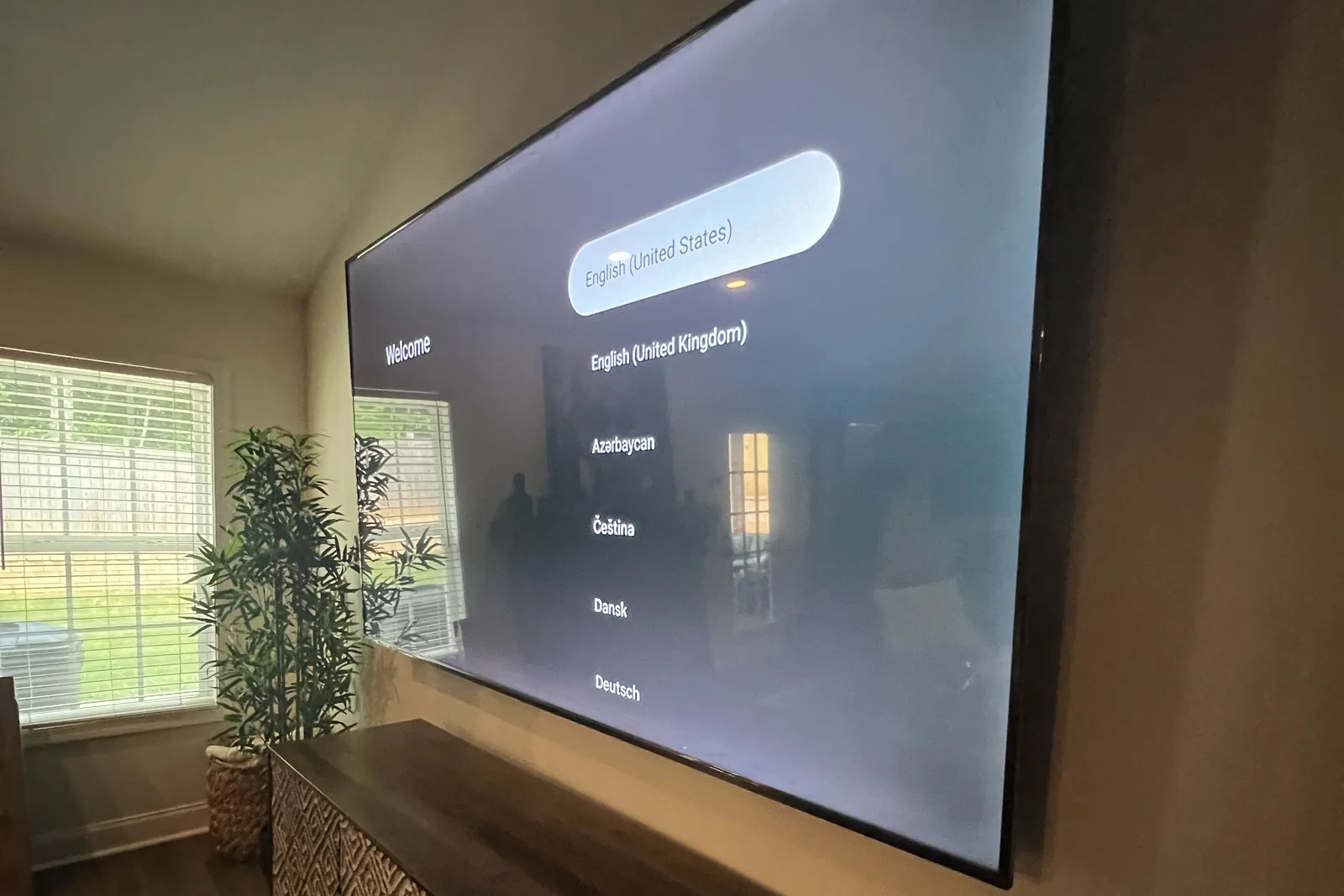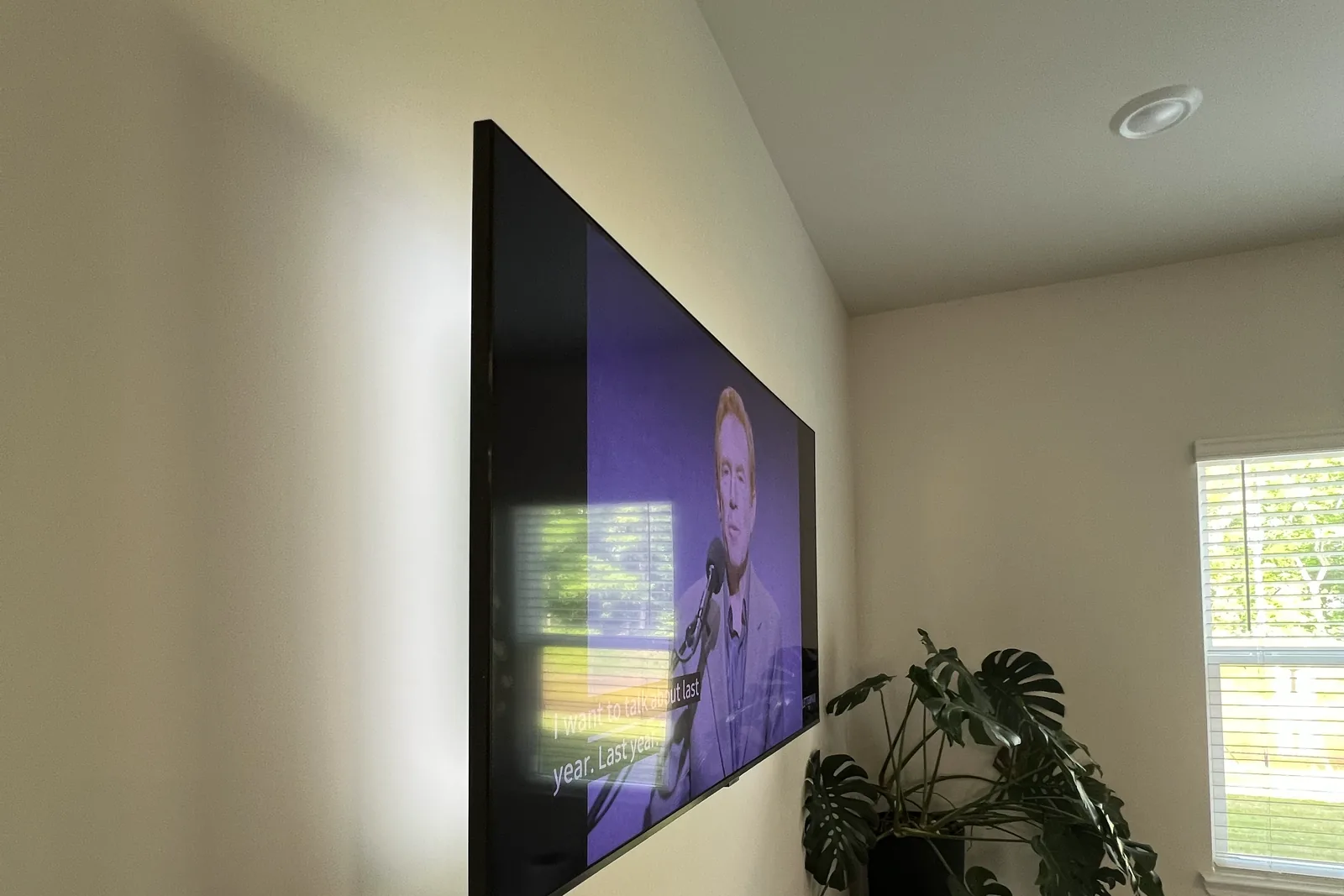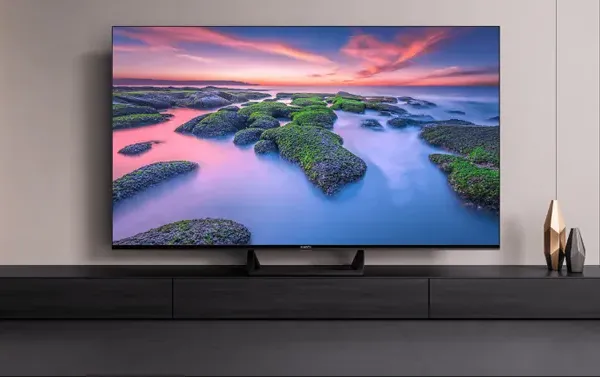
Mounting an 85-inch or larger TV requires three professional-grade hardware decisions: a 3/4-inch plywood backer plate spanning at least 3 wall studs (24-36 inches wide), 3/8-inch lag bolts 3 to 4 inches long through bracket-into-backer-into-stud (never bracket-direct-into-stud at this TV class), and a minimum 150-lb-rated full-motion mount or 200-lb-rated fixed mount. Our price is a flat labor rate by size, $299 for 80 to 99 inches (XXL) and $399 for 100 inches and up (XXXL), plus the add-ons you choose: $99 for in-wall wire concealment, $99 on brick or stone, and $69 or $79 if we supply the fixed or full-motion bracket. The DIY failure we see on these panels is almost always the wall-anchor math, not the mount.
Quick note: This page contains Amazon affiliate links. We may earn a small commission at no extra cost to you if you buy through them.
You’ve invested in the ultimate home theater centerpiece: an 85-inch, 90-inch, or even 98-inch television. It’s a stunning piece of technology that transforms your living room into a cinematic experience. Now comes the critical question: How do you safely mount a TV that weighs 90-150+ pounds on your wall?
This isn’t a standard TV mounting job. Large-format TVs present unique challenges that standard mounts, typical hardware, and DIY approaches simply cannot address. The consequences of inadequate mounting aren’t just damaged walls. They’re thousands of dollars of shattered television and potential injury.
At Express Mounting, heavy-duty installations for oversized screens are a regular part of the work, and the rules below are what keeps a 100-pound panel on the wall for years.
The Reality of Large TV Weights
Before diving into mounting solutions, let’s establish what we’re dealing with:
Typical Large TV Weights (No Stand)
| TV Size | Approximate Weight |
|---|---|
| 85 inch | about 70-105 lbs |
| 98 inch | about 125-145 lbs |
| 100 inch and up | 140-170+ lbs |
Weights vary a lot by panel type and model year, so check your TV’s spec sheet for the weight without the stand.
And these weights are just the TV. Add a soundbar bracket, cable management weight, and the mount itself, and you’re easily looking at 150-200+ pounds of total wall load.
Why Standard TV Mounting Doesn’t Work for Large Screens
1. Weight Capacity Limitations
Most consumer TV mounts max out at 80-100 lbs. While your 85-inch TV might squeak under that limit, it leaves zero safety margin. Mount ratings assume:
- Perfect installation conditions
- No lateral forces (earthquakes, bumps, settling)
- Static weight only (no dynamic loading from adjustments)
Leave a real margin: pick a mount rated at least 25% above the TV’s weight without its stand, and more on a full-motion arm. An 85-lb TV wants a mount rated for about 110 lbs or more.
2. Lever Arm Physics
Large TVs extend further from the wall, creating significantly more rotational force on mounting hardware:
Physics reality:
- A 55-inch TV mounted 2” from wall creates X rotational force
- An 85-inch TV mounted 3” from wall creates 2.5-3X that force
- Full-motion mounts extending 18”+ multiply forces dramatically
This means wall anchors experience far more pull-out stress than weight alone suggests.
3. VESA Pattern Challenges
Large TVs use wide VESA patterns (often 400x300 to 600x400), which means:
- Mounting points spread across 24+ inches
- Stud spacing may not align with TV mounting holes
- Hitting both studs becomes geometrically challenging
- Single-stud mounting is dangerously inadequate
4. Wall Structure Stress
Large mounting brackets concentrate massive loads on small wall areas:
- Drywall crushing around fasteners
- Stud splitting from oversized loads
- Cumulative stress causing long-term failure
- House settling shifting loads unpredictably
Heavy-Duty Mounting Requirements
Structural Assessment
Every 85-inch+ installation begins with thorough structural evaluation:
Wall composition identification:
- Standard drywall over wood studs (most common)
- Drywall over steel studs (high-rises, commercial)
- Plaster and lath (older homes)
- Concrete or masonry (basements, commercial)
Stud analysis:
- Location mapping with professional-grade detection
- Quality assessment (checking for damage, splitting, or voids)
- Spacing verification (16” vs 24” on-center)
- Load-bearing wall identification
Obstruction mapping:
- Electrical wire locations
- Plumbing lines
- HVAC ductwork
- Fire blocks
Heavy-Duty Mount Selection
We use commercial-grade mounting systems for large TVs (see our best TV brackets roundup for specific model recommendations):
| Mount Type | Weight Capacity | Best For |
|---|---|---|
| Heavy-duty fixed | 200+ lbs | Maximum security, minimal profile |
| Heavy-duty tilt | 175+ lbs | Reducing glare, some adjustability |
| Heavy-duty full-motion | 150+ lbs | Flexible positioning, corner mounting |
| Recessed box systems | 200+ lbs | Flush appearance, concealed cables |
Mounts built for this class (check each one’s VESA range and weight rating against your TV’s spec sheet):
- Full-motion: the FORGING MOUNT XXL full-motion mount lists 55-120 inch TVs, 275 lbs and patterns up to 900x600. The Sanus VXF730 full-motion XL mount is rated to 175 lbs and tops out at 95 inches.
- Tilt: the PERLESMITH advanced tilt mount lists 42-100 inch TVs up to 160 lbs. Its listing doesn’t state a VESA range, so confirm it covers your TV’s pattern before you order.
- Fixed: a heavy-duty fixed plate such as the Sanus FMF118 keeps a big panel close to the wall.
Every mount that fits 85 to 100-inch TVs on paper is compared side by side in our best TV mounts for 85, 98 and 100-inch TVs, and the full DIY walkthrough, from weights to the lift, is in how to mount an 85, 98 or 100-inch TV.
Key features we require:
- Solid steel construction (no stamped sheet metal)
- Multiple attachment points per stud
- Anti-tip safety mechanisms
- Locking position controls
Hardware Specifications
Standard TV mounting screws are wholly inadequate for heavy installations:
Our hardware requirements:
| Component | Standard Mount | Heavy-Duty Requirement |
|---|---|---|
| Lag bolts | #10 x 2.5” | 3/8” x 3” to 4” |
| Stud engagement | 1.5” | 2.5” minimum |
| Bolts per stud | 2 | 3-4 minimum |
| Total attachment points | 4 | 8-12 |
For 85-inch+ jobs we step up to 3/8 x 4 inch lag bolts, long enough to pass through a 3/4-inch backer and the drywall and still bite about 2.5 inches into the stud.
Reinforcement Options
When standard stud mounting isn’t sufficient, we implement reinforcement:
Blocking installation:
- Adding horizontal lumber between studs
- Creating solid mounting surface across multiple studs
- Distributing load over larger area
Wall plate reinforcement:
- Metal backing plates spread load
- Reduce point-stress on drywall
- Prevent crushing and long-term settling
- For most 85-inch+ jobs we use a TV mount plywood backer plate kit (3/4-inch plywood spanning 3 studs) instead of metal plates - it distributes load further and gives the lag bolts more bite
Header beam mounting:
- For extreme weights or problematic walls
- Structural lumber installed in wall cavity
- Provides rock-solid foundation
Two-Person (or More) Installation Requirement
Here’s an uncomfortable truth: You cannot safely install an 85-inch+ TV alone.
Why Solo Installation Is Dangerous
Weight handling:
- 90+ lbs is challenging for one person to lift
- Controlling a large, unwieldy panel while positioning is nearly impossible
- Fatigue increases drop risk dramatically
Alignment requirements:
- Large TVs require simultaneous alignment at multiple points
- One person cannot hold the TV while adjusting position
- Bracket engagement requires precise vertical and horizontal positioning
Safety concerns:
- Dropping a large TV causes serious injury
- Wall damage from failed mounting attempts
- Property damage to floors, furniture, and the TV itself
Our Team Approach
For 85-inch+ installations, we send minimum two technicians, often three for 98-inch+ screens:
- Technician 1: Leads mounting, handles bracket alignment
- Technician 2: Supports TV weight, assists positioning
- Technician 3 (large screens): Cable management, safety oversight
This team approach ensures safe, damage-free installation regardless of TV size.
Special Considerations for Different Wall Types
Wood Stud Walls (Standard Construction)
Challenges:
- Stud spacing may not match VESA pattern
- Wood quality varies (especially in older homes)
- Splitting risk with oversized fasteners
Our solutions:
- Blocking installation when stud spacing is wrong
- Pre-drilling to prevent splitting
- Multiple fasteners per stud for redundancy
- Inspection for stud damage before mounting
Steel Stud Walls (High-Rises and Condos)
Challenges:
- Steel studs have limited pull-out strength
- Standard lag bolts don’t work (see our toggle bolts vs lag bolts comparison)
- Toggle systems required but have limitations
Our solutions:
- Heavy-duty steel stud toggle systems (not standard toggles) - see our complete metal stud mounting guide for hardware specifics
- Multiple toggles per mounting point
- Evaluation for blocking installation feasibility
- Sometimes recommend alternative mounting approaches
Concrete and Masonry Walls
For stone fireplaces or uneven masonry surfaces with large TVs, see our dedicated stone and uneven surface TV mounting guide.
Challenges:
- Requires specialized drilling equipment
- Anchor selection critical for safety
- Cracking risk in older concrete
Our solutions:
- Hammer drill with proper masonry bits
- Wedge anchors or sleeve anchors rated for loads
- Multiple anchor points exceeding minimum requirements
- Load testing before TV installation
Plaster and Lath Walls (Older Atlanta Homes)
Challenges:
- Hidden stud detection is difficult
- Lath strips confuse stud finders
- Plaster crumbles around fasteners
Our solutions:
- Manual stud confirmation techniques
- Washer plates to distribute surface loads
- Longer fasteners to reach solid structure
- Extra care in drilling to prevent plaster damage
Cable Management for Large TVs
Large TVs mean more cables-and more visible cables at that larger scale:
Typical Cable Requirements
- Power cable (often proprietary on large TVs)
- Multiple HDMI (cable box, streaming, gaming, Blu-ray)
- Ethernet (for smart TV functionality)
- Optical audio (to soundbar or receiver)
- Component/composite (legacy devices)
- USB (for media playback)
In-Wall Concealment Challenges
Large TVs require more cable capacity:
- Larger pass-through holes
- Bigger in-wall cable boxes
- Potential electrical relocation
- Extended cable runs to reach floor level
Our Large-TV Cable Solutions
In-wall power relocation:
- New outlet installed directly behind TV
- UL-listed in-wall power kits
- Code-compliant installation
Low-voltage cable management:
- Large-capacity in-wall cable routing
- Cable pass-throughs with grommets
- Organized internal runs with labeling
External options (when in-wall isn’t possible):
- Commercial-grade cable raceways
- Painted to match wall color
- Sized appropriately for cable volume
Heavy-Duty TV Mounting Pricing
Every TV 80 inches and up is our XXL flat rate, and the add-ons are the same as on any install:
| What | Price |
|---|---|
| Mounting labour, TV 80-99” (85”, 98”) | $299 |
| Mounting labour, TV 100” and up | $399 |
| Fixed bracket, if we supply it | +$69 |
| Full-motion bracket, if we supply it | +$79 |
| In-wall wire concealment (power kit and HDMI) | +$99 |
| Outside-wall raceway instead | +$79 |
| Brick, stone or concrete wall | +$99 |
| Soundbar mounting | +$79 |
An 85-inch TV on our full-motion bracket with the wires hidden in the wall comes to $299 + $79 + $99 = $477. The same TV fixed flat to a brick wall, wires hidden, is $299 + $69 + $99 + $99 = $566.
Big panels are also where we ask you to call first at (470) 777-4077. Blocking, headers and other structural reinforcement depend on what is behind the drywall, so they are quoted after we see the wall, and so is surround-sound or home-theater work.
What Could Go Wrong
We get called to fix failed large-TV installs, and the same three patterns come up:
The “it seemed secure” failure
A generic mount hung on the #10 x 2.5-inch screws from the box, into single studs. Over months the drywall crushes around the undersized screws, the bracket flexes, and the TV tilts forward off the wall. The fix is 3/8-inch lag bolts into two or more studs, or a backer that spans three.
One stud plus plastic anchors
One side of the bracket in a stud, the other in plastic drywall anchors. The anchor side pulls out the first time someone bumps the TV or adjusts the tilt. Drywall anchors alone are only OK up to about a 32-inch, 30-lb TV; a panel this size needs studs, blocking or masonry on both sides.
The crooked basement wall
The bracket is perfectly level, but the TV hangs crooked. Finished-basement studs are often out of plumb, and the bracket needed shims behind it before the TV went on.
Frequently Asked Questions
How much weight can a wall-mounted TV bracket really hold?
Quality heavy-duty brackets hold 150-250 lbs when properly installed. The limitation is usually the wall structure, not the bracket. Our installation ensures wall-side anchoring matches bracket capability.
Can drywall alone support an 85-inch TV?
No. Drywall crumbles under significant loads. Large TVs must attach to structural studs, concrete, or properly installed blocking. Drywall anchors alone are only OK up to about a 32-inch, 30-lb TV, so there are no drywall-only solutions for heavy TVs.
Do I need to reinforce my wall for a large TV?
It depends on your wall structure. Standard wood stud walls usually don’t need reinforcement if studs align well. Steel stud walls, misaligned studs, or problematic conditions may require blocking installation.
How long does heavy-duty TV installation take?
Standard installations: 2-3 hours. Installations requiring structural work, extensive cable management, or challenging wall conditions: 3-5 hours.
Can you mount a 98-inch TV on a full-motion mount?
Yes, but we’re selective about which mounts we use. The mount must be rated appropriately, the wall structure must be solid, and we usually recommend keeping the TV closer to the wall, since every inch of extension adds load on the anchors.
What if my TV is too heavy for my wall?
Options include:
- Installing structural blocking to create solid mounting
- Using a floor-standing mount designed for large TVs
- Mounting on a different wall with better structure
- Creating a feature wall with proper backing
Is there a TV too big to wall mount?
Commercially available TVs up to 115+ inches can be wall-mounted with proper technique and structural support. The question is usually about practical viewing distance and room size, not mounting capability.
Service Areas for Heavy-Duty TV Installation
We provide large TV mounting throughout Metro Atlanta:
North Atlanta: Alpharetta, Roswell, Johns Creek, Milton, Cumming, Dunwoody, Sandy Springs
Central Atlanta: Buckhead, Midtown, Brookhaven, Virginia-Highland, Decatur
East Atlanta: Tucker, Stone Mountain, Lawrenceville, Snellville
West Atlanta: Marietta, Smyrna, Vinings, Kennesaw, Acworth
South Atlanta: Peachtree City, Fayetteville, Newnan, McDonough
Protect Your Investment with Professional Installation
Your 85-inch+ TV represents a serious investment-often $3,000 to $10,000 or more. The mounting installation is not the place to cut corners.
Express Mounting provides:
✅ Two-person lifts by crews used to large-format panels
✅ Commercial-grade hardware that exceeds weight requirements
✅ Structural assessment to ensure your wall can handle the load
✅ Pull test at 2× the TV’s weight before we leave
✅ 3-year workmanship warranty on the install
✅ Clean, professional results worthy of your premium television
Don’t risk your expensive TV on inadequate mounting. Let the professionals handle it right the first time.
👉 Visit ExpressMounting.com to schedule your large TV installation consultation.
📞 Call (470) 777-4077 to speak with our heavy-duty installation team about your 85-inch+ TV project.
📍 Express Mounting - Atlanta’s heavy-duty TV mounting specialists for 85-inch screens and larger.
Large-panel installs live or die on the framing behind the drywall, which varies by build era. Local pages: Johns Creek, Milton, Alpharetta and Suwanee, or start at the Atlanta hub.
This article was written by Alex Crabinsky, founder of Express Mounting, whose crews have completed 9,747+ installs since 2015.