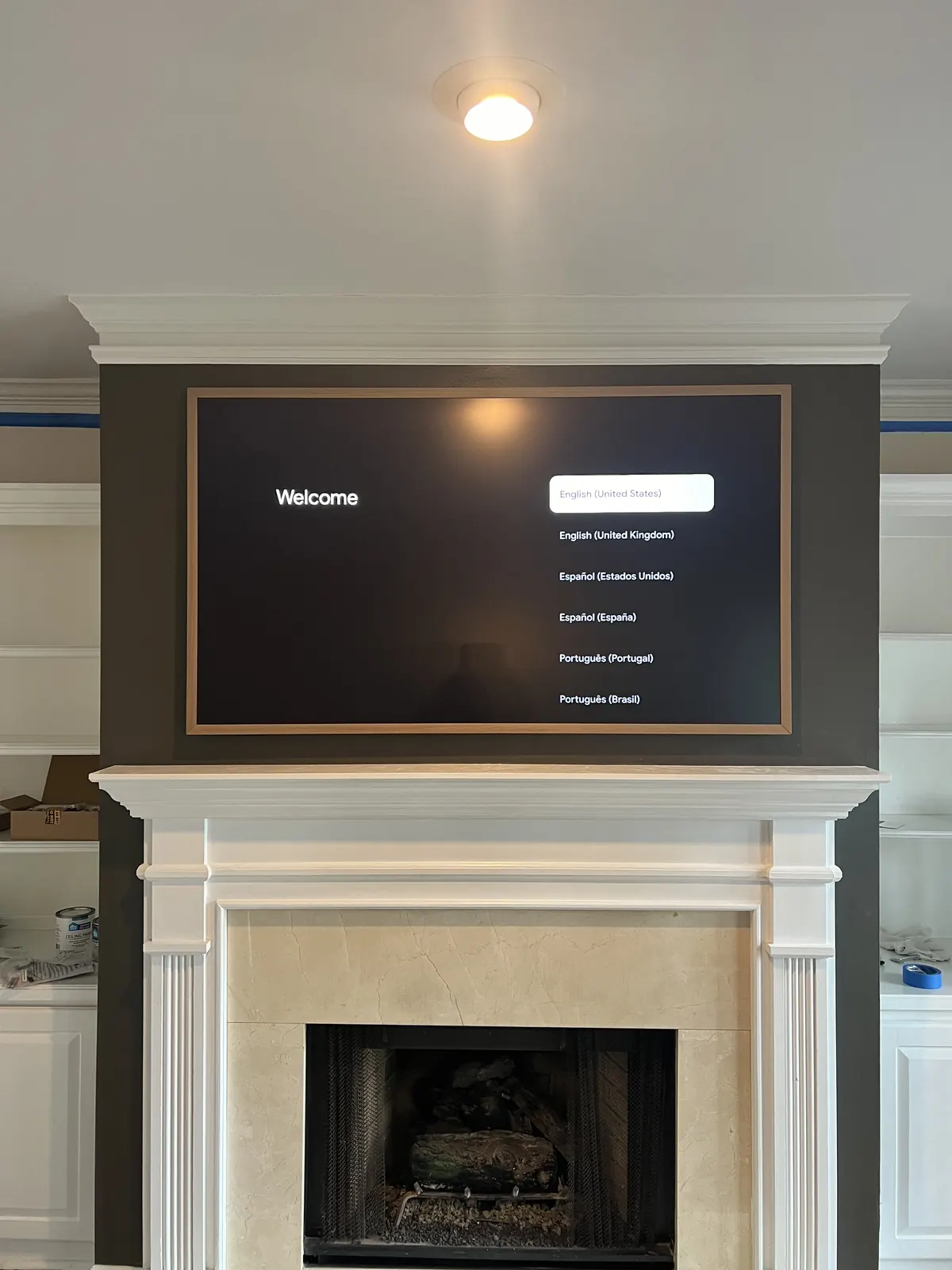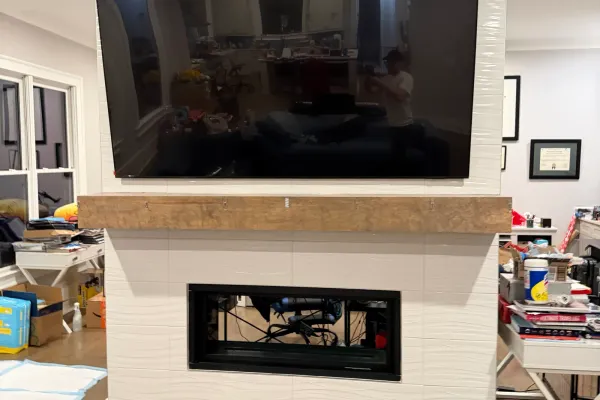
Frame-style TVs - Samsung The Frame, Hisense CanvasTV, TCL NXTFRAME, and LG’s gallery-design OLEDs - are built to sit flush against the wall like art, and the flush part is exactly what Miami walls complicate. The mount itself installs at our standard $129-$399 flat rate, but concrete and metal-stud condo walls change the anchoring, and the cable run that makes a Frame look like a painting takes planning when there’s no wall cavity to hide it in. We mount all four brands, and Miami’s design-forward condos are exactly where the flush look matters most.
A frame TV that’s mounted like a regular TV is a waste of the premium you paid. The whole product is the illusion: flush fit, no visible cables, art mode at the right brightness. This guide covers how that illusion gets built on real Miami walls - tower drywall over metal studs, CBS block in Coral Gables, poured concrete in Miami Beach - and what’s different about each brand’s mounting system.
What makes a frame TV install different
Three things separate a frame TV install from a standard wall mount:
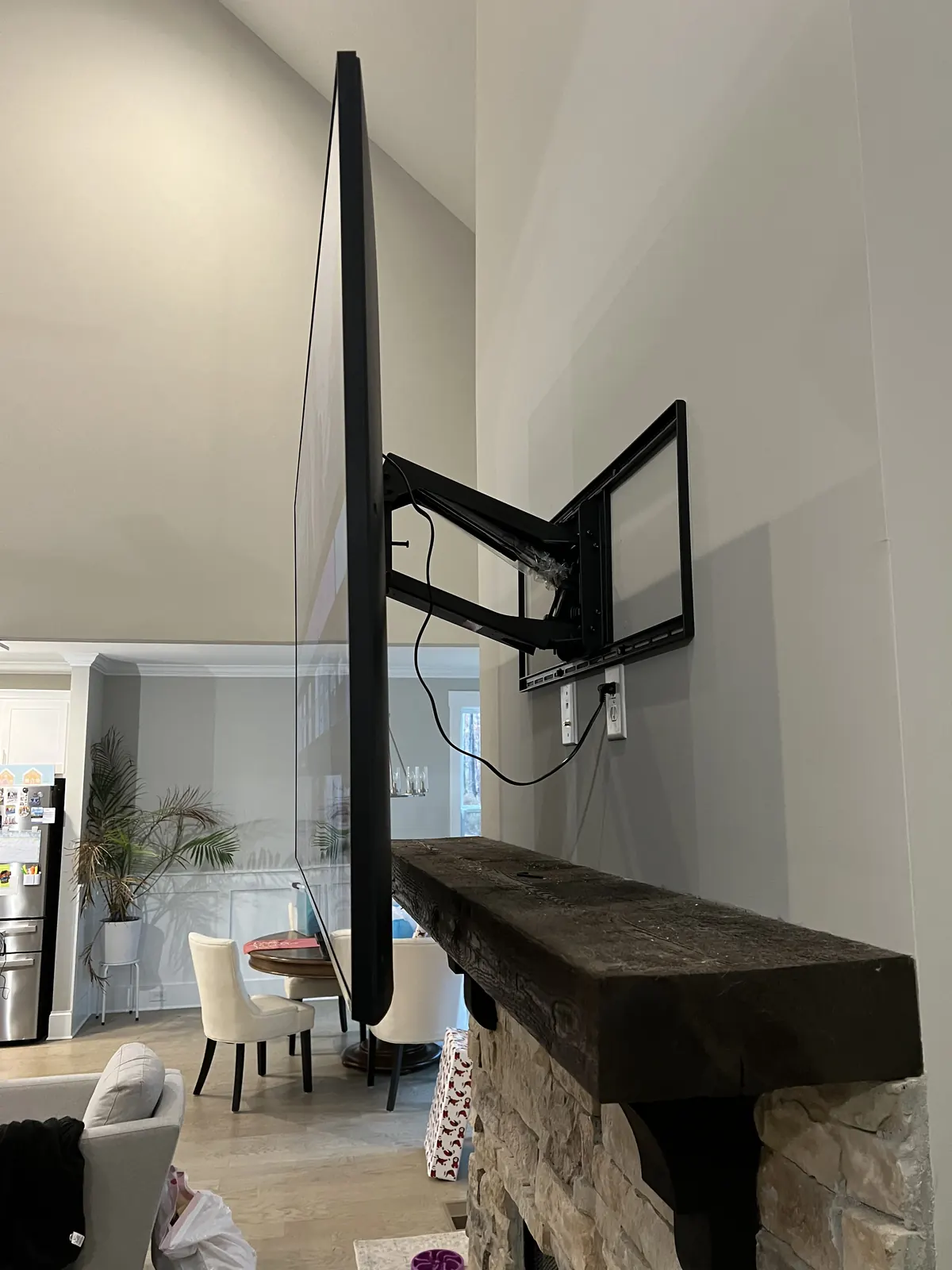
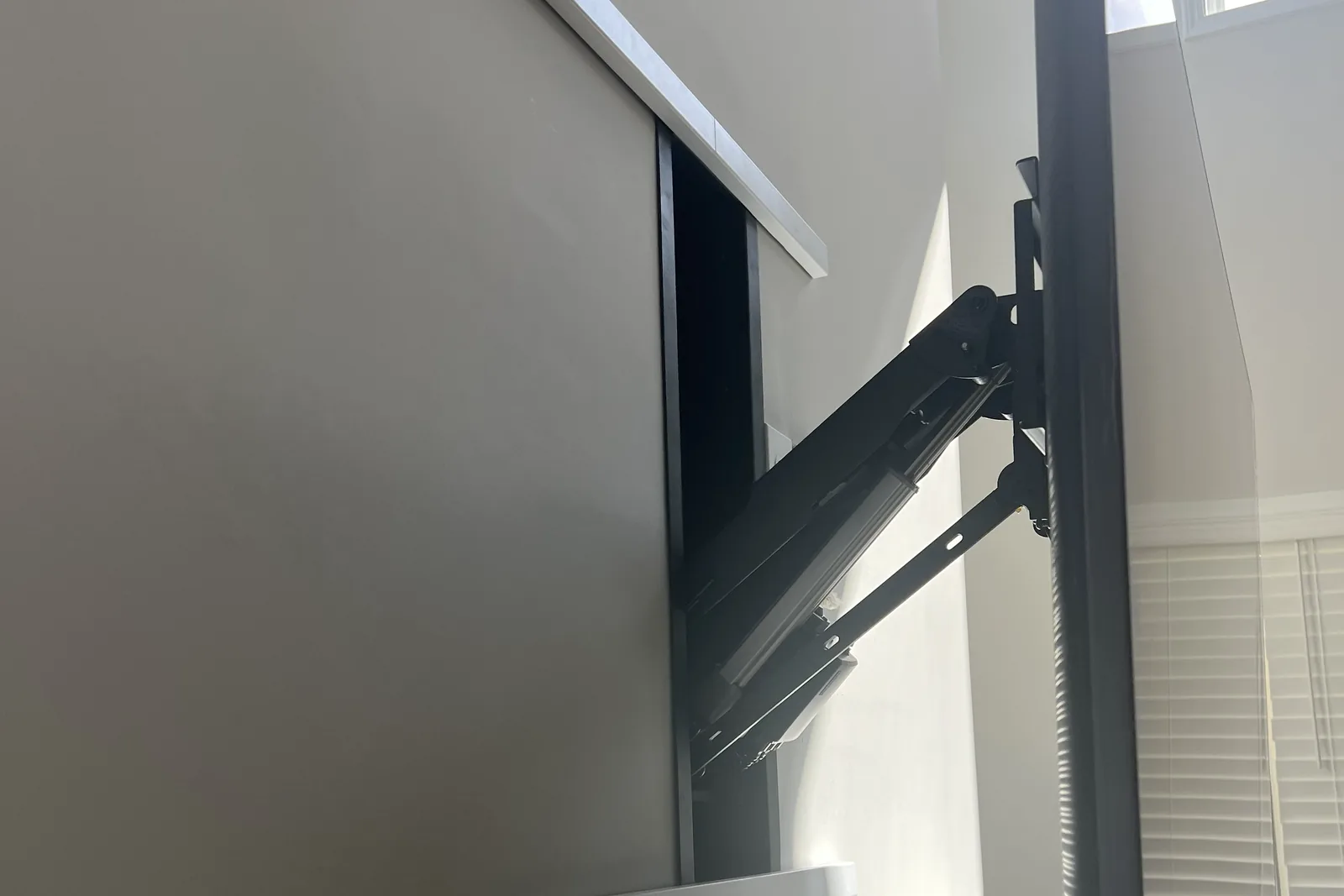
- The flush fit is the product. A generic VESA mount leaves a 1.5-2 inch gap that kills the picture-frame effect. Each brand ships or sells a dedicated slim mount designed to pull the panel tight to the wall, and the wall has to be flat enough to let it.
- One visible cable ruins it. A regular install can tolerate a tidy cord drop; a frame TV cannot. The cable plan gets decided before the mount position does.
- Leveling tolerance is zero. A regular TV that’s a degree off reads as fine; a “painting” that’s a degree off reads as crooked every time you walk past. Frame installs get measured twice and shimmed where Miami’s older plaster walls bow.
Our VESA compatibility guide covers the special-case mounting patterns these models use - several don’t take standard brackets at all.
The brands and their mounting systems
| Brand | Flush mount system | Cable approach |
|---|---|---|
| Samsung The Frame | Slim no-gap wall mount included with current Frames (replacements such as WMN-A50EB / WMN-A65EB sold separately) | One Connect box + single slim cable to the panel |
| Hisense CanvasTV | Slim flush wall bracket included in box | Standard connections at the panel; matte anti-glare screen |
| TCL NXTFRAME | Flush bracket included | Standard connections at the panel |
| LG gallery-design OLED (G-series) | Slim zero-gap bracket included with most sizes | Standard connections; no breakout box |
The practical differences we plan around:
- Samsung’s One Connect box is the best cable story and the biggest planning item: every input lives in a separate box that can sit in a cabinet up to several meters away, with a single slim cable running to the panel. Hide that one cable and the illusion is complete. The box needs ventilation, power, and a home you can reach to plug things into; where it can go, wired or wireless, is laid out in how to mount a Samsung Frame TV.
- Hisense and TCL route HDMI and power directly into the panel, so concealment is the standard two-cable problem rather than Samsung’s one-slim-cable problem. Their included flush brackets are genuinely slim, and the CanvasTV’s matte screen earns its keep in bright South Florida rooms.
- LG’s G-series mounts flush with its included bracket, with conventional cabling. It’s the picture-quality pick of the group; the gallery effect depends entirely on how well the cables disappear.
We install customer-supplied TVs of all four brands - buy the set you love, and the bracket conversation is already solved by what’s in the box.
Flush mounting on Miami walls
Frame mounts are engineered around anchoring assumptions that Miami walls like to violate:
- Tower drywall over metal studs (Brickell, Edgewater, Aventura): the flush mounts spread load across a wide wall plate, which works on metal studs with rated snap-toggle anchors through the steel, within the same limit as any metal-stud install: about 100 lbs on four 1/4-inch toggles and 150 lbs on six. A 75-inch Frame sits well inside that; the concrete demising wall next to it is the other option.
- CBS block and poured concrete (Coral Gables, Miami Beach, most single-family): excellent hosts once Tapcon-anchored, using the concrete method with the $99 masonry surcharge. Concrete’s flatness usually beats old plaster, which helps the flush fit.
- Furred drywall over block: the trap case. The cavity is shallow and the furring strips are not framing. We anchor through to the block behind, not into the strips.
- Condo logistics ride along: your building’s contractor rules, front-desk scheduling, and board approval for in-wall work. The full rundown is in our Miami condo mounting guide.
The cable problem, solved three ways
The gallery effect dies at the first visible wire. On Miami walls there are three honest routes:
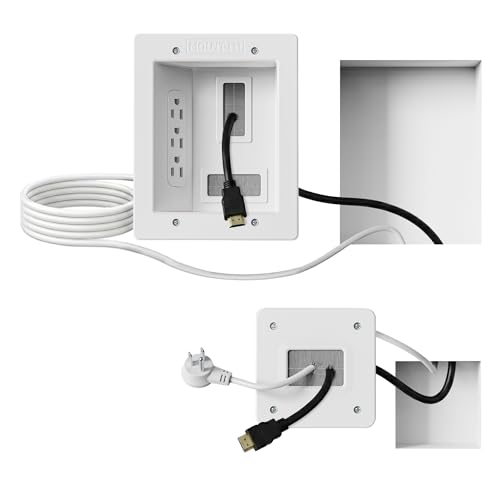
- In-wall concealment ($99) where a cavity exists - metal-stud and furred walls. Samsung’s slim One Connect cable or a power bridge + HDMI set disappears behind the drywall, NEC-compliant per our in-wall cable guide.
- Channel-in-concrete for solid walls during renovations - a shallow chase cut into block, conduit set, patched and painted. Renovation-window work we coordinate with your GC and quote with the project, not an afternoon visit.
- Architectural cheating for finished concrete walls: the One Connect box or source gear lives directly below in a credenza, and the single cable drops behind a paintable low-profile raceway ($79) aligned with the TV’s edge shadow. Done carefully it reads as a shadow line. A paintable raceway kit is the same play in DIY form.
Quick note: This page contains Amazon affiliate links. We may earn a small commission at no extra cost to you if you buy through them. Our picks are the hardware our crews install on real customer walls, not spec-sheet guesses.
Art mode in a bright Miami room
Frame TVs ship with brightness sensors that dim art mode to match the room, and Miami rooms swing hard - blackout-shaded condo by afternoon, floor-to-ceiling glass by morning. What we set up before leaving:
- Sensor placement check: art mode reads the room from the panel’s sensor; a lamp directly below it skews the art dark. We confirm the auto-brightness behaves across the room’s actual light range.
- Matte vs glass: current Samsung Frames and Hisense’s CanvasTV carry matte anti-glare finishes that flatter art mode in glass-walled rooms; older glossy panels want placement out of direct window lines.
- Power draw expectations: art mode sips, but it isn’t off. In a seasonal condo we set schedules so the “painting” sleeps when the unit is empty.
- Salt-air note for coastal units: a frame TV on a covered terrace is still an outdoor install with indoor hardware - if the goal is art over the outdoor sofa, the conversation becomes our Miami outdoor guide instead.
Frame TV install pricing
Frame installs price like every install, with the brand’s flush mount replacing a bracket purchase:
- Base install: $129 (up to 54”), $159 (55-69”), $209 (70-79”), $299 (80-94”), $399 (95”+)
- Masonry surcharge: $99 on CBS and poured concrete
- In-wall cable concealment: $99 where the wall has a cavity
- Surface raceway: $79 where it doesn’t
- Bezel fitting: the magnetic frames snap on in minutes; we fit them as part of the install
- Soundbar below: $79; plan its cable into the concealment too, since a visible soundbar cable undoes the look
A 65-inch Frame on a concrete wall with the One Connect cable in a surface raceway comes to $159 + $99 + $79 = $337.
The metro pricing picture is in our Miami cost guide; dispatch covers Miami-Dade, Broward, and Palm Beach with per-city detail on the Miami metro page, including Coral Gables and Aventura. Run the price estimator or call (470) 777-4077. Bookings before noon get same-day service, subject to the day’s schedule, and the installer arrives within 2-4 hours of confirmation.
Frequently asked questions
Do you install frame TVs other than Samsung in Miami?
Yes - Samsung The Frame, Hisense CanvasTV, TCL NXTFRAME, and LG’s gallery-design OLEDs all install at the same flat rate. Each ships with its own slim flush-mount system, and the install differences are in the cable plan: Samsung routes everything through a One Connect box with one slim cable to the panel, while the others connect at the panel directly.
Can a frame TV mount flush on a concrete condo wall?
Yes, and concrete is often the best host: flat, strong, and Tapcon-anchored with the $99 masonry surcharge. The harder question is the cable: solid concrete has no cavity, so the gallery effect comes from a credenza directly below with a carefully aligned low-profile raceway ($79), or a conduit chase cut during renovation.
How does the Samsung One Connect box get hidden?
The box lives in a cabinet or credenza near the TV with ventilation and power, and a single slim cable runs to the panel. On metal-stud or furred drywall that cable disappears in-wall for $99; on solid concrete it rides a paintable raceway ($79) aligned with the panel edge. The box stays reachable, since every input plugs into it rather than the TV.
Can you mount a 75-inch Frame TV in a Miami high-rise?
Yes, on either wall. On light-gauge metal studs, 1/4-inch snap-toggles through the steel carry about 100 lbs on four and 150 lbs on six, and a 75-inch Frame weighs well under 100 lbs. On a concrete demising wall it goes up with Tapcons and the $99 masonry surcharge.
Is the bezel included in the installation?
We fit the magnetic bezel as part of the install and level the panel to picture-frame tolerance - a frame TV a degree off reads as crooked art forever. Bezels themselves are sold separately by the brands in wood and color finishes; have it on site for install day and it goes on before we leave.