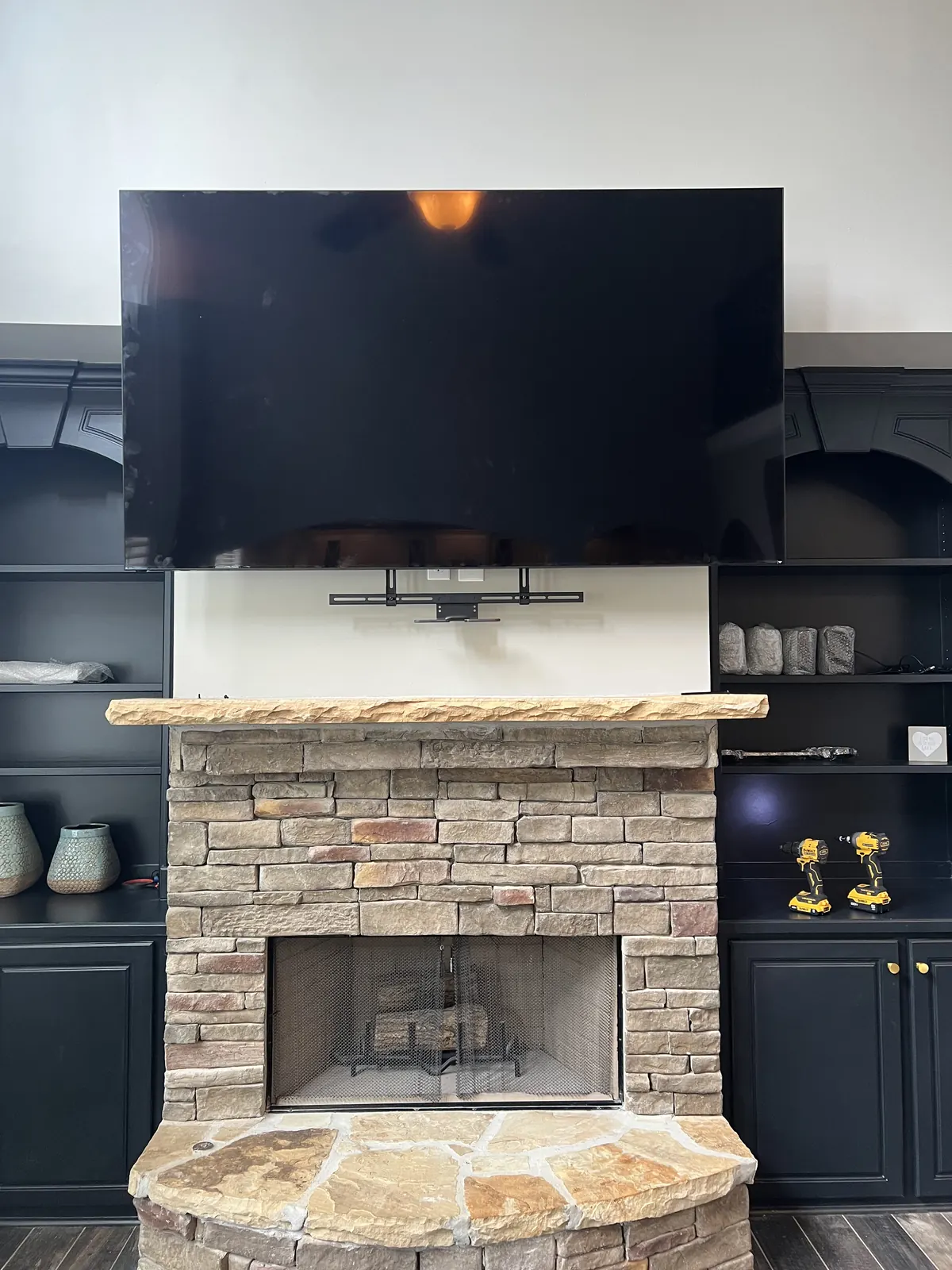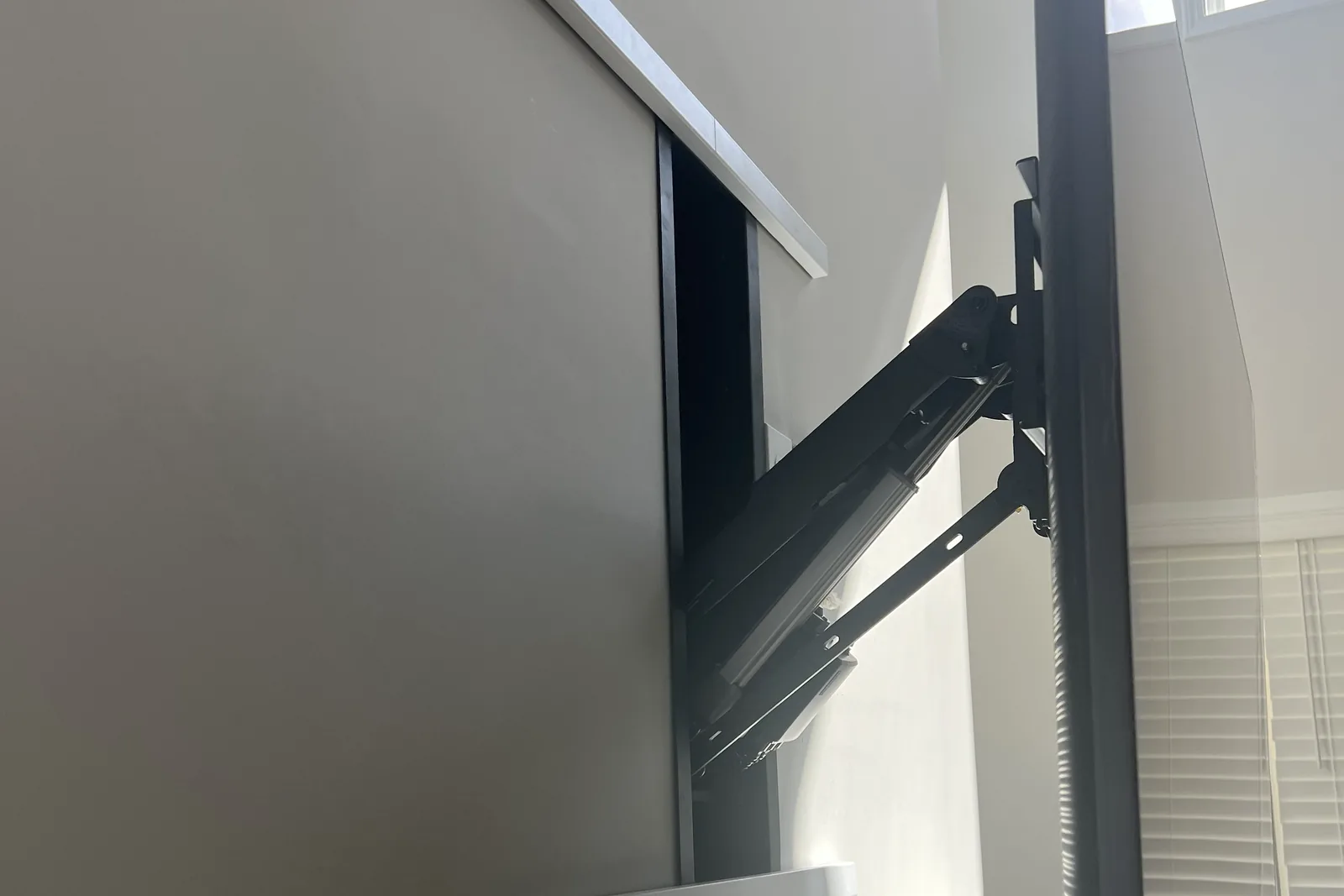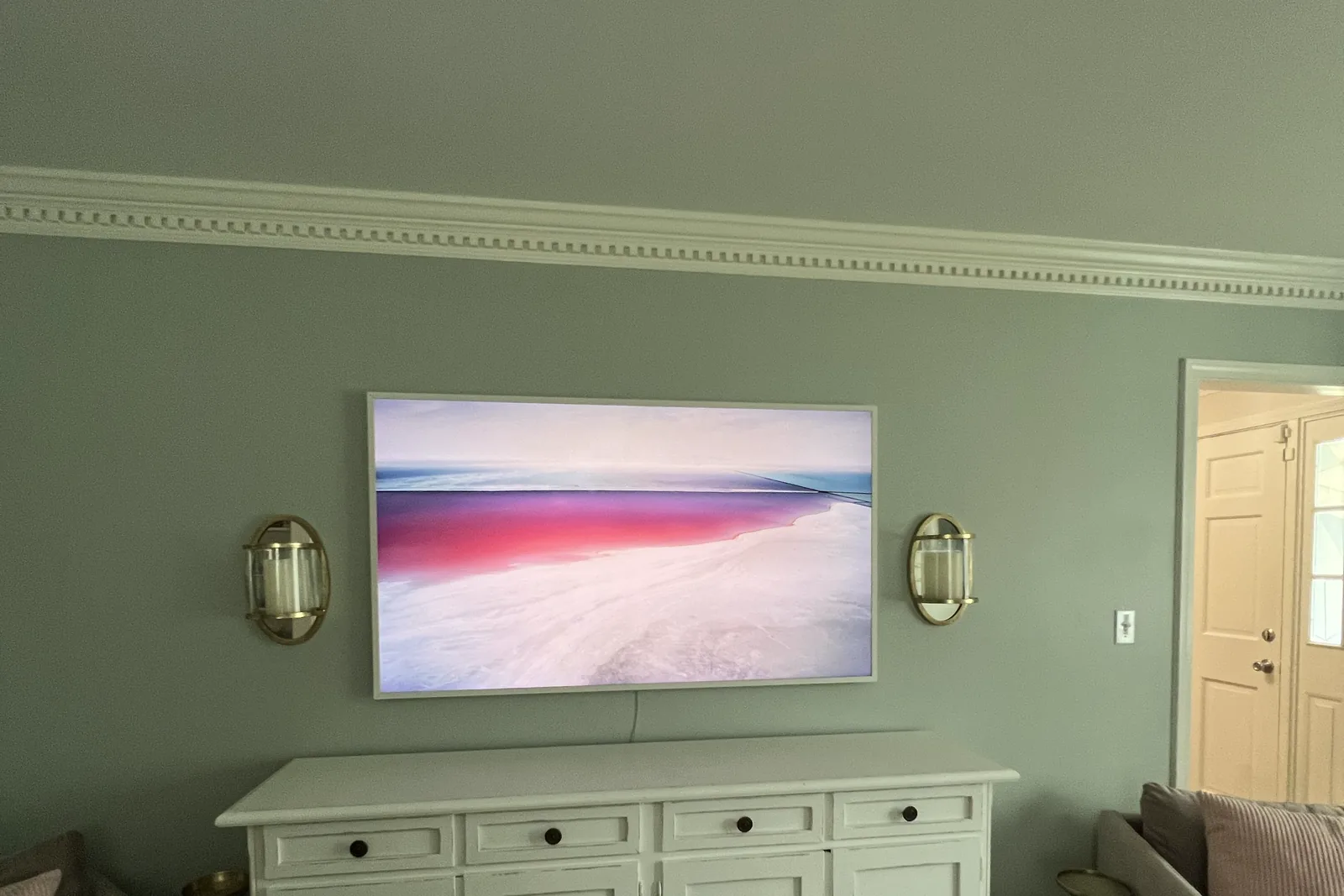
Use toggle bolts, not lag bolts: lag threads strip in thin steel studs. Put a 1/4 inch SnapToggle through the stud in every bracket hole. Each is rated about 265-300 lb in steel, so four carry a TV up to about 100 lb and six up to 150 lb. A toggle that misses the steel is only a drywall anchor.
Quick note: This page contains Amazon affiliate links. We may earn a small commission at no extra cost to you if you buy through them.
You grab the stud finder, run it across the wall and find metal studs. Plenty of people stop right there, because they’ve heard steel studs can’t hold a TV.
They can. Metal studs hold a wall-mounted TV well once you swap the lag bolts for the right toggles.
Steel studs are standard in most high-rise condos and apartments, newer office conversions and commercial-to-residential buildings. They’re lighter, straighter and more fire-resistant than wood, and they’re also hollow and thin-walled, which is why lag bolts have nothing to bite. Below: why they’re different, how to confirm what you have, which anchors to buy and the install, step by step.
Why Metal Studs Are Different (and Challenging)
Wood Studs vs. Metal Studs
| Property | Wood Studs | Metal Studs |
|---|---|---|
| Material | Solid lumber (1.5” x 3.5”) | Hollow steel channel (25-20 gauge) |
| Lag bolt compatible | Yes | No |
| Screw holding power | Excellent | Poor (screws strip easily) |
| Standard thickness | 1.5 inches solid | 0.02-0.04 inches of steel |
| Best anchor type | Lag bolts directly into wood | Toggle bolts through steel |
The Problem with Standard Mounting Methods
When you drive a lag bolt into wood, the threads grip the wood fibers and create strong holding power. When you drive a screw into a metal stud:
- The thin steel has minimal thread engagement
- The hole quickly becomes oversized
- The screw strips out under load
- Your TV is at risk of falling
This is why lag bolts and standard screws don’t work on metal studs. For a full breakdown of the fastener physics, see our toggle bolts vs lag bolts TV mounting guide.
Can you use lag bolts in metal studs?
No. Lag bolts are cut for wood, and the 25 to 20 gauge steel in a metal stud is only about 0.02 to 0.04 in thick, so the threads have almost nothing to bite. Drive one and the hole strips on the first real load, then the TV starts to sag. Use a rated toggle bolt (SnapToggle, Zip-Toggle, or WingIts) that clamps behind the steel instead of threading into it.
Where You’ll Find Metal Studs
High-rise condos and apartments:
- Most mid-rise and high-rise buildings built after 1980
- In Atlanta, for example, the Buckhead, Midtown and Downtown towers
- Newer multifamily construction in every metro
Commercial-to-residential conversions:
- Loft conversions in Castleberry Hill, Old Fourth Ward, Inman Park
- Former warehouse and office buildings
Newer townhomes and homes:
- Some builders use metal studs for interior non-load-bearing walls
- Fire-rated walls between units
- Garage-to-living-space walls
Identifying Metal Studs
Before you plan your mounting strategy, confirm you’re dealing with metal studs:
Stud Finder Method
Electronic stud finders can usually differentiate between metal and wood:
- Metal studs often show as narrower readings
- “Deep scan” modes may behave differently
- Some stud finders have specific metal stud settings
Magnetic stud finders are useful because:
- They detect the steel directly (not just fasteners)
- They’ll find studs even without drywall screws in the immediate area
- They indicate the stud runs the full height
Visual and Physical Clues
Building type:
- High-rise = almost certainly metal studs
- Modern apartment = likely metal studs
- Pre-1970 residential = likely wood studs
Stud spacing:
- Metal studs are commonly 16” or 24” on center
- Very consistent spacing (unlike sometimes-irregular wood framing)
Sound test:
- Tapping on metal stud areas sounds slightly different
- Can sometimes hear hollow metallic resonance
Verification Method
The drill test (carefully):
- Drill a small pilot hole in an inconspicuous spot
- If you hit metal after ½” of drywall, you have metal studs
- Drill will feel sudden resistance, then break through steel
- Steel shavings confirm metal stud construction
Hardware Options for Metal Stud Mounting
Every anchor that works in a metal stud is a toggle of some kind. Here are the three I actually carry, what each one holds, and where each earns its place.
| Anchor | Rated capacity | Best for |
|---|---|---|
| SnapToggle (TOGGLER) | 265 to 300 lb per anchor (1/4 in) | Most TV installs; the default on my truck |
| Zip-Toggle (Cobra) | 100+ lb per anchor | Faster one-hand install; small to medium panels |
| WingIts Master Anchor | 300+ lb per anchor, heaviest of the three | Big or heavy TVs and commercial jobs |
Note on spacing and torque: metal studs sit 16 in or 24 in on center, so lay out the bracket to catch a stud web where you can. Keep at least 3/4 in of steel around each hole, and stop tightening the second the bracket pulls firm. Over-torquing deforms the toggle channel and spins the anchor in thin-gauge steel, which is the fastest way to lose your hold.
Before you buy the bracket, check it in the VESA pattern finder: it matches mounts to your TV’s pattern and weight, and picking Drywall, metal studs as the wall brings up the steel-stud warning.
The Gold Standard: Snap Toggle Bolts
What they are: Toggle bolts with a metal channel that snaps behind drywall and metal stud
Brand names: TOGGLER SnapToggle with 1/4-20 bolts, Hillman Snap Toggle and similar designs
How they work:
- Drill appropriately sized hole through drywall and metal stud
- Insert the metal channel through the hole
- Pull tight against back of wall while snapping off excess strap
- Insert bolt through mounting bracket into the channel
- Channel spreads load across large area behind wall
Why they work for metal studs:
- Channel grips both the back of the drywall AND the metal stud
- Load distributed across 3+ inches of contact area
- Bolt threads into metal channel, not the stud itself
- Pull-out strength: 265-300 lbs per toggle in metal studs
Sizes to use:
- 1/4” SnapToggles: Most common for TV mounting
- 3/16” SnapToggles: Lighter loads, smaller holes
- 5/16” or 3/8” SnapToggles: Heavy-duty applications
Heavy-Duty Toggle Wings
What they are: Traditional spring-loaded toggle wings that fold to pass through hole
How they work:
- Drill hole large enough for folded wings
- Insert bolt through bracket first
- Thread toggle wings onto bolt
- Push folded wings through hole
- Wings spring open behind wall
- Tighten bolt to draw wings against wall back
Considerations:
- Require larger holes (5/8” to 7/8” typically)
- Wings can spin inside wall (frustrating during installation)
- Good holding power when properly installed
- If bolt is removed, wings fall inside wall (not reusable)
Metal Stud-Specific Toggles
What they are: Toggles designed specifically for steel stud applications
Examples: Cobra FlipToggle, Cobra Zip-Toggle, WingIts Master Anchor
Advantages:
- Optimized for metal stud geometry
- Some grip the stud flanges specifically
- Often easier to install than traditional toggles
What NOT to Use
Standard drywall anchors:
- Plastic expansion anchors fail completely
- Rely on gripping drywall alone
- Cannot handle TV mounting loads
Self-drilling drywall anchors:
- Same problem: they grip the drywall, not the structure
- Will pull out under TV weight
Regular screws into metal studs:
- Threads strip immediately
- No long-term holding power
- Never use for TV mounting
Lag bolts:
- Designed for wood only
- Cannot thread into steel
- Will not hold in metal studs
Step-by-Step: Mounting on Metal Studs with SnapToggles
What You’ll Need
Tools:
- Stud finder (magnetic or electronic)
- Level (24” or longer)
- Drill with variable speed
- 1/2” drill bit (for 1/4” SnapToggles) or size per toggle specs
- Phillips or hex driver
- Tape measure
- Pencil
Hardware:
- SnapToggles (1/4” typically, quantity based on mount design)
- TV mounting bracket rated for your TV weight and wide enough to reach two studs; our metal-stud mount picks match brackets and steel-stud kits to TV weight
- Bolts included with toggles (or appropriate length replacements)
Step 1: Locate Metal Studs
- Use magnetic stud finder to locate first stud
- Mark stud location at mounting height
- Move 16” or 24” to find next stud
- Confirm both studs with multiple passes
- Mark vertical stud centerlines
Step 2: Position and Mark Bracket
- Hold bracket against wall at desired height
- Use level to ensure bracket is perfectly level
- Mark all mounting hole locations
- Prioritize holes that align with studs
Important: Metal stud mounting is most secure when toggle bolts pass through the stud web (the flat part facing you). Aim for stud centers.
Step 3: Drill Holes
- Use correct diameter bit for your toggles (check package)
- Drill straight into wall at each marked location
- You’ll feel resistance when hitting the steel
- Continue drilling through the stud (drill will punch through)
- Clean out holes of debris
Tip: For metal studs, a sharp bit makes a cleaner hole. Replace dull bits before starting.
Step 4: Install SnapToggles
- Hold SnapToggle channel with straps attached
- Insert channel through hole until flanges are past wall back
- Pull straps toward you until channel seats against wall back
- While maintaining tension, slide plastic cap along straps until flush with wall
- Snap off straps at the wall surface
- Channel is now anchored behind wall
Repeat for all mounting points.
Step 5: Attach Bracket
- Align bracket with installed toggle channels
- Insert bolts through bracket holes into toggle channels
- Hand-tighten all bolts first
- Use driver to fully tighten each bolt
- Check bracket for any movement or play
Step 6: Mount TV
- Attach mounting arms to TV back (if not already attached)
- Lift TV and engage with wall bracket
- Ensure all hooks and locking mechanisms engage
- Tighten any safety screws
- Test stability
Load Capacity Considerations
Calculating Total Load
Your TV weight: Check manufacturer specifications
Add mount weight: Typically 5-15 lbs for standard mounts
Add safety factor: Multiply by 1.5 for static loads
Example calculation:
- 65” TV: 50 lbs
- Mounting bracket: 10 lbs
- Total: 60 lbs
- With safety factor: 90 lbs required capacity
That 1.5 factor is for the toggles and the studs. The mount’s own weight rating follows a separate rule: at least 25% above the TV’s weight without its stand, so 62.5 lbs or more for this 50 lb TV.
Toggle Capacity Planning
Each 1/4” SnapToggle holds approximately 265-300 lbs in metal studs.
For most TV installations:
- Four toggles through the steel add up to over 1,000 lbs on paper
- We plan on about 100 lbs of TV for four toggles and about 150 lbs for six
- That leaves a wide margin for the prying load a bracket puts on the top row
When to add more toggles:
- Extra-large TVs (85”+)
- Full-motion mounts with extended reach
- Particularly heavy bracket systems
Full-Motion Mount Considerations
Full-motion (articulating) mounts create prying forces that multiply the effective load:
- Mounting point sees more force when TV is extended
- Recommend maximum number of toggles bracket allows
- Consider heavy-duty toggles for large TVs
- Don’t extend mount to maximum reach routinely
Common Metal Stud Mounting Mistakes
Mistake #1: Using Too Few Toggles
Problem: Using 2 toggles for a large TV
Result: Each toggle bears excessive load, increased failure risk
Solution: Use every available mounting hole: 4 minimum, 6 or more for large TVs
Mistake #2: Drilling Between Studs
Problem: Assuming a toggle in drywall alone holds like one through the steel
Result: A toggle that misses the stud is only a drywall anchor, good for a TV up to about 32 inches and 30 pounds on a fixed mount
Solution: Lay the bracket out so the toggles go through the stud webs; for anything bigger than that small-TV limit, the load has to hang on the steel
Mistake #3: Wrong Toggle Size
Problem: Using lightweight toggles for heavy application
Result: Insufficient holding power
Solution: Match toggle rating to load requirements with safety margin
Mistake #4: Not Drilling Through Stud
Problem: Stopping when drill hits steel
Result: Toggle can’t seat properly behind wall
Solution: Continue drilling through the steel web
Mistake #5: Over-Tightening
Problem: Cranking bolts too tight
Result: Toggle channel deforms or drywall crushes
Solution: Tighten until snug; stop when bracket is firm
Alternative Approaches
Plywood Backer Installation
For maximum security or very heavy installations:
- Cut plywood panel sized for TV footprint
- Attach plywood to multiple metal studs using toggles
- Mount TV bracket to plywood using standard lag bolts
- Plywood can be painted or covered with fabric
Advantages:
- Creates wood mounting surface for standard hardware
- Distributes load across large area
- Maximum security for any TV size
Disadvantages:
- More complex installation
- Visible panel unless concealed
- Additional cost and labor
Through-Wall Mounting
In some situations:
- Access the other side of the wall
- Use through-bolts with backing plates
- Create extremely secure attachment
Best for:
- Commercial applications
- Access from adjacent room possible
- Maximum security requirements
When to Call a Professional
Metal stud mounting is a doable DIY job, but consider a pro if:
- You’re uncomfortable with the process. No shame in knowing your limits.
- The TV is 75 inches or larger. Higher stakes and more weight; 85-inch-plus sets have their own checklist in how to mount an 85, 98 or 100-inch TV.
- It’s a full-motion arm on a long reach. That’s the most force the toggles will ever see.
- Several toggle points missed the studs. The bracket may need a backer board or a different layout.
- The stud spacing doesn’t match the bracket. A wider plate or a backer solves it.
Professional Metal Stud Mounting Services
Steel-stud walls are routine work for our crews in high-rise condos and apartments:
- Toggle selection matched to your TV and mount
- Layout that puts the toggles through the steel, confirmed with a magnetic stud finder
- Sharp bits and a light hand on the driver, so the channels seat without crushing the drywall
- A 3-year workmanship warranty on every install
Metal Stud TV Mounting
Flat-rate labor from $129
- $129 (up to 54”), $159 (55-69”), $209 (70-79”), $299 (80-94”), $399 (95”+)
- The toggles for your wall are part of the install; the bracket is yours, or buy one from us
- Cable management options available
Frequently Asked Questions
Can metal studs really hold a TV?
Yes. With 1/4 inch SnapToggles through the steel, four toggles carry a TV up to about 100 lb and six up to about 150 lb. The key is putting the toggles through the stud webs, not just the drywall beside them.
How many toggles do I need for metal stud mounting?
Four minimum. Use every mounting hole the bracket has, typically 4 to 8 depending on the design.
What size toggle bolts for TV mounting?
1/4 inch SnapToggles or an equivalent are standard for most TVs. For extra-large or heavy TVs, 5/16 or 3/8 inch toggles give more margin.
Can I use a full-motion mount on metal studs?
Yes. Use as many toggles as the bracket allows, all through the steel, and remember that the arm puts the most force on them when it’s fully extended. Push it back in when you’re not using the reach.
Will my stud finder work on metal studs?
Most electronic stud finders work, with mixed results. A magnetic stud finder works well on steel studs because it detects the metal directly.
What if the toggles don’t hit studs at all?
Then they’re drywall anchors, and the drywall-only limit applies: a TV up to about 32 inches and 30 pounds, on a fixed mount, with four or more toggles. Anything bigger needs the toggles through the steel or a backer board toggled across the studs. Our do you need studs guide explains the limit, and the flagship how-to-mount-a-TV guide has the universal steps.
Ready for Your High-Rise TV Installation?
Metal studs don’t have to stop you from mounting a TV. Whether you do it yourself or call us, it’s a solved problem with the right toggles.
Schedule your high-rise install: flat-rate TV mounting from $129 in all 15 US metros, toggles included. Or call (470) 777-4077.
Written by Alex Crabinsky, founder of Express Mounting, which has completed 9,747+ TV installs since 2015 on metal-stud high-rises, drywall homes, brick, tile and stone.