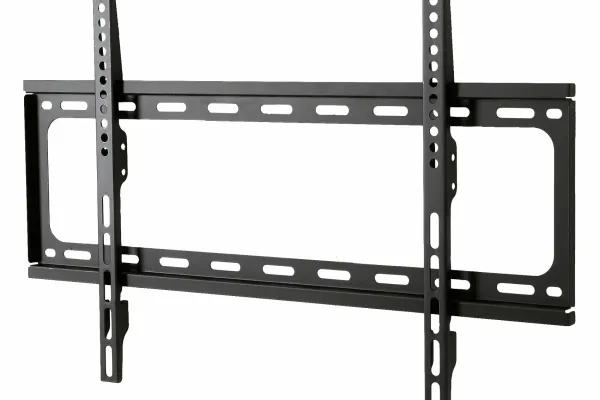
TV wall mounts fall into four categories: fixed (flat) mounts hold the screen flush at $20-$60 for 40-100 lb TVs, tilting mounts add 5-15 degrees of downward angle at $40-$120 for fireplace and high installs, full-motion (articulating) mounts swivel and extend 16-28 inches off the wall at $80-$300, and pull-down mounts drop a high-mounted TV to eye level at $350-$700. After 9,747+ installs since 2015, the right pick comes down to three variables (TV size and weight, wall type, and viewing geometry), and this guide is the install-day pick list we keep on the truck because these brackets hold up for years, not weeks.
Quick note: This page contains Amazon affiliate links. We may earn a small commission at no extra cost to you if you buy through them. Our picks are the hardware our crews install on real customer walls, not spec-sheet guesses.
Looking to mount your flat-screen but not sure which bracket to choose? You’re not alone. The bracket aisle at Best Buy has roughly 40 SKUs and they all claim to fit any TV. After 9,747+ installs, I can tell you most of them are interchangeable junk, and a handful of reliable models do the real work. This is the list we actually work from.
Quick recommendations by TV size
| TV size | Best fixed | Best tilting | Best full-motion |
|---|---|---|---|
| 32-43” | Sanus VMLL10 | Sanus VMPL50A | Echogear EGLF2 |
| 50-65” | Sanus VMLL10 | Sanus VLT6 | Sanus VLF728 |
| 65-85” | Sanus VMLL10 | Echogear EGLT2 | Sanus VLF728 |
| 85”+ | Sanus FMF118 | Sanus FMT2 | Sanus VXF730 |
Confirm your TV’s VESA pattern before ordering any of these - see the full VESA pattern guide. For 85 to 100-inch sets, our big-TV mount picks check each mount’s VESA range and weight rating against current models.
Fixed (flat) mounts
Flat mounts hold your TV snugly against the wall with no gap or movement, giving you that clean, gallery-like look. They sit 0.6-2 inches off the wall and are the easiest, most affordable option to install. The right answer when the TV is at eye level for the primary seating position and you want the cleanest possible look.
Best for: living rooms, bedrooms, or any area with head-on, eye-level seating; TVs that won’t need repositioning.
Pros: slim space-saving profile, budget-friendly, easy to align. Cons: no tilt or swivel, no glare reduction, and ports can be hard to reach once mounted (some require unscrewing the whole bracket to swap an HDMI cable).
My picks:
- Sanus VMLL10 - 42-90” TVs, a 0.6” profile (lowest in the category), 200 lb capacity. The one I use when a customer specifically wants a “painting flat against the wall” look.
- Sanus FMF118 - 85”+ TVs. Same family, scaled up to a broader VESA range (800x400) common on commercial-size displays.
- SANUS low-profile fixed mount - lists 40-80” TVs at a 1” profile. Not quite as flat as the VMLL10, but it reaches down to 40-inch sets.
Tilting mounts
Tilting mounts add 5-15 degrees of up/down adjustment, which reduces screen glare and fixes the viewing angle whenever the TV is mounted higher than your eye line - over a fireplace, in a bedroom above a dresser, or in a kitchen above the cabinets. More flexibility than flat mounts without the bulk of full-motion.
Best for: any install where the TV is higher than the viewer; reducing window/light glare.
Pros: improves vertical angle, cuts reflections, stays relatively low-profile. Cons: no side-to-side swivel, slightly thicker than flush brackets.
My picks:
- Sanus VLT6 - 50-85” TVs, 1.7” off the wall when flat. The lock mechanism stays where you set it; cheaper tilting mounts drift over time.
- Echogear EGLT2 - the value tilting pick for 40-86” TVs (125 lb). Half the price, most of the function.
For tall fireplace setups where tilting alone leaves the TV at neck-strain height, jump to a pull-down mount instead, and read the mounting a TV over a fireplace guide for heat clearances.
Full-motion mounts
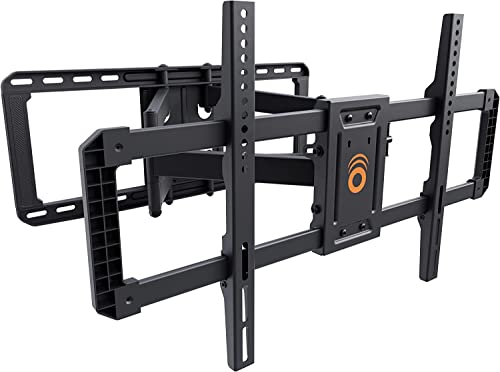
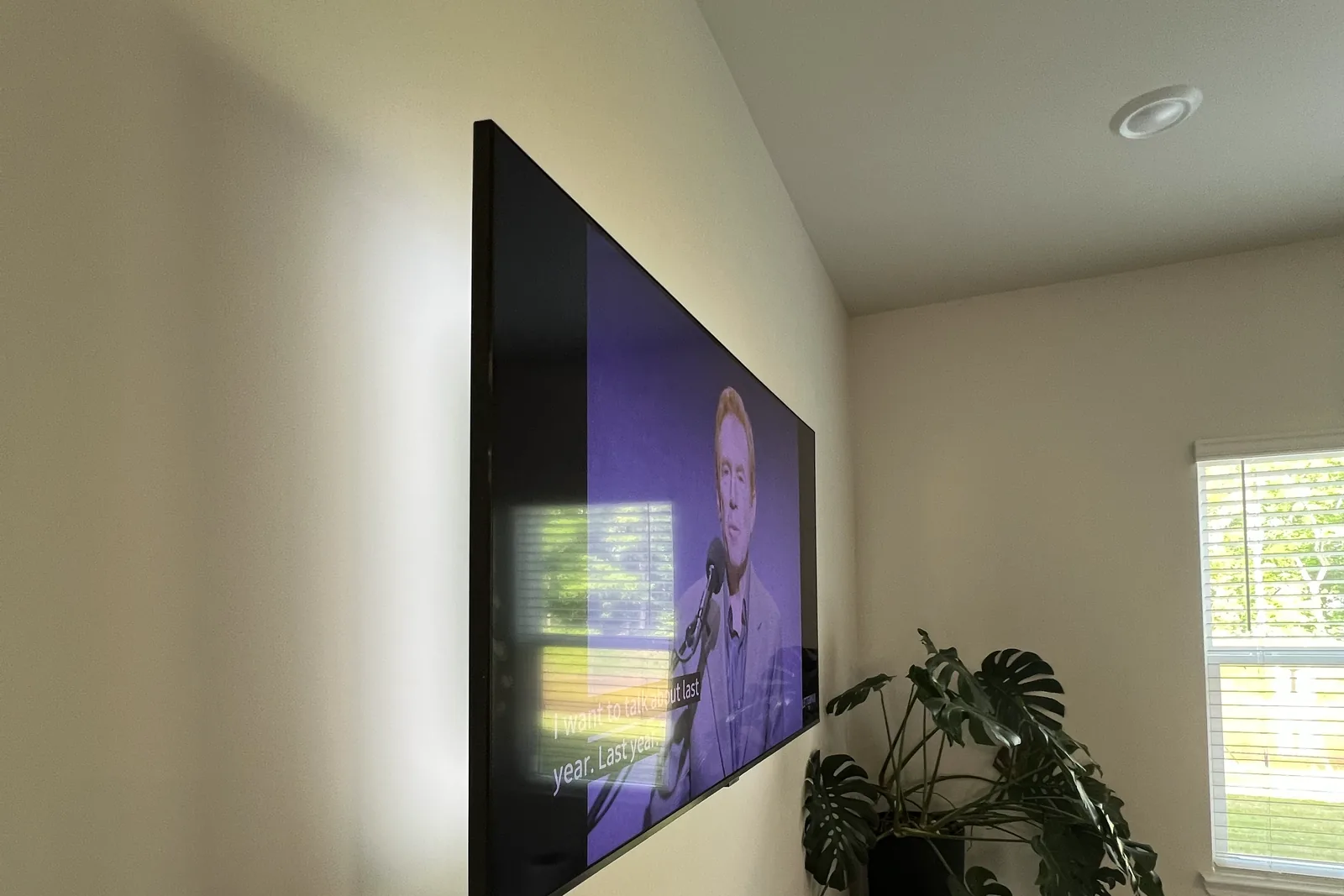
The bracket we install most often. Full-motion (also called articulating or swing-out) brackets let the TV pull away from the wall, swivel up to 180 degrees, and tilt. Best for rooms with multiple seating areas, off-center wall positions, corners, or anyone who wants the option of pulling the screen away from a fireplace.
Best for: corner mounting, open-concept rooms, kitchens, multi-use spaces. Pros: full range of motion, easiest access to ports and cables. Cons: more complex install, more visible from the side when extended, generally pricier.
My picks:
- Sanus VLF728 - my go-to for 50-85” TVs. 28” of extension, 125 lb capacity, smooth swivel that doesn’t sag after a year. The build quality is the difference between this and the $80 alternatives that loosen up after six months.
- Echogear EGLF2 - the value pick for 32-65” TVs, about half the price of the Sanus. The cable management is fiddlier and the tilt friction softens over 18+ months.
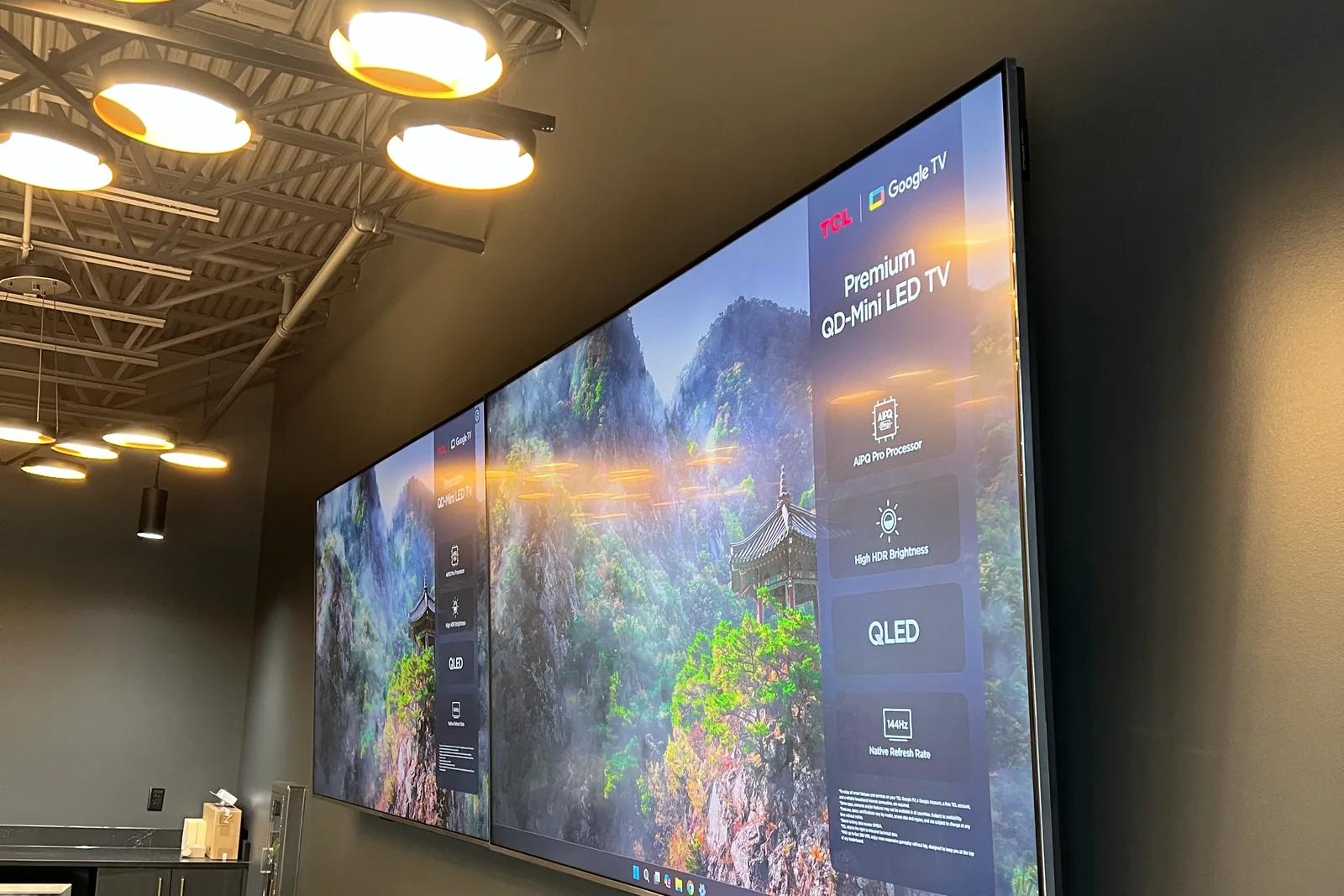
- Sanus VXF730 - for 85”+ TVs. 175 lb capacity, and it needs 3+ studs and ideally a plywood backer. Don’t put a 90-inch TV on a $60 full-motion mount; the cantilever torque will rip it off the wall.
Pull-down mounts
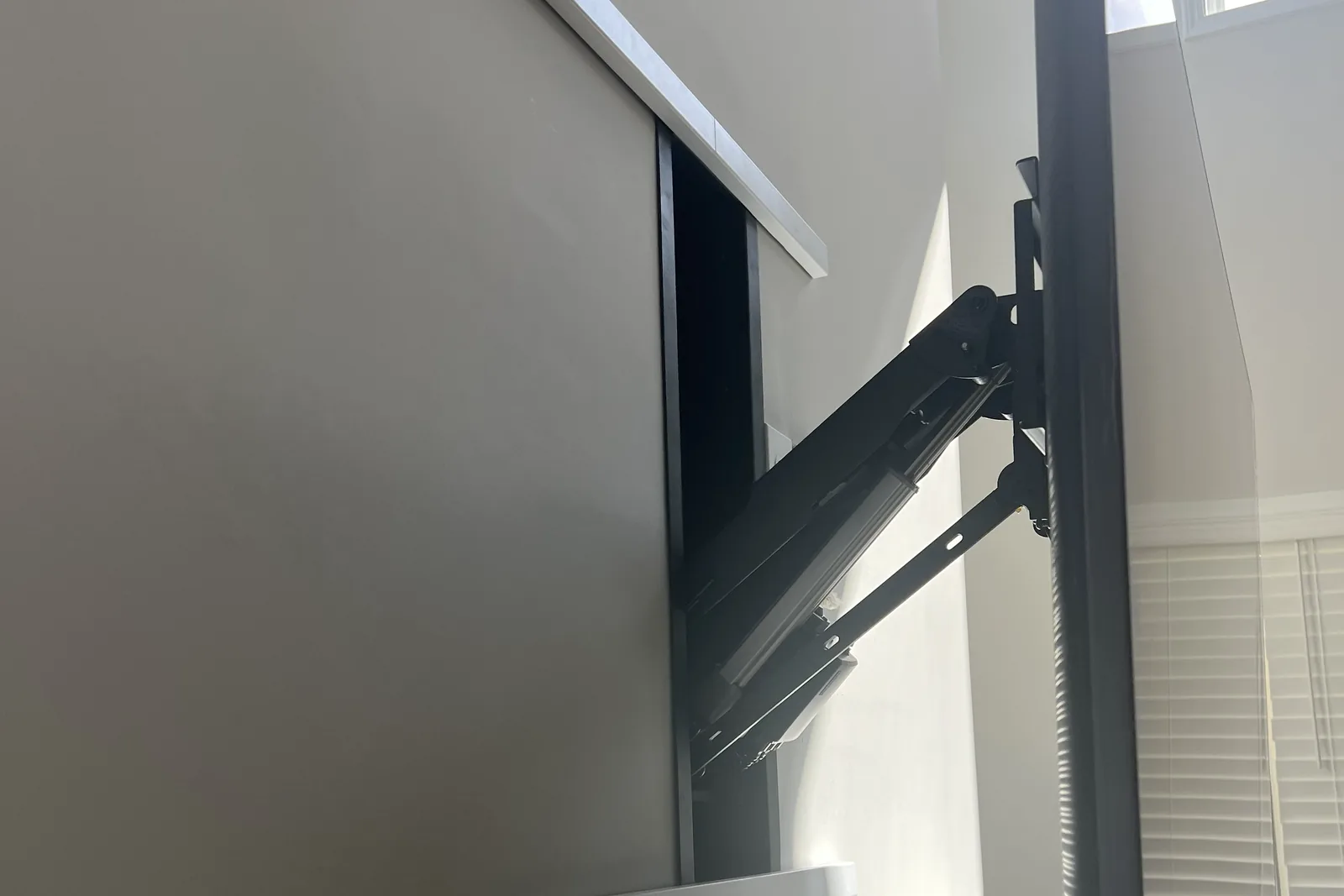
A niche but important category: mounts that drop a high-mounted TV (typically above a fireplace mantel) down to seated eye level, then return it. The market leader is MantelMount - the MM340 is the entry model, the MM540 and MM700 are heavy-duty. Tall fireplaces are common in Atlanta homes, and a pull-down is the fix when a tilting mount still leaves the screen too high. The full process is documented here. The mounts run $350-700, which is cheaper than re-doing your fireplace. Our install is the size-tier rate for your TV plus $99 for the pull-down assembly, with the mount supplied by you.
How to choose: the 3-variable framework
Three questions determine the right bracket:
1. TV size and weight. Bigger TVs need higher-capacity full-motion mounts with a wider VESA pattern (400x400 or 600x400). Look up your TV’s real weight on the model spec sheet, not the box. Full VESA pattern reference here.
2. Wall type and stud spacing. Wood-stud walls give the most flexibility. Metal studs require toggle bolts and limit full-motion options. Plaster and lath adds about an inch before the stud, so it needs longer lags; our plaster wall picks cover the bracket, the lags and a finder that reads through it. Brick or stone anchors solidly but drilling it needs different hardware. Not sure drywall can take it? Drywall alone holds only about a 32-inch, 30-lb TV on rated toggles; anything bigger needs a stud, and a full-motion arm always does. See do you need studs to mount a TV.
3. Viewing geometry. At or below eye level for primary seating: fixed or tilting. Above eye level: tilting at minimum, pull-down for very tall mounts. Off-center wall or multiple seating zones: full-motion.
If you’re stuck, the safe default for most 55-75” living-room installs is the Sanus VLF728 full-motion. For less money, the ECHOGEAR MaxMotion is a full-motion arm listed for 42 to 90-inch TVs.
What to skip
A few bracket categories I don’t recommend after watching them fail in the field:
- $25 “universal” full-motion mounts. The arm welds fail at 18-24 months, and we replace plenty of them.
- Suction-cup or adhesive mounts marketed for renters. They will not hold a TV - use a no-drill solution instead.
- Ceiling mounts screwed into drywall alone. A ceiling plate belongs on a joist or on blocking between joists. Our ceiling mount picks cover flat, drop and vaulted ceilings.
- “All-in-one” cable-management mounts. The mount is fine, but the cable management is always worse than a separate in-wall power kit or raceway.
Bracket load ratings explained
The number on the spec sheet is only half the story. What actually matters when matching a bracket to a TV:
Pick for weight plus a 25% margin. A 70 lb TV belongs on a bracket rated for about 90 lbs or more. That buffer covers fastener fatigue, soundbar add-ons, and the occasional tug from kids or pets.
Static vs dynamic load. A fixed mount holds a static load - the TV’s weight, straight down. A full-motion mount adds cantilever torque: weight multiplied by extension distance. A 60 lb TV on a 24” extended arm puts roughly 4x more force on the wall plate than the same TV mounted flat. That is why cheap full-motion mounts fail - their rated capacity assumes the arm is fully retracted.
Hardware limits. 3/8” lag bolts driven 2.5” into wood studs hold 250+ lbs each in shear. Toggle bolts carry big package ratings, around 265 lbs in 1/2” drywall, but they lose capacity under cyclic loading, so the package number is never the planning number. On metal studs, 1/4” snap-toggles go through the steel: plan on about 100 lbs on four and 150 lbs on six, and see our metal-stud mount picks for brackets that reach two studs. Drywall alone holds only about a 32-inch, 30-lb TV on rated toggles; anything bigger needs a stud, and a full-motion arm always does.
Express Mounting pricing
Need a professional install? Express Mounting uses flat-rate prices with no surprise add-ons:
- Basic mount (up to 54”) - $129
- Large (55-69”) - $159
- Extra large (70-79”) - $209
- XXL (80-99”) - $299
- XXXL (100”+) - $399
- Cable concealment - $99 per TV (in-wall power kit, fully recessed)
- Masonry surcharge - +$99 for brick, stone, or concrete walls
- Pull-down (MantelMount) assembly - +$99 on top of the size tier, with your mount
The install fee is the same whether you bring your own bracket or buy one of ours: a flat mount is $49 (up to 54”) or $69 (55” and up), and a full-motion mount is $59 or $79. Want a specific Sanus or Echogear model from this list? Order it yourself and we install it at the same rate. We bring bracket options to every job and match the bracket to your TV, wall, and viewing geometry on-site, and every install carries a 3-year workmanship warranty. Call (470) 777-4077 or book online for a same-day quote across all 15 metros we serve.
Frequently asked questions
What’s the difference between fixed and full-motion mounts?
Fixed mounts hold the TV flush with zero adjustment, ideal for head-on viewing in bedrooms or dedicated media rooms. Full-motion (articulating) mounts swivel left and right, tilt up and down, and extend 16-28 inches off the wall, making them the right choice for corners, open-concept layouts, or rooms with multiple viewing angles. Expect to pay 3-5x more for full-motion versus fixed at equivalent weight capacities.
How much weight can a $50 mount hold?
Most $40-60 mounts are rated for 60-80 lbs, which covers any TV up to 65 inches. Once you cross into 75-inch or larger territory (often 90+ lbs), look at $100+ heavy-duty brackets with reinforced steel arms. For TVs 85 inches and up, read our heavy-duty TV mounting guide.
What’s the difference between a TV wall mount and a TV bracket?
Functionally nothing - the terms are used interchangeably. “Bracket” is more common in British English and on European spec sheets; “mount” is the American default. The hardware is identical.
How long should a TV mount last?
A quality bracket (Sanus, Echogear, Vogel’s) installed correctly lasts 10+ years. Cheap brackets fail in 1-3 years, almost always at the arm welds, the stamped-steel wall plate, or the undersized fasteners in the box.
Can I install a TV mount myself?
Fixed mounts on drywall with wood studs are achievable if you own a stud finder, level, drill, and the right anchors. Tilt and full-motion mounts on brick, concrete, metal studs, or above a fireplace add complexity (heat clearance, masonry anchors, cable routing) most homeowners underestimate. If the TV is over $1,000 or weighs over 60 lbs, the professional install fee is small next to the cost of a fallen TV. Step-by-step in our how to mount a TV guide.
What’s the safest mount for a fireplace install?
A tilt mount with 5-12 degrees of downward tilt is the standard choice, paired with a heat shield or mantel that keeps the TV at least 6 inches above the mantel and outside the direct heat plume. For tall fireplaces, a pull-down mount is better. See our dedicated TV over fireplace guide.
Can a TV mount damage my drywall?
A correctly installed bracket anchored into wood studs causes zero damage - the load transfers through the studs to the wall framing. Damage happens when installers anchor only into drywall without hitting studs, or use undersized hollow-wall anchors for full-motion mounts. The cantilever torque then pulls the anchors through, often taking a chunk of the paper face with them.
Can I use any wall mount on a Samsung Frame TV?
Technically yes, but you’ll lose the design intent. Samsung Frame TVs are engineered for Samsung’s slim no-gap wall mount, which ships in the box with current Frames and sits the screen flush. A standard VESA bracket works but leaves a 1.5-2 inch gap that breaks the framed-art look, so use the Samsung mount. Full walkthrough in our Samsung Frame TV installation guide.