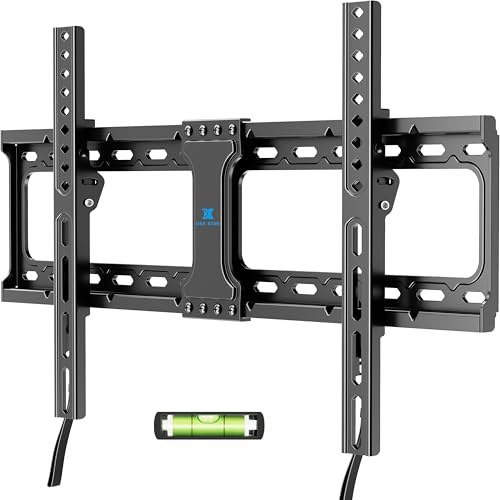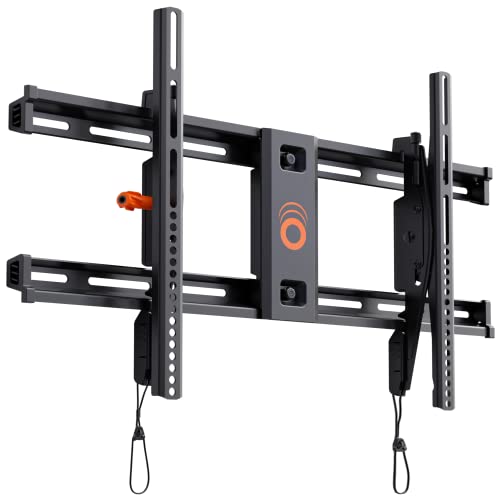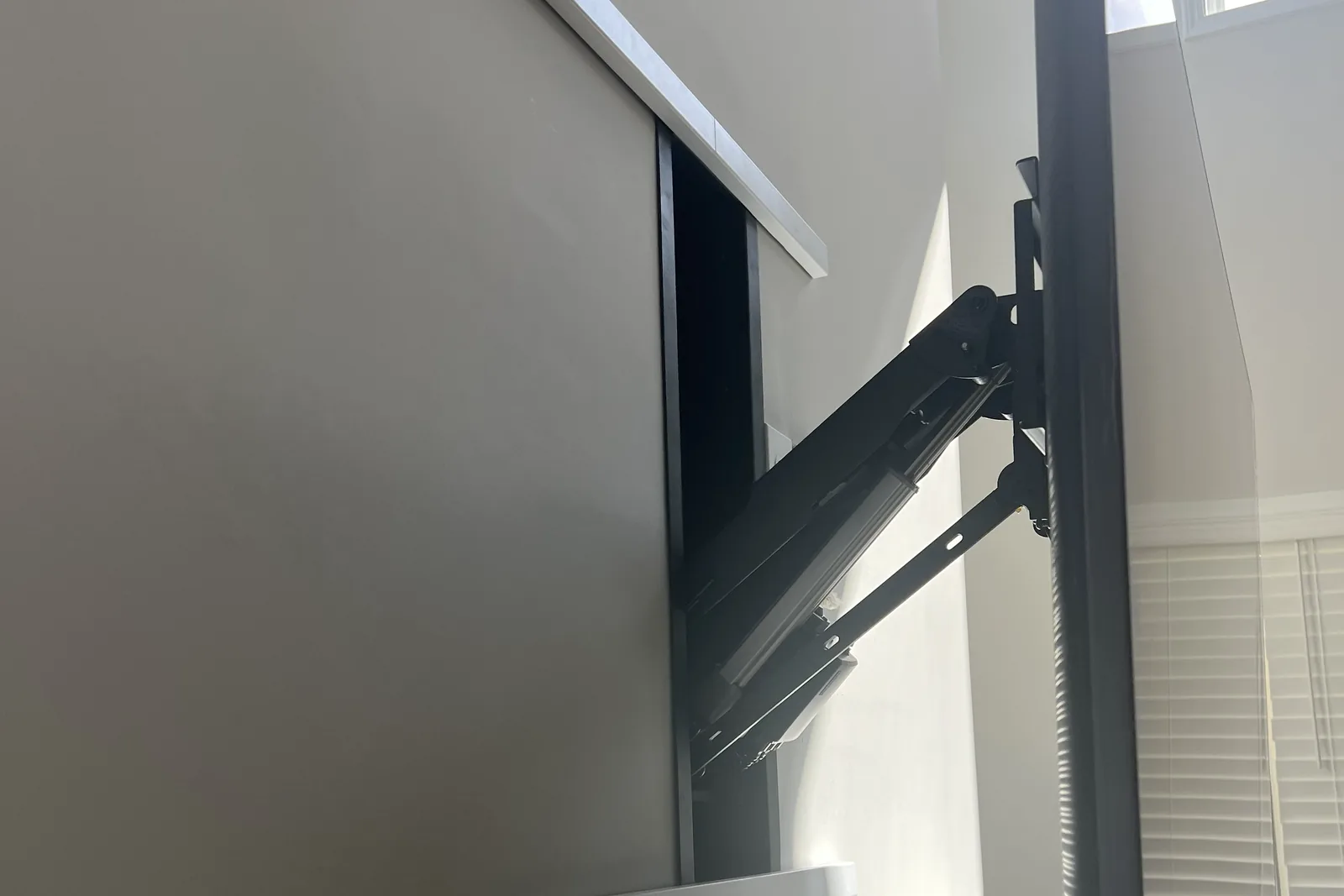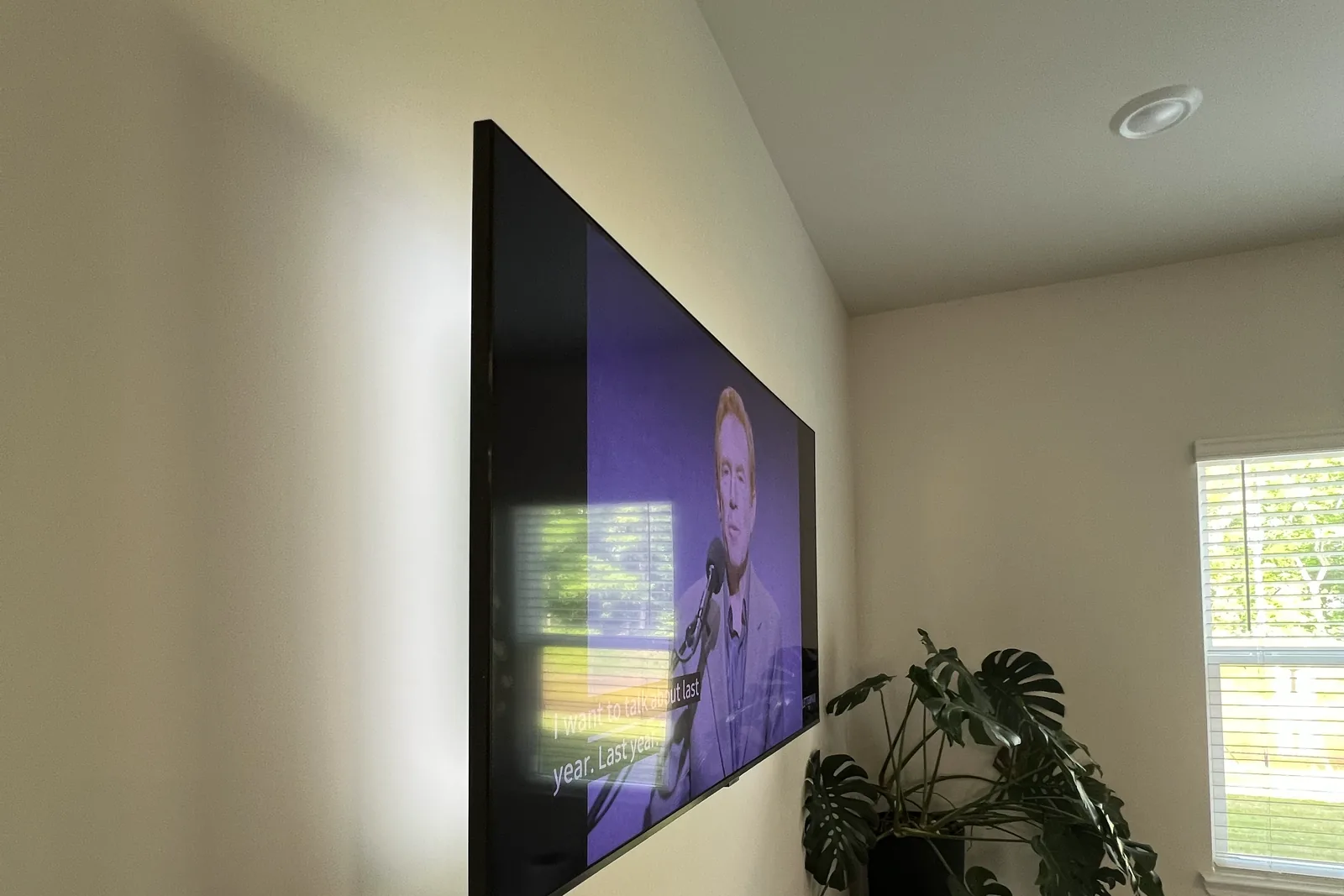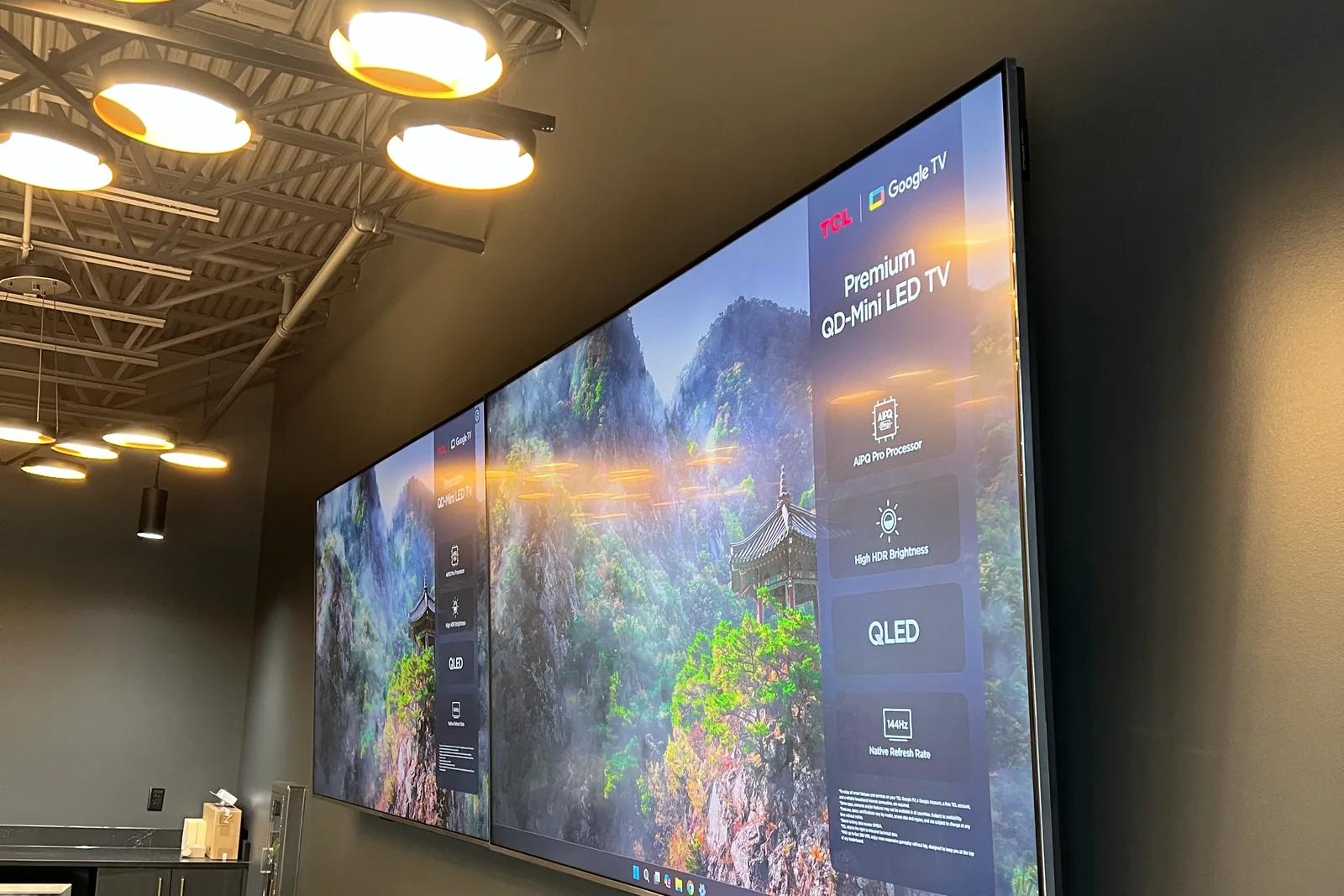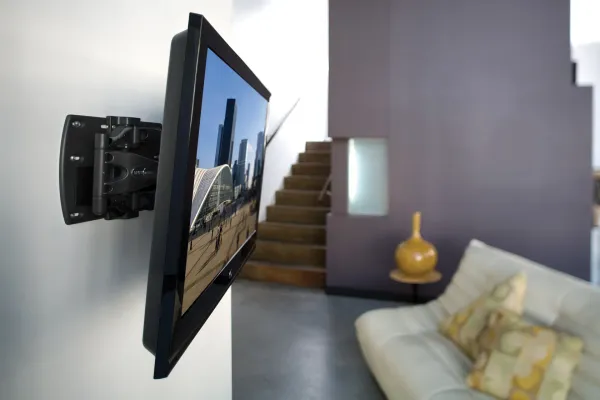
TV mount sizing depends on three variables: TV diagonal (inches), TV weight (lbs), and the TV’s VESA pattern (in millimeters). After 9,747+ installs since 2015, the mapping is: 32-43 inch TVs use small-format mounts (10-20 lb range, VESA 100-200); 50-65 inch TVs use mid-format mounts (25-55 lbs, VESA 200-400); 70-85 inch TVs use large-format mounts (60-120 lbs, VESA 400-600); 85 inch and larger need heavy-duty mounts with backer plates (120-150+ lbs, VESA 600-800).
Quick note: This page contains Amazon affiliate links. We may earn a small commission at no extra cost to you if you buy through them. Our picks are the hardware our crews install on real customer walls, not spec-sheet guesses.
We get this question all the time at Express Mounting, especially from homeowners upgrading to bigger, sleeker screens:
“Is my TV too big to wall mount?”
The good news? Most modern TVs - even the really big ones - can be mounted safely and securely with the right mount and wall preparation.
From a 32-inch bedroom TV to a 98-inch home theater screen, the real question isn’t just size. It’s weight, wall type, mount strength, and bracket compatibility.
This guide will walk you through everything you need to know before mounting your TV, so you can do it confidently and safely - or call the pros if needed.
Can I mount a large TV on my wall?
✅ Yes, absolutely - as long as your wall and mount can handle the size and weight of the TV.
TVs today are lighter and slimmer than ever before, which makes wall mounting a popular choice. Even large screens like 75”, 85”, and 100”+ models are now designed with wall-mounting in mind.
But before you rush to buy a mount, here are the main things that matter:
- The weight of the TV (not just screen size)
- The type of wall you’re mounting on
- The mount’s rating for size and weight
- The VESA pattern (mounting hole spacing)
Size and weight guide for common TV sizes
Here’s a general breakdown to help you understand what’s typically mountable:
| TV Size | Avg. Weight (Without Stand) | Can It Be Wall Mounted? |
|---|---|---|
| 32”-43” | 10-20 lbs | ✅ Very easy |
| 50”-65” | 25-55 lbs | ✅ Standard mounting |
| 70”-85” | 60-120 lbs | ✅ With proper anchors |
| 85”+ | 120-150+ lbs | ✅ Requires heavy-duty mount |
Even massive flat-screens can be mounted safely with the right bracket and anchors, and big panels are routine work for us. It’s all about using the correct materials, not just relying on guesswork.
What you need to check before mounting
🔩 1. TV VESA pattern compatibility
VESA (Video Electronics Standards Association) patterns determine the horizontal and vertical distance between the four mounting holes on the back of your TV.
Common VESA sizes, from our cross-check of published specs for 100 TV series:
- 100x100 or 200x200 mm (most 32”-50” sets)
- 300x300, 300x200 or 400x300 mm (most 55”-65” sets; 400x400 is less common than people think)
- 400x400 mm (most 75” sets)
- 600x400 mm and above (most 85” and larger sets)
✅ Pro tip: Your wall mount must support your TV’s VESA pattern AND weight.
Not sure what pattern your TV uses? See our complete VESA pattern lookup guide for measuring instructions and brand-specific charts.
VESA pattern to mount-class quick reference
| TV diagonal | Typical VESA pattern | Mount class | Typical weight rating needed |
|---|---|---|---|
| 32”-43” | 100x100 to 200x200 | Small-format | 33-55 lbs |
| 50”-55” | 200x200 to 400x300 | Mid-format (standard) | 55-77 lbs |
| 60”-65” | 300x300 to 400x300 (some 400x400) | Mid-format (heavy) | 77-99 lbs |
| 70”-75” | 400x400 to 600x400 | Large-format | 99-132 lbs |
| 80”-85” | 600x400 to 800x400 | Heavy-duty | 125-150 lbs |
| 86”+ | 600x400 to 800x600 | Heavy-duty + backer plate | 150+ lbs |
Per the official VESA Mounting Interface Standard (FDMI), the four threaded holes must match the mount’s bracket spacing exactly - even a 50mm mismatch makes the bracket unusable.
🧱 2. What kind of wall are you mounting on?
Your wall matters just as much as your TV size.
| Wall Type | Notes |
|---|---|
| Drywall + studs | ✅ Most secure - ideal for all TV sizes |
| Concrete or brick | ✅ Very secure - but needs masonry tools |
| Metal studs | ⚠️ Needs special anchors and reinforcement |
| Drywall only (no studs) | ⚠️ Drywall alone holds only about a 32-inch, 30-lb TV on rated toggles; anything bigger needs a stud |
| Plaster/lath walls | ⚠️ Can be tricky - we recommend pro installation |
No matter how light your TV is, never mount directly into drywall without anchors or studs.
🔧 3. Choose the right mount for your TV size
Mounts are not one-size-fits-all. Each has a specific weight limit and size range.
Here are the common types and when to use them:
Flat Mount (Fixed) 👉 View flat mount on Amazon
- Best for: Eye-level TVs
- Pros: Slim, affordable, simple
- ✅ Great for 32”-70” TVs
Tilt Mount 👉 View tilt mount on Amazon
- Best for: Mounting higher on a wall
- Pros: Reduces glare and neck strain
- ✅ Recommended for TVs 40”-85”
Full-Motion Mount 👉 View full-motion mount on Amazon
- Best for: Large TVs or flexible viewing angles
- Pros: Swivel, extend, and tilt
- ✅ Ideal for 55”-85”+ TVs
If you’re mounting a TV over 70”, a full-motion or heavy-duty tilting mount is highly recommended.
🧰 4. Tools you’ll need for mounting larger TVs
The larger the TV, the more precision matters. Make sure you have:
- A stud finder (to locate safe anchor points)
- Lag bolts or masonry anchors
- Drill with the right bits
- Socket wrench
- Level (laser or bubble)
- Tape measure
For the full breakdown with brand recommendations, see our tools to wall mount a TV checklist.
If you’re unsure whether your tools or skills are up to the task, it’s worth calling a pro.
Best TV size for different rooms
Here’s a quick reference based on room type, comfort, and viewing distance:
| Room Type | Ideal TV Size | Notes |
|---|---|---|
| Bedroom | 32”-50” | Compact and easy to mount |
| Living Room | 55”-85”+ | Full-motion or tilt recommended |
| Office/Kitchen | 24”-43” | Lightweight, often mounted higher |
| Basement/Den | 65”-85”+ | Needs secure wall and wire routing |
| Home Theater | 75”-100”+ | Heavy-duty mount, professional install |
Room-size to TV-size matrix
For a more precise match, use room square footage instead of room label. Room dimensions drive viewing distance, and viewing distance drives the perfect TV size:
| Room | Square footage | Recommended TV diagonal | Notes |
|---|---|---|---|
| Bedroom | Under 200 sqft | 32-43 inch | Typical viewing distance 5-7 ft from foot of bed |
| Small living room | 200-400 sqft | 43-55 inch | Typical of condos and townhomes; 7-9 ft viewing distance |
| Large living room | 400-600 sqft | 55-65 inch | Standard suburban great room layout; 9-12 ft viewing distance |
| Great room | 600+ sqft | 75-85 inch | Open-concept Alpharetta and Milton new builds; 12-15 ft viewing distance |
| Home theater | Dedicated room | Viewing distance x 0.84 (projector) or x 0.75 (4K TV) | A 12 ft (144 in) viewing distance works out to about a 120 inch projector screen or a 108 inch 4K TV |
Can I mount a curved or OLED TV?
Yes! Just make sure the mount supports your TV’s thickness, weight, and flexibility needs. Curved and ultra-thin TVs may require mounts with specific bracket styles and extra care during install.
At Express Mounting, we’ve installed curved Samsungs, LG OLEDs, Sony Bravias, and more.
Don’t forget cable access and power
Mounting a TV isn’t just about getting it on the wall. You’ll also want to:
- Plan your HDMI and power cable routing
- Consider in-wall cable concealment kits
- Add a recessed outlet or power bridge
- Use longer cables for swivel or full-motion mounts
We handle all of this on the same visit: in-wall concealment with a power bridge is $99 per TV, and a surface raceway is $79.
Let the pros handle it - especially for large TVs
Mounting a 75” or 85” TV isn’t just physically difficult - it requires precision, planning, and the right tools. A single missed stud or improper anchor can cost you hundreds (or thousands) in damage. Read our dedicated guide to heavy-duty TV mounting for 85 inch and larger displays in Atlanta for backer plate specs and stud requirements. Still shopping for hardware? Browse our best TV brackets roundup to compare top-rated mounts by size class.
The wall changes the hardware. Metal-stud high-rises need toggle anchors rated for steel studs instead of lag bolts, because thin steel studs flex under a cantilevered load, and a big panel may need a backer plate spanning several studs. Wood studs on 16-inch centers take 3/8 x 3 inch Grade 5 lag bolts straight into the framing.
When you hire Express Mounting, we bring:
✅ Heavy-duty brackets rated for your TV (bring your own, or add ours)
✅ Tools to mount into drywall, brick, or concrete
✅ Stud finding, leveling, and safety checks
✅ Optional cable hiding and power relocation
✅ Honest advice - no guesswork, no mess
Ready to mount your TV?
From a compact 32” bedroom screen to an 85” home theater centerpiece, we bring the tools, the experience, and the team to make it look right.
👉 Visit ExpressMounting.com to request a quote, ask questions, or schedule your installation.
We serve homeowners in all 15 metros we cover, one wall-mounted screen at a time.
📍 Express Mounting - Trusted TV installation experts in thirteen US metros.
Express Mounting service pricing (Metro Atlanta)
If you’d rather skip the DIY: Express Mounting flat-rates TV mount installs in Metro Atlanta - basic mount $129 (up to 54”), $159 (55-69”), $209 (70-79”), $299 (80-99”), $399 (100”+). Cable concealment $99 per TV. Masonry surcharge +$99 whenever the anchors go into brick, stone or concrete. The bracket is yours, or add ours (flat $49 or $69, full-motion $59 or $79). Every install carries a 3-year workmanship warranty. Call (470) 777-4077 or book online.
Canonical Express Mounting install pricing
Basic mount $129 (up to 54”). $159 (55-69”). $209 (70-79”). $299 (80-99”), $399 (100”+). Cable concealment +$99/TV. Masonry surcharge +$99. Call (470) 777-4077.
Frequently asked questions
How do I know what size mount my TV needs?
Match the mount to three TV specs: diagonal screen size, total weight, and VESA pattern. The mount’s product listing will state a size range (e.g., “fits 32-65 inch TVs”), a max weight rating (e.g., “supports up to 99 lbs”), and supported VESA patterns (e.g., “VESA 75x75 to 400x400”). Your TV must fall inside ALL three ranges. If your TV is 70 lbs but the mount is rated for 60 lbs max, do not use it - even if size and VESA match.
Can a mount be too big for my TV?
Yes. A mount rated for 55-85 inch TVs may have arm spacing wider than the VESA holes on a 43 inch TV, leaving the brackets dangling off the edges. Always check the minimum VESA pattern supported by the mount, not just the max. The mount’s brackets must reach all four mounting holes on your TV’s back panel.
What VESA pattern is my TV?
Measure the horizontal and vertical distance (in millimeters) between the center of the four threaded mounting holes on the back of your TV. Common patterns: 100x100, 200x200, 300x300, 400x300, 400x400, 600x400, 800x400. You can also look up your TV model on the manufacturer’s website or in the manual. The pattern is governed by the VESA Mounting Interface Standard (FDMI), the same spec your mount manufacturer references on the box. See our VESA pattern lookup guide for measurement instructions and brand-specific charts.
Does the mount size include the TV bezel?
No. Mount compatibility ranges refer to the TV’s diagonal screen size (e.g., a “65 inch TV” measures 65 inches diagonally across the screen, not including bezel). Bezel adds 0.25 to 1 inch around the screen on most modern TVs. The mount itself sits behind the TV against the wall, so bezel size does not affect mount compatibility - only screen diagonal, weight, and VESA pattern matter.
What if my TV is heavier than the mount’s rating?
Do not install it. Mount weight ratings include a safety margin, but exceeding the max-load spec risks bracket failure, drywall damage, and TV destruction. If your 85 inch TV weighs 140 lbs and the mount is rated for 125 lbs, upgrade to a heavy-duty mount with backer-plate support. For 85 inch and larger displays, we always recommend professional installation with a structural backer plate spanning multiple studs.
Can I use a larger mount for a smaller TV?
Sometimes - but check the minimum VESA pattern, not just the maximum. A mount rated for 55-85 inch TVs (VESA 400x400 to 800x400) usually has bracket arms spaced too wide for a 43-inch TV with VESA 200x200 holes - the brackets simply won’t reach. Always verify your TV falls inside the mount’s full size, weight, AND VESA range before buying. Going slightly oversized is fine if the VESA range covers your TV; going way oversized leaves the bracket arms cantilevering past the TV’s edges with nowhere to bolt.
Does the mount size affect the install price?
Yes. Express Mounting prices by TV diagonal because larger TVs require heavier mounts, beefier hardware (3/8 x 3 inch Grade 5 lag bolts vs. standard zinc), longer install times, and often a two-person lift: $129 up to 54”, $159 for 55-69”, $209 for 70-79”, $299 for 80-99”, $399 for 100”+. Add $99 for brick or stone walls (masonry sleeve anchors and a hammer drill bit) and $99 for cable concealment. An 86” TV install on brick is typically $299 + $99 = $398 before any cable work or bracket.
About the author: This guide was written by Alex Crabinsky, founder of Express Mounting. He started the company in 2015, and its crews have completed 9,747+ installs since.