A TV wall-mount install comes down to a 7-item checklist: a stud finder, a cordless drill (18V or higher), wood and masonry bits matched to the wall, a torpedo level, a socket set, a tape measure and marker, and a cable kit or raceway. Add the anchors for your wall type and a screwdriver for the bracket screws. After 9,747+ installs since 2015, a missing tool is a common reason a DIY install takes 4+ hours instead of 90 minutes.
Quick note: This page contains Amazon affiliate links. We may earn a small commission at no extra cost to you if you buy through them. Our picks are the hardware our crews install on real customer walls, not spec-sheet guesses.
Thinking of wall mounting your TV? You’re not alone - it’s one of the most popular ways to free up space, reduce clutter, and create a clean, modern look in your living room or bedroom. But one question we get all the time at Express Mounting is:
“What tools do I need to mount a TV on the wall?”
Here’s the answer, for weekend DIYers and for anyone who wants to know what the job involves before calling a pro. This guide walks you through everything you’ll need to mount a TV safely, securely, and without damaging your walls. For the full step-by-step process once you have your tools ready, see our complete how to mount a TV guide.
Why tools matter when mounting a TV
Mounting a TV might look simple, but it requires precision and the right tools to make sure your setup is both safe and professional-looking.
Using the wrong tools (or missing key ones) can lead to crooked screens, damage to your drywall, or worse - a TV that falls off the wall.
After 9,747+ installs since 2015, here’s the tool checklist our crews run through before every job, matched to each wall type. Miss one, and a 90-minute install can turn into four hours.
Essential tools you’ll need to mount a TV on the wall
Here’s a breakdown of the TV mounting tools you’ll want on hand before you get started:
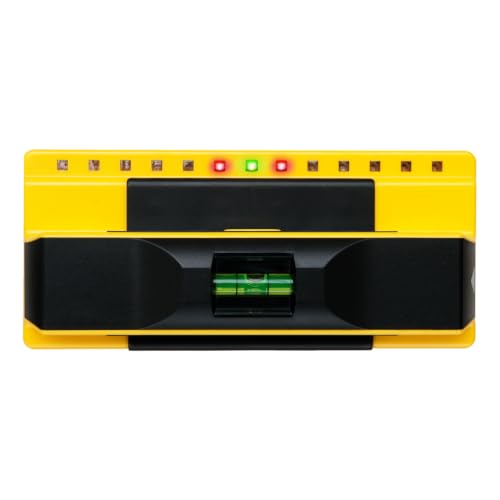
1. Stud finder
You’ll need a stud finder to accurately locate the wooden or metal studs behind your drywall. Mounting your TV directly into studs ensures the bracket can support the weight of your screen without failing over time.
✅ Pro tip: Drywall alone holds only about a 32-inch, 30-lb TV on rated toggles; anything bigger needs a stud. If your home has older plaster and lath walls (common in pre-1950s Atlanta homes), standard stud finders often fail; see our guide on how to find studs behind plaster lath walls for the workaround.
👉 View this stud finder on Amazon
2. Drill & drill bits
A power drill is necessary to create precise holes for your wall mount hardware. Make sure you’re using the correct size drill bits for your anchors or lag bolts - too small and you risk stripping the anchor, too large and it won’t hold. For masonry or brick walls, you’ll need special masonry bits to drill into concrete safely. If you’re working with brick or stone veneer, read our drilling into brick vs stone veneer safety guide first - the wrong technique can crack the face of the veneer.
👉 View cordless drill option on Amazon
👉 View drill bit set for wood and drywall on Amazon
👉 View masonry bit set for concrete or brick on Amazon
3. Level
A bubble or laser level helps ensure your wall mount is perfectly straight before drilling. Mounting a TV even a few degrees off-level can be noticeable once the screen is up, especially on larger TVs. Use it both when marking your holes and during final bracket installation.
👉 View this magnetic torpedo level on Amazon
4. Socket wrench or ratchet set
These tools give you the torque needed to securely fasten lag bolts into studs or anchors. Unlike regular screwdrivers, socket wrenches make tightening bolts faster, more efficient, and less strenuous on your hands.
If your mount requires heavy-duty fasteners, a ratchet set is a must-have.
👉 View this socket wrench and ratchet set on Amazon
5. Screwdrivers
Most wall mounts require both Phillips and flathead screwdrivers during installation. They come in handy when securing the mounting arms to the back of the TV or making final adjustments. Choose a sturdy screwdriver with a magnetic tip for easier screw handling.
👉 View this magnetic screwdriver set on Amazon
6. Tape measure
Before you drill, use a tape measure to plan the exact placement of your TV on the wall. Measuring ensures your screen is centered, level, and mounted at the optimal viewing height for your room. It’s also helpful for locating studs spaced 16 or 24 inches apart.
👉 View this heavy-duty tape measure on Amazon
7. Pencil or marker
Marking your drill holes and bracket outline on the wall decides your accuracy. A pencil gives you precise, erasable lines, while a fine-tip marker may be better for textured walls or darker paint. Don’t skip this step - guessing leads to crooked installs and extra patching later.
8. HDMI cable & power cord access
Before mounting, think through how your cables will connect to your TV. Make sure your HDMI and power cords are long enough and won’t get pinched behind the screen. You may also want to invest in in-wall cable management kits or raceways for a cleaner, wire-free look.
👉 View this in-wall cable management kit on Amazon
👉 View this fine-tip marker set on Amazon
👉 View in-wall cable management kits on Amazon
The full list of tools needed:
| Tool | What it does on a TV install |
|---|---|
| Stud finder | Locates framing so lag bolts bite wood, not hollow drywall |
| Cordless drill | Pilot holes and driving lags; 18V handles every wall type below masonry |
| Wood/drywall + masonry bit sets | The right bit per wall; carbide for brick or concrete |
| Torpedo level | A mount off by one degree reads crooked forever |
| Socket wrench set | Seats lag bolts to torque without stripping |
| Tape measure + marker | Height math and drill marks before any hole |
| Cable kit or raceway | The difference between mounted and finished |
👉 Stud Finder
👉 Cordless Drill
👉 Drill Bit Set for Wood and Drywall
👉 Masonry Bit Set for Concrete or Brick
👉 Magnetic Torpedo Level
👉 Socket Wrench and Ratchet Set
👉 Magnetic Screwdriver Set
👉 Heavy-Duty Tape Measure
👉 Marker
👉 In-Wall Cable Management Kit
👉 Fine-Tip Marker Set
👉 In-Wall Cable Kit (Alt)
👉 Cable Raceway
Optional tools (for clean installations)
- Drywall anchors or toggle bolts (if you don’t have access to studs) - see our toggle bolts vs lag bolts TV mounting guide to pick the right anchor for your TV weight
- Cable management kit - for a fully concealed power and HDMI run, follow our how to hide HDMI and power cables guide
- Outlet relocation kit (if there’s no outlet behind the TV)
- Laser measure for precise height placement
What about the TV wall mount itself?
Make sure you have the right TV wall mount bracket for your screen size and wall type. There are three main types:
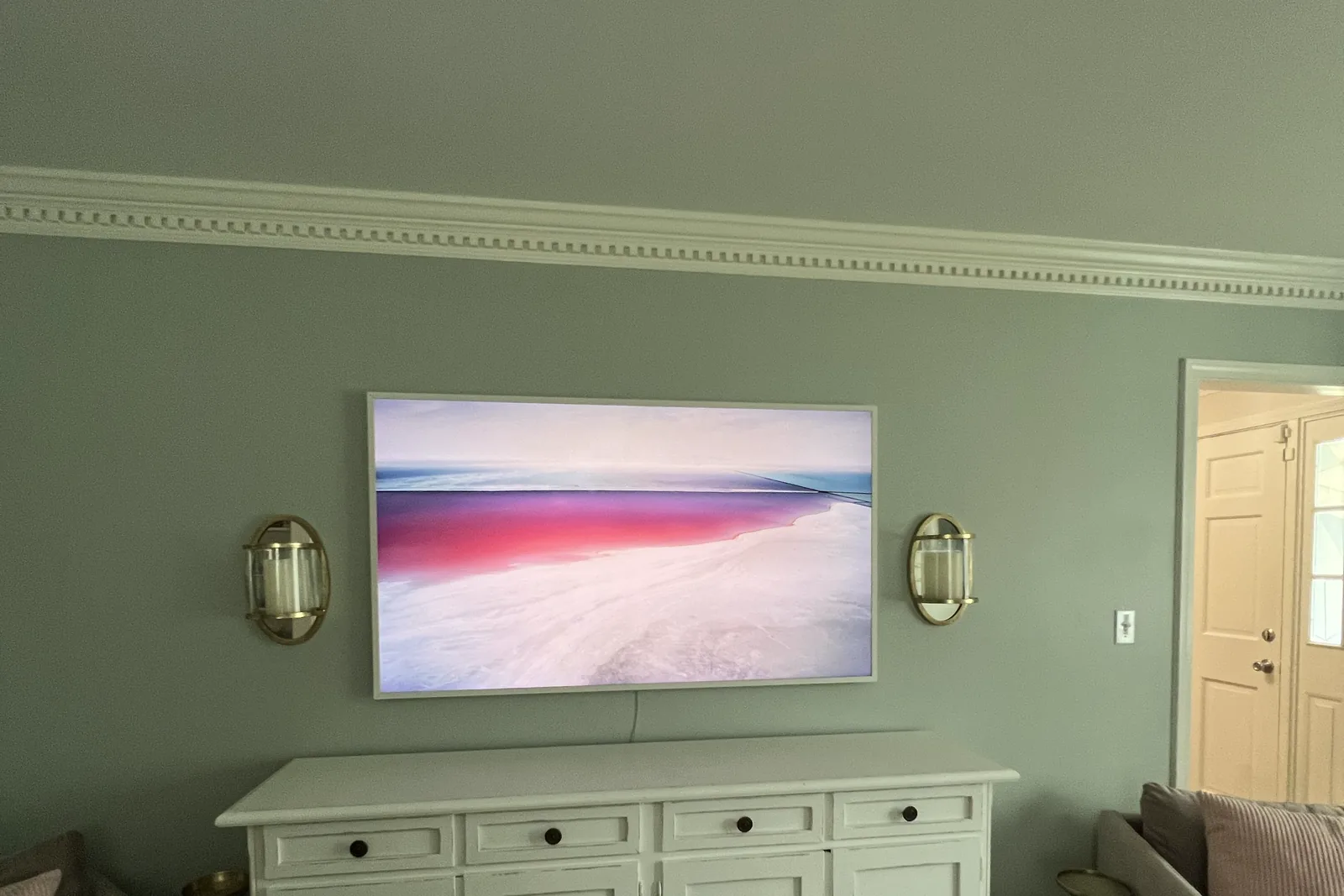
- Flat mount - Slim profile, great for minimalists. 👉 View flat mount on Amazon
- Tilt mount - Tilts up or down for better viewing angles. 👉 View tilt mount on Amazon
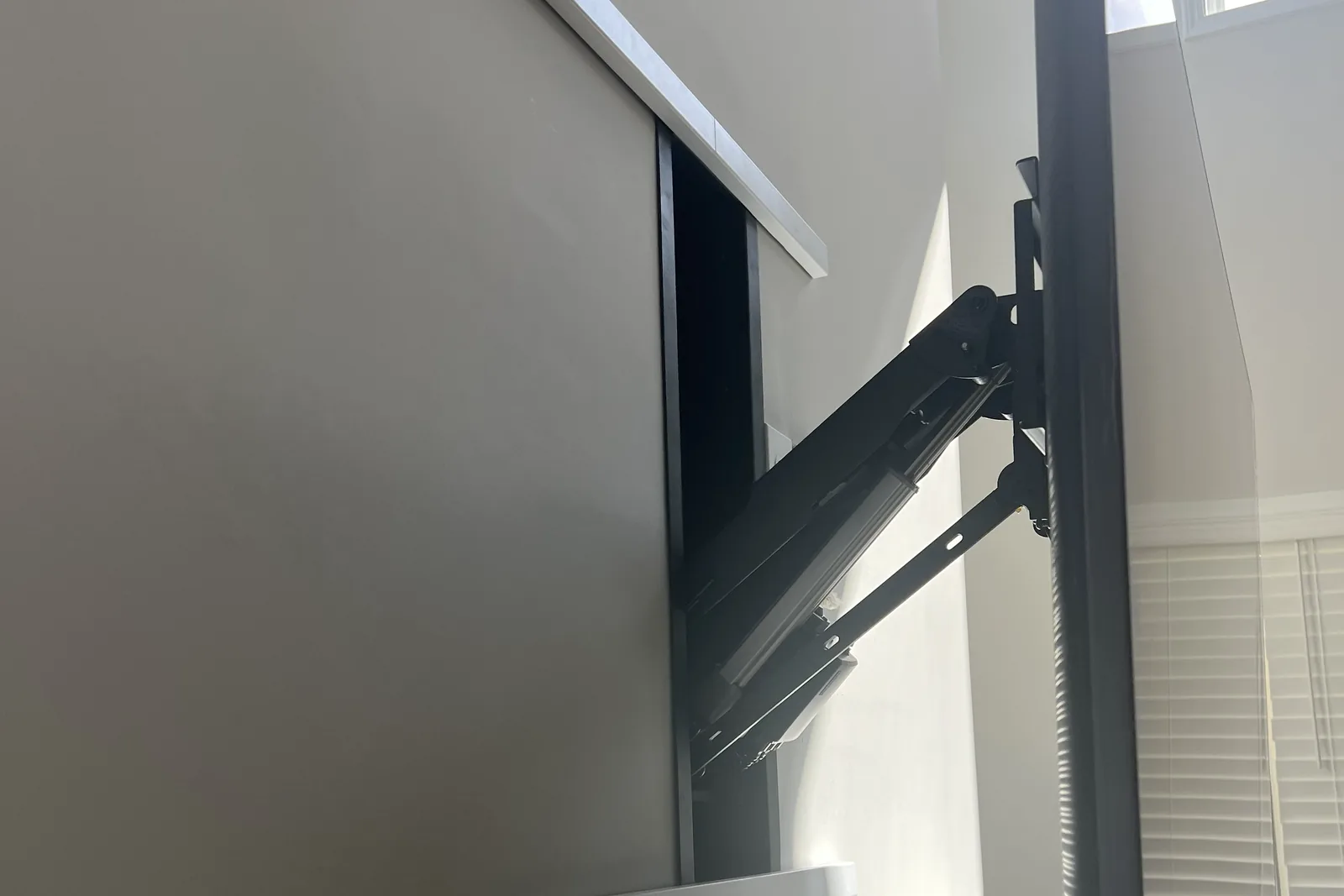
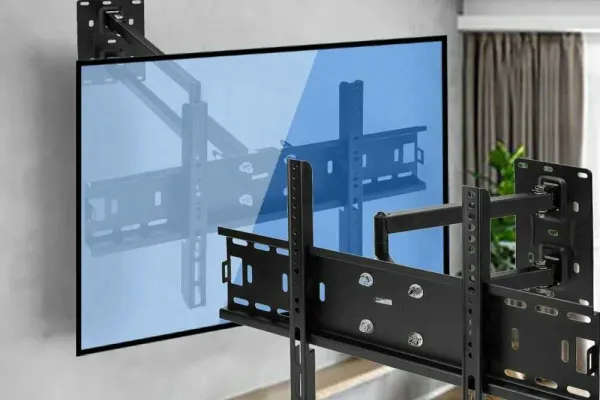
- Full-motion mount - Swivels, tilts, extends - perfect for corner installations or multi-angle rooms. 👉 View full-motion mount on Amazon
Not sure what mount is best for your home? Contact us and we’ll recommend the right one based on your wall, room layout, and TV size.
Do you need all these tools?
If you’re planning to mount your TV yourself, yes - these tools are either essential or will make your life much easier.
But if you’d rather save the time and have it done right, our team at Express Mounting is ready to help, with a 3-year workmanship warranty on every install.
Express Mounting service pricing - skip the tool investment
Skip the tool investment ($150-$300 for a quality stud finder, drill, levels, and bits) and book Express Mounting at flat rates - basic mount $129 (up to 54”), $159 (55-69”), $209 (70-79”), $299 (80-99”), $399 (100”+). Cable concealment $99 per TV. Masonry surcharge +$99 for brick or stone walls. The bracket is yours, or add ours (flat $49 or $69, full-motion $59 or $79). We bring every tool on this list to your door. Call (470) 777-4077.
Skip the tools - let the pros handle it
At Express Mounting, we’ve mounted thousands of TVs across homes and businesses in every metro we cover. We bring the right tools, experience, and care - so your TV ends up exactly where it should be.
✅ Flat, tilt, or full-motion mounting
✅ Drywall, brick, or above fireplaces
✅ Clean wire concealment
✅ Same-day appointments in all 15 metros when you book before noon
Ready to mount your TV the right way?
Don’t waste hours shopping for tools or second-guessing your wall. Get your TV mounted safely and professionally by Atlanta’s trusted mounting experts.
👉 Visit ExpressMounting.com to request a quote, book an appointment, or ask us anything.
Let’s get your TV on the wall - the right way.
Need help choosing a mount?
We also offer personalized help selecting the best TV brackets, mounting systems, and in-wall cable kits. Just tell us what TV you have and we’ll do the rest.
📍 Express Mounting - Expert TV wall mounting and installation across 15 US metros.
Frequently asked questions
Do I need a hammer drill for drywall?
No. A standard cordless drill (18V or higher) handles drywall, wood studs, and metal studs easily. A hammer drill is only required when you’re drilling into brick, concrete, mortar, or stone. For most living rooms and bedrooms, a regular drill plus the correct twist bits is all you need.
Can I use a regular bubble level instead of a digital one?
Yes, a bubble or torpedo level works fine for TVs under 55 inches. For larger TVs (65”+), even 1-2 degrees of tilt becomes visible from across the room, so a digital level (or laser level) gives you a cleaner result. Most pros carry both - a torpedo level for the bracket and a digital level for final verification.
What’s the best stud finder for plaster walls?
Standard capacitive stud finders fail on plaster and lath because the lath strips create false readings. For plaster, use a deep-scanning magnetic stud finder (which locates the nails holding the lath to the studs) or a thermal/wire-detecting model. See our plaster lath stud-finding guide for the technique that works best.
Do I need an impact driver?
No, a cordless drill with adjustable torque is sufficient for almost every residential TV mount. An impact driver helps when you’re sinking long lag bolts into hardwood studs (think 4”+ lags for 85” TVs), but for the standard 2.5”-3” lags used on most installs, a drill works fine.
How long does a DIY TV mount take with the right tools?
With the full checklist on hand and a helper, a single-TV install on drywall over wood studs takes 60-90 minutes. Without the right tools - especially a stud finder and the correct drill bits - the same job stretches to 3-4 hours because of trial-and-error drilling, wall patching, and re-leveling.
What’s the minimum tool kit for one TV install?
If you only plan to mount one TV and never again, the bare minimum is: a Franklin ProSensor 710 stud finder ($35), an 18V cordless drill with twist bit set ($80-$120), a torpedo level ($10), a 25-foot tape measure ($12), and a 3/8” socket wrench ($15). Total: roughly $150-$200. You can skip the screwdriver set if your drill takes Phillips bits (most do). Skip the masonry bits unless you have brick. Skip the digital level if your TV is under 55 inches.
Can I rent these tools instead of buying?
Yes - Home Depot Tool Rental and most Atlanta-area rental yards rent cordless drills ($15/day), stud finders ($8/day), and SDS hammer drills for masonry ($30/day). For a one-time install, renting saves $100+ versus buying. The catch: you still need to buy your own consumables (drill bits, anchors, lag bolts) and you cannot rent a torpedo level or tape measure - those are buy-only. If your install is on brick or concrete, renting an SDS hammer drill is almost always smarter than buying one.
What tools do you bring to a job?
Every Express Mounting truck carries: a Franklin ProSensor 710 stud finder, an 18V cordless drill, a Bosch SDS hammer drill (for masonry), full twist and SDS bit sets, a digital inclinometer, a magnetic torpedo level, socket and magnetic screwdriver sets, a 25-foot tape measure, a full anchor inventory (Tapcons, snap-toggles, lag bolts in every common size), masking tape, and a shop vacuum for dust. That is a lot of kit to buy for one TV, which is why booking the install often beats buying tools you’ll use once.
Written by Alex Crabinsky, founder of Express Mounting. He started the company in 2015, and its crews have completed 9,747+ installs since.