Professional Gaming & Entertainment Setup Solutions
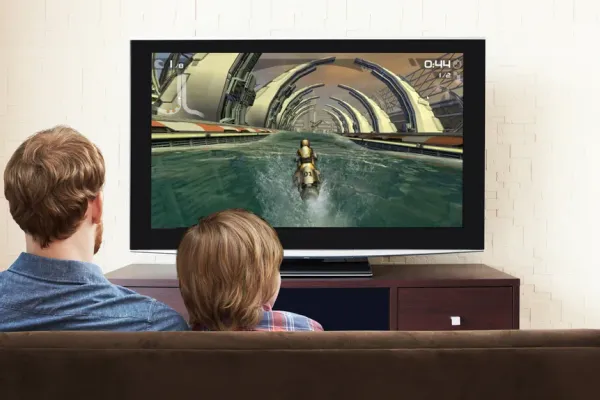
Gaming on a wall-mounted TV hits different when it's set up right. After installing thousands of setups for everyone from casual players to serious streamers, we've figured out what actually matters. Heat is your first enemy - consoles need proper airflow, not stuck in tight spaces. Then there's input lag - the technical specs mean nothing if you've got the wrong HDMI cables or your settings are off. Viewing angles matter more for gaming than movies since you're reacting to what's on screen, not just watching passively. Modern gaming setups can get complex fast: current-gen consoles running 4K at 120Hz with VRR, capture cards for streaming, RGB everything, multiple controller charging stations. The key is planning for proper ventilation (6 inches clearance minimum on all console sides), using genuine HDMI 2.1 cables that support full 48Gbps bandwidth, and positioning everything ergonomically for those long gaming sessions. We've built setups ranging from simple console mounts to full streaming studios with motorized TV positioning, synchronized lighting, and professional capture equipment. Whatever your level, there's a right way to do it that won't throttle your console or create cable chaos.
Gaming Console Mounting - Professional Equipment Protection and Thermal Management
Gaming consoles need proper mounting or they'll overheat and throttle performance. PlayStation 5, Xbox Series X/S, Nintendo Switch - we've mounted them all, and thermal management isn't negotiable. These generate serious heat during gaming sessions. You need minimum 6-inch clearance on all sides for unrestricted airflow. PlayStation 5's side intakes and Xbox Series X's top exhaust are specifically designed for this - block them and you're asking for trouble. Look for mounts with perforated metal construction that maximizes airflow, not solid shelves that trap heat. Secure attachment matters because disc drives create vibration. Cable routing channels keep HDMI and power organized with your TV cables. Position everything so you can actually access power buttons, insert discs, and plug in controllers or external storage without gymnastics. Behind-TV mounting works great for hiding equipment while maintaining ventilation. Wall-adjacent spots provide stable surfaces. Make sure controllers can reach your gaming position - sounds obvious, but we've seen setups where people had to stand up to grab a controller. Heat kills consoles. Plan airflow first, aesthetics second.
| Picture | Product | Shop |
|---|---|---|
![]() |
HIDEit PlayStation 5 Wall Mount | |
![]() |
Xbox Series X Wall Mount | |
![]() |
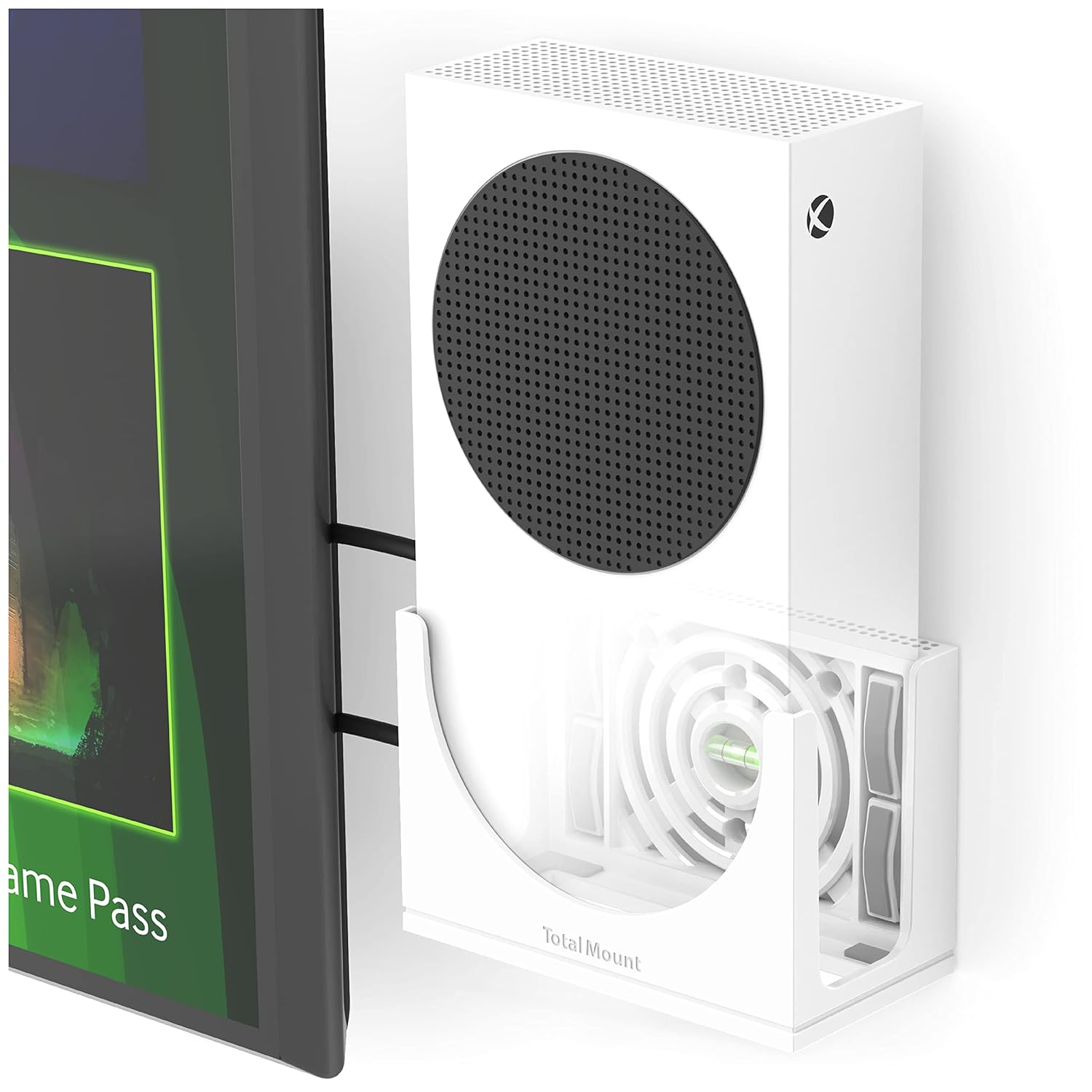
TotalMount Xbox Series S Wall Mount | |
![]() |
Switch Dock Mount |
💡 Installation Benefits: Heat dissipation • Integrated cable routing • Easy game disc access • Maximized floor space
4K 120Hz Gaming Optimization
Maximum performance gaming requires precise technical specifications for competitive advantage.
| Picture | Component | Shop |
|---|---|---|
![]() |
Zeskit Maya 8K HDMI Cable | |
![]() |
Samsung Q990D Gaming Soundbar | |
![]() |
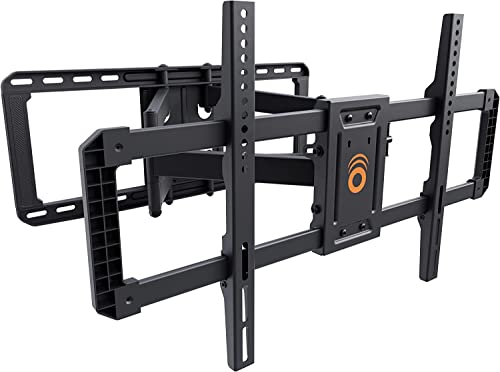
ECHOGEAR MaxMotion TV Mount |
💡 Optimal Viewing Distances:
- 43" TVs: 5.5-8.5 feet
- 55" TVs: 7-10.5 feet
- 65" TVs: 8-12 feet
- Viewing angle: 0° to -15° for seated gaming
Streaming Device Organization
Modern entertainment centers require multiple streaming devices with organized mounting and proper ventilation.
| Picture | Product | Shop |
|---|---|---|
![]() |
Multi-Device Organizer | |
![]() |
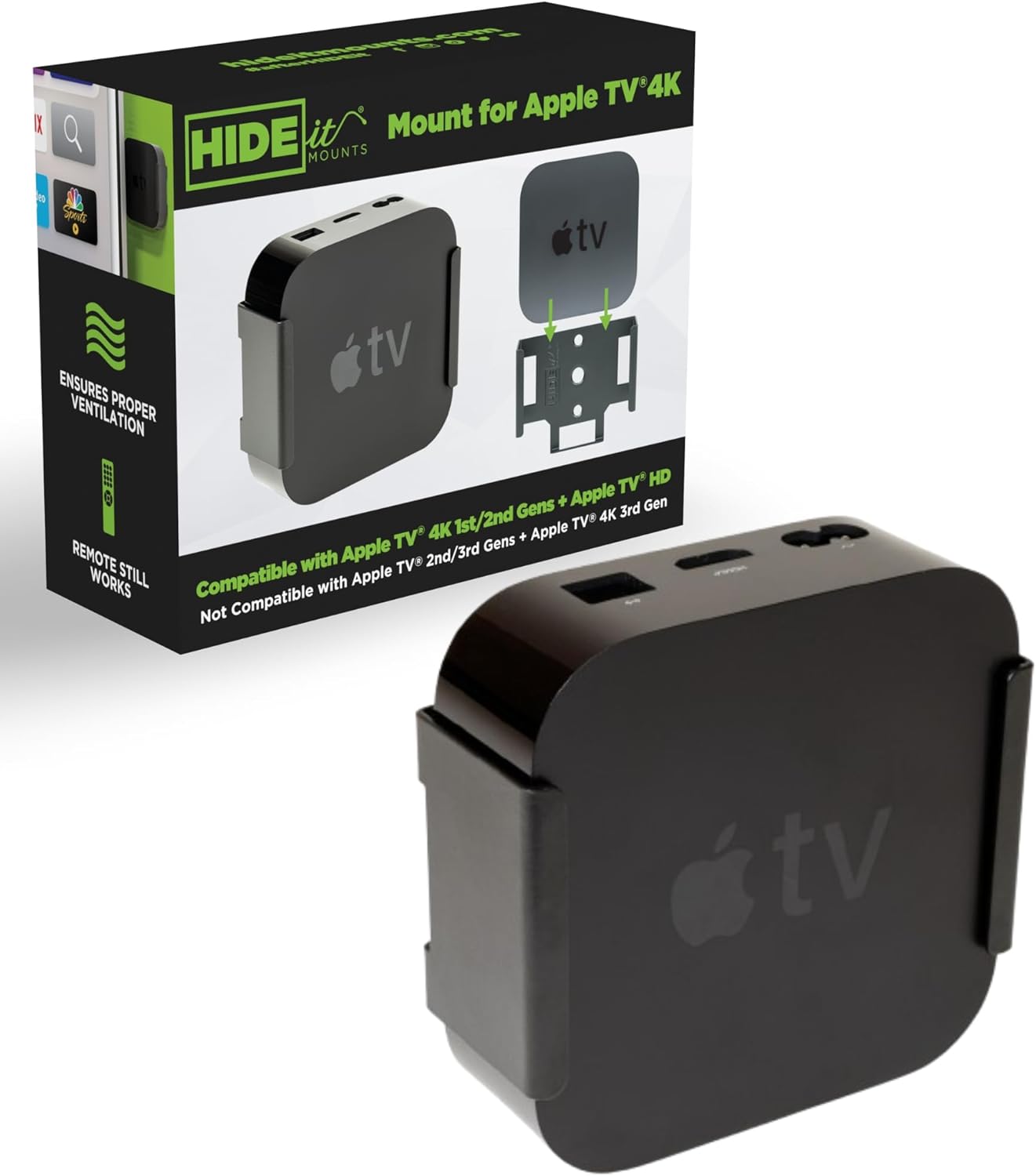
HIDEit Streaming Mounts | |
![]() |
Behind-TV Cable Management |
💡 Device Dimensions:
- Apple TV 4K: 3.66" × 3.66" × 1.37"
- Roku Ultra: 7.5" × 5.1" × 0.93"
- Fire TV Stick 4K Max: 4.3" × 0.8" × 0.55"
- NVIDIA Shield TV Pro: 6.5" × 3.9" × 1.57"
- Chromecast with Google TV: 6.4" × 2.4" × 0.5"
Controller Storage & Charging
Professional gaming setups require organized controller storage and ergonomic seating.
| Picture | Product | Shop |
|---|---|---|
![]() |
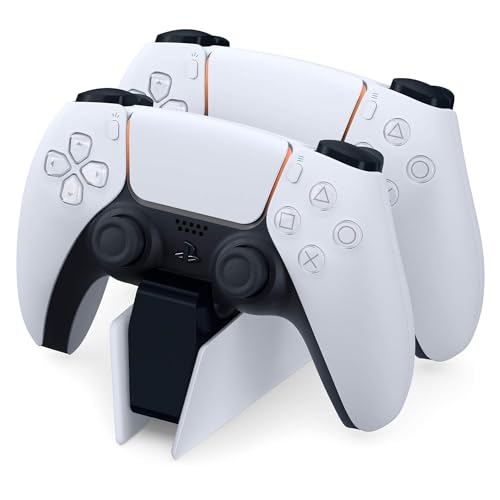
Multi-Controller Wall Mount Charger | |
![]() |
Xergur RGB Gaming Headset Stand | |
![]() |
TV Mount Compatible Gaming Chairs |
💡 Pro Tip: Mount controllers and headsets at accessible height near gaming area • USB-C charging for modern controllers • Organized cable management
RGB Lighting & Advanced Accessories
Advanced gaming environments integrate synchronized lighting systems and professional accessories.
| Picture | Product | Shop |
|---|---|---|
![]() |
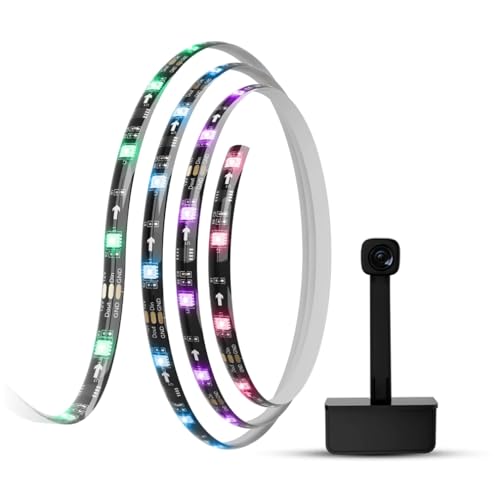
TV Backlight Gaming RGB System | |
![]() |
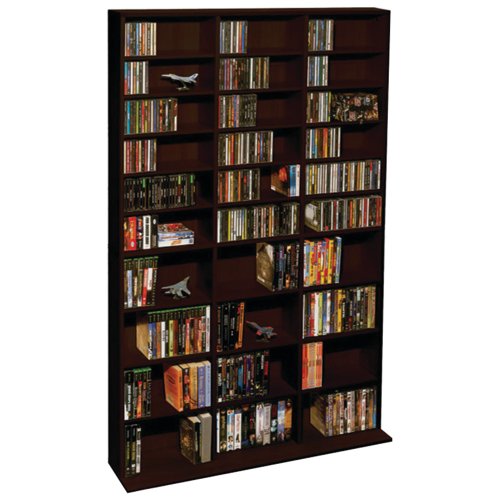
Gaming Storage Organization | |
![]() |
ECHOGEAR Full Motion Gaming Mount |
💡 RGB Benefits: Ambient lighting reduces eye strain • Enhances immersion • Improves stream quality for content creation • Syncs with game audio and video
Content Creation & Streaming
Professional streaming setups require specialized equipment for mounted TV configurations.
| Picture | Equipment | Shop |
|---|---|---|
![]() |
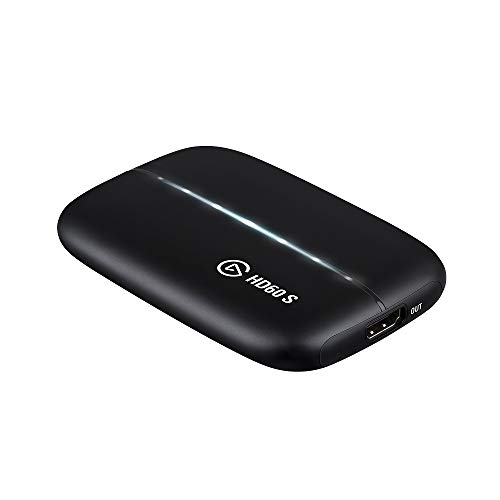
Elgato HD60 S+ Capture Card | |
![]() |
Elgato 4K60 Pro Capture Card | |
![]() |
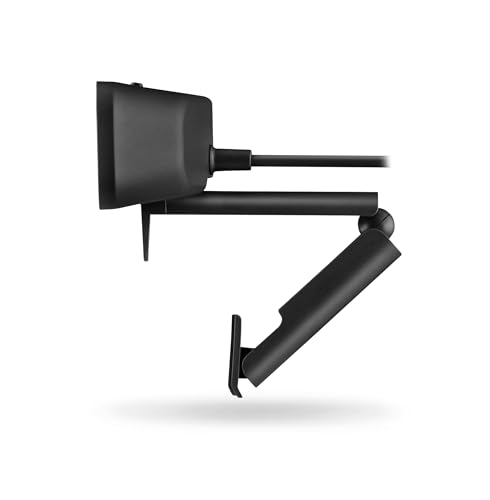
Logitech C920 Webcam | |
![]() |
Sony Alpha a6400 Camera | |
![]() |
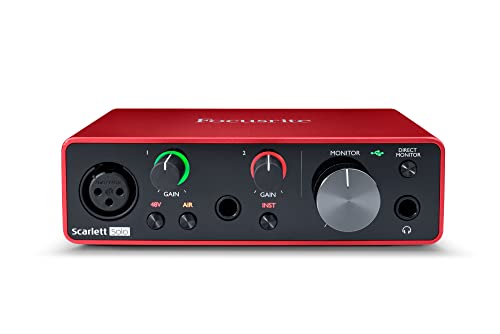
Focusrite Scarlett Audio Interface | |
![]() |
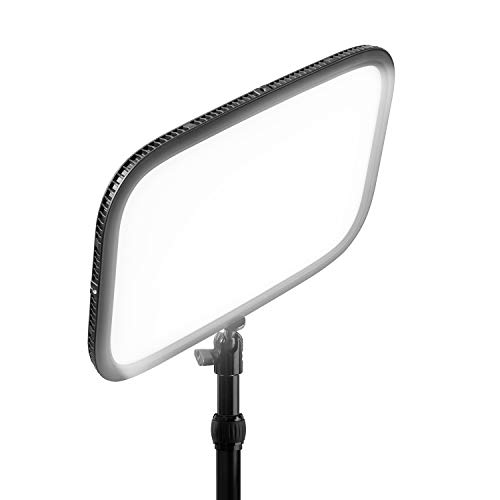
Elgato Key Light |
💡 Streaming Setup: High-quality capture equipment • Professional audio interface • Proper lighting • Cable management for all equipment
Budget to Premium Gaming Setups
Gaming setup options for every performance level and investment range.
| Picture | Setup Level | Shop |
|---|---|---|
![]() |
Budget Setup | |
![]() |
Mid-Range Setup | |
![]() |
Premium Setup |
💡 Future-Proofing Considerations:
- Modular mounting systems for easy upgrades
- Expandable cable management
- Scalable power distribution
- Flexible equipment positioning
Frequently Asked Questions - Gaming & Entertainment
Quick note: This page contains Amazon affiliate links. We may earn a small commission at no extra cost to you if you buy through them. Recommendations come from products I’ve personally hung on real customer walls over 10 years and 7,874 installs - not spec-sheet guessing.
After 7,874 documented TV installs across Metro Atlanta since 2015, here are the products my crew actually keeps stocked - and the ones we won’t touch. Alex Crabinsky, founder of Express Mounting, personally tests every product on this list across Atlanta wall types.
Need professional installation in Metro Atlanta? Call (470) 888-0030 for same-day TV mounting service across 37+ cities. Flat-rate pricing: $149-$319 basic, $119/TV cable concealment, +$119 masonry surcharge.
Atlanta installer note
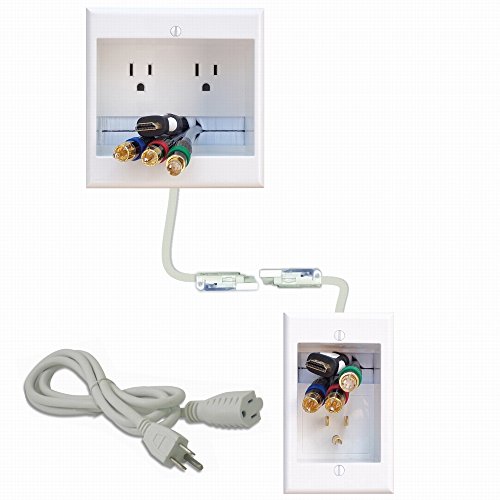
I have done 7,874 documented installs across Metro Atlanta since 2015, and gaming setups have been one of the fastest-growing categories - especially since the PS5 and Xbox Series X dropped and HDMI 2.1 4K at 120Hz became table stakes. My truck always has Zeskit Maya 8K HDMI 2.1 cables in 6, 10, and 15-foot lengths, Monoprice SlimRun AV Pro fiber optic HDMI for in-wall runs over 20 feet, HIDEit wall mounts for PS5 and Xbox Series X consoles, PowerBridge ONE-CK in-wall power kits, and ECHOGEAR full-motion mounts for the gaming customers who want to swivel between the couch and the gaming chair.
A Marietta basement game room install last summer is a good example of the workflow. Customer had a finished basement, an LG C3 OLED 65-inch on the way, and a PS5 plus PC plus Xbox Series X all needing to feed one TV. We routed full HDMI 2.1 4K@120Hz cables in-wall using PowerBridge ONE-CK for power so the wall was completely clean, mounted a Monoprice Blackbird 4K@60 5x1 HDMI switch behind the TV for source selection, and put the PS5 on a HIDEit Vertical mount on the side wall with the controllers on a HIDEit charging dock at chair height. Total job was 6 hours including the HDMI cable run through 9 feet of stud bay and the full-motion mount alignment. Customer was hitting 120Hz in Spider-Man 2 within 15 minutes of us leaving.
Buckhead and Sandy Springs gaming customers tend to want PC gaming setups with triple monitors plus a TV for console; Marietta and Roswell customers tend to want big-screen single-TV gaming with full surround. Either way I will spec the cabling for your console list, mount the TV at the right height for your seating, and verify HDMI 2.1 handshake before I leave. Read more about my install process at Alex Crabinsky’s author page or call (470) 888-0030 for same-day Atlanta gaming install service.
Express Mounting installation pricing in Metro Atlanta:
- Basic TV mount: $149 (up to 54”), $199 (55-69”), $259 (70-79”), $319 (80”+)
- Cable concealment: $119 per TV
- Brick / stone surcharge: +$119
- Full-motion mount: +$89
Call (470) 888-0030 for same-day Atlanta service or book online.
Start Your Gaming Setup Project
Ready to build the ultimate gaming setup? Explore our professional-grade gaming and entertainment accessories, tested through 7,874+ installations. Find everything you need for a complete mounted TV gaming solution.