
Ergotron
Ergotron – LX Monitor Arm, Single Monitor Desk Mount – fits Flat Curved Ultrawide Computer Monitors up to 34 Inches, 7 to 25 lbs, VESA 75x75mm or 100x100mm – Matte Black
$190.00 $219.00
−13%
View on Amazon
Monitor arms transform cluttered desks into clean, ergonomic workspaces. The three we reach for: the Ergotron LX Desk Mount on most single-monitor jobs, the Ergotron HX for ultrawides over 30 pounds, and the Amazon Basics Single Arm when the budget matters.
After years of setting up home offices alongside our TV mounting work, we've seen how the right monitor positioning improves comfort and productivity. Monitor arms free up desk space, allow perfect height and angle adjustment, and let you push screens back when you need the surface area. A single ultrawide, dual monitors for productivity or a triple-screen trading setup: there's an arm configuration for each. The key is matching arm capacity to your monitor weight, choosing the right mounting method for your desk, and getting the ergonomic positioning dialed in. A good monitor arm pays for itself in reduced neck strain alone.
Updated
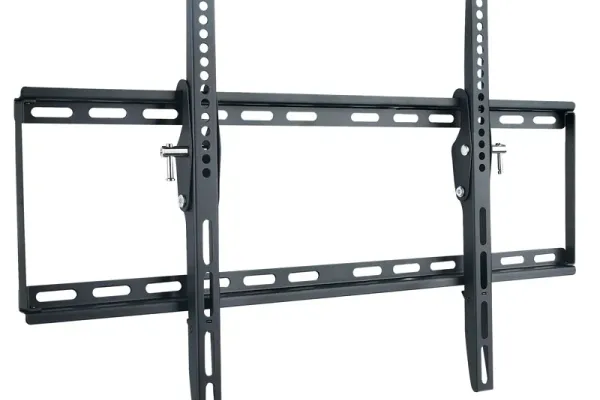
Ergotron when it has to be perfect, VIVO when it has to be sensible.
As an Amazon Associate, we earn from qualifying purchases. Prices as of Oct 9, 2026, 11:53 AM EDT. Product prices and availability are accurate as of the date/time indicated and are subject to change. Any price and availability information displayed on Amazon.com at the time of purchase will apply to the purchase of this product.

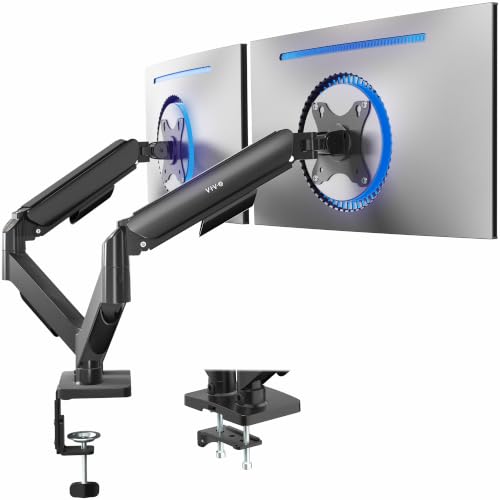
Single monitor arms are the foundation of an ergonomic desk setup. They replace bulky monitor stands, free up valuable desk space, and allow infinite positioning adjustment. Quality arms use gas-spring or mechanical spring mechanisms that let you move your monitor effortlessly and have it stay exactly where you put it. Look for solid construction (aluminum or steel), adequate weight capacity for your monitor, and smooth adjustment mechanisms. Cable management channels keep things tidy. For most users, a single arm with desk clamp installation is the easiest upgrade with the biggest impact on workspace comfort.

Best forEntry-level single setups
Basic arm that still holds position
Shop on Amazon
Best forMost single-monitor offices
Truck staple with reliable tension adjustment
Shop on Amazon
Best forStandard 24-27 inch monitors
Desk clamp install, verify VESA pattern
Shop on Amazon
Best forErgonomic desk upgrades
Weigh your monitor before purchasing
Shop on AmazonDual monitor setups are the productivity standard for knowledge workers, programmers, and anyone who benefits from expanded screen real estate. Dual arms mount both monitors to a single base, keeping your desk clean while allowing independent positioning of each screen. You can angle them toward each other, stack one above the other, or position them however works best for your workflow. Quality dual arms maintain stability even with two large monitors and allow smooth adjustment without the whole setup wobbling. The key spec is per-arm weight capacity - make sure each arm can handle your monitor's weight independently.

Best forDual 27-inch home offices
Handles two 18-pound monitors without complaint
Shop on Amazon
Best forSide-by-side dual setups
Gas spring, check per-arm capacity
Shop on Amazon
Best forBudget dual setups
Each arm must hold its monitor independently
Shop on Amazon
Best forNarrow desks
Stacks one screen above the other
Shop on AmazonTriple monitor setups are popular with traders, programmers, streamers, and simulation gamers who need maximum screen real estate. Multi-monitor mounts require heavy-duty construction to handle the combined weight and maintain stability. Freestanding options with weighted bases don't require desk clamping but take up floor space. Desk-mounted triple arms need sturdy desks that can handle the torque. Some setups use combinations of arms - a dual arm plus a separate single arm sometimes works better than an integrated triple mount.

Best forTraders and sim gamers
Desk mount needs a sturdy desk
Shop on Amazon
Best forDesks you cannot clamp
Weighted base takes floor space
Shop on Amazon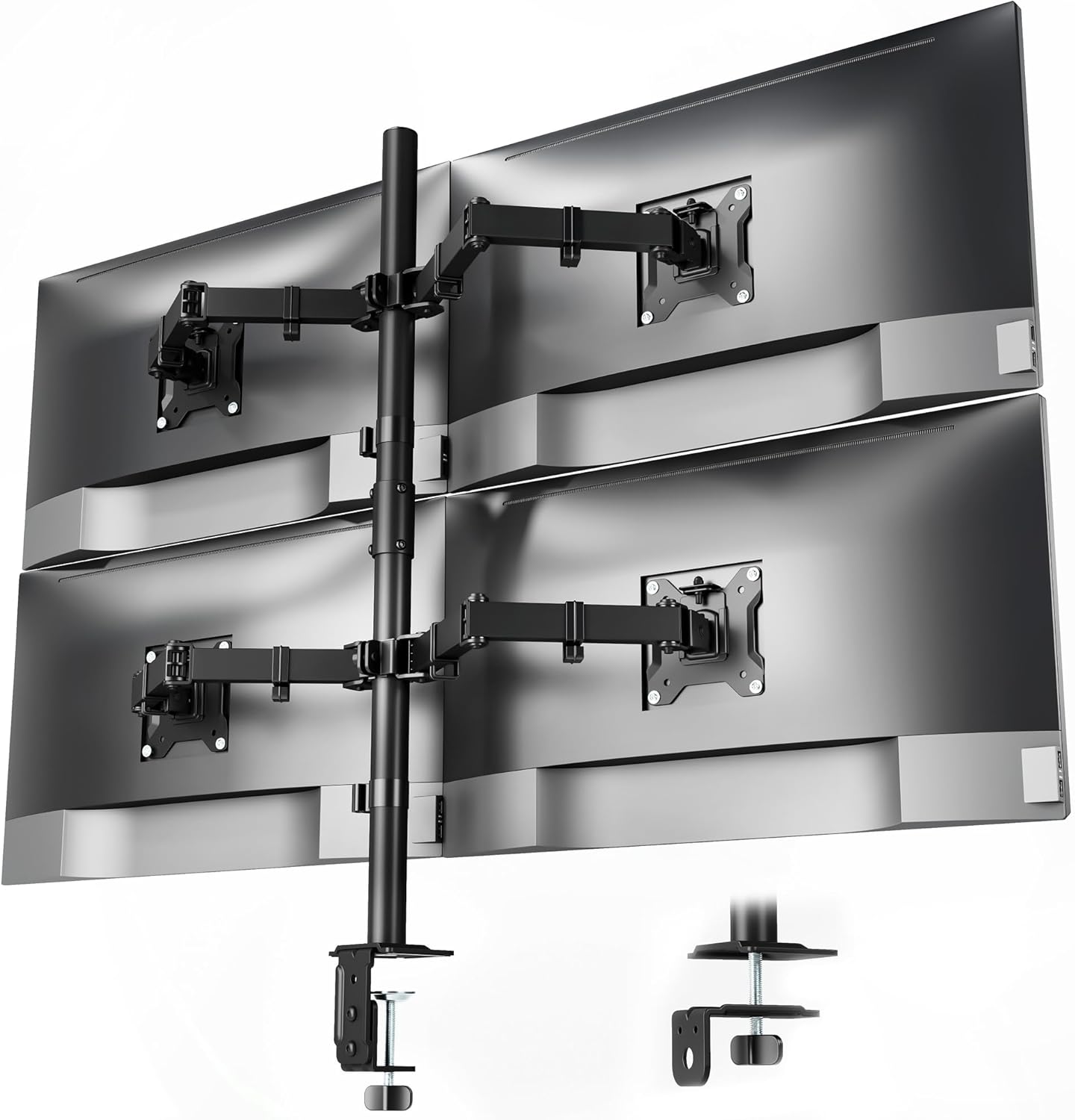
Best forFour-screen command centers
Confirm GPU supports the monitor count
Shop on AmazonUltrawide monitors (34-49 inches) and large heavy displays need beefier arms than standard monitors. A 49-inch super-ultrawide can weigh 30-40 lbs - well beyond typical arm capacity. Look for arms specifically rated for ultrawide use with capacities of 35+ lbs. These arms have reinforced construction, stronger gas springs, and more heavy-duty mounting hardware. VESA patterns on ultrawides are often 100x100mm (same as regular monitors), but verify compatibility as some use non-standard patterns.

Best forUltrawides over 30 pounds
Rated for 42 pounds
Shop on Amazon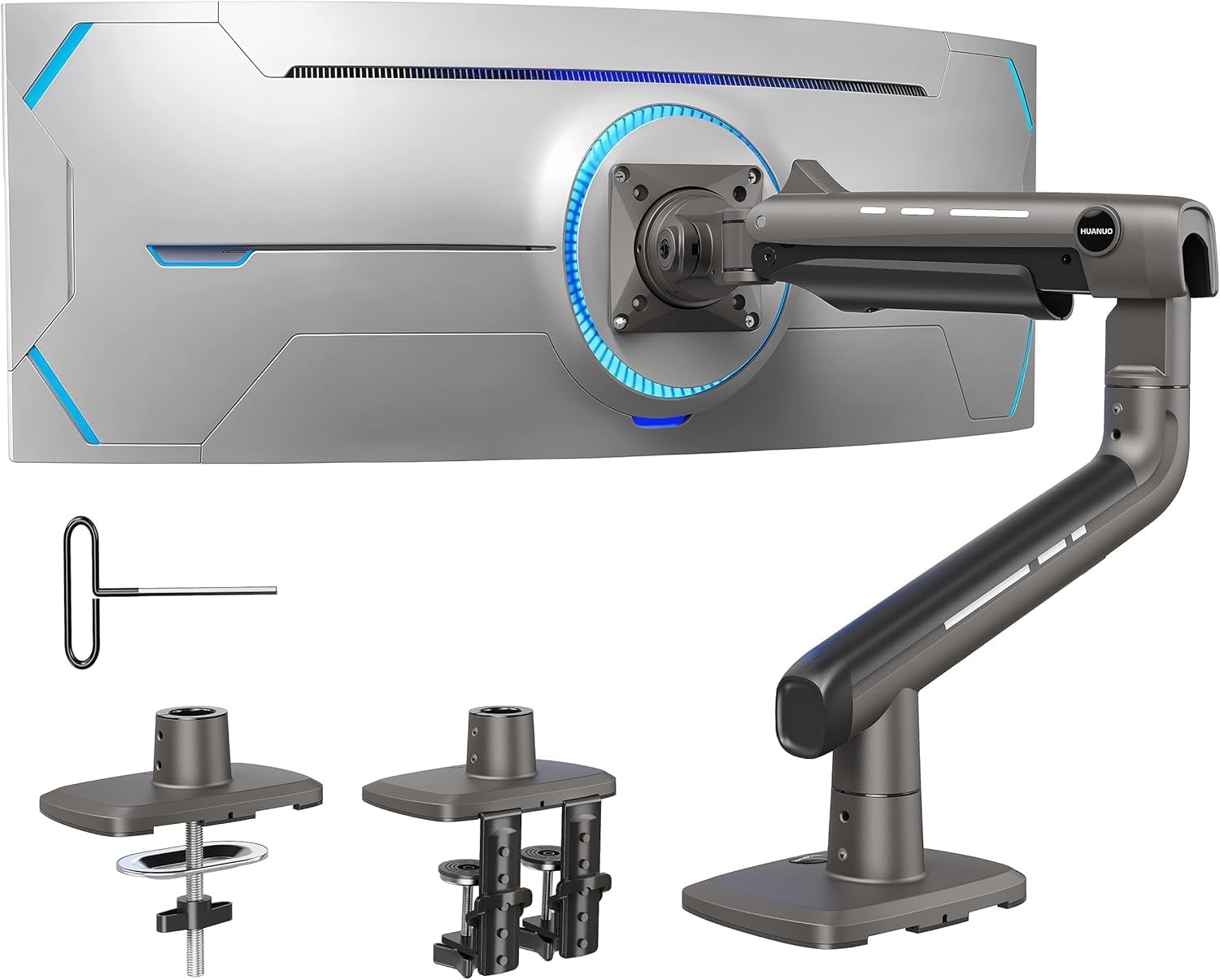
Best forLarge heavy displays
Verify exact weight including stand hardware
Shop on Amazon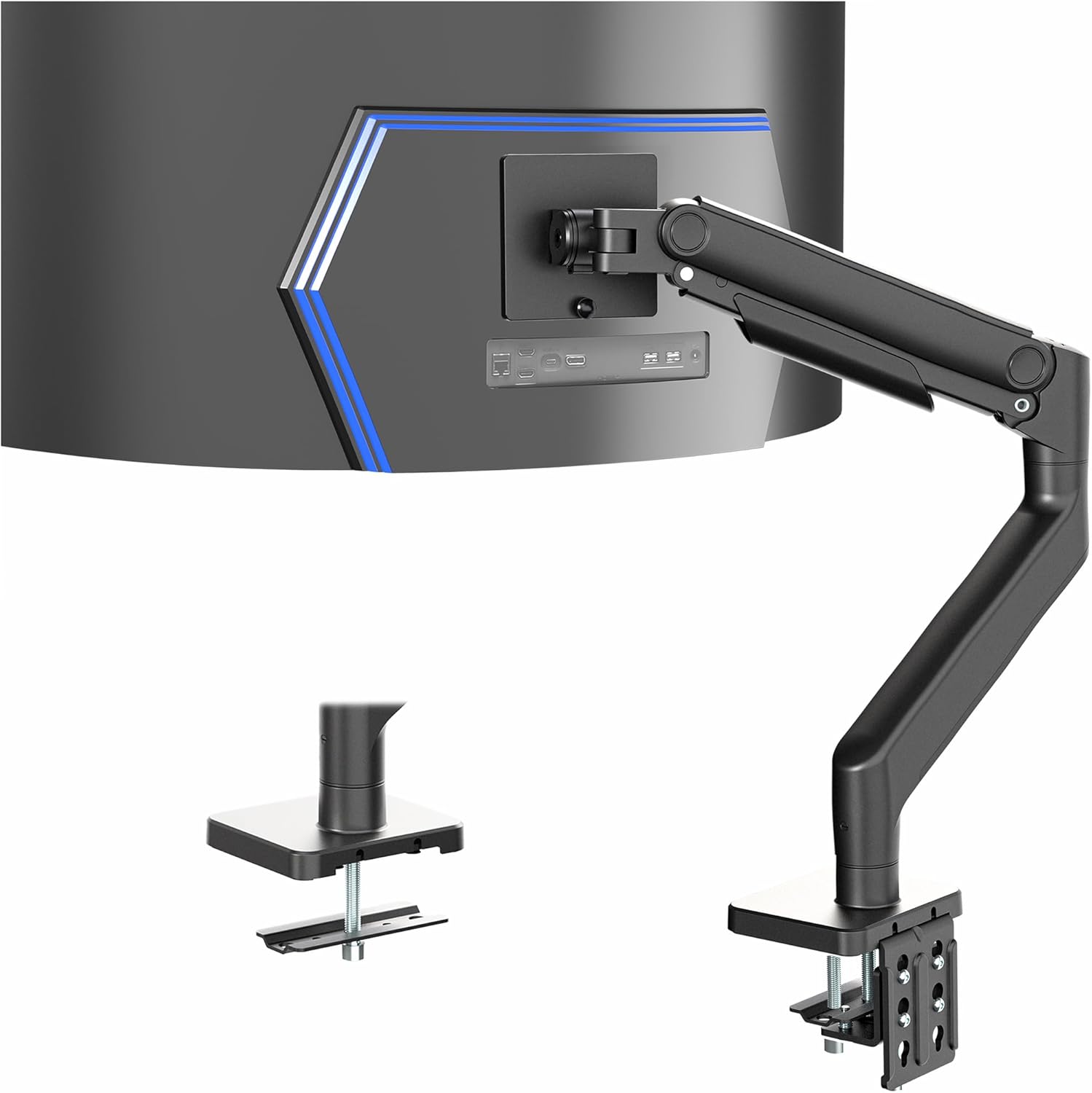
Best for49-inch super ultrawides
These panels can weigh 30-40 lbs
Shop on AmazonHow you attach a monitor arm to your desk matters for stability and flexibility. C-clamp mounting is most common - it clamps to the desk edge and works with most desk thicknesses (typically 0.5-3 inches). Grommet mounting goes through a hole in the desk and provides more stability, especially for heavy setups. Some desks have built-in cable management holes perfect for grommet mounts. Wall mounting removes weight from the desk entirely and works great for standing desk setups where the desk moves. Consider your desk material - glass desks may need reinforcement plates, and particle board can crack under heavy clamp pressure.
Mounting Type Comparison:
| Mount Type | Best For | Considerations |
|---|---|---|
| C-Clamp | Most desks, Quick install | Requires edge clearance, Visible clamp |
| Grommet | Heavy setups, Clean look | Requires hole in desk, More permanent |
| Wall Mount | Standing desks, Maximum space | Permanent installation, Monitor doesn't move with desk |
| Freestanding | No desk modification | Takes desk/floor space, Easy repositioning |
The whole point of a monitor arm is better ergonomics - but you need to position things correctly to get the benefit. Poor positioning with a monitor arm is just as bad as a poor position without one.
Optimal Monitor Positioning:
Dual Monitor Ergonomics:
Additional Ergonomic Accessories:
| Product | Purpose | Shop |
|---|---|---|
| Laptop Stand | Raise laptop screen to monitor height | Shop |
| Monitor Light Bar | Reduce eye strain with bias lighting | Shop |
| Keyboard Tray | Proper typing height and angle | Shop |
A monitor arm earns its desk space by holding position for years - the difference between a $35 arm and a $195 one is the gas spring and the VESA plate tolerance. We install arms in home offices and command centers; the picks below are the ones that stay where you put them.
Quick note: This page contains Amazon affiliate links. We may earn a small commission at no extra cost to you if you buy through them. Our picks are the hardware our crews install on real customer walls, not spec-sheet guesses.
After 9,747+ TV installs since 2015, here are the monitor arms we install most, and the ones we won’t touch. Alex Crabinsky, founder of Express Mounting, picks this list from what holds up on real desks.
Need professional installation in Metro Atlanta? Call (470) 777-4077 for same-day TV mounting service in 437 cities across our 13 US metros. Flat-rate pricing: $129-$399 basic, $99/TV cable concealment, +$99 masonry surcharge.
Express Mounting crews have completed 9,747+ installs since 2015, and home office monitor arms have become a common add-on since remote work took off in 2020. Our trucks usually carry the Ergotron LX Single, Ergotron LX Dual Side-by-Side, Ergotron HX for ultrawides over 30 pounds, and Amazon Basics single arms as a basic option that still holds position. The mistake we see most in self-installed setups is a 30-pound monitor on a 25-pound-rated arm: the gas spring gives out within months and the monitor slowly droops onto the keyboard.
Shallow desks are a common constraint. On a 24-inch-deep desk, clamping a dual arm at the back-center and pushing both monitors back frees the front for the keyboard, and running the monitor cables through the desk grommet into a raceway behind the desk keeps them out of sight from the chair.
Big ultrawides like the 49-inch Samsung Odyssey G9 (32 pounds) need an Ergotron HX-class arm. Dual 27-inch monitors are the easiest configuration to spec, and any LX Dual handles two 18-pound monitors without complaint. Either way, we weigh your monitors, verify the VESA pattern, confirm desk thickness for the C-clamp and tidy the cables. Read more about my install workflow at Alex Crabinsky’s author page or call (470) 777-4077.
Express Mounting installation pricing in Metro Atlanta:
Call (470) 777-4077 for same-day service in all 13 metros or book online.
VESA mounting patterns are the standard for monitor arms. Check the back of your monitor for four screw holes in a square pattern - common sizes are 75x75mm and 100x100mm (measured between hole centers). Your monitor's specifications will list 'VESA mount compatible' with the pattern size. Most monitors 24 inches and larger support VESA mounting. Some monitors, particularly budget models and certain brands like Apple's displays, don't have VESA mounting built-in but may have adapter options available. If your monitor has a removable stand, there's usually a VESA pattern underneath. Monitors without VESA support can sometimes use aftermarket VESA adapter kits that clamp around the monitor.
Check your monitor's weight in its specifications - weigh it with a bathroom scale if unsure. Then choose an arm rated for at least 20-30% more than your monitor weighs. A 15-lb monitor should use at least an 18-20 lb rated arm. This safety margin accounts for the extra load when the arm is extended and ensures smooth, stable operation. For dual arms, verify the per-arm capacity, not total capacity. Most standard 24-27 inch monitors weigh 10-18 lbs and work fine with typical 25-lb capacity arms. Ultrawides and 32+ inch monitors often weigh 20-35 lbs and need heavy-duty arms.
C-clamp is more versatile and easier to install - it clamps to your desk edge and can be repositioned or removed easily. Most people use C-clamp mounting successfully. Grommet mounting goes through a hole in the desk (use existing cable management holes or drill one) and provides more stability, especially for heavy multi-monitor setups. It also looks cleaner since there's no visible clamp on the desk edge. Choose grommet if: you have an existing hole to use, you want maximum stability for heavy displays, or you prefer the cleaner aesthetic. Choose C-clamp if: you might move or remove the arm later, you don't want to modify your desk, or you're mounting to a standing desk that moves.
Yes, but consider how the arm moves with the desk. C-clamp mounted arms move with the desk surface - this is usually what you want. The monitor stays in position relative to your keyboard and desk. Wall-mounted arms stay fixed while the desk moves - the monitor stays at the same absolute height. This can be intentional (you might want different screen heights sitting vs standing) or problematic (you have to manually adjust the arm height every time). For sit-stand desks, most people prefer C-clamp or grommet mounting so everything moves together. Make sure your arm has enough vertical adjustment range to be comfortable at both sitting and standing heights.
Small TVs (up to about 32 inches and under 25-30 lbs) can work with heavy-duty monitor arms designed for large displays. Verify VESA compatibility - TVs typically use 200x200mm or 200x100mm patterns, larger than standard monitor patterns. Most monitor arms top out at 100x100mm VESA, but some heavy-duty arms support up to 200x200mm. For TVs larger than 32 inches or heavier than 30 lbs, use a proper TV mount instead of a monitor arm - TV mounts are designed for heavier loads and larger VESA patterns. Desk-mounted TV arms exist specifically for this purpose, or wall mounting is often more practical for TV-sized displays.
Monitor arm droop usually means the gas spring tension isn't adjusted correctly for your monitor's weight. Most quality arms have tension adjustment - look for an Allen key adjustment point on the arm's main joint. Tightening increases resistance (for heavier monitors), loosening decreases it (for lighter monitors). The goal is neutral balance - the monitor should stay in any position without drifting up or down. If maximum tension still doesn't hold your monitor, it's likely overweight for that arm's capacity. Budget arms sometimes lack adjustment range and may droop regardless. Premium arms like Ergotron include easy-to-use tension adjustment and hold position reliably for years.
Most monitor arms use a C-clamp that fits desk thicknesses from 0.5 to 3 inches, and most modern desks fall in that range. Popular desks like the IKEA Bekant, Fully Jarvis, Uplift V2 and Herman Miller Renew all take a C-clamp without issue. The exceptions are: glass desks (need a rubber pad and C-clamp can crack the glass under heavy load), particle board desks under 1 inch thick (clamp pressure can crush the surface - we add a steel reinforcement plate), and live-edge wood desks with irregular edges (we use a grommet mount through a drilled hole instead). Tell us your desk brand or send a photo when you book and we will confirm clamp compatibility before we show up. Call (470) 777-4077 for Metro Atlanta home office monitor arm installs.
Yes. Monitor arms can go up in the same visit as a TV mount, so a TV in the family room and a dual-monitor arm in the home office get done in one appointment. Monitor arm install is typically 30-45 minutes per arm including VESA bracket attachment, C-clamp install and ergonomic positioning. Monitor arm work has no published flat rate, so ask for the price when you book.
Standard monitor arms top out at 20-25 pounds, which covers most 24-32 inch monitors but is not enough for big ultrawides. The LG 38WN95C 38-inch ultrawide weighs 21 pounds without stand; the Samsung Odyssey G9 49-inch weighs 32 pounds; the Dell U4924DW 49-inch weighs 28 pounds. For these displays we use Ergotron HX rated for 42 pounds or HumanScale M8.1 rated for 30 pounds. Always weigh your monitor or check the spec sheet before buying an arm - mounting an overweight monitor on an under-rated arm causes permanent gas spring failure within months. We carry Ergotron LX, LX HD, and HX inventory on the truck for Metro Atlanta home office installs - call (470) 777-4077 with your monitor make and model and we will spec the right arm before we show up.
Many can, within limits: check the weight rating against your panel plus about 20 percent margin, and confirm the arm supports 100x100 VESA. Most 34-inch ultrawides sit near 15-20 lbs, inside a quality single arm's range. Past 38 inches or 25 lbs, move to a heavy-duty arm or a small TV wall mount instead.
We install what we recommend.
Book the mount and we set up what you bought. Flat-rate TV mounting from $129 across 13 US metros.
Ready to upgrade your workspace? Browse our recommended monitor arms for single, dual, and multi-monitor setups. All products selected for build quality, ergonomic adjustability, and long-term reliability.