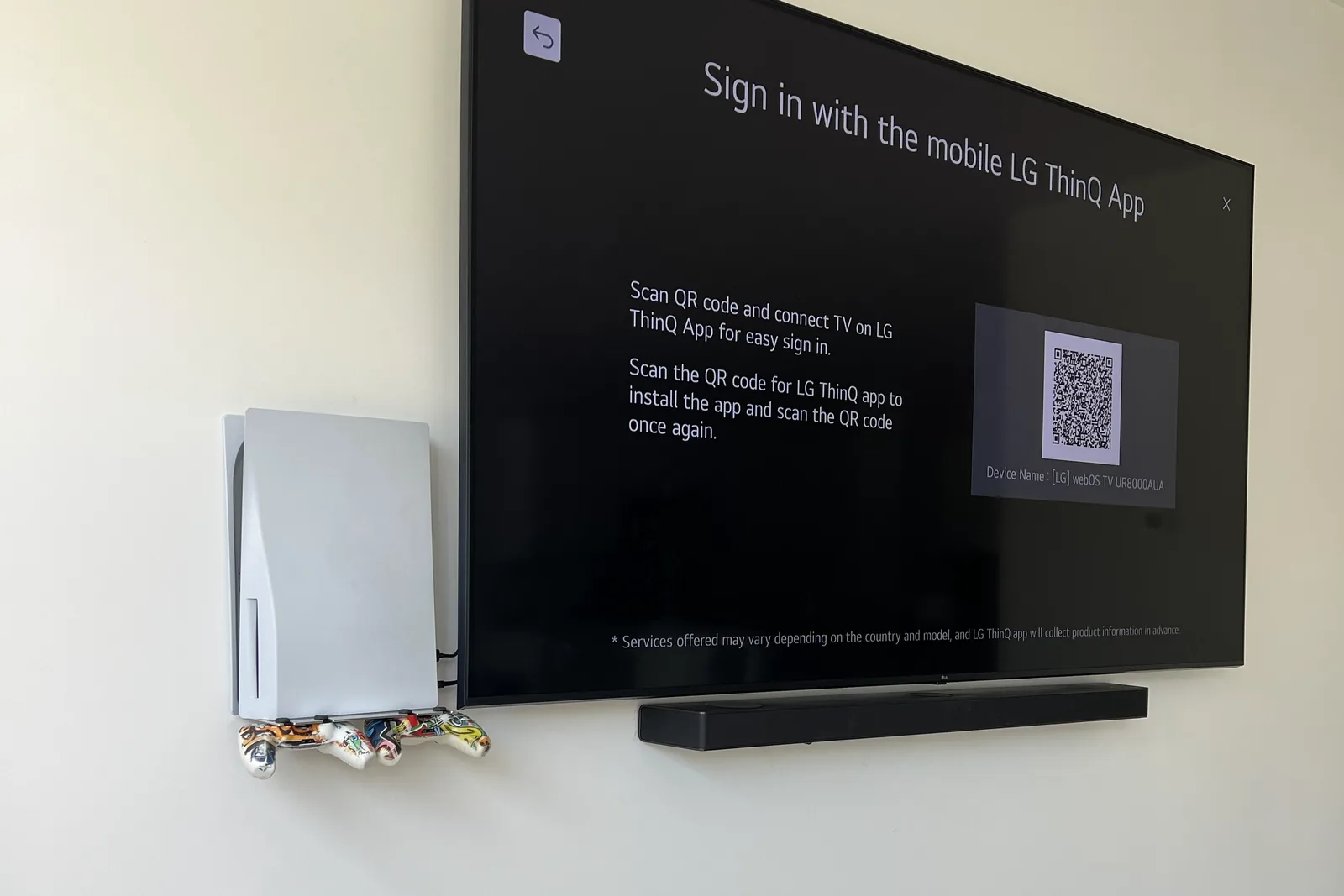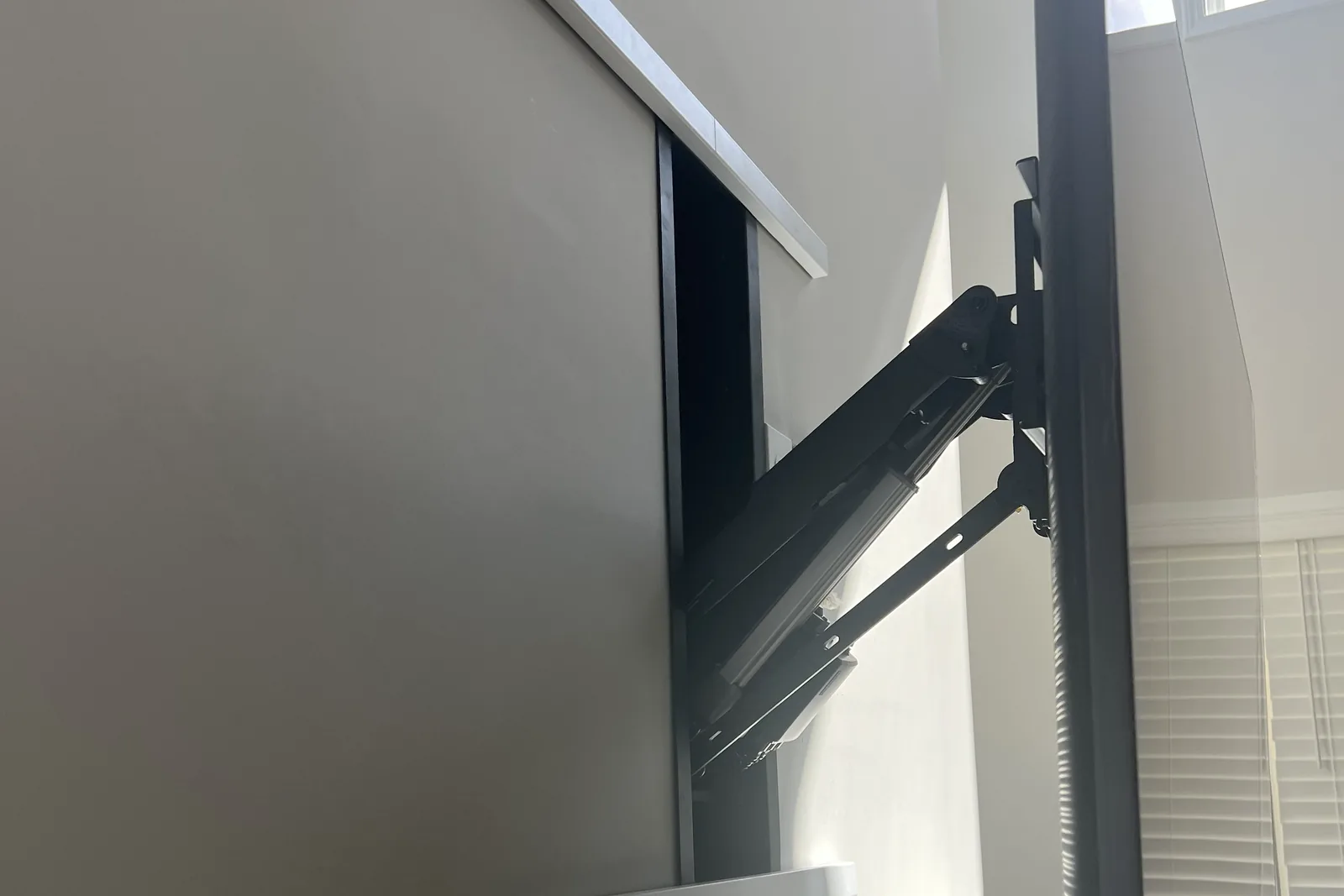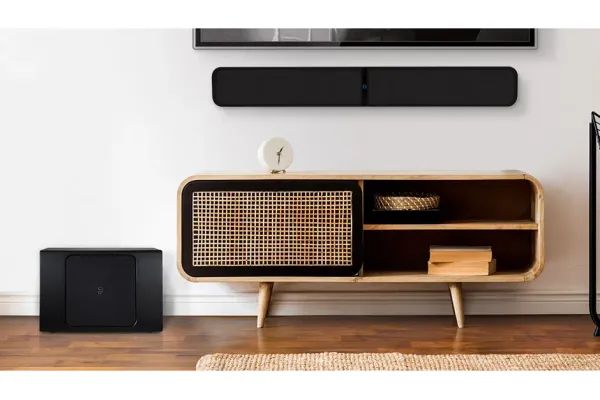
How you mount a soundbar depends on the TV’s mount. If the TV tilts or swings out, bolt a soundbar bracket to the TV’s own VESA holes so the bar moves with the screen. If the TV is on a fixed mount, put brackets on the wall under it, and if you can’t drill, set the bar on a shelf. Either way the bar usually sits a few inches below the screen, on a bracket that lists more than the bar weighs (10 to 30 lb on the ones here).
Quick note: This page contains Amazon affiliate links. We may earn a small commission at no extra cost to you if you buy through them.
Getting a soundbar off the console and up by the screen is a small job with one real decision in it, and the TV’s mount makes that decision, not the soundbar. Every product spec below is quoted from its Amazon listing. These are on-paper matches, not lab tests.
Which way should you mount a soundbar under a wall-mounted TV?
| Way | Works with | Drilling | Bar moves with the TV | What to buy |
|---|---|---|---|---|
| 1. Bracket on the TV | Tilting, full-motion and pull-down mounts | None in the wall | Yes | A bracket for the TV’s VESA holes, maybe longer TV screws |
| 2. Brackets on the wall | Fixed mounts. Tilting mounts if the screen clears the bar at full tilt | A few small holes | No | The soundbar’s own bracket or a universal pair, toggle anchors where no stud lines up |
| 3. Shelf or console | Any mount | None | No | Nothing, if the furniture is there |
Swing a full-motion TV toward the kitchen and a bar fixed to the wall stays behind, aimed at an empty sofa. On an arm, or on a pull-down mount over a fireplace, the bar has to ride with the screen.
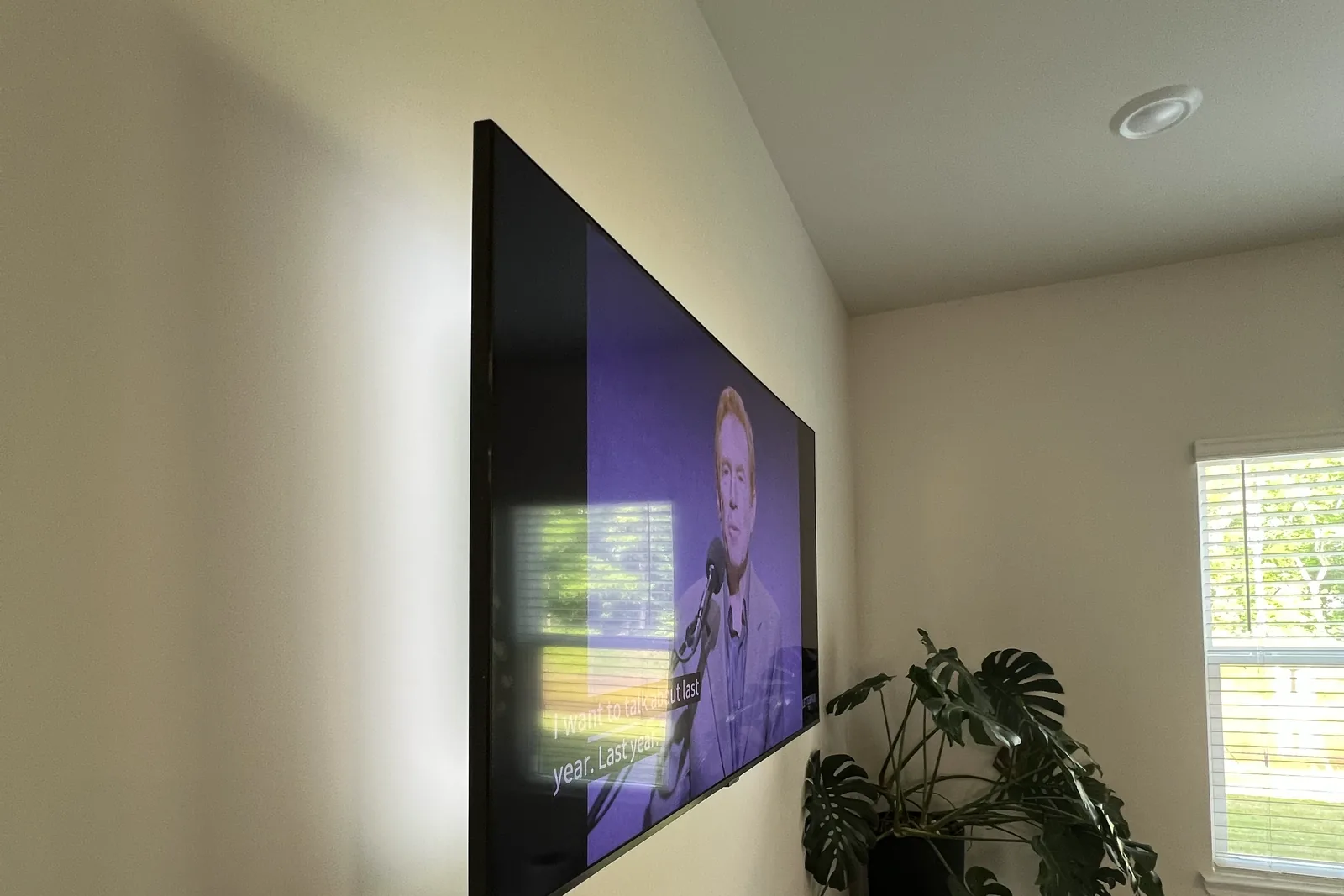
A tilting mount is the in-between case. A bracket on the TV keeps the bar aimed where the screen is aimed. Wall brackets work too if you tilt the screen all the way down first and confirm that its bottom edge still clears the bar. On a fixed mount nothing moves, so wall brackets are the simple answer. Our tilt vs swivel comparison shows how each mount moves.
How do you attach a soundbar to the TV itself? (Way 1)
A TV-attached soundbar bracket is a pair of flat metal arms. They bolt to the TV’s VESA holes, between the TV and the rails of its wall mount, and hang down (or up) to hold the bar. The Mounting Dream soundbar bracket is the flexible pick: per its listing it holds soundbars up to 15 lb, goes above or under the TV, and has detachable long extension plates.
The wall mount carries the bar too. Add the bar’s weight to the TV’s weight without its stand and check the total against the mount’s rating. Our rule is a rating at least 25% above the TV’s weight, and a bolted-on bar counts as part of the TV. The VESA pattern finder gives the TV’s weight and hole pattern by brand and screen size.
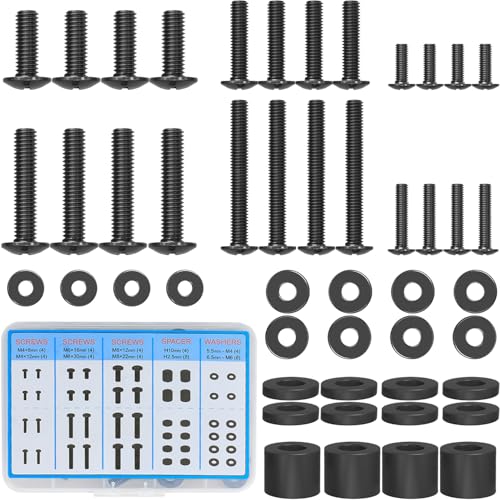
The four TV screws pass through an extra plate. They lose that thickness in thread, so the originals can come up short. The MOUNTUP M4-M8 screw kit lists M4, M6 and M8 screws with spacers and washers, and our VESA screw size chart shows which thread your TV takes. Never go past the screw depth in the TV’s manual.
- Take the TV off the wall. Unplug it, lift it off the wall plate with a helper, and lay it face down on a padded, flat surface that supports the whole screen.
- Slide the arms in. Remove the four VESA screws, set the arms between the TV and the mount’s rails, and line up the holes. Arms point down for a bar below the screen, up for one above.
- Thread every screw by hand first. If one barely catches, swap it for a screw longer by about the arm’s thickness. If it bottoms out before the plate is tight, stop and add a spacer. Forcing it presses on the panel.
- Hang the TV back up, then fasten the bar to the arms through the threaded holes or keyhole slots on its back. Slide it in the arms’ slots to set the gap, center it on the screen, and tighten.
- Move the TV through its full travel. Nothing should touch the wall or the arm, and no cable should pull tight.
How do you mount a soundbar on the wall under the TV? (Way 2)
Start with the soundbar’s box. Some bars have keyhole slots on the back, and some ship with their own wall bracket. If yours has neither, a universal pair does the job. The Howonder all-metal wall brackets are a two-pack that lists a 30 lb limit and an adjustable depth of 3.7 to 6.3 inches.
- Measure the bar. Weight, depth front to back, and the spacing of its mounting holes. A bracket that cradles the bar must list a depth range that includes yours.
- Mark the TV’s centerline, not the wall’s. The bar centers on the screen even when the TV sits off-center on the wall.
- Set the height. Hold the bar under the TV with the gap you want, with a tilting screen fully down, and mark the bracket holes.
- Check behind the marks. Run a stud finder across them. Cables hidden in the wall usually drop straight down from the screen, right where you are about to drill.
- Fix one bracket, then level across to the other. Screw into a stud where one lines up and use a toggle anchor where none does.
- Seat the bar and test it. Fit any retaining screws, plug the bar in, and check that the TV remote still works from the sofa.
Can you mount a soundbar to the wall without studs?
Yes. Use a stud where one lines up, but a soundbar is light enough that hollow-wall toggle anchors rated well above its weight are an accepted fixing in drywall. TOGGLER SNAPTOGGLE anchors with 1/4-20 bolts come 12 to a pack per the listing, and 1/4-inch SnapToggles need a 1/2-inch hole. Confirm that the bolt passes through your bracket’s holes before you buy.
That answer is for the soundbar only. Drywall alone carries a TV only up to about 32 inches and 30 pounds, on a fixed mount. The toggle bolts vs lag bolts guide has the sizes for every wall, and do you need studs to mount a TV explains the limit. So if a small TV hangs on drywall toggles alone, don’t hang a bar off it with way 1. Give the bar its own wall brackets.
What if you can’t drill at all?
Then the bar stays on furniture. Set it on the console or a shelf under the TV, centered on the screen and at the front edge. A bar with up-firing speakers needs open air above it, so it doesn’t go inside a cabinet or under another shelf. A bracket on the TV is the other no-drill route, since it uses holes already in the back of the TV.
Which soundbar bracket fits your bar?
Three things decide it: what the bracket attaches to, the weight it lists and, for wall brackets that cradle the bar, the depth it lists.
| Bracket | Attaches to | Listed weight | Listed depth |
|---|---|---|---|
| Mounting Dream soundbar bracket | TV’s VESA holes or the wall | 15 lb | Not stated |
| Perlegear adjustable-height soundbar bracket | TV’s VESA holes or the wall | 15 lb | Not stated |
| Howonder all-metal wall brackets | Wall | 30 lb | 3.7 to 6.3 in |
| Slim low-profile soundbar wall mounts | Wall | 10 lb | Up to 3.5 in |
| WALI mount for Sonos Arc and Arc Ultra | Wall | 22 lb | Made for those two bars |
The two TV-attached brackets go above or under the screen, and the Perlegear’s listing adds adjustable height for fine-tuning the gap. On the wall, a bar too slim for the Howonder’s 3.7-inch minimum goes on the slim mounts. The WALI set is made for the Sonos Arc and Arc Ultra only.
Read the bar’s weight in its manual and measure its depth before ordering. The soundbar mount finder matches a bracket to a specific bar from the TV’s mount type and the bar’s model, weight and depth.
Should a soundbar go above or below the TV?
Below, unless there is no room. The sound then comes from near the screen and toward seated ears. Above is the fallback for a TV with only a mantel or a low console under it, and if the bracket allows, angle the bar down toward the seats.
Bars with up-firing speakers for Dolby Atmos need open space above them, so don’t put one under a shelf or tight under a TV that overhangs it.
How far below the TV should a soundbar be?
There is no single number. A gap of a few inches is typical, and these checks set yours:
- The remote sensor. On most TVs it sits in the bottom edge, and a bar tight under it can block the remote.
- The TV’s bottom speakers and the bar’s top buttons. Don’t cover the first, and leave a hand’s room over the second.
- Tilt. Under a tilting TV, measure the gap with the screen at full tilt.
- Up-firing speakers. Use the clearance the bar’s manual gives.
Plan the TV’s height at the same time. A bar below the screen takes several inches of wall once you add its height to the gap. Work out both together with the TV height calculator.
Which cable connects a soundbar to the TV?
One HDMI cable, from the TV’s HDMI port labeled ARC or eARC to the soundbar’s HDMI out, which is labeled TV, ARC or eARC. Only that one port on the TV sends audio to the bar, so find the label before the TV goes on the wall. The UGREEN 6.6 ft HDMI cable is listed as a certified Ultra High Speed cable with eARC, and 6.6 feet leaves slack for a TV that moves.
No ARC port? Optical is the fallback. The KabelDirekt optical cable, 10 ft per its listing, joins the optical jacks on the TV and the bar, but optical does not carry lossless Dolby Atmos.
The bar also needs power, so plan its cord with the TV’s. If the cables are going inside the wall, how to hide TV wires in the wall covers which ones can go in and how power gets up to the TV.
Frequently asked questions
Can you attach a soundbar to a full-motion TV mount?
Yes, and on an arm it is the right way. The soundbar bracket bolts to the TV’s VESA holes, not to the arm, so the bar turns with the screen. Count the bar’s weight against the arm’s rating.
Do soundbars come with a wall mount?
Some do. Look in the box for a bracket and screws, and on the back of the bar for keyhole slots or threaded holes. If the box has no bracket, a universal one cradles the bar or bolts to those holes.
Will a soundbar bracket fit any TV?
A TV-attached bracket has to match the TV’s VESA hole pattern, so compare the patterns in its listing with the one on the back of your TV. Wall brackets never touch the TV. For those, only the bar’s weight and depth matter.
Why did the TV remote stop working after I mounted the soundbar?
The bar is probably in front of the TV’s remote sensor, which sits in the bottom edge on most sets. Lower the bar until the sensor has a clear line to the sofa, or add an infrared extender.
How much does it cost to have a soundbar mounted?
With us, $79. It is the same price whether the TV goes up on the same visit or is already on the wall.
Want it installed?
Soundbar mounting is $79, whether the TV goes up on the same visit or is already on the wall. The TV itself is flat-rate labor by size: $129 up to 54”, $159 for 55-69”, $209 for 70-79”, $299 for 80-94” and $399 for 95” and up, on your own bracket or one of ours for $49 to $79. Hiding the cables inside the wall is $99 per TV. The full list is on the prices page, and to book either job, send us your TV size and soundbar model or call (470) 777-4077.