Buying an HDMI cable for a wall-mounted TV is three decisions, in this order: length, jacket, speed. Measure the route the cable takes instead of the straight line and round up, which usually means 10 feet for gear in a cabinet below the TV and a fiber cable once the run passes about 15 feet. A cable that goes inside the wall needs CL2 or CL3 printed on its jacket, and a certified Ultra High Speed 48 Gbps cable covers 4K at 120 Hz, 8K at 60 Hz, VRR and eARC.
Quick note: This page contains Amazon affiliate links. We may earn a small commission at no extra cost to you if you buy through them.
Most HDMI trouble behind a mounted TV is bought, not installed. The cable comes up two feet short once the arm swings out, or has the wrong jacket for the wall cavity, or carries 18 Gbps into a port that wants 48. Each costs almost nothing to get right when you order, and a patched wall to fix later.
This page is the buying guide. For the routing, see how to hide HDMI and power cables behind a mounted TV. Every length, speed and rating below is quoted from the product’s Amazon listing, so these are matches on paper.
Which HDMI cable should you buy for a wall-mounted TV?
Find your setup, then confirm the length with the steps below.
| Your setup | Length | Jacket | Cable |
|---|---|---|---|
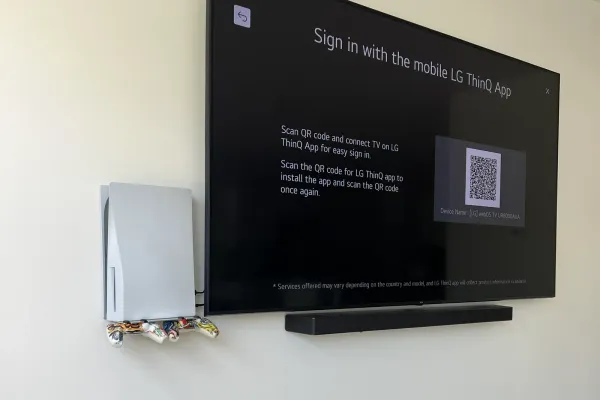
| Console beside the TV or on a shelf right under it, cable in the open | 6.6 ft | Standard, for use in the open | UGREEN 6.6 ft certified Ultra High Speed cable |
| Cabinet below the TV, cable behind furniture or in a surface raceway | 10 ft | Standard, for use in the open | UGREEN 10 ft certified Ultra High Speed cable |
| Inside the wall, to a cabinet below or beside the TV | 15 ft | CL3 in-wall | Highwings 15 ft CL3 Ultra High Speed cable |
| Inside the wall, to gear elsewhere in the room | 25 ft | CL3 in-wall, fiber | 25 ft CL3 fiber optic HDMI cable |
| Gear on the far wall or in a closet | 50 ft | Fiber, no in-wall rating in the title | RUIPRO 50 ft fiber optic HDMI cable or RUBMUD 50 ft fiber optic HDMI cable |
All six list 48 Gbps in their titles. They differ in length and jacket.
Most setups: the UGREEN 10 ft cable. Its title reads “Certified Ultra High Speed” with 48 Gbps and eARC, and 10 feet reaches a cabinet under the TV with slack left over.
How long should an HDMI cable be for a wall-mounted TV?
Longer than the gap between the TV and the device. The cable leaves the TV’s port, turns toward the wall, drops through the cavity or a raceway, and works its way around the back of a cabinet. A TV with a console directly below it typically needs 10 feet even though the straight-line drop is only three.
Measure the route in this order:
- Pick the ports. Decide which HDMI port on the TV you will use and where the device will sit.
- TV port to the wall opening. Measure across the back of the TV to where the cable enters the wall or the raceway.
- Down the wall. Measure from the upper opening to the lower one, plus any sideways distance if the cabinet is not straight below.
- Lower opening to the device. Follow the path behind the furniture, up to the device’s HDMI port.
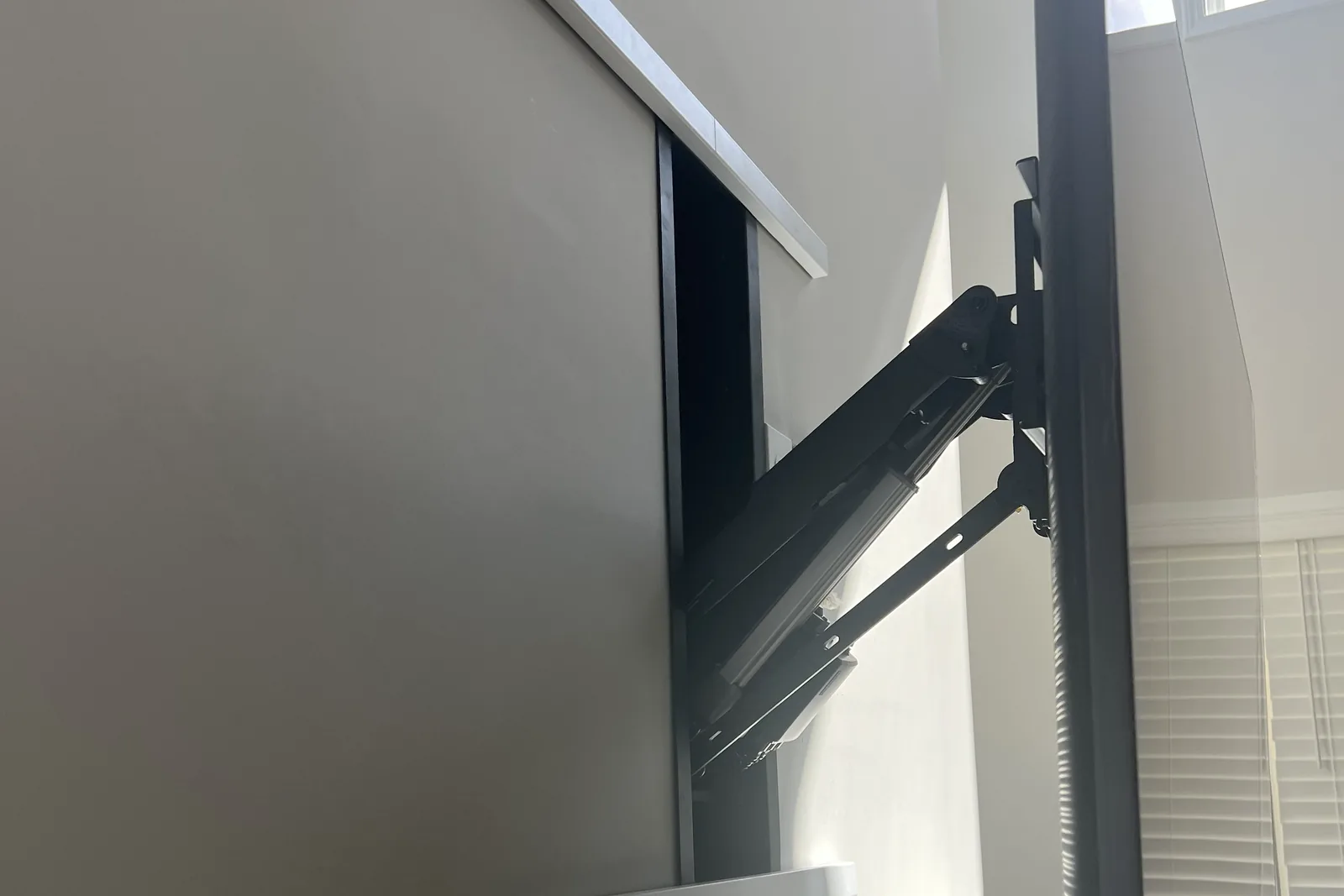
- Add the arm. On a full-motion mount, pull the arm out to its full extension and add that distance. If you have not chosen a bracket yet, the difference between tilt and swivel mounts explains which ones extend from the wall.
- Add slack. Our wire hiding kit builder adds roughly 15 percent for routing, a foot for each bend, and two feet of service loop behind the TV.
- Round up to the next length sold. If the total lands at 11 feet, buy 15.
A cable a few feet too long coils behind the TV. One that is too short has to be replaced.
Do you need a special HDMI cable to run in the wall?
Yes, and the rating is printed on the cable. CL2 or CL3 printed on the jacket means the cable is rated for running inside walls. A cable with no such marking is meant for use in the open.
The Highwings 15 ft in-wall HDMI cable is the pick for a standard drop to a cabinet. Its title lists CL3 in-wall rating, Ultra High Speed, 48 Gbps and eARC. The two UGREEN titles list no in-wall rating, so those cables stay outside the wall.
One exception: air-handling spaces need a different (plenum) rating. If your route passes through one, ask an electrician before you buy.
What is the difference between CL2 and CL3 HDMI cable?
CL3 is the rating for higher voltage than CL2. Either one is the kind made for an HDMI run inside a wall. Choose on length and speed, then confirm that one of the two markings is on the jacket.
What else should go in while the wall is open?
- A spare. Run a second HDMI cable or a pull string beside the first, so a replacement can go in from the two openings.
- Plates the cable can pass through. Use brush plates or a pass-through kit, not a patch around the cable. The LEENUE brush wall plates come as a 2-pack of single-gang plates in white, listed for low-voltage wires. One goes behind the TV and one behind the cabinet.
Before either opening is closed up, plug in every source and check the picture at the highest setting you plan to run.
Do you need an HDMI 2.1 cable for a PS5 on a wall-mounted TV?
You need a 48 Gbps cable, and “HDMI 2.1” on the box does not promise one. HDMI 2.1 is the name of the standard the ports follow, and sellers print it on cables loosely. The names that matter are the HDMI certification names:
| Name on the box | Carries | Enough for |
|---|---|---|
| Premium High Speed | 18 Gbps | 4K at 60 Hz with HDR |
| Ultra High Speed | 48 Gbps | 4K at 120 Hz, 8K at 60 Hz, VRR |
The words to look for are “Ultra High Speed”. Where a listing claims certification, the phrase is “certified Ultra High Speed”.
Who needs 48 Gbps: a PS5, an Xbox Series X or a gaming PC running 4K at 120 Hz into a TV’s 4K 120 Hz HDMI port. Your TV’s manual says which port that is. A streaming stick or a cable box at 4K 60 works on an 18 Gbps cable.
For a cable that will be sealed in a wall, buy the 48 Gbps one anyway. It saves opening the wall the day a console moves in.
When do you need a fiber optic HDMI cable for a long run?
When the route with slack passes about 15 feet. Passive copper 48 Gbps cables are generally sold up to about 15 feet. For a longer run, use an active optical (fiber) HDMI cable.
For a long run inside a wall, the 25 ft cable in the table lists fiber optic, CL3 in-wall and 48 Gbps in its title. For gear on the far wall or in a closet, the RUIPRO and RUBMUD cables are both 50 ft fiber and both list 48 Gbps, 4K at 120 Hz and eARC. Neither title lists CL2 or CL3, so read the full listing and the jacket before either goes inside a wall.
Two cautions with fiber:
- It is directional. One end is marked for the source and one for the display, which is the TV. Fit it the right way round before the wall is closed.
- It does not like tight bends. Do not kink it or bend it sharply.
Do you need a right-angle HDMI adapter for a wall-mounted TV?
Only if the plug hits the wall. On a low-profile mount, a plug that sticks straight out of a rear port can do that. Use the TV’s side-facing ports first.
A right-angle adapter solves a rear-facing port. The 90-degree HDMI 2.1 adapters in a 2-pack list 8K at 60 Hz and 4K at 120 Hz, with up and down angles, so look at which way your port faces first. An adapter adds a connection, so buy one that lists the speed you need.
Our best TV wall mounts by size and type notes that ports can be hard to reach once a fixed mount is on the wall.
When does an HDMI switch help?
In two cases: the TV’s ports are hard to reach once it is on the wall, or you have more sources than ports. One cable runs from the TV to the switch in the cabinet, and every source plugs in there. The 3-in-1-out HDMI 2.1 switch lists three inputs, 48 Gbps, VRR and a remote in its title.
Which cable does a soundbar need?
HDMI, when both ends support it. eARC is the TV sending audio, Dolby Atmos included, to a soundbar or receiver over HDMI, and it works over an Ultra High Speed cable.
Optical (TOSLINK) audio is the fallback when the TV or the bar has no ARC or eARC. It does not carry lossless Atmos. The KabelDirekt optical audio cable is 10 ft. Its title lists no in-wall rating, so check the jacket before it goes in a cavity.
What never goes inside the wall?
The TV’s power cord. It does not go inside the wall. Our guide to hiding TV wires in the wall explains why and covers the in-wall power kit that takes its place. One example is the Mount-It! in-wall cable concealer kit with recessed power, which lists a triple outlet, a 9 ft cord and a hand saw.
Two more things stay out of the cavity:
- A cable with no CL2 or CL3 on the jacket. It is made for use in the open.
- Connections. Adapters, couplers and the switch stay where you can reach them.
If opening the wall is not an option, a surface raceway hides the same cables, and the open-use cables in the table can run inside it. Our raceway guide covers sizing and painting.
Frequently asked questions
What is the best HDMI cable for a wall-mounted TV?
One that is long enough for the real route, has the right jacket, and carries 48 Gbps. With the gear in a cabinet below and the cable in the open, that is a 10 ft certified Ultra High Speed cable. Inside the wall, it is a CL2 or CL3 rated cable.
Can I run a regular HDMI cable inside the wall?
Buy an in-wall rated one. CL2 or CL3 printed on the jacket means the cable is rated for running inside walls, and either rating suits an HDMI run. A cable with no such marking is meant for use in the open.
How long of an HDMI cable do I need for a wall-mounted TV?
Measure the route, not the straight line: TV port to the wall opening, down the wall, out to the device. Add the arm’s full extension on a full-motion mount, add slack, and round up. For a cabinet below the TV that usually comes to 10 feet.
Do I need a 48 Gbps HDMI cable for a PS5?
For 4K at 120 Hz, yes. Look for “Ultra High Speed” on the box, and plug into the TV’s 4K 120 Hz HDMI port. At 4K 60 an 18 Gbps Premium High Speed cable works.
Which way does a fiber optic HDMI cable go?
The end marked for the source goes to the console or receiver, and the end marked for the display goes to the TV. Check before the cable goes into the wall.
Want it installed?
In-wall cable concealment is $99 per TV on top of the mounting labor, which is a flat rate by screen size: $129 up to 54”, $159 for 55-69”, $209 for 70-79”, $299 for 80-94” and $399 for 95” and up. Where the wall cannot be opened, a paintable raceway on the wall surface is $79 per TV. Every job carries our 3-year workmanship warranty, and the full list is on the prices page. To book, tell us your TV size and where the gear will sit or call (470) 777-4077.