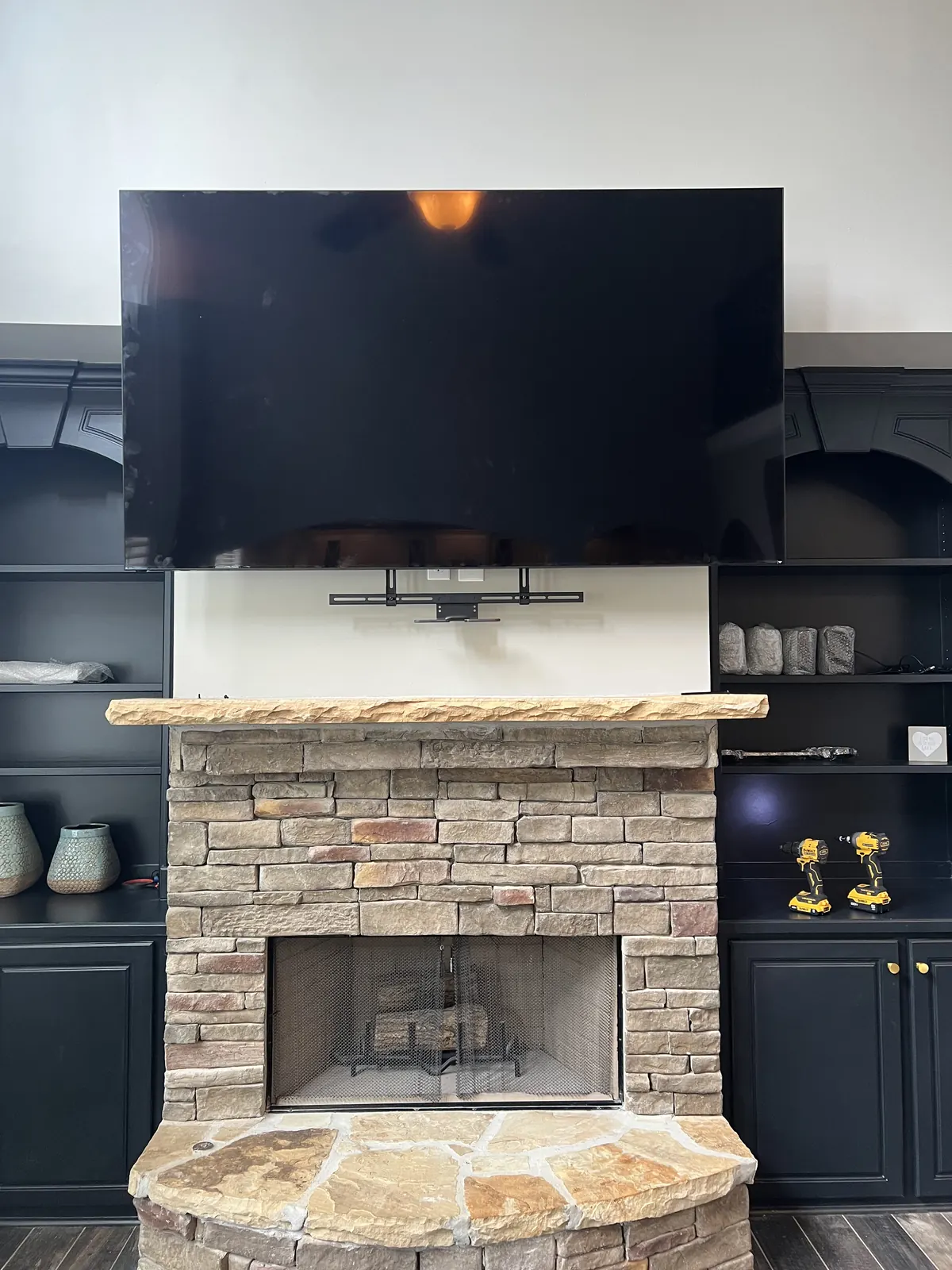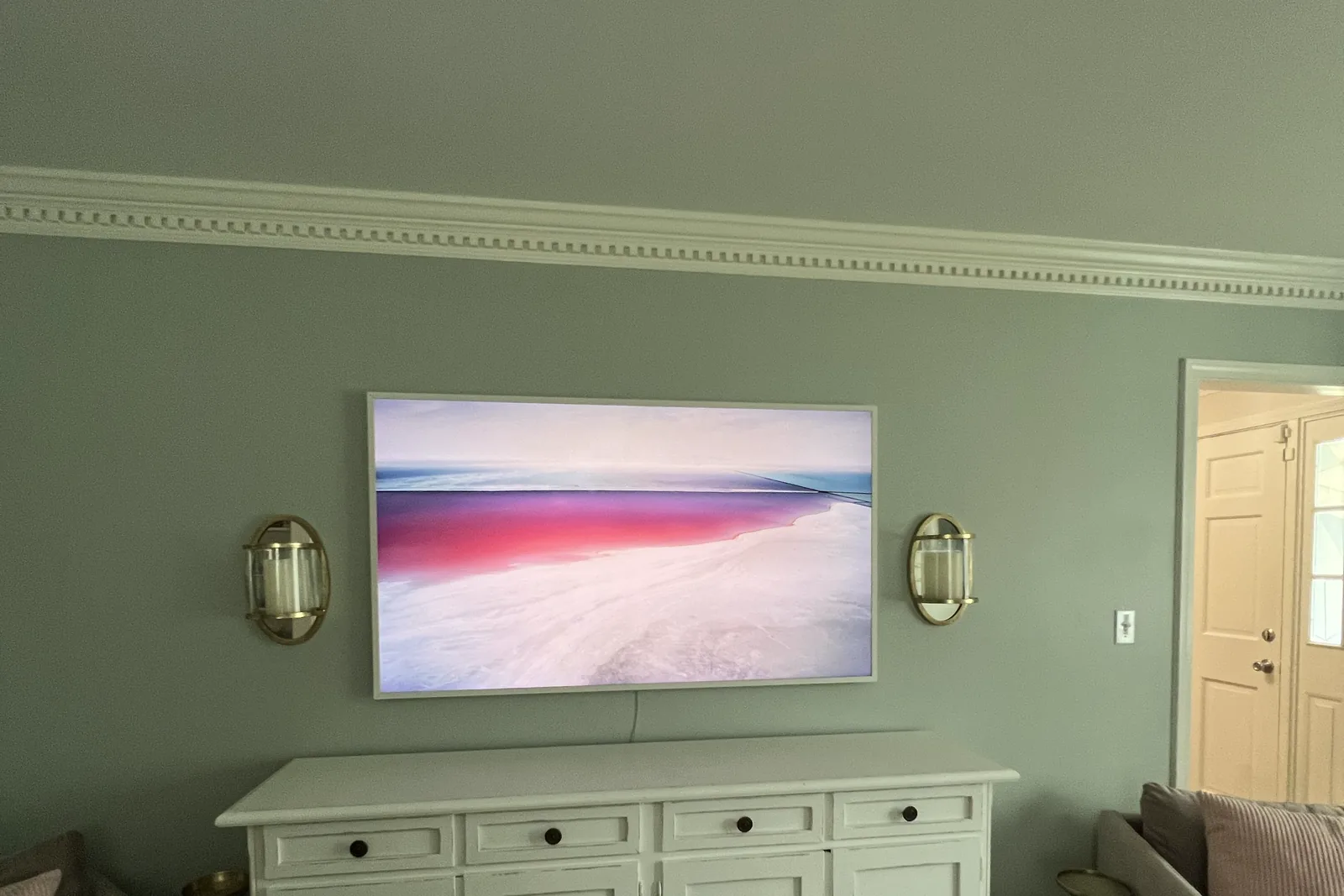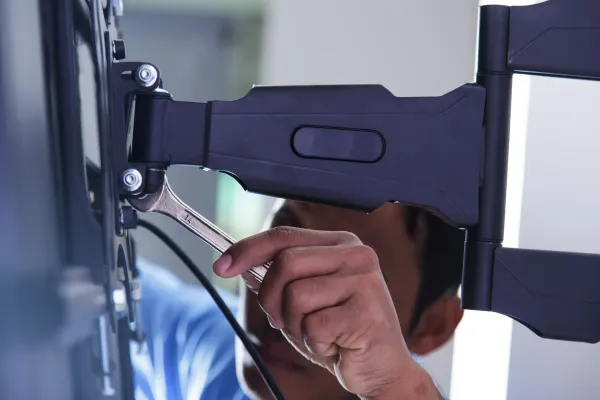
Yes, for almost every TV. Drywall alone is only safe up to about 32 inches and 30 pounds, on a fixed mount with at least four rated toggle anchors such as SnapToggles. Anything bigger or heavier, and every full-motion arm, needs at least one stud (wood or metal) or a backer board screwed to studs.
Quick note: This page contains Amazon affiliate links. We may earn a small commission at no extra cost to you if you buy through them.
Ask this question online and you get two camps. One says a good anchor holds anything. The other says a TV that misses a stud will be on the floor by morning. The truth has a hard line in it, and this page shows where the line sits, why it sits so far below the numbers printed on anchor packs, and what to do when the studs aren’t where you want the TV.
Renting and can’t drill at all? Go straight to the no-drill options: a floor stand or a floor-to-ceiling tension pole.
Do you need studs to mount a TV?
For anything past a small bedroom or kitchen set, yes. Standard drywall is half an inch of compressed gypsum (calcium sulfate) between two paper faces. It makes a good flat surface and a poor structure: it is soft, and it crumbles around a fastener that keeps pulling on it.
A TV doesn’t just hang straight down. The bracket holds the screen out from the wall, so the weight pries the top of the bracket away from the wall while the bottom pushes in. The top anchors take that prying force every hour of every day. On a full-motion arm pulled out 15 or 20 inches, the force on those anchors grows to several times the weight of the TV. A wood stud shrugs that off. Gypsum slowly gives way around the anchor, which is why drywall-only failures tend to happen months after the install, not on day one.
Here is the whole rule in one table:
| Your TV and mount | Drywall alone? | What to do |
|---|---|---|
| Up to about 32 in and 30 lb, fixed mount | Yes | Four or more rated toggles, one in every bracket hole |
| Over 32 in or over 30 lb, fixed or tilting mount | No | Lag bolts into at least one wood stud, or toggles through a metal stud |
| Any full-motion or articulating arm | No | Bolt it to studs, or to a backer board screwed to studs |
| 75 in and up | No | Two wood studs with 3/8 x 3 in lag bolts, or a backer board across two studs |
| Old, soft, water-stained or 3/8 in drywall | No | Find a stud or install a backer board |
| Plaster and lath | No | Find the studs behind it with our plaster stud-finding guide |
To find your TV’s weight without the stand, look it up by brand and screen size in the VESA pattern finder.
When drywall anchors are enough: up to 32 in and 30 lb
All four of these have to be true:
- The TV is about 32 inches or smaller and weighs 30 pounds or less without its stand. The weight is in the manual or on the spec sheet, listed without the stand.
- The mount is fixed. Flat to the wall, no arm, nothing that swings or pulls out.
- You use at least four rated toggle anchors, one in every hole of the bracket, top row and bottom row. A TOGGLER SnapToggle with 1/4-20 bolts or a Cobra FlipToggle is the kind of anchor we mean. Plastic plugs don’t count.
- The drywall is sound. Half-inch or 5/8-inch board with no water stains, no soft spots and no old anchor holes where the new ones need to go.
Two numbers decide whether the bracket itself is right, and people routinely check the wrong one. The screen-size range on the box tells you nothing about load. What holds the TV is the bracket’s weight rating, which has to sit above the panel’s weight without its stand. The second number is the hole spacing on the back of the TV, the VESA pattern, which changes by model and even by screen size within one model line. A bracket can match the size range on the box, miss the weight rating and still bolt on perfectly, and that is how a mount ends up on the floor with a piece of drywall still attached. Our VESA pattern chart covers the second number.
When you need a stud: over 32 in, over 30 lb, or any full-motion arm
Bigger or heavier TVs. A typical 55-inch TV weighs 30 to 50 pounds, already past the drywall-only limit before you add the bracket. Put anything over 32 inches or 30 pounds on at least one stud: two lag bolts into the stud, and toggles in the remaining bracket holes if the stud only catches one side. From 75 inches up, use two studs. An 85-inch or larger panel has its own checklist in our heavy-duty 85-inch-plus mounting guide.
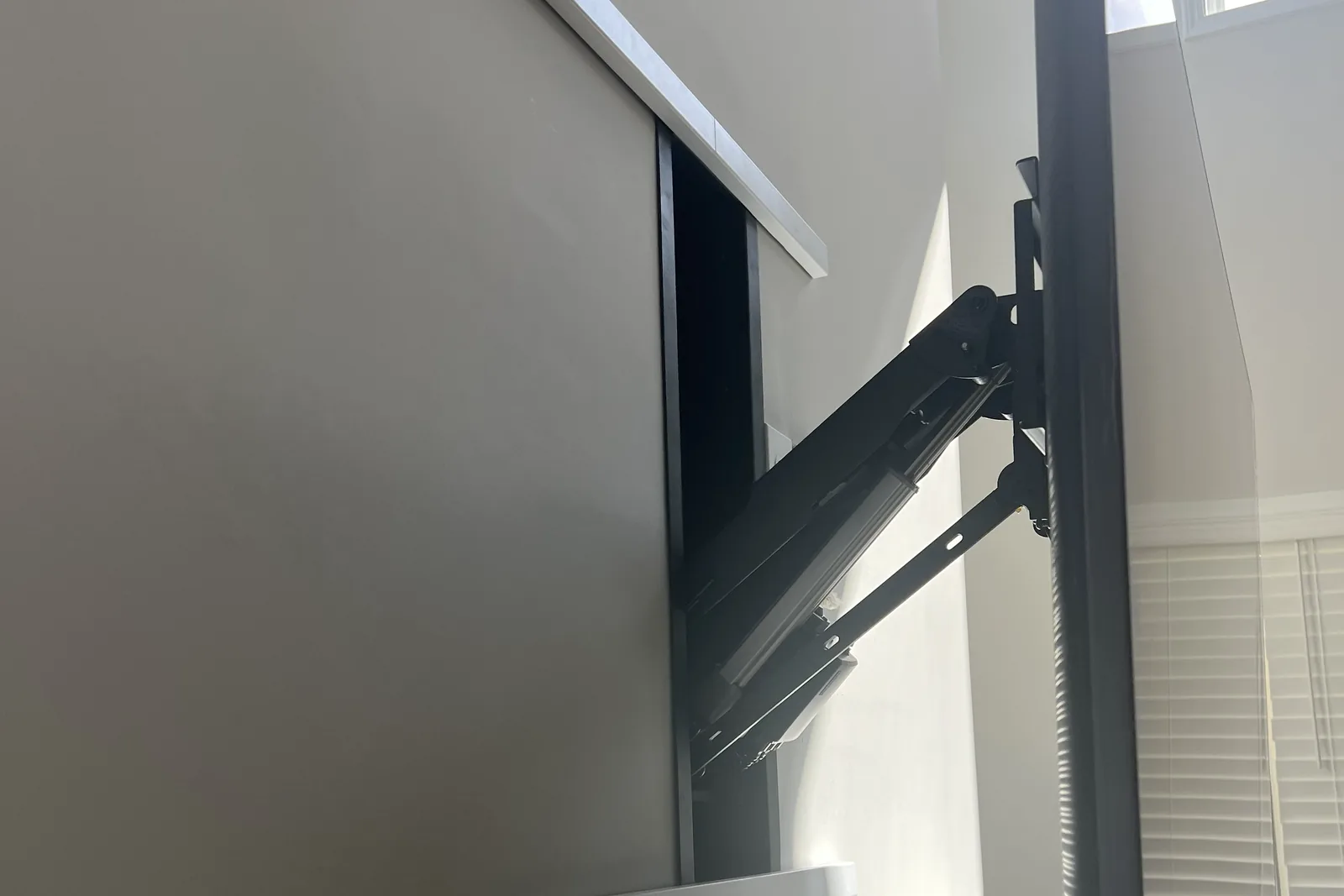
Full-motion and articulating arms, at any size. An arm multiplies the prying force every time it is pulled out, and the back-and-forth works anchors loose. Arms go on studs or on a backer board, never on drywall alone.
Drywall that can’t reach its rating. Skip drywall-only entirely if the board is old and crumbly, water-stained, only 3/8 inch thick, full of failed anchor holes, or on a humid wall next to a bathroom.
Plaster and lath. Pre-war walls are not drywall, and toggles in plaster alone are not a TV mount. Find the studs behind the lath first with our plaster and lath guide.
Anchors that never belong under a TV: plastic expansion or ribbed anchors, self-drilling anchors, nail-in picture hangers and molly bolts. They are made for frames and shelves that hang flat, not for a load that pries.
How much weight can drywall anchors hold?
These are the rated holds for a single anchor in half-inch drywall, the same figures we use in our toggle bolts vs lag bolts guide. They are straight-pull numbers on sound board.
| Anchor | Rated hold, one anchor in 1/2 in drywall | Under a TV? |
|---|---|---|
| Plastic expansion or ribbed anchor | made for frames and shelves | Never |
| Self-drilling anchor (plastic or zinc) | varies by brand | Never |
| Molly bolt, 3/16 in | about 50 lb | No |
| Spring toggle, 1/4 in | about 100 lb | Only inside the 32 in / 30 lb limit |
| SnapToggle, 3/16 in | about 170 lb | Only inside the 32 in / 30 lb limit |
| SnapToggle, 1/4 in | about 265 lb | Only inside the 32 in / 30 lb limit, or through a metal stud |
Add up four 1/4-inch SnapToggles and the pack says you can hang over 1,000 pounds. That is the trap. The rating is a straight pull on fresh board. A TV bracket pries on the top row of anchors all day, every day, and gypsum crushes slowly under a steady load. So the practical answer to “how much weight can drywall hold for a TV” is about 30 pounds, on four rated toggles, on a fixed mount. Past that, the load belongs on a stud.
What to buy instead of more anchors
The fix for a “no stud” wall is almost always finding the studs that are there, or bridging to them.
A stud finder that reads the whole stud. A Franklin ProSensor 710 13-sensor stud finder shows where a stud starts and ends instead of beeping at one edge. On older walls, a magnet that finds the drywall screws is a good second check.
A wall plate that spans to the studs. If the studs sit 16 or 24 inches apart but not where you want the TV, a wide plate reaches them. The Mounting Dream fixed low-profile mount spans studs up to 32 inches apart for 42-90 inch TVs, and a VIVO extension adapter plate lets you center a TV between off-center studs 16 to 24 inches apart.
Rated toggles, for the small-TV case only. Keep the SnapToggles for a TV inside the 32-inch, 30-pound limit, or for bolting through metal studs.
Metal studs are studs. High-rises and newer buildings often have steel studs, and toggles through the steel hold far more than drywall alone. Our metal stud mounting guide has the anchor sizes and counts.
Studs in the wrong place? Four ways around it
- Slide the TV. Moving it 8 to 12 inches left or right usually lands the bracket on a stud. Most rooms look fine with the TV a little off the wall’s center.
- Use a wider plate. A stud-spanning plate or an extension plate reaches the studs and still centers the TV where you want it.
- Put one side on a stud. Two lag bolts into one stud with toggles in the other holes is far stronger than toggles alone, because the stud carries the load and the toggles only keep the bracket square.
- Add a backer board. A strip of 3/4-inch plywood screwed across two or more studs gives you wood wherever the TV needs to go. Paint it to match the wall and it disappears behind the screen.
When a drywall-only mount fails, the cost is the TV, the drywall repair and whatever was under it. Moving the TV a few inches costs nothing.
Step by step: a drywall-only install (32 inches and under)
Only for a TV inside the limit above, on a fixed mount.
- Confirm there’s no stud where you need one. Scan the whole area, and check for pipes and live wires while you’re at it. A stud 6 inches away changes the plan.
- Check the board. Look for water stains and soft spots, tap for hollow patches, and make sure it’s drywall, not plaster.
- Check the weight. Look up the TV’s weight without its stand. About 30 pounds is the ceiling for drywall alone, and the bracket must be rated above it.
- Mark and drill. Level the bracket, mark every hole, and drill the size the toggle calls for: 1/2 inch for 1/4-inch SnapToggles. Clean, round holes hold better than ragged ones.
- Set the toggles and bolt the bracket. Seat each channel flat behind the board, snap off the straps, then hand-tighten every bolt before the final snug. Overtightening crushes the gypsum.
- Pull test, then hang. Pull down firmly on the bracket before the TV goes on. Any movement means stop. Check the bolts again after the first week.
For the full walkthrough into studs, see our step-by-step drywall mounting guide.
Backer boards and blocking: how we handle no-stud walls
When a heavy TV or a full-motion arm has to go where there are no studs, there are two clean ways to make wood appear.
A backer board on the wall. A 3/4-inch plywood panel is lag-bolted across two or more studs, finished to match, and the bracket bolts to the plywood. For a 75-inch TV, a 24 by 16 inch panel across two studs is a common size.
Blocking inside the wall. A section of drywall comes out, wood blocking goes in between the studs, and the wall is patched and painted. Nothing shows once the TV is up, which is why it suits in-wall wiring jobs.
On metal studs, the same job is done with toggles through the steel, or with a backer board toggled to the studs.
Is your wall drywall, plaster or metal stud?
Three quick tests tell drywall from plaster:
- Tap it. Drywall sounds hollow and dull between studs. Plaster rings harder.
- Look at an outlet box. Pull the cover plate (power off). Drywall shows a clean paper edge and soft white gypsum. Plaster shows a thick, hard gray-white layer, often with wood lath strips behind it.
- Try a thumbtack in a hidden corner. Drywall takes it easily. Plaster resists or chips.
In high-rises, condos and newer commercial conversions, assume steel studs until a stud finder or a small test hole says otherwise. A magnet sticks along a steel stud’s line of screws, and the metal stud guide covers how to confirm it.
Frequently asked questions
Do you need studs to mount a TV?
For almost every TV, yes. Drywall alone is safe only up to about 32 inches and 30 pounds, on a fixed mount with at least four rated toggle anchors. Anything bigger or heavier, and any full-motion arm, needs at least one stud (wood or metal) or a backer board screwed to studs.
Can I mount a 55-inch TV on drywall without studs?
No. A typical 55-inch TV weighs 30 to 50 pounds, past the drywall-only limit before the bracket is added. Put at least two lag bolts into one wood stud, use toggles through metal studs, or install a backer board.
How much weight can drywall hold for a TV?
About 30 pounds of TV, on four rated toggles, on a fixed mount. Anchor packs quote far higher numbers per anchor, but those are straight-pull ratings on fresh board, and a TV bracket pries on its anchors every day.
Do SnapToggles really hold a TV?
Yes, inside the limit: a TV up to about 32 inches and 30 pounds on a fixed mount, with a toggle in every bracket hole. Bolted through a metal stud they hold much more, which is why they are the standard anchor for steel-stud walls.
Does a full-motion mount need studs?
Always. An arm multiplies the prying force as it extends and works anchors loose as it moves. Bolt it to studs, or to a backer board screwed to studs.
Can I mount a 75-inch TV on drywall?
Not on drywall alone. Use at least two wood studs with 3/8 x 3 inch lag bolts. If the studs don’t line up with the bracket, screw a 3/4-inch plywood backer (about 24 by 16 inches) across two studs and mount the bracket to it.
What if my drywall is old or soft?
Then drywall-only is off the table at any size. Thin 3/8-inch board, crumbly gypsum and water-damaged walls can’t reach an anchor’s rating. Find a stud or put up a backer board.
Are no-stud TV mounts sold online safe?
Some boxes advertise 100 pounds or more on drywall alone. Our line doesn’t move with the box: past about 32 inches or 30 pounds, we go to a stud or a backer board.
What if I can’t find any studs?
A framed wall always has studs, usually 16 inches apart and sometimes 24. Try a second method: a magnet for the screws, a small test hole, or measuring from an outlet box, which is usually fastened to a stud. If nothing turns up, the wall may be plaster, masonry or steel, and each has its own guide.
Need a professional assessment?
If you’re not sure your wall can take the TV you bought, we’ll tell you straight and fix it properly.
- We find the studs, including on plaster and steel-stud walls
- An honest call on whether drywall-only is safe for your TV
- Backer boards when the studs aren’t where the TV needs to go
- Flat-rate labor: $129 (up to 54”), $159 (55-69”), $209 (70-79”), $299 (80-94”), $399 (95”+). You provide the bracket or buy one from us
- A 3-year workmanship warranty on every install
Book a mounting assessment, see the full price list, or call (470) 777-4077. Same-day slots in all 15 metros we serve when you book before noon.
Written by Alex Crabinsky, founder of Express Mounting, which has completed 9,747+ TV installs since 2015.