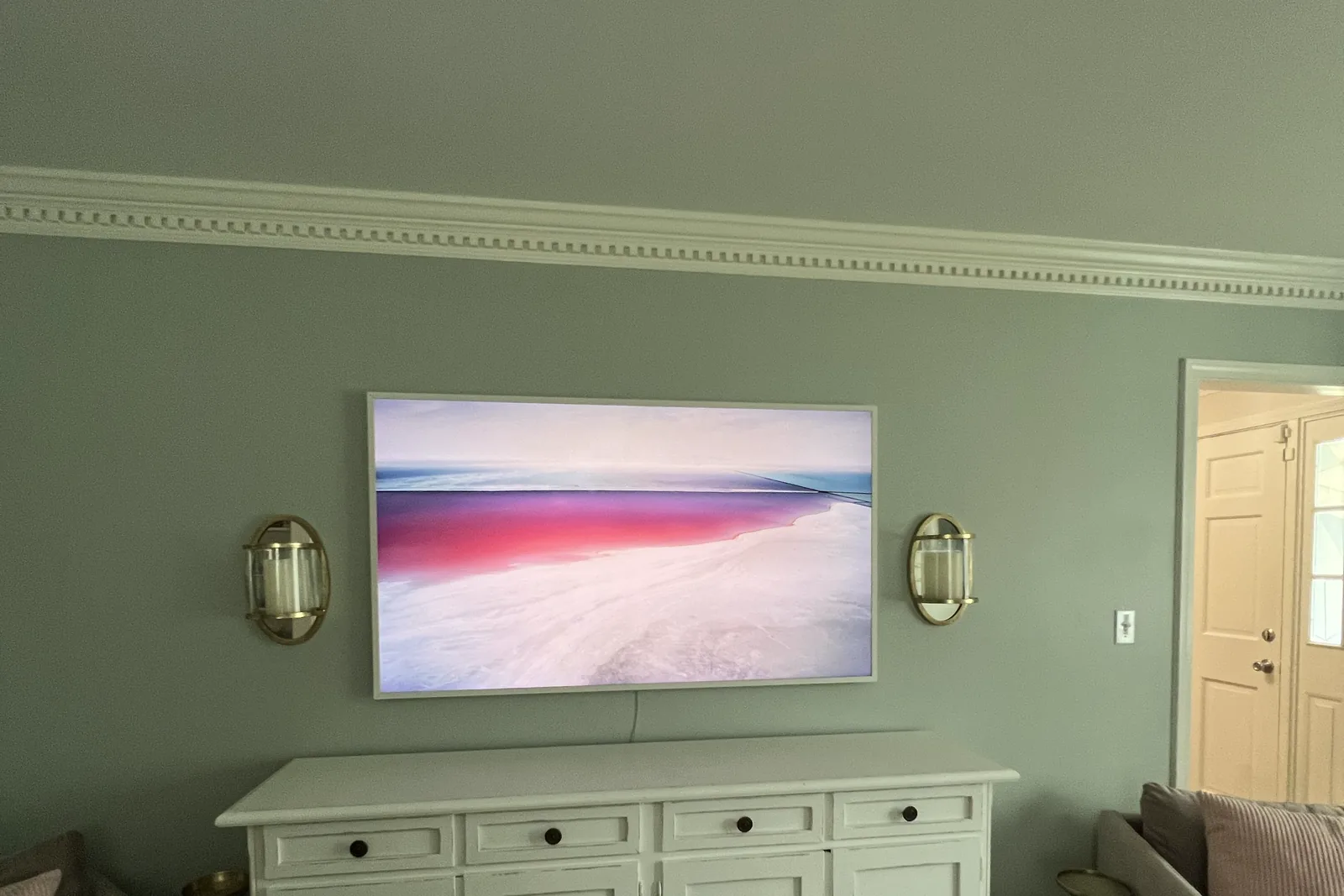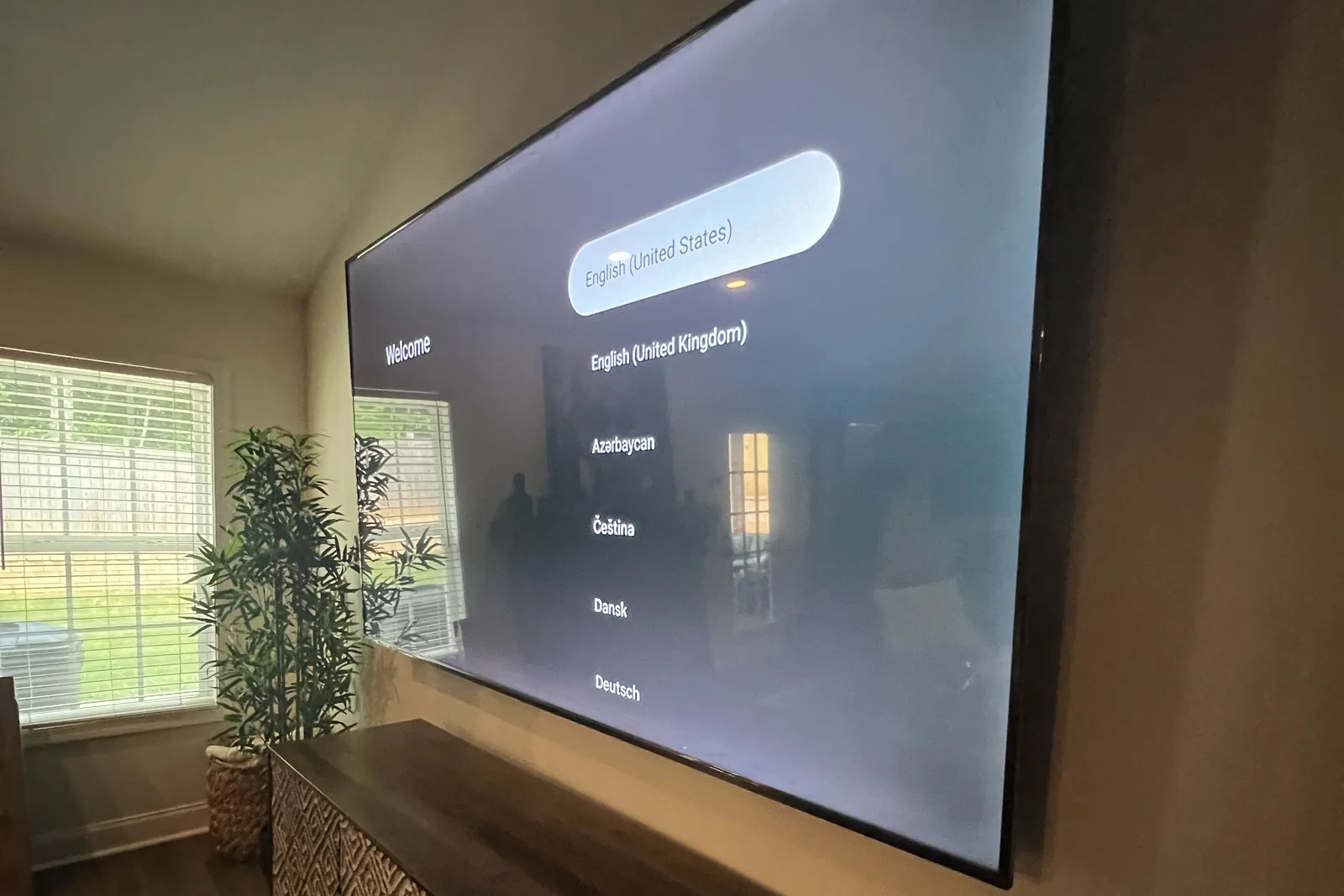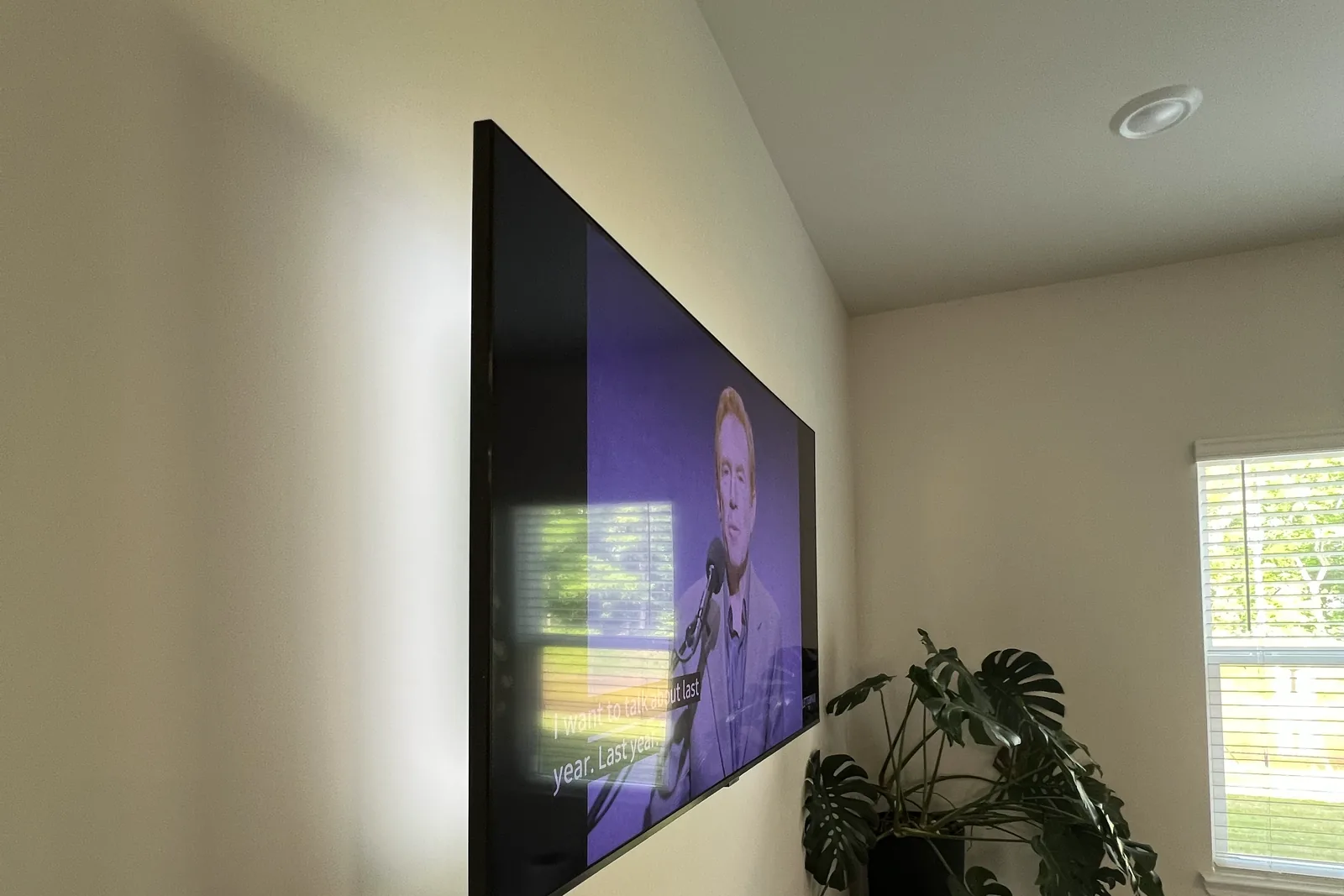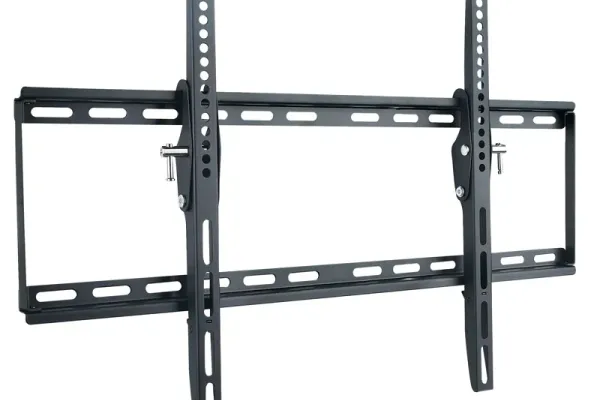
Samsung Frame TV installation differs from standard TV mounting in three ways: the Frame needs Samsung’s own slim no-gap wall mount (it ships in the box; a generic VESA bracket defeats the flush look), the One Connect Box has to be hidden separately (often via in-wall routing or behind built-ins), and the bezel options go on BEFORE the TV is mounted. In Atlanta the install is our standard flat rate by size, from $129, plus $99 if you want the One Connect cable inside the wall. The most common DIY failure we see is a standard mount that leaves a 2-inch gap between the art and the wall.
Quick note: This page contains Amazon affiliate links. We may earn a small commission at no extra cost to you if you buy through them. Our picks are the hardware our crews install on real customer walls, not spec-sheet guesses.
Samsung’s The Frame TV isn’t just a television-it’s a statement piece that transforms your living space into an art gallery. But here’s the reality most homeowners discover: achieving that museum-worthy flush mount with invisible cables requires precision, specialized tools, and deep product knowledge that goes far beyond standard TV installation.
At Express Mounting, Frame TVs are a regular part of the 9,747+ installs our crews have completed since 2015, and the details below are the ones that decide whether a Frame looks like art or like a TV. Prefer to tackle it yourself? Jump to the step-by-step DIY walkthrough below.
Why Samsung Frame TV Installation Requires a Specialist
The Frame TV is engineered differently than conventional flat-screens. Its design demands installation expertise that standard TV mounting services simply don’t possess.
The Flush Mount Challenge
Samsung’s slim no-gap wall mount ships in the box with current Frame TVs. Samsung also sells No Gap mounts on their own, such as the WMN-A50EB and WMN-A65EB, so match any replacement to your TV’s model number. The mount promises a picture-frame appearance, but true flush mounting still requires:
- Precise wall assessment to ensure the bracket sits perfectly flat
- Exact stud positioning that accommodates Samsung’s proprietary bracket design
- Leveling to within half a degree, because a Frame that sits a hair off reads as crooked art
- Gap elimination between the TV and wall surface
Most DIY installations and general handyman services leave visible gaps, crooked angles, or wobbly mounts that destroy the Frame TV’s artistic illusion.
One Connect Box Complexity
Unlike traditional TVs, The Frame uses Samsung’s One Connect Box-a separate media hub that connects to the TV via a nearly invisible fiber optic cable. This creates unique installation challenges:
- Cable routing must accommodate the delicate One Connect cable’s minimum bend radius
- Box placement requires strategic positioning for ventilation and accessibility
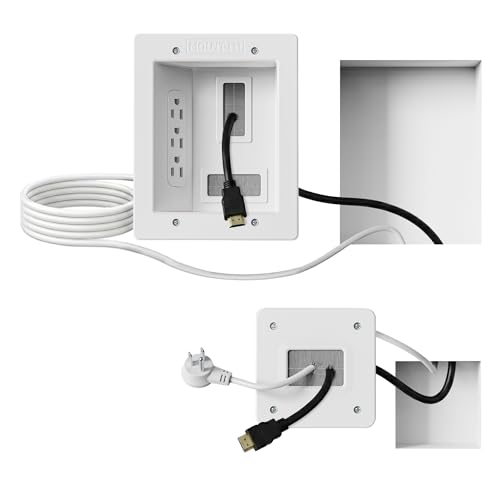
- Cable concealment through walls demands precise drilling and professional-grade in-wall power kits for hiding HDMI and power cables
- Future access planning for firmware updates and device connections
Art Mode Optimization
Your Frame TV’s ability to display artwork convincingly depends on proper calibration:
- Ambient light sensor positioning affects Art Mode brightness
- Color temperature settings must match your room’s lighting
- Motion sensor integration for automatic on/off functionality
- Matte display settings for authentic art reproduction
Our Samsung Frame TV Installation Services
Premium Flush Mount Installation
Our signature service delivers the zero-gap, perfectly level installation that makes The Frame TV worth its premium price.
What’s included:
- Pre-installation wall assessment and stud mapping
- Professional Samsung No Gap Wall Mount installation
- Laser-guided leveling to within half a degree
- Complete bracket stress testing
- Post-installation adjustment and calibration
One Connect Cable Concealment
We make the One Connect cable completely invisible using code-compliant in-wall routing.
Our approach:
- UL-rated in-wall power relocation kits
- Low-voltage cable grommet installation
- Strategic routing to avoid electrical interference
- Gentle bend radius protection for the fiber optic cable
- Clean drywall finishing and touch-up painting
Full System Integration
For clients who want the complete home theater experience:
- Soundbar mounting and integration
- Streaming device setup (Apple TV, Fire TV, Roku)
- Smart home integration with SmartThings, Alexa, or Google Home
- Custom bezel installation and Art Mode personalization
- One Connect Box concealment in media cabinets or closets
Fireplace & Challenging Location Installation
The Frame TV over a fireplace creates stunning visual impact-when installed correctly:
- Heat assessment using infrared thermometry
- Mantel heat shield installation when needed
- Recessed mounting solutions for ventilation
- Extended One Connect cable routing for distant box placement
- MantelMount pull-down mount options for high fireplace installations
- For stone or uneven surface fireplace installs, we use specialized masonry anchoring
Samsung Frame TV Models We Install
What each recent Frame line means for the mount, from Samsung’s spec sheets and our cross-check of published specs:
| Frame line | Screen sizes | What matters for mounting |
|---|---|---|
| 2025 Frame Pro (LS03FW) | 65”, 75”, 85” | Samsung’s slim no-gap mount comes in the box |
| 2024 Frame (LS03D) | 43” to 85” | Slim no-gap mount in the box; standard VESA holes are there too |
| 2022 Frame (LS03B) | 32” to 85” | Same mount in the box; the 32” has no standard VESA pattern |
| Other years | Varies | Look up your model’s VESA pattern and weight on our Samsung The Frame page |
The Express Mounting Difference
What we check on every Frame install
- The slim no-gap mount sits flat and level on the wall
- One Connect cable handling and routing (no tight bends)
- Art Mode brightness and color tone for the room
- Bezel fit and magnetic alignment
Premium Tools & Equipment
We arrive equipped with professional-grade tools:
- Laser cross-line levels for perfect alignment
- Electronic and magnetic stud finder combinations
- Flexible drill extensions for challenging cable routes
- The right fasteners for your wall: lag bolts into studs, rated toggles or Tapcons
- Professional drywall repair supplies
Protecting your Samsung warranty
Our installations are designed to preserve your Samsung warranty:
- Proper ventilation clearances maintained
- Cable handling per Samsung specifications
- No modifications to TV internals
- Documentation for warranty claims if needed
Our warranty
- 3-year workmanship warranty: if the mount shifts or the art sits off level, we come back and correct it
- Hardware pull-tested at 2x TV weight before we leave
Samsung Frame TV Installation Cost in Atlanta
A Frame is priced like any other TV on our list: the flat rate for its size, plus the add-ons you choose. The Frame’s own slim mount comes in the box, so there is usually no bracket to buy.
| What | Price |
|---|---|
| Frame up to 54” | $129 |
| Frame 55-69” | $159 |
| Frame 70-79” | $209 |
| Frame 80-99” | $299 |
| Frame 100” and up | $399 |
| One Connect cable and power hidden in the wall | +$99 |
| Outside-wall raceway instead of in-wall | +$79 |
| Brick or stone wall | +$99 |
| Soundbar mounted under the Frame | +$79 |
| Pull-down (MantelMount) over a tall fireplace, you supply the mount | +$99 |
A 65-inch Frame with the One Connect cable hidden in the wall comes to $159 + $99 = $258. The same Frame over a brick fireplace, cable hidden, is $159 + $99 + $99 = $357.
Bezel swaps, smart-home setup and moving the One Connect Box into a closet on a longer Samsung cable are not on the price list, so we quote them before we start. Quotes are free.
Prefer to DIY? How to mount The Frame yourself
If you’re handy and detail-oriented, a Frame install is within DIY range: the flush “art on the wall” look comes down to one hardware choice and careful cable planning. Here is the condensed version of the process our crews run, so you can decide whether to tackle it or hand it off. The full national walkthrough, with the in-box hardware by model year and the One Connect options, is in how to mount a Samsung Frame TV.
1. Use Samsung’s slim no-gap mount, not a generic VESA bracket. Current Frames ship with it in the box. If yours is missing (a used or open-box set), Samsung sells the Samsung No-Gap Wall Mount on its own; match it to your TV’s model number. A standard bracket leaves a 1.5-2 inch gap that kills the framed-art illusion, so this is the single most important decision. (If you ever have to fall back to a standard bracket, confirm your VESA pattern first.)
2. Plan the One Connect cable path. The Frame splits into the panel and the One Connect Box (power, HDMI, and inputs live on the box, which can sit in a cabinet or another room). A single slim, near-transparent cable runs between them. Pre-drill a 1-1/4 inch pass-through at a gentle downward angle, and keep bend loops over 2 inches in diameter so you do not crush the fiber inside. Samsung’s 2021 and 2024 Frame spec sheets list One Invisible Connection, one slim cable that carries power and video, so those panels need no outlet behind them. The 2025 Frame Pro with the wireless box does need power at the panel: bring it up with a UL-rated in-wall power relocation kit, because running a standard power cord inside the wall violates NEC code (see our HDMI and power cable guide for the compliant method).
3. Find studs and mount into them. Drywall over wood studs is ideal: drive 3/8 x 3 inch lag bolts into 2-3 studs. Metal studs need 100+ lb toggle anchors. Brick needs Tapcons and a hammer drill, set in the brick face or the mortar joint, whichever lines up with the mount’s holes. Never trust plastic drywall plugs with a Frame.
4. Use Samsung’s paper template, then a digital level. Tape the template flush, punch the lag-bolt marks, and level the bracket to within half a degree. A Frame that sits a hair off-level reads as crooked art, which is the most common DIY tell.
5. Solo-lift trick. Rest the bottom of the panel on a 14-inch moving box set against the wall, tilt the top hooks onto the bracket, then slide the box out. Tighten the two Torx safety screws under the top hooks so a bump cannot pop the set loose.
6. Dial in Art Mode. The ambient sensor sits to the left of the Samsung logo. If a nearby light makes Art Mode wash out, set Art Mode brightness to -2 and color tone to Warm 2 for gallery-grade neutrality. A Frame motion sensor set to High shuts the art off when the room empties.
The parts most DIYers underestimate are the in-wall One Connect routing (a pinched or over-bent cable kills the signal) and the flush-level tolerance. If your wall is brick, stone, plaster-and-lath, or above a fireplace, those are the jobs we are most often called to rescue - that is where our professional install earns its keep.
Frequently Asked Questions
How long does Samsung Frame TV installation take?
Standard installations take 90 minutes to 2 hours. Installs with in-wall cable concealment typically take 2.5 to 3.5 hours.
Do I need to buy the Samsung No Gap Wall Mount separately?
Usually not. Current Frame TVs ship with Samsung’s slim no-gap wall mount in the box. If yours is missing (a used or open-box set), Samsung sells replacement No Gap mounts, and we install the one you have.
Can you install The Frame TV on brick or stone?
Absolutely. We have the masonry tools for brick, stone, and concrete. Masonry adds the $99 surcharge, and the Frame sits just as flush.
Will installation void my Samsung warranty?
No. Our installation methods follow Samsung’s specifications exactly. Wall mounting is explicitly supported and does not void warranties when done correctly.
Can you hide the One Connect Box in another room?
Yes. We can route the One Connect cable up to 15 meters (49 feet) using Samsung’s extended cable option, allowing box placement in closets, media rooms, or adjacent spaces.
Do you install custom bezels?
Yes. Samsung offers customizable bezels in multiple finishes-modern white, teak, brown, and more. We install and ensure proper magnetic alignment.
What if my walls are plaster or lath?
We’re experienced with Atlanta’s older homes featuring plaster and lath construction. These require specialized stud-finding techniques and appropriate anchoring systems.
Service Areas for Samsung Frame TV Installation
We provide Samsung Frame TV installation throughout Metro Atlanta:
North Atlanta: Alpharetta, Roswell, Johns Creek, Milton, Cumming, Dunwoody, Sandy Springs
Central Atlanta: Buckhead, Midtown, Virginia-Highland, Brookhaven, Decatur
East Atlanta: Tucker, Stone Mountain, Lawrenceville, Snellville
West Atlanta: Marietta, Smyrna, Vinings, Kennesaw, Acworth
South Atlanta: Peachtree City, Fayetteville, Newnan, McDonough
Common Frame setups and what they involve
- High-rise condo on steel studs: the mount goes into the steel studs on rated toggles (see our metal stud guide), and the One Connect Box can move to a closet on a longer Samsung cable.
- Over a stone fireplace: the heat check comes first. A pull-down mount brings the art down to eye level for viewing (+$99), and stone adds $99.
- Plaster and lath: we find the studs behind the lath, and where the wall can’t be opened, a painted surface raceway (+$79) carries the cable.
- Several Frames on one wall: each is priced by its own size, and we set them to one height line before anything is drilled.
Book Your Samsung Frame TV Installation
Ready to see your Frame TV reach its full potential? Here’s how to get started:
- Request a quote at ExpressMounting.com or call us directly
- Send us your details: TV size, wall type, desired cable concealment level
- Receive your custom quote within 24 hours
- Schedule your installation with flexible morning, afternoon, or evening slots
- Enjoy your gallery-perfect installation backed by our 3-year workmanship warranty
Why Atlanta Homeowners Choose Express Mounting for Samsung Frame TV
✅ 9,747+ TV installs since 2015, Frames included
✅ Same-day and next-day availability for most installations
✅ Samsung-specific expertise you won’t find with general handymen
✅ Invisible cable concealment that preserves the art gallery illusion
✅ 3-year workmanship warranty: if it shifts or sits off level, we come back and fix it
Transform Your Space Today
The Samsung Frame TV represents Samsung’s vision of technology as art. Don’t let an amateur installation undermine that vision with visible cables, crooked mounting, or improper setup.
Express Mounting delivers the precision, expertise, and care your premium TV deserves.
👉 Call us at (470) 777-4077 or visit ExpressMounting.com to schedule your Samsung Frame TV installation and experience the difference a specialist makes.
📍 Express Mounting - Atlanta’s trusted Samsung Frame TV installation experts.
Flush Frame installs depend on what is behind the wall. Per-city detail is on our local pages for Buckhead, Sandy Springs, Vinings and Brookhaven, all listed on the Atlanta hub.
Written by Alex Crabinsky, founder of Express Mounting, whose crews have completed 9,747+ TV installs since 2015.