Almost every TV wall mount is a hook plus a lock. Find the lock behind the bottom edge of the TV (one of four kinds: pull cords, two locking screws, a sliding bar or spring clips), release it, tilt the bottom of the TV out a few inches, then lift the whole TV straight up an inch or two and away from the wall. A TV that will not move is still locked or is bolted on, so stop pulling and look again.
Quick note: This page contains Amazon affiliate links. We may earn a small commission at no extra cost to you if you buy through them.
You are moving out, swapping in a new TV or trying to reach an HDMI port, and the TV will not come off the wall. Pulling harder is how screens crack and drywall tears. This page runs in the order the job does: get ready, release the lock, lift the TV off, take the rails off the TV, take the plate off the wall, patch the holes.
How does a TV come off a wall mount?
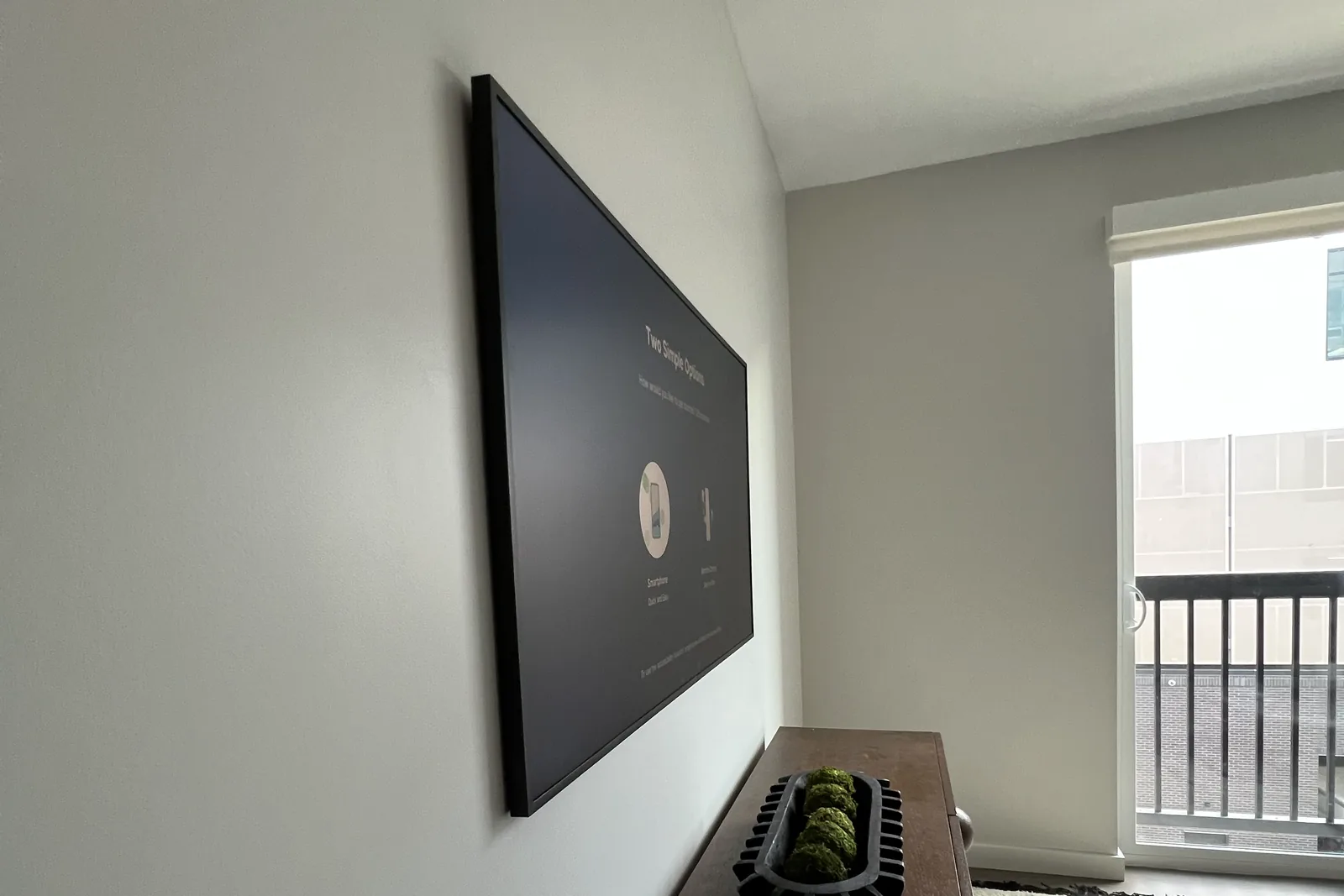
Most fixed and tilting mounts work the same way. Two vertical rails are bolted to the back of the TV. Hooks at the top of those rails sit over the top edge of a steel plate on the wall, and a lock at the bottom stops the rails lifting off. So the TV comes off in the reverse of how it went on: release the lock, swing the bottom away from the wall, lift the hooks clear.
The hard part is that you cannot see any of it. A fixed mount holds the TV 0.6 to 2 inches off the wall, per our guide to TV wall mounts by type, and the lock sits in that gap. Hold a phone under the bottom edge of the TV with the camera pointing up, shine a flashlight into the gap and take a photo. It shows the bottom of both rails and which of the four locks you have.
How do you unlock a TV wall mount? The four lock types
| Lock type | Where it is | How to release it | Tool |
|---|---|---|---|
| Pull cords (pull strings) | Two cords or straps hanging behind the bottom edge of the TV | Pull both straight down, together on most mounts, then swing the bottom of the TV out | Your hands |
| Locking screws | One long screw at the bottom of each rail, turned up against the plate’s lower lip | Back each screw out several turns from below | Long Phillips screwdriver |
| Locking bar | A flat bar slid sideways through the bottom of both rails, sometimes padlocked | Take off the padlock if there is one, then slide the bar out to one side | Your hands, and the padlock key |
| Click or snap latches | Spring clips at the bottom of each rail that clicked when the TV was hung | Pull the tab, flip the lever, or press the latch in while pulling the bottom out | Flat screwdriver |
A few details the table has no room for:
- Pull cords release spring latches. Pull down, not toward you, and keep them held while a helper swings the bottom of the TV out. If they are tucked out of sight, feel along the back of the bottom edge.
- Locking screws only have to clear the lip, not come all the way out. Turn them counterclockwise as you look up at the screw head.
- A locking bar needs clear space beside the TV for its full length, so check which side has room.
- Snap latches with no tab or lever release one side at a time. Free one, hold it out, then free the other.
One thing that is not a lock: the knobs at the sides of a tilting mount set the tilt. Loosening them tips the screen forward but does not let the TV off the plate.
What should you do before you take the TV down?
- Unplug the power first, then the other cables. If the plug is behind the screen where you cannot reach it, turn the TV off and pull the power plug as soon as the bottom swings out.
- Photograph which cable goes where, then bundle and label the cables as they come off. VELCRO reusable cable ties, listed as a 100-pack of 6-inch ties, open again at the new place.
- Clear the floor and set out a blanket or the TV’s original box.
- Get a second person for a large screen. At 55 inches and up the lift is a two-person job, because both hooks have to come off the plate together.
- Lay out the tools: a flashlight, a long Phillips screwdriver, a flat screwdriver, a socket set or wrench for the wall bolts, and labeled bags for the screws.
How do you take a TV off a wall mount, step by step?
- Prepare. Power unplugged, floor clear, blanket or box set out, helper in place.
- Find the lock with a flashlight and a phone camera under the bottom edge.
- Release the lock on both rails, the way the table above shows for your type.
- Tilt the bottom out a few inches, holding the TV by its frame and never by the glass. If the bottom will not swing, a lock is still holding.
- Unplug everything else. Pull each cable straight out of its socket, not at an angle. Cables that run inside the wall stay in the wall.
- Lift straight up, then away. Raise the whole TV an inch or two until the hooks clear the top of the plate, then bring it away from the wall.
- Carry it on edge and set it down upright. A thin panel flexes when it is carried flat, and that is how screens crack. Refit the stand, or lean the TV upright against a wall with the screen protected.
- Take the rails off the TV. Four screws, with the TV standing or face down on a padded, flat surface that supports the whole screen. Bag and label them with any spacers.
- Take the plate off the wall, holding it as the last bolt comes out.
- Patch the holes. Fill, let it dry, add a second thin coat, sand, prime, paint.
Stop at step 7 if you only wanted to reach a port or swap the TV.
Why won’t my TV come off the wall mount?
Something is still holding it. Never pry or yank. Check these in order:
- Only one side is released. Each rail has its own latch or screw.
- The locking screws are not out far enough. Give each a few more turns.
- You are pulling out when the TV has to go up. The hooks are still over the top of the plate. Bottom out first, then straight up.
- A cable is holding it. A short HDMI or power cord, or one tied to the mount, stops the TV a few inches out.
- It is not a hook mount. Some TVs are bolted straight to an arm, which the next section covers.
If it is still stuck after all five, leave it on the wall. For Atlanta readers, our TV dismounting and relocation service is the have-it-done option.
How do you remove a TV from a full-motion mount?
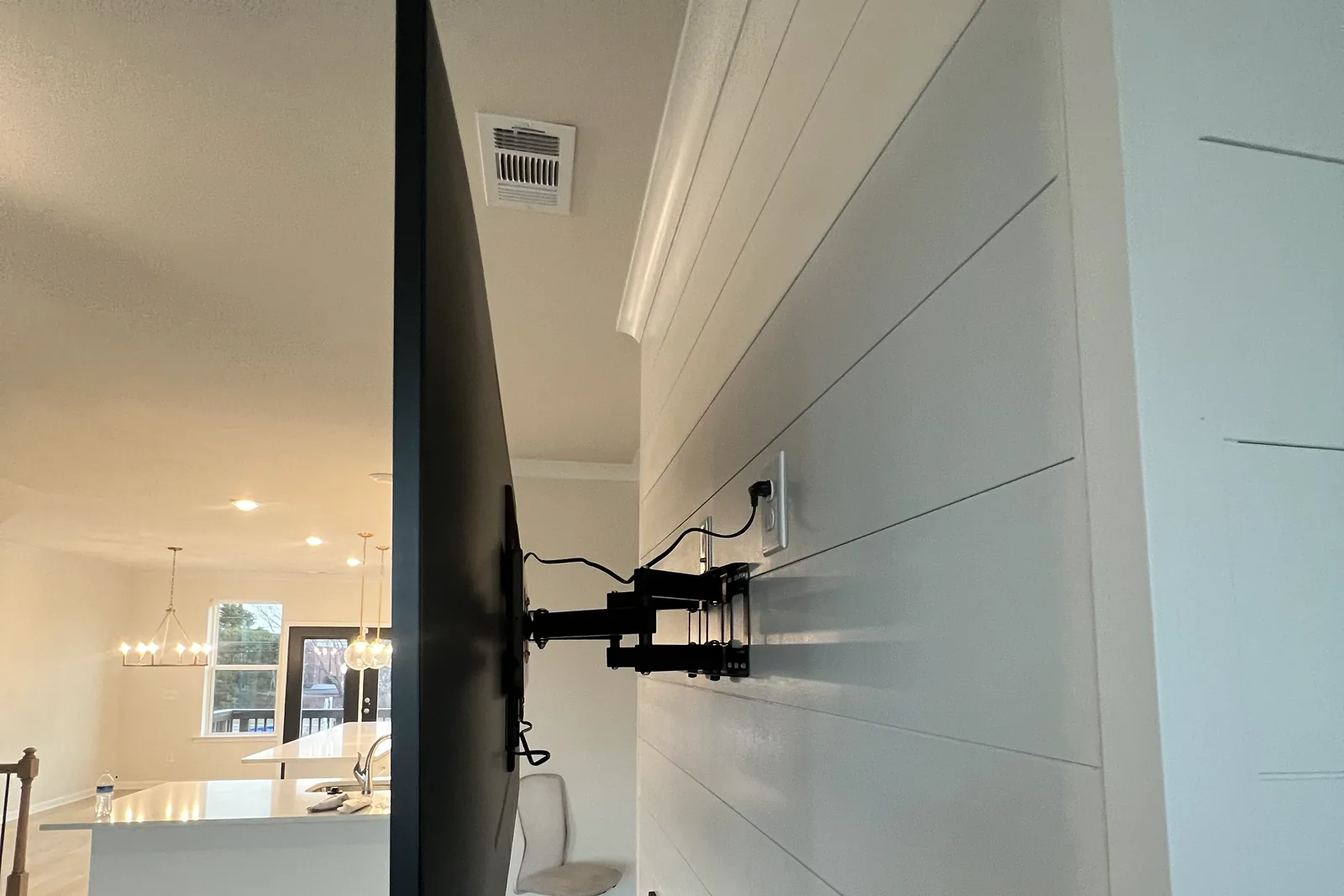
On a full-motion (articulating) mount, pull the arm fully out from the wall first, which gives you room to unplug everything. Free any cables tied along the arm. The TV then comes off one of two ways, depending on the model:
- Hooked on a head plate. The rails hang on a plate at the end of the arm and are locked by screws at the bottom, like a fixed mount. Back the screws out, tilt the bottom out, lift up and off.
- Bolted to the arm head. The plate on the back of the TV is bolted to the head of the arm, with no hooks at all. The bolts come out while a second person holds the TV.
Either way, support the screen before the last fastener comes out.
How do you remove a TV mount from the wall?
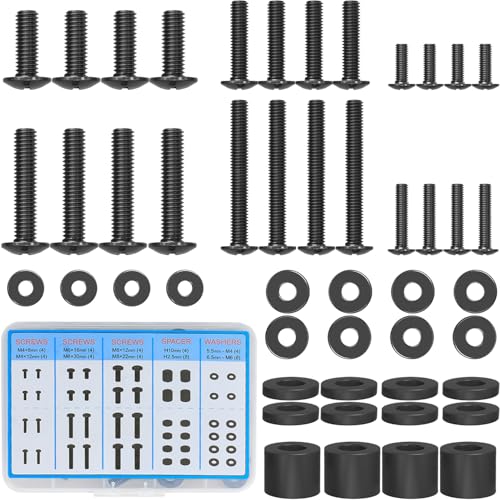
The rails on the TV. Four screws hold the two rails to the back of the TV. Take them out with a hand screwdriver, bag them with any spacers and label the bag, because those screws and spacers fit that TV. If they have already gone missing in a move, the MOUNTUP TV mounting screw kit lists M4, M6 and M8 screws with spacers and washers, and our VESA screw sizes page shows which thread your TV takes.
The plate on the wall. If paint has sealed the plate to the wall, run a utility knife around its edge first so the paint does not tear off with it. The rest depends on the fastener, and our toggle bolts vs lag bolts guide shows each type if you are not sure which you have.
- Lag bolts in wood studs. Back each one out with a socket or wrench. Keep a hand on the plate as the last bolt comes out.
- Toggle bolts. On a classic spring-wing toggle, the toggle drops inside the wall when the bolt comes out and cannot be reused. A strap toggle keeps its metal channel behind the wall, so tap it through into the cavity before you patch.
- Concrete or brick anchors. Remove the bolt and leave the sleeve. Tap it just below the surface and fill over it.
How do you patch the holes from a TV mount?
Lag bolt holes are 1/4 to 3/8 inch across, about the width of a pencil, and small enough for spackle alone. Press the filler in with a putty knife, let it dry, add a second thin coat, sand it flush, prime the spot, then paint. The DAP DryDex wall repair patch kit is the pick here for one reason: its listing describes a pink-to-white dry time indicator, so the color tells you when the spackling is ready to sand.
Larger toggle holes need a patch behind the filler. A 1/4 inch SnapToggle goes in through a 1/2 inch hole, and filler has nothing to hold onto in a hole that wide. Put a self-adhesive mesh patch over it and spread the filler across in thin coats.
Brick and concrete holes take a masonry patching compound matched to the wall. Spackle is for drywall.
If you are moving, take the TV down a day or two ahead so the repair has time to dry. If you rent, the lease and deposit side is covered in how to mount a TV in an apartment.
What do you need to put the TV back up?
Often the same bracket, if it is in good condition and suits the new wall. The whole install by wall type is in how to mount a TV.
- A level for the plate. The Swanson magnetic torpedo level lists 9 inches and three vials.
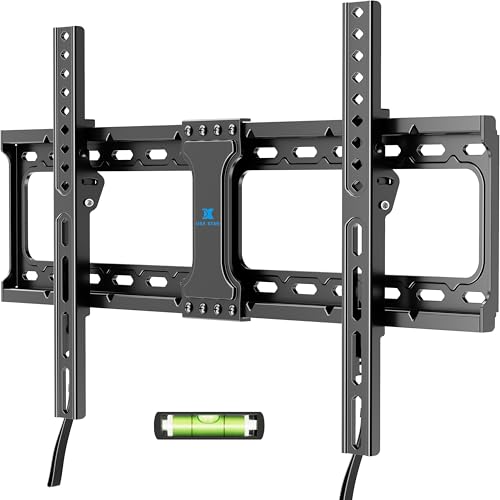
- A new fixed bracket, if the old one stayed behind. The USX STAR fixed TV wall mount lists 37 to 86 inch TVs, 132 lb, VESA up to 600x400 and a quick release lock.
- A swivel, if that is why the TV came down. The Mounting Dream full-motion TV wall mount lists 32 to 70 inch TVs, a maximum VESA of 400x400, 16-inch studs and dual articulating arms.
Check either bracket against your TV before you buy. The VESA pattern finder gives the hole pattern and the weight for your TV by brand and screen size.
Frequently asked questions
How do I get a stuck TV off a wall mount?
Find the lock with a phone camera and a flashlight under the bottom edge, release it on both rails, swing the bottom out a few inches, then lift straight up. A TV that still will not move is locked on one side, held by a cable, or bolted to an arm.
What are the strings hanging behind my wall-mounted TV?
They release the mount’s lock. Pull both straight down, together on most mounts, and swing the bottom of the TV away from the wall while they are held.
Can one person take a TV off a wall mount?
A small TV, yes. At 55 inches and up, get a second person for the lift.
Can I lay the TV flat after taking it off the wall?
Only briefly, face down on a padded, flat surface that supports the whole screen, to take the rails off. Carry it on edge and store it upright: a thin panel can crack when it flexes.
Can I reuse the mount and the old holes?
The mount, often. A lag bolt can go back into its own clean hole in a stud. Old anchor holes in drywall are not safe to reuse, so shift the bracket to fresh wall or patch and drill again.
Want it installed?
We take TVs down and put them back up. The takedown and any wall repair have no list price because they depend on the mount and the holes, so ask for a quote with your TV size and wall type, or call (470) 777-4077. Remounting on the new wall is our flat labor rate by size: $129 up to 54”, $159 for 55-69”, $209 for 70-79”, $299 for 80-94” and $399 for 95” and up, plus $99 on brick, stone, block or concrete. Your bracket can go back up or ours is $49 to $79, the work carries our 3-year workmanship warranty, and the rest is on the price list.