An 85-inch TV weighs about 75-105 lb and a 98-100 inch set 120-137 lb on current spec sheets. Put the mount on at least two studs or solid masonry, use every stud slot in the wall plate, and pick a bracket rated 25% over the TV’s weight. Lift it with two people at 85 inches and three at 98-100.
Quick note: This page contains Amazon affiliate links. We may earn a small commission at no extra cost to you if you buy through them.
Going from a 65-inch TV to an 85 roughly doubles the weight hanging on the wall, and a 98 or 100-inch set adds another 30 to 45 pounds on top of that. The mounting holes spread wider, the screen gets too big for one person to steady, and the eye-level rule starts pushing the bottom edge toward the floor. None of that makes the job exotic. It does mean the shortcuts that get away with a 55-inch TV stop working.
The weights and patterns below are copied from the manufacturers’ 2025 spec sheets (Samsung, Hisense and TCL), checked on September 23, 2026. The install rules match our other wall-type guides. If you’re near Atlanta and want it done for you, the Atlanta 85-inch mounting page covers the local service.
How much does an 85, 98 or 100-inch TV weigh?
More than most people guess, and the spread within one size is wide. Here is what the makers publish for current big sets, lightest to heaviest:
| TV (2025 model) | Size | Weight without stand | VESA pattern | Width x height, no stand |
|---|---|---|---|---|
| TCL QM7K | 85” | 75.2 lb | 600×400, M8 screws | 74.4 x 42.7 in |
| Hisense QD7 | 85” | 80.2 lb | 600×400, M8 screws | 74.5 x 43.0 in |
| Samsung The Frame Pro | 85” | 90 lb | 600×400 | 75 x 42.9 in |
| Samsung QN90F | 85” | 95.9 lb | 600×400 | 74.5 x 42.6 in |
| Hisense U8 | 85” | 104.5 lb | 600×400, M8 screws | 74.6 x 43.0 in |
| TCL QM7K | 98” | 119.7 lb | 600×500, M8 screws | 85.8 x 49.1 in |
| Hisense QD7 | 100” | 120.2 lb | 800×400, M8 screws | 87.8 x 50.6 in |
| Samsung QN90F | 98” | 135.4 lb | 600×400 | 86 x 49.2 in |
| Hisense U8 | 100” | 136.7 lb | 800×400, M8 screws | 87.8 x 50.5 in |
| TCL QM7K | 115” | 216.7 lb | 1000×600, M8 screws | 101 x 57.9 in |
Three things stand out. Every 85-inch set on the list uses the same 600×400 pattern. At 98 and 100 inches the pattern splits three ways, 600×400, 600×500 and 800×400, so a mount that fits one 98-inch TV may not reach another. And the 115-inch QM7K, at 1000×600 and 217 lb, is past the VESA range of every heavy-duty mount in our catalog, which tops out at 900×600. Where the maker lists a screw size for these sets, it’s M8.
Your TV isn’t on the list? Its spec sheet or manual has the same three numbers, and our VESA mount finder looks up the pattern by brand and screen size. Not every 85-inch set uses 600×400: TCL’s QM8 and QM9K models use 600×500 at that size. Our look at whether a wall mount fits your new TV breaks the 2024-2026 lineups down size by size.
What wall does an 85-inch TV need?
Something structural on both sides of the bracket. Drywall alone is only safe for a TV up to about 32 inches and 30 pounds, so at this size the question is only which structure you’re anchoring into.
Wood studs
Studs sit 16 or 24 inches apart, center to center, and a 600×400 pattern alone is 23.6 inches wide. Check that the mount’s wall plate reaches two studs at your spacing; the listings say which spacings they fit (16, 18 or 24 inches). Drive 3/8-inch lag bolts at least 3 inches long into the center of each stud, two per stud at a minimum and one in every slot that lands on wood. Behind thick plaster or doubled drywall, step up to a 4-inch lag, such as these 3/8 x 4 inch lag bolts, so the thread still bites deep into the stud. Our toggle bolts vs lag bolts guide has the pilot-hole sizes.
Can you mount an 85-inch TV on metal studs?
Yes, with toggles through the steel rather than lag bolts, which strip in thin-gauge studs. The planning rule in our metal stud guide is four 1/4-inch toggles through the steel for a TV up to about 100 lb and six for up to about 150 lb. That covers every 85-inch set above with six toggles. A 98 or 100-inch TV at 120-137 lb sits close to that ceiling, and a 217 lb 115-inch set is past it, so for those sizes the better route is a plywood backer toggled across several studs, or wood blocking added inside the wall, with the bracket lagged into that.
Brick and concrete
Masonry holds big TVs well if the anchors are right. For TVs 75 inches and up, the rule from our concrete and brick guide is 1/4 x 3-1/4 inch Tapcon screws, and wedge anchors for 85-inch-plus sets or any full-motion arm on poured concrete. On brick, drill the brick face or the mortar joint, whichever lines up with the mount holes. Brick and stone veneer are a different wall: the anchors have to reach the structure behind them.
When a backer board makes sense
If the studs don’t line up with where the TV has to go, or the wall plate only catches one stud, a painted 3/4-inch plywood panel lagged across three studs gives the bracket a wide, solid base. It sits behind the screen, so on an 85-inch TV it’s out of sight from the front.
How high should you mount an 85, 98 or 100-inch TV?
Start with the same rule as any TV: the center of the screen at seated eye level, about 42 inches from the floor for a sofa. Big screens break the rule in one practical way. They are so tall that the bottom edge ends up close to the floor, often below the top of the console you planned to put under them:
| Screen size | Screen height (from the sheets) | Bottom edge, center at 42 in | Bottom edge, center at 46 in | Bottom edge, center at 50 in |
|---|---|---|---|---|
| 85” | about 43 in | about 20.5 in | about 24.5 in | about 28.5 in |
| 98” | about 49 in | about 17.5 in | about 21.5 in | about 25.5 in |
| 100” | about 50.5 in | about 17 in | about 21 in | about 25 in |
| 115” | about 58 in | about 13 in | about 17 in | about 21 in |
Measure the furniture first, then raise the center until the bottom edge clears it. That costs little in comfort. The highest comfortable center is eye height + 0.27 x seating distance, which holds the upward look to 15 degrees. From 12 feet (144 inches) back, that’s about 81 inches, so a center at 46 or 50 inches is nowhere near the limit. Our TV height calculator does this for your seat, and the TV height chart covers bedrooms and fireplaces.
Which mount holds an 85 to 100-inch TV?
One whose VESA range reaches your TV’s pattern and whose weight rating clears the TV’s weight without its stand by at least 25%. Run the numbers from the table and the targets are clear:
- 85-inch sets (75-105 lb): a 600×400 pattern and a rating of roughly 95 to 131 lb, depending on the model.
- 98-inch sets (120-135 lb): 600×400 or 600×500, and about 150 to 170 lb.
- 100-inch sets (120-137 lb): 800×400, and about 150 to 171 lb.
- 115-inch sets (217 lb): 1000×600 and about 271 lb, a short list of mounts.
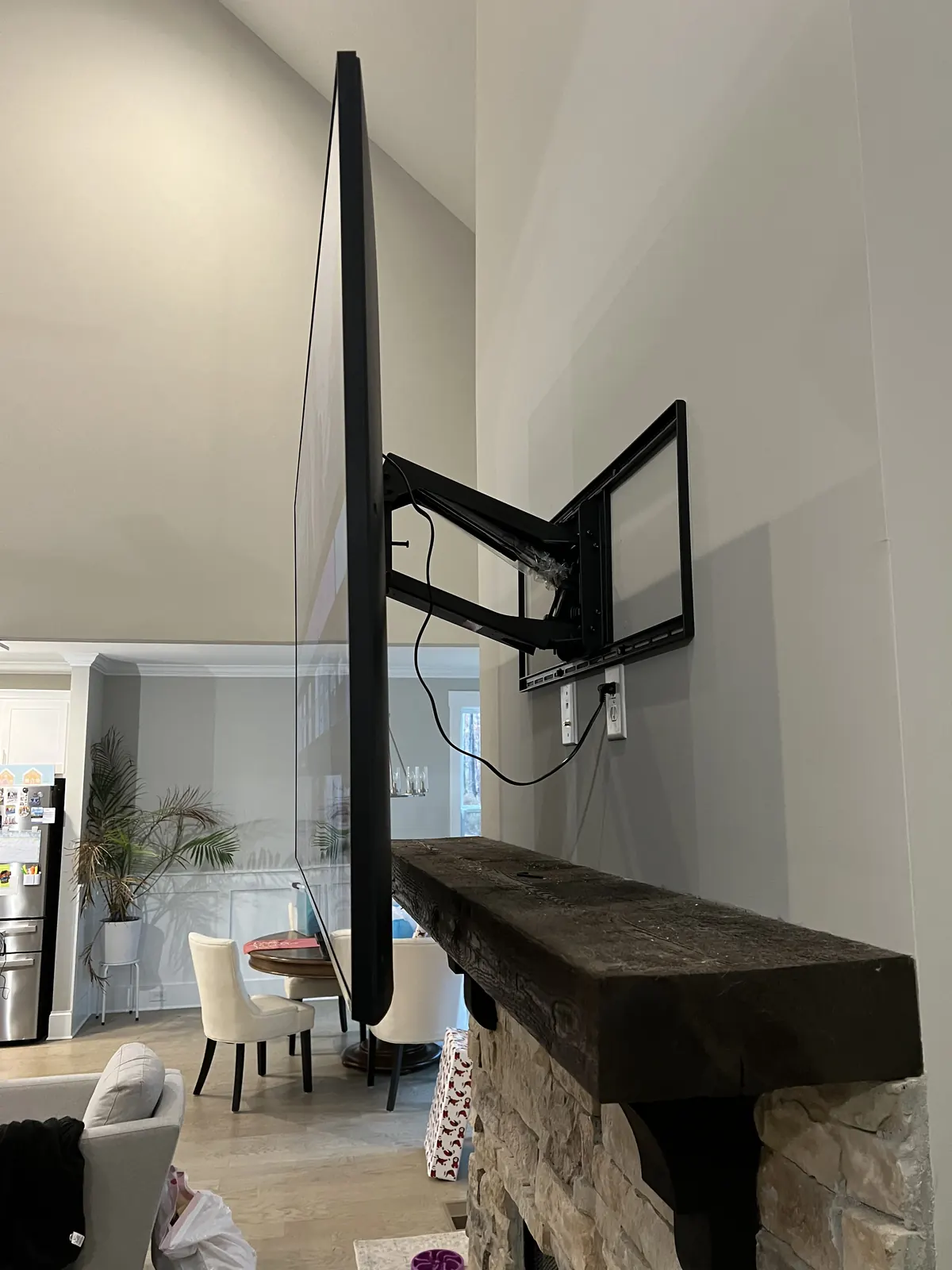
Fixed and tilting mounts keep that load close to the wall. A full-motion arm is possible on big TVs, but every inch it extends adds pull on the top fasteners, which is why our fastener guide uses a safety factor of 2 to 3 for arms against 1.5 for fixed and tilting mounts. For specific brackets checked against these numbers, see our best TV mounts for 85 to 100-inch TVs. One listing that fits the pattern of every 85 to 100-inch set in the table is the USX MOUNT heavy-duty full-motion mount: up to 170 lb, maximum VESA 800×600, and a plate for 16, 18 or 24-inch studs. On weight it clears the 25% margin for every set except the heaviest 100-inch model, where it comes up about a pound short.
How many people does it take to lift a 98-inch TV?
Plan on two for an 85-inch set and three for a 98 or 100. The weight is only part of it. A 98-inch panel is about 86 inches wide, so two people standing at the ends can’t also guide the hooks onto the wall plate, and a third pair of hands keeps the middle from flexing. The 115-inch sets are a crew-and-a-plan job: TCL lists the 115QM7K’s shipping weight at 505.5 lb, box included.
Before delivery day, measure the route. The box for TCL’s 98-inch QM7K is 93.9 by 56.3 inches, so tight stair turns and hallway corners matter more than the doorway itself.
How to mount a big TV, step by step
Step 1: Get the three numbers from your TV’s spec sheet
Weight without the stand, VESA pattern and screw size. Every other decision follows from them.
Step 2: Map the studs across the full width
Mark every stud center across the width of the wall plate, not just the first two you find. A stud finder that reads the whole stud at once, like the Franklin ProSensor 710, saves time on a wide layout. On plaster, use a magnet to find the lath nails instead.
Step 3: Choose the anchoring: studs, backer or masonry
Two or more wood studs, toggles through steel studs within the planning limit, a plywood backer, or masonry anchors. Decide before you mark the height.
Step 4: Mark the height and level the plate
Set the center from the table and your furniture, mark the plate’s position, and level it on the wall before drilling. At 75 inches wide, a quarter-bubble off level shows.
Step 5: Drive every fastener the plate calls for
Pilot-drill, drive the lags snug into the stud centers, then check that the plate doesn’t move when you pull on it by hand.
Step 6: Fit the TV-side brackets
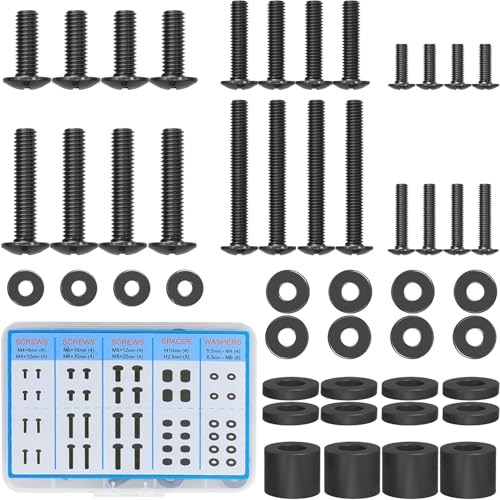
Use the screw size the maker lists (M8 wherever the sheets above name one) and the spacers the mount supplies if the back of the TV is curved or recessed. Thread every screw by hand first.
Step 7: Lift, hook and lock
Lift together, hook the top of the TV brackets over the plate, lower the bottom into place and engage the safety locks. Only then let go.
Step 8: Level the screen and dress the cables
Use the mount’s leveling adjustment if it has one. Route the cables before the TV goes tight to the wall, because reaching behind a 98-inch screen later is its own project.
What does it cost to have an 85-inch or bigger TV mounted?
TVs 80 inches and up are a flat labor rate by size, and the add-ons are the same as for any install:
| What | Price |
|---|---|
| Mounting labor, TV 80-94” (85 inches) | $299 |
| Mounting labor, TV 95” and up (98 inches, 2 technicians) | $399 |
| Flat mount, if you use ours and it’s rated for your TV | +$69 |
| Full-motion mount, if you use ours and it’s rated for your TV | +$79 |
| Wires hidden in the wall | +$99 |
| Paintable raceway on the wall instead | +$79 |
| Brick, stone or concrete wall | +$99 |
A 98-inch TV on your own bracket, wood studs, wires hidden in the wall: $399 + $99 = $498. An 85-inch TV on a brick wall with the wires hidden: $299 + $99 + $99 = $497. Blocking or a backer board depends on what’s behind the drywall, so we quote it after seeing the wall.
We book same-day installs when you call before noon, in all 15 metros we serve, and an installer typically arrives within 2-4 hours of confirmation. Every install carries our 3-year workmanship warranty. The full schedule is on our price list, and a free quote takes a minute.
Frequently asked questions
How much does an 85-inch TV weigh?
Between 75.2 and 104.5 lb without the stand for the five 2025 models in the table above, from TCL’s QM7K at the light end to Hisense’s U8 at the heavy end. Check your own model’s spec sheet: two 85-inch TVs can differ by nearly 30 pounds.
Can drywall hold an 85-inch TV?
No. Drywall alone is only safe for a TV up to about 32 inches and 30 pounds, even on rated toggles. An 85-inch TV needs studs, masonry or a backer board fastened to the studs.
What VESA pattern does a 98-inch TV use?
It depends on the model. On current spec sheets, Samsung’s 98-inch QN90F uses 600×400, TCL’s 98-inch QM7K uses 600×500, and Hisense’s 100-inch U8 and QD7 use 800×400. Check yours before buying a mount.
Do you need a special mount for a 100-inch TV?
You need one whose VESA range reaches 800×400 (the pattern on both 100-inch Hisense models above) and whose weight rating is at least 25% over the TV’s weight, about 150 to 171 lb for those sets. Many mounts sold for TVs up to 90 inches top out at 600×400 or under 150 lb, so check both numbers.
Can you put a 98-inch TV on a full-motion mount?
Yes, if the arm is rated for the weight with margin and the plate is anchored into studs or masonry. Keep in mind that a long arm multiplies the pull on the top fasteners when it’s extended, so fixed and tilting mounts are the simpler choice at this size.
How high should an 85-inch TV be mounted?
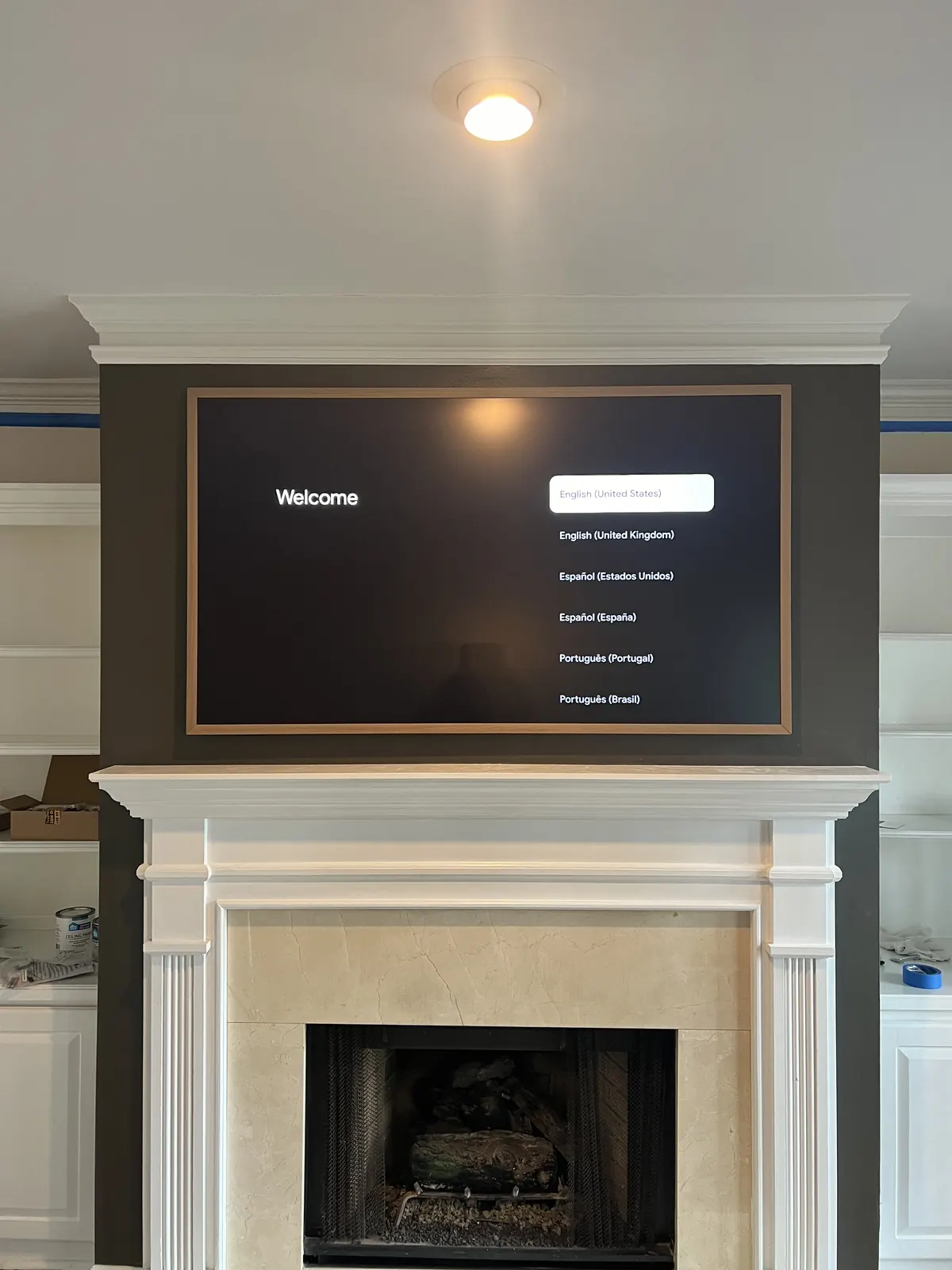
Center it at seated eye level, about 42 inches, if the furniture allows. That puts the bottom edge near 20.5 inches. With a console under the TV, raising the center to 44-46 inches, the adjustment our height chart suggests for big screens, lifts the bottom edge to about 22.5-24.5 inches.