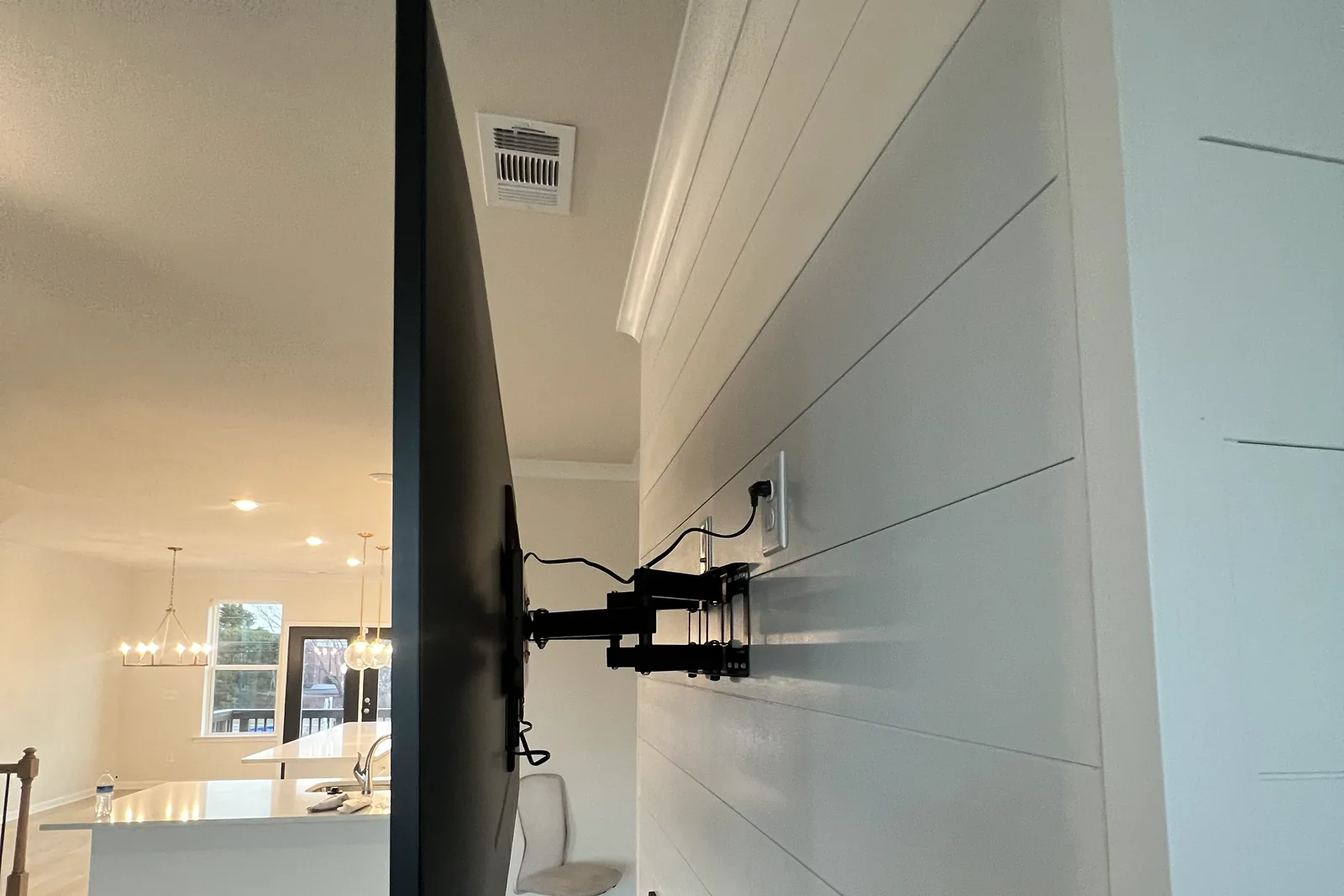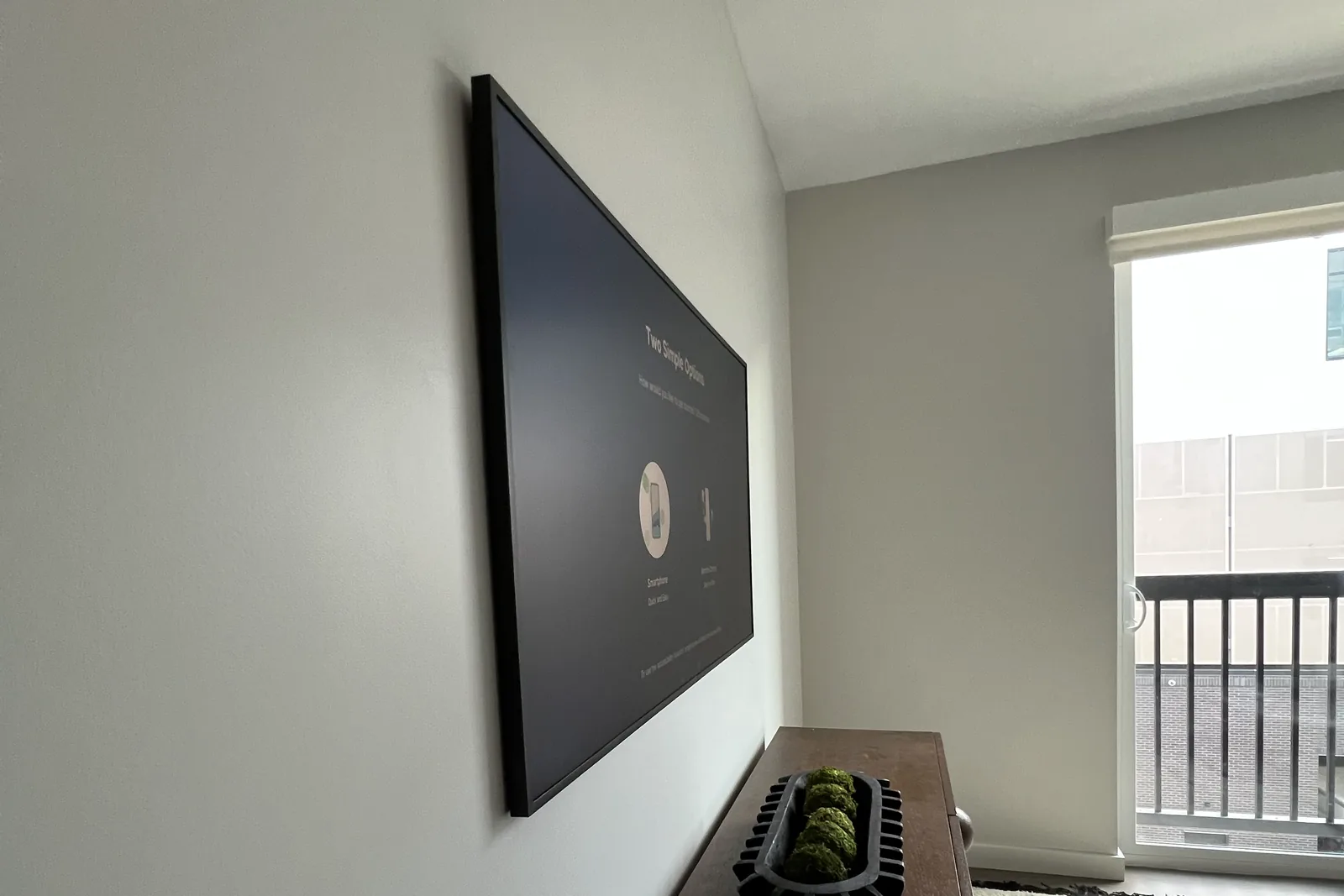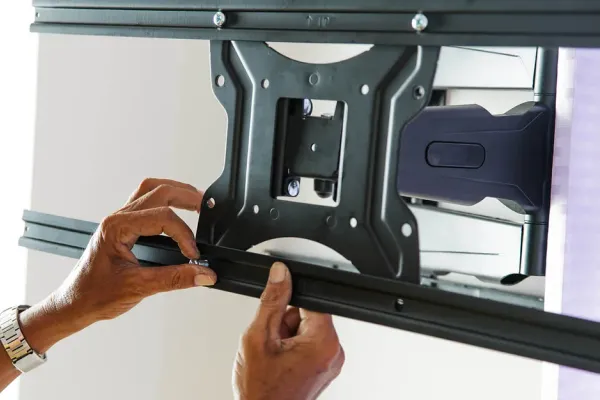
A TV mount screw that doesn’t fit is the wrong thread, too long or too short. The wrong thread wobbles (too small) or won’t start by hand (too big), and since TVs take M4, M6 or M8 machine screws, the fix is the next size. Too long goes tight while the bracket rail still rattles, which calls for spacers or a shorter screw, and too short catches only a turn or two, which calls for a longer screw of the same thread.
Quick note: This page contains Amazon affiliate links. We may earn a small commission at no extra cost to you if you buy through them.
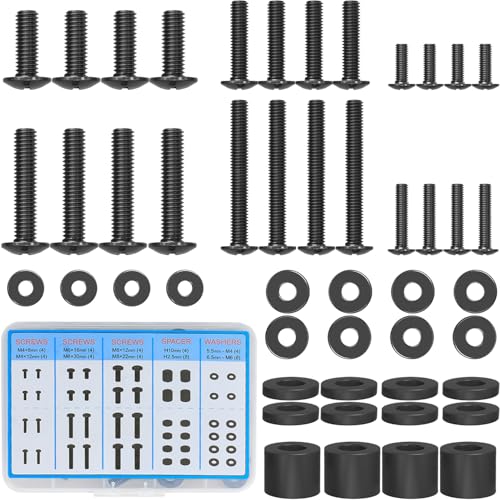
The bag in a bracket’s box holds two kinds of hardware: fat lag bolts for the wall and a handful of machine screws for the TV. The machine screws are a guess, because the bracket’s maker has no idea which TV you own. When none of them fits, the cheap fix is usually a MOUNTUP universal TV screw kit, whose listing names M4, M6 and M8 screws with spacers and washers.
Diagnose before you buy. A kit only helps once you know which thread and length you need. What a VESA pattern is and how to measure one is in our VESA pattern guide.
Why won’t my TV mount screws fit?
Lay the TV face down on a padded, flat surface that supports the whole screen (a bed, or a blanket on a table) and try each screw in one hole with your fingers.
| What you see | Cause | Fix |
|---|---|---|
| Screw wobbles, or spins without pulling tight | Thread too small | Next thread up |
| Screw will not start by hand | Thread too large, or the hole is plugged or damaged | Next thread down, and look into the hole |
| Screw goes tight, rail still slides or rattles | Too long: it hit the bottom of the hole | Spacers or washers, or a shorter screw |
| Head seats after a turn or two | Too short | Longer screw, same thread |
| Head pulls into the rail’s slot | Slot wider than the head | Washer under the head |
| Rail rocks, or sits on a cable or bump | Back of the TV is not flat there | Equal spacers, longer screws |
| Holes and slots do not line up | The bracket, not the screws | A different bracket |
If the holes already have plastic plugs or screws in them, take those out first. A screw that came out of the hole is the thread to match.
What size screws go in the back of a TV?
Metric machine screws: M4, M6 or M8. M5 exists but is rare. The number is the thread’s diameter in millimeters, and each size has one standard coarse pitch: M4 x 0.7, M6 x 1.0 and M8 x 1.25.
Smaller screens tend toward M4 or M6 and larger ones toward M6 or M8, but the brand matters as much. Our VESA screw size chart counts the thread from each maker’s own documents. Of its 900 TV listings with a published screw size, 439 use M6, 438 use M8 and 23 use M4. By brand, from 43 to 85 inches:
- Samsung lists M8 at every size.
- LG and TCL list M6 from 43 to 75 inches. At 85 inches TCL lists M8, and LG lists M6 on six of its seven listings.
- Hisense lists M6 from 43 to 65 inches and a mix of M6 and M8 at 75 and 85.
- Vizio is mixed at several sizes, with M4 on some 43-inch sets and M8 on some from 65 inches up.
- Sony’s published specs in that research do not state a screw size, so use the screws in the TV’s box or the manual.
Why don’t the screws fit my Samsung TV?
Thread first. Samsung lists M8 where most other brands in the chart list M6 below 85 inches, so an M6 screw that suited another TV will wobble in a Samsung.
Then length. The chart shows Samsung’s listed screw depth running from 6 mm to 30 mm across its 55 and 65-inch listings, so no single M8 length suits every Samsung. A new model can differ from the one it replaced: our check on whether an old wall mount fits a new TV found the S95H listing 15-17 mm where the S95F listed 5-6 mm. Look up your own model in the VESA mount finder before you pick a length.
How do you tell M6 from M8 by hand?
Fingers only. The right screw starts without effort and turns in several full turns with no wobble. Never force one with a driver or a drill to find out, because a cross-threaded insert in the back of a TV is hard to repair.
Counting turns gives a rough depth. An M6 moves in 1 mm per turn and an M8 1.25 mm, so eight turns of an M8 is about 10 mm of thread.
What do you do when TV mount screws are too long?
A screw that is too long bottoms out in the hole before the rail is clamped. It feels tight under the screwdriver, yet the rail still rattles. Stop there. Driving it further can press on the panel behind the hole.
- Take up the extra length. Put a spacer between the TV and the rail, or stack washers under the screw head, so less of the screw enters the TV.
- Use a shorter screw of the same thread. The cleaner fix on a flat-backed TV, where a spacer only pushes the screen off the wall.
What do you do when TV mount screws are too short?
Buy a longer screw of the same thread. A turn or two of thread holds the rail while the TV lies on the floor, and that is not enough to hang it from.
Short screws show up when the holes sit in a recess, when the back is curved or bulges, or when a spacer added to clear a bump, a cable or a port uses up the screw. Do not drop to a thinner screw because it happens to be longer.
How long should TV mount screws be?
Add up three numbers:
Screw length = rail thickness + spacer height + depth of thread in the TV.
Length is measured from under the head. To find the depth, push a toothpick or the tail of a zip tie into the hole until it stops, mark it at the surface and measure to the mark. Where the TV’s maker lists a screw depth, use that. The screw chart shows it for the brands that state one.
Aim to stop a millimeter or two short of the bottom. An example: the hole is 16 mm deep, so you want about 14 mm of screw in it. The rail is 2 mm thick and a bulge needs a 10 mm spacer. That is 2 + 10 + 14 = 26 mm. Machine screws come in steps (12, 16, 20, 25 and 30 mm are common), so round down to 25 mm, not up to 30.
How do you find the right screw, step by step?
- Sort the bag. Set the lag bolts and wall anchors aside.
- Find the thread. Try each machine screw in one hole by hand, with no rail in the way. Keep the one with no wobble.
- Measure the depth. Use a toothpick, or the depth the maker lists.
- Decide on spacers. Lay a rail over its two holes. If it rocks or lands on a cable or port, add the shortest spacers that clear it.
- Work out the length. Rail plus spacer plus depth, rounded down to a length you can get.
- Fit all four. Start every screw by hand, then snug each one with a hand screwdriver. Nothing should slide or rattle.
The rest of the job is in our guide on how to mount a TV.
When do you need spacers on a TV mount?
When the rail cannot sit flat on the TV: recessed holes, a curved or bulged back, or a cable, port or bump under the rail. On a flat back, leave them in the bag.
Spacers go between the TV and the rail. Use equal spacers on both rails of a pair so the TV hangs flat. On a curved back, the top pair of holes and the bottom pair can need different heights. A washer has a different job: it goes under the screw head when the rail’s slot is wider than the head.
Which screws should never go into a TV?
- Wood screws and drywall screws. They are not machine thread and will chew up the insert.
- The wall lag bolts. They share a bag with the TV screws and belong in studs.
- The TV’s own stand screws. They are often a different thread or length from the four mounting holes.
What do you buy when nothing in the bag fits?
| What is wrong | What to get |
|---|---|
| Wrong thread, lost screws or no spacers | The MOUNTUP TV mounting hardware kit (M4, M6 and M8 with spacers and washers, per its listing) |
| Right thread, one odd length | Four metric machine screws from a hardware store |
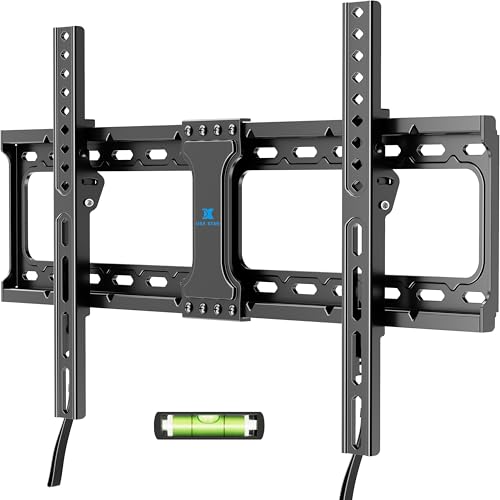
| Holes outside the bracket’s reach | A bracket that lists your pattern, such as the USX STAR fixed TV mount (up to 600×400, per its listing) |
Compare the lengths shown in the kit’s listing with the length you worked out before you order.
A hardware store sells metric machine screws singly. Ask for thread, pitch and length together, for example M8 x 1.25 x 25 mm. M8 is also sold in a fine pitch that will not thread into a TV, so read the label.
What if the holes and the bracket don’t line up?
Then no screw will fix it. If your TV’s hole pattern is wider or taller than the bracket’s range, the rails cannot reach all four holes. Match the bracket’s listed maximum to your TV’s pattern:
- The USX STAR fixed mount lists 37 to 86-inch TVs, 132 lb and a maximum VESA of 600×400.
- The Mounting Dream full-motion mount lists 32 to 70-inch TVs and a maximum of 400×400, for a mid-size set that needs to swivel.
- The PERLESMITH long-arm full-motion mount lists 42 to 90-inch TVs, 150 lb and up to 800×400.
More, by TV size and mount type, are in our best TV wall mounts roundup.
Once the TV is hung, set a level on top of it. If the wall plate is level and the TV is not, one rail sits higher on the TV than the other, so loosen its screws and slide it to match. A short magnetic level like the Swanson 9-inch torpedo level checks both the plate and the top of the set.
Frequently asked questions
What size screws do I need for a TV wall mount?
For the TV, M4, M6 or M8 metric machine screws, in a length set by the hole depth, the rail and any spacer. The wall takes separate hardware: lag bolts into studs, or anchors made for your wall.
Are TV mount screws M6 or M8?
Either. In our screw chart 439 listings use M6 and 438 use M8. Test by hand: the right one threads in several turns with no wobble.
Why is my TV mount loose even though the screws are tight?
The screws are probably too long and reached the bottom of the holes before the heads clamped the rail. Add spacers or washers, or swap to shorter screws of the same thread.
Can I use regular hardware store screws to mount a TV?
Yes, if they are metric machine screws in the TV’s thread and the right length. Never wood screws, drywall screws or lag bolts.
I lost my TV mount screws. What do I buy?
Find the thread first: the TV’s manual lists it, and so does our screw chart for most brands. Then buy four machine screws in that thread, or a universal kit with M4, M6 and M8 screws and spacers.
Want it installed?
If you would sooner not sort screws behind a TV, we mount it at a flat rate by screen size: $129 up to 54”, $159 for 55-69”, $209 for 70-79”, $299 for 80-94” and $399 for 95” and up. Bring your own bracket or add one of ours for $49 to $79. There is no travel fee, same-day slots open when you book before noon, and the work carries a 3-year workmanship warranty. The price list has the add-ons, and you can send us your TV model and wall type or call (470) 777-4077.