Commercial Digital Signage - Business Display Solutions
After 7,874 documented installs across Metro Atlanta since 2015 - including dozens of QSR menu boards on Pharr Road, retail digital displays in the Midtown MARTA corridor, and waiting-room TVs in Buckhead medical practices - my crew has the workflow dialed for commercial signage. I keep Chief LSM-series wall mounts and Peerless DS-VW765-LQR video wall rigs on the truck because consumer mounts and consumer TVs both fail under 16-hour duty cycles. Whether you're a Buckhead restaurant rolling out portrait menu boards, a Sandy Springs dental office adding lobby displays, or an Inman Park brewery building a 2x2 sports video wall, I will spec the commercial-grade display, mount it on the right anchor for your wall type, and run cable so your CMS feed never gets pulled by a customer. Call (470) 777-4077 for same-day Atlanta commercial signage installs.
Commercial-Grade Displays
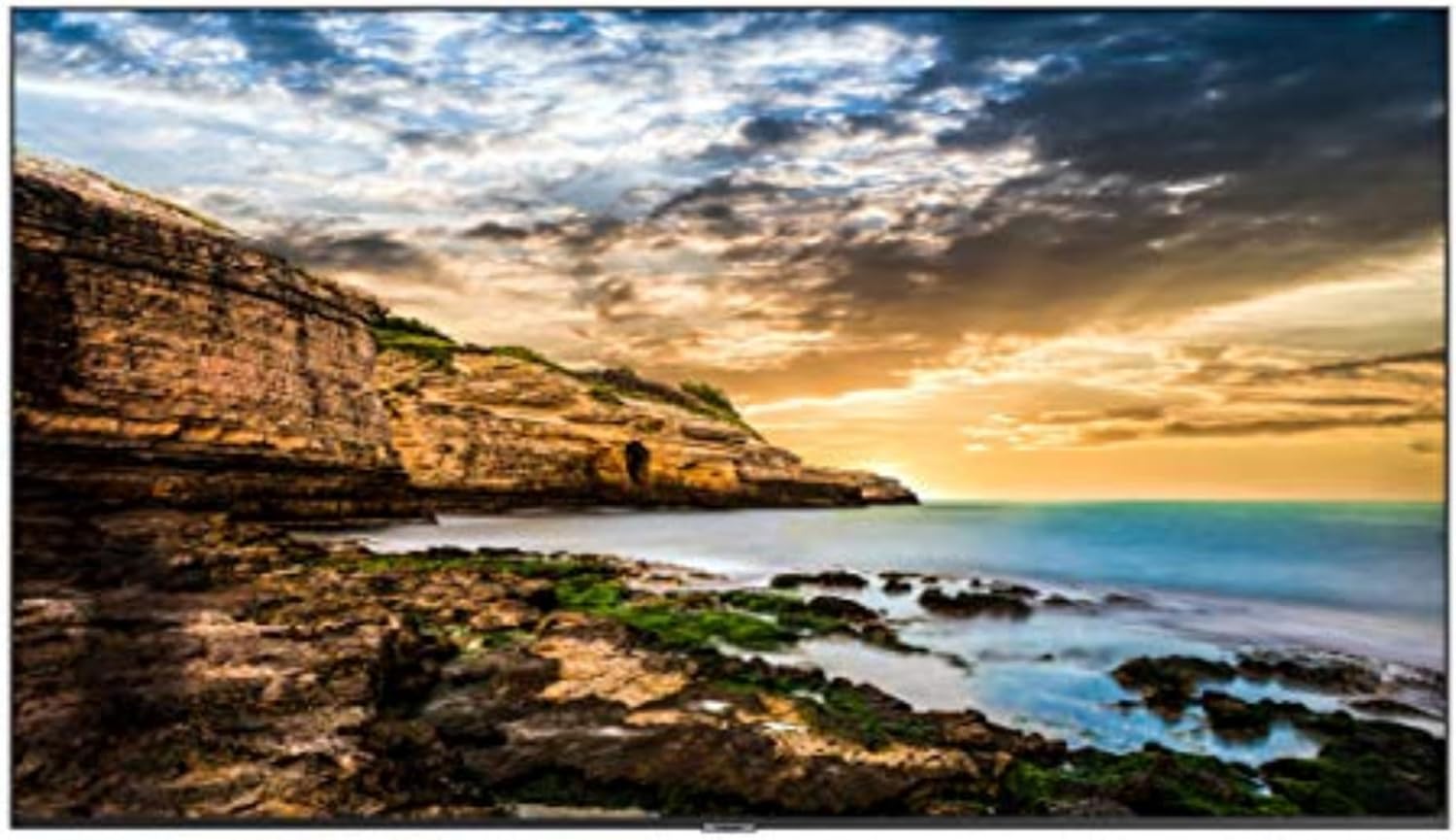
Consumer TVs aren't designed for commercial use - they overheat when run continuously, lack brightness for retail environments, and have shorter warranties that exclude business use. Commercial displays are built for 16-24 hour daily operation with better cooling, higher brightness (typically 350-700 nits vs 250-400 for consumer TVs), and commercial warranties. They often include features like auto-on scheduling, portrait orientation support, and RS-232 control for integration with signage systems. The higher upfront cost is offset by longer lifespan and reliability in demanding commercial environments.
| Picture | Product | Shop |
|---|---|---|
![]() |
LG Commercial Display | |
![]() |
Samsung Business Display | |
![]() |
NEC Professional Display |
💡 Commercial vs Consumer: Commercial displays cost 2-3x more but offer 24/7 operation, higher brightness, commercial warranties, and 3-5+ year lifespans vs 1-2 years for consumer TVs in commercial use
Browse All: Commercial Displays on Amazon
Digital Menu Boards
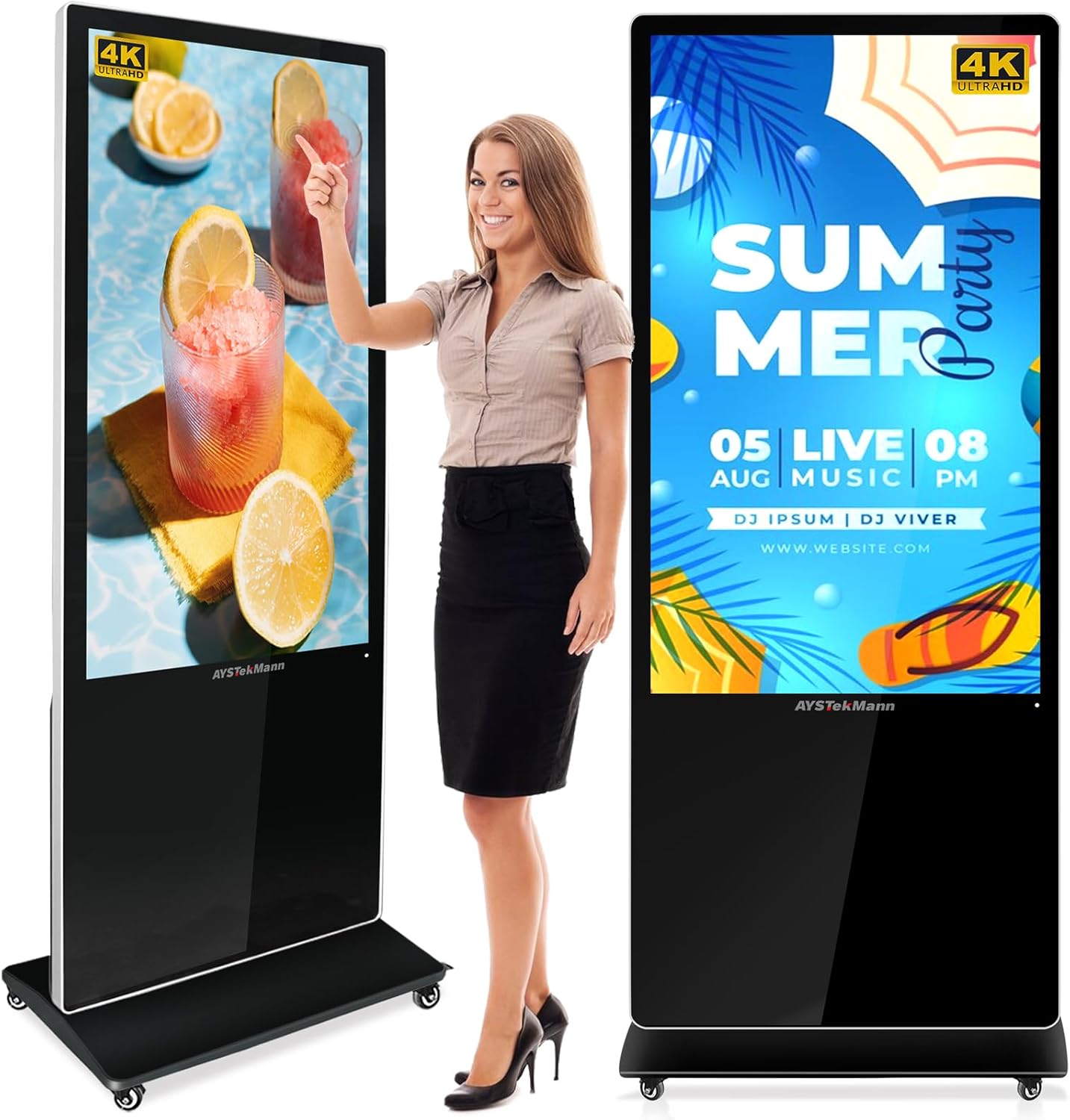
Digital menu boards revolutionize restaurant operations - instantly update prices, add items, display specials, and adjust menus by time of day. Quick service restaurants, cafes, and fast casual establishments benefit most from the flexibility and visual appeal. Complete menu board systems include displays, media players, and content management software. High brightness is essential for visibility in well-lit restaurant environments. Consider portrait orientation for vertical menu layouts.
| Picture | Product | Shop |
|---|---|---|
![]() |
Digital Menu Board Display | |
![]() |
Digital Signage Media Player | |
![]() |
Outdoor Menu Board Enclosure |
💡 Menu Board Tips: 500+ nits brightness for well-lit restaurants • Portrait orientation often preferred • Cloud-based CMS allows remote updates • Consider multi-screen arrays for extensive menus
Browse All: Digital Menu Boards on Amazon
Commercial Mounting Solutions
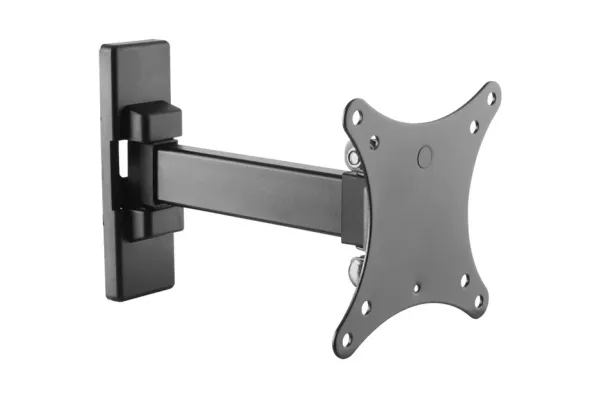
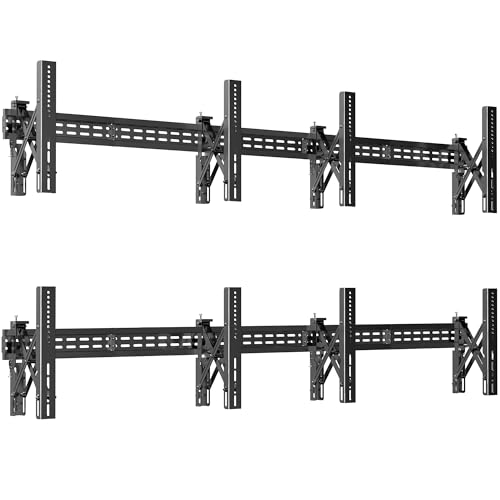
Commercial installations require heavier-duty mounting hardware than residential work. Commercial mounts feature higher weight capacities, security features to prevent theft or tampering, and designs that accommodate 24/7 operation heat requirements. Many commercial mounts include cable management, ventilation considerations, and locking mechanisms. Video wall mounts support precise alignment of multiple displays. Ceiling mounts position displays in retail environments without taking floor or wall space.
| Picture | Product | Shop |
|---|---|---|
![]() |
Chief Commercial Wall Mount | |
![]() |
Peerless Video Wall Mount | |
![]() |
Commercial Ceiling Mount | |
![]() |
Digital Kiosk Stand |
Browse All: Commercial Mounts on Amazon
Content Management Systems
Hardware is only part of digital signage - you need software to manage and display content. Content Management Systems (CMS) range from simple USB playback to sophisticated cloud platforms with scheduling, remote management, and multi-location control. Consider: how often content changes, how many displays you're managing, whether you need remote access, and your technical comfort level with software.
CMS Options by Complexity:
| Solution | Best For | Features |
|---|---|---|
| USB Playback | Single display, static content | Simple, no internet needed |
| Built-in Display CMS | Small deployments | Basic scheduling, limited features |
| Cloud CMS (ScreenCloud, Rise Vision) | Multi-location | Remote management, templates, scheduling |
| Enterprise (BrightSign, Scala) | Large deployments | Full control, analytics, integration |
Popular Digital Signage Software: Digital Signage CMS on Amazon
Frequently Asked Questions - Commercial Signage
Can I use a regular TV for my business?
You can, but expect problems. Consumer TVs aren't designed for commercial use - running them 8-16 hours daily in a retail environment will likely cause overheating, image retention, and premature failure within 1-2 years. Their warranties specifically exclude commercial use. Commercial displays cost 2-3x more but are engineered for 16-24 hour daily operation with better cooling, higher brightness for retail environments, and commercial warranties covering business use. For critical applications (menu boards, customer-facing displays), commercial-grade is worth the investment. For back office or break room use, consumer TVs may be acceptable if you understand the limitations.
What brightness do I need for my display?
It depends on ambient lighting. Dark environments (theaters, dim restaurants): 300-400 nits is sufficient. Normal retail/office (fluorescent lighting): 400-500 nits provides comfortable visibility. Bright retail/windows: 500-700 nits needed to compete with ambient light. Direct sunlight/outdoor: 1000-2500+ nits required. Most consumer TVs are 250-400 nits, which is why they look washed out in bright stores. Commercial displays typically start at 350-500 nits standard, with high-brightness models reaching 700-2500 nits for challenging environments. Measure your installation location at peak brightness time to assess needs.
How do I manage content on digital signage?
Options range from simple to sophisticated. Basic approach: load content onto USB drive, plug into display - works for static content that rarely changes. Built-in apps: many commercial displays include basic signage software for simple scheduling. Cloud CMS: services like ScreenCloud, Rise Vision, or Yodeck provide web-based management - update content from anywhere, schedule changes, manage multiple displays. Enterprise solutions: platforms like BrightSign or Scala offer full control for large deployments with analytics, integration, and advanced features. Most small businesses find cloud CMS platforms ($10-30/month per screen) hit the sweet spot of capability and simplicity.
Should displays be portrait or landscape?
It depends on content and placement. Landscape (horizontal) works for: video content, presentations, most advertising, and general information displays. Portrait (vertical) works for: menu boards, directory listings, wayfinding signs, social media feeds, and tall/narrow spaces. Portrait is popular for digital menu boards because vertical lists are easier to read. Some installations use both - portrait menu boards behind the counter, landscape promotional displays in the dining area. Commercial displays support both orientations (consumer TVs often have issues in portrait mode). Plan your content orientation before installation since changing later requires remounting.
Do you do video walls for sports bars?
Yes - we have built 2x2, 2x3, and 3x3 video wall rigs for Buckhead and Inman Park sports bars using Peerless DS-VW765-LQR pop-out mounts that allow service access without dismounting the array. Video walls require precise alignment (mullion gap typically 1.7-3.5mm depending on display bezel) and a video wall processor or daisy-chain capable displays like Samsung VM55T-U or LG 55VM5J. We spec the displays, the mount system, the controller, and the HDMI matrix in one quote. Most 2x2 sports bar installs run a half day for the mount build plus another half day for content provisioning. Power and data drops are usually quoted separately if your existing wiring won't support 4 displays in one location. Call (470) 777-4077 for a Buckhead or Midtown sports bar video wall site survey.
Can you install Chief LSM-series wall mounts?
Yes - Chief LSM1U, LSM1X1U, and LSM2X2U are my preferred low-profile commercial mounts because they hold a 32-86 inch display flush to the wall with under 1.6 inch profile. We use them constantly for Buckhead retail digital displays and Sandy Springs medical office lobby TVs where the client wants the screen to look built-in rather than bolted on. Chief mounts ship with security hardware (anti-theft Torx fasteners) which matters for displays in customer-accessible areas. Install time is typically 60-90 minutes per display once the wall anchor strategy is confirmed. We carry Chief and Peerless inventory on the truck so we can match what your AV designer specified. Brick or block walls add the standard 119 dollar masonry surcharge per display.
What's the lead time for multi-screen commercial installs?
Single display: same day or next day in Metro Atlanta. 2-4 display installs: 2-3 day lead. Video walls (4+ displays): 1 week lead because we coordinate display delivery, mount fabrication confirmation, and a site survey for power and data drops. QSR menu board rollouts (4-12 boards across multiple locations) typically run 2-3 weeks for full deployment. We can rush most jobs if you have a hard date - call (470) 777-4077 with your scope and we will quote a realistic timeline that includes electrician coordination if needed. For multi-location chains in the Atlanta MSA we will travel to all sites in one mobilization to keep your install cost down.
Quick note: This page contains Amazon affiliate links. We may earn a small commission at no extra cost to you if you buy through them. Recommendations come from products I’ve personally hung on real customer walls over 10 years and 7,874 installs - not spec-sheet guessing.
After 7,874 documented TV installs across Metro Atlanta since 2015, here are the products my crew actually keeps stocked - and the ones we won’t touch. Alex Crabinsky, founder of Express Mounting, personally tests every product on this list across Atlanta wall types. For Atlanta restaurants and retail looking to install menu boards, see our complete commercial menu board and digital signage installation guide.
Need professional installation in Metro Atlanta? Call (470) 777-4077 for same-day TV mounting service across 135+ cities across Atlanta, Miami & Los Angeles. Flat-rate pricing: $149-$319 basic, $119/TV cable concealment, +$119 masonry surcharge.
Atlanta installer note
I have 7,874 documented commercial and residential installs across Metro Atlanta, and the commercial signage workflow is genuinely different from a living-room TV mount. A QSR menu board on Pharr Road runs 16 hours a day every day - that is roughly 5,800 hours a year of duty cycle, which is exactly why we refuse to put a consumer TV behind your counter even when the budget is tight. My truck is stocked with Chief LSM-series mounts for flush retail installs, Peerless DS-VW765-LQR pop-out video wall mounts for sports bar arrays, and BrightSign HD224 media players for the customers who do not already have a CMS provider locked in.
Last month we installed three Samsung QM55B 55-inch commercial displays in a Buckhead orthodontist office on Roswell Road - two in the waiting room and one mounted portrait behind the front desk for treatment-plan animations. The wall behind the front desk turned out to be steel-stud commercial framing rather than wood, which is common in Buckhead medical office buildings, so we upgraded to TOGGLER SnapSkru anchors rated for the 38-pound display plus the Chief LSM1U mount. We also did a 2x2 video wall install at an Inman Park brewery using LG 55VM5J displays with 1.7mm mullion gap on Peerless mounts - the brewery wanted four games visible from the bar simultaneously, so we built a Monoprice Blackbird HDMI 4x4 matrix into the install so any cable box can route to any screen.
Sandy Springs medical practices love the lobby digital signage workflow because it cuts perceived wait time and lets the practice push educational content. If you are spec-ing commercial signage for a Buckhead, Midtown, Inman Park, or Sandy Springs business and want a real installer who has done it hundreds of times, I am happy to walk the space, lay out the mount strategy, and quote the full install. Read more about my approach at Alex Crabinsky’s author page or call (470) 777-4077.
Express Mounting installation pricing in Metro Atlanta:
- Basic TV mount: $149 (up to 54”), $199 (55-69”), $259 (70-79”), $319 (80”+)
- Cable concealment: $119 per TV
- Brick / stone surcharge: +$119
- Full-motion mount: +$89
Call (470) 777-4077 for same-day Atlanta service or book online.
Professional Display Solutions for Business
Need professional displays for your business? Browse our recommended commercial-grade screens, mounts, and digital signage solutions.