
Chief Only 20 left in stock - order soon.
The Excellent Quality Heavy Duty Universal Projector
$485.35 View on Amazon
Projectors create the ultimate home theater experience - there's nothing quite like a 100+ inch image in your own media room. First, the picks: the Chief RPA Series rides on our truck for most ceiling installs, the Peerless Universal Mount covers short-drop jobs, and the Silver Ticket Fixed Frame is our screen for dedicated theaters.
But projector installation is completely different from TV mounting. You're dealing with throw distance calculations, ceiling structure assessment, cable runs that often span entire rooms, and alignment that needs to be precise or your image looks terrible. We've installed projectors in dedicated theaters, living rooms, basements, and even outdoor spaces. The key to success is proper planning: screen placement first, then projector position calculated from throw ratio, then mounting solution that allows fine adjustment. Get it right and you'll have cinema-quality viewing. Get it wrong and you're staring at a trapezoid-shaped image wondering where you went wrong.
Updated
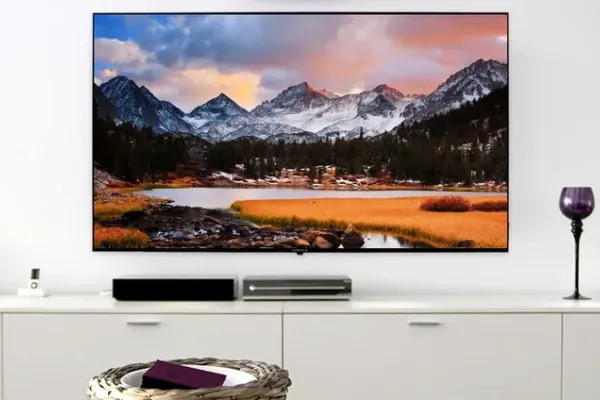
Ceiling mounts and screens from our theater installs.
As an Amazon Associate, we earn from qualifying purchases. Prices as of Oct 17, 2026, 8:44 AM EDT. Product prices and availability are accurate as of the date/time indicated and are subject to change. Any price and availability information displayed on Amazon.com at the time of purchase will apply to the purchase of this product.


Ceiling mounting is the gold standard for projector installation - it gets the projector out of the way, provides clean sightlines, and allows optimal throw angles. Quality ceiling mounts feature adjustable drop lengths, tilt/rotation adjustment for perfect alignment, and cable management channels. Universal mounts work with most projectors, but verify weight capacity and mounting pattern compatibility before purchasing. Some high-end projectors require brand-specific mounts. The key specification is adjustability - you need enough range to dial in perfect image alignment after installation.

Best forMatching Epson projectors
Verify weight and mounting pattern
Shop on Amazon
Best forMost ceiling installs
Our truck staple universal mount
Shop on Amazon
Best forShort-drop ceiling installs
We stock the PRGS-455 version
Shop on Amazon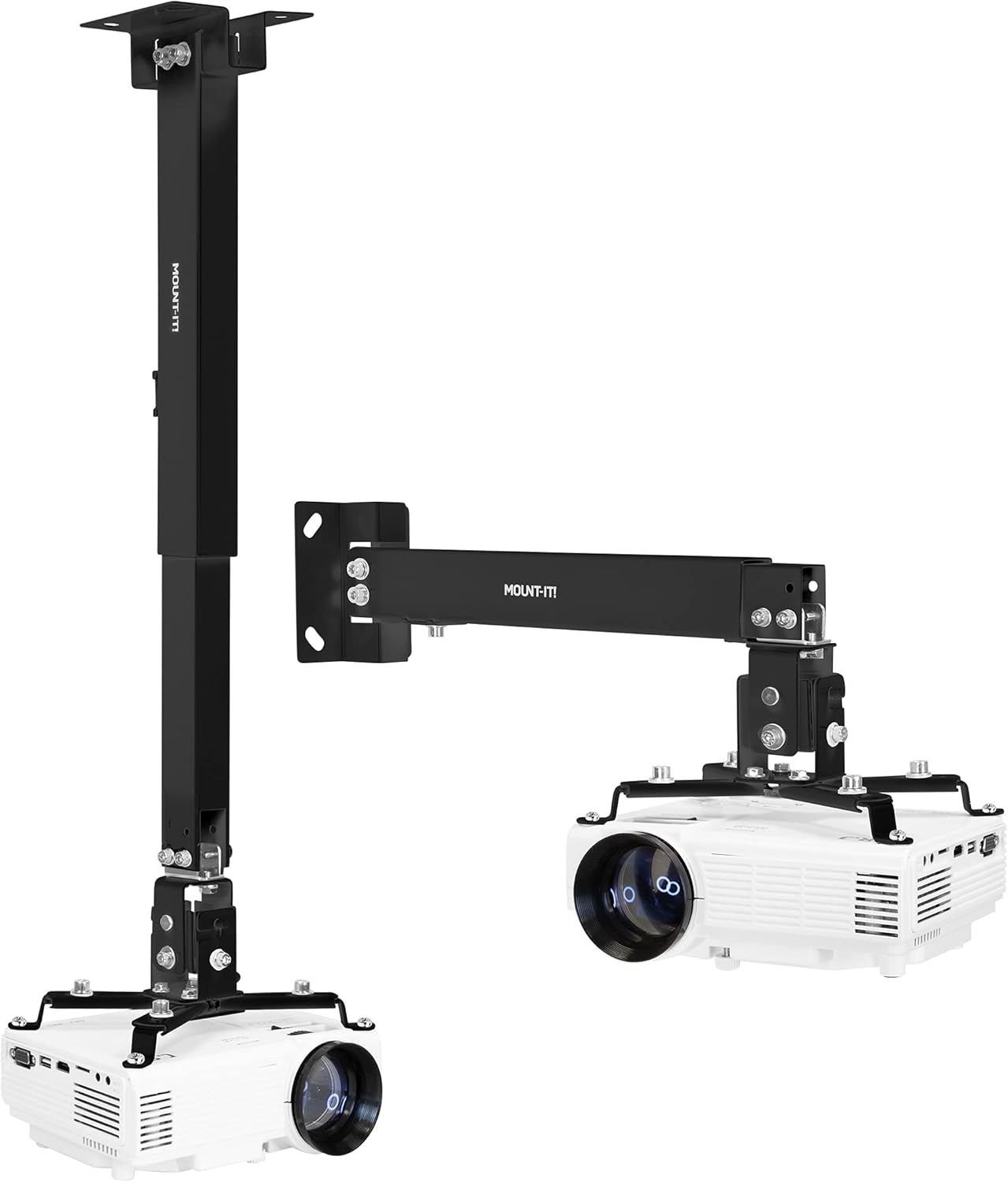
Best forBudget ceiling installs
Adjustment range for image alignment
Shop on AmazonThe screen matters as much as the projector - a quality screen maximizes image quality while a poor one wastes your projector's potential. Fixed frame screens provide the flattest, most consistent surface for dedicated theater rooms. Motorized screens retract when not in use, perfect for multi-purpose rooms. Screen material affects gain (brightness), viewing angle, and ambient light rejection. For dark, dedicated theaters, standard white screens work great. For rooms with some ambient light, consider gray screens or ALR (ambient light rejecting) materials. Screen size should be calculated based on viewing distance - the THX recommendation is a 36-degree field of view from primary seating.

Best forDedicated theater rooms
Flattest surface, our 120-inch pick
Shop on Amazon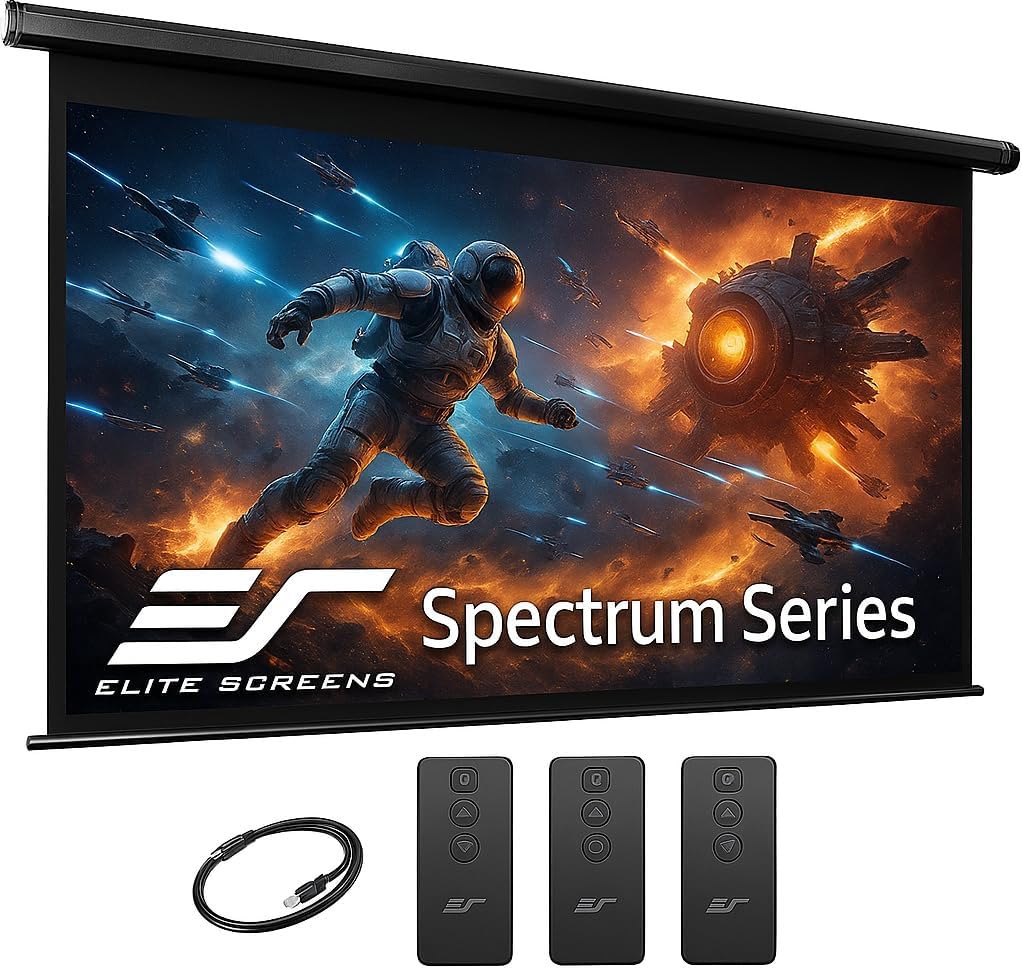
Best forMulti-purpose rooms
Retracts when not in use
Shop on Amazon
Best forRooms with ambient light
Holds contrast in brighter rooms
Shop on Amazon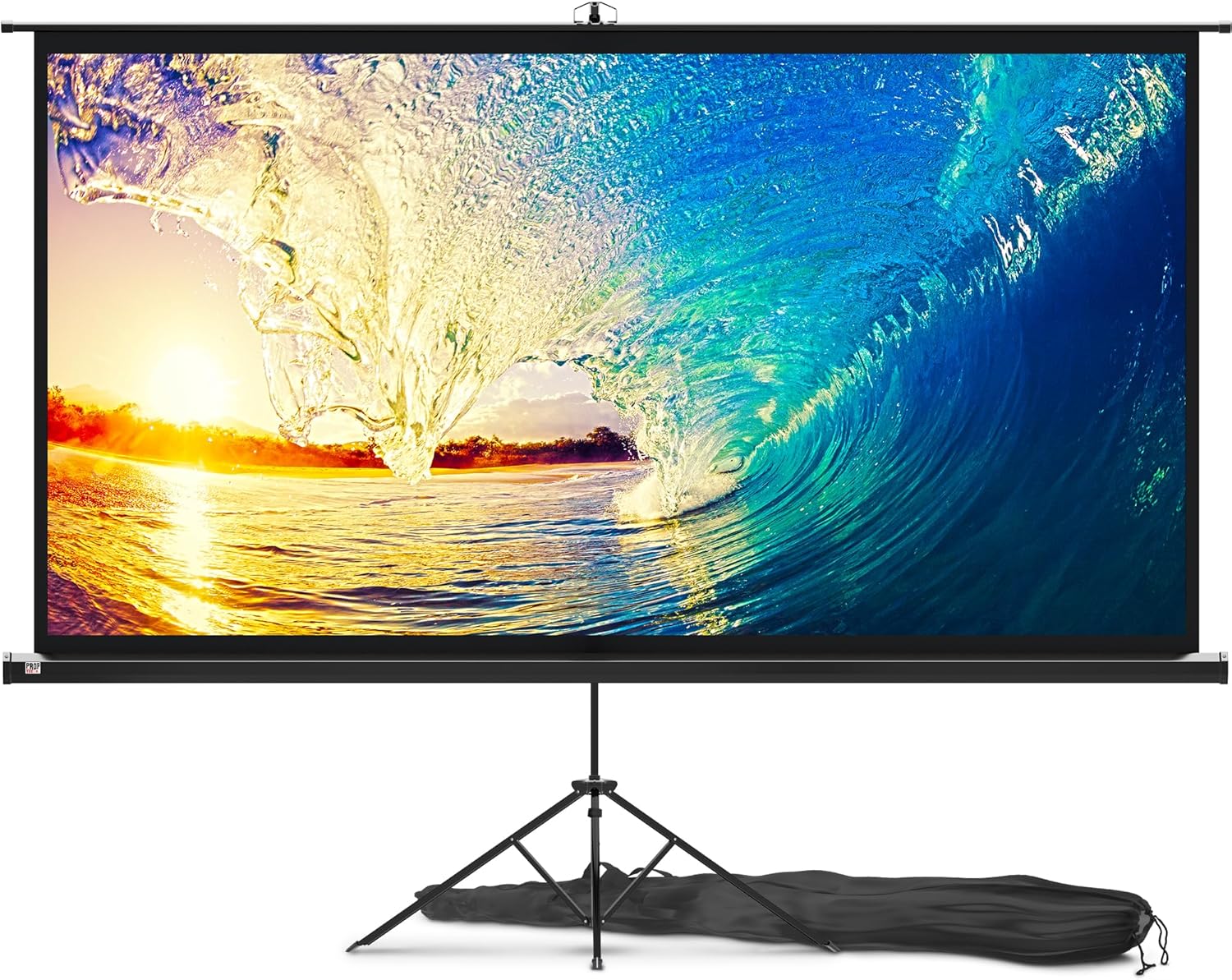
Best forBudget retractable setups
Still beats projecting on a wall
Shop on Amazon💡 Screen Selection Guide: Dark room = white 1.0-1.3 gain screen | Some ambient light = gray screen or ALR | Primary viewing distance ÷ 1.5 = recommended screen diagonal
Short throw projectors sit much closer to the screen - great for smaller rooms or situations where ceiling mounting isn't practical. Ultra-short throw (UST) projectors sit just inches from the screen, often on a TV stand or shelf right below the viewing surface. These eliminate shadows from people walking in front of the projector and simplify installation significantly. The tradeoff is typically higher cost and more sensitivity to screen surface imperfections. UST projectors pair best with specialized ALR screens designed for their steep projection angle.

Best forSmaller rooms
Sits much closer to the screen
Shop on Amazon
Best forShelf placement below the screen
Sits just inches from the screen
Shop on Amazon
Best forCredenza placement
Popular with our condo customers
Shop on Amazon
Best forRooms without ceiling access
Pair with a UST ALR screen
Shop on AmazonProjector installations typically involve longer cable runs than TV setups - often 15-50+ feet from projector to source equipment. HDMI signal degrades over distance, so cable quality matters more. For runs over 25 feet, consider active HDMI cables or fiber optic HDMI that can reliably transmit 4K signals 50-100+ feet. In-ceiling cable routing keeps everything invisible but requires planning during construction or renovation. Wireless HDMI transmitters offer flexibility but add latency - fine for movies, potentially problematic for gaming.

Best forRuns over 25 feet
Reliable 4K at 50-100+ feet
Shop on Amazon
Best forRuns past 50 feet
Alternative to fiber on long runs
Shop on Amazon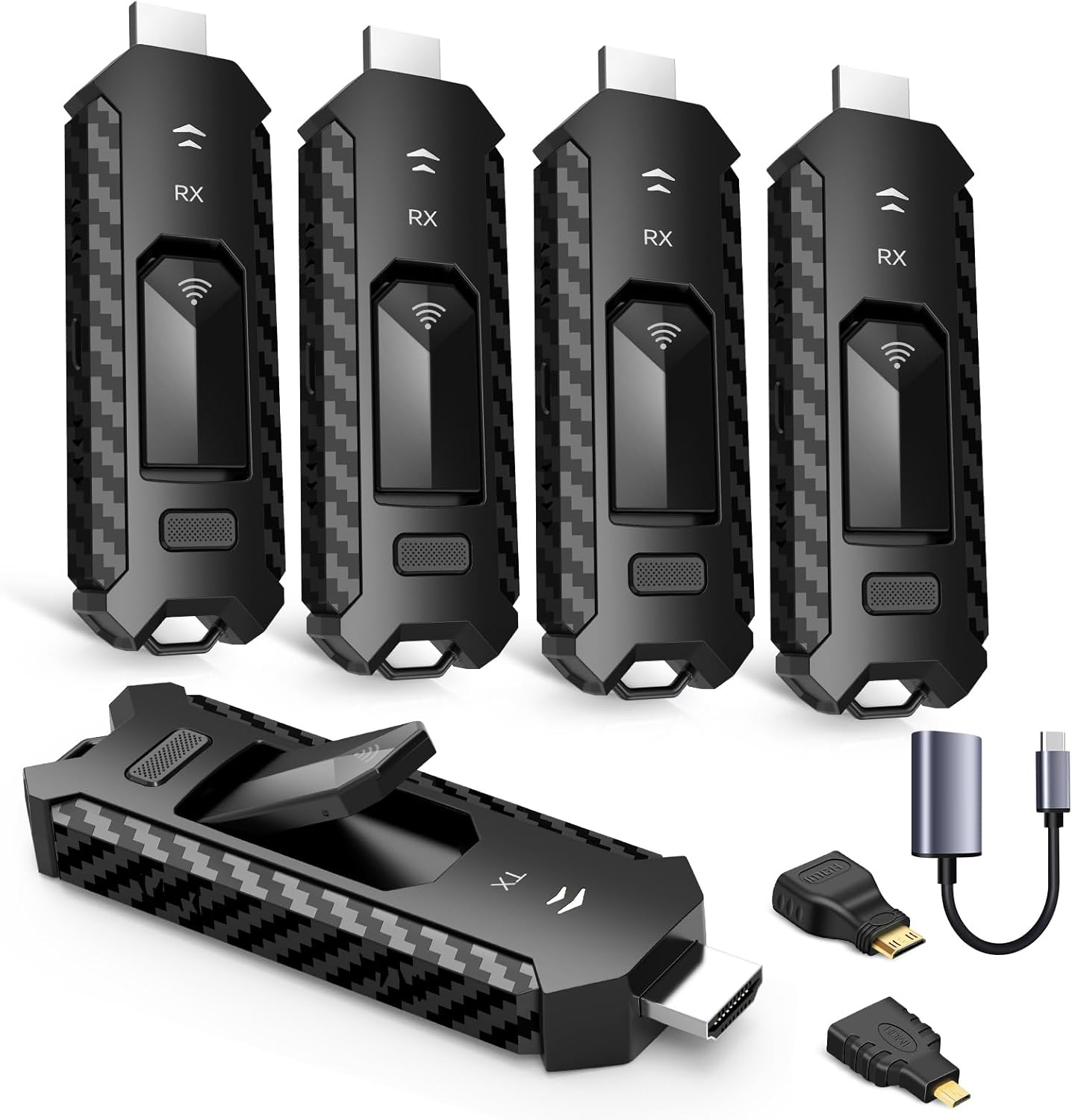
Best forCable-free installs
Adds latency, fine for movies
Shop on Amazon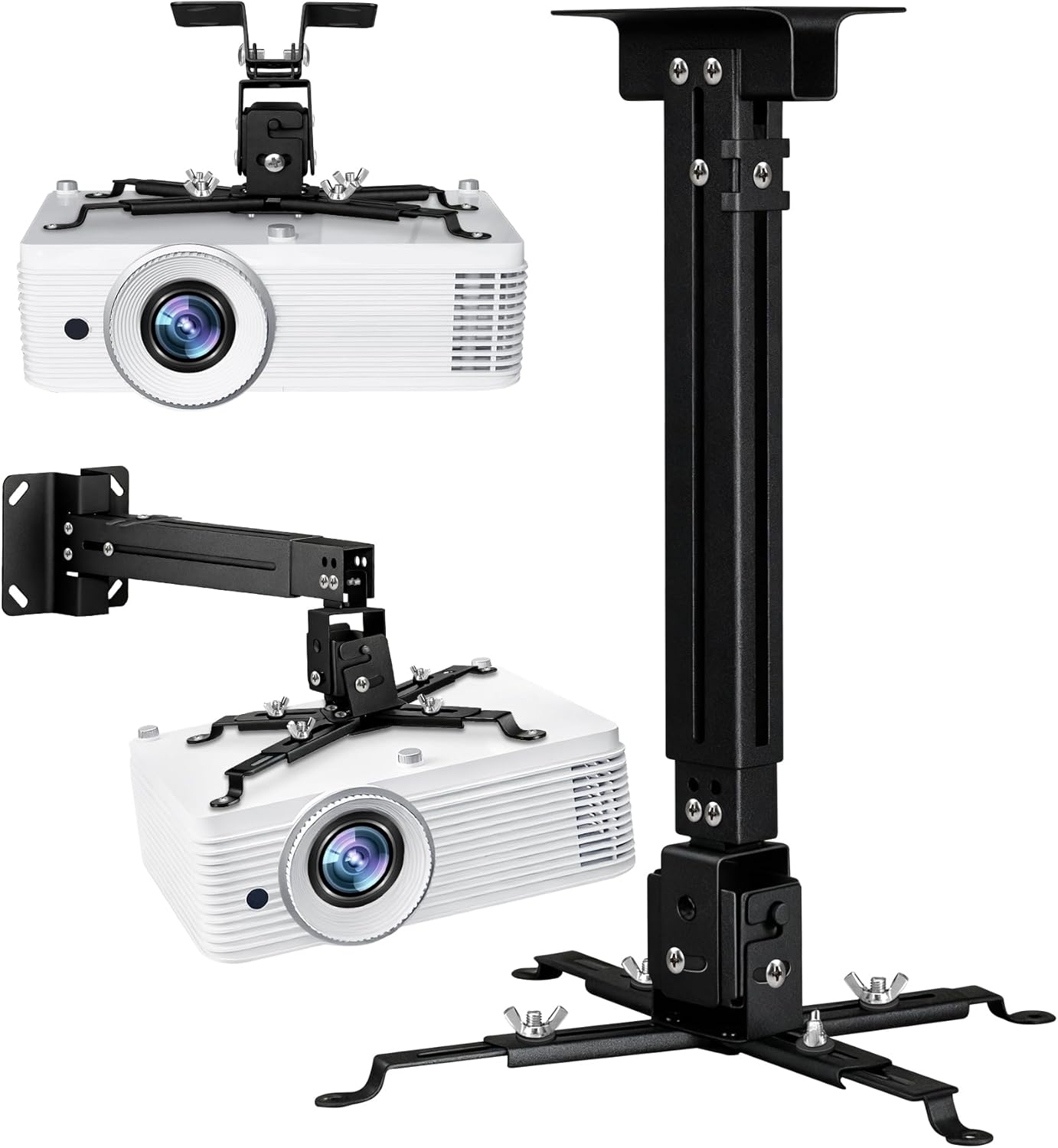
Best forSurface cable runs
Paintable alternative to attic routing
Shop on AmazonGetting the projector-to-screen distance right is critical for proper image size and focus. Every projector has a throw ratio that determines how far away it needs to be for a given screen size. Standard throw projectors typically have ratios between 1.4:1 and 2.8:1. Short throw is around 0.4:1 to 1.0:1. Ultra-short throw is under 0.4:1. Here's how to calculate: multiply your desired screen width by the throw ratio to get required distance.
Throw Distance Formula: Screen Width × Throw Ratio = Required Distance
Common Throw Ratio Examples:
| Screen Size | Standard (1.5:1) | Short (0.5:1) | UST (0.25:1) |
|---|---|---|---|
| 100" (87" wide) | 10.9 feet | 3.6 feet | 1.8 feet |
| 120" (104" wide) | 13 feet | 4.3 feet | 2.2 feet |
| 150" (131" wide) | 16.4 feet | 5.5 feet | 2.7 feet |
💡 Planning Steps:
The room itself affects projector performance more than most people realize. Light control is paramount - even a great projector looks washed out in a bright room. Dedicated theater rooms with blackout curtains deliver the best experience. Multi-purpose rooms benefit from ambient light rejecting screens and higher-lumen projectors. Wall color matters too - white walls bounce light and reduce contrast, while dark walls improve perceived image quality. Sound treatment prevents audio reflections that muddy home theater audio.
Room Optimization Checklist:
Light Control Solutions: Blackout Curtains on Amazon
A ceiling projector lives or dies by its mount: throw distance sets where it hangs, and the mount has to hold angle within a degree for years. The hardware below follows the same commercial standards bodies like AVIXA teach for AV rigging - universal-pattern mounts, locking adjustments, structure-anchored.
Quick note: This page contains Amazon affiliate links. We may earn a small commission at no extra cost to you if you buy through them. Our picks are the hardware our crews install on real customer walls, not spec-sheet guesses.
After 9,747+ TV installs since 2015, here are the projector mounts and screens we install most, and the ones we won’t touch. Alex Crabinsky, founder of Express Mounting, picks this list from what holds its angle on real ceilings.
Express Mounting installs projectors too. Ceiling joist location, throw distance calculation, in-ceiling HDMI runs, and screen alignment - we handle the full home theater install across Metro Atlanta. Call (470) 777-4077 for a quote on your projector and screen setup.
Need professional installation in Metro Atlanta? Call (470) 777-4077 for same-day TV mounting service in 507 cities across our 15 US metros. Flat-rate pricing: $129-$399 basic, $99/TV cable concealment, +$99 masonry surcharge.
Express Mounting crews have completed 9,747+ installs since 2015, and dedicated home theater projector installs are part of that work, especially in basements with the room and the ceiling height to do projection right. Our trucks usually carry Chief RPA Series universal projector mounts, Peerless PRGS-455 ceiling mounts for short-drop installs, Klein Tools fish tape and glow rods for in-ceiling cable routing, Monoprice SlimRun AV Pro fiber optic HDMI in 50 and 75-foot lengths, and PowerBridge ONE-CK in-ceiling power kits for the customers who refuse to see a cable on the ceiling.
A typical basement theater job runs in this order: locate the joists, hang a universal mount with a short drop, run fiber HDMI from the equipment rack through the joist bay, add an in-ceiling power kit so the projector plugs into a recessed outlet, assemble and tension the screen, then align the image to the projector’s test grid. Hanging a TV from the ceiling follows the same joist rule; our ceiling TV mount guide covers flat, drop and vaulted ceilings.
Basements with room to spare suit fixed-frame screens with ceiling-mounted long-throw projectors; condos often suit an ultra-short-throw projector like the Hisense L9G or Epson LS800 on a credenza below the screen. Either way, we calculate the throw distance for your room, locate ceiling joists for a secure mount, route HDMI in-ceiling and align the image before we leave. Read more about our install workflow at Alex Crabinsky’s author page or call (470) 777-4077 to book a Metro Atlanta projector install.
Express Mounting installation pricing in Metro Atlanta:
Call (470) 777-4077 for same-day TV mounting in all 15 metros or book online.
Every projector has a throw ratio that determines distance-to-screen-size relationship. Find your projector's throw ratio in its specifications (usually something like 1.4-2.8:1 for standard throw). Multiply your desired screen width by the throw ratio to get required distance. For example, a 100-inch diagonal 16:9 screen is about 87 inches wide. With a 1.5:1 throw ratio projector, you'd need 87 × 1.5 = 130 inches (about 11 feet) from projector to screen. Many projectors have zoom ranges that provide flexibility - a 1.4-2.8:1 zoom lens lets you position that same 100-inch image anywhere from 10 to 20 feet away. Online calculators like Projector Central's are extremely helpful for planning. Short throw (0.5:1) and ultra-short throw (0.25:1) projectors need much less distance - great for small rooms but typically cost more.
Ceiling mounting is generally preferred for permanent installations. Benefits include: getting the projector out of the way, clean sightlines without obstruction, optimal projection angles, and no risk of the projector being bumped or moved. Table or shelf mounting works for temporary setups, rentals where you can't modify the ceiling, or ultra-short throw projectors designed to sit below the screen. If ceiling mounting, locate joists for secure attachment - projectors aren't heavy (usually 10-25 lbs) but need stable mounting to prevent image shake. The projector should be centered on the screen and at the proper height for your screen's vertical position. Most projectors can be ceiling-mounted and have image flip settings to correct the orientation.
Minimum ceiling height depends on your screen size, projector throw angle, and where you want the screen positioned. Most projectors have 10-15 degrees of downward throw angle. For a typical setup with screen top at 8 feet and projector mounted at ceiling: 9-foot ceilings work fine for most standard throw installations. 8-foot ceilings can work but may require careful planning and possibly a short throw projector. Higher ceilings (10ft+) provide more flexibility. Many projectors include lens shift (vertical and sometimes horizontal) that allows positioning flexibility without keystoning. High-end projectors may have 60%+ lens shift, letting you position the projector well above or below screen center while maintaining proper geometry. Calculate your specific requirements using projector specifications and online calculators.
You can project on a white wall, but a proper screen significantly improves image quality. Walls have texture that affects sharpness, may not be perfectly flat (causing focus issues), and typically have lower reflectivity than screen material. A basic matte white screen provides consistent brightness and uniform reflection. For dedicated theater rooms with full light control, this is often sufficient. For rooms with ambient light, gray screens or ambient light rejecting (ALR) materials dramatically improve contrast and viewability. ALR screens can cost significantly more but make the difference between a usable and unusable image in bright rooms. If projecting on a wall, use flat, matte white paint (specialty screen paint exists) and ensure the surface is smooth and defect-free. But honestly, a $200 screen outperforms any wall.
Lumen requirements depend heavily on screen size and ambient light. For dark, dedicated theater rooms: 1,500-2,000 lumens is typically sufficient for 100-120 inch screens. For rooms with some ambient light: 2,500-3,500 lumens helps maintain watchable images when lights are dimmed but not completely off. For bright rooms or large screens: 4,000+ lumens needed, though even this struggles against direct sunlight. Bigger screens need more lumens proportionally - a 150-inch screen needs roughly twice the lumens of a 100-inch screen for equivalent brightness. Laser projectors maintain brightness better over time than lamp-based projectors, which dim as bulbs age. Consider that manufacturer lumen ratings are maximums - actual output in accurate color modes is often 60-70% of rated lumens. When in doubt, err toward more lumens rather than fewer.
Express Mounting has no published flat rate for projector work, because it varies with the ceiling, the throw distance and the cable route, so it is quoted when you book. What drives the price: whether the mount lands on an accessible joist, whether HDMI and power run inside the ceiling, how long the cable run is, and whether the job includes a screen (manual pull-down, motorized or fixed-frame). DIY is feasible if you're comfortable with ceiling work and have attic access for cable routing. The projector alignment and calibration portion is fairly straightforward with modern auto-keystone features.
Yes - projector and screen are sold as one job because the alignment is interdependent. We mount the screen first (fixed frame or motorized depending on the customer's preference), measure the actual screen center after install, then calculate exact projector position based on the projector's throw ratio and lens shift range. We aim to land the projector near the middle of its zoom range so the image needs no keystone correction, then align it to the projector's test grid. Call (470) 777-4077 to book a projector and screen install.
Yes, for anyone who wants zero visible cables. We use Klein Tools fish tape and glow rods to route fiber optic HDMI (Monoprice SlimRun AV Pro for 50+ foot runs) plus a PowerBridge ONE-CK in-ceiling power kit through the ceiling joist bay from the equipment rack location to the projector. For finished basements with drywall ceilings we cut access holes at both ends, fish the cable, then patch and texture-match the drywall. For unfinished basements with exposed joists we run the cable along the joist with cable staples and tuck it into J-channel for clean appearance. Most in-ceiling runs take 2-3 hours of the total install, and masonry on the cable route adds drilling time to the quote.
Standard ceiling-mount projector install with no cable routing is 2-3 hours: ceiling joist location, mount drop bar install, projector attachment, basic HDMI cable run on the surface, and alignment. Add a screen install (fixed frame or motorized) and total goes to 4-5 hours. Add in-ceiling HDMI plus power routing and total goes to 5-7 hours. Full basement home theater builds with projector, screen, in-ceiling cabling and a 5.1 surround install can run 8-10 hours, which usually means a two-day appointment. Lifting a 25-pound projector to a ceiling mount while threading the throw alignment is a two-person job. Call (470) 777-4077 for Metro Atlanta projector install scheduling and we will give you a same-day quote based on your room dimensions and equipment list.
Yes, or solid blocking - never drywall anchors alone overhead. A projector with its mount is a falling hazard at 10-25 lbs, and ceiling installs add vibration from HVAC. We lag into joists or add a backer board across two, then route power and HDMI through the attic or a paintable raceway.
We install what we recommend.
Book the mount and we set up what you bought. Flat-rate TV mounting from $129 across 15 US metros.
Ready for the ultimate home theater? Browse our recommended projector mounts, screens, and installation accessories. All products selected for professional-quality home cinema installations.